
How to Unplug a Tesla Charger on Model Y

Unplugging a Tesla charger from your Model Y is a simple but crucial process to protect your vehicle’s charging port and the connector itself. The primary method always involves pressing the release button on the handle, waiting for the port to unlock, and then gently pulling the connector straight out. Never force it; if it’s stuck, troubleshoot the cause first, which is often due to the vehicle being actively charging or in a “sleep” state. Following the proper procedure ensures longevity and prevents costly repairs.
So, you’ve just finished charging your Tesla Model Y. The battery is full, or you’re ready to hit the road. You reach for the charger cable, and… it won’t budge. Don’t panic, and definitely don’t start pulling with all your might. Unplugging a Tesla charger might seem instinctual—just pull it out—but doing it incorrectly is one of the most common ways owners accidentally damage their vehicle’s charging port or the connector itself. The process is designed to be secure, which means it requires a specific sequence to release properly. This guide will walk you through every detail, from the basic button press to advanced troubleshooting for a stuck connector, ensuring you can confidently and safely disconnect your Model Y every single time.
Key Takeaways
- Always use the release button: The button on the charger handle is the primary and safe release mechanism. Do not yank the cable.
- Ensure the vehicle is not actively charging: The port remains locked during charging. Stop the session via the touchscreen or app first.
- Wait for the port light to turn off: After stopping the charge, wait for the port’s LED ring to turn off, signaling it’s unlocked.
- Grip the handle, not the cable: Always pull from the rigid handle portion to avoid stressing the flexible cable connection.
- Cold weather can cause sticking: In low temperatures, plastic and metal components contract, sometimes making unplugging feel tighter. Be patient and gentle.
- If stuck, do not force it: Forcing a stuck connector can break the locking mechanism. Re-initiate a charge cycle or check the vehicle’s state.
- Home vs. Public Stations: The unplugging process is identical for both Tesla’s Mobile Connector and Wall Connector, but public stations may have additional security features.
📑 Table of Contents
Understanding Your Model Y’s Charging System
Before we dive into the “how,” it helps to understand the “why.” Your Model Y’s charging port isn’t just a hole; it’s a sophisticated, electronically controlled interface. When a charger is plugged in, a small motorized latch inside the port engages with a corresponding hole on the Tesla connector. This latch locks the connector in place to prevent accidental unplugging, which could cause sparks, damage, or interrupt a critical charging session. The system is smart—it knows when the vehicle is actively accepting power and when it’s done. Your primary tool for communication with this system is the release button on the charger handle. Pressing it sends a signal to the port’s latch to retract. If the port doesn’t think it’s safe to release (e.g., the car is still “charging”), the latch will stay engaged no matter how hard you pull.
The Two Main Connectors You’ll Use
As a Model Y owner, you’ll primarily encounter two types of Tesla connectors:
- The Mobile Connector (formerly UMC): This is the portable cord that comes with your car. It has a small, rectangular box (the “brick”) and a Tesla connector on one end. It plugs into standard 120V or 240V outlets. The release button is prominent on the handle.
- The Tesla Wall Connector: This is a hardwired, high-power station you install at home. It has a larger, more robust handle with a clearly marked release button. The unplugging procedure is identical to the Mobile Connector.
- Public Supercharger Stalls: These use a different, fixed cable. You still use the button on the handle to release, but the stall itself may have a separate “Stop” button you press first to end the session and unlock the port.
Regardless of which one you’re using, the fundamental release principle is the same. For those comparing across brands, the process on a Hyundai EV can differ, often requiring a separate button on the port itself, highlighting Tesla’s integrated design.
The Standard, Step-by-Step Unplugging Procedure
This is the routine you should follow every single time. Think of it as a mantra: Stop, Wait, Press, Pull.
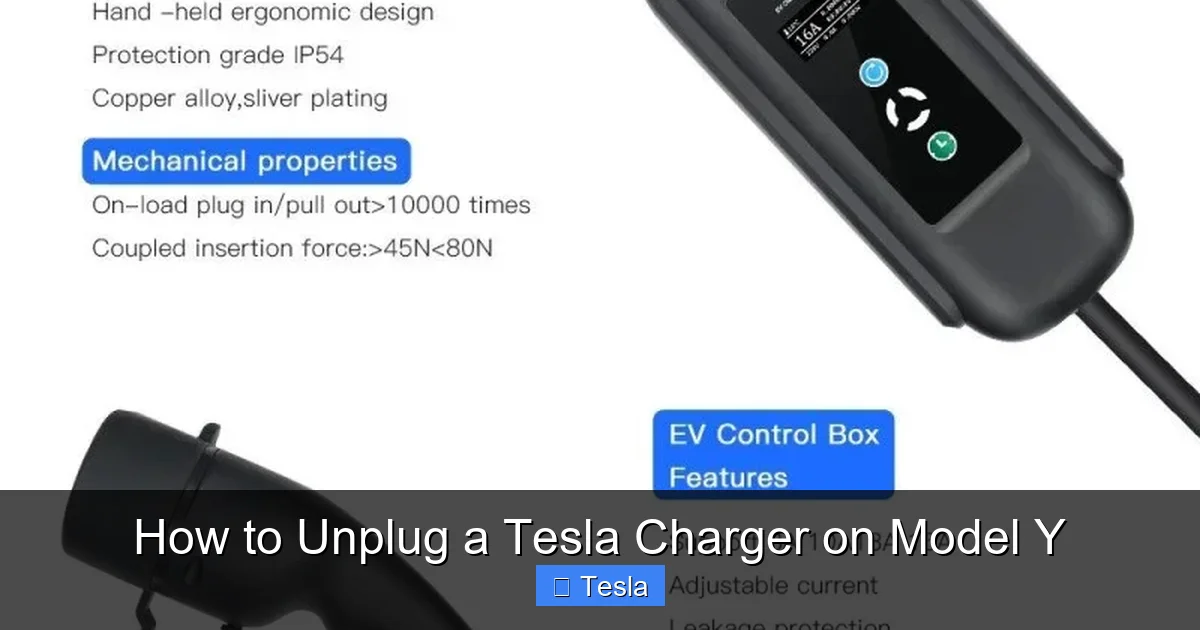
Visual guide about How to Unplug a Tesla Charger on Model Y
Image source: f10mobility.com
Step 1: Stop the Charging Session
Before you even touch the cable, you must tell the car and the charger that you’re done. If you’re at home, simply tap the “Stop Charging” button on your Model Y’s touchscreen (usually on the charging screen or the “Energy” tab). You can also do this from the Tesla mobile app. At a Supercharger, the session automatically stops when you reach your set limit or when you tap “Stop” on the stall’s screen or your app. This step is non-negotiable. The port will not release while the car thinks it’s still charging.
Step 2: Wait for the Port to Unlock
After you stop the charge, look at the charging port. There is a ring of LED lights around it. When actively charging, this ring is typically solid green or white. Once you stop the session, the lights will turn off completely. This is your visual confirmation that the internal latch has retracted and the port is unlocked. This usually happens within 1-3 seconds. Do not skip this wait. If you press the release button while the port is still locked from an active charge, it won’t work and you’ll just be muscling against the engaged latch.
Step 3: Press the Release Button Firmly
Now, grasp the handle of the charger connector. Locate the release button—it’s usually a large, rectangular button on the side or top of the handle, often marked with an icon of a plug being pulled out. Press this button down firmly and hold it for a second. You should feel and hear a distinct click from within the connector. This click is the sound of the latch mechanism disengaging. If you don’t feel a click, the port is likely still locked. Go back to Step 1 and ensure the charge is fully stopped.
Step 4: Pull the Connector Straight Out
While continuing to hold the release button (you can release it after the click), gently pull the connector straight out from the port. Do not twist or angle it. Pull in a line directly away from the car. The connector should come out smoothly with minimal resistance. Grip the rigid plastic handle, not the flexible cable itself. Pulling on the cable can stress the connection point and cause internal wire damage over time.
Troubleshooting: What to Do When the Charger Won’t Unplug
Even following the steps, you might occasionally encounter a stuck connector. This is more common in very cold weather but can happen anytime. Here’s your systematic approach to solving it without force.
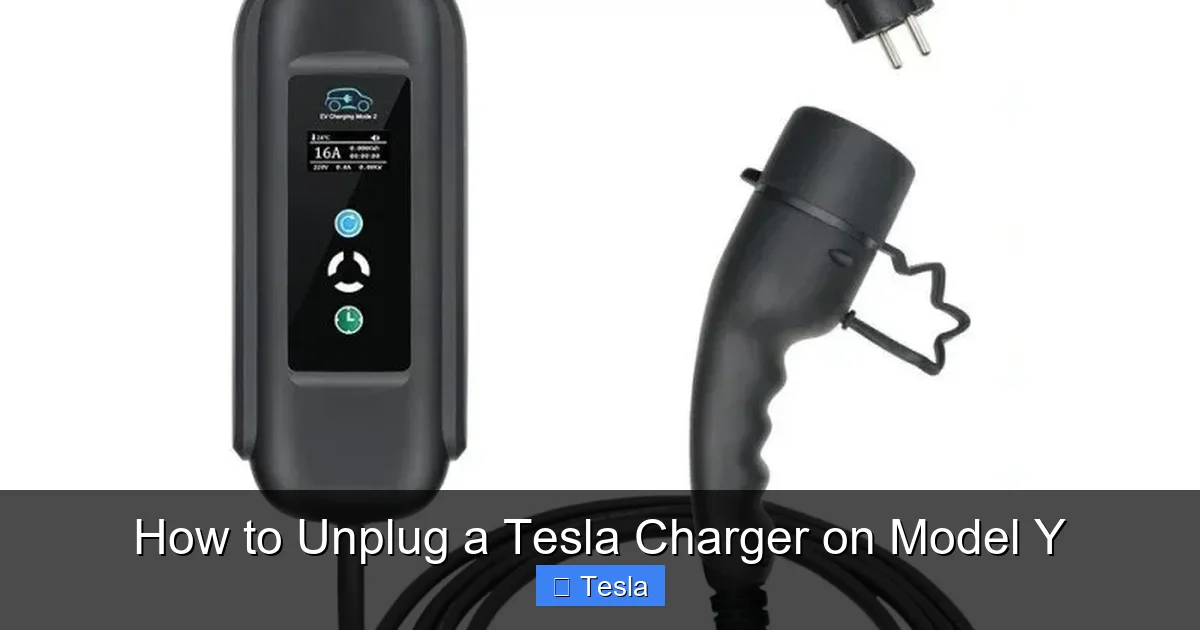
Visual guide about How to Unplug a Tesla Charger on Model Y
Image source: f10mobility.com
First, Re-Assess the Situation
Before trying anything else, double-check the basics. Is the charge definitely stopped? Look at your car’s screen or app. Is the port light off? If the light is still on, the car thinks it’s charging. Try stopping the session again. Is the car “asleep”? If your Model Y is in a deep sleep state (common after being parked for hours), the port might not respond immediately. Try opening a door, pressing the brake pedal, or tapping the screen to wake the car up, then try the unplug sequence again.
The “Wiggle and Re-Seat” Technique
Sometimes, the connector isn’t perfectly aligned with the port’s latch. With the release button pressed, try gently wiggling the connector up and down (a few millimeters) while maintaining a gentle outward pull. This slight movement can help the latch find its release point. If that fails, try pressing the connector in a tiny bit further (a quarter-inch) while holding the button, then pulling straight out. This re-seats it and can clear a minor misalignment.
Initiating a New Charge Cycle
A surprisingly effective trick is to trick the car into re-engaging the latch so it can then properly disengage. To do this, you need to start a new charging session. If you’re at home, you can often do this by simply plugging the connector back in (it should click in easily if the latch is retracted). If it won’t plug in because the latch is stuck out, this method won’t work. If you can plug it in, then immediately stop the new charge session via the screen/app and wait for the light to go off. Now try unplugging again. The cycle of engage-disengage often resets the mechanism.
Cold Weather Specifics
In freezing temperatures, the plastic housing around the port and connector can contract, making everything fit more tightly. The latch mechanism itself can also be sluggish. If it’s very cold, try warming up the car for 10-15 minutes using the app’s climate control. This warms the port area from the inside out. You can also carefully pour warm (not hot) water over the outside of the connector and port housing to melt any ice and expand the materials slightly. Never use force or tools to pry it. Patience and warmth are your allies.
When All Else Fails: The “Emergency Release”
Your Model Y has a manual emergency release inside the trunk. It’s a small, red cord or handle (location varies by year, consult your owner’s manual). This is a last-resort measure. Pulling it will mechanically disengage the port latch, allowing you to unplug. However, using it can trigger a service alert and may require a Tesla technician to reset the system. It can also potentially damage the release mechanism if used frequently. Use this only if you’re truly stranded and cannot get the connector out after 10-15 minutes of careful troubleshooting. If you use it, schedule a service appointment promptly.
Safety Precautions and Best Practices
Safely unplugging your charger is about more than just getting the connector out; it’s about protecting your investment and ensuring safe operation for years to come.

Visual guide about How to Unplug a Tesla Charger on Model Y
Image source: automotiveglory.com
Never Force a Stuck Connector
This is the golden rule. Forcing it is the #1 cause of broken latches, damaged port housings, and frayed cables. A broken latch can mean a $500+ repair at a service center. A damaged port can compromise the weatherproofing. If it doesn’t come out with moderate, steady pressure after pressing the button, stop and troubleshoot. The cost of a service call is far less than a major repair.
Mind the Environment
Always ensure the charging area is dry. Water and electricity don’t mix, and while the system is weatherproof, it’s not designed for submersion. Wipe any moisture from the connector and port before plugging or unplugging. Also, be mindful of where you place the connector once unplugged. Don’t let it dangle and hit the ground or drag behind the car. The Tesla Mobile Connector cable is not designed for heavy abrasion. Consider using a dedicated wall-mounted holder for your Wall Connector to keep it neatly off the floor.
Inspect Regularly
Make it a habit to quickly glance at your connector and port. Look for:
- Debris: Dirt, leaves, or snow packed into the port can prevent a good seal and interfere with the latch. Clean it out carefully with a dry, soft brush.
- Corrosion or Moisture: Any sign of white/green crust or persistent moisture inside the port needs attention.
- Damage to the Connector: Check the plastic housing for cracks and the metal pins for bending or excessive wear.
A little preventative inspection can save you from a stuck connector situation later.
Common Mistakes and Misconceptions
Even experienced Tesla owners can fall into these traps. Let’s clear them up.
Myth: You Have to Use the Tesla App to Unplug
False. The app is a convenient way to stop the charge (Step 1), but the physical unplugging is always done via the button on the handle. The app cannot magically disengage the latch; it just tells the car to stop sending power and unlock.
Mistake: Pulling on the Cable Instead of the Handle
The cable is flexible and the connection point where it meets the hard plastic handle is a stress point. Repeatedly pulling on the cable instead of the rigid handle will cause the internal wires to fatigue and break, leading to a “dumb” connector that still clicks in but won’t charge properly. Always use the handle as your grip point.
Mistake: Ignoring the Port Light
The LED ring is your communication tool. A solid light means “locked and charging.” A blinking light means “ready to charge” (after you plug in). No light means “unlocked.” If you see a light, the port is not ready to be unplugged. Respect the signal.
Mistake: Not Accounting for Vehicle State
If your Model Y is in “Sentry Mode” or “Camp Mode,” it may maintain a higher level of system activity. While this usually doesn’t prevent unplugging after stopping the charge, it’s one more variable. The most reliable state is simply “Parked” with the car awake (screen on) or recently woken.
Maintaining Your Charging Equipment
Proper unplugging is part of a broader maintenance routine for your charging setup. Treat your charger like any other important tool.
- Store the Mobile Connector properly: When not in use, coil it loosely (don’t create tight kinks) and store it in the bag that came with it, or on a wall hook. Keep it out of extreme heat and direct sunlight, which can degrade the plastic over time.
- Clean the connector periodically: Use a soft, slightly damp microfiber cloth to wipe down the Tesla connector’s plastic housing and metal pins. For the pins, use a dry cotton swab. Never insert anything into the pin holes.
- Check the Wall Connector mount: If you have a Wall Connector, ensure the wall mount is secure and the connector sits snugly in its cradle. A loose mount can cause the connector to hang and stress the cable.
- Consider protective accessories: Some owners use a small port cover (available from Tesla or third parties) to keep debris out of the charge port when not in use, especially in harsh climates.
Taking care of your charger not only prevents unplugging issues but also protects the $500+ value of the equipment itself. For owners who love customizing their Model Y, a well-maintained charging setup complements other aesthetic upgrades like a full vehicle wrap, ensuring the entire car—inside and out—is in pristine condition.
Conclusion: Making It Second Nature
Unplugging your Tesla Model Y charger is a simple, three-second action when done correctly: stop the charge, wait for the light off, press the button, pull the handle. The key is respecting the system’s design and never resorting to force. By understanding the why—the electronic latch that keeps you safe—you’ll naturally follow the proper steps. Troubleshooting a stuck connector is rarely about strength and always about patience and sequence. Incorporate the quick visual check of the port light into your routine, and your Model Y’s charging system will provide reliable, damage-free service for the life of the vehicle. Remember, a gentle touch and a waiting moment are all that stand between you and a perfectly executed charge cycle, every single time.
Frequently Asked Questions
Why won’t my Tesla charger unplug even after I pressed the button?
The most common reason is that the vehicle is still actively charging or hasn’t recognized the “stop” command. Ensure you’ve tapped “Stop Charging” on the touchscreen or app and wait for the port’s LED ring to turn off completely before pressing the button and pulling. If the light is on, the port is locked.
Can I unplug my Tesla while it’s still charging?
Technically, you can physically force it, but you should never do this. Unplugging during an active charge can cause arcing, damage the charging port’s latch mechanism, corrupt the vehicle’s charging software, and may trigger a safety fault. Always stop the session first.
Is there a manual release if the button doesn’t work?
Yes, there is an emergency manual release cable located inside the trunk (refer to your owner’s manual for exact location). Pulling this will mechanically disengage the port latch. However, this is for true emergencies only, as it may trigger a service alert and requires a technician to reset. Use it as a last resort after all other troubleshooting fails.
Does cold weather make unplugging harder?
Absolutely. In freezing temperatures, plastic and metal components contract, which can make the fit tighter and the latch mechanism slightly sluggish. The solution is patience and warmth. Warm up the car using the app’s climate control for 10-15 minutes before attempting to unplug. You can also gently warm the connector and port area with warm (not hot) water to melt any ice.
What’s the difference between unplugging a Tesla and unplugging a Hyundai EV charger?
The fundamental principle is similar—you must stop the charge first. However, many non-Tesla EVs, like Hyundai, often have a separate, small mechanical release button or tab directly on the vehicle’s charging port itself that you must press after stopping the charge. Tesla integrates the release button onto the charger handle itself. Always consult your specific vehicle’s manual.
My charger connector feels loose after many uses. Is that normal?
A slight decrease in the “tightness” of the fit over time can be normal as the plastic components wear in. However, if the connector feels excessively loose, wobbly, or doesn’t click firmly into place, it indicates wear on the connector’s locking tabs. A very loose connection can lead to intermittent charging and is a sign that the connector may need to be replaced. Have it inspected by a Tesla technician.
