
How to Open a Honda Civic Key Fob

Opening your Honda Civic key fob is a simple task that often requires just a small flat-head screwdriver and a gentle touch. Whether you need to replace a dead battery, fix a sticky button, or clean inside, the process is straightforward for most models. This guide provides clear, model-specific instructions to help you do it yourself without causing damage.
So, you’re standing by your Honda Civic, pressing the unlock button, and… nothing. The car doesn’t respond. Maybe the little red LED light on the fob doesn’t even blink. Your first thought might be panic—did you lose it? Is it broken? But before you shell out for a new key fob or call a dealer, take a deep breath. In most cases, the solution is beautifully simple: you just need to open the key fob and replace the battery. It’s a five-minute DIY job that can save you time, money, and frustration. This guide will walk you through exactly how to open a Honda Civic key fob, no matter which generation or style you have. We’ll cover the tools you need, the specific steps for each common fob type, and what to do once you’re inside. Consider this your personal locksmith tutorial, right in your driveway.
Key Takeaways
- Identify Your Fob Type First: Honda Civic key fobs vary by year and trim (push-button, flip-key, smart key). The opening method differs significantly between them.
- Use the Correct, Gentle Tools: Always use a small plastic pry tool or a flat-head screwdriver wrapped in tape to avoid scratching the fob’s plastic casing.
- Locate the Seam or Release Mechanism: Most fobs open at a seam along the middle or have a hidden release tab. Finding this is the critical first step.
- Proceed Slowly and Patiently: Internal clips are fragile. Work your tool around the seam slowly, releasing clips one by one to prevent them from breaking.
- Battery Replacement is the #1 Reason: If your fob’s range is decreasing or the lights are dim, opening it to change the coin cell battery (usually CR2025 or CR2032) is the most common fix.
- Reassembly is as Important as Opening: Ensure the battery is seated correctly with the positive side up, and snap the two halves back together firmly until all clips click.
- Know When to Seek Help: If the fob is physically damaged, the internal circuit board is broken, or you’ve lost the key entirely, a locksmith or dealer is your best option.
📑 Table of Contents
- Why Would You Need to Open Your Honda Civic Key Fob?
- Identifying Your Honda Civic Key Fob Model
- Essential Tools: What You’ll Need for the Job
- Step-by-Step: How to Open Each Honda Civic Key Fob Type
- What to Do Once the Fob is Open: Battery Replacement & Reassembly
- Troubleshooting: When Opening Goes Wrong or the Fob is Unresponsive
- Safety, Best Practices, and When to Call a Professional
Why Would You Need to Open Your Honda Civic Key Fob?
Understanding the “why” makes the “how” much less intimidating. People open their Honda Civic key fobs for a few primary reasons, and battery replacement tops the list by a mile. These little remotes run on a small coin cell battery, typically a CR2025 or CR2032. Over time, that battery loses its charge. You’ll notice the range shrinking—you have to be practically touching the car door for it to work. The LED light might grow dim or stop flashing entirely. Opening the fob to swap in a fresh $5 battery is the most common and logical fix.
But there are other valid reasons. Buttons can become sticky or unresponsive due to dirt, debris, or worn-out rubber contacts under the buttons. Opening the fob allows you to clean the contact pads with isopropyl alcohol. Sometimes, a key fob takes a tumble and the internal plastic clips that hold the two halves together crack or break. You might need to open it to assess the damage or, in a pinch, use a bit of strong adhesive to keep it together until you get a replacement. Finally, if you’ve purchased a used fob or a blank replacement, you may need to open it to access the program button or to ensure the correct circuit board is inside before you proceed with programming the key fob to your specific Civic.
The Most Common Culprit: A Dead Battery
Let’s focus on the battery, because it’s the hero (or villain) of this story. The fob’s battery isn’t rechargeable; it’s a disposable lithium cell. Its lifespan depends on usage, but you can generally expect 1-3 years of life. Cold weather can shorten it. The moment your fob starts acting sporadically, open it and check the battery. It’s the cheapest and easiest fix in the automotive world. Always have a spare CR2025 or CR2032 on hand. They’re sold everywhere—drugstores, supermarkets, auto parts stores. Just make sure you match the number on the old battery exactly.
Identifying Your Honda Civic Key Fob Model
This is the most crucial step. Honda has used several different key fob designs for the Civic over the years. The method to open them is not one-size-fits-all. Trying to pry open a fob at the wrong seam can break the hidden plastic clips. Let’s break down the three main types you’ll encounter.
Visual guide about How to Open a Honda Civic Key Fob
Image source: carglassadvisor.com
Type 1: The Traditional “Flip” Key Fob (Pre-2016 & Some Base Models)
This is the classic design: a plastic remote with a physical metal key that flips out. You’ve seen this on Civics from the early 2000s up through about 2015, and on some lower trims of newer models. To open this fob, you first need to extend the metal key. Once the key is out, look at the base of the key blade where it meets the plastic fob body. You’ll see a small seam or a tiny slot. This is your entry point. You’ll insert a flat-head screwdriver here and gently twist to pop the plastic cover off, revealing the battery compartment underneath. It’s often the easiest type to open.
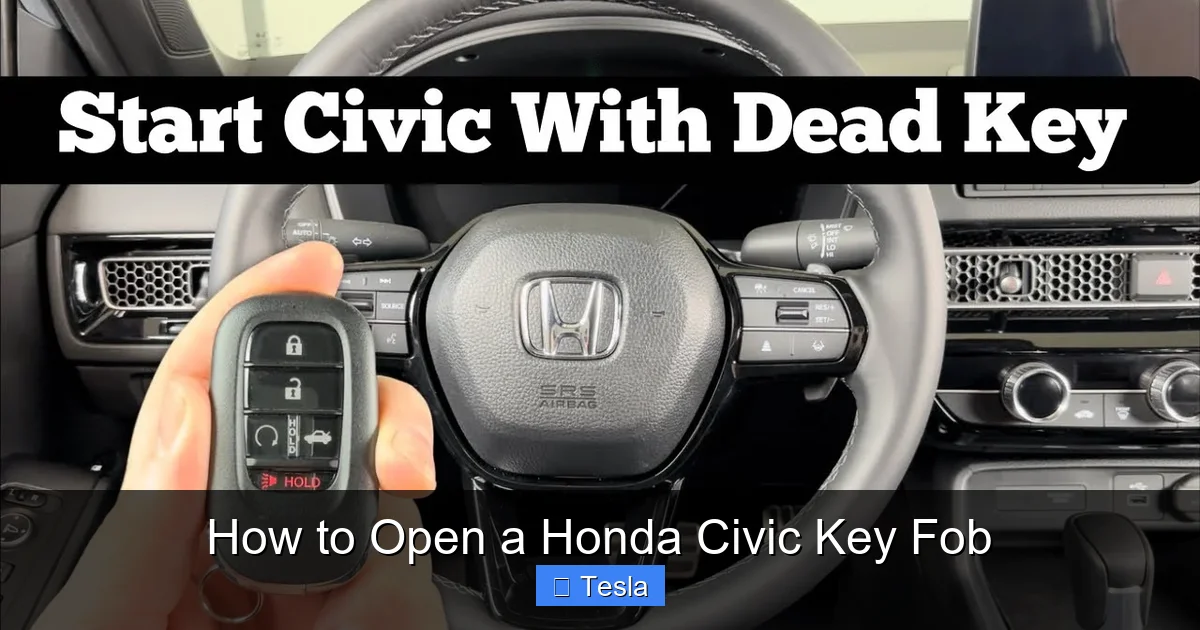
Type 2: The “Push-Button” Smart Key Fob (2016-Present, Most Trims)
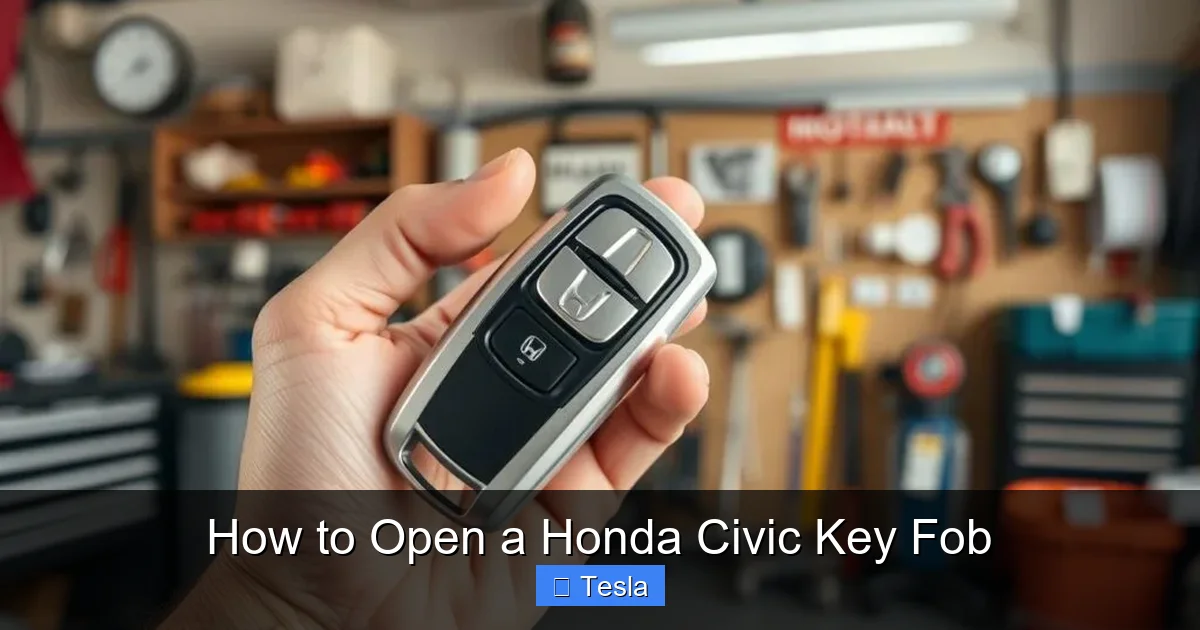
Starting with the tenth-generation Civic (2016+), Honda moved to a sleek, button-operated fob with no visible key blade on most models. This is the “smart key” or “proximity key” fob. It’s a single, solid piece of plastic. Opening it requires finding a tiny seam that runs around the perimeter of the fob, usually along the side or back. There is often a small, hidden release catch—sometimes a little plastic tab—near the key ring loop or on the side. You need to insert your pry tool into the seam and carefully work your way around, releasing a series of small plastic clips. It feels a bit like opening a tight jar, but with more finesse and less force. The two halves will separate to reveal the battery nestled inside a plastic holder.
Type 3: The “Key Card” or “Sliver” Fob (Recent Hybrid/EV Models)
On the very newest Civics, particularly the hybrids and some higher trims, Honda sometimes uses a ultra-thin, credit-card-style fob. These are less common but still possible. They typically open by prying a thin plastic cover off the back, which is held on by adhesive or small clips. The process is delicate; you must work a tool around the edge of the back plate to separate it from the main body. The battery is then exposed on the inside of the back plate.
Essential Tools: What You’ll Need for the Job
You don’t need a workshop full of tools. In fact, using the wrong tool is the #1 cause of fob damage during opening. Here’s your minimalist toolkit:
Visual guide about How to Open a Honda Civic Key Fob
Image source: i.etsystatic.com
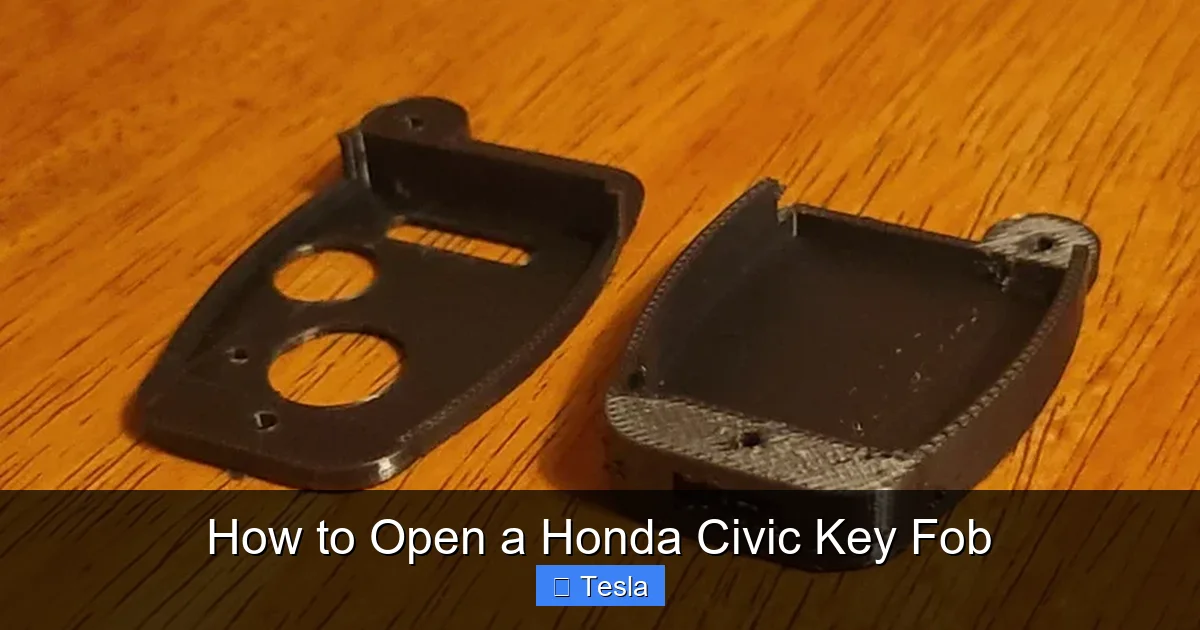
- A Small Flat-Head Screwdriver: A precision screwdriver from a electronics repair kit is perfect. The tip should be no wider than 2-3mm. A larger screwdriver will slip and mar the plastic.
- Plastic Pry Tools (Recommended): These are non-conductive, non-scratching tools often sold for phone or laptop repair. They are the absolute safest option for your fob’s finish. A guitar pick can also work in a pinch.
- Tape (Optional but Helpful): If you only have a metal screwdriver, wrap the tip in a few layers of masking or electrical tape. This provides a soft, grippy surface and reduces the risk of slipping and scratching.
- A Small Container: For the old battery and the tiny screw (if your fob has one holding the battery cover in place). Don’t lose it!
- Your New Battery: Have the correct replacement (CR2025 or CR2032) ready to go before you start.
What NOT to use: Never use a knife, a large flat-blade, or any tool with a sharp, pointy tip. You’re not stabbing the fob; you’re gently persuading a seam to separate. Force is your enemy here.
Step-by-Step: How to Open Each Honda Civic Key Fob Type
Now, let’s get our hands dirty. Follow these steps for your specific fob type. Remember: patience and gentle pressure are the golden rules.
Visual guide about How to Open a Honda Civic Key Fob
Image source: vehiclerides.com
Opening the Traditional “Flip” Key Fob
- Extend the Key: Press the button on the fob to pop out the metal key blade fully.
- Locate the Opening Slot: Look at the base of the key blade where it connects to the plastic fob. You’ll see a small, rectangular opening or a seam line.
- Insert and Twist: Insert the tip of your flat-head screwdriver or plastic pry tool into this slot. Apply firm, gentle pressure and twist the tool slightly upward (away from the key blade). You should feel a small “pop” as a plastic retaining clip releases.
- Remove the Back Cover: Once the first clip releases, you can usually pull the back plastic cover (the part with the key ring loop) straight off. It may be held by one or two small plastic tabs. If it’s stuck, work your tool around the edges to release any remaining clips.
- Access the Battery: The battery will be sitting in a small plastic holder on the inside of the removed back cover. Note its orientation (which side is up) before removing it.
Opening the Modern “Push-Button” Smart Key Fob
This is the most common task for 2016+ Civic owners. It’s a bit trickier than the flip-key but very doable.
- Inspect the Fob: Hold the fob with the buttons facing you. Run your finger along the seam that runs around the edge of the fob. You’re looking for a spot where the seam might be slightly wider or where you can feel a tiny plastic release tab. It’s often on the side opposite the key ring loop or near the Honda logo.
- Create Your Starting Point: Insert your pry tool into the seam at the point you identified. If there’s a visible tab, press it in while prying. If not, just choose a spot along the seam and apply steady, gentle pressure. You need to create a small gap.
- Work Your Way Around: Once you have a small gap (1/8th of an inch), carefully slide your pry tool along the seam. You’ll hear and feel a series of small clicks as you release each internal plastic clip. Go slowly. Don’t force it; just work the tool, moving it a millimeter, releasing a clip, and moving on.
- Separate the Halves: After you’ve released clips all the way around, the two halves of the fob should separate easily. The front half (with the buttons) and the back half (with the key ring loop) will come apart. Be gentle—there may be a small rubber gasket or the battery holder connecting them.
- Locate the Battery: The battery is usually held in a small plastic clip or carrier on the inside of the back half. Note its position and orientation.
Opening the Thin “Key Card” Fob
- Identify the Back Plate: This fob has a very thin, flat back. The seam is between this thin back plate and the slightly thicker main body.
- Find the Adhesive/Clip Line: Run your fingernail around the edge. You should feel where the back plate meets the body. It might feel like one solid piece, but it’s glued or clipped.
- Insert and Work Gently: Insert a thin plastic pry tool (or a guitar pick) into the corner of the seam. Apply very gentle, twisting pressure. You need to break the adhesive seal or release the first clip.
- Slowly Peel Back: Once you have a corner started, slowly work the tool around the entire perimeter. The adhesive will give way with a series of soft pops. Be extra careful not to bend the thin back plate too much, as it can crack.
- Battery Access: The battery is typically visible on the inner side of the removed back plate, held by a small clip.
What to Do Once the Fob is Open: Battery Replacement & Reassembly
You’ve conquered the opening! Now, the quick and critical part.
- Remove the Old Battery: Note exactly how it sits. Most are held by a simple plastic clip. Gently pry or lift the battery out. Avoid touching the new battery’s terminals with your fingers; oil from skin can reduce its life. Use a plastic tool if needed.
- Install the New Battery: Place the fresh CR2025 or CR2032 battery into the holder. The “+” (positive) side must face up. This is non-negotiable. The “+” symbol on the battery should match the “+” marking inside the fob’s battery compartment.
- Test Before Reassembly (Optional but Smart): Before snapping everything back together, you can quickly test the new battery. Carefully bring the open fob (with the new battery in) near your Civic and press the lock/unlock buttons. If the car responds, the battery is good and you’ve installed it correctly.
- Reassemble the Fob: Align the two halves perfectly. You should see all the plastic clips lining up. Press the two halves together firmly and evenly. You should hear and feel a series of satisfying clicks as all the clips snap back into place. Do not force it; if it’s not lining up, you likely have a misaligned clip. Pop it apart and try again.
- Final Test: Once reassembled, test all the buttons (lock, unlock, trunk release, panic) from a normal distance to ensure everything works.
Troubleshooting: When Opening Goes Wrong or the Fob is Unresponsive
What if your fob still doesn’t work after a new battery? What if you break a clip while opening? Here’s how to handle common post-opening issues.
The Fob Still Doesn’t Work After Battery Change
First, double-check the battery orientation. It’s the most common mistake. The “+” must be facing up. Second, ensure the battery is making good contact. Sometimes the metal spring or contact pad inside the fob can get bent or corroded. Gently bend it back to ensure it touches the battery. If that fails, the problem may not be the battery. The fob’s internal circuit board could be damaged (from a drop or water exposure). In this case, you might need a new fob. Before you buy one, remember that if you have a spare key, you can still access your trunk and vehicle using the hidden mechanical key or other methods.
You Broke a Plastic Clip While Opening
Don’t panic. Most key fobs use a series of small clips. If one or two break, the two halves will still stay together, though they might have a slight gap. You can carefully apply a tiny amount of strong, non-conductive adhesive (like a drop of super glue or epoxy) to the broken area to hold it together. Be extremely careful not to get glue on the circuit board or buttons. The fob will be slightly less water-resistant, but it will function.
The Fob is Physically Damaged or the Buttons are Worn Out
If the plastic is cracked or the rubber buttons are worn smooth and unresponsive, opening it won’t fix the outer shell. You can sometimes find replacement button pads online, but often the most reliable fix is to get a new fob. You can often program a new or used blank fob yourself if you have at least one working key, which saves significant dealer fees.
Safety, Best Practices, and When to Call a Professional
Your key fob is a small, complex electronic device. Treating it with care ensures it lasts.
- Work in a Clean, Well-Lit Area: A small screw or clip can easily get lost in carpet fibers. A flat, white surface is ideal.
- Use Plastic Tools Whenever Possible: Metal tools can scratch the fob’s surface and, if you slip, can short-circuit the internal components.
- Don’t Force It: If the fob won’t open after you’ve worked a seam for a minute, stop. You’re either at the wrong seam or a clip is already broken. Forcing it will cause more damage.
- Keep Track of Tiny Parts: Some fobs have a tiny screw holding the battery cover. Keep it in your small container.
- Dispose of Old Batteries Properly: Take them to a battery recycling drop-off point. Do not throw them in the trash.
When to Seek Professional Help: If your fob has been submerged in water, stepped on, or is physically shattered, DIY repair is unlikely to work. If you’ve lost all your keys, you cannot simply open a fob to fix that—you need a new one cut and programmed by a locksmith or dealer. For complex electrical issues inside the fob, replacement is often more cost-effective than repair.
Frequently Asked Questions
Can I open my Honda Civic key fob if I don’t have a flat-head screwdriver?
Yes. A sturdy plastic guitar pick, a dedicated plastic pry tool from a phone repair kit, or even the edge of a rigid plastic credit card (that you don’t mind possibly damaging) can work. The key is using a thin, non-metallic tool to avoid scratches.
My key fob has a visible seam but won’t open. What am I doing wrong?
You’re likely not applying enough gentle, twisting pressure at the start, or you’re trying to pry at the wrong end of the seam. Find the spot where the two plastic halves meet most clearly, often near the key ring loop or a corner. Insert your tool, press firmly inward, and twist slightly to create the initial gap before sliding along the seam.
Is there a difference between a CR2025 and CR2032 battery for my Civic?
They are both 3-volt lithium coin cells and are often interchangeable in key fobs. The CR2032 is slightly thicker (3.2mm vs 2.5mm). In most Honda Civic fobs, either will fit, but the CR2025 is the more common original specification. Always check your old battery’s marking and, if possible, consult your owner’s manual.
What if I break all the plastic clips while trying to open it?
If the clips are broken, the fob will not stay together. You would need to carefully glue the two halves closed using a strong, non-conductive adhesive. Apply a tiny amount to the inner edges of the plastic housing, align the halves, and hold until set. This is a last resort; the fob will be less durable.
My 2018 Civic key fob has no visible seam or key slot. How do I open it?
For the push-button smart key fobs from 2016 onwards, the seam is very tight and runs around the entire edge. Look for a small, hidden plastic tab on the side, usually opposite the key ring loop. Press this tab in while simultaneously prying with your tool at the seam near the tab. The initial “pop” is the hardest part.
After replacing the battery, my car says “Key Not Detected.” What now?
First, ensure the new battery is installed with the “+” side up. Second, the new battery may have a protective sticker on it that needs removal. Third, you may need to reprogram the fob to the car. If you have a second working key, you can often follow a sequence in the owner’s manual to add a new key. If not, you’ll need a dealer or locksmith with the proper Honda HDS or other programming tool to pair the fob’s transponder chip to your vehicle’s immobilizer system.
