
How to Open the Tesla Model 3 Trunk from Outside

Opening the Tesla Model 3 trunk from the outside is primarily done digitally via the Tesla app or a paired key card, as there is no traditional exterior button or keyhole. For emergencies, a hidden manual release inside the trunk compartment provides a reliable backup. Understanding these methods ensures you can always access your rear cargo space, whether your phone is dead, the car’s systems are unresponsive, or you simply need quick access.
So, you’re standing next to your sleek Tesla Model 3, groceries in hand, and you need to get into the trunk. You pat your pockets, realize your phone is in the car, and start scanning the rear fascia for a button or a keyhole. Nothing. The smooth, minimalist surface offers no obvious clues. If you’re new to Tesla or electric vehicles in general, this moment of confusion is completely understandable. The Model 3 breaks from automotive tradition by ditching physical exterior latches for its storage compartments. Learning how to open the Tesla Model 3 trunk from outside is a essential piece of ownership knowledge. It’s not complicated, but it is different. This guide will walk you through every method, from the everyday to the emergency, so you’re never stranded wondering how to access your cargo.
Tesla’s design philosophy centers on a clean, button-free interior and exterior. This means you won’t find a trunk button on the key fob (the Model 3 uses a key card or phone key) or a physical release on the tailgate itself. All external commands are sent wirelessly. This system is incredibly convenient when it works, but it does require a basic understanding of the technology and a plan for when that technology is unavailable. We’ll cover the primary app-based method, the key card backup, and the crucial manual emergency release that could save you in a pinch. We’ll also troubleshoot common problems and share tips to ensure your trunk is always accessible.
Key Takeaways
- Digital First: The Tesla Model 3 relies on the smartphone app or key card for exterior trunk operation, eliminating physical buttons or key slots on the outside.
- Emergency Manual Release: A concealed mechanical release cord inside the trunk lid can be pulled to open the trunk manually if all electronic systems fail.
- App Dependency: The Tesla app requires Bluetooth connectivity and an active 12V battery in the car; a dead 12V battery will disable all electronic releases.
- Key Card as Backup: The RFID key card must be physically tapped on the driver’s side B-pillar to wake the car’s systems and enable trunk opening via the app or screen.
- No Exterior Button: Unlike many conventional cars, there is no dedicated trunk button on the outside of the Tesla Model 3; all external commands are wireless.
- Maintenance is Key: Regularly check your 12V auxiliary battery health and keep your key card accessible to prevent being locked out of the trunk.
- Interior Access: You can always open the trunk from inside the car via the touchscreen or a footwell release, but this guide focuses on external methods.
📑 Table of Contents
- The Primary Method: Using the Tesla Smartphone App
- The Key Card Backup: Your Physical RFID Token
- The Emergency Manual Trunk Release: Your Last Resort
- Troubleshooting: When the Trunk Won’t Open
- Comparative Perspective: Traditional vs. Tesla Trunk Access
- Pro Tips for Uninterrupted Trunk Access
- Conclusion
The Primary Method: Using the Tesla Smartphone App
For the vast majority of Model 3 owners, the Tesla smartphone app is the go-to tool for opening the trunk from the outside. It’s fast, reliable, and can be done from a short distance away. However, this method has specific prerequisites that must be met for it to function.
Prerequisites for App Control
Before you can use the app to pop the trunk, three things need to be true. First, your smartphone must be paired with the vehicle as a phone key. This is set up during initial vehicle delivery and requires Bluetooth to be enabled on your phone. Second, your phone needs to be within operational range, typically within about 30 feet of the car, though walls and other interference can reduce this. Third, and most critically, the car’s 12V auxiliary battery must have sufficient charge. This small battery powers all the car’s computers and electronic locks, even if the main high-voltage battery is fully charged. If the 12V battery is dead, the car’s systems are offline, and the app will not communicate with the vehicle at all.
Step-by-Step App Instructions
Assuming the prerequisites are met, opening the trunk is straightforward:
- Unlock your Tesla Model 3 using the app’s “Unlock” button. This wakes the car’s systems.
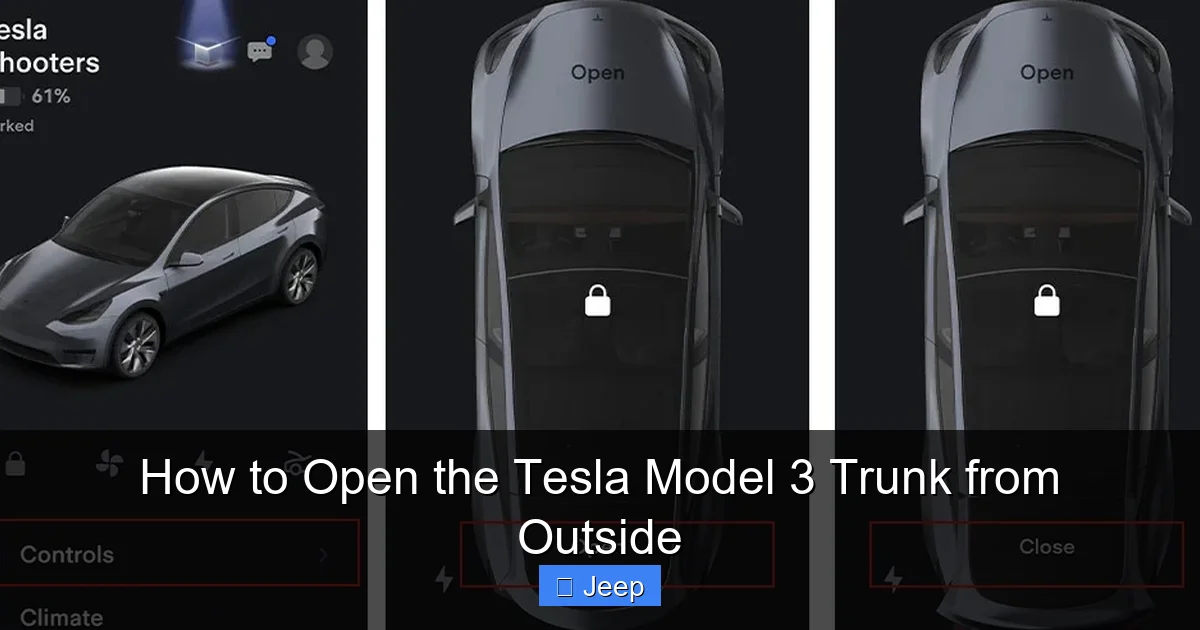
- On the main control screen of the app, locate the “Trunk” icon. It usually looks like an outline of a car with an arrow pointing upward at the rear.
- Tap the “Trunk” icon once. You should hear the trunk latch mechanism engage and see the trunk begin to open automatically.
- If the trunk does not open, ensure your phone’s Bluetooth is on, the app is connected to the car (a green car icon usually appears), and try again. A weak Bluetooth connection is a common culprit.
This method is so seamless that many owners forget there are alternatives until they need them. It’s a great practice to periodically test the app’s range and response from different angles around the car to understand its limits.
The Key Card Backup: Your Physical RFID Token
Relying solely on your phone can be risky if the battery dies, the phone malfunctions, or you simply forget it inside the car. This is where the Model 3’s key card becomes your most important physical accessory. It’s an RFID card that acts as a physical key. You must have it on you as a backup.
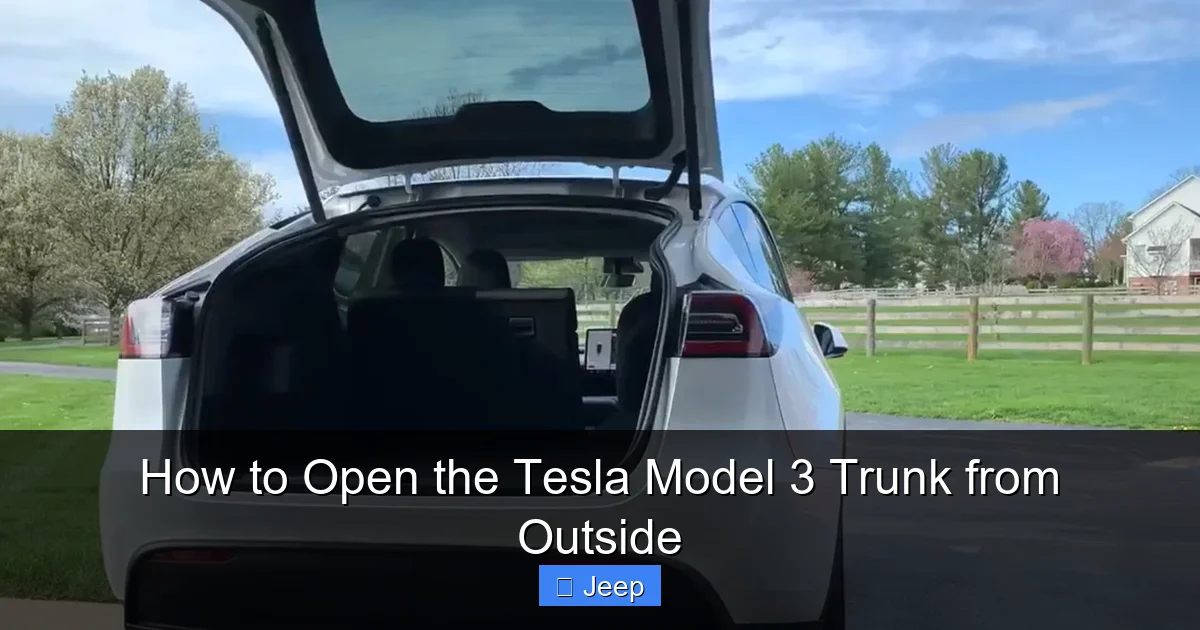
Visual guide about How to Open the Tesla Model 3 Trunk from Outside
Image source: cdn.teslanorth.com
How to Use the Key Card to Enable Trunk Opening
The key card does not have a button that directly opens the trunk. Instead, it “wakes up” the car’s systems, after which you can use the app or the interior screen to open the trunk. Here’s the sequence:
- Hold the key card near the B-pillar on the driver’s side (the vertical post between the front and rear doors). The exact spot is marked with a small Tesla “T” logo.
- You should hear a confirmation beep and see the side mirrors fold or unfold, or the interior lights turn on, indicating the car has recognized the key card and powered up.
- Once the car is awake, you can immediately use the Tesla app on your phone (even if it wasn’t previously connected, it will now pair) to open the trunk as described above.
- Alternatively, if you can reach the interior touchscreen (by opening a door first), you can tap the “Trunk” button on the screen to open it. The car must recognize the key card inside the cabin for this to work.
This two-step process—waking with key card, then commanding—is a core security feature. It prevents someone from using a lost key card to open your trunk if they don’t also have your phone or can’t get inside the car.
Key Card Best Practices
Always store your key card in a consistent place, like your wallet or purse. Consider getting a protective case for it, as the card can be damaged by bending or excessive wear. Unlike a phone, the key card’s battery life is measured in years, but a completely demagnetized or broken card will need replacement from Tesla. It’s wise to have a spare key card programmed for your vehicle as a true last-resort backup.
The Emergency Manual Trunk Release: Your Last Resort
This is the most critical method to understand. If your phone is dead, the key card is lost, and the 12V battery is completely discharged (which can happen if the main battery is completely depleted and the car is towed, or if the 12V battery fails), the electronic locks will not function. In this scenario, you must use the manual emergency release.
Visual guide about How to Open the Tesla Model 3 Trunk from Outside
Image source: teslashooters.com
Locating the Emergency Release
The emergency release is a physical pull cord located inside the trunk compartment. It is hidden behind a small plastic cover on the underside of the trunk lid. To find it, open the trunk using any working method first. If you cannot open it at all, you may need to access it from the rear seat (the Model 3 has a pass-through or folding rear seats), but the standard location is:
- Enter the trunk space.
- Look up at the interior of the trunk lid (the part that closes against the car body).
- You will see a small, square or rectangular plastic panel, often painted the same color as the trunk interior. It is usually near the center or slightly offset.
- Carefully pry this cover off with a flat tool like a plastic trim removal tool or even a fingernail. It is clipped in place.
Behind this cover is a red or brightly colored pull cord with a T-handle. This is your emergency release.
Operating the Manual Release
Pulling this cord mechanically disengages the trunk latch, allowing the trunk lid to open freely. You will need to apply some force, as it is designed to be pulled firmly. Once pulled, the trunk should pop up slightly, and you can then lift it the rest of the way manually. Important: After using the manual release, the electronic trunk function will be disabled until the car’s systems are rebooted. You will need to reset the latch by closing the trunk fully while the car is awake and powered on. The car will automatically re-engage the electronic latch the next time you close it properly.
This mechanism is required by safety regulations to allow egress from the trunk in case of an accident. It is not intended for daily use, but knowing it exists and how to access it is a vital part of how to open the Tesla Model 3 trunk from outside in a true emergency.
Troubleshooting: When the Trunk Won’t Open
Even with knowledge of all methods, you might encounter a situation where the trunk refuses to cooperate. Here’s a systematic approach to diagnosing the problem.
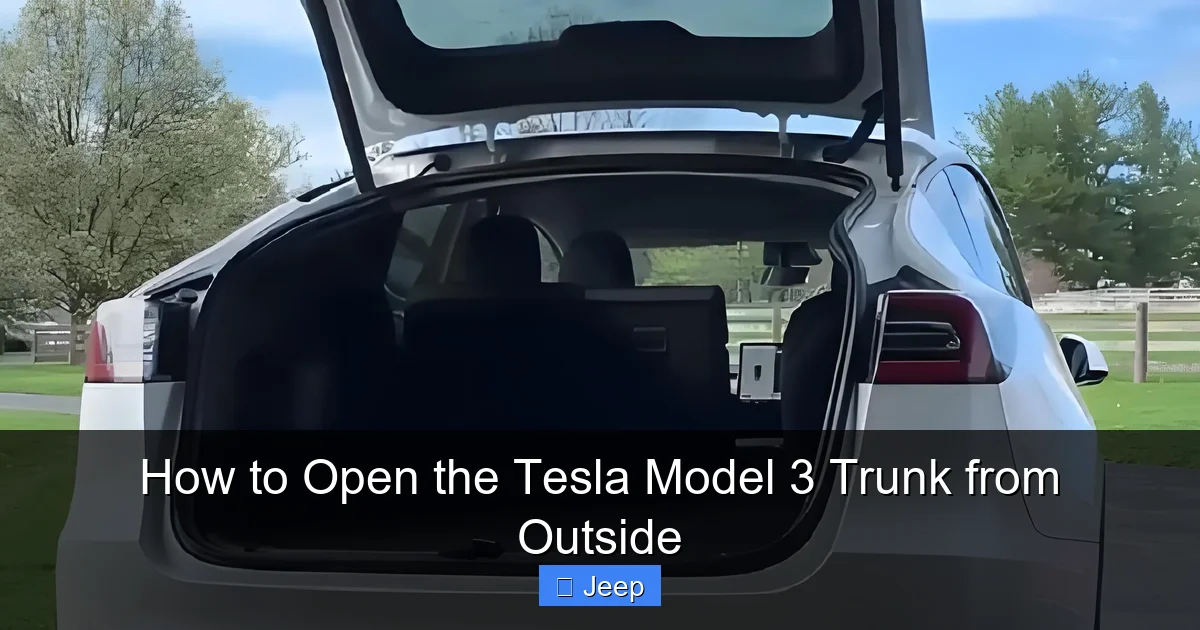
Visual guide about How to Open the Tesla Model 3 Trunk from Outside
Image source: tesery.com
Symptom: The App Does Nothing / Car Not Responding
This is the most common issue. The root cause is almost always one of three things:
- Dead 12V Battery: This is the #1 suspect. If the car’s auxiliary battery is dead, none of the electronic locks, lights, or screens will work. You may notice the car’s horn doesn’t honk, the headlights don’t flash when you use the app, or the touchscreen is black. The solution is a jump start or replacement of the 12V battery. This is a service item, but you can sometimes jump it from another car or a portable jump starter if you can access the front trunk (frunk), which has its own manual release under the tow hook cover.
- Bluetooth Connection Lost: Your phone may have Bluetooth turned off, or the app may have lost its connection. Toggle Bluetooth off and on, force-close and reopen the app, and move closer to the vehicle.
- Phone Key Not Set Up: Ensure your phone is properly configured as a key in the car’s settings. Go to Controls > Locks > + to add a phone key if needed.
Symptom: Key Card Doesn’t Wake the Car
If tapping the key card on the B-pillar does nothing:
- Ensure you’re tapping on the correct spot—the driver’s side B-pillar, not the rear of the car.
- The key card’s battery (a small CR2032 coin cell) may be dead. Replace the battery. You can do this yourself by prying open the card.
- The car’s key reader antenna might be faulty, requiring service.
- The key card may have become demagnetized or damaged.
Symptom: Trunk Latch Sounds But Doesn’t Open Fully
If you hear the latch release but the trunk doesn’t pop up:
- There may be an obstruction (snow, ice, cargo) preventing the lid from lifting.
- The trunk struts (gas pistons) that hold the lid open could be weak or failed. This is a mechanical failure that requires replacement.
- The latch itself might be misaligned or damaged.
In cold climates, ice can seal the trunk shut. Try warming the seal area with a hair dryer or gently tapping around the seal to break the ice bond before attempting to open it.
Comparative Perspective: Traditional vs. Tesla Trunk Access
It’s helpful to contrast the Tesla Model 3’s system with that of traditional gasoline or even some other electric vehicles. Most cars, like a Toyota Corolla or Honda Civic, have a physical trunk release button on the key fob and often a touch-sensitive button on the trunk lid itself. You can also usually open it with a key if the fob battery dies. This provides multiple, independent physical methods. The Model 3 consolidates almost all control into the digital realm. This offers a cleaner aesthetic and integrates with the car’s overall security and user profile system—the trunk can open automatically when you approach if you have “Walk-Away Locking” disabled—but it creates a single point of failure if the 12V battery or primary communication channel (Bluetooth) is compromised. Understanding this difference is key to appreciating why the emergency manual release and key card are not just backups but essential components of the system. For owners of vehicles like the Toyota Corolla, the process is more straightforward with a dedicated exterior button, highlighting the paradigm shift Tesla represents.
Pro Tips for Uninterrupted Trunk Access
Based on common owner experiences, here are actionable tips to ensure you’re never locked out of your trunk.
Maintain Your 12V Auxiliary Battery
This is the most important maintenance item for preventing total system lockout. The 12V battery typically lasts 3-5 years. Watch for symptoms like occasional “12V battery voltage low” warnings on the touchscreen, difficulty unlocking the car, or the car failing to “wake up.” Have it tested regularly and replace it proactively. A healthy 12V battery keeps all the electronic locks, including the trunk, functional.
Always Carry Your Key Card
Make it a habit. Slip it into your wallet or a dedicated pocket. Don’t rely on your phone alone. Consider getting a second key card and keeping it in a secure place at home, like a drawer, as a spare.
Keep Your Phone & App Updated
Ensure your smartphone’s operating system and the Tesla app are updated to the latest versions. Updates often include connectivity fixes and improvements to the phone key algorithm. Also, keep Bluetooth on and avoid battery-saving modes that might restrict Bluetooth functionality when the phone is locked.
Know Your Emergency Release Location
Before you ever need it, locate the emergency release cover inside your trunk. Familiarize yourself with how to remove it. In a stressful situation, knowing exactly where to look and how to pry the cover off saves precious time. Practice the motion mentally.
Protect Your Exterior During Manual Use
If you frequently need to use the manual emergency release (which shouldn’t be the case with proper maintenance), be gentle with the trunk lid and seal. Forcing it open when frozen or obstructed can damage the seal or the lid’s alignment. If you’ve applied a paint protection film or a full wrap to your Tesla Model 3, be extra careful not to scratch or tear the vinyl around the latch area when accessing the emergency release. You might also consider window tinting for the rear window to add privacy to your cargo area, but note that this does not affect trunk operation.
Conclusion
Mastering how to open the Tesla Model 3 trunk from outside boils down to understanding its three-tiered system: the primary smartphone app, the key card backup, and the ultimate manual emergency release. The digital-first approach is a hallmark of Tesla’s user experience, offering convenience and integration but demanding a bit more user awareness than traditional cars. By keeping your 12V battery healthy, your key card handy, and your phone’s Bluetooth active, the first two methods will serve you daily. Knowing the location and operation of the manual release provides ultimate peace of mind for the rare, critical situation. This knowledge transforms a moment of potential frustration into a simple, resolved task, letting you focus on the enjoyment of driving your innovative vehicle rather than its quirks. Regular, simple maintenance is all that stands between you and seamless trunk access.
Frequently Asked Questions
Can I open the Tesla Model 3 trunk from outside if my phone is dead?
Yes, but not directly. You must first use your key card to wake the car by tapping it on the driver’s side B-pillar. Once the car is awake, you can use the Tesla app on your phone (if it has any residual power or if you can connect to a charger) or, more reliably, open a door and use the interior touchscreen to open the trunk.
Where exactly is the emergency trunk release inside a Tesla Model 3?
It is located inside the trunk compartment, behind a small plastic cover on the underside of the trunk lid. The cover is usually near the center of the lid’s interior. Pry it off to reveal a red pull cord with a T-handle. Pulling this cord will manually release the latch.
Why isn’t my Tesla app opening the trunk even though my phone is connected?
>The most likely reason is a dead or weak 12V auxiliary battery. The app can only communicate with the car if this battery has power. Other causes include Bluetooth being turned off on your phone or the phone key not being set as an active key in the vehicle’s settings.
Does the Tesla Model 3 have a physical button on the outside of the trunk to open it?
No, the Model 3 does not have any physical buttons, sensors, or keyholes on the exterior of the trunk lid for opening it. All external commands are sent wirelessly via the paired smartphone or key card.
Can I open the trunk from the driver’s seat without using the app?
Yes, you can always open the trunk from inside the car by tapping the “Trunk” icon on the bottom center of the main touchscreen while the car is powered on. There is also a manual trunk release lever located in the rear footwell behind a small panel on the driver’s side, which opens the trunk from the interior cabin.
What should I do if the trunk is frozen shut in winter?
First, try to warm the seal area with a hair dryer on a low setting or pour lukewarm (not hot) water over the rubber seal to melt the ice. Once the ice bond is broken, try opening it normally with the app. Avoid using excessive force, as this can damage the seal or latch. If it remains stuck, you may need to use the manual emergency release after carefully clearing ice from around the internal latch mechanism.
