
Why Is My Toyota Key Not Working After a Battery Change?

Replacing the battery in your Toyota key fob should be a simple fix, but sometimes it creates a new problem: the key stops working entirely. This is almost always due to a lost synchronization between the key fob and your vehicle’s computer, an incorrect battery installation, or a system that needs a manual reset. The solution is usually straightforward—often involving a specific reset sequence or re-syncing procedure—and doesn’t necessarily mean a costly trip to the dealer. Understanding the common pitfalls after a battery change is the first step to getting your key working again.
You did everything right. You carefully pried open your Toyota key fob, noted the battery orientation, slipped in a fresh CR2032 (or similar) coin cell, and snapped it back together. You felt a sense of accomplishment. Then, you walked to your car, pressed the unlock button… and nothing. The lights don’t flash, the locks don’t click. You try the trunk button. Nothing. A wave of frustration hits. Why is my Toyota key not working after a battery change? This is one of the most common and maddening automotive puzzles, but the solution is almost always simpler than you think. It’s rarely a broken fob. Let’s unravel this mystery together.
The core of the issue lies in the sophisticated, two-way communication between your key fob and your Toyota. That little plastic shell isn’t just a remote; it’s a secure electronic token. When you replace the battery, you briefly interrupt the fob’s internal memory and its encrypted “handshake” with your car’s immobilizer system. Sometimes, this handshake is perfectly restored on its own. Other times, the car needs a little nudge to remember its partner. The cause can also be a simple human error during the swap. Let’s walk through the most likely suspects, starting with the easiest to check.
Key Takeaways
- Battery Polarity is Critical: Installing the new battery backward (positive/negative reversed) is a top cause of immediate failure. Always double-check the “+” and “-” markings inside the fob.
- You Must Re-Sync the Key: Many Toyota key fobs lose their “handshake” with the car when the battery is removed. A specific button-press sequence inside the vehicle is often required to re-establish this connection.
- The Emergency Key is Your Backup: The physical blade key hidden inside your fob will still unlock the door and, in most models, allow you to start the car by inserting it into the ignition. This gets you moving while you troubleshoot.
- A “Dead” Car Battery Can Mimic a Key Problem: If your car’s main 12V battery is weak or dead, it may not have enough power to recognize the key fob’s signal, making it seem like the key is faulty after your fob battery change.
- Resetting the System is Common: Some Toyota models require a system reset via the ignition (turning the key to “ON” and “OFF” a set number of times) or disconnecting the car battery for a few minutes to clear the immobilizer’s memory.
- Wrong Battery Type is a Frequent Culprit: Using a battery with incorrect voltage (e.g., a 12V instead of a 3V) or the wrong physical size can damage the fob’s circuit board or simply not provide enough power.
- Professional Help is Readily Available: If DIY steps fail, a Toyota dealer or qualified locksmith can quickly re-program the key fob to your vehicle using specialized diagnostic tools.
📑 Table of Contents
1. The Usual Suspects: Simple Installation Errors
Before we dive into complex resets, we must rule out the most basic mistakes. These are the low-hanging fruit of key fob troubleshooting and account for a significant percentage of post-battery-change failures.
Incorrect Battery Polarity
This is enemy number one. Inside the key fob, there is a clear diagram showing which way the battery’s positive (+) and negative (-) sides should face. The flat side (usually with the battery’s branding and “-” symbol) typically goes against a metal spring or clip in the fob. The raised, nubby side with the “+” symbol goes against the flat plastic wall. If you install it backward, the fob will not power on at all. It’s an instant, silent failure. Solution: Open the fob again. Take the battery out. Look at the diagram in the plastic housing. Reinsert it with absolute certainty that the polarity matches. The “+” on the battery must align with the “+” in the diagram.
Using the Wrong Battery
Not all coin batteries are created equal. The standard for most modern Toyota key fobs is a CR2032 (3V). Using a different voltage battery (like a 12V A23) is a recipe for disaster—it can fry the fob’s circuitry. Even using a different brand of CR2032 that is slightly thicker or has a different terminal design can cause poor contact. Solution: Verify you have a CR2032 3V battery. It’s the most common watch battery. When in doubt, take the old battery to the store and match it exactly. For specific models like the RAV4, our guide on how to change the key fob battery in a Toyota RAV4 details the exact type and process.
Poor Battery Contact / Dirty Compartment
Over time, the metal contacts in the battery compartment can develop a thin layer of oxidation or grime. If the new battery isn’t making a solid connection with these contacts, the fob won’t get power. Solution: Remove the battery. Gently clean the two metal contact points in the fob and the corresponding sides of the battery with a pencil eraser or a cotton swab dipped in a tiny bit of isopropyl alcohol. Let it dry completely. Reinsert the battery firmly, ensuring both sides of the battery touch the metal contacts snugly.
2. The Lost Handshake: Re-Synchronizing Your Key Fob
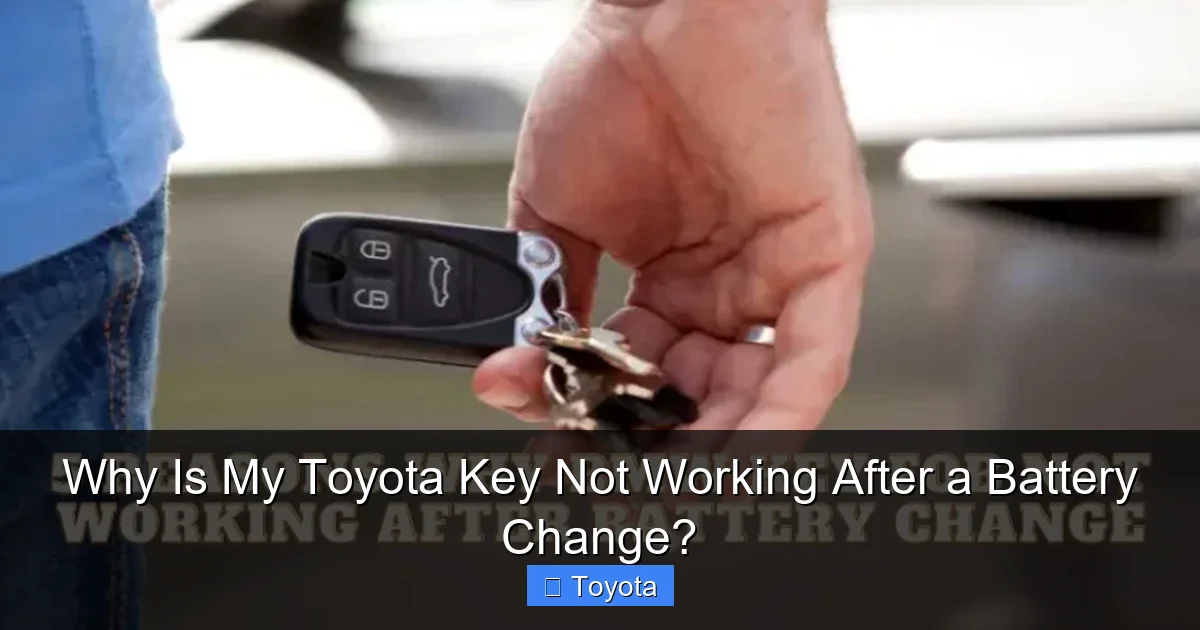
This is the most common reason for a “working battery but dead fob” scenario. Your Toyota’s immobilizer system (the anti-theft module) stores a unique code for each authorized key. When you pull the battery, that code in the fob’s volatile memory can be cleared. The car, however, still has the old code stored. They’re no longer speaking the same language. You need to perform a simple re-synchronization procedure. The steps vary slightly by model year and key type (standard fob vs. smart key), but the principle is the same.
Visual guide about Why Is My Toyota Key Not Working After a Battery Change?
Image source: cdn.cartipsdaily.com
The Classic “Turn Ignition On and Off” Reset
This is the most widely applicable method for Toyota models from the early 2000s through the 2010s with traditional key fobs.
- Step 1: Get into the driver’s seat and close all doors.
- Step 2: Insert your key into the ignition. Do not start the engine.
- Step 3: Turn the key to the “ON” position (the position right before “START,” where the dashboard lights come on).
- Step 4: Turn the key back to “OFF.”
- Step 5: Repeat this “ON” -> “OFF” cycle 3 times total. The final position should be “OFF.”
- Step 6: Remove the key from the ignition.
- Step 7: Press any button on the key fob. The doors should lock or unlock, confirming the sync.
If this doesn’t work, try pressing the lock and unlock buttons together for 2-3 seconds before or after the ignition cycle. Consult your owner’s manual for the exact procedure for your specific model year.
For “Push-Button Start” Smart Keys
Models with a proximity key and a push-button start (like many Camrys, Corollas, and RAV4s from ~2014 onward) have a slightly different, but still simple, process. Often, the act of pressing the brake pedal and the start button with the key inside the vehicle is enough to re-establish the link if the battery was just changed. If not, try this:
- Step 1: Sit in the driver’s seat with the key fob in your pocket or on the console.
- Step 2: Press and hold the “LOCK” button on the fob for 2 seconds.
- Step 3: While still holding the LOCK button, press the “START/STOP” button on the dashboard once (do not press the brake pedal during this step).
- Step 4: Release both buttons. The hazard lights may flash to indicate success.
Again, your owner’s manual is the ultimate authority. If you’ve lost it, a quick online search for “[Your Year Make Model] key fob reset after battery change” will usually yield the exact sequence.
3. The Car’s Computer Needs a Full Reboot
Sometimes, the car’s body control module (BCM) or immobilizer gets “stuck.” It’s holding onto the old key’s code so tightly that the simple sync sequence won’t work. A full system reset is needed to clear its memory, forcing it to learn the key fob fresh.
Visual guide about Why Is My Toyota Key Not Working After a Battery Change?
Image source: weldingtroop.com
The Car Battery Disconnect Method
This is a more forceful but highly effective reset. It’s like turning your car’s computer off and on again.
- Warning: This will reset all your radio presets, clock, and any other adaptive settings (like seat memory). Have your radio code handy if required.
- Step 1: Ensure the car is off, all doors are closed, and the key is out of the ignition.
- Step 2: Open the hood and locate the negative (-) terminal on the car’s main battery.
- Step 3: Using a 10mm wrench, loosen the nut on the negative terminal and remove the cable. Secure it away from the battery post so it can’t touch.
- Step 4: Wait at least 5-10 minutes. This allows the capacitors in the modules to fully discharge, clearing the temporary memory.
- Step 5: Reconnect the negative cable and tighten the nut securely.
- Step 6: Close the hood. Now, go through the re-synchronization procedure from Section 2. The car’s systems are now blank slates and should readily accept the key fob’s signal.
Using the Emergency Key to Trigger a Reset
Inserting the physical emergency key into the door lock and turning it to lock/unlock the door can sometimes send a signal to the car’s computer that a valid key is present, prompting it to re-check its paired fobs. After doing this, try the fob buttons again. It’s a worth-a-shot step before the more invasive battery disconnect.
4. When the Problem Isn’t the Fob at All
We’ve focused on the key fob, but what if the issue is with the car’s receiver or power? It’s easy to misdiagnose.
Visual guide about Why Is My Toyota Key Not Working After a Battery Change?
Image source: devicesmag.com
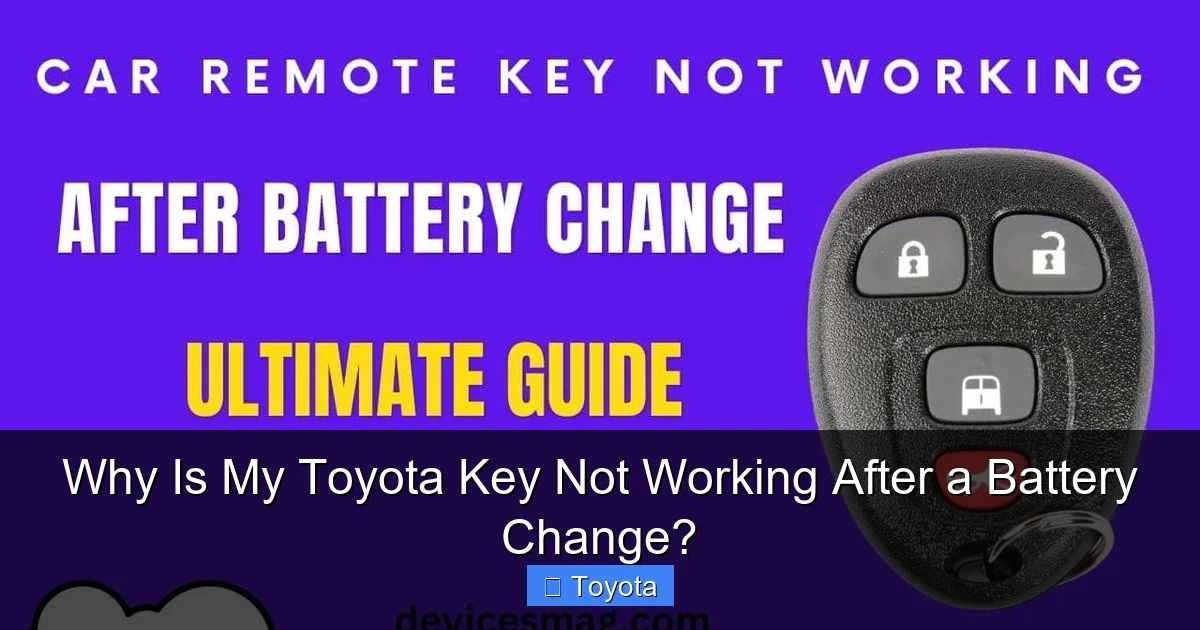
A Weak or Dead Main Car Battery
This is a classic misdirection. Your car’s 12V battery powers the immobilizer receiver module and the door lock actuators. If the main battery voltage is low (below 12.4V), the system may not have enough “oomph” to respond to the key fob’s signal or to physically move the locks. You might think the key is broken, but the car is simply too weak to react. Symptom: The interior dome light is very dim, or the engine cranks slowly. Solution: Test your car battery voltage with a multimeter or have it tested at an auto parts store. If it’s weak, charge it or replace it. This is also a good time to check for other battery-related issues, like a sizzling noise from the battery, which indicates a serious problem.
A Faulty Key Fob or Damaged Circuit
It’s possible, though less likely, that the act of opening the fob damaged a tiny solder joint on the circuit board or that the old battery leaked corrosive material. If you’ve triple-checked the battery, tried every reset procedure, and a brand-new battery of the correct type still yields no results, the fob itself may be damaged. Solution: If you have a second, identical key fob, try its battery in the problematic shell. If the good fob works in your car with its own battery, then your original fob is likely broken. You may need a new fob shell or a full replacement from a dealer or locksmith.
5. The Professional Touch: Dealer vs. Locksmith
When all else fails, or if you’re uncomfortable with the procedures, it’s time to call in the experts. Both can solve the problem, but they differ in cost, speed, and process.
What a Toyota Dealer Will Do
A dealer technician will connect a proprietary Toyota diagnostic computer (like the Techstream) to your car’s OBD-II port. This tool can directly communicate with the immobilizer module. They can:
- Check for fault codes related to the immobilizer or key system.
- Forcefully re-register your existing key fob to the vehicle’s computer.
- Program a completely new, blank key fob if the old one is damaged.
Pros: Guaranteed to work with OEM parts, full system access. Cons: Typically the most expensive option, often requiring an appointment and a minimum labor charge.
What an Automotive Locksmith Will Do
A reputable mobile locksmith specializing in automotive keys carries portable, powerful programmers that can often do the same job as a dealer, sometimes more affordably and at your location. They can re-sync, reprogram, or cut a new key on the spot. Pros: Often cheaper, mobile service (they come to you), faster for simple jobs. Cons: Not all locksmiths have the latest Toyota-specific software, so call first to confirm they can service your model year.
If your key issue is part of a larger starting problem—for instance, you turn the key and hear a click but the engine doesn’t crank—the issue might be deeper. In that case, reading our article on why a Toyota might not start could provide additional clues beyond the key fob itself.
6. Prevention and Best Practices for Future Battery Changes
Now that you’ve solved (or are about to solve) this issue, let’s ensure it doesn’t happen again. A few careful habits make all the difference.
Work in a Clean, Well-Lit Area
Use a small tray to hold the tiny screws and plastic clips that hold the fob together. Good lighting prevents you from misaligning the battery or missing a small plastic tab that needs to be depressed to separate the shell.
Handle the New Battery with Care
Use a plastic tool (like a spudger or old credit card) to handle the new battery, not your fingers. Oils and moisture from your skin can shorten the battery’s life and potentially cause corrosion on the contacts.
Test Before Fully Reassembling
This is the golden rule. Once you’ve inserted the new battery, do not snap the fob fully back together yet. With the back cover still slightly ajar, press the buttons. You should see a small LED light flash (if your fob has one) or hear the lock mechanism in the car click if you’re within range. If it works now, you know the battery and polarity are correct. Then, carefully reassemble the shell, ensuring all plastic clips snap back into place evenly and without force.
Keep a Spare Battery and Know Your Code
Keep a spare CR2032 in your glove box. Also, if your car requires a radio code after a battery disconnect (common in older models), locate that code in your owner’s manual or on a card from the dealer. Have it written down and stored separately.
Frequently Asked Questions
Will any CR2032 battery work in my Toyota key fob?
Almost any reputable brand of CR2032 3V battery will work. The key is the size and voltage. Avoid “heavy-duty” or “extended life” versions that are physically thicker, as they may not fit or could stress the fob’s clips. Stick to standard, name-brand CR2032 batteries.
My key fob still doesn’t work after a reset and new battery. Now what?
First, confirm the car’s main battery is fully charged and healthy. A weak car battery can mimic a key problem. Second, try the emergency key to unlock the door and start the car (by inserting it into the ignition if you have a slot, or by pressing it against the start button on some models). If the emergency key works, the problem is definitely with the fob’s electronics or its pairing. At this point, consulting a dealer or locksmith is the most efficient next step.
Can I use the emergency key all the time if the fob is broken?
Yes, you can. The emergency key will mechanically unlock the driver’s door. For models with a traditional ignition slot, you can insert it and start the car. For push-button start models, the system is designed to detect the emergency key when it’s inserted into a dedicated slot (often inside the center console or behind a cover near the steering wheel) or, on some newer models, simply by holding it against the start button. However, you will lose all remote functions (trunk release, panic alarm, remote start). It’s a temporary solution until you repair or replace the fob.
How do I know if I need to reset the car’s system or just the key fob?
Start with the key fob sync procedure (turning the ignition on/off several times). If that fails, try the car battery disconnect method for a full system reset. If the problem persists after both, the fault likely lies with the fob itself (damaged circuit, bad solder joint) or the car’s receiver module, which requires professional diagnostics.
Is it worth repairing my old key fob, or should I just buy a new one?
If the plastic shell is cracked or broken, a new shell is cheap and easy to install with a new battery. If the circuit board appears damaged (corrosion, burnt smell) or if none of the resets work with a known-good battery, the fob is likely dead. A new fob from the dealer is expensive ($300-$600+), but you can often buy a blank fob online and have a locksmith or dealer program it for a fraction of the cost.
Why does my key fob battery die so quickly after I change it?
A new battery shouldn’t die quickly. If it does, the fob may have an internal short circuit, causing it to drain power constantly. Another possibility is that you have a “ghost drain” in the car’s electrical system that is activating the fob’s receiver unnecessarily. Diagnosing this requires checking for parasitic draw on the car’s battery. If a new battery in a known-good fob dies in a week or two, the fob itself is the culprit.
