
How to Reset the Tire Pressure Sensor on a Nissan Murano

Resetting the tire pressure sensor on a Nissan Murano is simple and can be done in minutes using the TPMS reset button or the vehicle’s infotainment system. This ensures your dashboard warning light turns off and your tires stay properly inflated for safety and fuel efficiency.
Key Takeaways
- Check tire pressure first: Always verify that all tires are inflated to the recommended PSI before resetting the sensor.
- Locate the TPMS reset button: Found under the steering wheel or near the fuse panel, this button initiates the reset process.
- Use the infotainment system (for newer models): Some Murano trims allow resetting via the vehicle settings menu on the touchscreen.
- Drive after resetting: The system may need a short drive (5–10 minutes) to confirm the reset and turn off the warning light.
- Use a TPMS tool if needed: For advanced resets or sensor replacements, a professional TPMS scan tool may be required.
- Regular maintenance prevents issues: Check tire pressure monthly to avoid unnecessary sensor alerts.
- Don’t ignore the warning light: A persistent TPMS light could indicate a real issue like a slow leak or faulty sensor.
📑 Table of Contents
- Introduction: Why Your Nissan Murano’s Tire Pressure Sensor Matters
- Understanding the Nissan Murano TPMS System
- Step-by-Step Guide: How to Reset the Tire Pressure Sensor on a Nissan Murano
- Troubleshooting Common TPMS Issues
- Tips for Maintaining Your Nissan Murano’s TPMS
- When to See a Professional
- Conclusion: Stay Safe and Informed
Introduction: Why Your Nissan Murano’s Tire Pressure Sensor Matters
Driving a Nissan Murano is all about comfort, reliability, and peace of mind. But when that little tire pressure warning light pops up on your dashboard, it can quickly turn a smooth ride into a source of stress. You might wonder: Is it serious? Do I need to visit the dealership? Can I fix it myself?
The good news is that in most cases, resetting the tire pressure sensor on your Nissan Murano is a straightforward task you can handle at home—no mechanic required. The Tire Pressure Monitoring System (TPMS) is designed to alert you when one or more tires are significantly underinflated, which can affect handling, fuel economy, and even safety. But sometimes, the light comes on simply because of a change in temperature, a recent tire rotation, or after inflating your tires. That’s when a reset is needed.
Understanding the Nissan Murano TPMS System
Visual guide about How to Reset the Tire Pressure Sensor on a Nissan Murano
Image source: corwheels.com
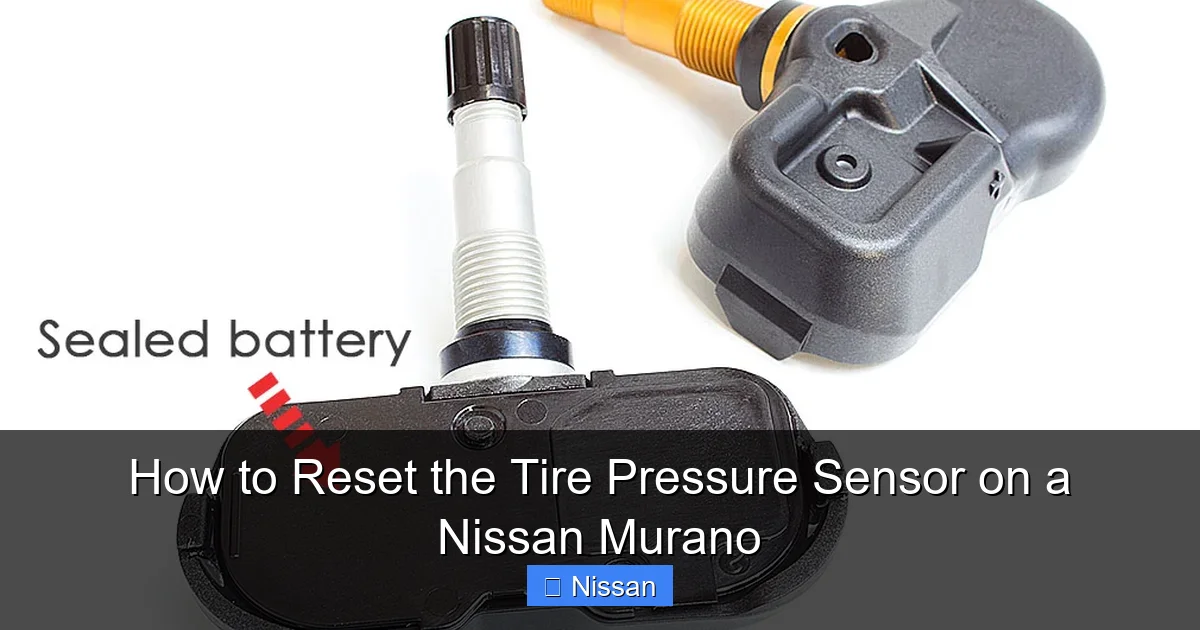
Before diving into the reset process, it helps to understand how the TPMS works in your Murano. The system uses sensors mounted inside each tire (usually attached to the valve stem) to monitor air pressure in real time. These sensors transmit data wirelessly to the vehicle’s computer, which then displays the status on your dashboard.
There are two types of TPMS: direct and indirect. The Nissan Murano uses a **direct TPMS**, meaning each tire has its own sensor that sends accurate pressure readings. This is more reliable than indirect systems, which estimate pressure based on wheel speed.
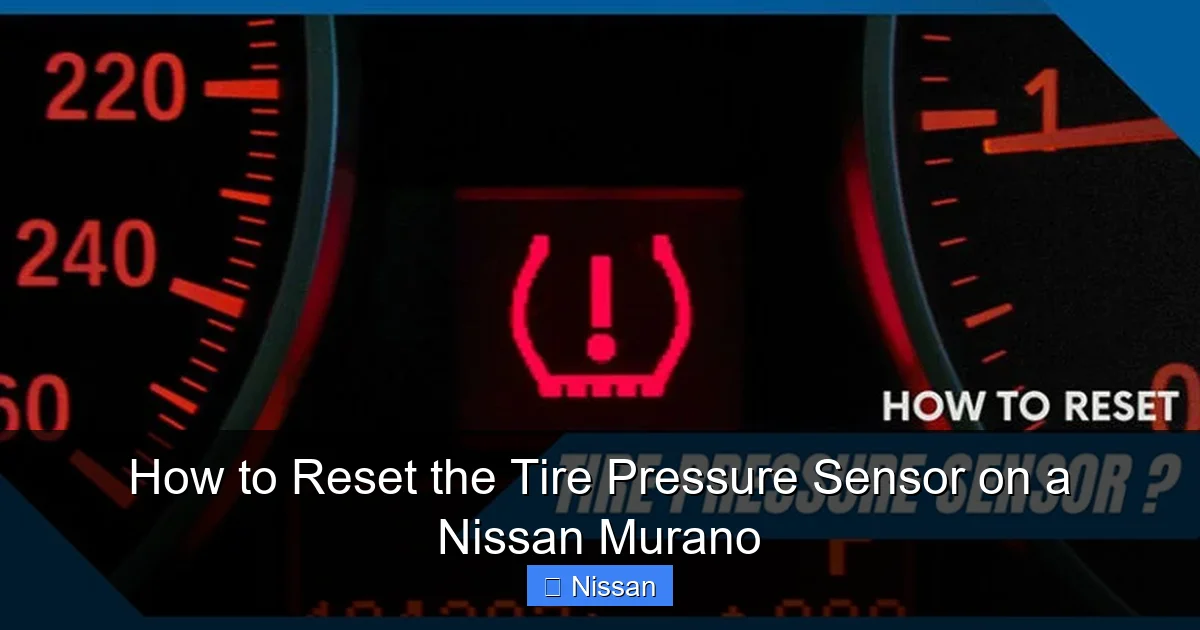
The TPMS warning light—a yellow symbol that looks like a tire cross-section with an exclamation point—will illuminate if:
– One or more tires are underinflated by 25% or more.
– A sensor battery is dying (typically lasts 5–10 years).
– There’s a system malfunction or communication error.
– The vehicle has been serviced (e.g., tire rotation, new tires) without a reset.
Knowing why the light is on helps you decide whether a simple reset will solve the issue or if further inspection is needed.
When Should You Reset the TPMS?
You should consider resetting the tire pressure sensor in the following situations:
– After inflating all tires to the correct PSI (found on the driver’s door jamb sticker).
– Following a tire rotation or wheel alignment.
– After replacing a tire or installing new wheels.
– When the warning light stays on despite proper inflation.
– After a significant temperature drop (cold weather can reduce tire pressure).
Resetting the system tells the car to “relearn” the current pressure readings and clear the warning. It’s like hitting the refresh button on your TPMS.
Step-by-Step Guide: How to Reset the Tire Pressure Sensor on a Nissan Murano
Visual guide about How to Reset the Tire Pressure Sensor on a Nissan Murano
Image source: wheelsjoint.com
Now let’s walk through the actual reset process. The method varies slightly depending on your Murano’s model year and trim level, but the core steps remain consistent. We’ll cover the most common approaches.
Method 1: Using the TPMS Reset Button (Most Common)
This is the standard method for most Nissan Murano models from 2009 to 2020. Here’s how to do it:
**Step 1: Check Tire Pressure**
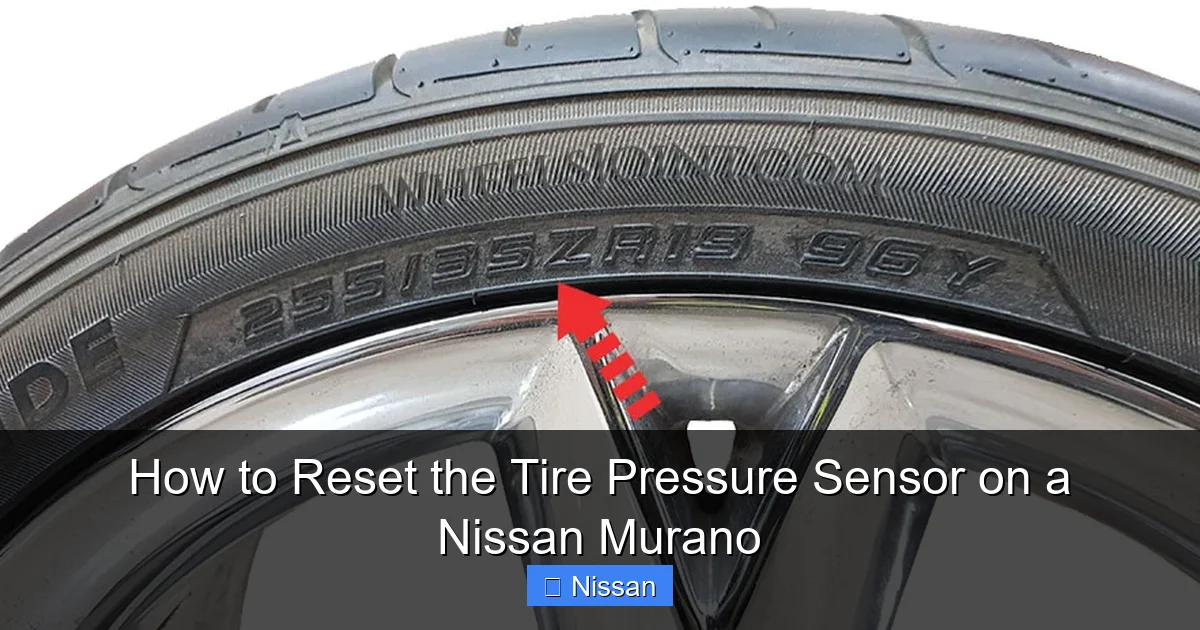
Before resetting, make sure all four tires are inflated to the recommended pressure. You can find this number on the sticker inside the driver’s door jamb. It’s usually around 33–35 PSI for most Murano trims. Use a reliable tire pressure gauge to verify.
**Step 2: Turn the Ignition to “ON”**
Insert your key and turn it to the “ON” position (but don’t start the engine). Alternatively, if your Murano has a push-button start, press the start button twice without pressing the brake pedal. This powers up the electrical system without engaging the engine.
**Step 3: Locate the TPMS Reset Button**
The reset button is typically found under the steering column, near the fuse panel. It’s a small, round button labeled “TPMS” or “RESET.” On some models, it may be behind a small cover or tucked near the brake pedal. If you can’t find it, consult your owner’s manual—it’s usually in the “Instrument Panel” or “Tire Pressure” section.
**Step 4: Press and Hold the Reset Button**
Press and hold the TPMS reset button for about 3–5 seconds. You should see the TPMS warning light on the dashboard blink three times. This indicates the system is in reset mode.
**Step 5: Start the Engine and Drive**
Turn the ignition to “START” and begin driving. Drive at a steady speed of at least 15–20 mph for about 5–10 minutes. This allows the sensors to transmit new pressure data and the system to confirm the reset.
**Step 6: Check the Dashboard**
After driving, check your dashboard. The TPMS warning light should turn off. If it remains on, repeat the process or check for other issues like a slow leak or faulty sensor.
Method 2: Using the Infotainment System (2015 and Newer Models)
Some newer Nissan Murano models (especially those with the NissanConnect system) allow you to reset the TPMS through the touchscreen. This method is more user-friendly and doesn’t require locating a physical button.
**Step 1: Ensure Proper Tire Inflation**
As always, start by checking and adjusting tire pressure.
**Step 2: Turn on the Ignition**
Turn the key to “ON” or press the start button twice (without starting the engine).
**Step 3: Access the Settings Menu**
On the infotainment screen, tap “Settings” (usually represented by a gear icon).
**Step 4: Navigate to Vehicle Settings**
Select “Vehicle” or “Vehicle Settings,” then look for “Tire Pressure” or “TPMS.”
**Step 5: Initiate the Reset**
Tap “Reset TPMS” or “Initialize TPMS.” Confirm the action when prompted.
**Step 6: Drive the Vehicle**
Start the engine and drive for 5–10 minutes at a steady speed. The system will relearn the sensor IDs and pressure readings.
**Step 7: Verify the Reset**
Check the dashboard. The warning light should go off. If not, try the button method or consult a technician.
Method 3: Using a TPMS Scan Tool (For Advanced Users or Replacements)
If you’ve replaced a sensor or are dealing with a persistent issue, a TPMS scan tool may be necessary. These tools can read sensor IDs, activate sensors, and program new ones.
You can purchase a basic TPMS tool online (around $30–$100) or visit a tire shop for assistance. Here’s how it works:
– Connect the tool to the OBD-II port (usually under the dashboard).
– Follow the on-screen prompts to reset or reprogram sensors.
– The tool will communicate with each sensor and update the system.
This method is ideal if you’ve installed new sensors or if the reset button method fails repeatedly.
Troubleshooting Common TPMS Issues
Visual guide about How to Reset the Tire Pressure Sensor on a Nissan Murano
Image source: wheelsjoint.com
Even with a proper reset, you might still encounter problems. Here are some common issues and how to fix them.
The Warning Light Won’t Turn Off
If the TPMS light remains on after a reset, possible causes include:
– One or more tires are still underinflated. Recheck all tires.
– A sensor battery is dead. Most sensors last 5–10 years. Replacement may be needed.
– The sensor was damaged during tire service.
– There’s a system fault or wiring issue.
Try re-inflating the tires and repeating the reset. If the light persists, visit a Nissan service center for diagnostics.
The Light Flashes and Then Stays On
A flashing TPMS light usually indicates a system malfunction, such as a failed sensor or communication error. This often requires professional diagnosis.
Only One Sensor Isn’t Working
If one tire consistently shows incorrect pressure or no reading, that sensor may be faulty. You can test this by swapping sensors (if you have spares) or using a TPMS tool to check signal strength.
Temperature Changes Trigger the Light
Cold weather can cause tire pressure to drop by 1 PSI for every 10°F decrease in temperature. If the light comes on in winter, simply inflate the tires and reset the system.
Tips for Maintaining Your Nissan Murano’s TPMS
Prevention is always better than repair. Here are some best practices to keep your TPMS working smoothly:
Check Tire Pressure Monthly
Make it a habit to check your tire pressure at least once a month. Use a digital gauge for accuracy. Don’t rely solely on the TPMS—it only alerts you after a significant drop.
Inspect Valve Stems and Caps
Damaged or corroded valve stems can cause slow leaks. Replace missing or cracked valve caps, which help keep moisture and dirt out.
Rotate Tires Regularly
Follow Nissan’s recommended tire rotation schedule (usually every 5,000–7,500 miles). After rotation, always reset the TPMS to avoid false alerts.
Use OEM or Compatible Sensors
If replacing sensors, use Nissan-approved or compatible aftermarket sensors. Cheap knockoffs may not communicate properly with your Murano’s system.
Keep the System Clean
Avoid using harsh chemicals near the wheel wells or sensors. Dirt and debris can interfere with signal transmission.
Monitor Sensor Battery Life
Most TPMS sensors have non-replaceable batteries. If your Murano is over 8 years old and the light comes on frequently, consider replacing the sensors.
When to See a Professional
While most TPMS resets can be done at home, there are times when professional help is needed:
– The warning light won’t turn off after multiple resets.
– You suspect a damaged or dead sensor.
– You’ve installed new tires or wheels and the system won’t recognize them.
– You’re uncomfortable performing the reset yourself.
Nissan dealerships and certified tire shops have the tools and expertise to diagnose and fix complex TPMS issues. They can also perform a full system scan and reprogram sensors if needed.
Conclusion: Stay Safe and Informed
Resetting the tire pressure sensor on your Nissan Murano doesn’t have to be intimidating. With the right knowledge and a few simple steps, you can keep your TPMS functioning properly and avoid unnecessary trips to the mechanic. Whether you use the reset button, the infotainment system, or a scan tool, the key is to act promptly and ensure your tires are properly inflated.
Remember, the TPMS is there to protect you. Properly inflated tires improve fuel efficiency, extend tire life, and enhance vehicle safety. By staying on top of tire maintenance and knowing how to reset the sensor, you’ll enjoy a smoother, safer ride in your Murano for years to come.
Frequently Asked Questions
How often should I reset the TPMS on my Nissan Murano?
You only need to reset the TPMS when the warning light comes on after inflating tires, rotating them, or replacing a sensor. It’s not a routine maintenance task.
Can I drive with the TPMS light on?
It’s not recommended. Driving with underinflated tires can reduce fuel efficiency, cause uneven wear, and increase the risk of a blowout. Check and inflate your tires as soon as possible.
Why does my TPMS light come on in cold weather?
Cold temperatures cause air to contract, lowering tire pressure. A drop of 1 PSI per 10°F is normal. Inflate your tires to the recommended PSI and reset the system.
Do I need a special tool to reset the TPMS?
Most Murano models only require the reset button or infotainment system. A TPMS tool is only needed for advanced diagnostics or sensor replacement.
How long does it take for the TPMS to reset?
After initiating the reset, drive for 5–10 minutes at a steady speed. The system usually completes the process within this time.
Can a dead TPMS sensor be replaced?
Yes, but it requires removing the tire and installing a new sensor. It’s best done by a professional, as the sensor must be programmed to your vehicle.