
How to Reset the Nissan Rogue Radio

Resetting your Nissan Rogue radio can solve common issues like frozen screens, unresponsive buttons, or Bluetooth pairing problems. Whether you’re driving a 2014 model or a 2024 Rogue, this guide walks you through simple reset methods—from soft resets to factory restores—so you can get back to enjoying your favorite tunes in minutes.
If you’ve ever been driving your Nissan Rogue, jamming out to your favorite playlist, only to have the radio suddenly freeze, go silent, or refuse to connect to your phone—you’re not alone. These frustrating moments are more common than you might think, especially as infotainment systems become more complex. The good news? In most cases, you don’t need to visit a dealership or spend money on repairs. Often, all it takes is a simple reset to get your Nissan Rogue radio back in working order.
Resetting your radio isn’t just about fixing annoyances—it’s also a smart maintenance step. Over time, software glitches, failed updates, or even low battery voltage can cause the system to behave oddly. Think of it like restarting your computer when an app crashes. A reset clears temporary errors and refreshes the system’s memory, giving it a clean slate. And the best part? You can do it yourself in under five minutes, no tools or technical expertise required.
In this guide, we’ll walk you through every method to reset your Nissan Rogue radio—whether you drive a first-generation model from 2014 or a brand-new 2024 Rogue with the latest NissanConnect system. We’ll cover soft resets, hard resets, fuse checks, and even how to update your software. By the end, you’ll know exactly what to do the next time your radio acts up—and how to prevent issues from happening again.
Key Takeaways
- Soft reset fixes minor glitches: A quick power cycle often resolves temporary radio freezes or audio dropouts without losing settings.
- Hard reset restores factory defaults: Use this method when the system is unresponsive or after a software update fails.
- Location of reset button varies by model year: Older Rogues (2014–2016) may have a physical reset pinhole, while newer models (2017+) use menu-based resets.
- Backup your presets and Bluetooth pairings: A hard reset erases saved stations and paired devices—note them down first.
- Check the fuse if the radio won’t turn on: A blown fuse can mimic a dead radio—inspect the cabin fuse box before assuming hardware failure.
- Update software if problems persist: Nissan periodically releases infotainment updates via USB or dealership service.
- Professional help may be needed for persistent issues: If resets don’t work, the head unit or wiring may require diagnosis by a technician.
📑 Table of Contents
- Why Your Nissan Rogue Radio Might Need a Reset
- How to Perform a Soft Reset on Your Nissan Rogue Radio
- How to Perform a Hard Reset (Factory Reset) on Your Nissan Rogue Radio
- Troubleshooting Common Radio Issues After a Reset
- How to Update Your Nissan Rogue Radio Software
- When to Seek Professional Help
- Tips to Prevent Future Radio Problems
Why Your Nissan Rogue Radio Might Need a Reset
There are several reasons why your Nissan Rogue’s radio might start acting up. Understanding these common causes can help you decide which reset method to use—and whether you need professional help.
One of the most frequent triggers is a software hiccup. Modern infotainment systems run on complex operating systems, much like smartphones. Sometimes, apps (like Apple CarPlay or Android Auto) can crash, or background processes can get stuck, causing the screen to freeze or buttons to stop responding. This is especially common after a phone update or when switching between audio sources rapidly.
Another common issue is Bluetooth connectivity problems. You might find that your phone won’t pair, keeps disconnecting, or doesn’t show up in the device list at all. This often happens after updating your phone’s OS or when the radio’s memory gets overloaded with too many paired devices. A reset clears the Bluetooth cache and reinitializes the connection protocol.
Power-related issues can also cause radio malfunctions. If your Rogue’s battery was recently disconnected, replaced, or drained completely, the radio may not boot up correctly. Similarly, voltage fluctuations—like those caused by a weak alternator or a jump-start—can confuse the system’s electronics. In these cases, a reset helps the radio re-sync with the vehicle’s electrical system.
Lastly, failed software updates are a growing concern. Nissan occasionally releases over-the-air or USB-based updates for the infotainment system. If an update is interrupted—say, your USB drive gets unplugged too soon—the system may become unstable or unresponsive. A hard reset can often restore functionality and allow you to retry the update.
Signs You Need a Radio Reset
How do you know it’s time to reset your radio? Look for these telltale signs:
– The screen is frozen or stuck on a single image.
– Buttons or touch controls don’t respond.
– Audio cuts in and out or plays from the wrong source.
– Bluetooth won’t connect or keeps dropping.
– The radio turns on but displays “No Signal” or “System Error.”
– Preset stations are missing or scrambled.
– The system reboots randomly while driving.
If you notice any of these symptoms, a reset is usually the first and most effective step. It’s safe, free, and takes just a few minutes. And even if the problem persists, ruling out a software glitch saves you time and money before seeking professional help.
How to Perform a Soft Reset on Your Nissan Rogue Radio
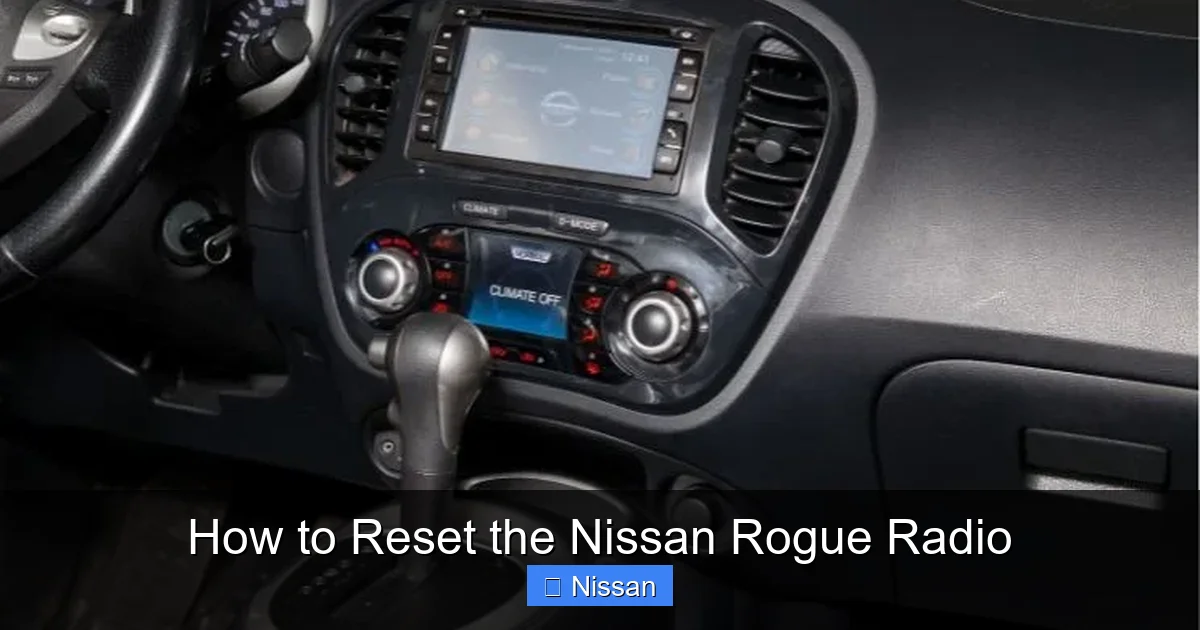
Visual guide about How to Reset the Nissan Rogue Radio
Image source: nissannationpodcast.com
A soft reset—also known as a power cycle—is the gentlest way to refresh your radio. It’s ideal for minor glitches like a frozen screen, audio dropout, or unresponsive touch controls. Unlike a hard reset, a soft reset doesn’t erase your saved settings, so you won’t lose your favorite radio stations or Bluetooth pairings.
This method works by cutting power to the infotainment system, forcing it to reboot from scratch. It’s similar to unplugging and replugging a router to fix internet issues. Here’s how to do it step by step.
Step-by-Step Soft Reset Instructions
1. **Turn off your vehicle.** Make sure the engine is off and the key is removed (or the ignition is in the “OFF” position for keyless models). This ensures no power is flowing to the radio.
2. **Locate the radio fuse.** Open the driver’s side fuse box, usually found under the dashboard near the steering column. Refer to your owner’s manual for the exact location of the “Audio” or “Radio” fuse. It’s typically a 10A or 15A fuse labeled “RADIO” or “AUDIO.”
3. **Remove the fuse.** Use the fuse puller tool (often included in the fuse box lid) to gently pull out the radio fuse. If you don’t have the tool, small needle-nose pliers work too—just be careful not to damage the fuse or surrounding components.
4. **Wait 30–60 seconds.** This gives the system time to fully discharge any residual power. Think of it as letting a computer cool down before restarting.
5. **Reinsert the fuse.** Push the fuse back into its slot firmly but gently. Make sure it’s seated properly.
6. **Turn on the vehicle.** Start your Rogue and wait for the radio to boot up. It may take 30–60 seconds to fully initialize. Test the radio by changing stations, adjusting volume, and checking Bluetooth.
In most cases, this soft reset resolves temporary issues. If your radio works normally afterward, you’re all set! If not, move on to a hard reset.
Alternative Soft Reset Method (No Fuse Pulling)
If you’re uncomfortable removing fuses, there’s a simpler method that works on many Nissan Rogue models:
1. Turn the ignition to the “ON” position (but don’t start the engine).
2. Press and hold the radio’s power button for 10–15 seconds.
3. The screen should go black and then restart.
4. Release the button and wait for the system to reboot.
This method forces a restart without cutting power completely. It’s less effective than a fuse pull but worth trying first, especially if you’re in a hurry or don’t have tools handy.
How to Perform a Hard Reset (Factory Reset) on Your Nissan Rogue Radio
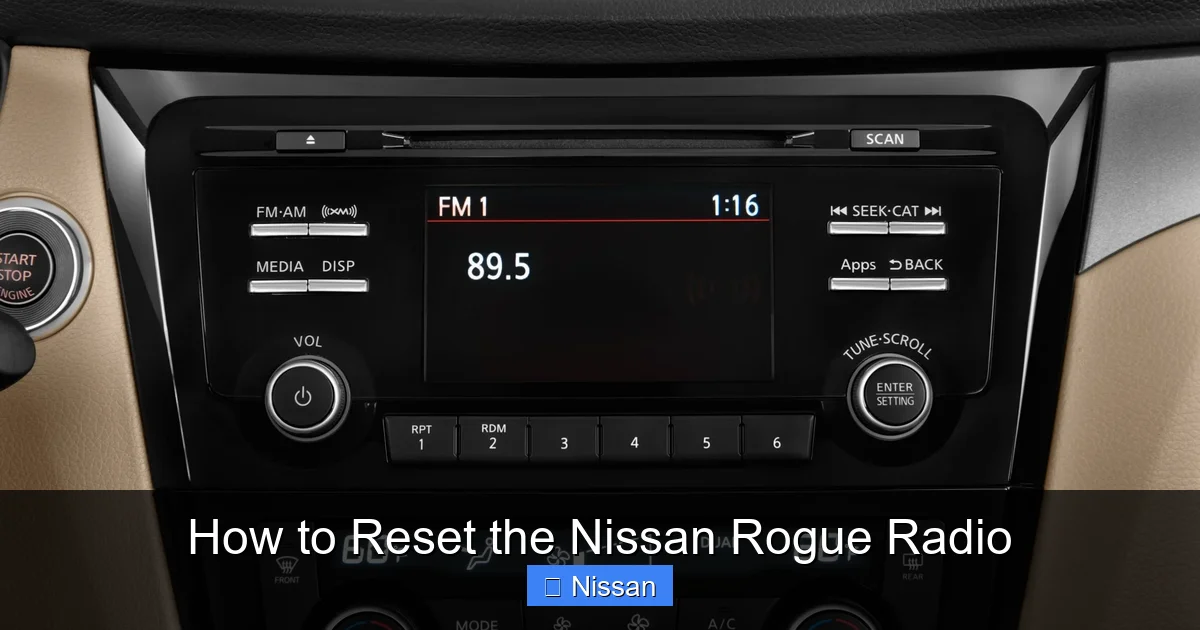
Visual guide about How to Reset the Nissan Rogue Radio
Image source: radiocodescalculator.com
When a soft reset doesn’t cut it, a hard reset—also called a factory reset—is your next best option. This method restores the radio to its original factory settings, wiping all user data, including saved radio stations, Bluetooth pairings, and custom audio settings. It’s the nuclear option, but it’s highly effective for persistent problems like system crashes, failed updates, or corrupted software.
Use a hard reset only when necessary, and always back up your settings first. Write down your favorite AM/FM presets and note which phones are paired. You’ll need to re-pair them after the reset.
Hard Reset for 2014–2016 Nissan Rogue Models
Older Rogue models (2014–2016) often have a physical reset button or use a combination of menu options. Here’s how to do it:
1. Turn on the radio (ignition in “ON” or “ACC” position).
2. Press and hold the “Source” and “Volume Down” buttons simultaneously for 10–15 seconds.
3. The screen should go black, then display the Nissan logo as it reboots.
4. Release the buttons and wait for the system to fully restart.
5. Once rebooted, the radio will be in factory default mode.
If this doesn’t work, check for a small pinhole reset button on the faceplate of the radio. Use a paperclip to press and hold it for 10 seconds. This is common on base-model radios without touchscreens.
Hard Reset for 2017–2024 Nissan Rogue Models
Newer Rogues (2017 and later) use the NissanConnect system with a touchscreen interface. The hard reset is done through the settings menu:
1. Turn on the radio and ensure the screen is active.
2. Tap the “Settings” icon (usually a gear or wrench symbol).
3. Scroll down and select “System” or “System Settings.”
4. Look for “Reset” or “Factory Reset.”
5. Confirm the action when prompted. The system will warn you that all data will be erased.
6. Wait for the radio to shut down and restart automatically.
After the reset, the system will guide you through initial setup, including language selection and time zone. You’ll need to re-pair your phone and re-save your radio stations.
What to Expect After a Hard Reset
Once the reset is complete, your radio will behave like it did the day you bought the car. All custom settings are gone, but the core functionality should be restored. Test the following:
– Can you change radio stations?
– Does Bluetooth pair with your phone?
– Is the touchscreen responsive?
– Do audio sources (USB, AUX, SiriusXM) work?
If everything works, you’ve successfully fixed the issue. If problems persist, the issue may be hardware-related—like a failing head unit or wiring fault—and you should consult a Nissan technician.
Troubleshooting Common Radio Issues After a Reset
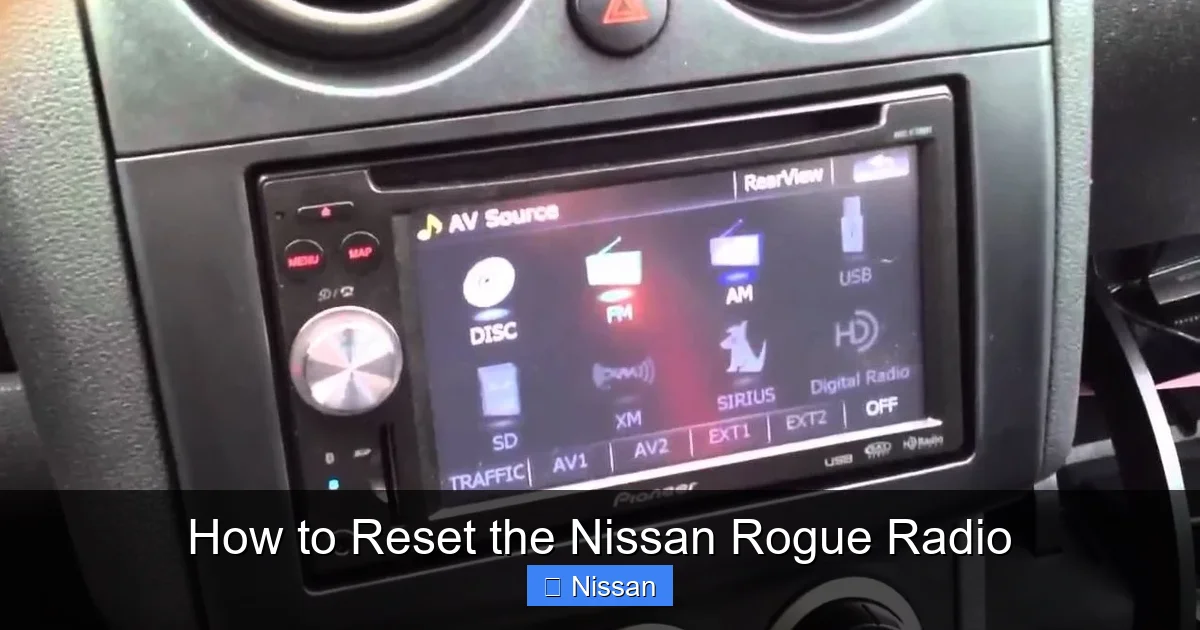
Visual guide about How to Reset the Nissan Rogue Radio
Image source: radiocodescalculator.com
Even after a reset, some issues may linger. Here’s how to troubleshoot the most common post-reset problems.
Radio Won’t Turn On After Reset
If your radio remains dead after a reset, the issue might be electrical. Check the following:
– **Fuse:** Inspect the radio fuse again. It may have blown during the reset process. Replace it with an identical fuse (same amperage).
– **Battery voltage:** A weak battery can prevent the radio from powering on. Use a multimeter to check voltage—it should be 12.6V or higher when the engine is off.
– **Wiring connection:** Loose or corroded wiring behind the radio can cause power issues. This requires removing the radio bezel and checking connections—best left to a professional.
Bluetooth Still Won’t Connect
If your phone won’t pair after a reset, try these steps:
1. Delete the Rogue from your phone’s Bluetooth list.
2. Delete your phone from the Rogue’s paired devices list (go to Settings > Bluetooth > Paired Devices).
3. Restart both your phone and the vehicle.
4. Re-pair the devices from scratch.
Also, ensure your phone’s Bluetooth is discoverable and not connected to another device.
Audio Quality Is Poor or Distorted
After a reset, audio settings may revert to defaults. Check:
– **Balance and fade settings:** Make sure they’re centered.
– **Equalizer settings:** Reset to “Flat” or “Normal” if they’re set to an extreme preset.
– **Source quality:** If using USB or AUX, ensure the file or cable is high quality.
Touchscreen Is Unresponsive
If the screen doesn’t respond to touch, try:
– Cleaning the screen with a microfiber cloth (dirt or grease can interfere).
– Performing another soft reset.
– Checking for software updates (see next section).
How to Update Your Nissan Rogue Radio Software
Software updates can fix bugs, improve performance, and add new features. Nissan releases updates periodically, and keeping your system current can prevent many radio issues.
Check for Updates via USB
1. Visit the official Nissan Owner Portal (nissanusa.com) and log in with your vehicle info.
2. Navigate to the “Software Updates” section for your Rogue model and year.
3. Download the latest update file to a USB drive (formatted as FAT32).
4. Insert the USB into your Rogue’s USB port.
5. Turn on the radio and follow the on-screen prompts to install the update.
6. Do not turn off the vehicle or remove the USB during the update.
Dealership Updates
If you’re uncomfortable doing it yourself, visit a Nissan dealership. They can update your system for free or a small fee, especially if your vehicle is under warranty.
When to Seek Professional Help
While most radio issues can be resolved with a reset or update, some problems require professional diagnosis. Visit a Nissan service center if:
– The radio remains completely dead after multiple resets and fuse checks.
– The screen is cracked, flickering, or displays error codes like “E-01” or “E-02.”
– You hear unusual noises (clicking, buzzing) from the speakers.
– The issue started after a recent repair or modification (e.g., aftermarket stereo installation).
These could indicate hardware failure, such as a damaged head unit, faulty wiring, or a failing amplifier.
Tips to Prevent Future Radio Problems
Prevention is always better than repair. Follow these tips to keep your Nissan Rogue radio running smoothly:
– **Avoid sudden power cuts:** Don’t disconnect the battery without using a memory saver.
– **Keep software updated:** Check for updates every 6–12 months.
– **Limit Bluetooth pairings:** Only pair essential devices to avoid memory overload.
– **Use quality accessories:** Cheap USB cables or AUX adapters can cause interference.
– **Clean the screen regularly:** Dust and fingerprints can affect touch sensitivity.
By taking these simple steps, you’ll reduce the chances of needing a reset—and enjoy a reliable, high-performing infotainment system for years to come.
Resetting your Nissan Rogue radio is a simple yet powerful tool for maintaining your vehicle’s infotainment system. Whether you’re dealing with a frozen screen, Bluetooth issues, or a failed update, a soft or hard reset can often restore normal function in minutes. And with the right troubleshooting steps and preventive care, you can keep your radio running smoothly mile after mile. So the next time your Rogue’s radio acts up, don’t panic—just reset, restart, and get back on the road with your favorite soundtrack.
Frequently Asked Questions
How do I reset my Nissan Rogue radio without losing my presets?
Perform a soft reset by removing the radio fuse for 30–60 seconds. This refreshes the system without erasing saved stations or Bluetooth pairings. Always try this method first for minor glitches.
Why won’t my Nissan Rogue radio turn on after a reset?
This could be due to a blown fuse, low battery voltage, or a wiring issue. Check the radio fuse first, then test your battery. If the problem persists, consult a technician.
Can I reset the radio while the car is running?
It’s not recommended. Always turn off the engine and remove the key (or switch to “OFF”) before performing a reset to avoid electrical damage or system errors.
How often should I reset my Nissan Rogue radio?
Only reset when you notice issues like freezing, audio dropouts, or Bluetooth problems. There’s no need for regular resets unless you experience recurring glitches.
Will a hard reset delete my saved radio stations?
Yes, a hard reset restores factory settings and erases all user data, including presets and paired devices. Write down your favorite stations before proceeding.
Can I update my Nissan Rogue radio myself?
Yes, you can download updates from the Nissan Owner Portal and install them via USB. Follow the instructions carefully and never interrupt the update process.
