
How to Reset Maintenance Light on Toyota Corolla 2011

The maintenance required light on your 2011 Toyota Corolla is a simple reminder for scheduled service, not an emergency. You can reset it yourself in under 30 seconds using the odometer reset button or the traditional key method. This guide provides clear, foolproof instructions for both techniques, ensuring your dashboard is clear after an oil change or other maintenance.
How to Reset Maintenance Light on Toyota Corolla 2011
So, you’ve just had the oil changed, maybe topped off the fluids, and taken care of the scheduled service on your trusty 2011 Toyota Corolla. You turn the key, and there it is—that little wrench icon glowing on your dashboard, accompanied by the words “MAINT REQ’d.” It’s a familiar sight, but now that the work is done, it’s time to make it go away. Resetting this maintenance reminder is one of the simplest DIY tasks you can do on your car. It takes less than a minute and requires absolutely no tools or special knowledge. This guide will walk you through both the standard button method and the classic key method for your 2011 Corolla, ensuring you can clear that light with confidence.
First, let’s demystify what this light actually means. Unlike a check engine light, which signals a problem, the maintenance required light is a proactive reminder from your car’s computer. It’s programmed to illuminate after a set distance or time interval—typically every 5,000 miles or 6 months—to nudge you toward essential preventative maintenance. Ignoring it won’t cause immediate harm, but consistently delaying service can lead to premature wear and costly repairs down the road. Once you’ve completed the necessary service, manually resetting the light tells your Corolla’s computer, “The job is done. Start the countdown over.” It’s a satisfying little ritual that signifies you’re on top of your car’s care.
Key Takeaways
- The light is a reminder, not an error: The “MAINT REQ’d” light simply indicates it’s time for routine service based on mileage or time intervals.
- Two primary reset methods: You can reset it using the odometer/trip meter reset button or the traditional ignition key method.
- Reset only after service: Always perform the required maintenance (like an oil change) before resetting the light to avoid engine damage.
- No tools required: Both methods are tool-free and can be done by anyone, no mechanical skill needed.
- Light behavior confirms reset: A successful reset is confirmed when the light blinks a few times and goes out, or the odometer displays “100%”.
📑 Table of Contents
- Understanding Your 2011 Corolla’s Maintenance System
- Method 1: The Odometer/Reset Button Method (Standard Procedure)
- Method 2: The Traditional Key Method (Alternative Procedure)
- When and Why to Reset the Light Correctly
- Troubleshooting: What If the Light Comes Back Immediately?
- Maintenance Light vs. Check Engine Light: Don’t Confuse Them!
- Conclusion: Your Simple Path to a Clear Dashboard
Understanding Your 2011 Corolla’s Maintenance System
Before we dive into the “how,” it helps to understand the “why.” Your 2011 Toyota Corolla doesn’t have a sophisticated, sensor-driven system that monitors engine wear. Instead, it uses a simple algorithm based on mileage and, in some cases, engine runtime. When the odometer reading hits a predetermined number (like 5,000 miles after the last reset), the computer triggers the maintenance light. It’s a mileage-based reminder, pure and simple. This is good news for resetting it because you’re not dealing with complex sensor data—just telling the computer to start counting from zero again.
What Triggers the Light?
The primary trigger is the odometer reading. After you (or your mechanic) reset the light following a service, the car’s internal counter starts at zero. Once you drive another 5,000 miles (or the specified interval for your driving conditions), the light will illuminate again. It’s a closed-loop system designed to keep your maintenance on a predictable schedule. This is also why you should only reset it after the work is completed. Resetting it without doing the oil change or filter swap would mean your car loses track of when the next service is actually due.
Is It Safe to Drive With the Light On?
Yes, but with a caveat. The maintenance light is not an emergency warning like a red oil pressure or engine temperature light. It’s a yellow/amber reminder. You can safely drive for a few hundred or even a thousand miles with it on to schedule your service. However, it’s not a light you want to ignore indefinitely. If it’s been on for a long time, check your oil level immediately. Prolonged intervals between oil changes can lead to sludge buildup and increased engine wear. Think of the light as your car politely tapping you on the shoulder—it’s best to acknowledge it sooner rather than later.
Method 1: The Odometer/Reset Button Method (Standard Procedure)
This is the primary and easiest method for a 2011 Corolla. It uses the button on your instrument cluster that controls the odometer and trip meters. If your car has a digital odometer display (which all 2011 Corollas do), this is the method you’ll use 95% of the time. It’s quick, intuitive, and works whether the engine is on or off, though we recommend doing it with the ignition in the “ON” position but engine off.
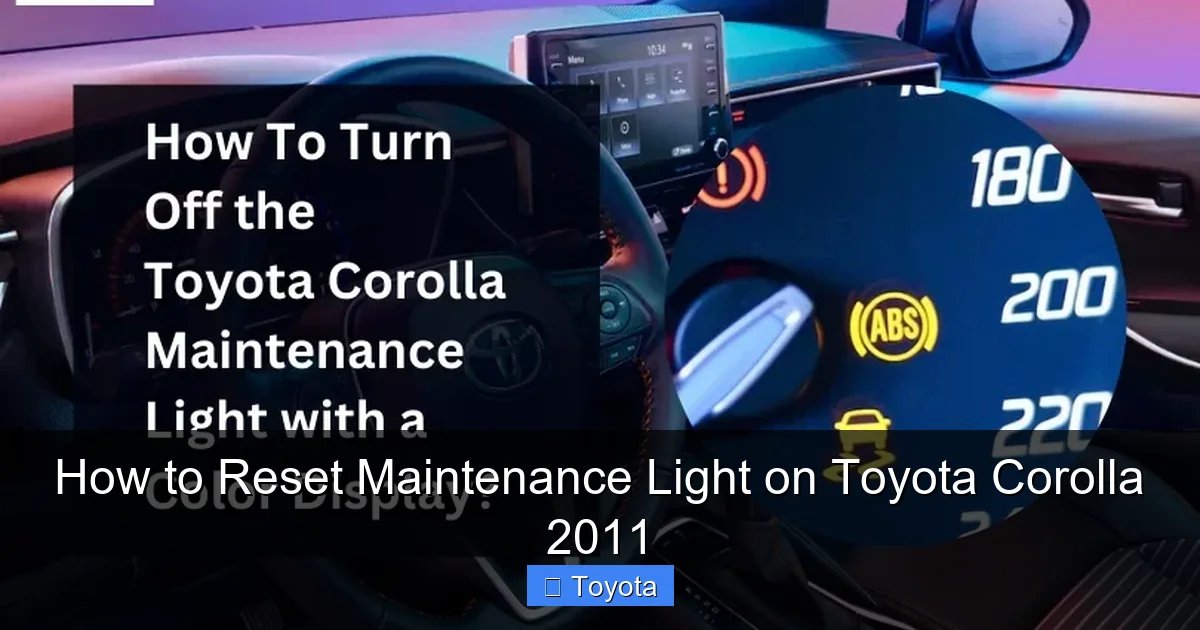
Visual guide about How to Reset Maintenance Light on Toyota Corolla 2011
Image source: autovehicleparts.com
Step-by-Step Button Instructions
Follow these steps exactly. The sequence of button presses is key.
- Turn the ignition to the “ON” position. This is the position right before you start the engine—where the dashboard lights are fully on, but the engine isn’t running. Do not start the car.
- Locate the odometer/trip meter reset button. On your Corolla’s steering wheel column, find the small button, often labeled “ODO/TRIP” or simply a single button near the speedometer. You’ll use this to cycle through displays.
- Switch the display to “Trip A” or “Trip B.” Press the reset button repeatedly until your odometer display shows “Trip A” or “Trip B” instead of the total mileage. You’re looking for a small “A” or “B” to appear on the screen.
- Turn the ignition OFF. Now, turn the key completely to the “OFF” position. The dashboard lights will go out.
- Press and hold the reset button. While holding the reset button down, turn the ignition back to the “ON” position (the same position as step 1). Keep holding the button.
- Watch the display. After a few seconds, you should see the maintenance light begin to blink. It may blink several times, or you might see dashes “—–” appear. Continue holding the button until the light goes out completely and the odometer display returns to showing your total mileage (or it may show “100%” for a moment).
- Release the button. Once the light is off and the display is back to normal, you can let go. Start the engine to verify the light stays off.
What If It Doesn’t Work?
If the light doesn’t blink or reset, double-check that you cycled to a trip meter display before turning the key off. This step is critical. Also, ensure you’re holding the button down long enough—sometimes it takes 5-10 seconds of holding after turning the key to “ON.” If it still fails, try the key method below as a backup, as it uses a different input sequence.
Method 2: The Traditional Key Method (Alternative Procedure)
Before digital odometers, cars used a different trick involving the ignition key. This method sometimes works on early digital models if the button method fails, or if you simply prefer a different sequence. It’s a great alternative to have in your back pocket. The principle is the same—you’re manipulating the ignition cycle to send a reset signal to the maintenance computer.
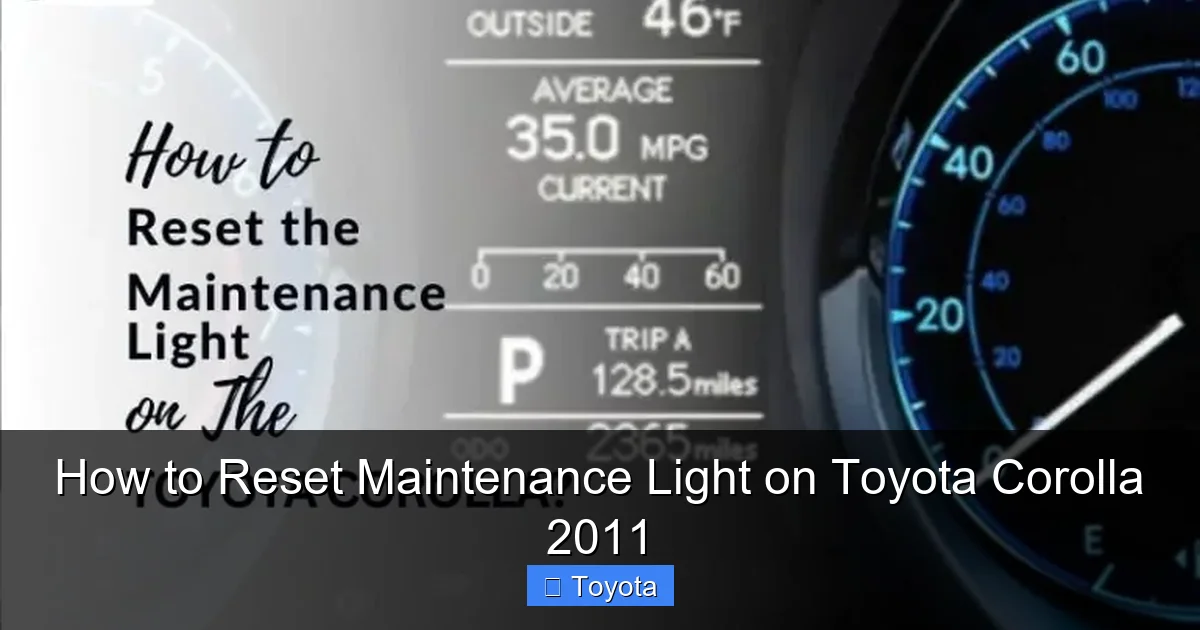
Visual guide about How to Reset Maintenance Light on Toyota Corolla 2011
Image source: autovehicleparts.com
Step-by-Step Key Instructions
- Ensure the car is parked and off. All doors closed, key out of the ignition.
- Insert the key and turn it to the “ON” position. Do not crank the engine. Just turn it to the first click where the dashboard lights come on.
- Turn the key back to “OFF.” Immediately turn the key back to the “OFF” position.
- Repeat the ON-OFF cycle. Perform this ON-OFF sequence two more times. So, in total, you will have turned the key ON and then OFF three times. The final position should be “ON.” The sequence is: ON -> OFF -> ON -> OFF -> ON. Do this at a moderate pace—not too fast, not too slow.
- Watch for the light to blink. On the third time you turn the key to “ON,” the maintenance required light should begin to blink. It will blink several times and then turn itself off.
- Start the engine. Once the light goes out, you can start the car normally. The light should remain off.
Why Three Cycles?
The three-cycle pattern is a diagnostic trick that puts the car’s computer into a maintenance reset mode. The first two cycles act as a “wake-up” or handshake, and the third cycle triggers the actual reset procedure. This method is less common on 2011+ models but is a reliable fallback. If you have a 2011 Toyota Corolla, the button method is your first and best bet, but knowing this key trick can save you if you’re dealing with a quirky instrument cluster.
When and Why to Reset the Light Correctly
Resetting the light is the final step in a maintenance cycle. It’s not something you do to make a warning disappear while ignoring the problem. The correct procedure is: 1) Perform the required service (oil change, tire rotation, etc.), 2) Reset the light. This sequence ensures your car’s maintenance log is accurate.
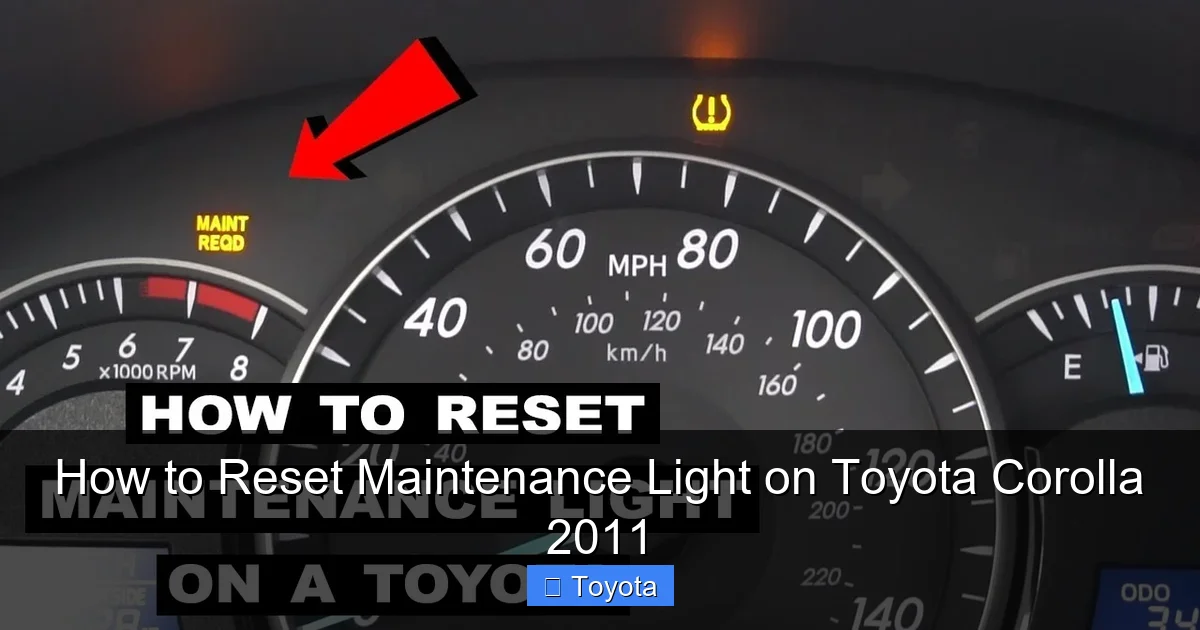
Visual guide about How to Reset Maintenance Light on Toyota Corolla 2011
Image source: i.ytimg.com
Common Services That Trigger the Light
For most 2011 Corollas, the 5,000-mile interval typically includes:
- Oil and filter change (the most common trigger).
- Multi-point inspection (brakes, fluids, belts, hoses).
- Tire rotation and pressure check.
- Possible cabin air filter replacement (per owner’s manual schedule).
If your car has been driven under “severe service” conditions (lots of short trips, extreme temperatures, dusty environments), the interval might be shorter. Always consult your owner’s manual for the precise maintenance schedule for your model.
The Danger of Premature Resetting
Imagine resetting the light right after an oil change, but then driving 10,000 miles before the next one. Your car’s computer is now blind to the actual oil life. The next reminder won’t come on when it should, potentially leading to oil starvation and engine damage. The light is a helpful tool—use it correctly. If you’re ever unsure about what service your car needs, a quick call to your trusted mechanic or a look at the maintenance log in your owner’s manual is worth it. For broader Toyota models, the process is often similar, as detailed in guides for vehicles like the Toyota Avalon.
Troubleshooting: What If the Light Comes Back Immediately?
You followed the steps perfectly, the light blinked and went out, you celebrated… and then it came back on the very next time you started the car. This is frustrating but usually points to a specific issue. Here’s what to check.
Did You Complete the Service?
This is the most common reason. If you reset the light without actually changing the oil or performing the due service, the light may not reset properly, or it will return quickly because the system’s internal logic wasn’t satisfied. Double-check that the service was performed correctly.
Is There an Underlying Electrical Issue?
In rare cases, a persistent maintenance light could indicate a problem with the instrument cluster or the car’s main computer (ECU). If the light refuses to stay off after a confirmed reset and a completed service, there might be a fault. Also, if other warning lights are behaving erratically, it could point to a voltage issue (like a failing battery or alternator). While the maintenance light itself is low-priority, it’s worth having the electrical system checked if multiple lights act up. For other Toyota-specific warning lights, such as the battery light, there are dedicated reset procedures as explained in articles like How To Reset Battery Light On Toyota Corolla.
Is the Reset Procedure Correct for Your Year?
While 2011 Corollas use the button method described, slight variations can exist between base models and trims (LE, SE). The steps above are standard for the 9th generation Corolla (2009-2013). If you have an exceptionally base model without a trip meter button, the key method is your only option. If you’ve tried both methods and it fails, consult your specific owner’s manual. The manual has a definitive, model-specific procedure.
Maintenance Light vs. Check Engine Light: Don’t Confuse Them!
This is a crucial distinction every car owner should understand. The maintenance required light (usually a yellow wrench) and the check engine light (usually a yellow engine outline) are completely different systems with different meanings and reset procedures.
Maintenance Required Light (Your Wrench Icon)
As discussed, this is a mileage/time-based reminder for scheduled service. It is not connected to any engine sensors. Its sole purpose is to say, “Hey, it’s time for your 5,000-mile service.” Resetting it does not require a scan tool and is a manual process you control.
Check Engine Light (MIL – Malfunction Indicator Lamp)
This light is connected to the car’s On-Board Diagnostics (OBD-II) system. It illuminates when the computer detects a problem that could cause increased emissions—anything from a loose gas cap to a faulty catalytic converter. You cannot and should not reset a check engine light without first diagnosing and repairing the underlying problem. Simply clearing the code will cause the light to return, often within a few drive cycles. Resetting the check engine light requires an OBD-II scanner tool, not a button-press procedure. For a Corolla, if you need to address this light, you must first diagnose the issue. More information on that specific light can be found in resources dedicated to the Toyota Corolla check engine light.
Why the Confusion Happens
Both lights are yellow/amber and located on the same instrument panel. On some newer cars, the maintenance light might use a different icon or even say “SERVICE.” On your 2011 Corolla, the wrench is unmistakable. Always confirm which light is on before taking action. Resetting a maintenance light is fine. Ignoring or improperly resetting a check engine light is not.
Conclusion: Your Simple Path to a Clear Dashboard
Resetting the maintenance required light on your 2011 Toyota Corolla is one of the most empowering small DIY tasks you can master. It reinforces the good habit of staying on top of your car’s service schedule and gives you that immediate visual confirmation that your job is done. Remember the golden rule: reset only after service. For your Corolla, the odometer button method is your go-to technique. Familiarize yourself with the steps, and you’ll never have to wonder about that wrench icon again. Keep your owner’s manual handy for reference, and don’t hesitate to consult it for your specific maintenance schedule. Your Corolla is known for its reliability—a simple reset after each service helps keep it that way for hundreds of thousands of miles.
If you own other Toyota models, you’ll find the process is often very similar. The principles are consistent across the brand, from the compact Yaris to the full-size Avalon and the Highlander SUV. Guides for models like the Toyota Yaris or the 2021 RAV4 often follow the same basic button-press logic. Mastering this on your Corolla gives you a skill that transfers to many other Toyotas in your family or on the road.
Frequently Asked Questions
Can I reset the maintenance light without changing the oil?
Technically yes, but you should never do this. The light is a reminder that your engine needs fresh oil and filter. Resetting it without performing the service means your engine will continue running on degraded oil, which can cause serious damage. Always perform the required maintenance first.
What if the maintenance light won’t stop blinking during the reset?
A blinking light during the reset procedure is normal—it’s the system acknowledging your input. The light should blink for a few seconds and then go out completely, returning your odometer to its normal display. If it blinks continuously and won’t turn off, you may have not completed the button sequence correctly. Turn the ignition off, wait a few seconds, and try the procedure again from the beginning.
Will disconnecting the battery reset the maintenance light?
No. Disconnecting the battery will reset the radio and clock, and it may clear some electrical system codes, but it will not reset the mileage-based maintenance light on a 2011 Corolla. That counter is stored in non-volatile memory that retains the setting even when the battery is dead. You must use the specific reset procedure described above.
My maintenance light came on, but I just had an oil change. Did my mechanic forget to reset it?
This is very common. Many independent shops and even some dealerships forget this final step because it’s so simple and quick. Don’t be rude—just call them and say, “Hi, I just picked up my Corolla and the maintenance light is still on. Could you please walk me through how to reset it, or should I bring it back?” Most will happily give you the 30-second instructions over the phone.
Does the maintenance light affect my car’s performance or emissions?
No. The maintenance required light is purely informational. It has no connection to the engine management or emissions control systems. Your car will run exactly the same with the light on or off. Its only purpose is to inform you that scheduled service is due. It will not cause your car to fail an emissions test.
What’s the difference between the “MAINT REQ’d” light and a service message on the multi-information display?
On your 2011 Corolla, the primary reminder is the dedicated wrench icon light on the gauge cluster. Some model years or trims might also display a text message like “MAINTENANCE REQUIRED” on the small digital screen between the speedometer and tachometer. They mean the same thing and are reset using the identical procedure described above. The button sequence controls both the light and any accompanying text message.