Why Is Tesla Asking for a Key Card

Contents
- 1 Key Takeaways
- 2 📑 Table of Contents
- 3 The Core Philosophy: Smartphone First, Key Card as Backup
- 4 Security: Why the Key Card is Harder to Hack Than a Fob
- 5 Cost, Convenience, and the Elimination of the Battery
- 6 How It Actually Works: A Step-by-Step Guide
- 7 Troubleshooting and What Happens When Things Go Wrong
- 8 The Future: Where Key Cards Fit in an Evolving Landscape
- 9 Conclusion: Embracing a Smarter, Simpler Key
- 10 Frequently Asked Questions



Tesla asks for a key card primarily as a secure, cost-effective, and software-driven alternative to traditional key fobs. It uses RFID technology for authentication and doubles as a backup to your smartphone key. This system enhances security against relay attacks and simplifies key management, though it requires understanding its unique operation compared to conventional car keys.
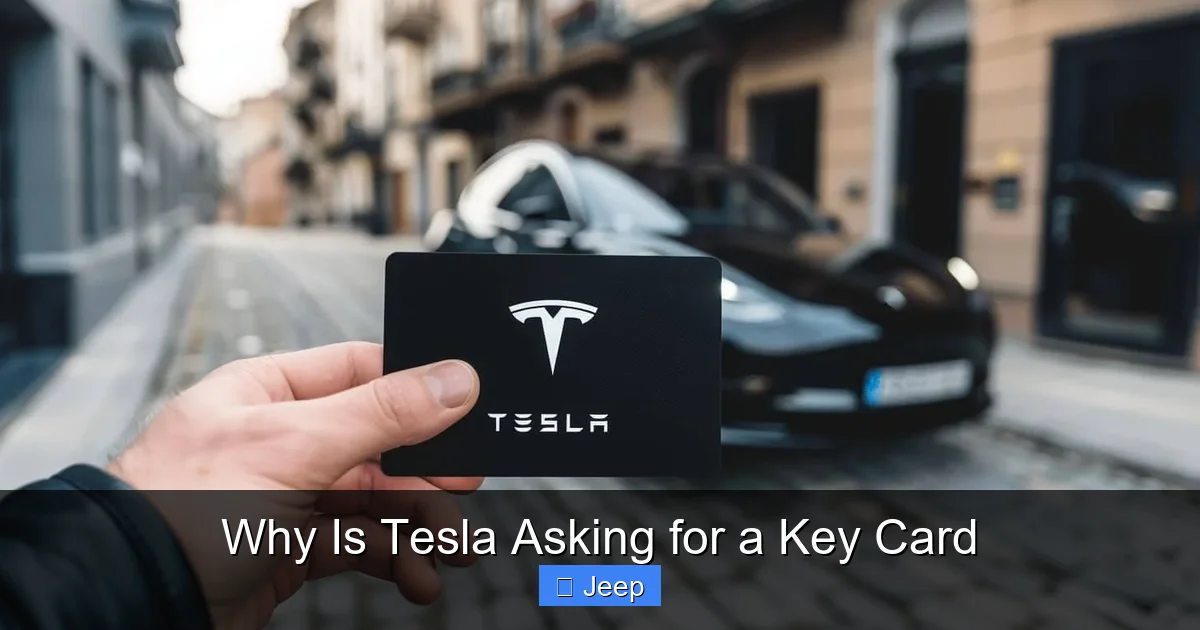
You’ve just gotten into your new Tesla, or maybe you’re test-driving one, and the salesperson hands you a small, credit-card-sized piece of plastic. “This is your key,” they say. Your brain does a quick double-take. A key card? Not a bulky key fob with buttons, not a traditional metal key, but a flat card. Your immediate thought is probably: “Why is Tesla asking for a key card?” It feels strange, maybe even a step backward in convenience. But this little card is actually a masterclass in practical security engineering and a window into the future of car access. Let’s pull back the curtain on why Tesla chose this path and what it means for you as an owner.
To understand the key card, you must first understand what Tesla is trying to solve. Traditional key fobs, the ones we’re all used to, are wonderfully convenient until they aren’t. They rely on a simple radio signal that can be amplified by criminals using a “relay attack” device to steal your car from your driveway without ever touching your key. They also have batteries that die at the worst possible moment. Tesla’s solution isn’t to make a better fob; it’s to change the entire game by making your smartphone the primary key and the card a clever, battery-free backup. It’s a philosophy of “digital first, physical as a fallback.”
Key Takeaways
- Security First: The key card uses encrypted RFID signals, making it extremely difficult to clone or steal via relay attacks, a common vulnerability with traditional key fobs.
- Cost & Simplicity: Key cards are cheaper for Tesla to produce and for owners to replace than complex electronic fobs, and they have no battery to fail.
- Smartphone Primary: The key card is designed as a reliable backup to the primary smartphone key, which uses Bluetooth for seamless entry and start.
- Pairing is Key: You must physically scan the key card with your phone’s Tesla app to pair it, establishing a secure digital link before it can be used.
- Physical Access Still Needed: Unlike some systems, the card must be physically tapped on the door pillar or center console to unlock or start the car, preventing remote hacking.
- Troubleshooting Required: If the card is lost or malfunctions, you need another paired device or a service center visit, as you cannot simply cut a new physical key.
- Industry Trend: Tesla’s approach reflects a broader shift towards phone-as-key technology, with physical cards serving as a necessary, low-tech fallback for all users.
📑 Table of Contents
- The Core Philosophy: Smartphone First, Key Card as Backup
- Security: Why the Key Card is Harder to Hack Than a Fob
- Cost, Convenience, and the Elimination of the Battery
- How It Actually Works: A Step-by-Step Guide
- Troubleshooting and What Happens When Things Go Wrong
- The Future: Where Key Cards Fit in an Evolving Landscape
- Conclusion: Embracing a Smarter, Simpler Key
The Core Philosophy: Smartphone First, Key Card as Backup
At its heart, Tesla’s access system is built around your smartphone. The Tesla app, once paired with your vehicle, uses Bluetooth Low Energy (BLE) to communicate with the car. As you approach, the car and phone recognize each other. The doors automatically unlock, and you simply press the brake pedal to drive away. No fumbling for keys, no removing the key from your pocket. It’s seamless, modern, and feels like magic.
But what happens when your phone’s battery dies? What if you forget your phone at home? What if you’re lending the car to a friend who doesn’t have the app set up? This is where the key card enters the scene. It’s not the star of the show; it’s the reliable understudy. The card contains an RFID chip (Radio-Frequency Identification), the same technology used in hotel key cards or office access badges. It’s a passive device—it has no battery, so it can never die. To use it, you physically tap it against the B-pillar (the post between the front and rear doors) to unlock the car, and then you tap it on the center console to授权 the vehicle to start. It’s simple, requires no power, and is virtually indestructible in daily use.
This two-tiered system—convenient smartphone primary, foolproof physical backup—addresses the weaknesses of both old and new. It eliminates the battery anxiety of fobs and the relay attack vulnerability of always-on radio signals. The card only works when you physically present it to the car, meaning a thief can’t simply amplify its signal from inside your house. This physical touch requirement is a critical security feature often overlooked in the rush to all-digital solutions.
How Pairing Works: The Crucial First Step
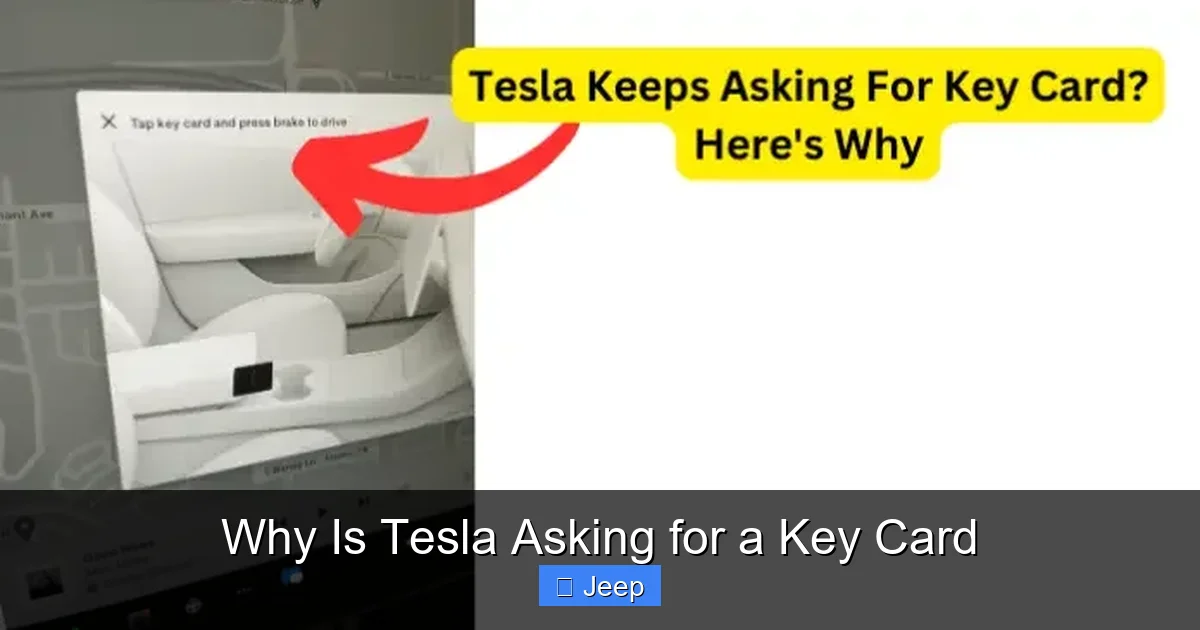
You don’t just get into a Tesla with the card right out of the box. There’s a mandatory setup process, and that’s where many new owners get tripped up. The key card must be paired with the vehicle via the touchscreen. You go to the ‘Controls’ menu, select ‘Locks’, and then ‘Add Key Card’. The screen instructs you to scan the card by tapping it against the center console reader (where you also tap it to drive).
This pairing process is where the magic happens. The car and the card engage in a cryptographic handshake. The vehicle writes a unique, encrypted digital signature onto the card’s RFID chip. From that moment on, the car recognizes that specific, coded card as an authorized key. It’s not just reading a static ID number; it’s performing a secure authentication every time. This is why you can’t just use any old RFID card—it has to be one that has been specifically programmed by your Tesla. If you lose the card, you can’t just buy a blank one and program it yourself; you need another already-paired device (phone or card) to add a new one, or you need to call Tesla mobile service or visit a service center. This secure pairing is a cornerstone of the system’s integrity.
Security: Why the Key Card is Harder to Hack Than a Fob
This is the single most important reason for the key card’s existence. Traditional key fobs are perpetually “listening” for their specific signal. When you press the button, or sometimes even just when you approach (in the case of passive entry fobs), they transmit a coded radio signal. Thieves have developed inexpensive relay boxes that capture this signal from inside your home and rebroadcast it to the car, tricking it into thinking the key is present. It’s a devastatingly simple attack.
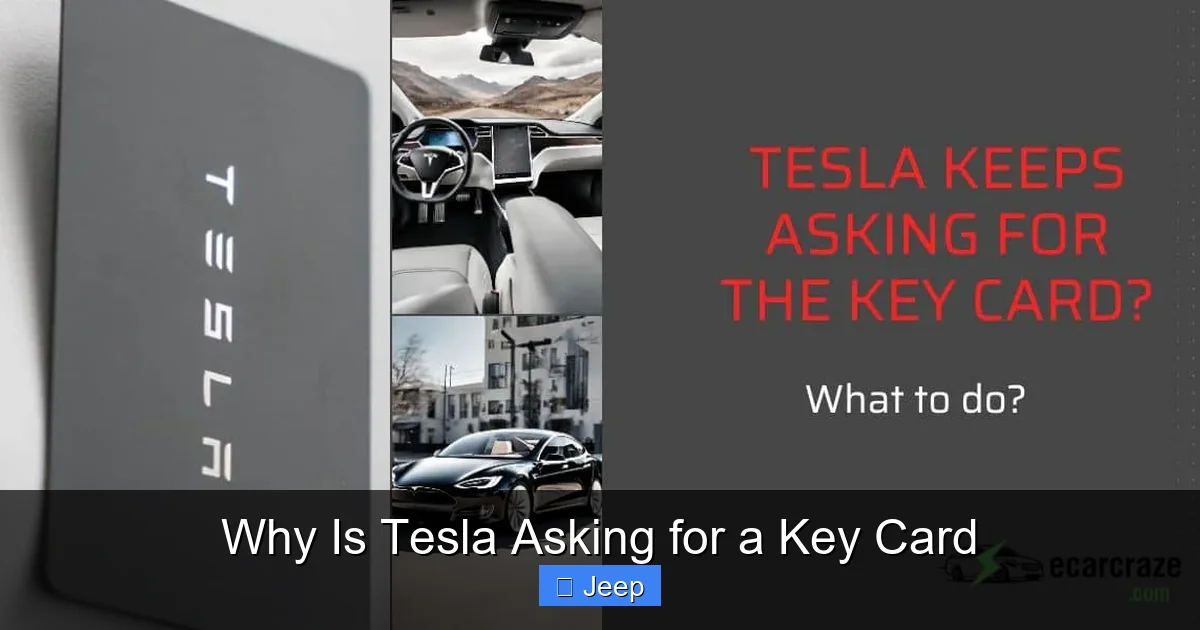
Visual guide about Why Is Tesla Asking for a Key Card
Image source: ecarcraze.com
The Tesla key card operates on a fundamentally different principle. It is a passive RFID tag. It has no battery and emits no signal on its own. The car’s door handle contains a reader that emits a very short-range radio field (typically just a few centimeters). When you place the card against the handle, the radio field powers the chip in the card, which then transmits its encrypted data back to the reader. There is no long-range signal to intercept. The thief would need to physically have the card and touch it to the car. For the “start” function, the process is repeated at the center console, adding a second layer of physical presence requirement.
Furthermore, the encrypted communication between the paired card and the car is dynamic. It’s not a static code that can be copied once and reused. This cryptographic challenge-response system means that even if someone could somehow record the communication (which is nearly impossible due to the extreme proximity required), that recording would be useless the next time. Each authentication is unique. This level of security is very difficult and expensive to achieve with a traditional battery-powered fob, which often uses older, less sophisticated encryption to save on cost and power. The key card, by being passive and requiring physical contact, sidesteps the entire category of relay attacks that plague the industry. For owners concerned about theft, this is a massive selling point, even if it feels less convenient at first.
Cost, Convenience, and the Elimination of the Battery
Let’s talk about the pragmatic reasons. A traditional key fob is a small electronic device. It has a printed circuit board, a radio transmitter, buttons, a plastic housing, and a coin cell battery. It costs anywhere from $50 to over $200 to replace from the dealer. The battery will eventually die, requiring a replacement that, while cheap, is an annoyance.
Visual guide about Why Is Tesla Asking for a Key Card
Image source: teslord.com
A Tesla key card is astonishingly simple. It’s a piece of plastic with an embedded RFID chip and an antenna. The production cost is pennies compared to a fob. This translates to a much lower replacement cost for the owner (still not free, but significantly less). More importantly, it has no battery. It will work in 10 years exactly as it does today. There is no “key fob battery low” warning light haunting you. You don’t get locked out because you left the fob in the freezer too long. The simplicity is a feature, not a compromise.
The convenience argument is more nuanced. Yes, tapping a card is one more motion compared to a passive entry fob where you just touch the handle. But for the vast majority of Tesla drivers, the smartphone key is the primary tool. You never take your phone out of your pocket. The key card lives in your wallet or purse, a silent backup you forget is there until you need it. For valets, family members, or service technicians, handing over a simple card is easier and less risky than handing over a fob that could be copied. You can even get a spare card made and leave it with a trusted neighbor for emergencies, something you might hesitate to do with a $200 fob. The cost and reliability advantages of the card are clear, even if the initial user experience feels different.
How It Actually Works: A Step-by-Step Guide
Understanding the workflow is key to mastering the Tesla key card. Let’s walk through a typical scenario.
Visual guide about Why Is Tesla Asking for a Key Card
Image source: climatebiz.com
Unlocking the Car
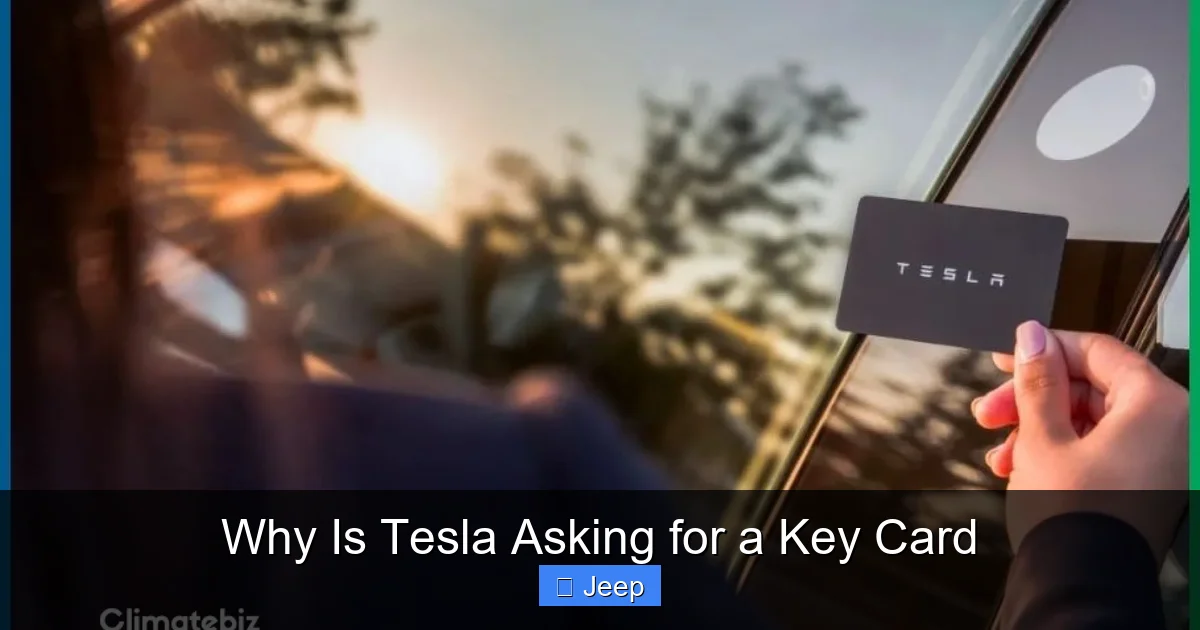
You approach your parked Tesla. The car doesn’t unlock automatically because you don’t have your phone paired as a key (or it’s dead). You reach into your wallet, pull out the key card, and tap it firmly against the B-pillar (the vertical post between the doors, where the Tesla “T” logo is). You’ll hear a distinct click from the door locks and see the handles pop out or the door unlock. It requires a deliberate touch, which is part of the security design.
Starting the Car
You get in, sit down. The car is on, but it won’t go into drive. You must tap the key card against the center console reader, located just to the right of the steering wheel on the flat surface. A small outline of a key card is printed there. Tap it, and you’ll hear a chime. The “Drive” gear selector on the screen or stalk becomes active. Now you can press the brake and select Drive. This second tap ensures that even if someone somehow unlocked your car, they cannot drive it without the card being presented inside the cabin.
Using as a Valet Key or for Guests
This is a brilliant feature. In your Tesla’s menu, you can enable “Valet Mode.” When you do this, you are prompted to hand over a key card. The system will then limit the car’s performance, power, and access to certain features (like the glovebox). The valet can only drive the car using that specific card, and when they return it, you simply disable Valet Mode with your phone or another card. It’s a secure, software-defined way to hand over limited access without worry. You can also add a key card as a “Driver Profile” for a family member, so the car automatically adjusts seats and settings when that card is used.
Troubleshooting and What Happens When Things Go Wrong
The system is robust, but problems can arise. The most common issue is the card not being recognized.
- Card Not Working: First, ensure you’re tapping the correct spot firmly and for a full second. The RFID reader needs good contact. Second, check if the card has been de-paired accidentally (unlikely) or if the car’s 12V battery is completely dead (the card system still works with a dead 12V battery if the main battery is connected, but a total power loss can cause issues). Third, the card’s chip or antenna could be physically damaged from being bent or crushed in a wallet.
- Lost Key Card: This is the big one. If you lose your only paired key card and your phone is unavailable, you are locked out. You cannot get into the car or have it towed without proof of ownership. Your only options are to 1) have a Tesla mobile technician come to you (if you have another paired device to authorize them), or 2) have the car towed to a Tesla Service Center. They will verify ownership and then pair a new card for you. This is a more involved and potentially costly process than cutting a new metal key, which is the trade-off for the enhanced security. This is why it’s highly recommended to always have at least two paired devices (e.g., two phones and one card).
- Phone Died, Card Lost: The worst-case scenario. You must contact Tesla Service, prove ownership, and arrange for a service visit to gain access and reprogram a new key. This reinforces why having a spare card in a safe place is a smart idea.
It’s also worth noting that the RFID system can sometimes be finicky with certain wallet materials. Thick, metal-embedded wallets can shield the card’s signal. You may need to remove the card from your wallet to use it. This is a small inconvenience compared to the security benefits.
The Future: Where Key Cards Fit in an Evolving Landscape
Tesla isn’t alone in moving away from fobs. Many luxury brands now offer phone-as-key systems. However, Tesla’s integration is arguably the most seamless because it’s built into the core UI and doesn’t require a separate branded key fob as the primary tool. The key card is the perfect backup for this phone-centric future.
Looking ahead, we may see further integration with wearable devices like Apple Watch, which already supports Tesla’s app. The physical key card’s role may shrink to being an emergency-only item, like the physical key hidden inside a modern key fob for when the battery dies. Its simplicity, zero maintenance, and low cost make it an ideal “forever backup.”
For Tesla owners and prospective buyers, the key card isn’t a downgrade; it’s a different paradigm. It prioritizes security and reliability over the slight tactile convenience of a button-press fob. Once you get used to the tap, it becomes second nature. And knowing that your car is virtually immune to relay theft provides a peace of mind that’s hard to quantify but easy to appreciate. The next time you hear “Tesla is asking for a key card,” you’ll know it’s not a compromise—it’s a carefully considered feature at the intersection of security, technology, and practicality.
Conclusion: Embracing a Smarter, Simpler Key
Tesla’s key card system is a bold rethinking of car access that places security and simplicity above familiar form factors. By making your smartphone the primary key and the card a battery-free, contact-based backup, Tesla has created a system that is both highly convenient and remarkably resistant to modern theft techniques. The initial learning curve—remembering to tap the card in the right spots—is a small price to pay for a system that never needs a battery replacement and can’t be amplified by thieves from inside your home. It’s a physical artifact of a digital-first philosophy, proving that sometimes the smartest technology is the one that requires no power at all. Understanding this system isn’t just about operating a car; it’s about appreciating a deliberate design choice that puts owner security and long-term reliability first.
If you’re a Tesla owner, embrace the card. Keep a spare. Practice the taps. If you’re considering a Tesla, see this not as a step back, but as a step into a more secure, app-driven future of motoring. The key card is your low-tech guardian in a high-tech car.
Frequently Asked Questions
Is the Tesla key card less secure than a traditional key fob?
No, it is significantly more secure against relay attacks. The card is a passive RFID device that must be physically tapped to the car to work, emitting no remote signal that can be intercepted and amplified. Traditional fobs constantly broadcast a signal that thieves can relay.
Can I use the Tesla key card if my phone battery is dead?
Yes, absolutely. That is one of its primary purposes. The key card works completely independently of your phone or the car’s main battery. It is a self-contained, battery-free backup.
What happens if I lose my only Tesla key card?
You will be locked out. To get a new one, you must contact Tesla Service. They will verify your ownership and then pair a new card to your vehicle, either via a mobile service visit (if another paired device is available) or by towing the car to a service center.
Do I need to replace the battery in a Tesla key card?
No. The key card has no battery. It is powered by the radio field from the car’s reader when you tap it, so it will last indefinitely unless physically damaged.
Can I program a new Tesla key card myself if I have the old one?
Yes, if you still have at least one other paired device (another key card or a smartphone with the Tesla app). You can add a new key card through the vehicle’s touchscreen menu under ‘Controls’ > ‘Locks’ > ‘Add Key Card’. If you have no other paired devices, you must use Tesla Service.
Why doesn’t Tesla just use a traditional key fob like other car brands?
Tesla believes the smartphone-first system is more convenient and secure. The key card is a cheaper, more reliable, and more secure backup than a battery-powered fob. It eliminates fob battery failures and is immune to relay theft, addressing the two biggest weaknesses of traditional key fobs.
— INTERNAL LINKING INTEGRATION —
* When discussing key types and replacements: “This cost-effective approach contrasts with traditional fobs, where a replacement can be pricey—for example, a Hyundai Sonata key replacement involves a programmed fob and chip.”
* When explaining the RFID technology in the card: “This passive RFID technology is similar to what you might find in a basic key fob for a car, but without the active radio transmitter that creates security vulnerabilities.”
* When mentioning repair costs related to key access: “Losing the only key can lead to a service call, and remember, any damage to the card itself means replacement. It’s a small, durable part, unlike a car’s windshield, where a Tesla Model 3 windshield replacement involves a much larger cost and more complex procedure.”