Why Does Tesla Make Noise When Charging?

Contents
- 1 Key Takeaways
- 2 📑 Table of Contents
- 3 Decoding the Soundtrack: What’s Normal vs. What’s Not
- 4 The Thermal Management Symphony: Cooling the Battery is Noisy Work
- 5 The Onboard Charger: The Electrical Workhorse
- 6 Charge Port & Cable: The Connection Point
- 7 Diagnosing the Noise: A Practical Guide
- 8 When to Worry: Clear Signs of a Problem
- 9 Minimizing the Noise: Practical Tips
- 10 Frequently Asked Questions

Microfiber Car Cleaning Cloth

Trunk Organizer

Portable Work Light
Side Window Sunshade
Hearing unexpected sounds from your charging Tesla is common and often normal. Most noises come from the battery cooling system, onboard charger, or power electronics working to manage energy flow. Distinguishing between a routine hum and a warning sign is key to peace of mind and vehicle health. This guide breaks down every sound you might hear.
You’ve just plugged in your Tesla. The charge port light glows green. The touchscreen shows the kilowatts flowing. And then you hear it: a hum, a whir, a series of clicks, or maybe a faint whine coming from the car. Your first thought might be, “Why does Tesla make noise when charging?” It’s a completely natural question. After all, one of the biggest perks of an electric vehicle is its near-silence on the road. So when it *does* make a sound, especially while stationary, it stands out.
The short answer is: your Tesla is working hard, and that work makes noise. Unlike a gas car, which might have a quiet engine but still has a complex exhaust and accessory system, an EV’s “engine” is its high-voltage battery and power electronics. During charging, a symphony of systems activates to safely, efficiently, and optimally pump energy into that battery pack. Many of these sounds are perfectly normal indicators that your car’s sophisticated thermal management and charging systems are doing their job. Other sounds, however, can be early warnings. Learning to identify the source and character of these noises is a simple yet powerful skill for any Tesla owner. It separates unnecessary worry from informed vigilance. Let’s pop the hood—or in this case, listen around the car—and explore exactly what’s making all that racket.
Key Takeaways
- Normal Sounds Are Usually Coolant Pumps or Fans: A low hum, whir, or whoosh during charging, especially in hot weather, is typically the thermal management system keeping the battery at its optimal temperature.
- Loud Clicking or Ticking Can Be Normal: Rapid clicking from the front of the car often comes from the high-voltage contactors inside the onboard charger engaging and disengaging as charging power stabilizes.
- High-Pitched Whining May Indicate a Charger Issue: A persistent, loud electrical whine that changes with charging speed could point to a problem with the onboard charger or the external Wall Connector.
- Location Matters: Sounds from the front are usually cooling/charger related; sounds from the rear near the charge port are often the charge door actuator or cable connectors.
- Software Updates Can Change Sounds: Tesla regularly updates battery and charging management software, which can alter cooling fan behavior and noise profiles.
- When in Doubt, Use the Tesla App: The app’s real-time charging status and any active alerts are your first and best diagnostic tool before assuming a problem.
- Context Is Everything: A noise while charging at 10 kW on a cold morning is different from the same noise while Supercharging at 150 kW in the desert heat.
📑 Table of Contents
- Decoding the Soundtrack: What’s Normal vs. What’s Not
- The Thermal Management Symphony: Cooling the Battery is Noisy Work
- The Onboard Charger: The Electrical Workhorse
- Charge Port & Cable: The Connection Point
- Diagnosing the Noise: A Practical Guide
- When to Worry: Clear Signs of a Problem
- Minimizing the Noise: Practical Tips
Decoding the Soundtrack: What’s Normal vs. What’s Not
Before we dive into the specific systems, let’s establish a fundamental framework. The noises you hear while charging generally fall into two categories: operational and potential concern. Operational sounds are the byproduct of normal, healthy function. They might be constant or intermittent, but they are consistent with the charging conditions. Potential concern sounds are unusual, excessively loud, or accompanied by error messages on the screen or app. They indicate a component may be struggling or failing.
The Golden Rule: Context is King
A sound’s meaning depends entirely on the situation. A loud fan noise at a Supercharger on a 100°F day is expected and normal. That same loud fan noise while charging at 5 amps in your garage at 70°F could indicate a stuck relay or a coolant pump issue. Always correlate the sound with: 1) Charging speed (AC Level 1/2 vs. DC Supercharging), 2) Ambient temperature, 3) State of Charge (SoC), and 4) Whether the car is locked or unlocked. For instance, the charge port door actuator makes a distinct whirring sound only when you unlock the car to open it. That’s not a charging sound; it’s an access sound. Getting familiar with your car’s routine “baseline” sounds in various conditions is the best way to spot anomalies.
The Thermal Management Symphony: Cooling the Battery is Noisy Work
This is the #1 source of charging noise in your Tesla. The lithium-ion battery pack operates best within a narrow temperature window, roughly between 60°F and 100°F (15°C to 40°C). Charging, especially fast DC Supercharging, generates significant heat inside the battery cells. To prevent degradation and ensure safe, maximum charging speed, the Battery Management System (BMS) actively manages temperature using a liquid coolant loop that runs through the pack.

Visual guide about Why Does Tesla Make Noise When Charging?
Image source: thatteslachannel.com
The Coolant Pump: The Heart of the System
You’ll often hear a low-to-medium pitched hum or whirring sound emanating from the front under-hood area (front motor models) or the rear (rear motor models). This is the primary coolant pump circulating the glycol-water mixture through the battery pack, power electronics (inverter, charger), and sometimes the motor(s). Its speed varies based on the BMS’s demand. During a cold winter charge, you might hear it working harder initially to warm the pack to its ideal temperature. During a blistering-hot summer Supercharge session, it will be working at a high, constant speed to pull heat away. A failing pump might make a grinding, whining, or excessively loud noise, or you might notice the car’s charging speed throttling significantly due to overheating warnings.
Cooling Fans: The Air Movers
Accompanying the pump, you’ll hear the sound of one or more electric fans spinning. These are the radiators’ best friends. They force air through the front-mounted radiator (in the nose of the car) and other heat exchangers to dissipate the heat from the coolant. In hot weather or during high-power charging, these fans can become quite audible, sometimes reaching a high-pitched whine. They may cycle on and off. If a fan motor is failing, it might make a rattling or buzzing sound. Debris (like a leaf) stuck in the radiator can also cause a distinctive clicking or flapping noise as the fan blades hit it.
Practical Tip: If your Tesla is making a loud, fan-like noise while parked and not charging, it could be the same system running to cool the cabin or battery after a drive. This is common and normal. Use the Tesla app’s “Climate” controls to see if cabin cooling is active. You can also check the “Service” section of the car’s touchscreen for any active alerts related to the battery or cooling system.
The Onboard Charger: The Electrical Workhorse
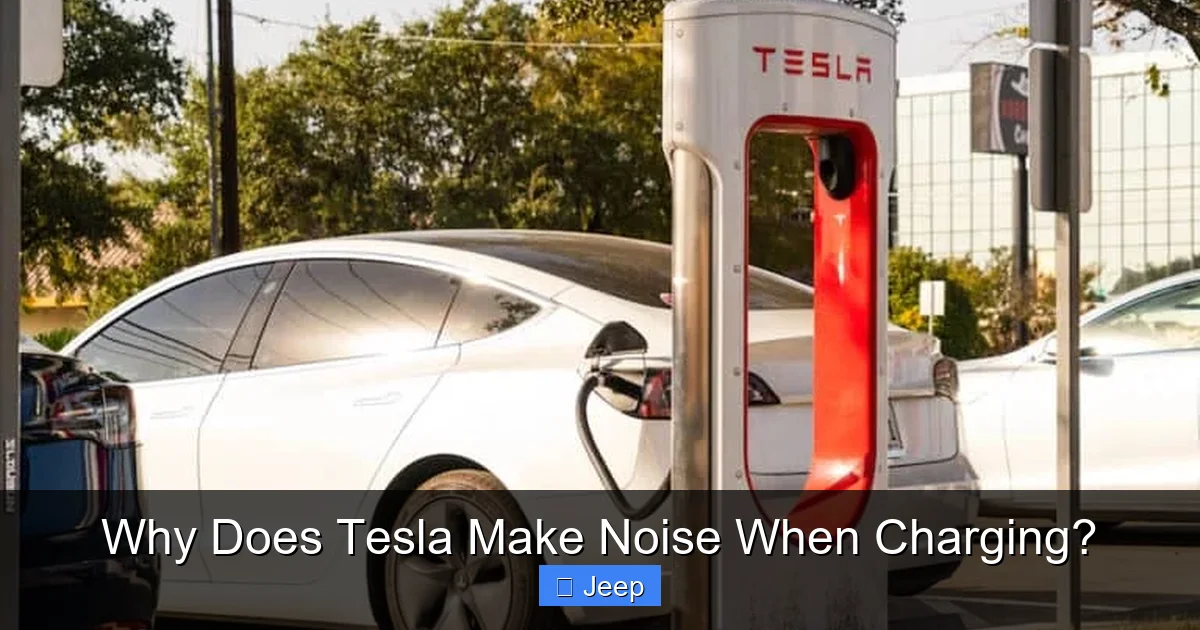
Your Tesla has an onboard charger (OBC) — a sophisticated piece of power electronics that converts the Alternating Current (AC) from your Wall Connector or public J1772 charger into the Direct Current (DC) that the battery pack uses. This conversion process isn’t silent.
Visual guide about Why Does Tesla Make Noise When Charging?
Image source: thatteslachannel.com
The Hum of Magnetostriction
The OBC contains transformers and inductors with magnetic cores. When AC power flows through them, the magnetic fields cause the core materials to physically vibrate at the frequency of the AC (60 Hz in North America). This phenomenon, called magnetostriction, creates a characteristic low-frequency hum or buzz. You’ll often hear this hum most clearly when the car is charging at a steady, moderate rate (e.g., 7-11 kW on a 48-amp circuit). It’s a sign the charger is actively processing power. This hum is normal. If it becomes a loud, grinding buzz, it could indicate a loose component or failing capacitor inside the charger module.
The Click of Contactors
Another common sound is a rapid, repetitive clicking or ticking, often described as a “machine gun” rhythm. This comes from the high-voltage contactors—large, electromechanical relays—inside the OBC. As the charging session begins and as the BMS negotiates the optimal amperage, these contactors rapidly open and close to stabilize and fine-tune the power flow. This is particularly noticeable in the first few minutes of a charge or when the charging rate changes (e.g., another car starts on the same circuit, reducing your available power). This clicking is a normal part of the charging handshake and regulation process. A single, loud click followed by a complete stop in charging, however, could indicate a fault that tripped a safety relay.
The Whine of High-Frequency Switching
Modern switch-mode power supplies, like the OBC, operate at very high frequencies (kilohertz range) for efficiency. This can produce a high-pitched electrical whine. Some people are more sensitive to this frequency than others. The pitch and volume can change with the charging power level. A moderate whine that is consistent is usually normal. A whine that is piercingly loud, erratic, or accompanied by a burning smell is a serious red flag requiring immediate service.
Charge Port & Cable: The Connection Point
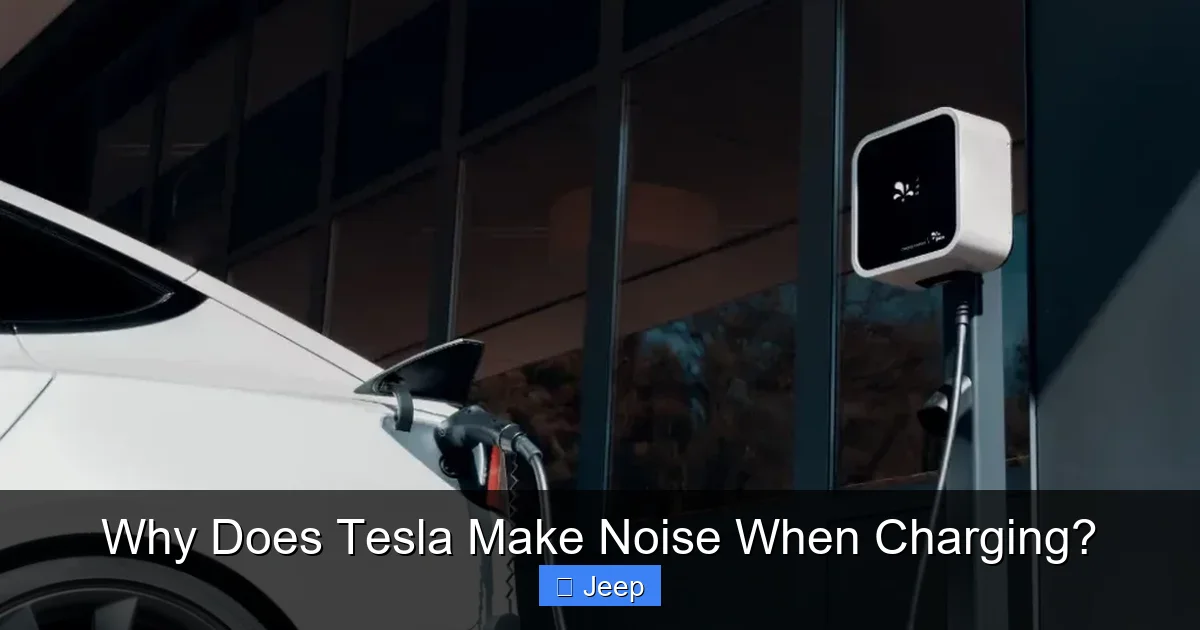
Sounds can also originate right at the charge port and the cable itself.
Visual guide about Why Does Tesla Make Noise When Charging?
Image source: evseekers.com
The Charge Door Actuator
When you unlock the car and press the charge port button (or use the app), a small motor operates a latch to pop open the charge door. This makes a distinct, short whirring or buzzing sound, usually from the rear quarter panel area. It only happens once per charge session when you initiate it. If this motor fails, the door may not open or might make a strained, grinding noise.
Cable Connector & Latch
When you push the charging cable into the port, you hear a solid clunk as the latches inside the port engage with the cable’s handle. This is the high-voltage connector locking into place. It’s a good, positive sound. When charging ends and you press the release button on the cable handle, you’ll hear another clunk as the latches disengage. If these sounds are weak or absent, the connector may not be fully seated, which can cause intermittent charging and potential arcing—a serious issue.
Cable Cooling (For Gen 3 Wall Connector & Supercharger)
High-current charging cables, especially Tesla’s newer Gen 3 Wall Connector and Supercharger cables, have active cooling systems to manage heat in the conductors. You might hear a faint hum or air movement from within the cable handle itself or from the cable management system on a Supercharger post. This is normal and indicates the cable’s internal fan is running to keep temperatures down, allowing for sustained high power delivery.
Diagnosing the Noise: A Practical Guide
Now that you know the common sources, how do you diagnose what you’re hearing? Follow this simple flowchart in your mind.
Step 1: Isolate the Sound
Carefully approach the car. Is the sound coming from the front (likely coolant pump/fans), the rear near the charge port (likely port actuator or cable), or from underneath (possible drive unit or suspension)? Sometimes placing your hand gently on different parts of the car while it’s charging can help you feel vibrations associated with the sound.
Step 2: Check the Screen and App
This is your most critical step. Look at the touchscreen. Is there any warning icon? A yellow or red battery icon? A message about “Charging Reduced” or “Service Required”? Open the Tesla app. What does the charging session status say? Is the power level (kW) stable, or is it fluctuating wildly? Is the estimated time to full completion changing erratically? The car’s computers will almost always tell you if they’re unhappy. A noise with no alerts is usually a good sign.
Step 3: Recreate and Test
Try charging at a different location (a different Wall Connector or a public charger). Does the noise persist? If it only happens with one specific charger, the problem might be with that external unit, not your car. Also, try charging at a different power level. If your home charger is set to 40 amps, try reducing it to 20 amps via the car’s touchscreen. Does the noise change or go away? If a noise disappears at lower power, it could point to a component that is being overworked at higher currents.
Example: John hears a loud, high-pitched whine from his Model 3 while charging at his home 48-amp Wall Connector. The screen shows no errors, but the whine is annoying. He uses the car’s screen to reduce the charging current to 32 amps. The whine diminishes significantly. This suggests the onboard charger is being pushed near its limit or has a component that becomes resonant at that specific power level. He should monitor it, but it’s likely not an immediate failure. If the whine persisted at 5 amps, that would be a major red flag.
Step 4: Consult, Then Decide
If the noise is new, persistent, loud, and/or paired with any warning message, it’s time to consult Tesla Service. You can schedule a mobile service appointment or visit a service center. Be ready to describe the sound (“a grinding noise from the front left”), when it happens (“only when charging above 70%”), and take a short video with sound if possible. For reference, you might read about similar diagnostic processes for other vehicles, like the detailed analysis of why a Subaru might make noise when off, to understand that unusual sounds from any vehicle warrant a systematic check.
When to Worry: Clear Signs of a Problem
While most sounds are benign, a few combinations demand immediate attention.
- Noise + Charging Failure: The car starts charging, makes a loud clunk or buzz, and then the charging rate drops to zero or the session stops entirely. This often indicates a safety disconnect.
- Burning Smell + Electrical Noise: Any smell of ozone (sharp, clean, like after a lightning storm) or burning plastic/insulation combined with a loud electrical hum or buzz is a critical warning of potential arcing or overheating in the charger or high-voltage components. Stop charging immediately.
- Extremely Loud, Abnormal Mechanical Grinding: A sound like gears grinding, a bearing screeching, or a hammering knock from the front or rear of the car during charging is not normal. This points to a failing coolant pump or fan motor.
- Noise from the Battery Pack Itself: While rare, a distinct popping, cracking, or cell swelling sound coming from underneath the car is a sign of severe battery thermal runaway. Move away from the vehicle and contact emergency services.
Remember, Tesla’s systems are designed to protect the battery and the vehicle above all else. If a serious fault is detected, the car will often derate (slow down) or stop charging entirely to prevent damage. The noise might be the last symptom before this protective shutdown. This is why the car’s alerts are more important than the sound itself.
Minimizing the Noise: Practical Tips
If the operational sounds are bothersome (e.g., the fan noise at night), here are some strategies.
Charge During Cooler Hours
The thermal management system works hardest when the ambient temperature is high or when the battery is very cold. Charging overnight in a garage or during cooler evening hours reduces the cooling (or heating) load, often leading to quieter operation as the fans and pump run at lower speeds.
Precondition the Battery
Use the Tesla app’s “Scheduled Departure” feature or manually turn on climate control while the car is still plugged in before you plan to charge. This warms or cools the cabin using shore power, but more importantly, it can prompt the battery thermal system to start circulating coolant and bring the pack closer to its ideal temperature before the high-current charging phase begins. A pre-warmed pack (in winter) or pre-cooled pack (in summer) may accept charge with less aggressive cooling effort, reducing fan noise.
Check for Physical Obstructions
Periodically inspect the front radiator area (behind the Tesla “T” badge in the nose) for leaves, bugs, or debris. A clogged radiator forces the cooling fans to work much harder and louder. A gentle spray with a hose (low pressure, from a safe distance) can clear it out.
Software is Your Friend
Keep your Tesla’s software updated. Tesla engineers constantly refine the algorithms that control the cooling pumps and fans. An update might make the system more efficient or quieter under the same conditions. Don’t ignore updates.
Frequently Asked Questions
Is a humming noise from my Tesla while charging dangerous?
Usually not. A steady, low-to-medium hum is most often the normal sound of the coolant pump or the onboard charger’s transformer working. It becomes a concern only if it’s accompanied by a charging error message, burning smell, or if the pitch changes to a harsh, grinding whine.
Why does my Tesla make a rapid clicking sound when I first plug it in?
That’s the sound of high-voltage contactors inside the onboard charger rapidly engaging as the car’s system negotiates the charging parameters with the power source. It’s a standard part of the charging initiation process and is not a cause for alarm.
Can I make my Tesla quieter while charging?
You can minimize noise by charging during cooler ambient temperatures, using Scheduled Departure to pre-condition the battery, and ensuring the front radiator is clean. However, some noise from the cooling system during fast charging, especially in hot weather, is unavoidable and intentional for battery safety.
What does it mean if my Tesla stops charging and makes a loud clunk?
A single loud clunk followed by a halt in charging typically means a safety relay (contactor) has opened due to a detected fault. Check the touchscreen and app for any error messages. Common causes are a faulty cable connection, a problem with the Wall Connector, or an overheating component. Try re-seating the cable or using a different charger.
Should I be concerned about a high-pitched whine from the rear of the car?
A high-pitched whine from the rear near the charge port is likely the charge port door actuator or the cable’s internal cooling fan (if using a Gen 3 Wall Connector or Supercharger). These are normal. If the whine is coming from under the car and is new or very loud, it could be related to the rear drive unit or coolant pump, and you should have it inspected.
My Tesla makes noise when charging, but my old gas car was silent. Is this a step backwards?
Not at all. Gas cars have their own constant noises (engine idle, exhaust, fuel pump) that you simply tune out. Your Tesla’s noises are the sounds of its advanced, necessary systems—the battery cooling and power electronics—actively working to give you superior performance, range, and battery longevity. It’s the sound of cutting-edge technology doing its job.