

Where Is the Toyota Smart Key Deactivation Switch?

Contents
- 1 Key Takeaways
- 2 📑 Table of Contents
- 3 What Is the Toyota Smart Key Deactivation Switch?
- 4 Where Is the Toyota Smart Key Deactivation Switch Located?
- 5 How to Use the Toyota Smart Key Deactivation Switch
- 6 Why You Should Use the Smart Key Deactivation Switch
- 7 Models That Include the Smart Key Deactivation Switch
- 8 Troubleshooting Common Issues
- 9 Conclusion
- 10 Frequently Asked Questions

Car Tissue Holder

Waterless Car Wash Spray

Car Sunshade for Windshield

Octane Booster
Wondering where the Toyota smart key deactivation switch is? You’re not alone. This hidden feature helps disable the key fob’s signal to prevent unwanted vehicle access or battery drain. We’ll show you exactly where to find it, how it works, and when to use it.
Have you ever parked your Toyota in a busy lot, only to worry someone might be trying to steal it using a relay attack? Or maybe you’ve left your car sitting for weeks and noticed your smart key fob battery died faster than expected? If so, you’re not alone—and there’s a little-known feature designed just for these situations: the Toyota smart key deactivation switch.
This tiny but powerful switch gives you control over your key fob’s wireless signal. When activated, it essentially “turns off” the smart key system, preventing it from communicating with your vehicle. That means no unwanted unlocks, no accidental starts, and significantly reduced battery drain. It’s like putting your key fob in airplane mode—but for your car.
But here’s the catch: Toyota doesn’t always make it obvious where this switch is located. It’s not labeled on the dashboard or highlighted in bright red. Instead, it’s often tucked away in an inconspicuous spot, leaving many owners scratching their heads. In this guide, we’ll walk you through everything you need to know—from where to find the switch, how it works, when to use it, and what to do if your model doesn’t have one.
Whether you drive a Camry, RAV4, Highlander, or Prius, this feature can add an extra layer of security and convenience. So let’s dive in and demystify the Toyota smart key deactivation switch once and for all.
Key Takeaways
- Location varies by model: The Toyota smart key deactivation switch is typically found inside the glove box, under the dashboard, or near the steering column—check your owner’s manual for specifics.
- Prevents relay attacks: Activating this switch disables the key fob’s signal, protecting your car from theft via signal amplification devices.
- Use during long storage: Turn it on when parking your Toyota for extended periods to preserve key fob battery life.
- Simple toggle operation: Most switches are a small button or lever that you press or flip—no tools required.
- Does not affect mechanical key: Even when deactivated, you can still unlock the door manually using the physical key blade.
- Reactivation is instant: Simply toggle the switch back to restore full smart key functionality.
- Not all models have it: Older Toyotas or base trims may lack this feature—verify with your VIN or dealer.
📑 Table of Contents
- What Is the Toyota Smart Key Deactivation Switch?
- Where Is the Toyota Smart Key Deactivation Switch Located?
- How to Use the Toyota Smart Key Deactivation Switch
- Why You Should Use the Smart Key Deactivation Switch
- Models That Include the Smart Key Deactivation Switch
- Troubleshooting Common Issues
- Conclusion
What Is the Toyota Smart Key Deactivation Switch?
The Toyota smart key deactivation switch is a built-in safety and convenience feature found in many modern Toyota vehicles equipped with a keyless entry and push-button start system. Its primary purpose is to disable the wireless communication between your smart key fob and the car’s electronic control unit (ECU). When activated, the switch cuts off the key fob’s ability to send signals to the vehicle, effectively “turning off” the smart key functionality.
This might sound extreme—after all, why would you want to disable your keyless entry? But there are several practical reasons. First and foremost, it protects against relay attacks, a type of car theft where criminals use signal-boosting devices to amplify the key fob’s signal from inside your home, tricking the car into thinking the key is nearby. By deactivating the key, you eliminate this vulnerability.
Second, it helps conserve the key fob’s battery. Smart key fobs are always “listening” for signals from the car, even when you’re not using them. Over time, this constant communication can drain the battery faster—especially if the fob is stored near the vehicle or in a metal container that interferes with the signal. Turning off the smart key function reduces this drain, extending battery life.
Finally, it’s useful during long-term storage. If you’re leaving your Toyota in a garage or storage facility for weeks or months, activating the deactivation switch ensures the key fob won’t accidentally wake up the car’s systems, which could lead to a dead 12-volt battery.
It’s important to note that deactivating the smart key does not disable the mechanical key. You can still unlock the driver’s door using the physical key blade hidden inside the fob. However, you won’t be able to start the engine with the push-button unless the smart key is reactivated and within range.
Where Is the Toyota Smart Key Deactivation Switch Located?
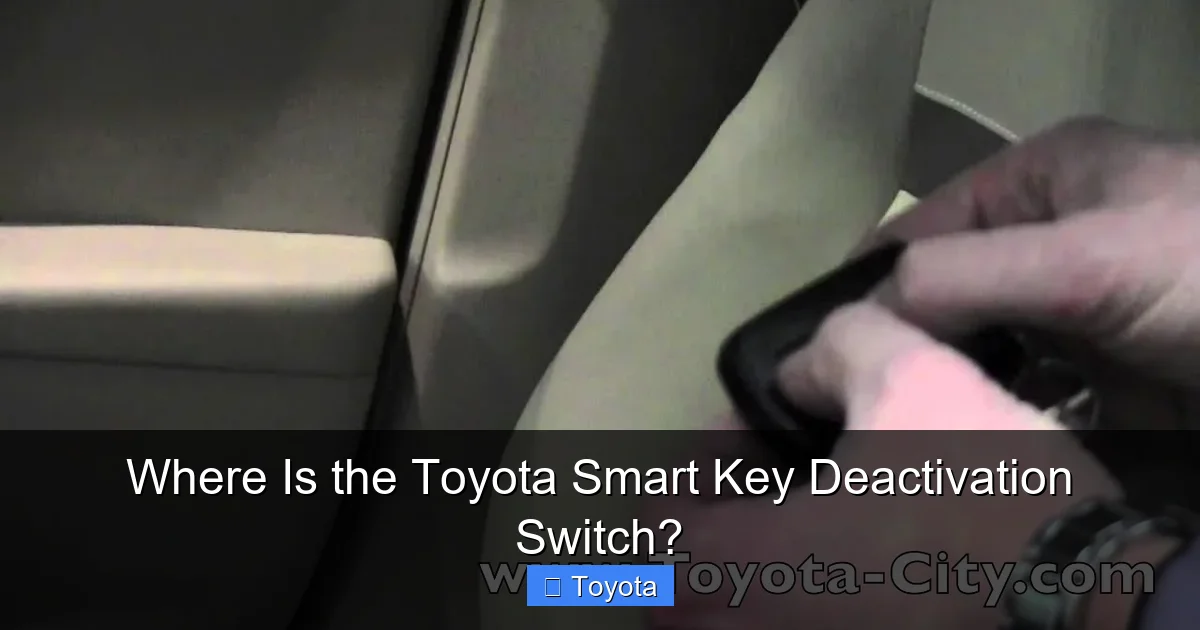
Visual guide about Where Is the Toyota Smart Key Deactivation Switch?
Image source: thecarhow.com
Now for the million-dollar question: where exactly is this switch hiding? The location of the Toyota smart key deactivation switch varies depending on the model, year, and trim level of your vehicle. However, there are a few common spots where Toyota tends to place it.
Inside the Glove Box
One of the most frequent locations is inside the glove box. Open the glove compartment and look along the sides or back panel. You’re looking for a small, unmarked button or a tiny switch—often black or gray—that you can press or flip. It may be recessed slightly to prevent accidental activation. In some models, like the Toyota Camry (2018–2023) and Avalon, this is the standard location.
For example, in a 2020 Camry XSE, the switch is mounted on the right inner wall of the glove box, about halfway down. It’s easy to miss unless you’re specifically looking for it. A gentle press with your finger is all it takes to toggle it on or off.
Under the Dashboard
In other models, such as the Toyota RAV4 (2019–2023) and Highlander, the switch may be located under the dashboard, near the driver’s knee panel. You’ll need to crouch down and look up into the footwell area. It’s often tucked behind a plastic cover or near the fuse box. In some cases, it’s mounted on a wiring harness and may have a small lever instead of a button.
For instance, in a 2021 RAV4 Hybrid, the switch is positioned just to the left of the steering column, slightly above the brake pedal. It’s a small black button that clicks when pressed. You might need a flashlight to spot it clearly.
Near the Steering Column
Some Toyota models, particularly older ones or those with updated interiors, place the switch near the base of the steering column. This area is often covered by a plastic panel, so you may need to remove it to access the switch. However, in most cases, the switch is accessible without tools—just a bit of poking around.
In the Toyota Prius (2016–2022), for example, the deactivation switch is located on the left side of the steering column, behind a small access panel. You can usually pop it open with your fingernail or a flathead screwdriver.
Behind the Center Console
In a few models, especially those with more complex interior designs, the switch may be hidden behind the center console or near the transmission tunnel. This is less common but not unheard of. If you can’t find it in the glove box or under the dash, this is another area to check.
How to Confirm the Location
The best way to confirm the exact location for your specific Toyota is to consult the owner’s manual. Look for sections titled “Smart Key System,” “Keyless Entry,” or “Security Features.” Toyota often includes a diagram or description of the deactivation switch and its location.
If you no longer have the manual, you can download a digital copy from Toyota’s official website using your vehicle identification number (VIN). Alternatively, visit a Toyota dealership or contact customer service—they can provide model-specific guidance.
How to Use the Toyota Smart Key Deactivation Switch
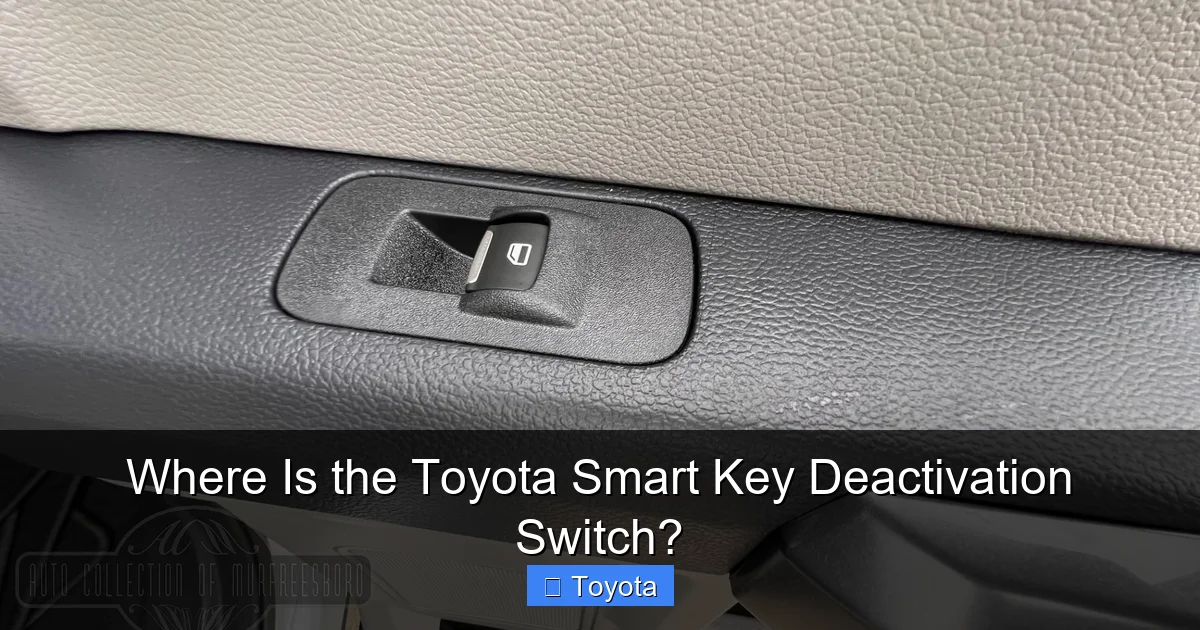
Visual guide about Where Is the Toyota Smart Key Deactivation Switch?
Image source: autocollectionofmurfreesboro.com
Using the Toyota smart key deactivation switch is simple, but it’s important to understand the process to avoid confusion or accidental lockouts.
Step-by-Step Activation
1. **Locate the switch** using the methods described above.
2. **Press or flip the switch** to the “off” position. On button-style switches, you’ll usually feel a slight click. On lever-style switches, move it to the down or “disable” position.
3. **Confirm activation** by attempting to unlock the car using the smart key. The doors should not respond to touch or proximity.
4. **Test the mechanical key** by using the physical key blade to unlock the driver’s door. This should still work.
When to Use It
– **During long parking periods:** If you’re leaving your car in a garage, airport lot, or storage facility for more than a week, activate the switch to save battery and prevent signal theft.
– **In high-theft areas:** If you live in or are visiting an area with a high rate of relay attacks, deactivating the key adds an extra layer of security.
– **When storing the key fob:** If you’re keeping the key fob near the car (e.g., in a home garage), turning off the signal prevents accidental wake-ups that drain the battery.
Reactivating the Smart Key
To restore normal operation, simply toggle the switch back to the “on” position. The smart key should immediately resume communication with the vehicle. You can test this by walking up to the car—the doors should unlock automatically, and the push-button start should work as usual.
Important Notes
– The deactivation switch only affects the smart key fob. It does not disable the immobilizer system or the 12-volt battery.
– If you have multiple key fobs, deactivating the switch affects all of them—there’s no selective disabling.
– Some Toyotas may display a message on the dashboard (e.g., “Key Not Detected”) when the switch is activated. This is normal and will disappear once the key is re-enabled.
Why You Should Use the Smart Key Deactivation Switch

Visual guide about Where Is the Toyota Smart Key Deactivation Switch?
Image source: artsautomotive.com
You might be thinking, “I’ve never used this feature, and my car’s been fine.” That’s true—many owners go years without needing it. But understanding its benefits can help you make smarter decisions about your vehicle’s security and maintenance.
Prevents Relay Attacks
Relay attacks are on the rise. Thieves use two devices: one placed near your home to capture the key fob’s signal, and another near your car to relay it. The car thinks the key is nearby and unlocks. In under a minute, your vehicle can be stolen—even if the key is safely inside your house.
By activating the deactivation switch, you break this chain. The key fob stops transmitting, so there’s no signal to amplify. This simple step can deter even the most sophisticated thieves.
Extends Key Fob Battery Life
Smart key fobs use small lithium batteries that typically last 2–4 years. But constant communication with the car can drain them faster. If your fob is stored in a metal box, near a window, or close to the vehicle, it may be “pinging” the car multiple times a day.
Deactivating the smart key reduces this activity, potentially doubling your battery life. That means fewer replacements and less hassle.
Peace of Mind During Travel
If you’re traveling and leaving your Toyota in long-term parking, the deactivation switch gives you confidence that your car won’t be accessed remotely. It’s a small step that can prevent big problems.
Useful for Shared Vehicles
If multiple people use your Toyota—like family members or employees—activating the switch when the car is parked ensures no one accidentally triggers the system or drains the battery.
Models That Include the Smart Key Deactivation Switch
Not every Toyota comes equipped with a smart key deactivation switch. It’s typically found in models with advanced keyless entry and push-button start systems, especially those manufactured from 2015 onward.
Common Models with the Switch
– Toyota Camry (2018–2023)
– Toyota RAV4 (2019–2023)
– Toyota Highlander (2020–2023)
– Toyota Avalon (2019–2022)
– Toyota Prius (2016–2022)
– Toyota Corolla (Hybrid models, 2020–2023)
– Toyota Sienna (2021–2023)
Models That May Not Have It
– Older models (pre-2015)
– Base trims without smart key systems
– Vehicles sold in certain regions (e.g., some European or Asian markets may have different configurations)
If you’re unsure whether your Toyota has the switch, check the owner’s manual or contact a Toyota dealer with your VIN. They can confirm the presence of the feature and its location.
Troubleshooting Common Issues
Even with a simple design, issues can arise. Here are some common problems and how to fix them.
Switch Not Responding
If pressing the switch doesn’t seem to work, make sure you’re pressing it firmly. Some switches require a bit of pressure. Also, check that the switch isn’t stuck or damaged. If it feels loose or unresponsive, it may need replacement.
Car Still Responds to Key
If the doors still unlock after activating the switch, double-check that you’ve pressed it correctly. Some switches have a dual-action mechanism—press once to disable, press again to re-enable. Also, ensure the switch is fully engaged.
Battery Drains Despite Deactivation
If your key fob battery still drains quickly, the issue may not be the smart key system. Check for:
– A faulty key fob (internal short)
– Interference from electronic devices
– A defective switch that isn’t fully cutting power
In such cases, visit a Toyota service center for diagnosis.
No Switch Found
If you can’t locate the switch and your model should have one, it’s possible it was removed or never installed. Contact Toyota support or visit a dealership for assistance.
Conclusion
The Toyota smart key deactivation switch is a small but powerful tool that enhances your vehicle’s security and efficiency. While it’s often overlooked, knowing where it is and how to use it can save you from theft, battery issues, and unnecessary stress.
Whether you’re parking your RAV4 in a busy city or storing your Camry for the winter, this feature gives you control over your smart key’s functionality. It’s easy to use, requires no tools, and takes just seconds to activate.
So the next time you’re wondering, “Where is the Toyota smart key deactivation switch?” remember: it’s likely hiding in your glove box, under the dash, or near the steering column. Take a few minutes to find it, test it, and make it part of your routine.
Your Toyota—and your peace of mind—will thank you.
Frequently Asked Questions
Where is the Toyota smart key deactivation switch located?
The switch is typically found inside the glove box, under the dashboard near the driver’s knee, or near the steering column. The exact location varies by model, so check your owner’s manual for specifics.
Does the deactivation switch work on all Toyota models?
No, not all Toyotas have this feature. It’s usually included in models with smart key systems from 2015 onward. Base trims or older vehicles may not have it.
Can I still unlock my car if the smart key is deactivated?
Yes, you can still use the physical key blade hidden in the fob to manually unlock the driver’s door. The mechanical key is not affected by the deactivation switch.
How do I know if the switch is working?
After activating the switch, try unlocking the car by touching the door handle. If the doors don’t respond, the switch is working. You can also check for a dashboard message like “Key Not Detected.”
Will deactivating the smart key drain my car battery?
No, the switch only affects the key fob’s signal. It does not impact the car’s 12-volt battery or electrical systems. In fact, it may help preserve the key fob’s battery.
Can I disable the smart key remotely?
No, the deactivation switch must be toggled manually. There is no remote or app-based way to disable the smart key function on standard Toyota models.







