
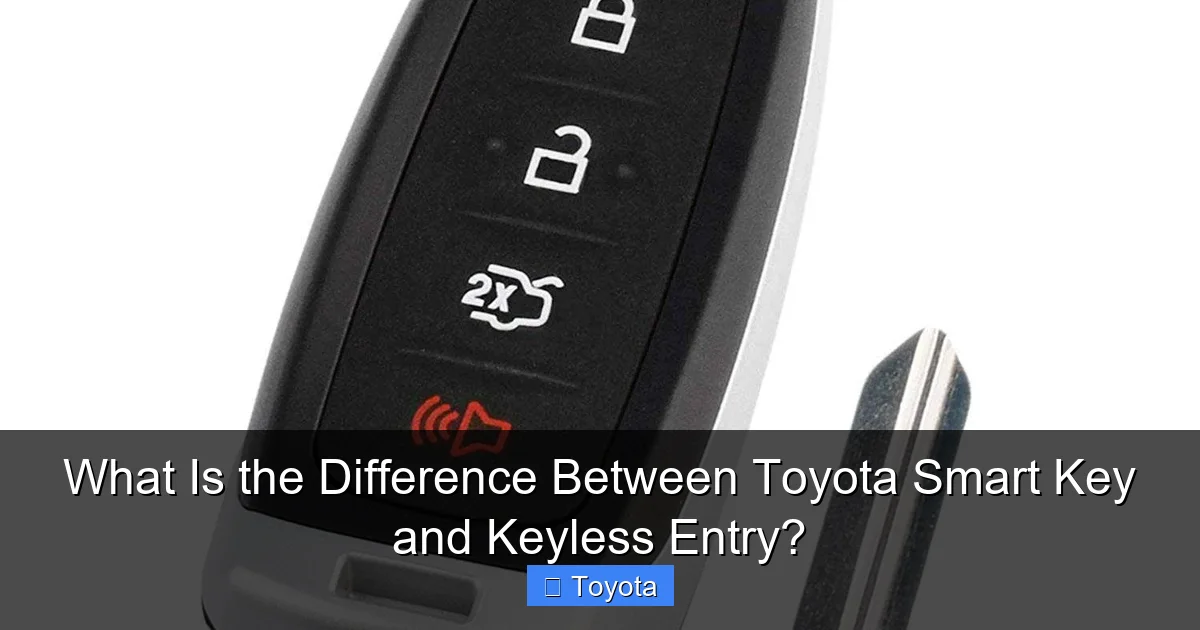
What Is the Difference Between Toyota Smart Key and Keyless Entry?

Contents
- 1 Key Takeaways
- 2 📑 Table of Contents
- 3 Defining the Terms: Keyless Entry vs. Smart Key
- 4 How the Technology Works: Proximity vs. Button-Press
- 5 Practical Differences You’ll Notice Daily
- 6 What Happens When the Battery Dies?
- 7 Common Misconceptions and Troubleshooting
- 8 The Evolution and Future: Where Are We Headed?
- 9 Frequently Asked Questions

Car Body Cover

Car Battery Charger

Car Sunshade for Windshield

Diesel Fuel Additive
While often used interchangeably, “Toyota Smart Key” and “keyless entry” refer to different, though related, technologies. Keyless entry is a broad term for entering a vehicle without a traditional key, often via a keypad or remote. A Toyota Smart Key is a specific, advanced keyless system that uses proximity sensors and a push-button start, allowing for seamless, key-in-pocket access and ignition. The Smart Key system includes and enhances basic keyless entry functionality.
You’re standing by your Toyota, groceries in hand, and you simply touch the driver’s door handle. It unlocks. You get in, press the brake pedal, and hit the engine start/stop button. The car roars to life. No fumbling for keys, no inserting anything. This seamless experience is the hallmark of modern automotive convenience. But what is this technology actually called? Is it “keyless entry”? Is it a “smart key”? Are they the same thing? For many Toyota owners, these terms get mixed up, but understanding the difference is key (pun intended!) to fully using and troubleshooting your vehicle’s access system. Let’s clear up the confusion once and for all.
Think of it this way: “Keyless entry” is a broad category, like “sedan.” A Toyota Smart Key is a specific, advanced model within that category, like a “Camry.” All Toyota Smart Key systems provide keyless entry, but not all keyless entry systems are Toyota Smart Key systems. The distinction lies in the technology, the capabilities, and how you start the engine. This guide will walk you through the definitions, the inner workings, the practical differences you’ll feel every day, and what to do when things don’t work as planned. By the end, you’ll be an expert on how you get into and start your Toyota.
Key Takeaways
- Keyless Entry is a Category: Keyless entry describes any system that unlocks a car without manually inserting a key. This can include remote key fobs, keypad codes, or proximity-based systems.
- Toyota Smart Key is a Specific System: The Toyota Smart Key is the brand’s advanced implementation of keyless entry and start, using a key fob with a low-frequency antenna for proximity detection.
- Push-Button Start is the Hallmark: The defining feature of the Smart Key system is the push-to-start ignition button, which only works when the Smart Key fob is detected inside the vehicle.
- Proximity is Key: With a Smart Key, you can unlock doors and the trunk by simply touching the door handle or trunk lid sensor when the fob is nearby (typically within 3 feet).
- Security is Multi-Layered: Smart Key systems use encrypted rolling codes and vehicle antennas to communicate with the key fob, making them significantly harder to steal than older, single-code remote systems.
- Not All Keyless is “Smart”: A vehicle can have a remote key fob for locking/unlocking (basic keyless entry) but still require a traditional key to be inserted into the ignition to start the engine.
- Battery Dependency: Both systems rely on a battery in the key fob, but a Smart Key fob often has a backup emergency key blade and specific procedures if the battery dies.
📑 Table of Contents
Defining the Terms: Keyless Entry vs. Smart Key
What is Keyless Entry?
At its core, keyless entry is any system that allows you to lock and unlock your vehicle’s doors without using a physical metal key to turn a lock cylinder. This technology has been around since the 1980s. The most common early form was a remote key fob with buttons. You’d press a button on the fob, and a radio signal would be sent to a receiver in the car, which would then operate the door locks. Some systems, especially on older or base-model vehicles, also include a keypad on the door or trunk, where you enter a code to gain entry.
So, if your Toyota has a remote fob with lock/unlock buttons, it has keyless entry. However, with a basic remote keyless system, you still typically need to use that same fob (or a separate physical key) to physically unlock the driver’s door in an emergency and, most importantly, insert a key into the ignition to start the engine. The “keyless” part really only applies to the locking mechanism. The starting process remains traditional. This is the crucial point of confusion.
What is a Toyota Smart Key?
The Toyota Smart Key system, often marketed as “Smart Key System” with Push-Button Start, is Toyota’s advanced, proximity-based keyless entry and ignition system. It’s a complete ecosystem. The key fob itself is a “smart” device. It contains a low-frequency radio transmitter and a unique encrypted code. The vehicle is equipped with multiple antennas around its exterior (in the door handles) and interior (near the ignition button).
When you approach the car with the Smart Key fob in your pocket or bag, the car’s antennas constantly emit a low-power signal. When the fob receives this signal, it responds with its unique ID code. If the code is recognized, the system is “armed.” Then, simply by touching the sensor on the inside of the door handle, you can unlock that door. The same goes for the trunk lid sensor. There are no buttons to press on the fob for entry. For starting, you only need to have the fob inside the vehicle (usually the front cabin area). You press the brake pedal and then the engine start/stop button. The car verifies the fob’s presence and code, and the engine starts. There is no key slot at all.
This system is what most people picture when they think of “keyless” cars—the true “key-in-pocket” experience. It’s important to note that Toyota often bundles this Smart Key system with other features in packages, like the Toyota Convenience Package, which may also include things like a power rear liftgate or heated seats.
How the Technology Works: Proximity vs. Button-Press
The fundamental difference is in the trigger mechanism. Understanding the “how” makes the “why” obvious.
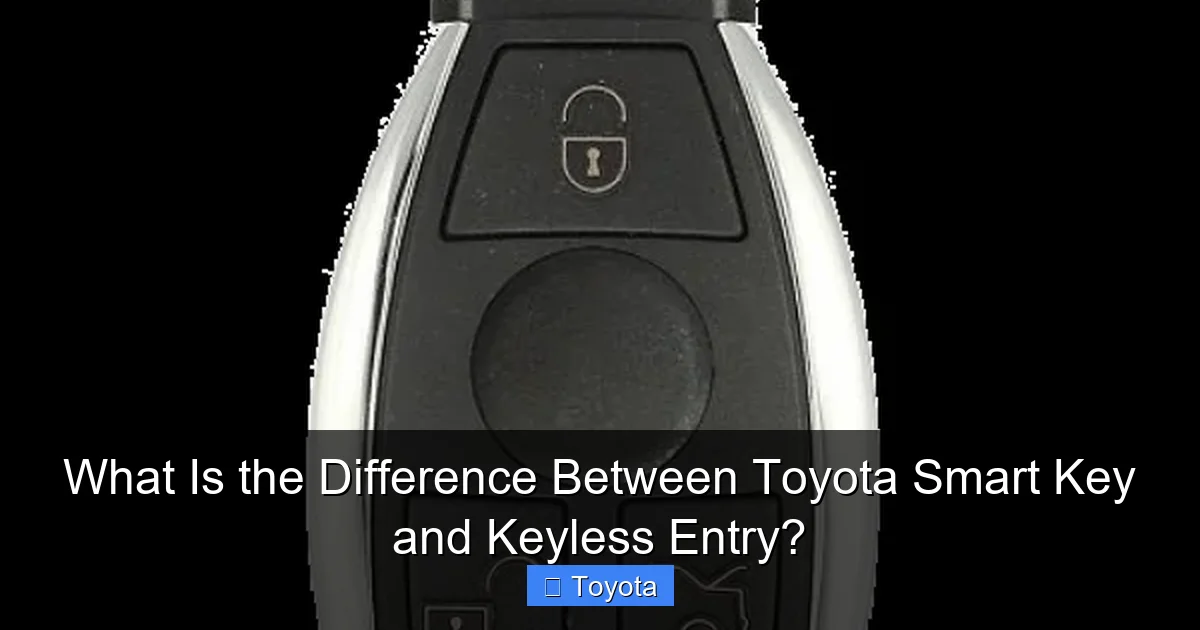
Visual guide about What Is the Difference Between Toyota Smart Key and Keyless Entry?
Image source: cdn.thinkingear.com
The Radio Signal Dance of Basic Keyless Entry
In a standard remote keyless entry system, communication is a simple, one-way command. You consciously decide to press the “unlock” button on your fob. This action completes a circuit, and the fob transmits a specific, fixed (or rolling) radio frequency code to your car’s receiver. The car’s computer checks the code. If it matches, it sends power to the door lock actuators, and the doors unlock. You are the active agent, initiating a deliberate command. The car is passive until you press the button. The range is typically longer (up to 100 feet in open space), but it requires line-of-sight and a conscious button press.
The Passive, Antenna-Based Smart Key System
The Smart Key system is a continuous, passive dialogue. The car is always “listening” for its authorized key fob within a short range (the “key zone”). The antennas in the door handles are the primary entry points. When your hand wraps around the handle to pull it, your body naturally blocks the antenna’s field, which is the trigger. The system detects this change and checks for the presence of the paired Smart Key fob. If it’s there, it unlocks that specific door. You don’t press anything; the act of touching the handle is the command. This is why you can’t accidentally unlock the car by having the fob in your pocket while leaning against the car—the handle sensor requires a deliberate touch.
For the ignition, it’s a similar passive check. The start button has an embedded antenna. When you press the brake pedal (a safety interlock), the button’s antenna pings for the fob. If it’s inside the cabin, the system verifies the encrypted code and allows the engine to start. The fob’s battery is only used when it’s actively responding to a ping from the car, which is why Smart Key fobs often have very long battery life (years).
Practical Differences You’ll Notice Daily
The theory is great, but how does this play out in your real life? The differences are tangible in your routine.
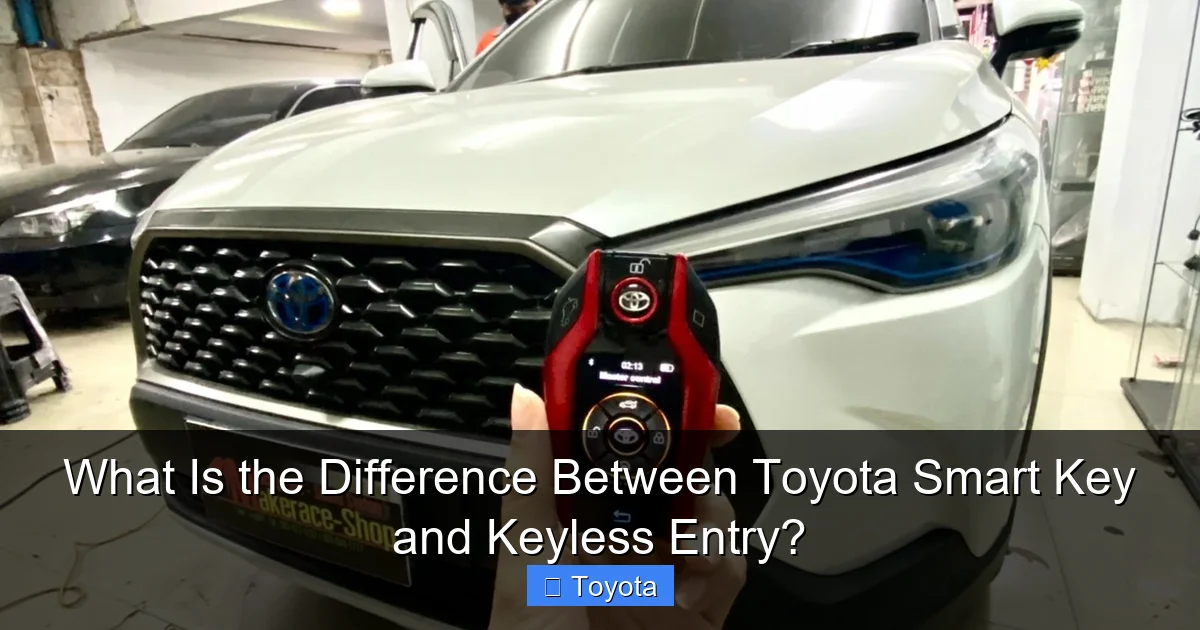
Visual guide about What Is the Difference Between Toyota Smart Key and Keyless Entry?
Image source: worldkeyless.com
Access and Convenience
With a basic remote, you must find the fob in your hand or bag and aim it at the car to press the unlock button. If your hands are full, you might have to put something down to get the fob. With a Toyota Smart Key, the fob can stay buried in your pocket, purse, or backpack. You simply approach, touch the handle, and the door is yours. Loading groceries, holding a child’s hand, or carrying tools becomes infinitely easier. The same applies to the trunk—most Smart Key systems allow you to stand near the rear of the vehicle and press a sensor on the trunk lid or tailgate handle to pop it open hands-free.
Example: Imagine you’re walking to your car in the rain with an umbrella and a briefcase. With a Smart Key, you don’t need to juggle everything to get the fob out. You just walk up, touch the handle, and load your gear. With a basic remote, you’re performing a balancing act to press the button.
The Starting Process: Button vs. Cylinder
This is the most obvious and defining difference. A vehicle with only basic keyless entry will have a traditional keyhole in the steering column or dashboard. You must insert the physical key blade (which is usually hidden inside the fob) and turn it to start the car. A Toyota with the Smart Key system has no keyhole at all on the ignition. It has only a button, typically labeled “ENGINE START STOP” or with a power symbol. You keep the fob in the car, press the brake, and press the button. There is no physical key to insert, lose, or break off in the lock.
Security and Theft Resistance
Basic remote systems, especially older ones with fixed codes, are vulnerable to “code grabbing” or “replay attacks,” where a thief captures your unlock signal and replays it later. While many modern remotes use rolling codes that change with each use, the signal can still be intercepted and amplified in a “relay attack” to trick the car into unlocking, especially if the fob is inside your house near the front door.
The Toyota Smart Key system is more sophisticated. Its proximity-based communication uses a very short range (a few feet) and encrypted, rolling codes that are extremely difficult to replicate. The system is designed so that the fob must be physically next to the car for the handle sensors to work. This makes relay attacks much harder, as the thief would need to be within a foot or two of the actual fob. It’s not impregnable—no system is—but it represents a significant leap in passive security. For owners concerned about this, it’s useful to know where the Toyota Smart Key deactivation switch is, often located in the glovebox, to disable the system when at home or in a high-risk situation.
What Happens When the Battery Dies?
Both systems rely on a battery in the key fob, but the failure modes and solutions are different.
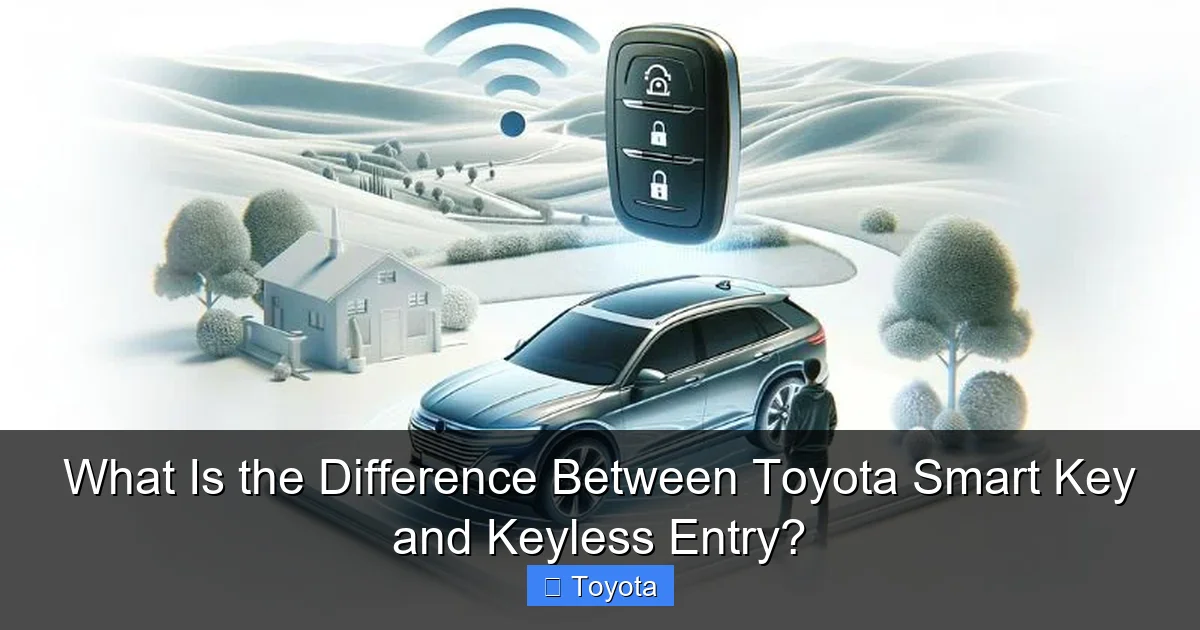
Visual guide about What Is the Difference Between Toyota Smart Key and Keyless Entry?
Image source: d1ihv1nrlgx8nr.cloudfront.net
Basic Key Fob Battery Failure
If the battery in your standard remote fob dies, you simply cannot use the remote buttons. The doors will not unlock or lock from a distance. However, you almost always have a physical emergency key blade stored inside the fob. You can extract this metal key and use it to manually unlock the driver’s door. Once inside, you use that same key to turn the ignition and start the car. The system reverts entirely to manual, physical operation. It’s a straightforward, well-known backup.
Smart Key Fob Battery Failure
A dead Smart Key fob is more nuanced because there’s no keyhole for the ignition. The car will not detect the fob, so the push-button start will fail. However, the Smart Key fob still contains a physical emergency key blade. You use this blade to manually unlock the driver’s door (there’s a small, hidden keyhole on the door handle, often covered by a trim piece). Once inside, you must place the dead fob in a specific location near the start button—usually a designated slot or marked area on the steering column or center console. The car has a secondary, low-power antenna in that spot that can sometimes detect the fob’s signal even with a weak battery, or it simply reads the fob’s ID when placed correctly. You then press the brake and start button as usual. The car recognizes the fob’s presence via this direct contact/near-field communication and allows the engine to start. The process is less intuitive and is detailed in the owner’s manual. This is a key reason why Smart Key systems can feel more frustrating during a battery failure, even though the daily convenience is higher.
Common Misconceptions and Troubleshooting
Let’s clear up some frequent points of confusion that Toyota owners encounter.
“My car has keyless entry, so it must have push-button start.”
This is the most common myth. Many Toyota models, especially base trims, offer “keyless entry with a standard remote” as an option or even standard equipment. This means you get the remote lock/unlock buttons, but the ignition is still a traditional key cylinder. Always check your vehicle. If there is no ENGINE START STOP button and there is a keyhole, you have keyless entry but not a Smart Key system. The Toyota Convenience Package on many models is what often upgrades you from basic keyless to the full Smart Key System with push-button start and other features.
“The Smart Key isn’t working! Is it broken?”
Before panicking, check these things:
- Fob Battery: This is the #1 culprit. Replace the coin cell battery (usually a CR2032).
- Interference: Strong radio signals, large metal objects, or even a second fob in the same pocket can interfere. Try isolating the fob.
- Key Deactivation Switch: As mentioned, this switch in the glovebox can accidentally be turned off, disabling the Smart Key function. Verify it’s on.
- Fob Damage: A cracked case or water damage can kill the internal antenna.
- System Reset: Sometimes, the car’s computer needs a reset. Consult your manual for the procedure, which may involve locking/unlocking with the emergency key or disconnecting the battery.
Can I add a Smart Key to my current Toyota?
Retrofitting a full Smart Key system (with door handle antennas, trunk sensors, and a new ignition button) to a vehicle that wasn’t factory-equipped is extremely complex, expensive, and often not possible. It requires a complete wiring harness swap, new body control module programming, and often a new instrument cluster. It’s not a simple aftermarket add-on. Your realistic options are to stick with your existing system or explore aftermarket remote start systems that add some convenience but are not the same as an OEM Smart Key.
The Evolution and Future: Where Are We Headed?
The journey from metal key to Smart Key is part of a larger trend toward seamless, digital connectivity. The Smart Key system itself is evolving. Many newer Toyotas, especially hybrids and EVs, feature Digital Key technology. This allows you to use your smartphone (via a dedicated app and NFC or Bluetooth) as your key fob. You can lock, unlock, and start the car with your phone, and even digitally share a key with a friend or family member via an email link. This eliminates the physical fob altogether. The Toyota app, which can also show you things like DCM (Data Communication Module) status or allow for remote start, is the gateway to this future.
Furthermore, as vehicles become more connected, the key fob itself is becoming a multi-function tool. On some models, holding the fob buttons can activate the snow mode or other settings. The line between the key, the phone, and the car’s computer is blurring. Understanding the foundational technology of the Smart Key helps you appreciate these new advancements and use them correctly.
Frequently Asked Questions
Can I program a new Toyota Smart Key myself?
Generally, no. Programming a new Smart Key fob requires specialized diagnostic equipment and access to the vehicle’s security system, which is typically only available to a Toyota dealer or a licensed automotive locksmith. You cannot simply copy an existing fob like with a basic remote.
Will a Smart Key work if it’s in my pocket or bag?
Yes, that’s the entire point. The system is designed to detect the fob when it’s within about 3 feet of the car, typically in your pocket, purse, or backpack. Thick metal or large items between the fob and the car’s antennas can sometimes block the signal.
What’s the difference between a Smart Key and a remote starter?
A Smart Key is for entry and ignition. A remote starter is an aftermarket or factory-installed system that allows you to start the engine from a distance using a separate remote or your smartphone fob, usually for warming up or cooling down the car. Some factory remote start functions are integrated into the Smart Key fob’s button sequence (e.g., press lock, lock, lock).
Does the Smart Key drain my car’s battery?
The Smart Key system uses very low-power signals when the car is off. It has a negligible impact on the vehicle’s 12V battery. A dead car battery is almost always due to other factors like a faulty alternator, old battery, or a parasitic draw from an aftermarket accessory.
Can I disable the Smart Key system?
Yes, most vehicles with a Smart Key have a hidden deactivation switch, usually inside the glovebox. This is useful if you’re traveling and want to prevent someone from unlocking the car if they steal your fob, or if you’re storing the vehicle for a long time. Refer to your owner’s manual for the exact location and procedure.
If I lose my Smart Key fob, can I still start the car?
No. Without the authorized Smart Key fob being detected inside the vehicle, the push-button start will not activate. You will need to have a new fob programmed and sold to you by a Toyota dealer. The emergency key blade only gets you into the car; it will not start the engine on a Smart Key system.







