
How to Turn on the Screen in a Jeep Compass

Turning on the screen in your Jeep Compass is usually a simple process involving the ignition or a dedicated power button. However, if the screen remains blank, common causes include a blown fuse, a disconnected battery, or a system glitch requiring a reset. This guide covers the standard startup procedure for all Compass models and provides detailed troubleshooting steps to diagnose and fix a non-responsive infotainment screen.
Key Takeaways
- The primary method is simply turning the ignition to the “ON” or “RUN” position. The screen activates automatically once the vehicle’s electrical system is powered, which happens when you press the start button (without the brake) or turn the key.
- All Compass models use the same basic principle: The infotainment system is tied to the vehicle’s accessory power circuit and will not operate if the ignition is completely off.
- If the screen doesn’t turn on, check the dedicated fuse first. Fuse locations are specified in your owner’s manual, and a blown fuse is a very common, easy fix.
- Recent battery disconnect or a weak battery can cause a temporary screen blackout. The system may need a full reset or several minutes to reboot after power is restored.
- A “soft reset” (holding the volume knob/enter button) can resolve many software glitches. This forces the Uconnect system to restart without affecting saved settings.
- Physical damage or complete system failure requires professional diagnosis. If basic steps fail, the issue may be with the screen itself, the wiring harness, or the main control module.
📑 Table of Contents
- How to Turn on the Screen in a Jeep Compass: Your Complete Guide
- The Standard Startup: How It’s Supposed to Work
- Common Reasons Your Compass Screen Won’t Turn On
- Performing a Uconnect System Reset
- Advanced Troubleshooting Steps
- When It’s Time to Seek Professional Help
- Model Year Specific Considerations
How to Turn on the Screen in a Jeep Compass: Your Complete Guide
So, you slid into the driver’s seat of your Jeep Compass, turned the key or pressed the start button, and… nothing. The dashboard lights might be on, but the central screen—your Uconnect infotainment system—remains stubbornly black. Don’t panic. This is one of the most common questions we get from Compass owners, and the solution is often simpler than you think. Whether you have a 2017 model or the latest 2024, the fundamental way to power on that screen is the same. This guide will walk you through the standard startup procedure, explain why it might not be working, and give you a clear, step-by-step troubleshooting plan to get your screen back up and running. We’ll talk about fuses, resets, and when it’s time to call a professional. Let’s get you connected again.
The Standard Startup: How It’s Supposed to Work
Before we dive into problems, let’s establish the baseline. In a properly functioning Jeep Compass, turning on the screen is not a separate action. It’s an automatic event triggered by the vehicle’s ignition system. Understanding this is key to diagnosing issues.
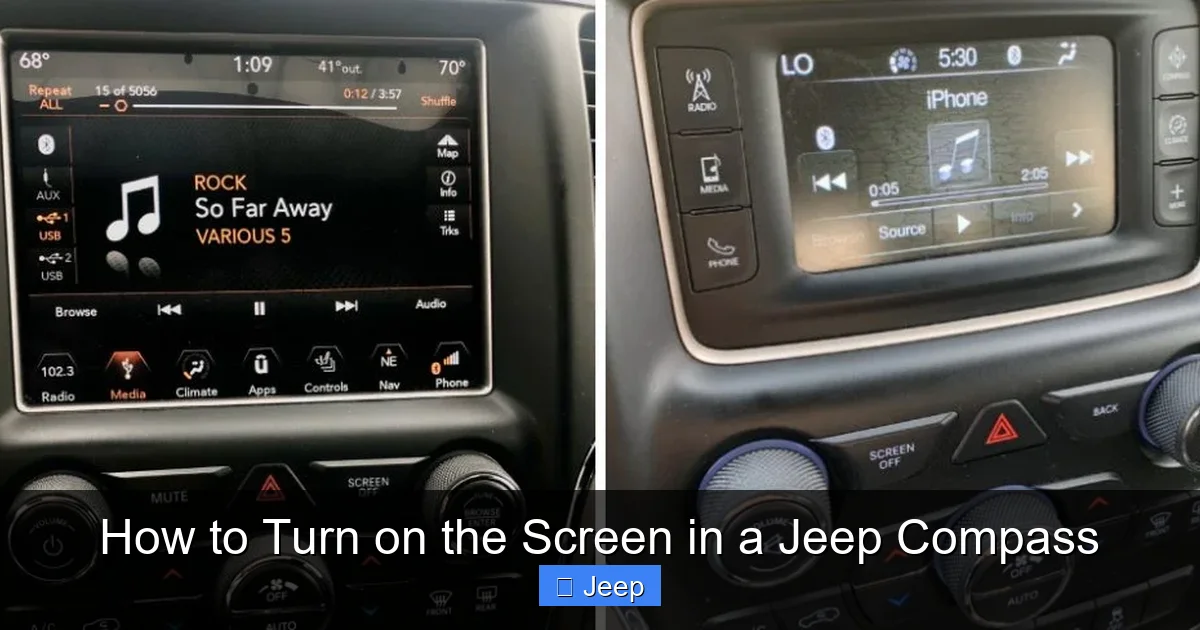
Visual guide about How to Turn on the Screen in a Jeep Compass
Image source: jeepfixes.com
The Ignition is the Master Switch
Think of your car’s ignition switch as the main power distribution center. When you turn the key to the “ACC” (Accessory) position or press the ignition button without pressing the brake pedal (in keyless models), you are sending power to the vehicle’s accessory circuits. This includes the radio, power windows, and, most importantly for you, the infotainment screen. The moment the system receives this power, it should boot up, displaying the Jeep logo followed by the main menu.
For key-start models: Insert key, turn to “ON” or “ACC” (the position right before “START”). The screen should illuminate.
For push-button start models: Press the ENGINE START/STOP button once without touching the brake pedal. This is the ” accessory” mode. The screen should turn on.
Pro Tip: If you have a Compass with the optional remote start feature, the screen will also activate during a remote start sequence once the engine is running.
What the Screen Should Do
A healthy startup is quick and consistent. You should see:
- The Jeep or Uconnect logo appear within 1-3 seconds.
- A brief loading animation or progress bar.
- The system then loads your last-used source (e.g., AM/FM radio, Apple CarPlay/Android Auto, USB media).
- Touch responsiveness should be immediate.
If any part of this sequence is missing—no logo, a frozen logo, or a completely black screen—then we have a problem to solve.
Common Reasons Your Compass Screen Won’t Turn On
When the automatic power-on fails, the issue falls into a few main categories: power delivery, software, or hardware failure. We’ll start with the simplest, most common fixes first.
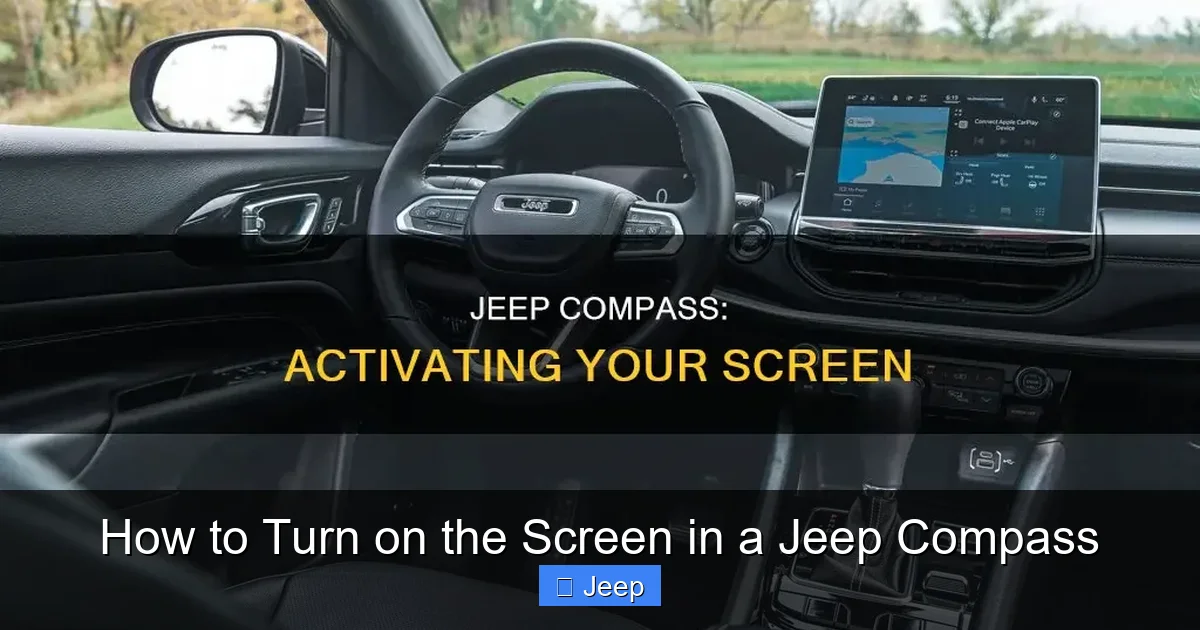
Visual guide about How to Turn on the Screen in a Jeep Compass
Image source: shunauto.com
1. The Ignition Isn’t Actually “ON”
This sounds obvious, but it happens. Double-check you haven’t accidentally turned the key all the way back to “LOCK” or, in a push-button car, that you didn’t press the brake and start the engine immediately (which is fine, but the screen should still be on). Ensure the vehicle is not in a state where the system is deliberately off to save battery, like after a prolonged period of inactivity with a very low battery.
2. A Blown Fuse: The #1 Suspect
Fuses are tiny protectors. If there’s a short circuit or overload in the infotainment system’s circuit, the fuse will “blow” (break the connection) to prevent damage. This is the most frequent cause of a dead screen. The good news? Replacing a fuse is cheap and easy.
Locating and Checking the Infotainment Fuse
Step 1: Find Your Fuse Box. The Compass typically has two fuse boxes. The one you need is almost always the interior fuse box, located on the lower end of the dashboard, on the driver’s side (you often need to open the door and pry off a plastic panel). Always consult your owner’s manual fuse diagram first for the exact location and fuse identification.
Step 2: Identify the Correct Fuse. Look for a fuse labeled “Uconnect,” “INFOTAINMENT,” “RADIO,” “APPS,” or “DISP” (Display). It is commonly a 10, 15, or 20-amp fuse. The manual is your best friend here.
Step 3: Inspect and Test. Pull the fuse using a fuse puller (often provided in the box) or needle-nose pliers. Look at the metal strip inside the plastic housing. If it’s broken or has a visible gap, the fuse is blown. For a more certain test, use a multimeter or circuit tester, or simply swap it with a fuse of the same amperage from a known-good circuit (like the interior lights fuse) to see if the screen comes on. If the replacement fuse blows immediately after installation, there is a deeper electrical short that needs professional diagnosis.
Replacing a blown fuse is a classic DIY fix. If this solves it, you’ve saved yourself a trip to the dealer. For other simple vehicle maintenance tasks, like resetting a tire pressure light on a Honda Civic, the process is similarly straightforward but involves different steps.
3. Battery Issues & System Reset Needs
Your car’s battery does more than start the engine. It provides stable voltage to all computerized systems, including the Uconnect module. A severely discharged battery, a recent battery disconnect (for replacement or storage), or even a jump-start can cause the infotainment system to enter a protective state or fail to initialize properly.
- Symptom: Screen is black, but other accessories (like dome lights) work when the key is in ACC/ON. This can indicate the battery is too weak to handle the initial surge of the screen booting up.
- Solution: Try jump-starting the vehicle or charging the battery. Once the engine is running and the alternator is charging, the screen may come to life. If not, a full system reset may be needed.
Performing a Uconnect System Reset
Software glitches happen. The Uconnect system, like any computer, can freeze or get stuck in a boot loop. A reset clears temporary data and forces a fresh start. There are two main types of resets.
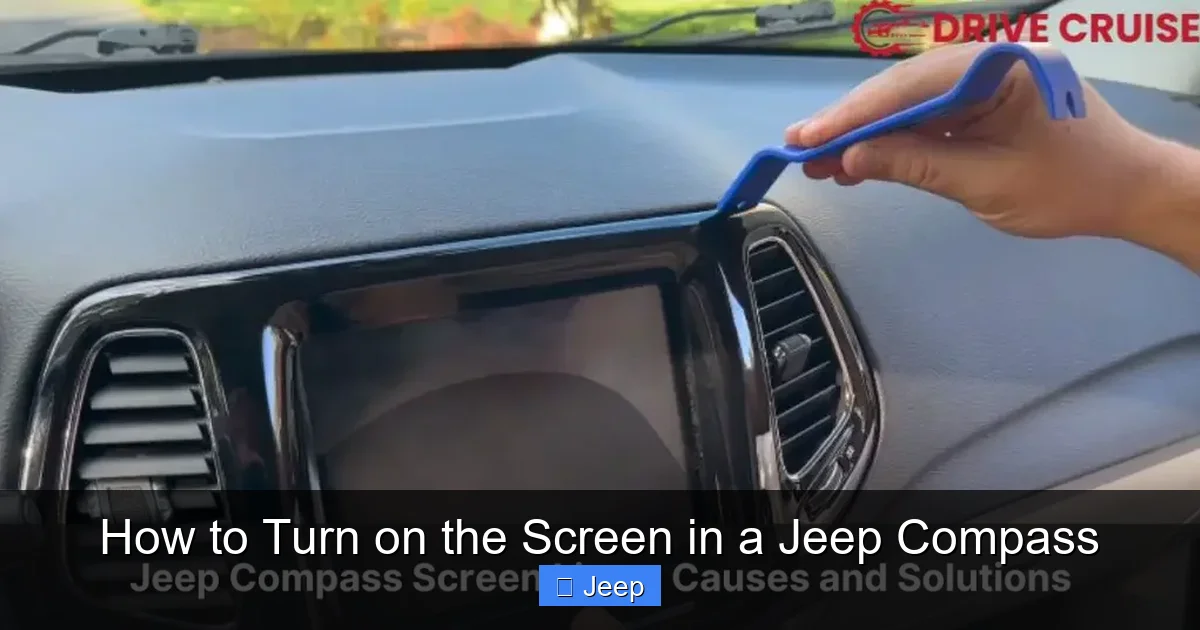
Visual guide about How to Turn on the Screen in a Jeep Compass
Image source: drivecruise.com
The Soft Reset (The First Thing to Try)
This is the safest, non-invasive method. It does not delete your saved radio presets, paired Bluetooth devices, or system settings.
- For models with a physical “Volume” knob/Enter button: Press and hold the center knob (or the “Enter” button) for about 10-15 seconds. You should feel the unit power down and then restart. The screen will go black and then show the Jeep logo again.
- For models with all-touchscreen controls (e.g., newer Uconnect 5): The soft reset method varies. Often, you hold down the “Home” button or a dedicated “Power” button on the bezel for 10+ seconds. Check your owner’s manual for the exact procedure for your specific model year.
After the soft reset, wait a full minute for the system to complete its boot cycle before concluding it didn’t work.
The Hard Reset (Master Reset)
This is a more drastic step that returns the Uconnect system to factory default settings. Warning: This will erase all personal data: saved radio stations, paired phones, navigation home addresses, and account logins (like for connected services). Only do this if a soft reset fails and you’re prepared to set everything up again.
The process is typically found in the vehicle settings menu, but you need the screen to be on to access it! Therefore, a hard reset is usually performed via a button combination when the system is off or through a diagnostic tool. The most common method is:
- Turn the ignition to the “ON” position (engine off).
- Press and hold down the PHONE button and the NAV button (or sometimes the “UP” and “DOWN” arrow buttons) simultaneously for about 10-20 seconds.
- The screen should flash or go black and then restart with the initial setup screens.
This exact combination can vary by model year and software version. Your owner’s manual is the definitive source. If you cannot access the menu and the button combo doesn’t work, a dealer or specialist can perform a hard reset via their diagnostic computer (wiTECH).
Advanced Troubleshooting Steps
If you’ve verified the ignition is on, checked/replaced the fuse, and performed a soft reset with no success, it’s time to dig a little deeper.
Check for Other Electrical Symptoms
Is the problem only the screen? Or are other accessories also dead?
- Test the power outlets (cigarette lighter/USB ports). If they don’t work in ACC/ON, the problem may be a larger accessory circuit issue, not just the screen.
- Do the climate control buttons light up? If the entire center stack is dark, the issue might be a main power feed or a ground strap problem.
- Look for any other warning lights on the instrument cluster, like a battery light or general malfunction indicator. This points to a broader electrical system problem.
The “Battery Disconnect” Reboot
Sometimes, the Uconnect module’s internal memory gets into a state that even a soft reset can’t clear. A full power cycle of the vehicle’s main battery can force a complete reboot of all control modules.
- Turn off the engine and remove the key/fob.
- Open the hood and locate the negative (-) battery terminal.
- Using a 10mm wrench, loosen the nut and disconnect the negative cable. Secure it away from the terminal so it can’t arc back.
- Wait 10-15 minutes. This allows all residual power (called “keep-alive memory”) to drain from the vehicle’s computers.
- Reconnect the negative cable and tighten the nut.
- Close the hood.
- Enter the vehicle and turn the ignition to the “ON” position. The Uconnect system will go through a much longer initialization process than usual (several minutes), as it relearns basic parameters. Be patient.
Note: Disconnecting the battery may also require you to re-enter your radio code (if equipped) and re-pair your Bluetooth devices. You may also need to perform a ABS light reset procedure on some models, as the system will lose its steering angle sensor calibration. Driving carefully for a few miles will usually recalibrate it.
When It’s Time to Seek Professional Help
You’ve exhausted the owner-level troubleshooting. The fuse is good, the battery is strong, and resets do nothing. Now what? At this point, the fault is likely in the hardware.
Possible Hardware Failures
- Failed Infotainment Unit: The Uconnect module itself has an internal failure. This is a replaceable part.
- Faulty Screen/Display: The LCD panel or its backlight has burned out. You might see a very dim image if you shine a flashlight on the screen.
- Damaged Wiring Harness: The wiring from the fuse box to the screen, or connections behind the dashboard, can become loose, corroded, or pinched (especially if aftermarket accessories were installed).
- Faulty Body Control Module (BCM) or Gateway: The BCM is the central hub that distributes power and data. If it’s not sending the “on” signal to the infotainment system, the screen stays dark.
What a Dealer/Technician Will Do
A professional will use a high-end diagnostic scan tool (like the dealer’s wiTECH system) to communicate directly with the Uconnect module. They can check for stored fault codes, see if the module is “alive” on the vehicle’s network, and command it to turn on. This quickly isolates whether the problem is:
- No power/ground to the unit (electrical wiring issue).
- No communication from the network (BCM or data bus problem).
- The unit itself is dead (requires replacement).
Diagnosis is key. Replacing the infotainment screen is expensive. Knowing it’s actually faulty before you buy the part saves money. While you’re at the dealer, they can also check for any pending software updates for the Uconnect system, which sometimes resolve bugs that cause black screens.
Model Year Specific Considerations
While the core principles are the same, a few nuances exist across different Compass generations.
Pre-2022 Models (Uconnect 4, 4C, 4C NAV)
These models almost always have a physical volume/enter knob, making the soft reset method very straightforward (hold the knob). The screen is also a more traditional LCD. These systems are generally robust but can suffer from aging capacitors or worn-out backlights over time.
2022 and Newer Models (Uconnect 5)
The all-new Uconnect 5 system features a larger, fully capacitive touchscreen with no physical buttons (except maybe for volume). The soft reset procedure is different and often involves a specific button combination on the steering wheel or a hidden reset combo. Your 2022+ owner’s manual is absolutely essential here. These newer systems are more software-dependent, so glitches requiring a reset can be slightly more common during the initial ownership period until updates are applied.
If you find your climate controls aren’t working either, or you’re dealing with other dashboard warning lights, the issue might be more widespread. For instance, troubleshooting a heated mirror system on a Toyota RAV4 involves checking separate circuits and fuses, but the diagnostic mindset—checking fuses and power—is the same across all modern vehicles.
Frequently Asked Questions
My Jeep Compass screen turns on but freezes or is unresponsive. What do I do?
This is typically a software glitch. Perform a soft reset by holding the center volume knob/enter button for 10-15 seconds (or consult your manual for touchscreen models). If that fails, a hard reset (master reset) may be necessary, but be aware it erases all your personalized settings.
Is there a dedicated “power button” for the screen?
No. The screen is designed to power on automatically with the vehicle’s ignition/accessory mode. There is no separate user-activated power switch for the infotainment screen itself.
I replaced the fuse, but the screen still doesn’t work. Now what?
If a new fuse blows immediately after installation, there is a short circuit in the system that needs professional repair. If the new fuse doesn’t blow but the screen remains dead, the problem is likely a failed Uconnect module, a broken screen, or a wiring issue behind the dashboard.
Can a dead 12V battery cause a blank screen even if the lights come on?
Yes. The infotainment system requires a stable voltage to boot. A severely weak or old battery may provide enough power for interior lights but not the initial surge needed by the screen. Try jump-starting or charging the battery first.
Will disconnecting the battery delete my radio presets?
Yes. Disconnecting the main battery will reset the Uconnect system to factory defaults, erasing all saved radio stations, paired Bluetooth devices, and navigation favorites. You will need to set everything up again after reconnection.
How much does it cost to replace a Jeep Compass infotainment screen?
Costs vary widely. A dealer replacement for the entire Uconnect unit (which includes the screen) can range from $800 to over $1,500 for parts alone, plus labor. Used or refurbished units are cheaper but carry risk. A standalone screen replacement is less common as the display is often integrated into the module. Always get a proper diagnosis first to confirm the exact failed component.
