
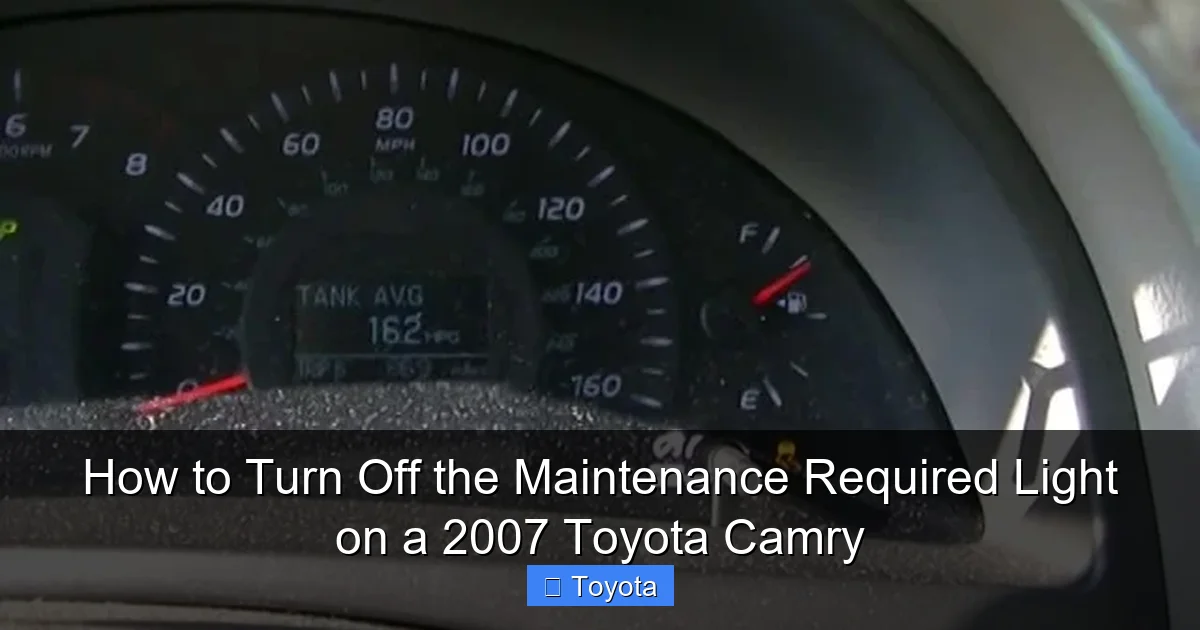
How to Turn Off the Maintenance Required Light on a 2007 Toyota Camry

Contents
- 1 Key Takeaways
- 2 📑 Table of Contents
- 3 Understanding the Maintenance Required Light on Your 2007 Camry
- 4 Preparing to Reset the Light: What You Need to Know
- 5 Method 1: The Manual Odometer Reset (The Standard Procedure)
- 6 Method 2: Using an OBD2 Scanner (The Alternative)
- 7 After the Reset: Verification and Next Steps
- 8 Common Mistakes and Troubleshooting
- 9 Conclusion: A Simple Task for a Healthy Camry
- 10 Frequently Asked Questions


The maintenance required light on your 2007 Toyota Camry is a reminder for scheduled service, typically an oil change. It is not an emergency warning. You can reset it yourself using a simple manual procedure with your odometer/trip meter button. If the light returns quickly, it may indicate a sensor issue or that the required service wasn’t performed. Always address the underlying maintenance need before resetting the light to keep your Camry running reliably.
That little wrench icon glowing on your dashboard can be a nuisance. You know you just had the oil changed, so why is the maintenance required light still on? If you own a 2007 Toyota Camry, you’re not alone. This light is a simple reminder system from a time before complex onboard computers. The good news is that turning it off is a straightforward process you can handle in your driveway in under a minute. This guide will walk you through exactly how to reset that service light, explain what it really means, and give you the confidence to manage your Camry’s maintenance schedule like a pro.
Key Takeaways
- The light is a maintenance reminder: It illuminates after a set mileage (usually 5,000 miles) to remind you of scheduled service like an oil and filter change.
- Two primary reset methods exist: You can reset it manually via the odometer/trip meter button sequence or, less commonly, with an OBD2 scanner.
- Perform the actual service first: Always change the oil and filter, check fluids, and perform any other due maintenance before resetting the light.
- A quick return signals a problem: If the light comes back on shortly after resetting, a sensor may be faulty, or the service interval wasn’t properly calculated.
- It’s different from the check engine light: The maintenance required light is for scheduled service, while the check engine light indicates a potential engine or emissions problem.
- Consult your owner’s manual: It contains the exact reset procedure and maintenance schedule specific to your 2007 Camry’s trim and engine.
📑 Table of Contents
- Understanding the Maintenance Required Light on Your 2007 Camry
- Preparing to Reset the Light: What You Need to Know
- Method 1: The Manual Odometer Reset (The Standard Procedure)
- Method 2: Using an OBD2 Scanner (The Alternative)
- After the Reset: Verification and Next Steps
- Common Mistakes and Troubleshooting
- Conclusion: A Simple Task for a Healthy Camry
Understanding the Maintenance Required Light on Your 2007 Camry
Before we dive into the reset, it’s crucial to understand what this light is and, more importantly, what it is not. The 2007 Camry uses a mileage-based, not sensor-based, system for this particular indicator. It’s a pre-programmed reminder that illuminates after you’ve driven a certain number of miles since the last reset—typically 5,000 miles for most models. This is Toyota’s way of saying, “Hey, it’s probably time for an oil change and a general once-over.” It is not an indicator of oil pressure, engine temperature, or a critical fault. That’s the job of other warning lights. Confusing the two can lead to unnecessary panic or, worse, ignoring a real problem.
How the System Works: A Simple Counter
Think of the system as a kitchen timer. When you (or your mechanic) last reset it, you started the count at zero. The car’s computer then counts every mile you drive. Once you hit the pre-set limit—in this case, 5,000 miles—the wrench icon lights up on your instrument cluster. It will remain on steadily until you manually reset the counter. This means the light has no idea if you actually changed your oil. It only knows the mileage. This is why it’s absolutely critical to perform the required maintenance before you reset it. Resetting it without changing the oil defeats the entire purpose of the reminder system and can lead to engine wear.
It’s Different From the Check Engine Light
This is a common point of confusion. The maintenance required light (often a wrench symbol) is for scheduled, preventative maintenance. The check engine light (usually an engine-shaped icon) is part of the OBD-II system and illuminates when the computer detects a problem affecting emissions or engine operation, like a faulty oxygen sensor or a loose gas cap. The procedures for diagnosing and turning off a check engine light are completely different and often require a scan tool. If your check engine light is on, you should diagnose that issue first, as resetting the maintenance light will not affect it. For issues with other warning lights, resources like our guide on resetting the airbag light on a Toyota Camry cover those specific systems.
Preparing to Reset the Light: What You Need to Know
Now that you understand the “why,” let’s talk about the “how.” The method for a 2007 Camry is elegant in its simplicity because it uses the buttons already on your steering wheel or instrument cluster. You don’t need any special tools, software, or a dealership visit. However, a little preparation ensures the process goes smoothly.
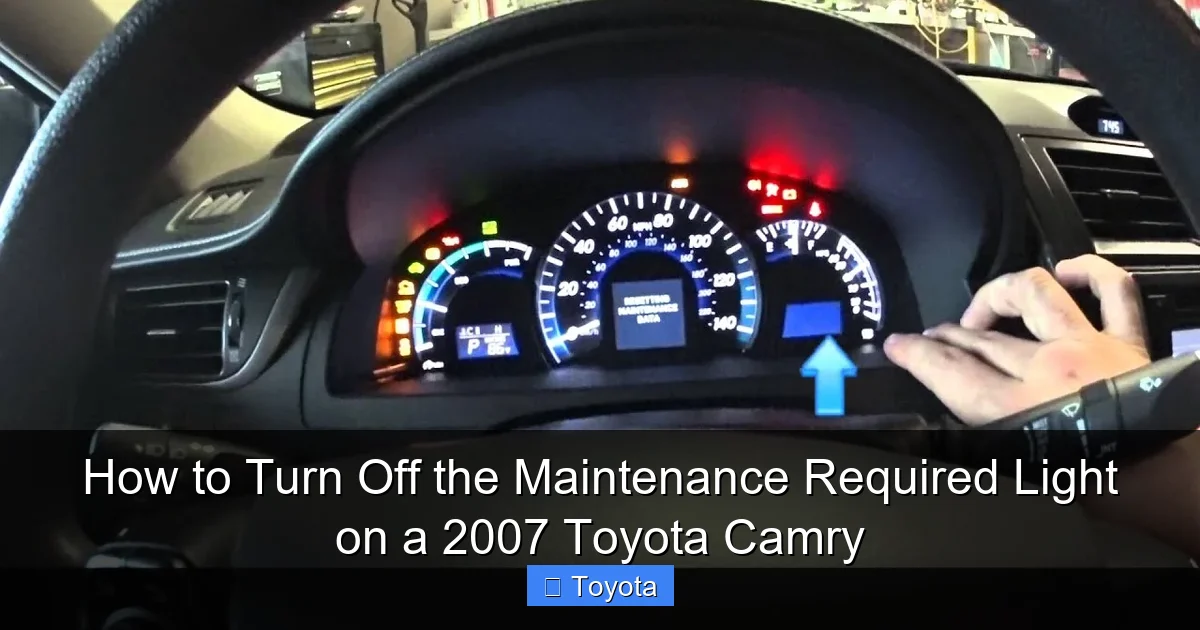
Visual guide about How to Turn Off the Maintenance Required Light on a 2007 Toyota Camry
Image source: i.ytimg.com
Step 1: Confirm the Light is the Maintenance Required Light
Look closely at the illuminated symbol on your dashboard. On the 2007 Camry, it is a small, amber-colored wrench icon. It should be labeled “MAINT REQD” in the gauge cluster. It is not the same as the “Service Engine Soon” light or the tire pressure monitor light. If you’re seeing a different light, you’ll need a different procedure. For example, resetting a tire pressure light follows a different process, as seen in guides for other brands like clearing the tire maintenance light on a Nissan.
Step 2: Ensure the Car is Ready
The reset procedure must be performed with the car turned OFF. The ignition should be in the locked position (key removed or push-button off). Make sure all doors are closed, and the parking brake is engaged. You will be turning the ignition to the “ON” position (the position right before starting the engine, where the dashboard lights come on) but you will not start the engine. Have your key fob or key ready.
Step 3: Know Your Button Layout
The 2007 Camry uses the trip meter/reset button on the instrument cluster. This is the small black button usually located on the right side of the speedometer, often with a label like “TRIP” or an icon of two overlapping squares. You will use this button exclusively for the reset. On some models, you might also use the “ODO/TRIP” switch on the steering wheel column stalk. The method described below uses the cluster button, which is the most common and reliable method for this model year.
Method 1: The Manual Odometer Reset (The Standard Procedure)
This is the factory-prescribed method for resetting the maintenance required light on a 2007 Toyota Camry. It uses a specific key-on, button-press sequence to access the hidden service menu. Follow these steps precisely.
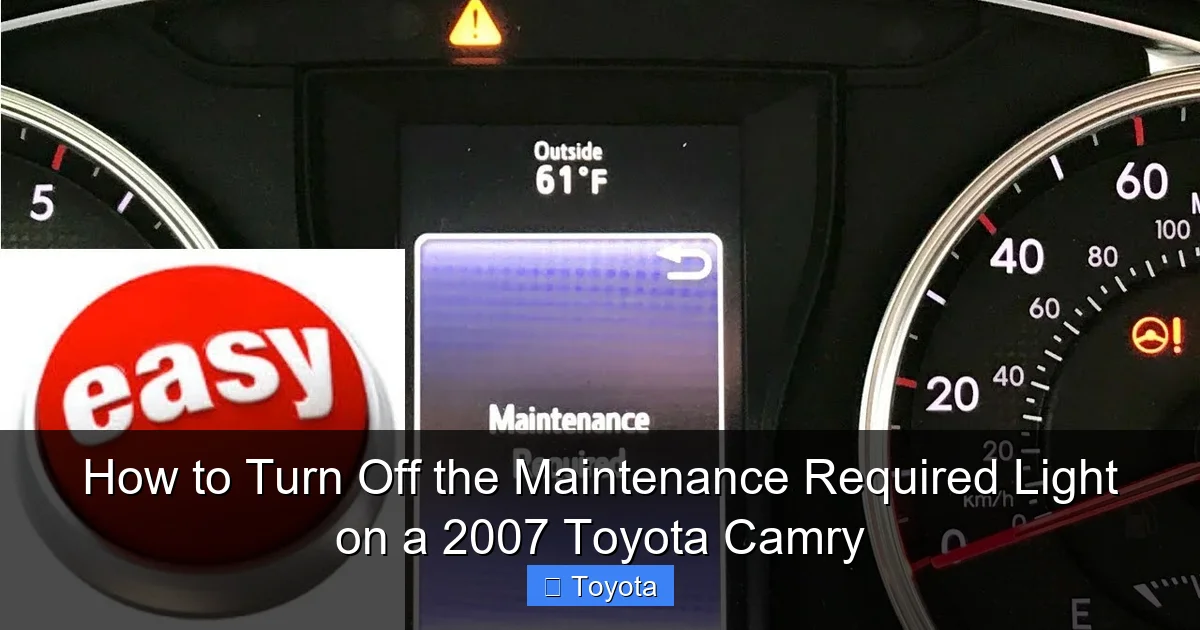
Visual guide about How to Turn Off the Maintenance Required Light on a 2007 Toyota Camry
Image source: i.ytimg.com
Step-by-Step Instructions
1. Turn the ignition OFF. Ensure your Camry is parked safely with the parking brake set.
2. Press and hold the trip meter reset button. Locate the button on your instrument cluster. Press it in and hold it down. Do not release it yet.
3. Turn the ignition to the “ON” position. While continuing to hold the trip meter button, turn the key to the “ON” position (or press the start button once without pressing the brake on push-start models). The dashboard lights will illuminate, and you may see the odometer display.
4. Continue holding the button for 5-10 seconds. Keep holding the button. After a few seconds, you should see the odometer display begin to change. It will typically cycle through a series of dashes (“—“) or show a series of zeros. This is the system entering reset mode.
5. Release the button and turn the ignition OFF. Once you see the dashes or zeros appear (the light may blink), release the reset button. Then, turn the ignition completely back to the OFF position.
6. Start the engine to confirm. Turn the key to start the engine. The maintenance required light should be off. If it is still on, repeat the process, ensuring you hold the button long enough to see the display change. Sometimes it takes closer to 10 seconds of holding after turning the ignition on.
Important Notes and Variations
Some 2007 Camry models, particularly those with a multi-information display, might require a slightly different sequence. If the above doesn’t work, try this variation: With the ignition OFF, press the trip button twice in quick succession, then hold it on the third press while turning the ignition ON. The goal is to get the odometer display to show a series of zeros. The core principle remains: hold the trip reset button while turning the key to ON. If you continue to have trouble, your owner’s manual is the final authority. For other Toyota models, the process can differ. For instance, resetting the light on a Toyota Tacoma often involves a different button combination due to its different gauge cluster design.
Method 2: Using an OBD2 Scanner (The Alternative)
While the manual method is free and easy, some people prefer using a tool. An OBD2 scanner with maintenance reset capabilities can also turn off the light. This is often the method used by quick-lube shops and dealerships. However, for a 2007 Camry, this is usually overkill.
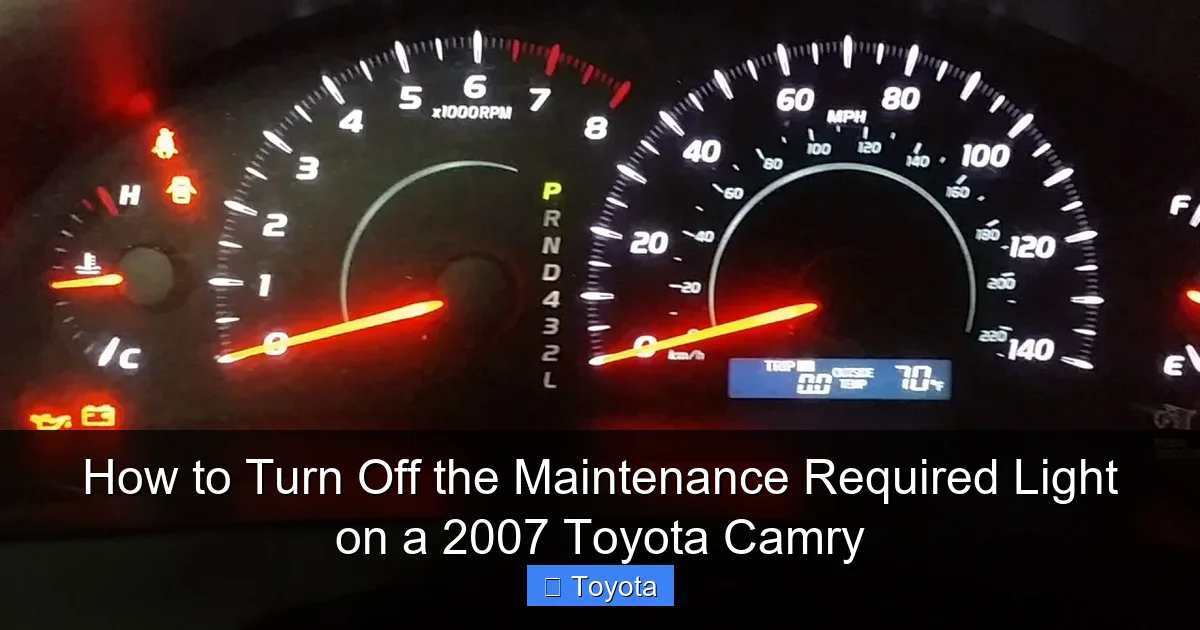
Visual guide about How to Turn Off the Maintenance Required Light on a 2007 Toyota Camry
Image source: i.ytimg.com
When and Why You Might Use a Scanner
You would use an OBD2 scanner if the manual reset method repeatedly fails or if you want to perform other diagnostics at the same time. Some advanced scanners can read and clear codes from multiple systems. The process involves plugging the scanner into the OBD2 port (under the dashboard near the steering column), powering it on, navigating to the “Maintenance Reset” or “Service Light Reset” menu, and following the on-screen prompts. Not all basic code readers have this function; you need one that specifically includes maintenance reset capabilities for Toyota vehicles.
A Word of Caution
Using a scanner is safe, but it’s an extra expense for a task that takes 30 seconds by hand. Furthermore, if your 2007 Camry’s maintenance light is coming on due to an electrical glitch or a faulty odometer count, a scanner might not be able to reset it either, pointing to a deeper issue. For most owners, mastering the manual button-press method is the most practical and cost-effective solution. If you do use a scanner, ensure it’s compatible with 2007 Toyota models. Guides for newer models, like resetting the light on a 2020 Toyota RAV4, often detail scanner use because their systems are more integrated.
After the Reset: Verification and Next Steps
You’ve followed the steps, and the wrench is gone. Success! But your job isn’t quite done. A proper reset is part of a larger maintenance cycle.
Confirming the Reset Was Successful
After resetting, turn the ignition off, wait about 10 seconds, and restart the car. Watch the dashboard cluster during startup. The maintenance required light should not illuminate with the other warning lights during the bulb check. If it does come on during the startup sequence but then goes out, that’s normal—it’s just the system’s final check. If it stays on steadily after the engine is running, the reset failed. Try the procedure again, holding the button longer. If it still won’t reset, there may be an issue with the instrument cluster or the vehicle’s computer memory.
Resetting the Maintenance Mileage Counter
When you successfully reset the light, you also reset the internal mileage counter back to zero. The car now “thinks” you’ve just had your service. It will begin counting down (or up, depending on the system) from 0 toward the next 5,000-mile interval. You can often verify this by looking at your odometer. After a reset, if you press the trip button to cycle through the display modes, you might see a small “A” or “B” trip meter that now reads 0.0 miles. This is your new baseline.
Document Your Service
Even though the car has forgotten, you should not. Keep a simple log in your glovebox or on your phone. Note the date, mileage at the time of service, and what was done (e.g., “Oil/filter change, tire rotation, fluid check”). This helps you track upcoming services and provides a record if you ever sell the car. It also prevents you from accidentally resetting the light without doing the work.
Common Mistakes and Troubleshooting
Even with a simple procedure, things can go wrong. Here are the most common pitfalls and how to solve them.
Mistake 1: Resetting Without Performing Maintenance
This is the biggest error. The light is a helpful tool. If you reset it without changing the oil, you’ve silenced the reminder that your engine is running on degraded oil. This can lead to premature engine wear or failure. Always, always perform the oil change and any other due service (air filter, cabin filter, tire rotation) first. The reset is the final step, the “check-off” that the job is done.
Mistake 2: Holding the Button for Too Short a Time
The sequence requires you to hold the trip reset button for several seconds after turning the key to ON. Many people turn the key on and immediately release the button. You must hold it until you see the odometer display change—usually to a series of dashes or zeros. This change is your confirmation that the reset command was received. Hold it for a solid 5-10 seconds to be sure.
Mistake 3: Trying to Reset with the Engine Running
The procedure must be done with the key in the OFF position, then turned to ON (run position) while holding the button. You cannot do it with the engine already running. If the engine is running, the system is in a different mode and will not accept the reset command. Turn everything off and start over.
Mistake 4: The Light Comes Back On Immediately
If you reset the light and it comes back on within a day or a very short distance (less than 100 miles), this is a red flag. It usually means one of two things: 1) The maintenance was not actually performed correctly (e.g., the oil filter was not changed, the drain plug is leaking), so the system’s internal logic (which can sometimes track oil quality via other means in later models, though not the 2007) or simply the mileage interval is being recalculated incorrectly, or 2) There is a fault in the instrument cluster or the Body Control Module (BCM) that stores the maintenance counter. In this case, you need to take it to a mechanic. They can check for any stored codes and may need to reprogram the maintenance interval using a dealer-level scan tool.
Conclusion: A Simple Task for a Healthy Camry
Turning off the maintenance required light on your 2007 Toyota Camry is a quintessential piece of basic car ownership knowledge. It empowers you to take control of your vehicle’s service schedule without a dealership appointment. Remember the core sequence: OFF -> HOLD BUTTON -> ON (while holding) -> WAIT FOR DISPLAY CHANGE -> OFF -> START. But more importantly, remember that this light is your friend, not your enemy. It’s a low-cost, high-reward reminder system designed to extend the life of your engine. By performing the actual oil change and scheduled maintenance on time and then resetting the light, you honor that system. You keep your reliable Camry running smoothly, efficiently, and reliably for years to come. Now, go enjoy that wrench-free dashboard!
Frequently Asked Questions
Why does the maintenance required light come on if I just changed my oil?
The light is based solely on mileage, not on oil condition sensors in your 2007 Camry. If it comes on after an oil change, it means the previous reset was never performed, or the mileage interval was miscalculated. You simply need to perform the manual reset procedure after every oil change.
Is it safe to drive with the maintenance required light on?
Yes, it is safe to drive for a limited distance. The light is a reminder, not a warning of immediate danger. However, you should plan to perform the scheduled service (typically an oil change) within the next 500-1,000 miles. Driving for thousands of miles with the light on risks engine damage from old, degraded oil.
How often should I reset the maintenance required light?
You should reset it only after you have completed the maintenance it is reminding you of—usually every 5,000 miles for oil and filter changes. Do not reset it as a “trick” to make it go away without doing the work.
Will the maintenance required light turn off by itself?
No. Unlike some warning lights that may extinguish if the condition clears, the maintenance required light on a 2007 Camry is a persistent reminder. It will stay illuminated until you manually reset it using the specified procedure.
What’s the difference between the maintenance required light and the check engine light?
The maintenance required light (wrench icon) is a pre-programmed mileage counter for scheduled service like oil changes. The check engine light (engine icon) indicates a fault detected by the emissions system that needs diagnosis. One is for maintenance, the other is for repair.
Can I reset the light if I did my own oil change?
Absolutely. The reset procedure is the same whether a professional or you performed the service. Just ensure you have correctly changed the oil and filter, topped off all fluids, and disposed of the old oil properly before you execute the reset sequence.







