
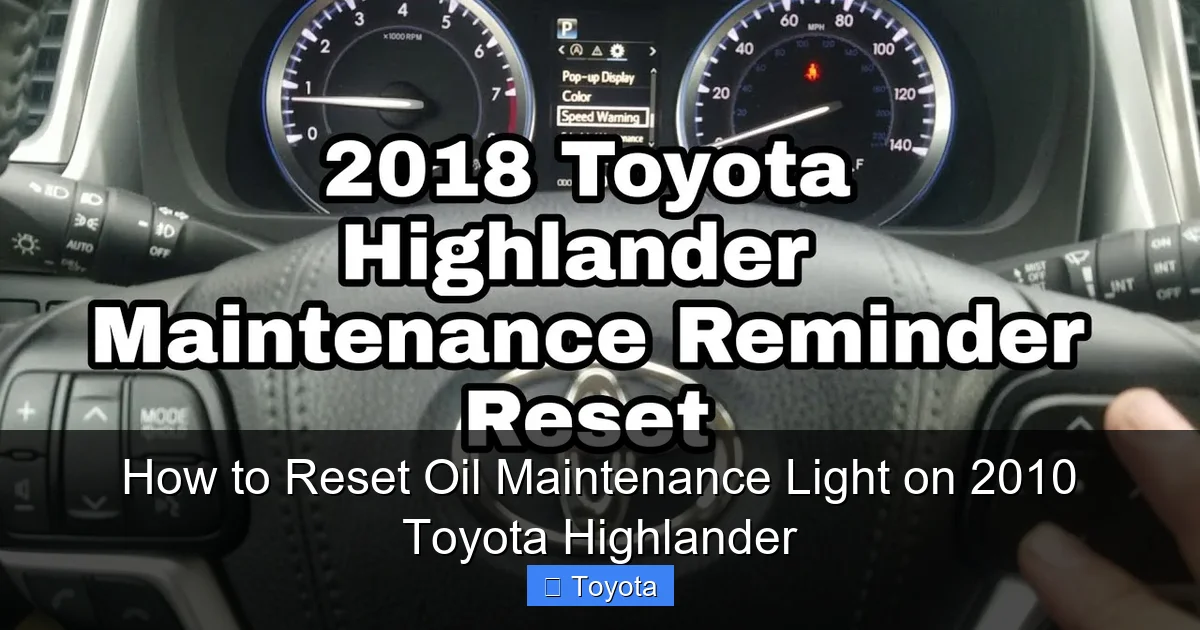
How to Reset Oil Maintenance Light on 2010 Toyota Highlander

Contents


Resetting the oil maintenance light on a 2010 Toyota Highlander is quick and easy—no mechanic needed. With just a few button presses and the ignition in the right position, you can clear the reminder and get back to driving with confidence.
Key Takeaways
- Know the difference between warning lights: The oil maintenance light is a service reminder, not an emergency oil pressure warning. It’s safe to reset after an oil change.
- Use the trip meter button: This is the primary tool for resetting the light. Located on the instrument cluster, it cycles through trip data and enters reset mode.
- Turn the ignition to “ON” without starting the engine: This powers the dashboard electronics so you can access the reset function.
- Follow the exact sequence: Press and hold the trip button, turn the key, wait for the light to blink, then release and press again to confirm.
- Double-check your oil level and quality: Always verify the oil is clean and at the proper level before resetting the light to avoid engine damage.
- Reset after every oil change: Make this part of your regular maintenance routine to keep your Highlander running efficiently.
- Consult the owner’s manual: If you’re unsure, the manual provides model-specific guidance and troubleshooting tips.
📑 Table of Contents
Why the Oil Maintenance Light Comes On
If you own a 2010 Toyota Highlander, you’ve probably seen that little wrench or “MAINT REQD” light pop up on your dashboard. It’s not scary—but it’s definitely a signal you should pay attention to. This light isn’t a warning that your engine is about to explode. Instead, it’s a friendly reminder from your vehicle’s computer that it’s time for scheduled maintenance, most commonly an oil change.
Toyota designed the 2010 Highlander with a maintenance reminder system that tracks your driving habits and mileage. It doesn’t just count miles—it also considers factors like engine temperature, idle time, and driving conditions. After a certain number of miles or a set period (usually around 5,000 to 7,500 miles, depending on your driving), the system triggers the oil maintenance light to let you know it’s time to service your vehicle.
It’s important to understand that this light is different from the oil pressure warning light. That one looks like an oil can with a drop and means there’s a serious issue—like low oil pressure—that could damage your engine if ignored. The maintenance light, on the other hand, is purely a reminder. It doesn’t mean your oil is bad or your engine is in trouble. It just means the computer thinks you’re due for service.
Many drivers confuse the two, which leads to unnecessary panic or, worse, ignoring a real problem. So, if you see the wrench or “MAINT REQD” light, stay calm. It’s likely just time for an oil change. And once you’ve had the oil changed—whether at a dealership, quick-lube shop, or by yourself—you’ll need to reset the light so it doesn’t keep bothering you until the next service interval.
When Should You Reset the Light?
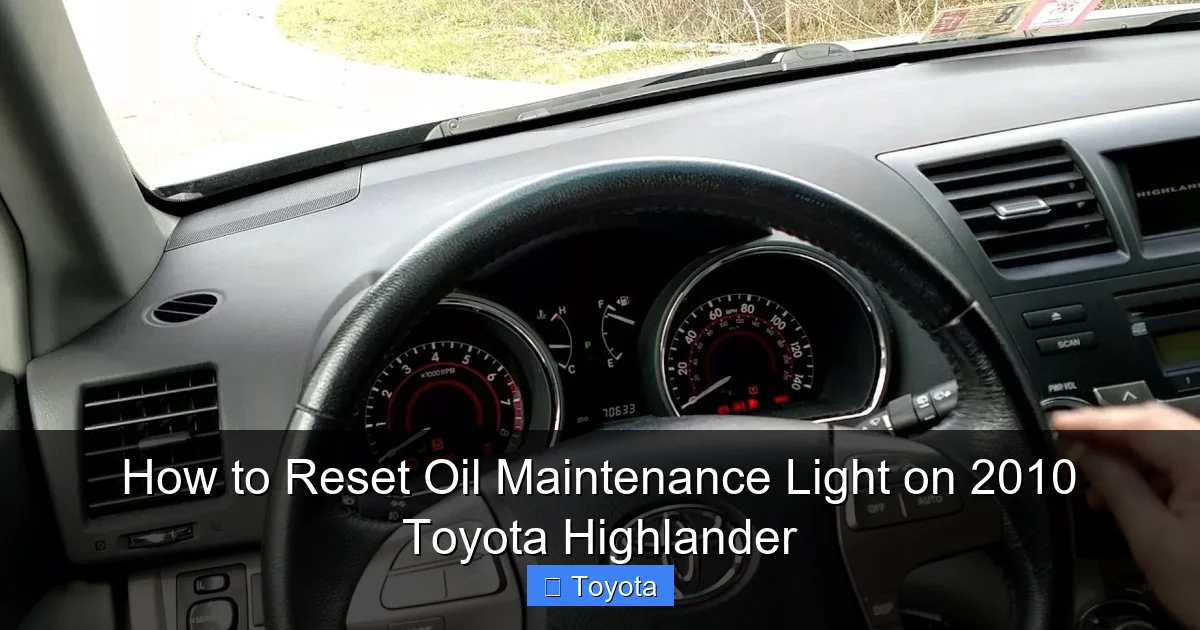
Visual guide about How to Reset Oil Maintenance Light on 2010 Toyota Highlander
Image source: i.ytimg.com
Knowing when to reset the oil maintenance light is just as important as knowing how. The best time to reset it is immediately after you’ve completed an oil change. Whether you did it yourself or took your Highlander to a professional, resetting the light ensures the system starts counting down to the next service interval correctly.
Some people wait a few days or even weeks after an oil change to reset the light. That’s not ideal. The reminder system is designed to track your next service window based on when you reset it. If you delay the reset, the system might trigger the light too early or too late, which defeats the purpose of having a maintenance reminder in the first place.
Another common mistake is resetting the light before actually changing the oil. This is a big no-no. The light exists to remind you to maintain your vehicle. If you reset it without performing the service, you’re essentially tricking your car into thinking it’s been maintained when it hasn’t. That could lead to delayed oil changes, which over time can cause engine wear, reduced fuel efficiency, and even costly repairs.
So, the golden rule is: reset the light only after the oil has been changed. And if you’re doing the oil change yourself, make sure you’ve replaced both the oil and the oil filter. Using the correct type of oil—typically 0W-20 or 5W-20 synthetic blend for the 2010 Highlander—is also crucial. Check your owner’s manual for the exact specification.
It’s also worth noting that if you frequently drive in severe conditions—like extreme heat, cold, towing, or short trips—you may need to change your oil more often than the standard interval. In those cases, reset the light after each service to keep the reminder accurate.
Tools and Preparation Needed
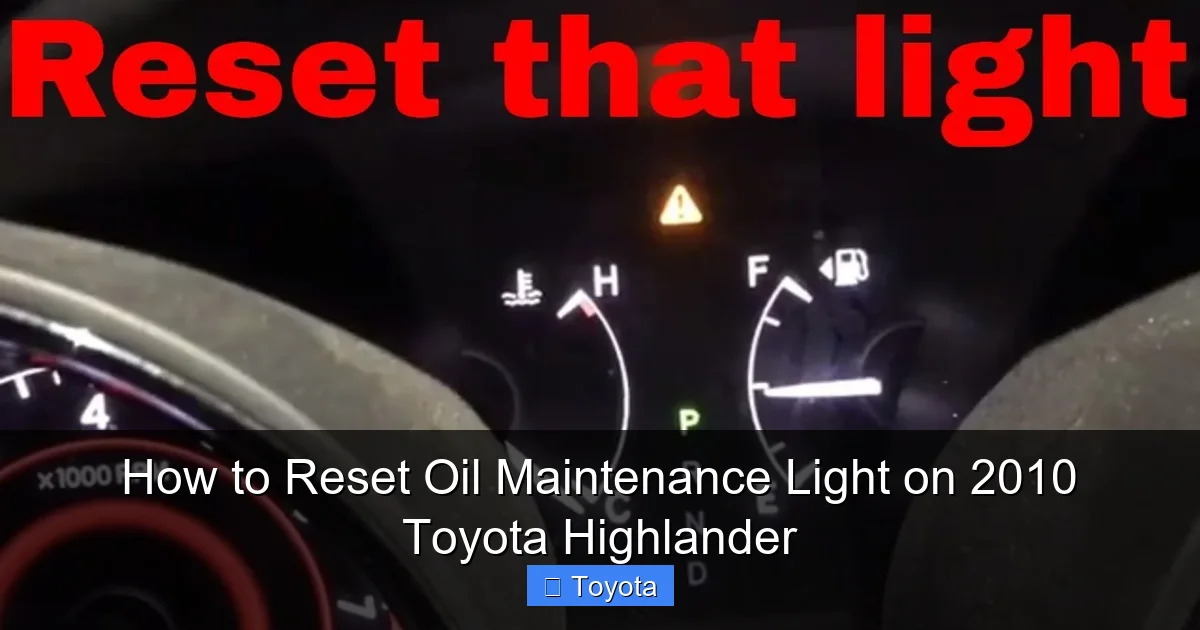
Visual guide about How to Reset Oil Maintenance Light on 2010 Toyota Highlander
Image source: i.ytimg.com
The good news is that resetting the oil maintenance light on a 2010 Toyota Highlander requires no special tools. You don’t need a scan tool, computer, or even a screwdriver. Everything you need is already in your vehicle.
All you need is:
– Your car key (or key fob)
– Access to the driver’s seat
– About 2 minutes of your time
That’s it. No jack, no flashlight, no oil pan. This is a dashboard procedure that uses the instrument cluster and ignition system.
Before you begin, make sure your vehicle is parked on a level surface and the engine is off. It’s also a good idea to ensure the oil has been changed recently—either by you or a professional. If you’re doing the oil change yourself, wait until the new oil has settled and the level is correct before resetting the light.
You should also check the oil dipstick to confirm the oil is clean and at the proper level. If the oil looks dark, gritty, or low, don’t reset the light yet. Address the oil condition first. Resetting the light with old or insufficient oil defeats the purpose of the maintenance system.
One helpful tip: do this procedure during the day or in a well-lit area. You’ll need to see the dashboard lights clearly, especially when they blink or turn off. If you’re doing it at night, turn on the interior lights or use a flashlight to illuminate the instrument cluster.
Also, make sure no one is sitting in the passenger seat or touching the pedals. You don’t want the car to accidentally start or move while you’re working on the dashboard.
Finally, keep your owner’s manual handy. While the steps are simple, having the manual nearby can help if you run into any issues or want to double-check the process.
Step-by-Step Reset Procedure
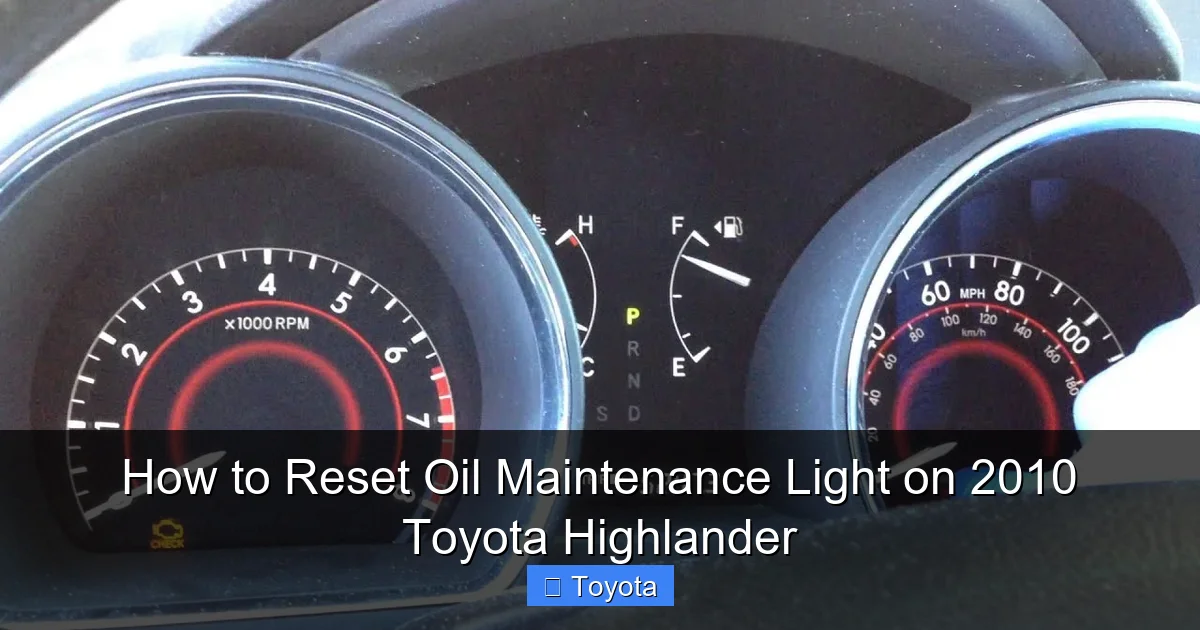
Visual guide about How to Reset Oil Maintenance Light on 2010 Toyota Highlander
Image source: i.ytimg.com
Now for the main event: how to actually reset the oil maintenance light on your 2010 Toyota Highlander. Follow these steps carefully, and you’ll have that pesky light turned off in under two minutes.
Step 1: Turn the Ignition to “ON”
Sit in the driver’s seat and insert your key into the ignition. Do not start the engine. Instead, turn the key to the “ON” position. This is the second click when you turn the key—right before you start the car. In this position, all the dashboard lights will illuminate, including the oil maintenance light. You’ll hear the fuel pump prime and see the gauges light up, but the engine won’t crank.
If you have a push-button start, press the “Start” button twice without pressing the brake pedal. This will power up the dashboard without starting the engine.
Step 2: Locate the Trip Meter Button
Look at your instrument cluster, just below the speedometer. You’ll see a small button labeled “TRIP” or “ODO/TRIP.” This button is used to switch between trip odometer readings (Trip A and Trip B) and the main odometer. It’s also the key to resetting the maintenance light.
Press this button a few times to cycle through the different displays. You should see “Trip A,” “Trip B,” and the main odometer. Make sure you’re on either Trip A or Trip B—it doesn’t matter which one. The reset function works the same either way.
Step 3: Press and Hold the Trip Button
Once you’re on Trip A or Trip B, press and hold the trip button. Keep it held down. While you’re holding it, turn the ignition back to the “ON” position if it turned off, or make sure it’s still in “ON.” You don’t need to start the engine—just keep the dashboard powered.
Continue holding the trip button. After about 5 to 10 seconds, you should see the oil maintenance light begin to blink. This is your cue that the system is in reset mode.
Step 4: Release and Press Again
When the oil maintenance light starts blinking, release the trip button. Then, immediately press and hold it again. Keep holding it for another 5 to 10 seconds.
During this time, the light may turn off completely, blink rapidly, or stay on. Don’t worry—this is normal. The system is processing the reset command.
Step 5: Confirm the Reset
After holding the button for the second time, release it. Now, turn the ignition back to the “OFF” position and remove the key (or press the start button once to turn off the power).
Wait about 10 seconds, then turn the ignition back to “ON” (without starting the engine). Check the dashboard. The oil maintenance light should be off. If it’s still on, repeat the process from the beginning.
Sometimes it takes two or three tries, especially if you didn’t hold the button long enough or released it too soon. Be patient—it’s a simple process, but timing matters.
Alternative Method (If the First Doesn’t Work)
If the above steps don’t work, try this variation:
1. Turn the ignition to “ON.”
2. Press and hold the trip button.
3. While holding the button, turn the ignition to “OFF” and back to “ON” within 5 seconds.
4. Continue holding the trip button until the maintenance light blinks or turns off.
This method sometimes helps if the system didn’t register the first attempt.
Troubleshooting Common Issues
Even with clear instructions, things don’t always go smoothly. Here are some common problems and how to fix them.
The Light Won’t Turn Off
If you’ve followed the steps correctly but the light remains on, don’t panic. First, double-check that you turned the ignition to “ON” and not “START.” Starting the engine during the reset process can interrupt the sequence.
Also, make sure you’re pressing the correct button. Some drivers accidentally press the odometer button instead of the trip button. They look similar, but only the trip button works for the reset.
If the light still won’t turn off, try the reset procedure again. Sometimes it takes two or three attempts. Be consistent with your timing—hold the button for at least 5 seconds each time.
The Light Comes Back On Immediately
If the light turns off after the reset but comes back on the next time you drive, it could mean one of two things:
1. The oil change wasn’t completed properly. Check the oil level and condition. If it’s low or dirty, top it off or change it.
2. The system didn’t fully reset. Repeat the reset procedure, making sure to hold the button long enough.
In rare cases, a faulty sensor or wiring issue could cause the light to return. If the problem persists after multiple resets and a confirmed oil change, consider visiting a Toyota service center.
Diesel or Hybrid Models
The 2010 Toyota Highlander comes in gas and hybrid versions. The reset procedure is the same for both. However, if you have a diesel model (which is rare in the U.S.), the process may differ slightly. Always consult your owner’s manual for model-specific instructions.
Battery Disconnection Method
Some online forums suggest disconnecting the battery to reset the maintenance light. While this can work, it’s not recommended. Disconnecting the battery can reset other systems in your vehicle, including the radio presets, clock, and even the engine control unit. It may also trigger other warning lights.
Stick to the trip button method—it’s safer, faster, and designed specifically for this purpose.
Tips for Maintaining Your Highlander’s Engine
Resetting the oil maintenance light is just one part of keeping your 2010 Toyota Highlander in top shape. Here are some additional tips to extend the life of your engine and improve performance.
Use the Right Oil
Toyota recommends using 0W-20 or 5W-20 synthetic or synthetic blend oil for the 2010 Highlander. This oil is designed to flow well in cold weather and protect the engine at high temperatures. Avoid using conventional oil unless specified in your owner’s manual.
Check the oil level every month using the dipstick. The oil should be between the “L” (low) and “F” (full) marks. If it’s low, add the same type of oil gradually, checking the level each time.
Change the Oil Filter
Always replace the oil filter when you change the oil. A clogged or old filter can reduce oil flow and cause engine damage. Use a high-quality filter designed for the Highlander.
Follow the Maintenance Schedule
Toyota provides a detailed maintenance schedule in the owner’s manual. It includes oil changes, tire rotations, brake inspections, and more. Stick to it—especially if you drive in severe conditions.
Keep Records
Keep a log of all maintenance, including oil changes, filter replacements, and light resets. This helps you track service intervals and can increase your vehicle’s resale value.
Listen to Your Engine
If you notice unusual noises, reduced performance, or a drop in fuel economy, don’t wait for the maintenance light. Have your vehicle inspected by a professional.
Conclusion
Resetting the oil maintenance light on a 2010 Toyota Highlander is a simple task that every owner should know how to do. It takes just a few minutes, requires no special tools, and helps keep your vehicle running smoothly. By following the step-by-step procedure—turning the ignition to “ON,” using the trip button, and confirming the reset—you can clear the reminder and stay on top of your maintenance schedule.
Remember, the oil maintenance light is a helpful tool, not a cause for alarm. Reset it only after a proper oil change, and always use the correct oil and filter. With regular care and attention, your Highlander will continue to deliver reliable performance for years to come.
Don’t let a blinking light stress you out. Take control of your vehicle’s maintenance, reset that light with confidence, and enjoy the peace of mind that comes with a well-maintained SUV.
Frequently Asked Questions
Can I drive with the oil maintenance light on?
Yes, you can drive with the oil maintenance light on, but it’s a reminder that your vehicle is due for service. It’s not an emergency warning, but you should schedule an oil change soon to maintain engine health.
How often should I reset the oil maintenance light?
You should reset the light after every oil change, typically every 5,000 to 7,500 miles. Resetting it ensures the system accurately tracks your next service interval.
What if I reset the light without changing the oil?
Resetting the light without changing the oil is not recommended. It tricks the system into thinking maintenance was done, which could lead to delayed oil changes and potential engine damage.
Does the reset procedure work on hybrid Highlanders?
Yes, the reset procedure is the same for both gas and hybrid 2010 Toyota Highlander models. Use the trip button method as described.
Why won’t the maintenance light turn off after resetting?
If the light won’t turn off, you may have missed a step in the reset process. Repeat the procedure, ensuring you hold the trip button long enough and don’t start the engine during the reset.
Can a mechanic reset the light for me?
Yes, most mechanics and service centers will reset the oil maintenance light for free after an oil change. However, it’s a simple task you can easily do yourself.







