
How to Reset Maintenance Light on a 2009 Toyota Camry

The maintenance required light on your 2009 Toyota Camry is not an emergency warning; it’s a service reminder based on mileage or time. Resetting it is a simple process you can do yourself after an oil change or routine service, using only the ignition and trip meter button. This guide provides the exact, no-tool method for your specific model year and explains what the light truly means.
Key Takeaways
- The light is a reminder, not a diagnosis: The “MAINT REQD” wrench icon signals it’s time for scheduled maintenance (like an oil change), not that something is immediately broken.
- Reset only after service: You must perform the required maintenance (e.g., oil and filter change) before resetting the light. Resetting without service defeats its purpose.
- The process is manual and simple: For the 2009 Camry, you use the odometer/trip meter display and the ignition switch—no special scan tools are needed for a basic reset.
- It resets the maintenance interval counter: The system tracks miles/months since the last reset. Your action tells the car’s computer to start counting from zero again.
- A persistent light needs investigation: If the light comes back on shortly after resetting or flashes, it could indicate a different issue, and you should check for trouble codes.
- Your owner’s manual is the final authority: While this guide is accurate, always cross-reference with your vehicle’s manual for the most precise instructions specific to your trim.
📑 Table of Contents
- Understanding Your 2009 Toyota Camry’s Maintenance Required Light
- Why Resetting the Light is Crucial (and When Not To)
- The Step-by-Step Method: How to Reset the Light on a 2009 Camry
- Troubleshooting: What If the Light Won’t Reset?
- Beyond the Reset: The Importance of Actual Maintenance
- Frequently Asked Questions (FAQs)
Understanding Your 2009 Toyota Camry’s Maintenance Required Light
That little wrench icon glowing on your dashboard isn’t trying to scare you. In your 2009 Toyota Camry, it’s a friendly, automated nudge from your car’s computer. Think of it as a highly reliable, built-in calendar and mileage counter rolled into one. Its sole job is to remind you that your vehicle is due for its regularly scheduled maintenance, which typically includes an oil change, tire rotation, and a multi-point inspection. Unlike a check engine light, which signals a problem, this light is purely preventative. It illuminates based on a pre-programmed interval set by Toyota, usually every 5,000 miles or six months, whichever comes first. Understanding this distinction is the first step to taking control of your vehicle’s care without unnecessary stress or expense.
What Triggers the Wrench?
The system is elegantly simple. Inside your Camry’s engine control unit (ECU), there’s a counter. When you start the car, the ECU checks this counter against the mileage and time since the last reset. Once you cross that 5,000-mile or six-month threshold, the system triggers the wrench light to come on. It will stay on steadily until you manually reset it after completing the service. This design ensures you don’t forget crucial maintenance that keeps your Camry running smoothly, reliably, and efficiently for years to come. Ignoring it doesn’t cause immediate harm, but it does mean you’re flying blind on your service schedule.
Why Resetting the Light is Crucial (and When Not To)
Resetting the maintenance light is the final, official step in completing a service interval. It’s the act of telling your car, “The scheduled work is done. Start counting from zero for the next interval.” If you have a mechanic perform the service, they should always reset it for you. If you do your own oil change or other maintenance, you must reset it yourself. This is non-negotiable for the system to function correctly.
Visual guide about How to Reset Maintenance Light on a 2009 Toyota Camry
Image source: i.ytimg.com
However, there is one absolutely critical rule: Never reset the light without first performing the required maintenance. The light exists to protect your engine. Resetting it while your oil is old or your filters are clogged simply tricks the system into thinking all is well, potentially leading to accelerated engine wear. The light is a tool for your benefit, not a nuisance to be disabled. If you’re unsure what service is due, consult your owner’s manual or a trusted technician before proceeding.
The Difference Between “Maintenance Required” and “Check Engine”
This is a common point of confusion. The Maintenance Required light is a simple, pre-programmed reminder. It looks like a wrench and says “MAINT REQD.” The Check Engine light is a complex, diagnostic warning. It’s usually shaped like an engine and can illuminate for hundreds of reasons, from a loose gas cap to a failing catalytic converter. The procedures to turn them off are completely different. Resetting the maintenance light is a manual, user-initiated process. Resetting a check engine light requires diagnosing and fixing the underlying problem first, often with a scan tool. You can find detailed guides on diagnosing check engine lights for various models, like this one for a Toyota Highlander, which illustrates the more complex process involved.
The Step-by-Step Method: How to Reset the Light on a 2009 Camry
For your 2009 Toyota Camry, the reset procedure is performed through the instrument cluster using the odometer/trip meter button. It requires no tools, no special knowledge, and takes less than 30 seconds. The key is to follow the sequence precisely. The process uses the car’s own “trip meter A” display function as the interface for the reset command.
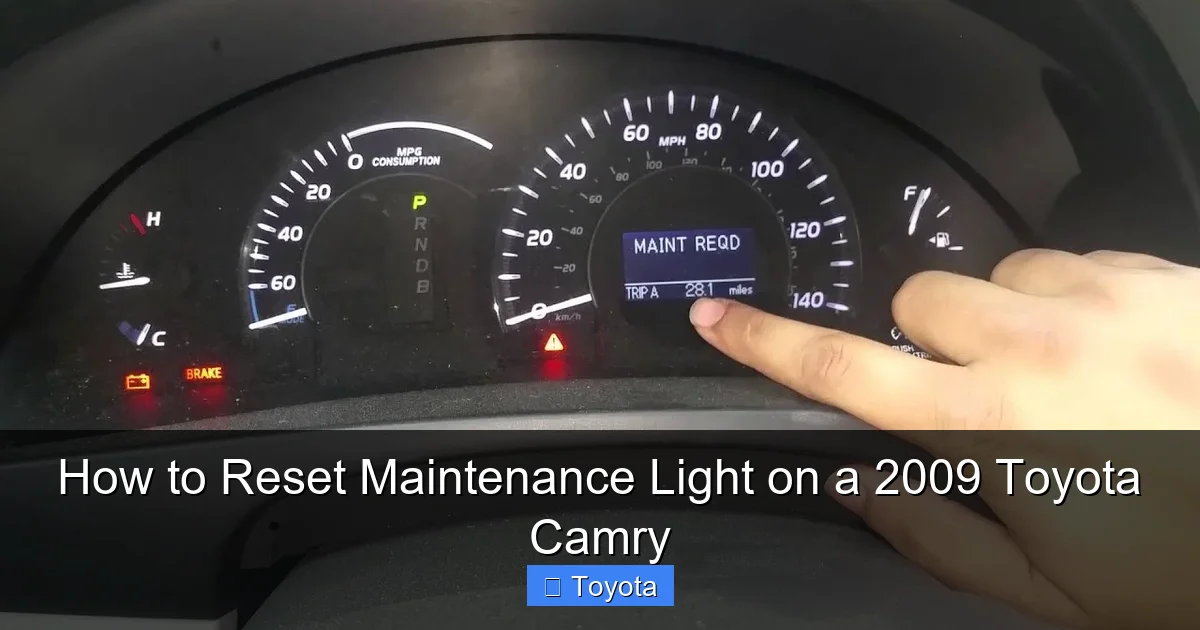
Visual guide about How to Reset Maintenance Light on a 2009 Toyota Camry
Image source: i.ytimg.com
What You’ll Need
Just your Camry’s keys and about 30 seconds of time. Make sure your car is parked safely with the parking brake set. The engine should be off. You do not need to start the engine during the process; you will only use the ignition in the “ON” or “ACC” position.
The Exact Sequence: A Detailed Walkthrough
Follow these steps carefully. The timing of the button presses is important.
- Start with the ignition OFF. Ensure your car is in “Park” (automatic) or neutral (manual).
- Press and hold the “ODO/TRIP” button. This is the button you normally press to toggle between your odometer and trip meter readings. It’s usually on the instrument panel near the speedometer.
- While still holding the button, turn the ignition key to the “ON” position. Do not start the engine. Just turn the key to the position where your dashboard lights come on. You’ll see the “MAINT REQD” light still illuminated.
- Continue holding the “ODO/TRIP” button. Keep it held down for about 5-10 seconds. You will see the odometer display begin to change. It may show a series of dashes (“—–“) or start counting down. This is the system acknowledging the reset command.
- Release the button. After the display finishes its cycle (a few seconds), you should see the odometer reading return to normal, and the wrench icon on the dashboard should be extinguished.
- Turn the ignition OFF and then back ON. Do this to confirm the light stays off. If it comes back on, repeat the process, ensuring you hold the button long enough in step 4.
If this procedure doesn’t work, double-check that you are using the correct button (sometimes labeled “TRIP” or with a car and arrow icon) and that you are holding it *before* and *during* the key turn to the “ON” position. The reset is tied to the trip meter A display. For owners of other Toyota models, the process can vary slightly. For instance, resetting the light on a Toyota Yaris uses a similar but distinct button sequence, highlighting why using model-specific instructions is key.
Troubleshooting: What If the Light Won’t Reset?
If you’ve followed the steps above perfectly and the wrench icon remains lit, don’t panic. There are a few common reasons this happens, most of which are easily solved.
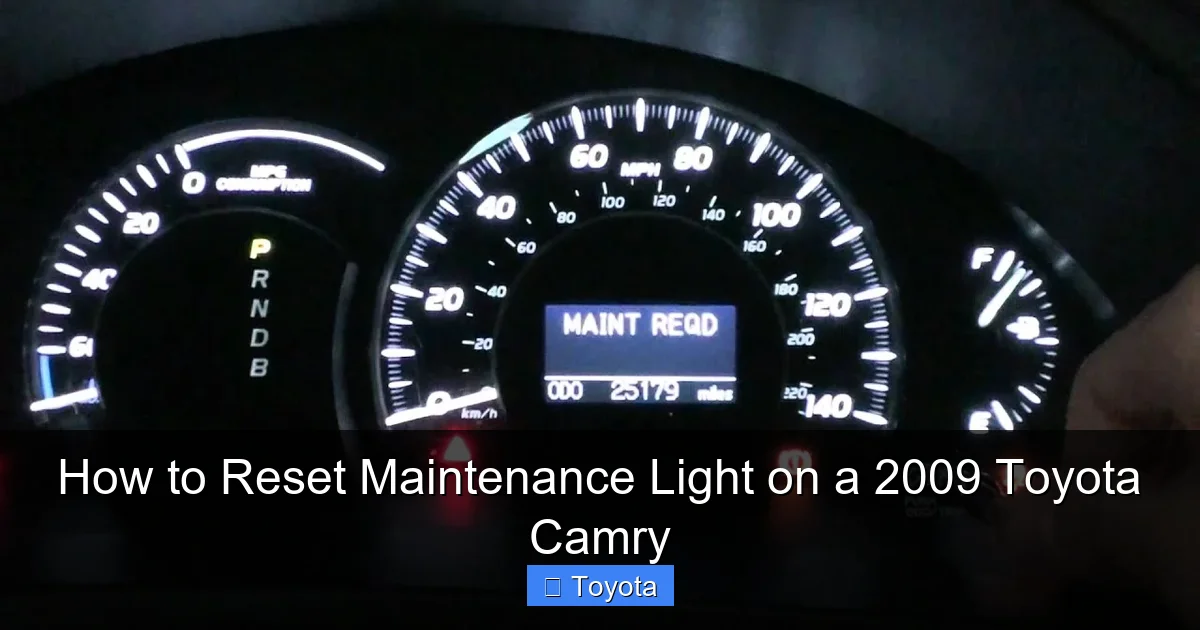
Visual guide about How to Reset Maintenance Light on a 2009 Toyota Camry
Image source: i.ytimg.com
Common Pitfalls and Solutions
- Not holding the button long enough: This is the #1 mistake. You must hold the “ODO/TRIP” button continuously from step 2 through step 4 until you see the display change (dashes or countdown). Hold it for a solid 10 seconds to be sure.
- Using the wrong button: On some Camrys, there is a separate “TRIP” button. You must use the button that toggles the odometer display. If your car has two buttons, experiment with each one while performing the sequence.
- A different service interval is active: Some newer Toyotas have multiple maintenance reminders (e.g., for oil vs. tire rotation). The 2009 Camry typically has one combined interval, but if yours was modified or has an aftermarket system, the reset might require a different method.
- The system needs a full cycle: Try the procedure with the key in the “ON” position for a full 10-15 seconds before turning it off and trying again.
When to Suspect a Deeper Issue
If the light resets successfully but then reappears after only a few hundred miles, that’s a red flag. The system should only trigger after thousands of miles. This could mean one of two things: either the reset wasn’t successful and the original interval is still counting down, or there is an electrical fault causing the light to illuminate erroneously. In this case, your next step is to have the car scanned for any stored trouble codes. A simple OBD2 scanner can tell you if there’s a communication error with the instrument cluster or ECU. For broader diagnostic help, understanding how to reset a check engine light on a Corolla after a repair can provide insight into the diagnostic process, which is a different procedure than a maintenance light reset.
Beyond the Reset: The Importance of Actual Maintenance
Let’s be crystal clear: hitting that reset button is not the maintenance. It’s the *receipt* for the maintenance you’ve already done. The real work—and the real value—lies in the service itself. For a 2009 Camry, the standard “maintenance required” interval typically calls for:
- Oil and filter change: The heart of the interval. Using the correct oil viscosity (likely 5W-20 or 0W-20) is critical for your 2.4L or 3.5L engine.
- Tire rotation: Promotes even tire wear and extends tire life.
- Comprehensive inspection: A technician (or you) should check brakes, fluids (coolant, brake, transmission), belts, hoses, battery, and suspension components.
- Air filter replacement: A clean air filter improves fuel economy and performance.
Skipping these services to save a few dollars now will cost you far more in premature wear, poor fuel economy, and potential breakdowns later. The light is your cheapest insurance policy against major repairs. Keeping up with this schedule is a primary reason why Camrys of this era are known for incredible longevity. If you’re unsure about the specific services for your model year and engine, your owner’s manual provides the definitive maintenance schedule chart.
Frequently Asked Questions (FAQs)
Can I drive my Camry with the maintenance light on?
Yes, you can. The maintenance required light is not an immediate danger signal like an oil pressure or engine temperature warning. It means service is due, but you typically have a buffer of a few hundred miles. However, you should plan to perform the service as soon as reasonably possible to avoid potential damage from neglected maintenance, particularly if the overdue service is an oil change.
How often should the maintenance light come on?
For your 2009 Toyota Camry, the factory interval is set to illuminate the light every 5,000 miles or six months, whichever occurs first. This is a standard interval for oil-change-based maintenance schedules. Always verify the exact interval in your owner’s manual, as it can vary by region or specific model configuration.
Will disconnecting the battery reset the maintenance light?
No. Disconnecting the battery will reset the clock and radio presets, but it will not reset the maintenance interval counter. That counter is stored in non-volatile memory within the ECU and is specifically cleared by the manual reset procedure described above. You must use the button-and-key sequence.
I reset the light, but it came back on after one day. What’s wrong?
This indicates the reset was likely unsuccessful. The system was never told to start a new interval, so it simply continued counting down from where it left off. Go back and repeat the reset procedure, ensuring you hold the trip meter button long enough to see the odometer display change (show dashes). If it happens again after a successful reset, there may be an electrical fault, and a diagnostic scan is recommended.
Is the procedure the same for all 2009 Camry trims (LE, SE, XLE)?
Yes. For the 2009 model year, the maintenance light reset procedure is identical across all Camry trims (LE, SE, XLE) and both engine options (2.4L 4-cylinder and 3.5L V6). The location and function of the “ODO/TRIP” button are the same in all instrument clusters for that year.
Should I reset the light if I’m selling my car?
It’s a good practice, but with a caveat. You should only reset it if you have just completed the required maintenance for the new owner. Simply resetting it to make the car appear “fresh” when it’s actually due for service is dishonest and potentially harmful to the buyer. If you’ve kept up with maintenance, a recent service with a reset light is a positive selling point.
Frequently Asked Questions
What is How to Reset Maintenance Light on a 2009 Toyota Camry?
How to Reset Maintenance Light on a 2009 Toyota Camry is an important topic with many practical applications.