
How to Program a Bmw Garage Door Opener

Programming your BMW’s garage door opener is a simple, 5-minute process using the built-in HomeLink buttons. First, clear the button, then hold your remote near the mirror and press both buttons simultaneously. The system learns the signal, and you’re done—no tools or dealer visit needed for most standard openers.
Ever pulled into your driveway, rained on, fumbling for a separate garage door remote? That small, convenient moment of frustration is exactly what BMW’s integrated HomeLink system was designed to eliminate. Programming it is almost always a DIY task you can handle in under five minutes. This guide will walk you through every step, from identifying your system to troubleshooting, ensuring you can seamlessly open your garage with a button on your BMW’s sun visor or rearview mirror. We’ll break it down clearly, so you feel confident tackling it yourself.
Key Takeaways
- HomeLink is Standard: Most BMWs from the late 1990s onward have built-in HomeLink buttons, typically in the rearview mirror or overhead console.
- Two Main Types: You’ll program either a standard fixed-code remote or a more secure rolling-code system, and the steps differ slightly.
- No Special Tools: You only need your garage door remote and your BMW’s ignition (ON/RUN position, engine off).
- Clear Before You Start: Always reset the HomeLink button you’re using by holding it until the indicator light flashes rapidly.
- Compatibility is Key: If your remote isn’t working, check if your door opener uses a rolling code; you may need the “learn” button on the motor unit.
- Multiple Doors: You can program up to three different doors/gates on the three available HomeLink buttons.
- Still Stuck? Consult your BMW owner’s manual first, then your garage door opener’s manual, before calling a professional.
📑 Table of Contents
Understanding Your BMW’s HomeLink System
Before we touch any buttons, let’s understand what we’re working with. BMW has used HomeLink, a universal wireless control system, for decades. It’s a standardized technology, meaning the programming process is nearly identical whether you drive a 2005 3 Series or a 2024 X7. The system uses radio frequencies to mimic the signal from your original handheld garage door remote.
Where to Find the Buttons
The HomeLink buttons are almost always located in one of two places: integrated into the base of your rearview mirror (most common in models from the early 2000s onward) or in the overhead console/reading lamp assembly near the front of the roof. You’ll typically see three buttons, often with a small house icon or the word “HomeLink.” Each button can be programmed to a different frequency, allowing you to control multiple doors, gates, or even home lighting systems.
Fixed Code vs. Rolling Code: Why It Matters
This is the most critical distinction. Your garage door opener’s remote uses one of two technologies, and you must program accordingly.
- Fixed Code (Older Systems): This is the simpler, older technology. The remote sends the same static code every time. If your remote has dip switches (small black sliding switches) inside the battery compartment, it’s a fixed-code model. Programming is a direct “teach-in” process between the remote and the BMW button.
- Rolling Code (Newer/Secure Systems): For security, modern openers generate a new, unique code with each use. Your remote has no dip switches. Programming requires a two-step dance: you first put the BMW button into “learning mode,” then you press the “Learn” or “Smart” button on the garage door opener’s main motor unit (usually a colored button on the back or side). The BMW then captures the rolling code signal.
How to tell? Look for a “Learn” button on your garage door opener’s power unit. If it’s there, you have rolling code. If not, and your remote has dip switches, it’s fixed code. Pro Tip: Many homeowners have upgraded their openers over the years. If you’re unsure, the presence of a learn button is the definitive tell. For a deeper dive into how different car manufacturers handle this universal technology, guides for other brands like How To Program A Toyota Garage Door Opener follow the same fundamental principles.
Essential Preparation Before You Start
Rushing into programming is the #1 cause of frustration. A few minutes of prep guarantees success.
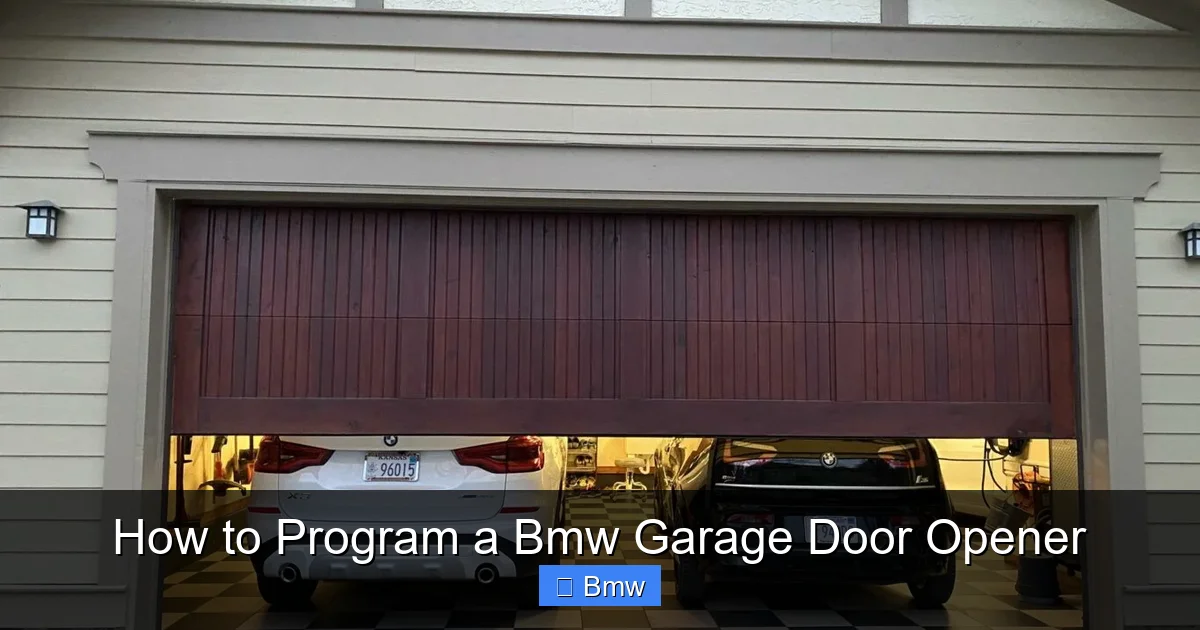
Visual guide about How to Program a Bmw Garage Door Opener
Image source: cdn.bmwblog.com
Gather Your Tools
You literally need two things: your BMW’s key fob (to turn the ignition on) and the original, working garage door remote for the specific door you want to program. Do not use a universal remote you haven’t successfully paired with the door yet. Ensure the remote’s battery is good; a weak signal will cause the programming to fail.
Position Your Vehicles Correctly
Park your BMW inside your garage, directly in front of the garage door. The door should be closed. Position your other vehicle (if the remote is from a car) or have the standalone remote ready. The BMW’s HomeLink antenna is in the mirror or console, so proximity to the door opener’s receiver is key. You may need to be as close as 1-3 inches to the motor unit during the final step for rolling code systems.
Clear the HomeLink Button
This is a non-negotiable first step, even for a brand-new BMW. You must reset the button to a “blank” state to erase any previous codes. To do this: turn your BMW’s ignition to the “ON” or “RUN” position (do not start the engine). Press and hold the desired HomeLink button you wish to program. Hold it until the small indicator light on the button begins to flash rapidly (this usually takes 10-20 seconds). Once it’s flashing rapidly, release the button. The button is now clear and ready to learn a new signal.
Step-by-Step Programming Methods
Now, follow the correct path based on your garage door opener type.
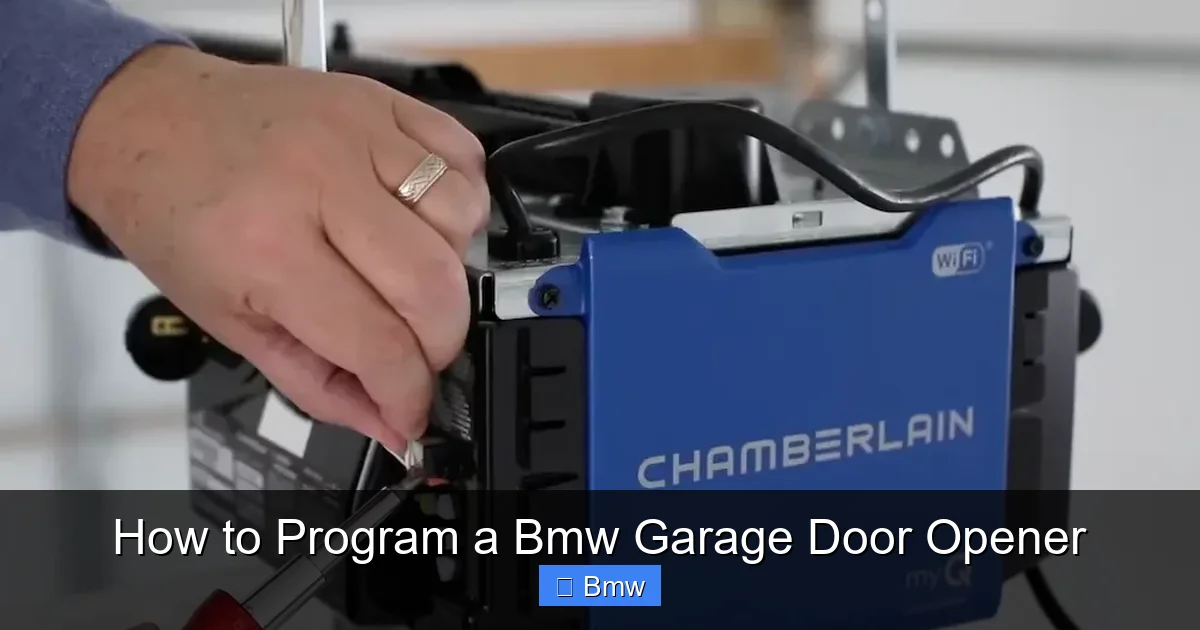
Visual guide about How to Program a Bmw Garage Door Opener
Image source: cartipsdaily.com
Method 1: Programming a Fixed-Code Remote (The Simple “Push & Hold”)
If your remote has dip switches, this is your method. It’s the quickest.
- Ignition ON: Get in your BMW, insert the key or use the start button to turn the car’s electrical system on (ignition in position II/ON/RUN). The engine should remain off.
- Position the Remote: Hold your garage door remote very close to the HomeLink button you cleared, typically within 1-2 inches. Some systems work better if you place the remote’s front (the part you point at the door) directly against the base of the mirror where the HomeLink button is located.
- Simultaneous Press: Press and hold the button on your handheld remote AND press and hold the cleared HomeLink button in your BMW at the same time. Do not release either.
- Watch the Indicator: Hold both buttons. The HomeLink indicator light will start as a steady glow, then may begin to blink slowly. Keep holding until the indicator light flashes rapidly or changes to a fast blink. This rapid flash means the BMW has successfully learned the fixed code signal. This can take 10-30 seconds.
- Release and Test: Release both buttons. The indicator light should now go off or become steady. Press the programmed HomeLink button in your BMW to operate the door. It should work immediately. If not, repeat the process, ensuring the remotes are held very close together.
Method 2: Programming a Rolling-Code System (The “Learn Button” Method)
This is the most common method for openers made in the last 15-20 years. It involves your garage door motor unit.
- Ignition ON: As before, turn your BMW’s ignition to the ON/RUN position.
- Clear the Button: Ensure the HomeLink button you’re using has been cleared (rapid flash).
- Find the Learn Button: Locate the “Learn,” “Smart,” or “Program” button on your garage door opener’s motor unit. It’s usually a colored (yellow, red, purple, green) square button, often behind a light cover or on the back panel. Press and release this learn button once. You typically have about 30 seconds to complete the next step before the opener’s light stops blinking.
- Activate HomeLink: Quickly return to your BMW. Press and release the cleared HomeLink button (you do not need to hold it continuously). The indicator light will begin to blink slowly at first.
- Press the HomeLink Button Again: When the HomeLink indicator light begins to blink rapidly (this may take 5-10 seconds), press and release the same HomeLink button a second time. The rapid blink confirms the code is stored.
- Test: Press the programmed HomeLink button. The door should operate. If it doesn’t, repeat steps 3-5. Sometimes you need to press the HomeLink button twice after pressing the opener’s learn button.
Important: On some older rolling-code systems, you may need to press and hold the HomeLink button instead of pressing it twice after the learn button step. If the above doesn’t work, consult your specific opener’s manual. The process for other brands can be slightly different; for instance, How To Program A Chevrolet Garage Door Opener often uses a very similar “learn button” sequence, but it’s always good to verify.
Method 3: Using a Universal Remote or Aftermarket Opener
If you have a universal remote or a new aftermarket garage door opener, you must first program that remote to operate your door before teaching the signal to your BMW. Follow the universal remote’s instructions to pair it with your door opener. Once the universal remote successfully opens/closes the door, then use Method 1 (Fixed-Code) to teach the BMW’s HomeLink from the universal remote. Treat the universal remote as your “handheld” in the steps above.
Troubleshooting: Why Won’t It Work?
Don’t panic if the first attempt fails. Here are the most common fixes, in order of likelihood.
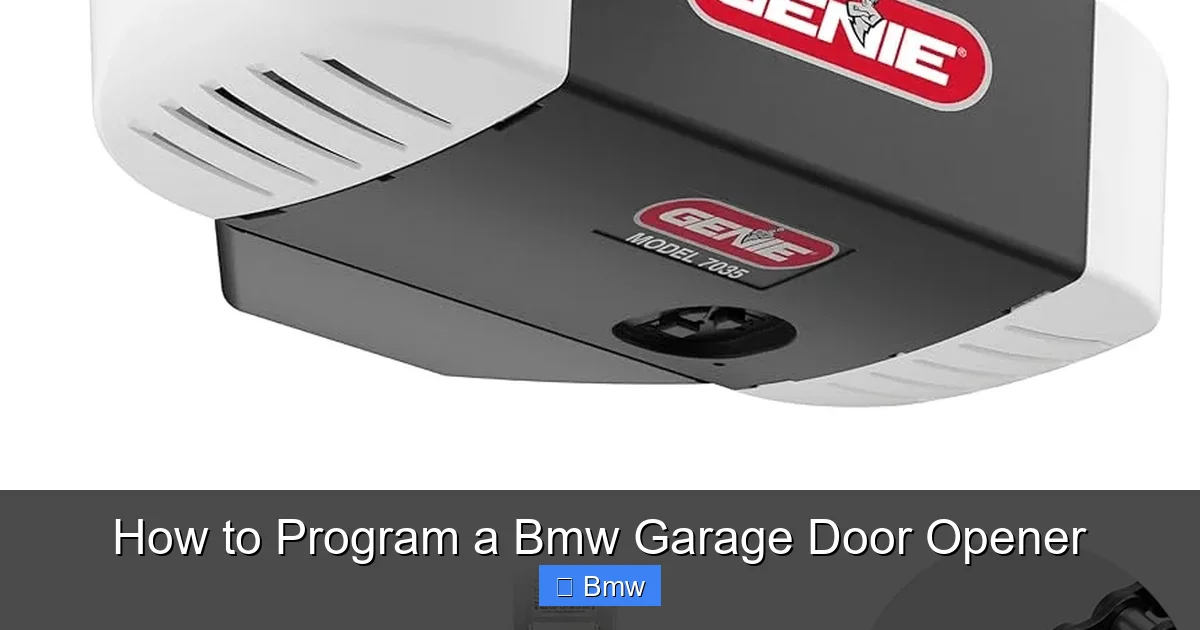
Visual guide about How to Program a Bmw Garage Door Opener
Image source: garagedoorpedia.com
The Indicator Light Won’t Flash Rapidly
This means the BMW didn’t receive a clear signal.
- Solution: Ensure the handheld remote’s battery is fresh. Hold the remote directly against the HomeLink button. Try moving the remote to different positions (top, bottom, side). For rolling code, ensure you pressed the opener’s learn button firmly and only once, and that you initiated the HomeLink press within 30 seconds.
The Door Doesn’t Move, But the Light Flashed
The code was learned, but it’s not compatible.
- Solution: You likely have a rolling code system but tried the fixed-code method. Go back and locate the learn button on your motor unit and use Method 2. If you did use Method 2, try holding the HomeLink button for a full 2-3 seconds instead of a quick press.
It Works Once, Then Stops
This is often a timing or signal strength issue.
- Solution: For rolling code, after pressing the learn button, press the HomeLink button firmly and quickly (a “double-tap” sometimes works). Ensure no other electronics (phone chargers) are interfering. Try programming with the BMW’s engine running, which can provide a stronger electrical supply.
My Opener Has a Keypad, Not a Remote
You can program from a keypad if it has a “Learn” or “Program” button on the keypad itself. Press that keypad button, then quickly press the HomeLink button in your BMW. The process mirrors using a handheld remote. If your keypad has no program button, you’ll need to get a compatible handheld remote first.
Still Not Working? Consult the Manuals
Your BMW owner’s manual has a specific section on HomeLink programming. It may have model-year-specific tips. Similarly, your garage door opener’s manual (often available online by model number) is the ultimate authority. If you’ve exhausted these steps, the HomeLink module in your BMW could be faulty, or the opener’s receiver may be failing—time to call a technician.
Advanced Tips and Maintenance
Once programmed, your HomeLink system is reliable for years. But a few tips keep it that way.
Programming Multiple Devices
You have three buttons. You can program each to a different door (e.g., home, office, gate) or to control other RF devices like patio lights or security systems (check device compatibility). Simply repeat the entire process for each button, clearing it first.
Erasing All HomeLink Settings
If you sell your BMW or want to start fresh, you can clear all three buttons at once. With the ignition ON, press and hold the two outer HomeLink buttons simultaneously. Hold until the indicator light flashes rapidly (about 10-15 seconds). Release. All codes are erased. You’d then need to reprogram each button individually.
Dealing with Signal Interference
Newer BMWs have excellent shielding, but strong radio sources can occasionally cause a door to open accidentally. If this happens:
- Reprogram that specific button.
- Check for new electronic devices installed near the mirror (dash cams, radar detectors).
- Ensure your garage door opener’s antenna is hanging down freely from the motor unit, not coiled up.
For those who enjoy DIY projects across different vehicles, the core logic of these systems is remarkably consistent. You’ll find the same underlying principles in guides for How To Program Nissan Garage Door Opener or Subaru models, making you a pro at this task regardless of the car you’re in.
Conclusion: Enjoy the Convenience
Programming your BMW’s garage door opener is one of the most satisfying simple upgrades you can do. It transforms a daily annoyance into a seamless, integrated part of your driving experience. Remember the golden rules: always clear the button first, correctly identify your opener type (fixed vs. rolling code), and get physically close during the learn process. With this knowledge, you’re equipped to handle it yourself quickly and confidently. No more juggling remotes or digging through your center console. Just press a button on your visor and drive right in. Now, go enjoy that newfound convenience—you’ve earned it.
Frequently Asked Questions
What if my garage door opener doesn’t have a ‘Learn’ button?
If there is no colored Learn/Smart button on the motor unit and your remote has dip switches inside the battery compartment, you have a fixed-code system. Use Method 1: press and hold both the handheld remote and the BMW’s HomeLink button simultaneously until the HomeLink light flashes rapidly.
Can I program a HomeLink button to control my gate or community door?
Yes, absolutely. The process is identical. You need the original remote for that specific gate/door. If it’s a shared community gate, you may need permission from the HOA or management to obtain a compatible remote for programming.
My BMW’s HomeLink button light stays solid and doesn’t flash—what does that mean?
A solid light (usually red or green) typically means the button is already programmed with a code. You must first clear it: with the ignition ON, press and hold that button until the light flashes rapidly (about 10-20 seconds). Then try programming again.
Do I need to have the garage door closed during programming?
Yes, always start with the door fully closed. Programming with the door open or moving can cause the opener to misinterpret signals and may require you to repeat the process. It’s a simple safety and accuracy step.
Will programming the HomeLink erase the code from my original handheld remote?
No. The process is a one-way “copy.” Your original remote’s code remains intact. You are simply teaching the BMW’s system to broadcast the same signal. You can continue using the handheld remote as a backup.
Is HomeLink available on all BMW models and years?
It is standard on nearly all BMW models from the late 1990s and 2000s onward. The earliest models had it as an optional extra. If you have a very old BMW (pre-1995) or a base model from the early 2000s, check your owner’s manual or inspect the visor/mirror for the three buttons. If absent, it may be available as a dealer-installed accessory.