
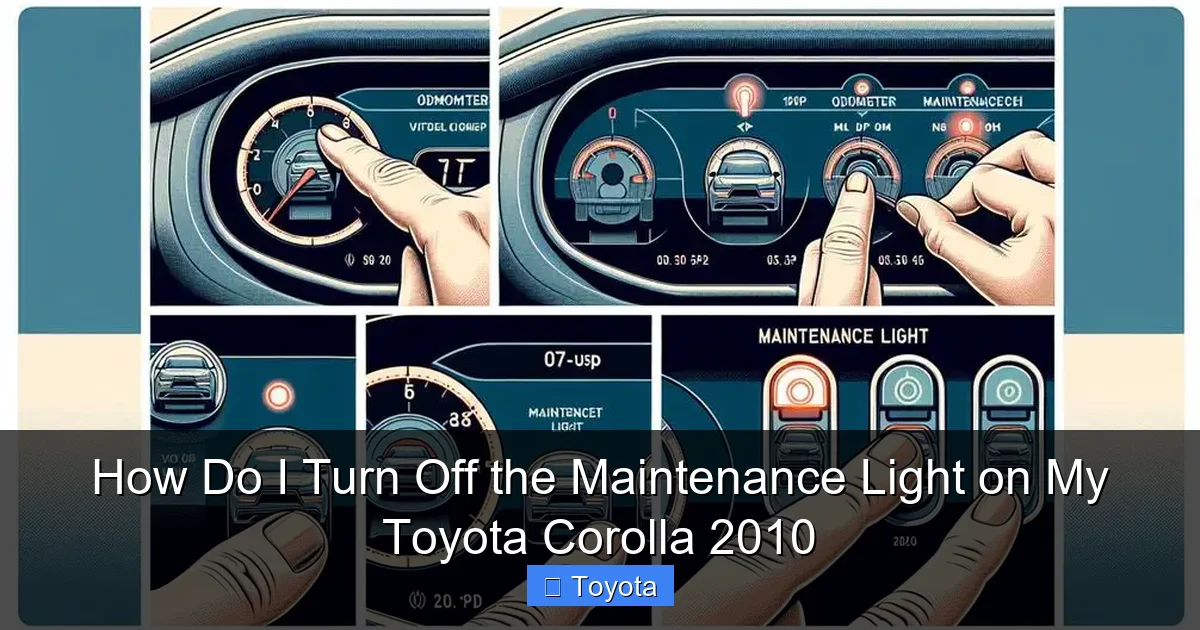
How Do I Turn Off the Maintenance Light on My Toyota Corolla 2010

Contents
- 1 Key Takeaways
- 2 📑 Table of Contents
- 3 Understanding the Maintenance Required Light: It’s Not a Warning, It’s a Reminder
- 4 The Two Official Methods to Reset Your 2010 Corolla’s Light
- 5 Step-by-Step Guide: Method 1 (The Odometer Button Trick)
- 6 Step-by-Step Guide: Method 2 (The Trip Meter Reset Button)
- 7 Critical: Reset Only After You’ve Actually Serviced the Car
- 8 Troubleshooting: What If the Light Won’t Turn Off or Comes Back Immediately?
- 9 Proactive Maintenance: Keeping That Light Off for the Long Haul
- 10 Conclusion: Knowledge is Power (And a Healthy Engine)
- 11 Frequently Asked Questions


The maintenance required light on your 2010 Toyota Corolla is a friendly reminder for scheduled service, primarily an oil change, not an emergency. You can turn it off manually using the odometer/trip meter button located on your dashboard—no tools needed. The process involves a specific button sequence while the ignition is on but the engine is off. Crucially, you should only reset this light after you have completed the necessary maintenance to avoid engine damage. This simple reset takes less than 30 seconds once you know the steps.
That little wrench icon glowing on your dashboard. It’s a familiar sight for many a 2010 Toyota Corolla owner, and it can be a source of mild annoyance or confusion. “Is this serious? Do I need to go to a mechanic right now?” Take a deep breath. In the vast majority of cases for your reliable Corolla, that maintenance required light is simply your car’s way of saying, “Hey, it’s been about 5,000 miles (or 6 months) since my last service. Time for an oil change and a check-up.” It is not the same as a check engine light, which signals an active problem. This guide will walk you through exactly how to turn off the maintenance light on your Toyota Corolla 2010, but more importantly, we’ll explain the critical “why” behind the “how” to keep your car running smoothly for years to come.
Key Takeaways
- The light is a mileage-based reminder: It illuminates after a preset interval (typically 5,000 miles) to remind you of routine maintenance like oil and filter changes.
- There are two primary reset methods: The most common uses the “trip/odometer” button; a secondary method uses the “odo/trip” button with the ignition key cycling.
- Never reset without servicing: Resetting the light without performing the required maintenance defeats its purpose and can lead to costly engine repairs.
- The process is model-year specific: The 2010 Corolla uses a button-press method; newer models like the 2020 Toyota RAV4 may use menu-driven settings on the multi-information display.
- If the light persists, investigate: A light that won’t reset after a correct procedure or returns immediately may indicate an unresolved issue or a faulty sensor.
- Other dashboard lights require different attention: A persistent battery light, for example, points to a charging system issue and requires a different diagnostic approach than the maintenance reminder.
📑 Table of Contents
- Understanding the Maintenance Required Light: It’s Not a Warning, It’s a Reminder
- The Two Official Methods to Reset Your 2010 Corolla’s Light
- Step-by-Step Guide: Method 1 (The Odometer Button Trick)
- Step-by-Step Guide: Method 2 (The Trip Meter Reset Button)
- Critical: Reset Only After You’ve Actually Serviced the Car
- Troubleshooting: What If the Light Won’t Turn Off or Comes Back Immediately?
- Proactive Maintenance: Keeping That Light Off for the Long Haul
- Conclusion: Knowledge is Power (And a Healthy Engine)
Understanding the Maintenance Required Light: It’s Not a Warning, It’s a Reminder
First, let’s demystify this light. In your 2010 Corolla, the “MAINT REQD” light is part of Toyota’s maintenance reminder system. It’s a purely mileage- and time-based timer. The car’s computer, the Engine Control Unit (ECU), starts counting down from the last time the system was reset—which is typically after an oil change at the dealership or shop. Once you hit that predetermined interval (usually 5,000 miles for severe driving conditions or 7,500-10,000 for normal conditions, but the light is set for a conservative default), the light illuminates to prompt you to schedule service.
How the System Works (The Simple Version)
Think of it like a kitchen timer. When you reset it after an oil change, you’re telling the car, “Start counting from zero now.” The system doesn’t know if you actually changed the oil; it only knows you reset the counter. It tracks mileage via the vehicle speed sensor and time via the internal clock. This is why it’s paramount to only perform the reset after you’ve completed the necessary maintenance. If you just reset it without changing the oil, you’re effectively silencing a helpful reminder and running the risk of running old, sludgy oil through your engine.
Oil Change Intervals: What Does Toyota Recommend?
For the 2010 Corolla with its 1.8L 4-cylinder engine, Toyota’s official recommendation depends on your driving style. “Normal” driving (mostly highway, mild climate) might allow for 7,500-10,000 mile intervals using modern synthetic oil. However, “Severe” driving (frequent short trips, stop-and-go traffic, extreme temperatures, dusty conditions) shortens that to 5,000 miles. The maintenance light is programmed to come on at a more conservative interval to ensure protection under all conditions. When the light comes on, it’s your cue to check your owner’s manual and plan your service. You can also find model-specific maintenance schedules on sites like this comprehensive Toyota resource.
The Two Official Methods to Reset Your 2010 Corolla’s Light
Your 2010 Corolla predates the full-color touchscreen displays. The reset is done using physical buttons on the instrument cluster. There are two slightly different sequences that both achieve the same result. The first is the most common and reliable. The second is a useful alternative if the first doesn’t seem to work for your specific trim (LE, S, etc.). Both methods require the car to be in the “ON” position but with the engine off.
Visual guide about How Do I Turn Off the Maintenance Light on My Toyota Corolla 2010
Image source: carpursuits.com
Method 1: The Standard Odometer Button Sequence
This is the classic method. You’ll use the button that toggles between your odometer and trip meter readings, usually located on the gauge cluster near the speedometer. On the 2010 Corolla, it’s a single stalk or button on the instrument panel.
Method 2: The Trip Meter Reset Button Sequence
Some owners find this method more intuitive. It uses the dedicated reset button for the trip meter (often a separate small button labeled “T” or with a reset symbol) in conjunction with the ignition key. We’ll detail both in the next sections.
Step-by-Step Guide: Method 1 (The Odometer Button Trick)
This method is the most frequently cited and works for the vast majority of 2010 Corollas. Grab your owner’s manual for confirmation, but follow these steps:
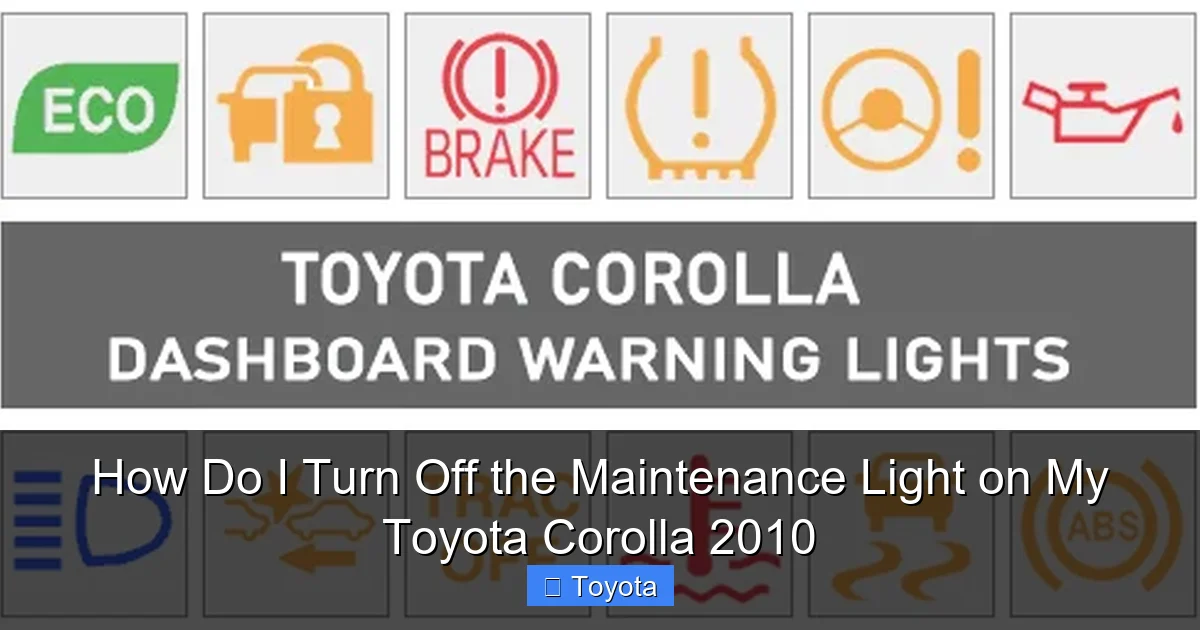
Visual guide about How Do I Turn Off the Maintenance Light on My Toyota Corolla 2010
Image source: dash-lights.com
Step 1: Prepare the Vehicle. Ensure your Corolla is parked safely, the parking brake is set, and the transmission is in Park (P). You do not need to start the engine.
Step 2: Turn the Ignition to “ON”. Insert your key and turn it to the “ACC” (Accessory) or “ON” position. This is the position right before you’d crank the engine. All your dashboard lights should illuminate, including the maintenance required light.
Step 3: Locate the Correct Button. Find the button on your instrument cluster that you press to switch between ODO (total odometer reading) and Trip A / Trip B (partial trip meters). On the 2010 Corolla, this is typically a stalk on the left side of the steering column or a button on the gauge housing itself.
Step 4: Perform the Sequence. Here is the precise sequence:
- Press and release the “trip/odometer” button until the display shows the ODO (total mileage) reading. Do not show Trip A or Trip B.
- Now, turn the ignition key to the “OFF” position.
- While holding down the “trip/odometer” button, turn the ignition key back to the “ON” position (do not start the engine).
- Continue holding the button. After a few seconds, you should see the odometer display change. It will often show a series of dashes “—–” or the word “SET” before finally displaying the total mileage again.
- The maintenance required light should blink a few times and then go out.
Step 5: Verify and Release. Once the light is off, you can release the button. Turn the ignition off and then back on to confirm the light stays off. Start the engine to ensure everything is normal.
Pro Tips for Success with Method 1
Timing is everything. The key is to hold the button down before you turn the key back to “ON” and continue holding it for 5-10 seconds after. If it doesn’t work the first time, turn the car completely off, wait 10 seconds, and try again. Ensure you are on the pure “ODO” screen, not a trip meter. If your car has a manual transmission, ensure it’s in neutral.
Step-by-Step Guide: Method 2 (The Trip Meter Reset Button)
If Method 1 feels awkward or doesn’t trigger the reset, try this alternative, which is also documented in some Corolla forums.
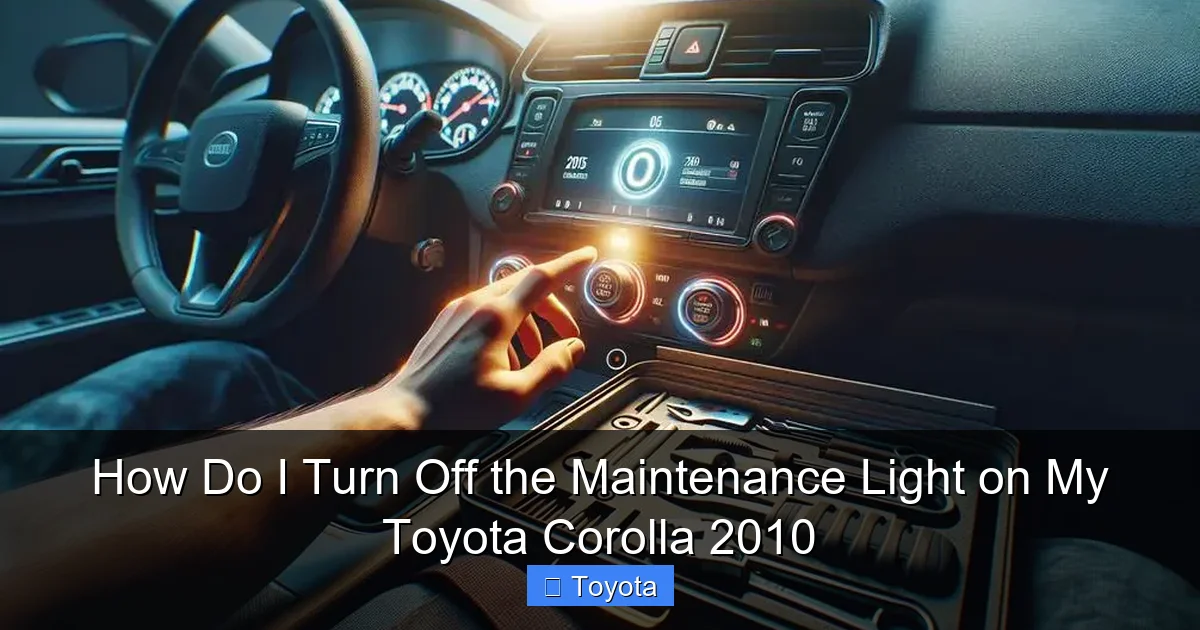
Visual guide about How Do I Turn Off the Maintenance Light on My Toyota Corolla 2010
Image source: diycarexpert.com
Step 1: Prepare. Car in Park, parking brake set. Ignition in the “ON” position (engine off). The maintenance light should be on.
Step 2: Locate the Trip Meter Reset Button. This is a small button, often on the instrument cluster, used to reset the trip meters. It might be a separate button or require you to press and hold the “trip/odometer” stalk in.
Step 3: Perform the Sequence.
- Turn the ignition OFF.
- Press and hold the trip meter reset button.
- While still holding the button, turn the ignition key back to the “ON” position.
- Continue holding the button. The odometer/trip display will typically show “000000” or begin a countdown.
- After about 5-10 seconds, the maintenance required light should start to blink and then extinguish.
Step 4: Release and Confirm. Let go of the button. The light should now be off. Cycle the ignition to confirm. This method is sometimes more reliable on base-model trims with simpler gauge clusters.
Critical: Reset Only After You’ve Actually Serviced the Car
This cannot be stressed enough. The maintenance required light is a tool for longevity. Resetting it without performing the scheduled service is like silencing a fire alarm without putting out the fire. For a 2010 Corolla, when the light comes on, the primary service is an oil and filter change. However, it’s also a reminder to check:
- Tire pressure and condition (under-inflated tires wear unevenly and hurt fuel economy).
- All fluid levels (coolant, brake fluid, windshield washer fluid).
- Brake pads and rotors.
- Air filter (a clogged air filter reduces power and efficiency).
- Battery terminals (corrosion can cause starting issues).
If you are a confident DIYer, you can perform these tasks yourself. If not, take it to a trusted mechanic. Once the work is done, then use the reset procedure above to turn off the light and start the new service interval timer. This simple habit is a cornerstone of preventing major repairs. For other common Corolla issues, like a persistent battery light, the diagnostic path is completely different.
Troubleshooting: What If the Light Won’t Turn Off or Comes Back Immediately?
You followed the steps perfectly, but the wrench icon is still glaring at you. Or, worse, it came back on after just 100 miles. Don’t panic. Here’s what to check:
1. Did You Perform the Reset on the Correct Display?
Double-check that your odometer was showing the total mileage (ODO) and not Trip A or Trip B during the key cycle. This is the most common user error.
2. Try the Alternative Method.
Switch to Method 2 (the trip meter reset button sequence). Some model year and trim variations respond better to one method over the other.
3. The Light May Be Stuck.
Very rarely, a bulb in the instrument cluster can fail in the “on” position. If the light is constantly illuminated (even when the car is off and key removed) and won’t respond to reset attempts, this is a possibility, though unlikely.
4. An Unserviced Component Triggered It.
This is the most important possibility. The maintenance light is a simple timer, but your Corolla has many other sophisticated systems. If you have an unresolved issue—like a low oil level sensor fault, a problem with the variable valve timing system, or even a loose gas cap—your car’s computer might store a code. While this typically triggers the check engine light, some issues can interfere with the maintenance system’s normal operation. If the light returns immediately after a successful reset, it’s a strong signal to have the car scanned for diagnostic trouble codes (DTCs) at a shop or with an OBD-II scanner. A check engine light reset is a separate and more complex procedure that addresses active faults.
5. Consult a Professional.
If you’ve tried both methods, confirmed the service was done, and the light persists or cycles back on too quickly, it’s time to see a professional. There could be an underlying electrical issue or a faulty maintenance reminder module.
Proactive Maintenance: Keeping That Light Off for the Long Haul
The best way to “turn off” the maintenance light is to understand and stick to your Corolla’s service schedule. Here’s a practical guide to extending the time between those glowing reminders.
Adhere to the Correct Oil Change Interval
Use high-quality oil that meets Toyota’s specifications (usually 0W-20 or 5W-20 for the 2010 1.8L). If you do mostly highway driving, you might extend intervals, but never exceed 7,500 miles with conventional oil or 10,000 miles with full synthetic. When you get the oil changed, always ask the technician to reset the maintenance light. If you do it yourself, reset it immediately after.
Don’t Ignore the “A” and “B” Service Codes
Some Toyota models display a code like “MAINT A” or “MAINT B” on the multi-information display before the light comes on solid. These indicate different levels of service (A is usually just oil change, B is oil change plus more comprehensive inspections). While your 2010 Corolla likely just has the simple light, being aware of this system in newer Toyotas is helpful.
Perform Your Own Visual Checks Monthly
Open the hood. Check oil level on the dipstick. Look at coolant and washer fluid. Inspect tires for wear and proper inflation (including the spare!). Catching a low fluid level or a slowly leaking tire yourself can prevent a small issue from triggering other warning lights. Knowing how to open the hood on your Corolla is a simple but essential skill.
Use Genuine or High-Quality Parts
For oil filters, air filters, and wiper blades, OEM (Original Equipment Manufacturer) Toyota parts or high-quality aftermarket equivalents (like Fram, Bosch, Pennzoil) ensure proper fit and function. Cheap, poorly made filters can restrict flow or allow contaminants into your engine, negating the benefit of an oil change.
Keep a Simple Service Log
Even with the electronic reminder, a handwritten log in your glovebox noting the date, mileage, and service performed (e.g., “10/26/23 – 85,450 mi – Oil/filter change, tire rotate”) is invaluable. It helps you track history if you sell the car and provides a quick reference if a light behaves unexpectedly.
Conclusion: Knowledge is Power (And a Healthy Engine)
Turning off the maintenance required light on your 2010 Toyota Corolla is a simple, 30-second procedure that empowers you as a car owner. It’s one of the most basic yet important interactions you’ll have with your vehicle. Remember the core principle: the light is a helpful assistant, not a nuisance to be ignored. Always perform the scheduled service first—at minimum an oil and filter change—and then use the odometer button method to reset the timer and start fresh. By respecting this cycle, you’re not just silencing a light; you’re actively investing in the longevity, reliability, and fuel efficiency of one of the most dependable cars ever built. Your Corolla, with proper care, is more than capable of sailing well beyond 200,000 miles. Now that you know how to manage this reminder, you’re one step closer to that goal. For more specific Toyota guidance, from climate control to advanced systems, our library of guides is here to help.
Frequently Asked Questions
Will the maintenance light turn off by itself after I drive for a while?
No. The maintenance required light on a 2010 Corolla is not self-resetting. It will stay illuminated until you manually perform the reset sequence. This design ensures you are consciously aware that service is due.
What’s the difference between the “maintenance required” light and the “check engine” light?
The maintenance required light (a wrench icon) is a simple mileage timer for routine service like oil changes. The check engine light (an engine-shaped icon) indicates an active problem detected by the car’s computer, such as a misfire or faulty sensor, and requires immediate diagnostic attention.
Can I just disconnect the battery to turn off the maintenance light?
While disconnecting the battery may clear some electronic memories, it is not a reliable or recommended method to reset the maintenance light on a 2010 Corolla. The proper button sequence is the correct procedure. Disconnecting the battery can also cause other systems (like radio presets) to lose their settings and may require a professional relearn process for the engine computer.
How many miles can I drive after the maintenance light comes on before I have to get service?
You should not delay service once the light illuminates. It’s designed to come on at the absolute maximum interval for your driving conditions. Plan to have the service (oil change and inspection) completed within 100-300 miles to ensure optimal engine protection and to reset the system before the next interval begins.
I reset the light, but it came back on almost immediately. What’s wrong?
This is a strong indicator that the reset was not performed correctly (try the alternative button method) or, more concerningly, that an underlying issue exists. If the light returns after a short drive, have your vehicle scanned for diagnostic trouble codes at a repair shop to rule out a sensor fault or other electronic problem.
Does the maintenance light come on for anything other than an oil change?
Primarily, it’s for oil changes. However, the service interval it reminds you of also includes a comprehensive multi-point inspection covering tires, brakes, fluids, belts, and filters. So, while the trigger is mileage-based, the recommended action is a full service check-up, not just an oil change.







