
How to Use Car Radio Without Draining Battery

Using your car radio without draining the battery is possible with the right habits and tools. From adjusting settings to using portable power sources, simple changes can keep your music playing and your engine starting.
Key Takeaways
- Turn off the radio when the engine is off: This is the simplest way to prevent battery drain. Always switch off the radio before exiting the car.
- Use the accessory mode wisely: Accessory mode powers the radio but still draws from the battery. Limit use to short periods when the engine isn’t running.
- Install a battery isolator or smart switch: These devices cut power to non-essential electronics when the battery voltage drops too low.
- Upgrade to a deep-cycle battery: Ideal for frequent radio use, deep-cycle batteries handle repeated discharges better than standard car batteries.
- Use a portable power bank or inverter: Power your radio or devices externally to avoid tapping into your car’s battery.
- Maintain your car battery regularly: Clean terminals, check charge levels, and replace old batteries to ensure reliable performance.
- Avoid long listening sessions with the engine off: Even modern radios can drain a battery over time if used excessively without the engine running.
📑 Table of Contents
Why Your Car Radio Drains the Battery
You’re sitting in your car, enjoying your favorite playlist after a long day. The windows are down, the breeze is nice, and the music is perfect. But when you try to start the car the next morning, nothing happens. The engine won’t turn over. You’re left wondering—what went wrong?
The culprit might be simpler than you think: your car radio. While it may seem harmless, leaving the radio on—or even using it with the engine off—can slowly drain your car’s battery. Modern car radios are more advanced than ever, with touchscreens, Bluetooth, GPS, and internet connectivity. These features consume more power than older models, and even when the car is off, some systems remain active in standby mode.
Car batteries are designed to start the engine and power essential systems. They’re not built to handle long-term power draw from accessories like radios, especially when the engine isn’t running to recharge them. Over time, even small power drains can add up, leading to a dead battery when you least expect it.
How Car Radios Use Power
Your car radio draws power directly from the vehicle’s electrical system. When the engine is running, the alternator generates electricity to power the radio and recharge the battery. But when the engine is off, the radio relies solely on the battery. Even in “off” mode, many modern radios stay in a low-power standby state to remember settings, maintain Bluetooth connections, or receive software updates.
For example, a typical car radio might use 0.5 to 2 amps when actively playing music. If you listen to the radio for an hour with the engine off, that’s 0.5 to 2 amp-hours of battery capacity used. While that might not seem like much, car batteries typically have a capacity of 40 to 60 amp-hours. Repeated use without recharging can deplete the battery over time, especially in cold weather when battery efficiency drops.
Signs Your Radio Is Draining the Battery
How do you know if your radio is the problem? Look for these common signs:
- The car won’t start in the morning, but jump-starts work.
- Electrical components like lights or power windows are slow or unresponsive.
- The radio resets its settings or loses saved stations after the car sits overnight.
- You notice the battery warning light on the dashboard.
If you’ve experienced any of these, your radio—or another accessory—might be drawing too much power when the car is off.
Smart Habits to Prevent Battery Drain
The good news? You don’t have to give up your music to protect your battery. With a few smart habits, you can enjoy your car radio without worrying about a dead battery.
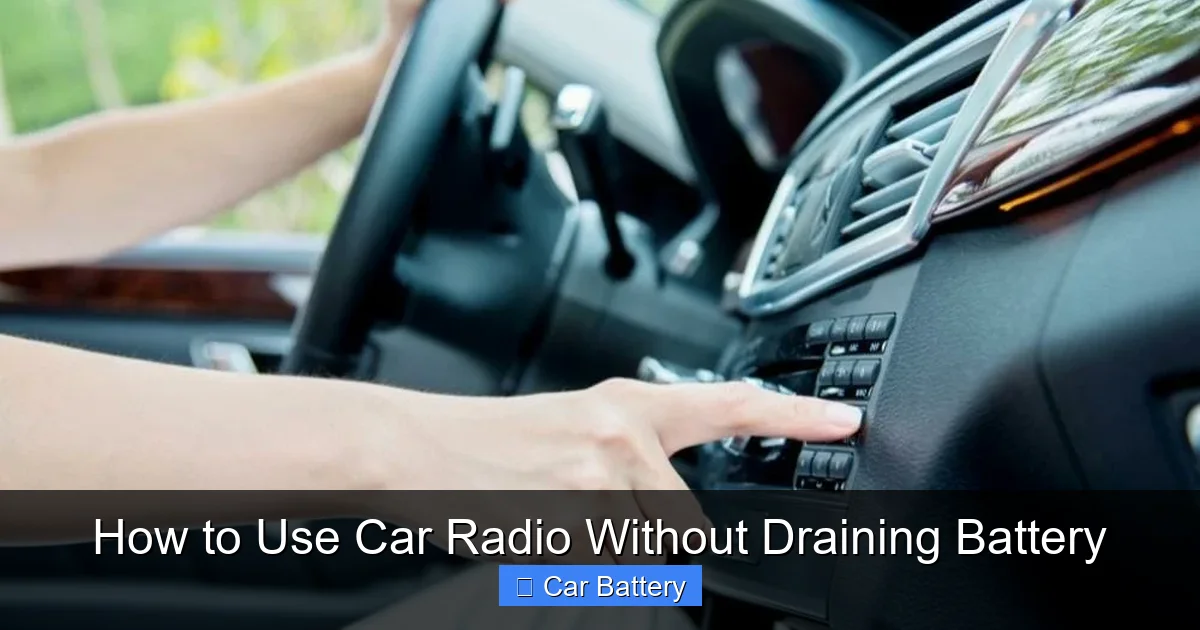
Visual guide about How to Use Car Radio Without Draining Battery
Image source: vehiclefreak.com
Turn Off the Radio When the Engine Is Off
This might sound obvious, but it’s the most effective way to prevent battery drain. Always turn off the radio before you exit the car. Even if the display is off, the system may still be drawing power. Make it a habit—like locking your doors or turning off the lights.
For example, if you’re waiting in a parking lot with the engine off, turn the radio off after 10–15 minutes. If you need background noise, consider using a portable Bluetooth speaker powered by its own battery instead.
Limit Use of Accessory Mode
Many drivers use “accessory mode” to listen to the radio without starting the engine. This mode powers the radio, climate controls, and other electronics but doesn’t engage the alternator. While convenient, it still draws power from the battery.
Use accessory mode sparingly and for short periods—no more than 15–20 minutes at a time. If you need to listen longer, start the engine every 20 minutes to let the alternator recharge the battery. This is especially important in winter, when cold temperatures reduce battery efficiency.
Avoid Using High-Power Features
Modern radios come with features like built-in navigation, Wi-Fi hotspots, and smartphone mirroring. These consume significantly more power than basic radio functions. If you’re using the radio with the engine off, stick to simple functions like AM/FM or Bluetooth audio.
For instance, using Apple CarPlay or Android Auto with the engine off can drain the battery faster than just playing music. If you need navigation, start the engine or use your phone’s GPS instead.
Upgrades and Tools to Protect Your Battery
If you frequently use your car radio with the engine off, consider investing in tools and upgrades designed to protect your battery.
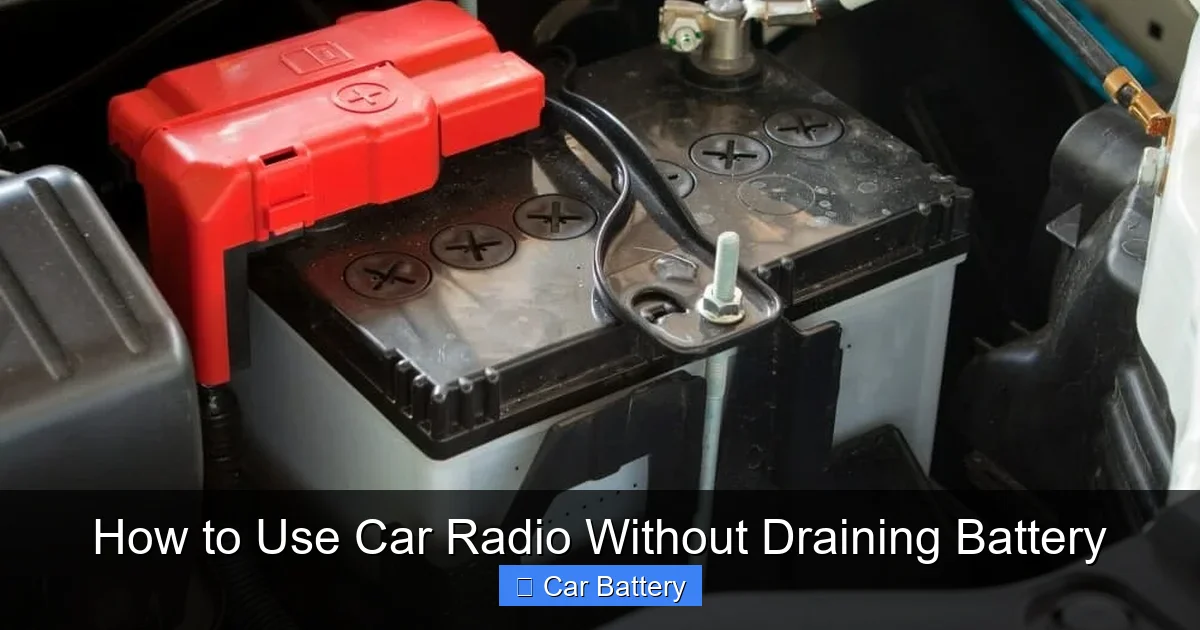
Visual guide about How to Use Car Radio Without Draining Battery
Image source: vehiclefreak.com
Install a Battery Isolator
A battery isolator is a device that separates the car’s main battery from auxiliary systems when the engine is off. It allows the radio to draw power only when the battery is sufficiently charged. If the voltage drops too low, the isolator cuts power to non-essential electronics, preserving enough charge to start the engine.
These devices are common in RVs and boats but can be installed in regular cars. They’re especially useful for people who use their car as a mobile office or entertainment space.
Use a Smart Battery Switch
Similar to an isolator, a smart battery switch monitors voltage and automatically disconnects accessories when the battery is low. Some models can be controlled via smartphone apps, allowing you to remotely turn off the radio or other devices.
For example, if you leave the radio on by accident, you can use the app to shut it off from inside your house. This adds peace of mind, especially if you’re prone to forgetting.
Upgrade to a Deep-Cycle Battery
Standard car batteries are designed for short, high-power bursts to start the engine. They’re not meant to be deeply discharged. Deep-cycle batteries, on the other hand, are built to provide steady power over long periods and handle repeated discharges.
If you often use your radio, lights, or other accessories with the engine off, a deep-cycle battery can be a worthwhile investment. They’re commonly used in marine and RV applications but can work in cars with proper installation and charging systems.
Alternative Power Sources for Your Radio
Another smart way to use your car radio without draining the battery is to power it externally. This keeps your car’s electrical system untouched while still enjoying your music.
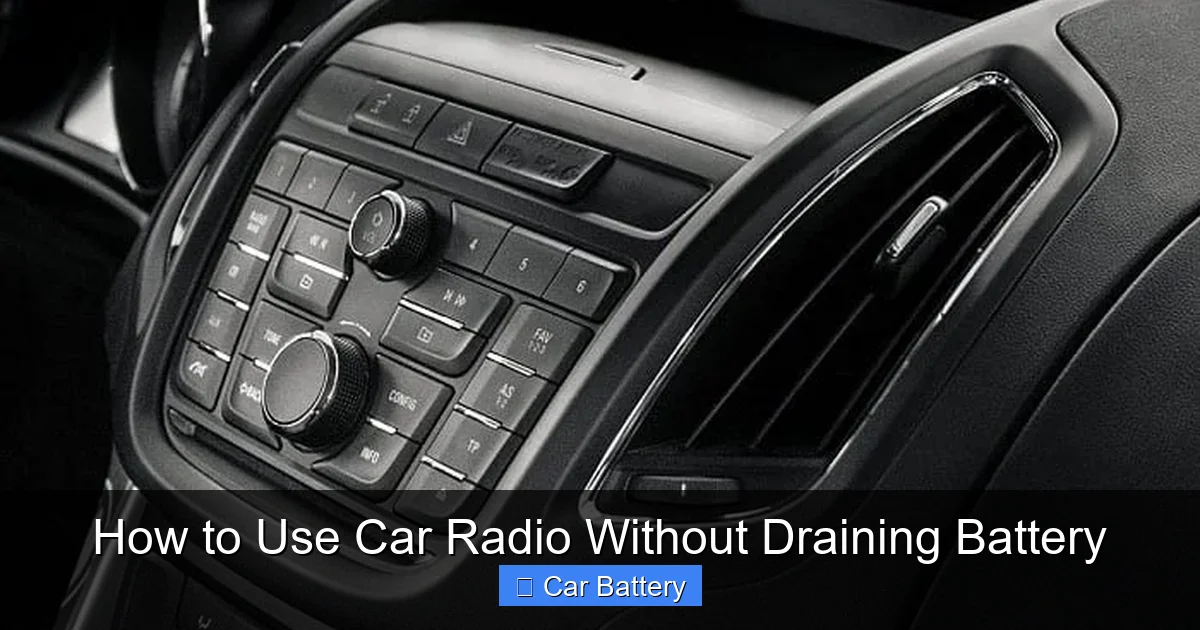
Visual guide about How to Use Car Radio Without Draining Battery
Image source: windupradio.com
Use a Portable Power Bank
Many modern car radios have USB or auxiliary inputs. You can connect a portable power bank to power a Bluetooth receiver or FM transmitter, which then sends audio to your radio. This setup lets you play music from your phone without using the car’s battery.
For example, plug a Bluetooth FM transmitter into a power bank, pair it with your phone, and tune your radio to the corresponding frequency. You get wireless music without touching the car’s electrical system.
Install a 12V Inverter
A 12V inverter converts your car’s DC power to AC power, allowing you to plug in standard electronics. While this still uses the car’s battery, you can connect a small inverter to a separate deep-cycle battery or external power source.
Some inverters come with built-in batteries, so you can power devices like laptops, speakers, or even small radios without draining your car battery. Just make sure the inverter is rated for your device’s power needs.
Consider a Solar-Powered Charger
If you’re parked in the sun, a solar-powered charger can keep a power bank or auxiliary battery topped up. These chargers are lightweight, portable, and eco-friendly. While they won’t power a radio directly, they can recharge a power bank during the day for use at night.
For long road trips or outdoor adventures, a solar charger paired with a power bank is a great way to enjoy music without worrying about battery drain.
Maintaining Your Car Battery for Long-Term Health
Even with the best habits and tools, your car battery needs regular care to perform well. A healthy battery is less likely to be drained by normal radio use.
Check Battery Voltage Regularly
Use a multimeter to check your battery’s voltage. A fully charged battery should read around 12.6 volts when the car is off. If it drops below 12.4 volts, the battery may be undercharged. If it’s below 12 volts, it’s likely drained and needs recharging or replacement.
You can buy a simple multimeter for under $20 and check the voltage monthly. This helps you catch problems early.
Clean Battery Terminals
Corrosion on battery terminals can reduce electrical efficiency and make it harder for the battery to hold a charge. Clean the terminals with a mixture of baking soda and water, then rinse and dry. Apply a thin layer of petroleum jelly to prevent future corrosion.
Dirty terminals can cause voltage drops, making it seem like your radio is draining the battery when the real issue is poor connections.
Replace Old Batteries
Car batteries typically last 3–5 years. If your battery is older than that, it may not hold a charge as well, making it more susceptible to drain. Replace it before it fails completely.
Many auto shops offer free battery testing. Take advantage of this service to know when it’s time for a replacement.
Drive Regularly
If you don’t drive your car often, the battery may not get enough charge from short trips. Take longer drives (20–30 minutes) at least once a week to let the alternator fully recharge the battery.
For cars that sit for weeks at a time, consider using a battery maintainer or trickle charger. These devices keep the battery topped up without overcharging.
When to Seek Professional Help
Sometimes, battery drain isn’t caused by the radio at all. A faulty alternator, parasitic draw, or wiring issue could be the real problem. If you’ve tried all the tips above and still experience frequent dead batteries, it’s time to visit a mechanic.
A professional can perform a load test, check for parasitic drains, and inspect the charging system. They can also help install upgrades like isolators or deep-cycle batteries safely and correctly.
Don’t ignore persistent battery issues. Left unchecked, they can lead to more serious electrical problems or leave you stranded.
Conclusion
Using your car radio without draining the battery is all about balance. You don’t have to give up your music—just be smart about how and when you use it. Turn off the radio when the engine is off, limit accessory mode, and consider upgrades like isolators or deep-cycle batteries if you’re a frequent user.
With the right habits and tools, you can enjoy your favorite tunes while keeping your battery healthy and your car ready to go. A little awareness goes a long way in preventing those frustrating mornings when the engine won’t start. So the next time you’re parked with the radio on, remember: a few minutes of caution can save you hours of hassle.
Frequently Asked Questions
Can I leave my car radio on overnight?
It’s not recommended. Even with the engine off, the radio can slowly drain the battery over several hours. If you must, use a battery isolator or external power source to protect your car’s battery.
How long can I listen to the radio with the engine off?
Limit listening to 15–20 minutes at a time. After that, start the engine to recharge the battery. Longer sessions increase the risk of a dead battery, especially in cold weather.
Does Bluetooth use more battery than AM/FM?
Bluetooth uses slightly more power than basic AM/FM radio because it maintains a wireless connection. The difference is small, but it can add up over time if used excessively with the engine off.
Will a new car radio drain the battery faster?
Modern radios with touchscreens, Wi-Fi, and apps may use more power than older models. However, proper use and maintenance can prevent battery drain regardless of the radio type.
Can a bad alternator cause radio-related battery drain?
Yes. If the alternator isn’t charging the battery while the engine runs, the battery will drain faster, especially when using power-hungry accessories like the radio. Have the charging system checked if you notice frequent battery issues.
Is it safe to use a power bank to run my car radio?
Yes, as long as the power bank is compatible with your device and provides the correct voltage. Use a Bluetooth transmitter or FM modulator to connect your phone to the radio without tapping into the car’s electrical system.
