
What Does Serv 4wd Mean on a Dodge Ram?

If you’ve seen “Serv 4WD” flash on your Dodge Ram dashboard, don’t panic—it’s a warning, not a breakdown. This message means your four-wheel-drive system needs attention, often due to a sensor, transfer case, or electrical issue. With the right diagnosis and care, you can get back to smooth, confident driving in no time.
If you’re behind the wheel of a Dodge Ram and suddenly see “Serv 4WD” light up on your dashboard, your first reaction might be concern—or even confusion. You’re not alone. Many Ram owners have encountered this message and wondered what it really means. Is it serious? Can I keep driving? What should I do next?
The good news is that “Serv 4WD” doesn’t necessarily mean your truck is about to break down. Instead, it’s your vehicle’s way of saying, “Hey, something’s not quite right with the four-wheel-drive system—please check it out.” Think of it like a check engine light, but specifically for your 4WD setup. Your Ram is equipped with advanced electronics and sensors that monitor the health of the transfer case, front axle, and drivetrain components. When something goes out of spec, the system triggers this warning to protect your truck and keep you safe.
Understanding what “Serv 4WD” means—and how to respond—can save you time, money, and stress. Whether you use your Ram for daily commuting, weekend off-roading, or heavy towing, knowing how your 4WD system works (and what to do when it acts up) is essential. In this guide, we’ll break down everything you need to know about the “Serv 4WD” message, from common causes to step-by-step fixes and preventive maintenance tips.
Key Takeaways
- “Serv 4WD” indicates a problem with the four-wheel-drive system and requires prompt diagnosis to avoid further damage.
- Common causes include faulty wheel speed sensors, low fluid levels, or transfer case issues—many of which are fixable with basic maintenance.
- The warning light may appear intermittently or stay on constantly, depending on the severity of the issue.
- Driving with a persistent “Serv 4WD” message can reduce traction and fuel efficiency, especially in slippery conditions.
- Regular inspection of 4WD components can prevent most “Serv 4WD” warnings before they occur.
- Using the correct transfer case fluid and avoiding abrupt shifts into 4WD helps maintain system health.
- Professional diagnostics are recommended if the issue persists after basic troubleshooting steps.
📑 Table of Contents
What Does “Serv 4WD” Actually Mean?
The phrase “Serv 4WD” stands for “Service Four-Wheel Drive.” It’s a diagnostic warning that appears on the instrument cluster of Dodge Ram trucks—typically models from 2009 onward, including the 1500, 2500, and 3500 series. When this message pops up, it means the truck’s onboard computer has detected a fault or irregularity in the four-wheel-drive system.
Your Ram’s 4WD system is designed to send power to all four wheels when needed, improving traction on slippery or uneven terrain. It uses a combination of mechanical parts (like the transfer case and front differential) and electronic controls (like sensors and solenoids) to engage and disengage 4WD smoothly. The system constantly monitors these components for performance and safety.
When the computer senses something off—such as a sensor malfunction, low fluid, or electrical issue—it triggers the “Serv 4WD” warning. This isn’t just a suggestion to visit the mechanic someday. It’s a signal that the system may not function properly when you need it most, like during a snowstorm or off-road adventure.
It’s important to note that “Serv 4WD” is different from simply shifting into 4WD mode. You can still drive your truck normally in most cases, but you should avoid using 4WD until the issue is resolved. Continuing to drive with an unresolved problem could lead to more serious damage, especially if the transfer case or front axle is affected.
Common Causes of the “Serv 4WD” Warning
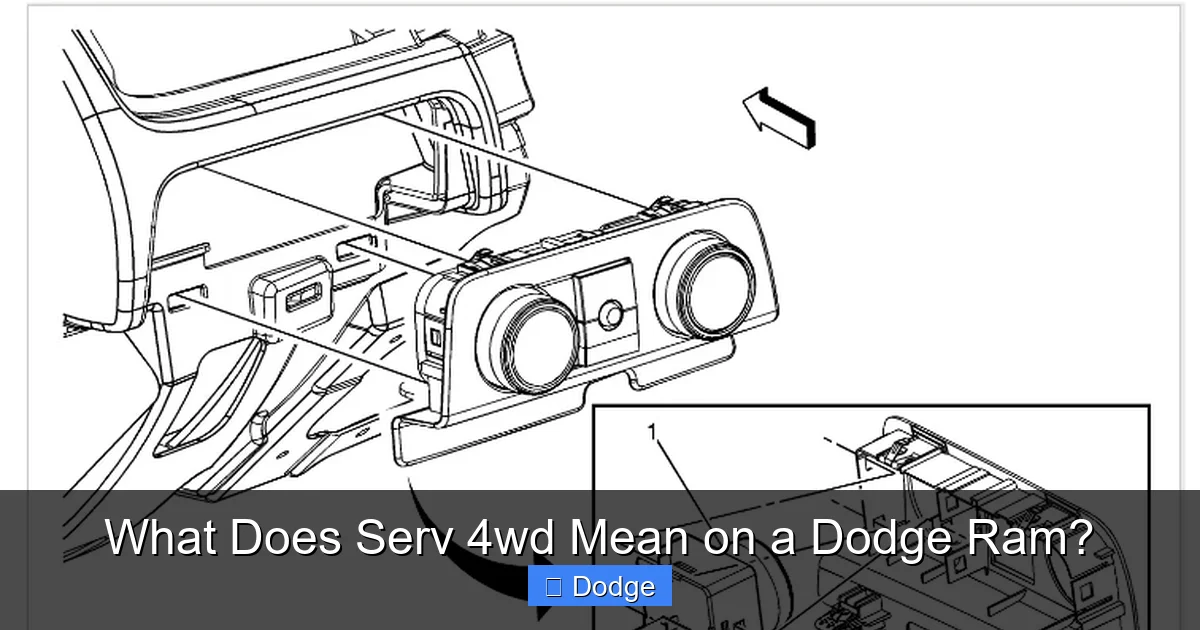
Visual guide about What Does Serv 4wd Mean on a Dodge Ram?
Image source: 2carpros.com
There’s no single cause for the “Serv 4WD” message—several issues can trigger it. The good news? Many are relatively easy and inexpensive to fix. Let’s look at the most common culprits.
Faulty Wheel Speed Sensors
One of the top reasons for a “Serv 4WD” warning is a malfunctioning wheel speed sensor. These sensors, located at each wheel, monitor how fast each tire is rotating. The 4WD system uses this data to determine when to engage or disengage four-wheel drive, especially in part-time or automatic systems like the Ram’s “Part Time 4WD” or “4WD Auto” modes.
If one of these sensors fails or sends incorrect data—due to dirt, damage, or electrical issues—the system can’t accurately assess wheel speed. This confuses the computer, leading it to assume there’s a problem with the 4WD system. For example, if the front left sensor reads slower than the others, the truck might think one wheel is slipping and trigger the warning.
Replacing a wheel speed sensor is usually straightforward and costs between $50 and $150 per sensor, including labor. In many cases, the issue is just a loose connection or a dirty sensor tip, which can be cleaned or reseated without replacement.
Low or Contaminated Transfer Case Fluid
The transfer case is the heart of your 4WD system. It splits power between the front and rear axles and allows you to shift between 2WD and 4WD. Like any mechanical component, it relies on clean, adequate fluid to operate smoothly.
Over time, transfer case fluid can break down, become contaminated with metal shavings, or simply leak out. Low fluid levels reduce lubrication, increase heat, and can cause internal damage. Contaminated fluid can clog valves and solenoids, preventing proper engagement.
If your Ram’s transfer case fluid is low or dirty, the system may not engage 4WD correctly—or at all. This triggers the “Serv 4WD” warning as a protective measure. Checking and replacing the fluid is a simple maintenance task that can prevent this issue. Most mechanics recommend changing transfer case fluid every 30,000 to 50,000 miles, depending on driving conditions.
Electrical or Wiring Problems
Modern Dodge Rams rely heavily on electronics to control the 4WD system. Wiring harnesses, connectors, and control modules all play a role. If any of these components develop a short, corrosion, or loose connection, the system may not receive proper signals.
For instance, the front axle actuator—a small motor that engages the front differential—relies on electrical input to function. If the wiring to this actuator is damaged or corroded, the actuator won’t engage, and the truck will display “Serv 4WD.” Similarly, a faulty 4WD control module (often located under the dash) can misread inputs or fail to send commands.
Electrical issues can be tricky to diagnose because they don’t always show obvious signs. A visual inspection of wiring and connectors is a good first step. Using a multimeter to test for continuity and voltage can help pinpoint the problem. In some cases, reseating connectors or cleaning corrosion resolves the issue without replacement.
Transfer Case or Front Axle Mechanical Failure
While less common, mechanical failure in the transfer case or front axle can also cause the “Serv 4WD” warning. This includes worn gears, damaged chains, or seized actuators. These problems usually develop over time due to lack of maintenance, excessive use, or harsh driving conditions.
For example, if the chain inside the transfer case stretches or breaks, power won’t transfer properly to the front wheels. The system detects this imbalance and triggers the warning. Similarly, if the front axle actuator fails to engage due to internal damage, the truck can’t go into 4WD mode.
Mechanical failures are more serious and often require professional repair or replacement. Costs can range from $500 to $2,000+, depending on the extent of the damage. However, regular maintenance—like fluid changes and avoiding abrupt 4WD shifts—can significantly extend the life of these components.
Software or Sensor Glitches
Sometimes, the “Serv 4WD” message appears due to a temporary glitch in the truck’s software or sensor readings. This can happen after a battery disconnect, software update, or even extreme weather. In these cases, the system may “forget” its calibration or misread sensor data.
A simple reset—such as turning the truck off and on, or disconnecting the battery for 10–15 minutes—can often clear the warning. Some owners also report success using a diagnostic scanner to reset the 4WD system. If the message returns shortly after, however, there’s likely an underlying issue that needs attention.
How to Diagnose and Fix “Serv 4WD” Issues
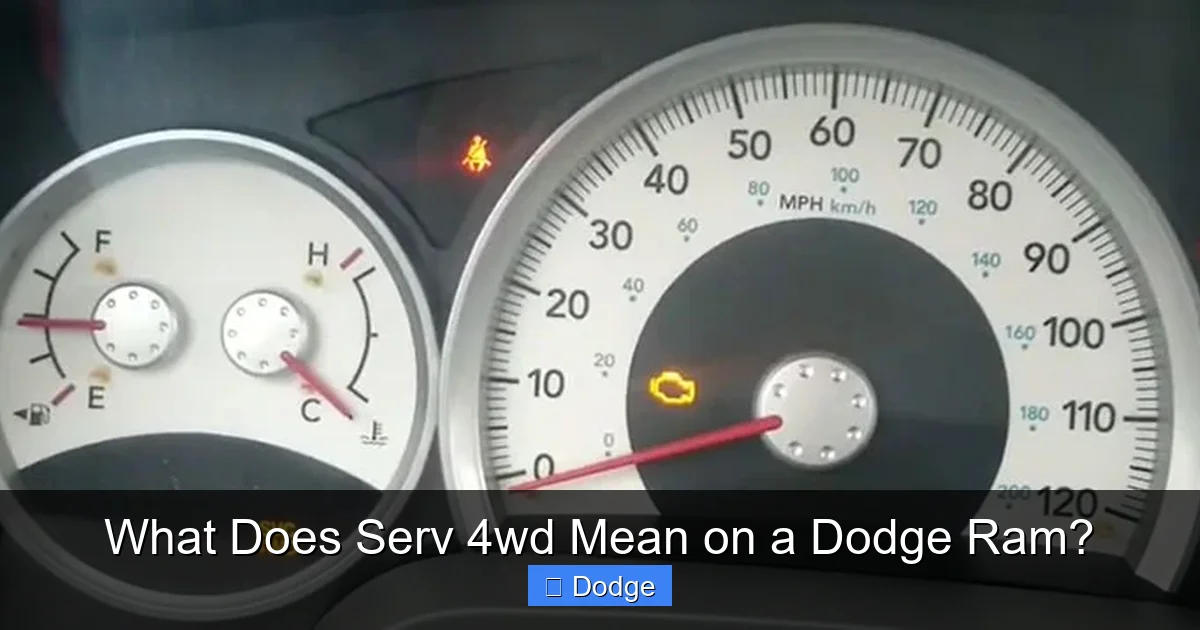
Visual guide about What Does Serv 4wd Mean on a Dodge Ram?
Image source: bryansgarage.com
Now that you know the common causes, let’s talk about how to diagnose and fix the problem. While some issues require a mechanic, many can be addressed at home with basic tools and knowledge.
Step 1: Check the Dashboard for Additional Warnings
Before diving into repairs, take a moment to scan your dashboard. Are there other warning lights—like the check engine light, ABS light, or traction control light? These can provide clues. For example, a flashing ABS light often points to a wheel speed sensor issue, which is closely tied to 4WD functionality.
If multiple lights are on, it’s likely an electrical or sensor problem. If only “Serv 4WD” appears, the issue may be more specific to the transfer case or actuator.
Step 2: Inspect Transfer Case Fluid
Pop the hood and locate the transfer case—usually on the driver’s side, near the rear of the engine. Look for the fill plug (often a square-head bolt). Use a flashlight to check the fluid level and condition.
The fluid should be clean and at the proper level. If it’s low, top it off with the manufacturer-recommended fluid (usually ATF+4 or Dexron III). If it’s dark, smoky, or has metal particles, it’s time for a full fluid change.
Most Ram owners can do this themselves with a fluid pump and a drain pan. Just be sure to tighten the plugs securely to avoid leaks.
Step 3: Test Wheel Speed Sensors
If you suspect a sensor issue, start with a visual inspection. Look for damaged wires, loose connectors, or dirt buildup around the sensors (located near each wheel hub). Clean any debris and ensure connectors are snug.
For a more accurate test, use an OBD2 scanner that can read live data from the wheel speed sensors. Drive slowly and watch the readings—each sensor should show similar speeds. If one reads zero or fluctuates wildly, it’s likely faulty.
Replacing a sensor is usually a 30-minute job. Just remove the old one, install the new one, and reconnect the wiring.
Step 4: Check the Front Axle Actuator
The front axle actuator is a small motor mounted on the front differential. It engages the front wheels when 4WD is selected. If it’s stuck or not receiving power, the system can’t engage.
Listen for a clicking sound when you shift into 4WD. If you don’t hear anything, the actuator may be faulty. You can test it by applying 12 volts directly (with a jumper wire) to see if it moves. If it doesn’t respond, it likely needs replacement.
Step 5: Reset the System
After making repairs, clear the warning by resetting the system. Turn the ignition to “ON” (but don’t start the engine), shift into 4WD, wait 10 seconds, then shift back to 2WD. Repeat this cycle a few times. Some owners also disconnect the battery for 15 minutes to reset the computer.
If the message persists, use an OBD2 scanner to clear any stored codes. This ensures the system recognizes the fix.
Preventing Future “Serv 4WD” Warnings
Visual guide about What Does Serv 4wd Mean on a Dodge Ram?
Image source: bryansgarage.com
The best way to deal with “Serv 4WD” is to avoid it altogether. With regular maintenance and smart driving habits, you can keep your 4WD system in top shape for years.
Follow the Maintenance Schedule
Dodge recommends specific service intervals for the 4WD system. Check your owner’s manual for details, but generally:
– Change transfer case fluid every 30,000–50,000 miles.
– Inspect front and rear differential fluid annually.
– Check wheel speed sensors and wiring during routine tire rotations.
Sticking to this schedule prevents many common issues before they start.
Use the Correct Fluid
Not all fluids are created equal. Using the wrong type in your transfer case can cause slippage, overheating, or damage. Always use the fluid specified in your owner’s manual—typically ATF+4 for older Rams or Mercon LV for newer models.
Avoid generic or “universal” fluids unless explicitly approved by Dodge.
Shift into 4WD Properly
Avoid shifting into 4WD while driving at high speeds or on dry pavement. This can cause binding and stress the drivetrain. Instead, slow to under 5 mph, come to a complete stop if possible, and then shift.
For part-time 4WD systems, only use 4WD on loose or slippery surfaces. On dry roads, stick to 2WD to prevent wear.
Inspect After Off-Roading
If you take your Ram off-road, inspect the 4WD components afterward. Look for mud, rocks, or debris stuck in the transfer case or axle. Clean any buildup and check for leaks or damage.
Off-roading puts extra strain on the system, so a quick post-trip check can catch problems early.
When to See a Mechanic
While many “Serv 4WD” issues are DIY-friendly, some require professional help. Seek a qualified mechanic if:
– The warning persists after basic troubleshooting.
– You hear grinding, whining, or clunking noises from the drivetrain.
– The transfer case or front axle shows signs of damage.
– You’re unsure about fluid types or repair procedures.
A certified Dodge technician has the tools and expertise to run advanced diagnostics, including scanning the 4WD control module and testing hydraulic pressure in the transfer case.
Ignoring the problem could lead to costly repairs down the line. It’s always better to address it early.
Real-World Example: A Common Fix
Let’s say you’re driving your 2015 Ram 1500 through a snowstorm when “Serv 4WD” suddenly appears. You pull over and check the dashboard—no other lights. You remember the truck hasn’t had a transfer case fluid change in over 60,000 miles.
You decide to check the fluid. It’s low and dark. You top it off with the correct ATF+4 fluid and reset the system. The warning clears, and 4WD engages smoothly.
A week later, you change the fluid completely. The new fluid is clean and bright. The “Serv 4WD” message hasn’t returned.
This scenario is common. Many owners overlook transfer case maintenance, not realizing it’s just as important as engine oil. A simple fluid change can resolve the issue and restore confidence in your truck’s capability.
Conclusion
Seeing “Serv 4WD” on your Dodge Ram dashboard can be unsettling, but it’s rarely a sign of imminent failure. More often, it’s a helpful warning that your four-wheel-drive system needs attention—whether it’s a sensor, fluid, or electrical issue. By understanding what the message means and how to respond, you can keep your Ram running strong in all conditions.
Start with simple checks: inspect fluid levels, test sensors, and reset the system. If the problem persists, don’t hesitate to consult a professional. Regular maintenance is your best defense against future warnings.
Your Ram is built to handle tough jobs and rough terrain. With proper care, your 4WD system will be ready when you need it most—no warning lights required.
Frequently Asked Questions
What does “Serv 4WD” mean on a Dodge Ram?
“Serv 4WD” stands for “Service Four-Wheel Drive” and is a warning that your truck’s 4WD system has detected a fault. It means the system may not function properly and requires inspection.
Can I still drive my Ram with “Serv 4WD” on?
Yes, you can usually drive in 2WD mode, but avoid using 4WD until the issue is fixed. Continuing to use 4WD with a fault can cause further damage.
How much does it cost to fix a “Serv 4WD” issue?
Costs vary. Simple fixes like fluid changes or sensor replacements range from $50 to $200. More serious mechanical repairs can cost $500 or more.
Why does “Serv 4WD” come on and then go off?
This often indicates a temporary glitch, such as a loose connection or sensor misread. It may clear after a reset, but if it returns, have it checked.
How often should I change transfer case fluid?
Most experts recommend changing transfer case fluid every 30,000 to 50,000 miles, or as specified in your owner’s manual.
Can I fix “Serv 4WD” myself?
Many causes—like low fluid or dirty sensors—can be fixed at home. However, if the issue involves complex electronics or mechanical failure, consult a mechanic.
