How to Turn Off the Security Indicator Light on Toyota

Contents
- 1 Key Takeaways
- 2 📑 Table of Contents
- 3 Why Is the Security Indicator Light On in Your Toyota?
- 4 Common Causes of the Security Light Staying On
- 5 Step-by-Step: How to Turn Off the Security Indicator Light on Toyota
- 6 When to Visit a Toyota Dealer or Locksmith
- 7 Preventing Future Security Light Issues
- 8 Model-Specific Tips for Popular Toyota Vehicles
- 9 Final Thoughts: Don’t Panic—Most Issues Are Fixable
- 10 Frequently Asked Questions


Wondering how to turn off the security indicator light on Toyota? This common issue often stems from a triggered immobilizer or key fob problem. With simple troubleshooting steps, you can reset the system and restore normal operation without a trip to the dealership.
Key Takeaways
- Understand the cause: The security light usually flashes when the immobilizer system detects an unauthorized key or electrical glitch.
- Use the correct key: Ensure you’re using a programmed key fob—non-programmed or damaged keys trigger the light.
- Try the key reset method: Insert and turn the key in the ignition several times to reset the system.
- Check the battery: A weak key fob or car battery can interfere with signal recognition.
- Locate the security fuse: Some models allow a temporary reset by removing and reinserting the security fuse.
- Use OBD2 scanner if needed: Advanced diagnostics may be required for persistent issues.
- When to see a pro: If DIY methods fail, consult a Toyota technician to avoid damaging the immobilizer.
📑 Table of Contents
- Why Is the Security Indicator Light On in Your Toyota?
- Common Causes of the Security Light Staying On
- Step-by-Step: How to Turn Off the Security Indicator Light on Toyota
- When to Visit a Toyota Dealer or Locksmith
- Preventing Future Security Light Issues
- Model-Specific Tips for Popular Toyota Vehicles
- Final Thoughts: Don’t Panic—Most Issues Are Fixable
Why Is the Security Indicator Light On in Your Toyota?
If you’ve ever started your Toyota and noticed a flashing or solid security light on the dashboard, you’re not alone. This small icon—usually shaped like a car with a lock or key—can cause instant anxiety. But before you panic, know that in most cases, it’s not a sign of serious trouble. Instead, it’s your vehicle’s way of saying, “Hey, I don’t recognize this key” or “Something’s off with the security system.”
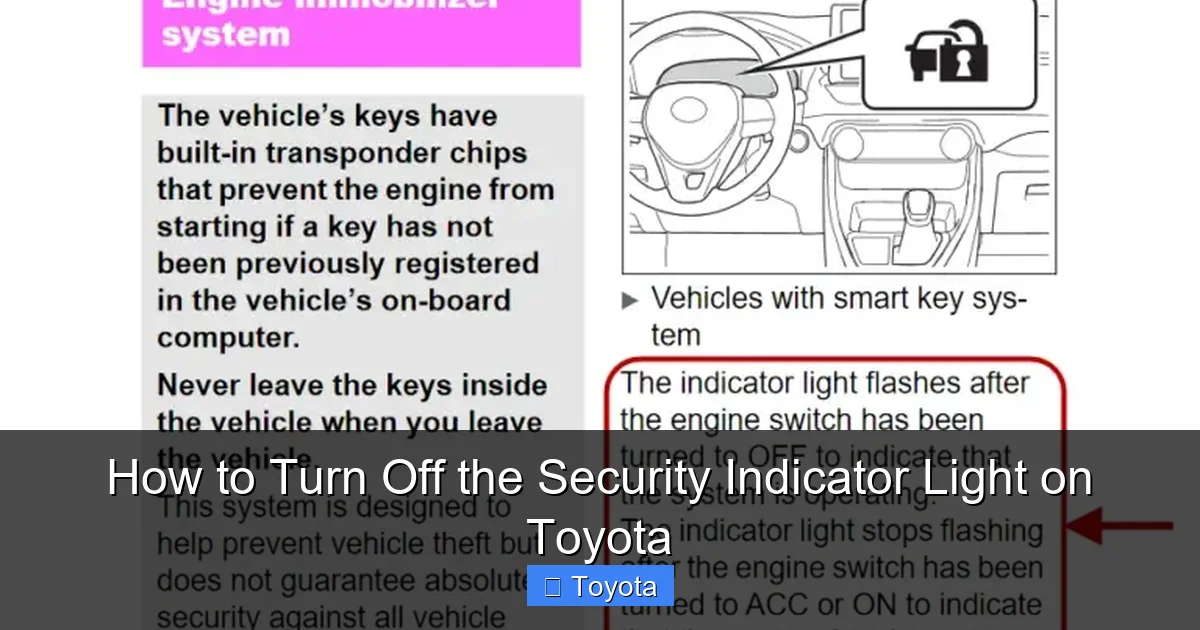
The security indicator light is part of Toyota’s immobilizer system, a built-in anti-theft feature designed to prevent unauthorized engine starts. When you insert your key or press the start button, the car’s computer checks whether the key fob has the correct electronic code. If it doesn’t match, the system blocks fuel and ignition, and the security light begins to flash—usually at a steady pace, about once per second.
This system has been standard on most Toyota models since the early 2000s, including popular vehicles like the Camry, Corolla, RAV4, Highlander, and Tacoma. While it’s highly effective at deterring theft, it can sometimes be overly sensitive. Common triggers include a dead key fob battery, a damaged key chip, interference from electronic devices, or even a simple glitch in the car’s computer.
What Does the Security Light Mean?
The behavior of the security light gives you clues about what’s happening:
- Flashing continuously: The immobilizer doesn’t recognize the key. The engine may crank but won’t start.
- Solid (not flashing): The system is armed but functioning normally—this is common when the car is off.
- Flashing after starting: The car started, but the system is still detecting an issue—this could indicate a weak signal or low battery.
- Rapid blinking: May signal a deeper electrical problem or fault in the immobilizer module.
Understanding these patterns helps you respond appropriately. For example, if the light flashes only when you try to start the car, the issue is likely key-related. But if it stays on while driving, there may be a wiring or sensor problem.
Common Causes of the Security Light Staying On
Before diving into solutions, it’s important to identify why the security light is on in the first place. Most causes are minor and fixable at home, but some require professional attention. Let’s break down the most common culprits.
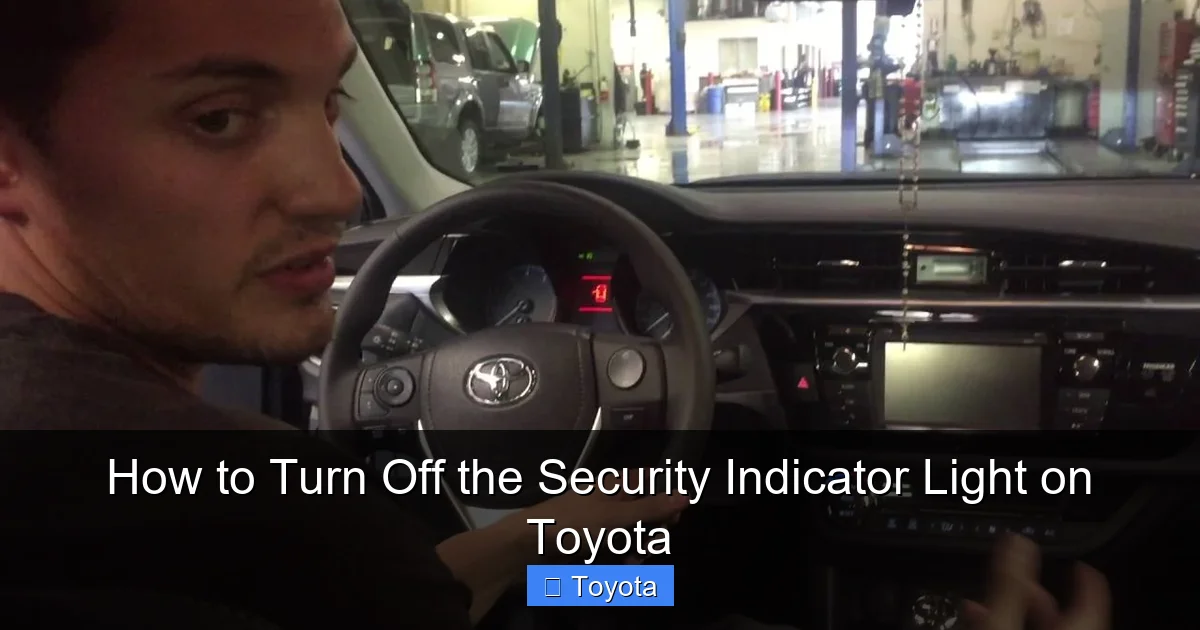
Visual guide about How to Turn Off the Security Indicator Light on Toyota
Image source: i.ytimg.com
1. Unprogrammed or Damaged Key Fob
Every Toyota key fob contains a tiny transponder chip that communicates with the car’s immobilizer. If you’re using a spare key that hasn’t been programmed, or if the chip is damaged (from water, drops, or wear), the car won’t recognize it. This is the #1 reason for a flashing security light.
Example: You bought a used Toyota and were given two keys. One starts the car fine, but the other triggers the security light. That second key likely wasn’t programmed to your vehicle.
2. Weak or Dead Key Fob Battery
Even if the chip is intact, a low battery can weaken the signal. Modern Toyotas with push-button start rely heavily on the fob’s battery to transmit the code. If it’s below 2.5 volts, the car may not detect it—even if the fob appears to work for locking/unlocking.
Tip: Replace the battery every 1–2 years, or when you notice the remote range getting shorter.
3. Faulty Ignition Switch or Antenna Ring
In key-start models, the ignition cylinder has a small antenna ring around it that reads the key chip. If this ring is damaged or dirty, it can’t detect the key properly. Similarly, a worn ignition switch may not make proper contact.
4. Electrical Interference
Strong electromagnetic fields—like those from cell phones, power lines, or aftermarket electronics—can interfere with the key signal. This is rare but possible, especially in urban areas or near radio towers.
5. Blown Security Fuse
Some Toyota models have a dedicated fuse for the immobilizer system. If it blows, the security light may stay on or behave erratically. Check your owner’s manual for the fuse box location and diagram.
6. Software Glitch or System Reset Needed
Like any computer, your Toyota’s ECU can experience temporary glitches. A power surge, dead battery, or jump-start can disrupt the immobilizer’s memory, causing the light to flash even with the correct key.
Now that you know what might be causing the issue, let’s move on to practical fixes you can try at home.
Step-by-Step: How to Turn Off the Security Indicator Light on Toyota
The good news? In most cases, you can reset the security light yourself—no tools or mechanic required. Below are proven methods, starting with the simplest and moving to more advanced options.
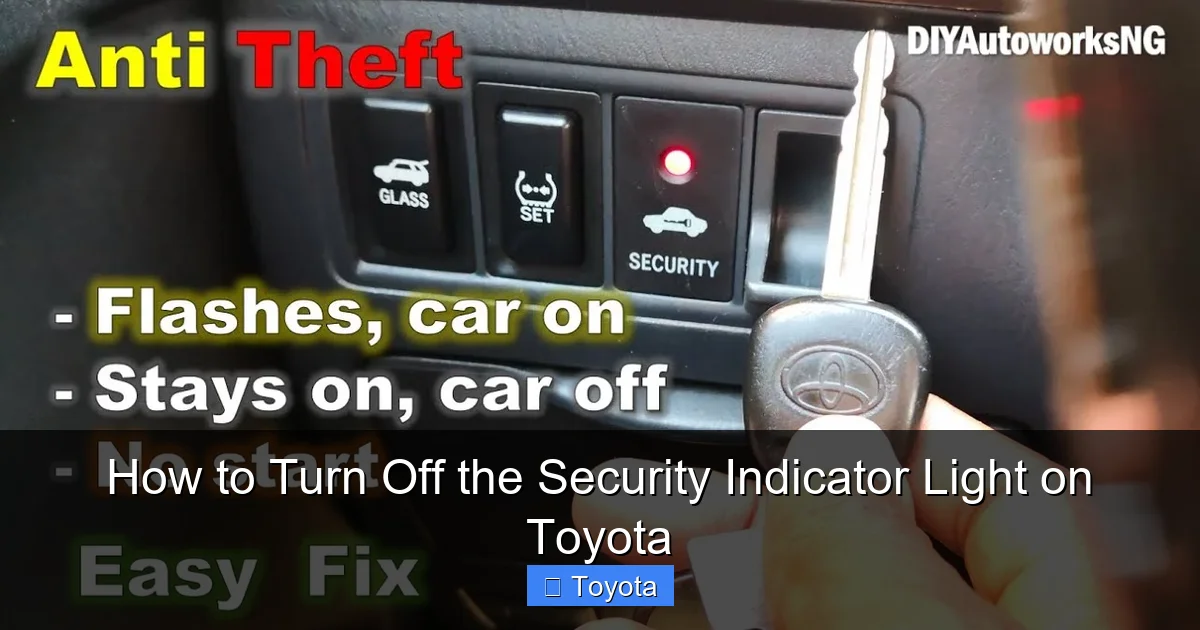
Visual guide about How to Turn Off the Security Indicator Light on Toyota
Image source: i.ytimg.com
Method 1: The Key Reset (Most Effective for Key Issues)
This is the go-to fix for a flashing security light. It forces the immobilizer to re-recognize your key.
- Sit in the driver’s seat with all doors closed.
- Insert the key into the ignition (for key-start models) or hold the fob near the start button (for push-button models).
- Turn the key to the “ON” position (dashboard lights up, engine off)—do not start the engine.
- Wait 10 seconds. The security light should stop flashing and turn solid or go off.
- Turn the key back to “OFF.”
- Wait 30 seconds.
- Repeat steps 2–6 two more times (three total cycles).
- On the fourth attempt, try starting the engine.
Why it works: This process resets the immobilizer’s memory and re-syncs the key. It’s especially effective after a battery replacement or jump-start.
Method 2: Replace the Key Fob Battery
If your key fob feels sluggish or the remote range is short, a new battery might solve the problem.
- Use a CR2032 3V lithium battery (available at any pharmacy or electronics store).
- Pry open the fob with a flathead screwdriver or coin.
- Replace the old battery, ensuring the positive (+) side faces up.
- Snap the fob back together.
- Test the key by starting the car.
Pro tip: After replacing the battery, perform the key reset method above to ensure the system recognizes the fob.
Method 3: Use the Spare Key
If you have a second key, try starting the car with it. If it works, the original key may be damaged or unprogrammed. You can either get it reprogrammed (at a dealer or locksmith) or use the spare as your primary key.
Method 4: Check and Reset the Security Fuse
Some Toyota models (like the 2007–2012 Camry) have a dedicated immobilizer fuse. Locating and cycling it can reset the system.
- Refer to your owner’s manual to find the fuse box (usually under the dashboard or in the engine bay).
- Look for a fuse labeled “EFI,” “ECU,” or “SECURITY” (typically 10A or 15A).
- Use a fuse puller or needle-nose pliers to remove it.
- Wait 60 seconds.
- Reinsert the fuse.
- Try starting the car.
Note: This method doesn’t work on all models. If you can’t find a security-specific fuse, skip to the next method.
Method 5: Disconnect the Car Battery (Hard Reset)
If the above steps fail, a full system reset may be needed. This clears temporary glitches in the ECU.
- Turn off the engine and remove the key.
- Open the hood and locate the battery.
- Disconnect the negative (-) terminal using a wrench.
- Wait 10–15 minutes (this drains residual power from the system).
- Reconnect the terminal and tighten it securely.
- Try starting the car.
Warning: This may reset your radio presets, clock, and other settings. Have your radio code ready if required.
Method 6: Use an OBD2 Scanner (Advanced)
If the light persists, there may be a stored fault code in the immobilizer system. An OBD2 scanner with immobilizer functionality can read and clear these codes.
- Plug the scanner into the OBD2 port (usually under the dashboard near the steering wheel).
- Turn the ignition to “ON.”
- Follow the scanner’s menu to access “Immobilizer” or “Security” systems.
- Read any error codes (e.g., “B2799 – Immobilizer Communication Error”).
- Clear the codes and restart the car.
Note: Basic OBD2 scanners won’t work—you need one that supports Toyota immobilizer functions (e.g., BlueDriver, Autel MaxiCOM).
When to Visit a Toyota Dealer or Locksmith
While most security light issues are DIY-friendly, some require professional help. Here’s when to seek expert assistance:
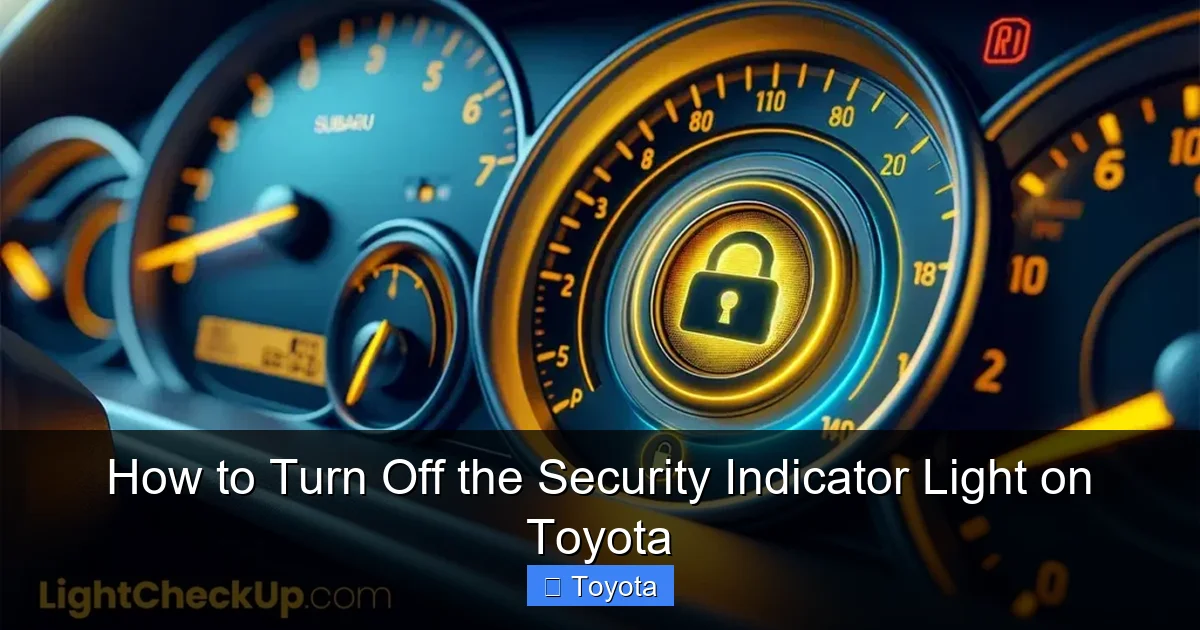
Visual guide about How to Turn Off the Security Indicator Light on Toyota
Image source: lightcheckup.com
The Key Is Damaged or Unprogrammed
If your key is cracked, water-damaged, or was never programmed to your car, you’ll need a locksmith or Toyota dealer to cut and program a new one. This typically costs $100–$300, depending on the model and key type.
The Immobilizer Module Is Faulty
Rarely, the immobilizer control unit itself fails. Symptoms include the security light staying on even with a known good key, or the car starting intermittently. A technician can test the module and replace it if needed.
Multiple Keys Aren’t Working
If none of your keys start the car, the issue may be with the antenna ring, ignition switch, or ECU. A professional diagnostic is recommended.
You’ve Tried Everything and the Light Won’t Go Off
If you’ve attempted all DIY methods and the security light still flashes or stays on, it’s time to visit a Toyota service center. They have specialized tools (like Techstream software) to reprogram the system and rule out hardware failures.
Tip: Always call ahead. Some dealers offer free diagnostics for immobilizer issues, especially if the car is under warranty.
Preventing Future Security Light Issues
Once you’ve resolved the problem, take steps to avoid it happening again. Prevention is easier (and cheaper) than repair.
Keep Your Key Fob in Good Condition
Avoid exposing your key fob to water, extreme heat, or drops. Store it in a protective case, and don’t carry it with heavy items that could crack the chip.
Replace the Battery Regularly
Even if the fob still works, replace the battery every 18–24 months. A weak battery can cause intermittent issues that are hard to diagnose.
Use Only Programmed Keys
If you buy a used key or fob, have it programmed by a professional before use. Never assume a generic key will work.
Avoid Aftermarket Electronics Near the Ignition
Don’t install radar detectors, phone chargers, or other devices directly near the ignition or start button. These can interfere with the immobilizer signal.
Keep a Spare Key Handy
Store a programmed spare key in a safe place (like your wallet or office). This ensures you’re never stranded if your primary key fails.
Check for Recalls or Service Bulletins
Occasionally, Toyota issues recalls for immobilizer-related issues. Visit the official Toyota recall page and enter your VIN to check for updates.
Model-Specific Tips for Popular Toyota Vehicles
While the general methods work for most Toyotas, some models have quirks worth noting.
Toyota Camry (2007–2017)
- Common issue: Antenna ring around ignition wears out.
- Try cleaning the ring with electrical contact cleaner.
- If the light persists, the ring may need replacement ($150–$300 at a shop).
Toyota Corolla (2009–2019)
- Key reset method works 90% of the time.
- Avoid using third-party key fobs—they often lack proper programming.
Toyota RAV4 (2013–2018)
- Push-button models: Hold fob near start button if battery is weak.
- Some owners report success by placing the fob in the glove box (near the antenna).
Toyota Tacoma (2005–2015)
- Immobilizer fuse is often labeled “EFI MAIN.”
- Disconnecting the battery for 15 minutes usually resets the system.
Toyota Highlander (2008–2019)
- Check for moisture in the ignition cylinder—common in rainy climates.
- Dry it with compressed air if needed.
Final Thoughts: Don’t Panic—Most Issues Are Fixable
Seeing that security light flash can be unsettling, but in the vast majority of cases, it’s not a sign of serious damage. With a little patience and the right approach, you can often resolve the issue in under 10 minutes—no tools, no cost, no stress.
Start with the key reset method. It’s simple, effective, and works for most Toyota owners. If that doesn’t work, move through the other steps in order: check the battery, try the spare key, inspect the fuse, and consider a hard reset. Only seek professional help if the problem persists or you suspect hardware failure.
Remember, your Toyota’s immobilizer system is there to protect you. While it can be finicky, it’s also one of the reasons Toyota vehicles are so hard to steal. Treat your keys with care, keep them charged, and you’ll rarely see that security light again.
Frequently Asked Questions
Why is my Toyota security light flashing when I try to start the car?
The flashing light usually means the immobilizer system doesn’t recognize your key. This could be due to a dead fob battery, damaged key chip, or unprogrammed key. Try the key reset method or replace the battery.
Can I drive my Toyota if the security light is on?
If the car starts and runs, you can drive it—but the light indicates a potential issue. If the light flashes while driving, have the system checked soon to avoid being stranded.
How much does it cost to fix a Toyota security light issue?
DIY fixes cost nothing. If you need a new key or programming, expect to pay $100–$300 at a dealer or locksmith. Module replacement can cost $500+, but this is rare.
Will disconnecting the battery turn off the security light?
Yes, in many cases. Disconnecting the negative terminal for 10–15 minutes resets the ECU and can clear temporary glitches causing the light to stay on.
Can a weak car battery cause the security light to come on?
Yes. A low car battery can disrupt the immobilizer’s power supply, leading to communication errors. Charge or replace the battery and try the key reset.
Do I need a special tool to turn off the security light on Toyota?
No special tools are needed for basic fixes. However, an OBD2 scanner with immobilizer support can help diagnose persistent issues if DIY methods fail.