
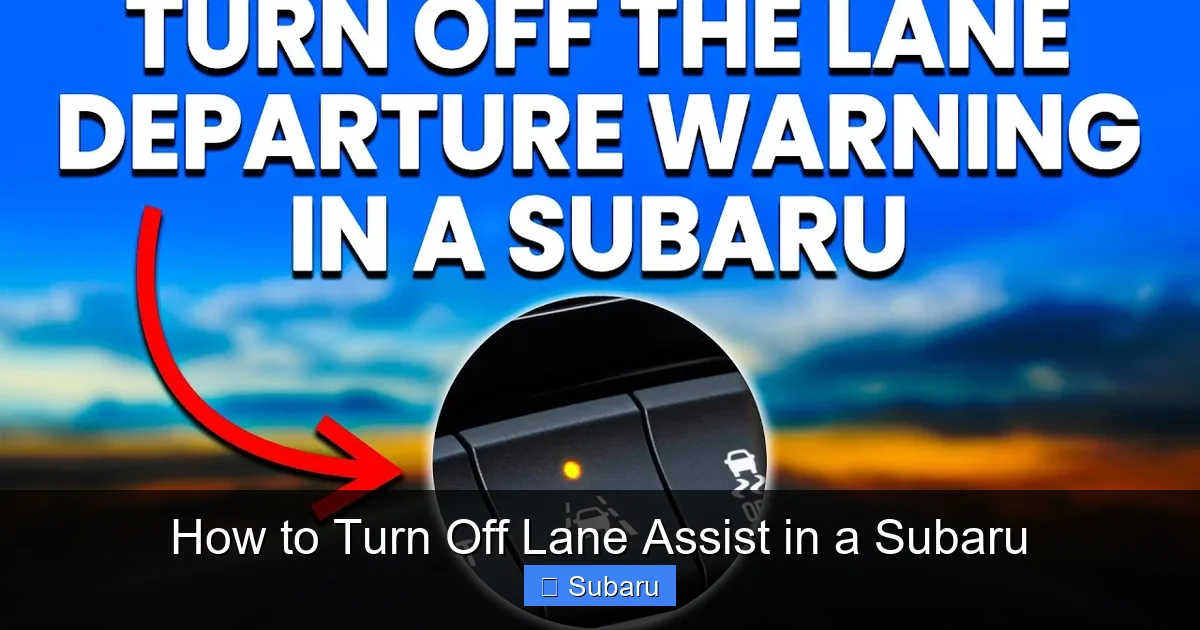
How to Turn Off Lane Assist in a Subaru

Contents
- 1 Key Takeaways
- 2 📑 Table of Contents
- 3 What Is Lane Assist in a Subaru?
- 4 Why You Might Want to Turn Off Lane Assist
- 5 How to Turn Off Lane Assist in a Subaru: Step-by-Step Guide
- 6 Model-Specific Instructions for Turning Off Lane Assist
- 7 Important Considerations When Disabling Lane Assist
- 8 Tips for Managing Lane Assist Effectively
- 9 Conclusion
- 10 Frequently Asked Questions


Turning off lane assist in a Subaru is simple and can be done in seconds using the dashboard controls or touchscreen. Whether you’re driving on winding roads, towing, or just prefer full control, knowing how to disable this feature gives you more flexibility behind the wheel.
Key Takeaways
- Lane assist can be turned off temporarily or permanently depending on your Subaru model and settings.
- Use the “Lane Departure Warning” or “Lane Keep Assist” button on the steering wheel or dashboard to disable it.
- Some models require navigating the touchscreen menu under Vehicle Settings or Driver Assistance.
- The system may reactivate after each ignition cycle, so you might need to turn it off every time you drive.
- Disabling lane assist doesn’t affect other safety features like adaptive cruise control or pre-collision braking.
- Always re-enable lane assist for highway driving to maintain optimal safety.
- Consult your owner’s manual for model-specific instructions and limitations.
📑 Table of Contents
What Is Lane Assist in a Subaru?
Lane assist, also known as Lane Keep Assist (LKA) or Lane Departure Warning (LDW), is a driver assistance feature designed to help keep your Subaru safely within lane markings. Using a forward-facing camera mounted near the rearview mirror, the system monitors road lines and detects when your vehicle begins to drift unintentionally. If it senses lane departure without a turn signal, it can gently steer the car back into the lane or issue an audible and visual alert.
This technology is part of Subaru’s EyeSight driver assist suite, which also includes adaptive cruise control, pre-collision braking, and lead vehicle start alert. Lane assist is especially helpful on long highway drives, reducing driver fatigue and improving safety. However, it’s not perfect. Some drivers find the system overly sensitive or intrusive, especially on rural roads with faded markings or during heavy rain or snow.
Understanding how lane assist works helps you decide when it’s beneficial and when it’s better to turn it off. For example, if you’re towing a trailer, driving on gravel roads, or navigating construction zones with temporary lane shifts, the system might misread the road and cause unnecessary steering corrections. In these cases, knowing how to turn off lane assist in a Subaru gives you greater control and peace of mind.
Why You Might Want to Turn Off Lane Assist
While lane assist is a valuable safety tool, there are several practical reasons why drivers choose to disable it. One of the most common is driving on poorly marked or narrow roads. In rural areas or older neighborhoods, lane lines may be faded, missing, or inconsistent. The system can become confused, leading to erratic steering inputs or constant warning chimes that distract rather than assist.
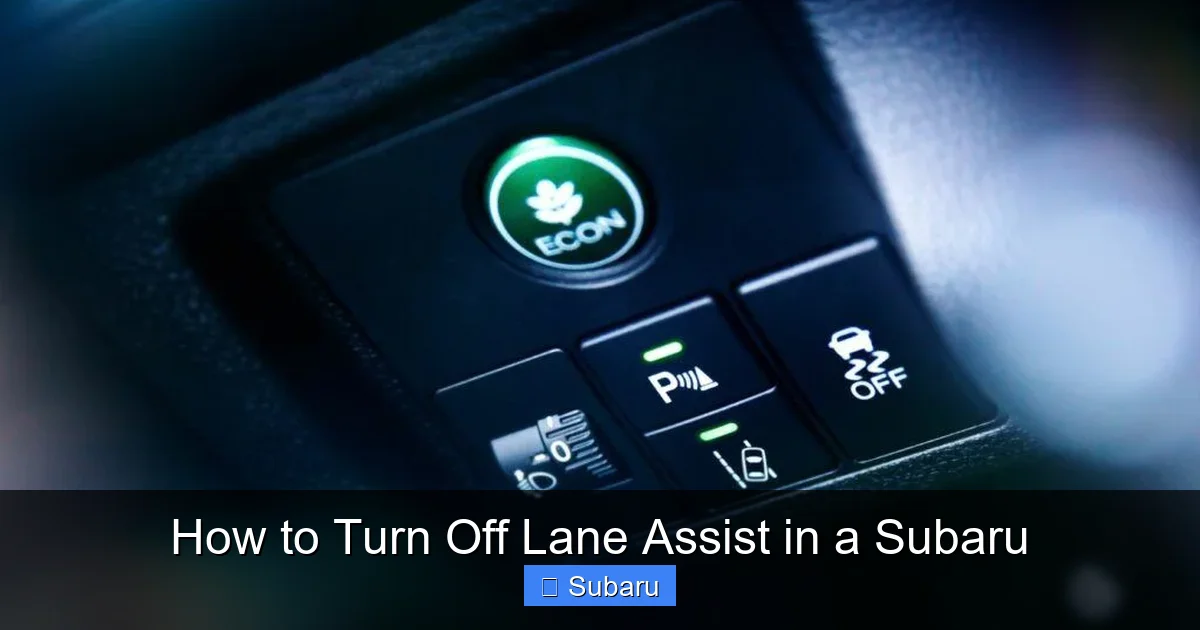
Visual guide about How to Turn Off Lane Assist in a Subaru
Image source: thecarplus.com
Another scenario is when towing a trailer, boat, or camper. The added weight and altered aerodynamics can change how your Subaru handles, and lane assist may misinterpret minor steering adjustments as lane departures. This can result in the system fighting your inputs, making towing more difficult and potentially unsafe.
Some drivers also prefer a more hands-on driving experience. Enthusiasts who enjoy curvy mountain roads or spirited driving may find lane assist intrusive, as it can intervene during intentional lane changes or quick maneuvers. Additionally, drivers with physical limitations or those recovering from injury might find the system’s vibrations or alerts unsettling.
Lastly, weather conditions like heavy rain, snow, or fog can reduce the camera’s visibility, causing the system to malfunction. In such cases, turning off lane assist prevents false alerts and ensures you maintain full control. It’s important to remember that disabling lane assist doesn’t mean you’re sacrificing safety—it means you’re adapting the technology to suit your current driving conditions.
How to Turn Off Lane Assist in a Subaru: Step-by-Step Guide
The process to turn off lane assist in a Subaru varies slightly depending on your model year and trim level, but the general steps are consistent across most vehicles. Whether you drive a Subaru Outback, Forester, Crosstrek, or Ascent, you can disable lane assist using physical buttons or the touchscreen interface. Below is a detailed, model-agnostic guide to help you do it quickly and confidently.
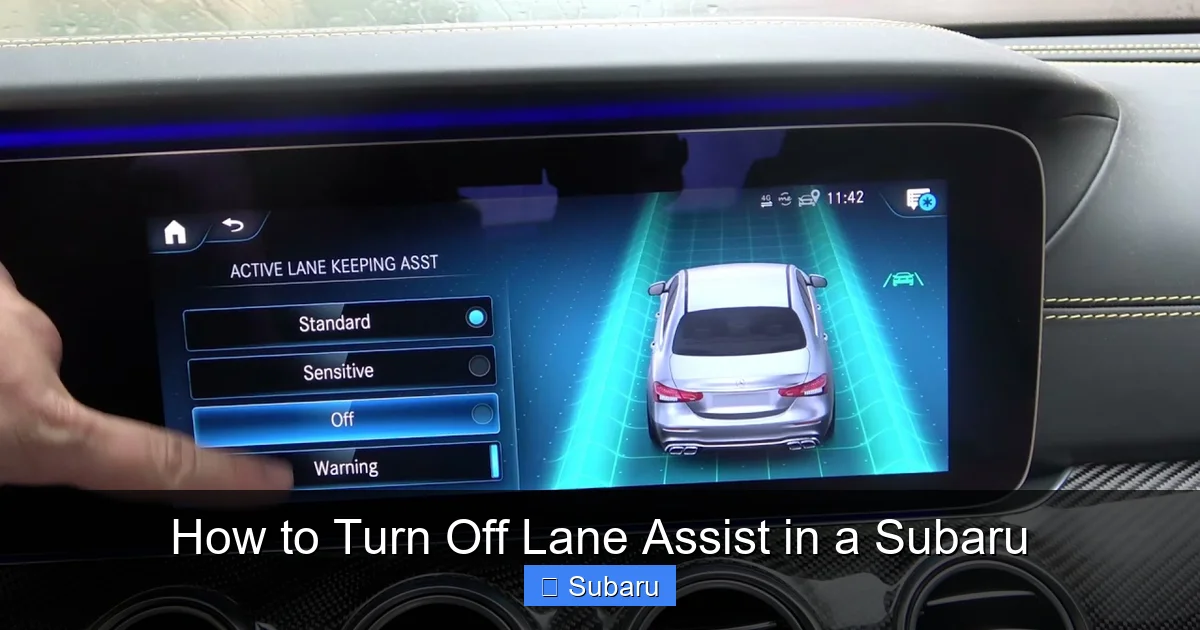
Visual guide about How to Turn Off Lane Assist in a Subaru
Image source: media.whichcar.com.au
Method 1: Using the Steering Wheel or Dashboard Button
Many Subaru models come equipped with a dedicated button to toggle lane assist on and off. This is the fastest and most convenient method. Look for a button labeled “LDW” (Lane Departure Warning), “LKA” (Lane Keep Assist), or a symbol resembling a car drifting out of a lane. It’s usually located on the left side of the steering wheel or on the dashboard near the instrument cluster.
To turn off lane assist using this method:
- Start your vehicle and ensure the engine is running.
- Locate the lane assist button (often marked with an icon of a car between two lines).
- Press and hold the button for 1–2 seconds until you see a message on the dashboard display, such as “Lane Departure Warning Off” or “LKA Disabled.”
- A warning light may appear on the instrument panel indicating the system is inactive.
For example, in a 2022 Subaru Outback, pressing the “LDW” button on the steering wheel will cycle through three modes: On, Off, and Alert Only. Holding it down turns the system completely off. In a 2023 Forester, the button is on the dashboard and works similarly. Always check your instrument cluster for confirmation that the system is disabled.
Method 2: Using the Touchscreen Menu
If your Subaru doesn’t have a physical button or you prefer using the infotainment system, you can turn off lane assist through the touchscreen. This method is common in newer models with updated interfaces, such as the 2020+ Crosstrek or Ascent with the Starlink system.
Follow these steps:
- Turn on the ignition and wait for the touchscreen to fully load.
- Tap the “Settings” icon (usually a gear or wrench symbol) on the home screen.
- Navigate to “Vehicle” or “Driver Assistance” settings.
- Look for “Lane Departure Warning,” “Lane Keep Assist,” or “EyeSight Settings.”
- Toggle the switch to “Off” or select “Disable.”
- Confirm your choice if prompted.
In a 2021 Subaru Legacy, for instance, you’d go to Settings > Vehicle > Driver Assistance > Lane Keep Assist > Off. The system will remember your preference until you change it again. However, note that some models reset to “On” after each ignition cycle, so you may need to disable it every time you drive.
Method 3: Using the Multi-Function Display (MFD)
Some older Subaru models, like the 2017–2019 Impreza or WRX, use the Multi-Function Display (MFD) in the instrument cluster to control driver assist features. This method requires using the steering wheel controls to navigate menus.
Here’s how to do it:
- Press the “INFO” or “DISP” button on the steering wheel to access the MFD.
- Use the arrow keys to scroll to “Settings” or “Vehicle Settings.”
- Navigate to “Driver Assistance” or “Safety Systems.”
- Select “Lane Departure Warning” or “Lane Keep Assist.”
- Choose “Off” and press “Enter” or “OK.”
This method is a bit more involved but gives you full control over various safety settings. Always refer to your owner’s manual if you’re unsure which menu path to follow.
Model-Specific Instructions for Turning Off Lane Assist
While the general methods apply to most Subarus, certain models have unique interfaces or button placements. Below are detailed instructions for popular Subaru vehicles to help you turn off lane assist with confidence.
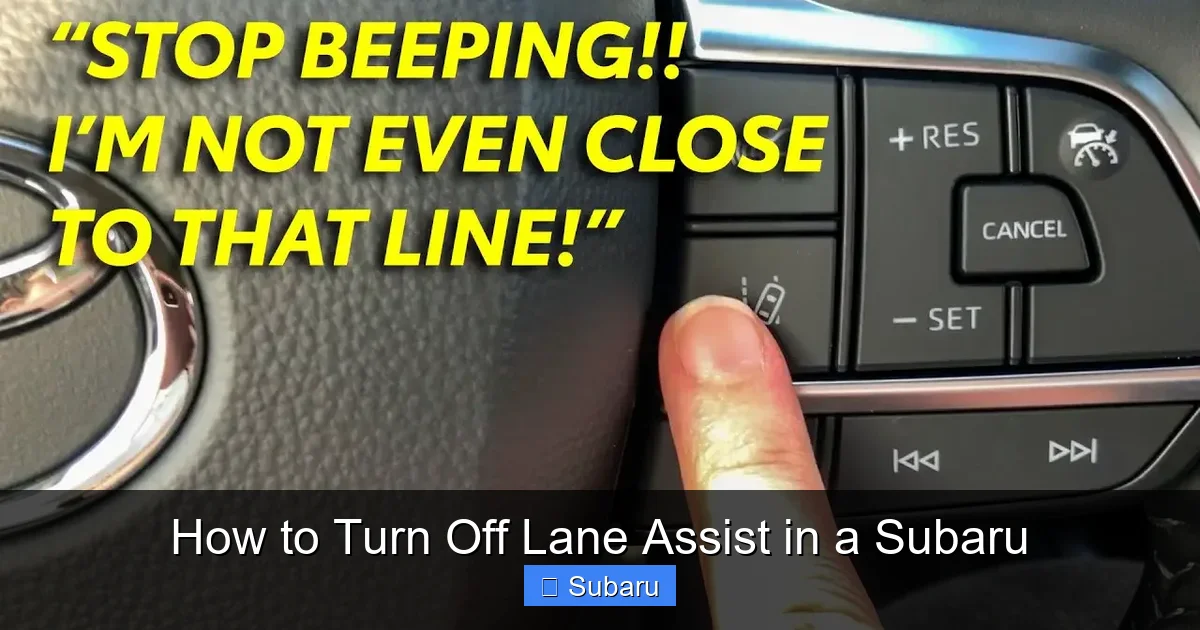
Visual guide about How to Turn Off Lane Assist in a Subaru
Image source: diycarexpert.com
Subaru Outback
The Outback is one of Subaru’s most popular models and typically includes EyeSight with lane assist. In 2020 and newer models, you can disable lane assist using the touchscreen. Go to Settings > Vehicle > Driver Assistance > Lane Keep Assist > Off. Alternatively, press and hold the “LDW” button on the left side of the steering wheel until the system turns off. The dashboard will display “LKA Off” to confirm.
In older Outbacks (2015–2019), use the MFD. Press the “INFO” button, navigate to Vehicle Settings > Driver Assistance > Lane Departure Warning > Off. Note that the system may reactivate after restarting the car, so check the status each time you drive.
Subaru Forester
The Forester offers similar options. In 2022 and newer models, use the touchscreen: Settings > Vehicle > Driver Assistance > Lane Keep Assist > Off. You can also press the “LKA” button on the dashboard (near the hazard lights) and hold it for two seconds. A chime and dashboard message will confirm the system is off.
For 2019–2021 Foresters, the process is nearly identical. However, some trims may require you to disable both “Lane Departure Warning” and “Lane Keep Assist” separately for full deactivation.
Subaru Crosstrek
The Crosstrek, especially the 2020+ models with the updated Starlink system, allows you to turn off lane assist via the touchscreen. Go to Settings > Vehicle > Driver Assistance > Lane Keep Assist > Off. There’s also a physical “LDW” button on the steering wheel in some trims—press and hold it to disable.
In earlier Crosstreks (2018–2019), use the MFD. Press “INFO,” go to Vehicle Settings > Driver Assistance > Lane Departure Warning > Off. The system may reset after ignition, so be prepared to disable it regularly if needed.
Subaru Ascent
The three-row Ascent uses the touchscreen for most settings. To turn off lane assist, go to Settings > Vehicle > Driver Assistance > Lane Keep Assist > Off. There’s no dedicated button, so the menu method is your best option. The system will stay off until you manually re-enable it or restart the vehicle (depending on trim).
Always check your specific trim level, as features can vary. For example, the Ascent Limited may have more advanced controls than the base model.
Subaru Impreza and WRX
These models often rely on the MFD for lane assist controls. In the Impreza, press “INFO” on the steering wheel, navigate to Vehicle Settings > Driver Assistance > Lane Departure Warning > Off. The WRX follows a similar path, though some performance trims may have slightly different menu layouts.
Note: The WRX’s sport-tuned suspension and aggressive driving dynamics can sometimes trigger lane assist unnecessarily. Disabling it during spirited driving is common among enthusiasts.
Important Considerations When Disabling Lane Assist
While turning off lane assist can improve your driving experience in certain situations, it’s important to understand the implications. Disabling the system doesn’t affect other safety features like adaptive cruise control, pre-collision braking, or reverse automatic braking. However, you are removing a layer of protection that could prevent unintentional lane departures.
One key consideration is that lane assist may reactivate after each ignition cycle. Many Subaru models default to “On” when you start the car, meaning you’ll need to disable it every time you drive if you don’t want it active. This is a safety design to ensure drivers don’t forget to re-enable critical features.
Another point is that disabling lane assist doesn’t mean you should drive less attentively. The system is meant to assist, not replace, an alert driver. Always keep your hands on the wheel, stay focused, and use turn signals when changing lanes—even with lane assist off.
Additionally, if you frequently disable lane assist, consider whether your driving habits or environment might benefit from adjustments. For example, if you’re often on poorly marked roads, plan your routes to avoid high-speed highways where lane assist is most useful. Or, if you’re towing, ensure your trailer is properly balanced to reduce sway and improve handling.
Finally, remember that insurance companies and safety organizations often recommend keeping driver assist features enabled. While you have the right to disable them, doing so may affect your vehicle’s safety rating or insurance premiums in some regions. Always weigh the benefits of control against the value of added protection.
Tips for Managing Lane Assist Effectively
Instead of permanently disabling lane assist, consider using it selectively based on your driving conditions. Here are some practical tips to help you get the most out of the system while minimizing frustration.
First, learn your car’s default behavior. Does lane assist turn back on after restarting? If so, make it a habit to check the status each time you drive. You can quickly glance at the instrument cluster for a warning light or message.
Second, use the “Alert Only” mode if available. Some Subaru models allow you to disable steering intervention while keeping visual and audible warnings active. This gives you feedback without the system taking control—ideal for drivers who want awareness but not correction.
Third, keep your windshield clean. The lane assist camera is mounted behind the glass, so dirt, snow, or ice can block its view. Regularly clean the windshield, especially the area near the rearview mirror, to ensure optimal performance.
Fourth, update your vehicle’s software. Subaru periodically releases updates that improve EyeSight functionality. Visit your dealership or check for over-the-air updates (if supported) to ensure your system is running the latest version.
Finally, educate passengers about the system. If you have new drivers or frequent passengers, explain how lane assist works and when it’s appropriate to disable it. This promotes safer driving habits and reduces confusion.
Conclusion
Knowing how to turn off lane assist in a Subaru is a valuable skill that gives you greater control over your driving experience. Whether you’re navigating rural roads, towing a trailer, or simply prefer a more hands-on approach, being able to disable this feature ensures your Subaru adapts to your needs—not the other way around.
The process is straightforward: use the physical button, touchscreen menu, or multi-function display to turn off lane assist in seconds. While the system is designed to enhance safety, it’s not infallible, and there are legitimate reasons to disable it temporarily. Just remember to re-enable it for highway driving or in conditions where extra assistance is beneficial.
By understanding how lane assist works, when to use it, and how to manage it effectively, you can enjoy the best of both worlds: advanced safety technology and personal driving freedom. Always consult your owner’s manual for model-specific details, and drive safely—whether lane assist is on or off.
Frequently Asked Questions
Can I permanently turn off lane assist in my Subaru?
Most Subaru models do not allow permanent disabling of lane assist. The system typically resets to “On” after each ignition cycle, requiring you to turn it off manually each time you drive.
Will turning off lane assist affect other safety features?
No, disabling lane assist does not impact other EyeSight features like adaptive cruise control, pre-collision braking, or reverse automatic braking. These systems operate independently.
Why does my Subaru keep turning lane assist back on?
This is by design. Subaru resets driver assist features to “On” after each restart to ensure maximum safety. You’ll need to disable it again if you don’t want it active.
Is it safe to drive with lane assist turned off?
Yes, it’s safe as long as you remain attentive and follow safe driving practices. Lane assist is an aid, not a replacement for an alert driver.
How do I know if lane assist is off?
Check your instrument cluster for a message like “LKA Off” or a warning light. Some models also emit a chime when the system is disabled.
Can I turn off lane assist while driving?
Yes, you can disable lane assist at any time—even while driving—using the button or touchscreen. However, it’s best to do so when the vehicle is at a safe speed or stopped.







