
How to Turn Off High Beam Assist on a Subaru

Turning off high beam assist on a Subaru is simple but varies slightly by model and year. This guide walks you through the process using the steering wheel controls, dashboard menu, or physical switch—depending on your vehicle. Always prioritize safety and understand when manual control is best.
Key Takeaways
- High Beam Assist (HBA) automatically switches between high and low beams based on traffic and lighting. While helpful, some drivers prefer full manual control for safety or personal preference.
- Most Subaru models from 2015 onward feature HBA, especially those with EyeSight driver-assist technology. Knowing your model year and trim level helps determine the correct deactivation method.
- You can usually turn off HBA via the steering wheel controls and instrument cluster menu. Navigate to “Settings” > “Vehicle” > “Lighting” to find the option.
- Some older or base-trim Subarus require using the physical light stalk to disable HBA temporarily. Pull or push the stalk in a specific sequence to override the system.
- Disabling HBA doesn’t permanently remove the feature—you can reactivate it anytime. This flexibility lets you adapt to driving conditions like fog, rain, or rural roads.
- Always test the system after turning it off to ensure your high beams work manually. Practice in a safe, empty area before driving at night.
- Consult your owner’s manual for model-specific instructions. Subaru updates interfaces regularly, so factory documentation is the most reliable source.
📑 Table of Contents
- Understanding High Beam Assist on Subaru Vehicles
- Why You Might Want to Disable High Beam Assist
- How to Turn Off High Beam Assist on a Subaru (Step-by-Step Guide)
- Model-Specific Instructions for Popular Subaru Vehicles
- Safety Tips and Best Practices When Driving Without HBA
- Troubleshooting Common Issues
- Conclusion
Understanding High Beam Assist on Subaru Vehicles
Driving at night can be stressful—especially when you’re constantly flipping between high and low beams to avoid blinding oncoming traffic. That’s where Subaru’s High Beam Assist (HBA) comes in. This smart feature automatically switches your headlights from high to low beam when it detects other vehicles, streetlights, or reflective signs. It’s designed to improve visibility while reducing driver workload and the risk of accidental glare.
Introduced widely in Subaru models around 2015, HBA is often bundled with the brand’s EyeSight driver-assist suite. You’ll find it in popular models like the Outback, Forester, Legacy, and Crosstrek—especially in higher trims like Limited, Touring, or Wilderness. The system uses a forward-facing camera (usually mounted near the rearview mirror) to scan the road ahead. When it spots headlights or taillights, it instantly dips the beams. Once the road clears, it reactivates the high beams for maximum illumination.
While HBA is helpful in many situations, it’s not perfect. Some drivers find it overly sensitive—switching to low beams too early or too often. Others feel it doesn’t respond quickly enough in fast-moving traffic. In rural areas with minimal lighting, the system might keep high beams on longer than needed, potentially annoying oncoming drivers. And in heavy rain or fog, automatic systems can misread reflections, causing erratic beam changes.
That’s why knowing how to turn off high beam assist on a Subaru is valuable. It gives you back control, letting you decide when to use high beams based on your judgment and road conditions. Whether you’re driving through a foggy mountain pass, navigating poorly lit backroads, or simply prefer manual operation, disabling HBA can make your drive safer and more comfortable.
Why You Might Want to Disable High Beam Assist
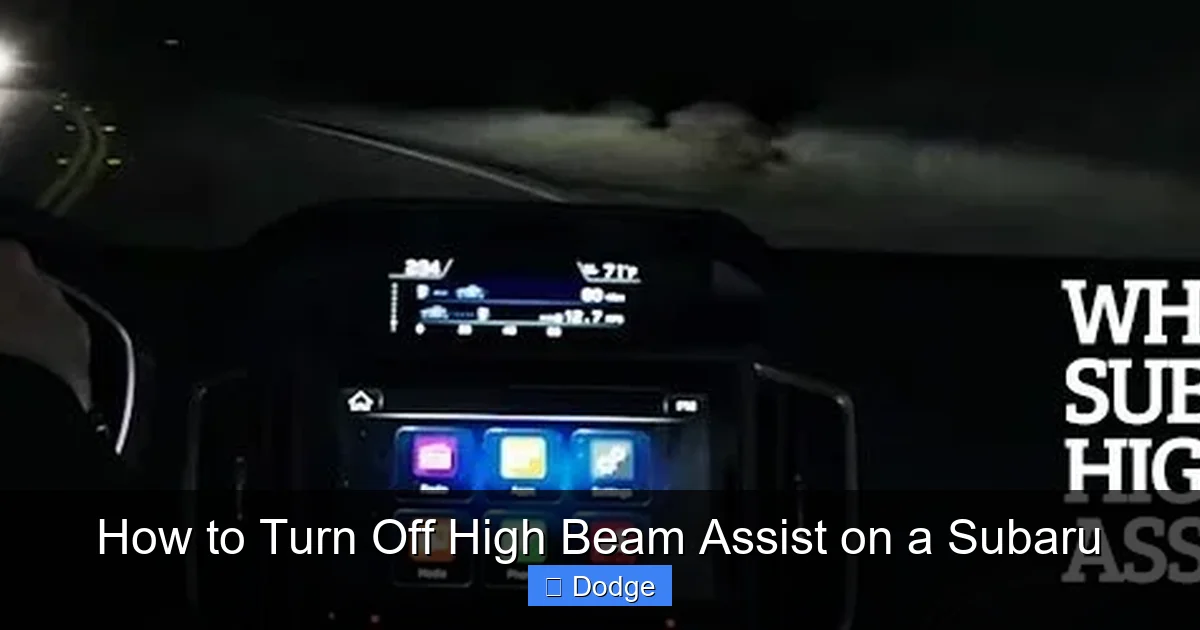
Visual guide about How to Turn Off High Beam Assist on a Subaru
Image source: goldsteinsubaru.com
Even though High Beam Assist is meant to help, there are several practical reasons why drivers choose to turn it off—at least temporarily. Understanding these scenarios can help you decide when manual control is the better option.
One common issue is over-sensitivity. On dark highways with occasional reflective signs or guardrails, HBA might dip the beams unnecessarily. This constant switching can be distracting and reduce your overall visibility. For example, if you’re driving through a tunnel or under a bridge, the system might误判 the lighting and switch to low beams, leaving you under-illuminated in a critical moment.
Another concern is delayed response. In fast-moving traffic, especially on highways, HBA might not react quickly enough when a car ahead slows or changes lanes. By the time the system switches back to high beams, you’ve already passed the vehicle—and missed valuable seconds of enhanced visibility. This lag can be frustrating and potentially unsafe, particularly in areas with wildlife or poor road markings.
Weather conditions also play a role. In heavy rain, snow, or fog, the camera that powers HBA can get obstructed or confused by water droplets, ice, or mist. This might cause the system to behave unpredictably—either staying on low beams too long or flickering between settings. In such cases, manually controlling your lights ensures consistent performance.
Some drivers also prefer the tactile feedback of manually operating the high beams. It keeps them more engaged with the driving environment and allows for quicker reactions in unexpected situations. For instance, if you spot a deer near the roadside, you might want to flash your high beams as a warning—something HBA won’t do on its own.
Lastly, personal preference matters. Not everyone trusts automated systems, especially when it comes to safety-critical functions like lighting. If you’re used to driving older vehicles without HBA, you might find the automatic switching disorienting or unnecessary. Turning it off lets you drive the way you’re comfortable.
How to Turn Off High Beam Assist on a Subaru (Step-by-Step Guide)
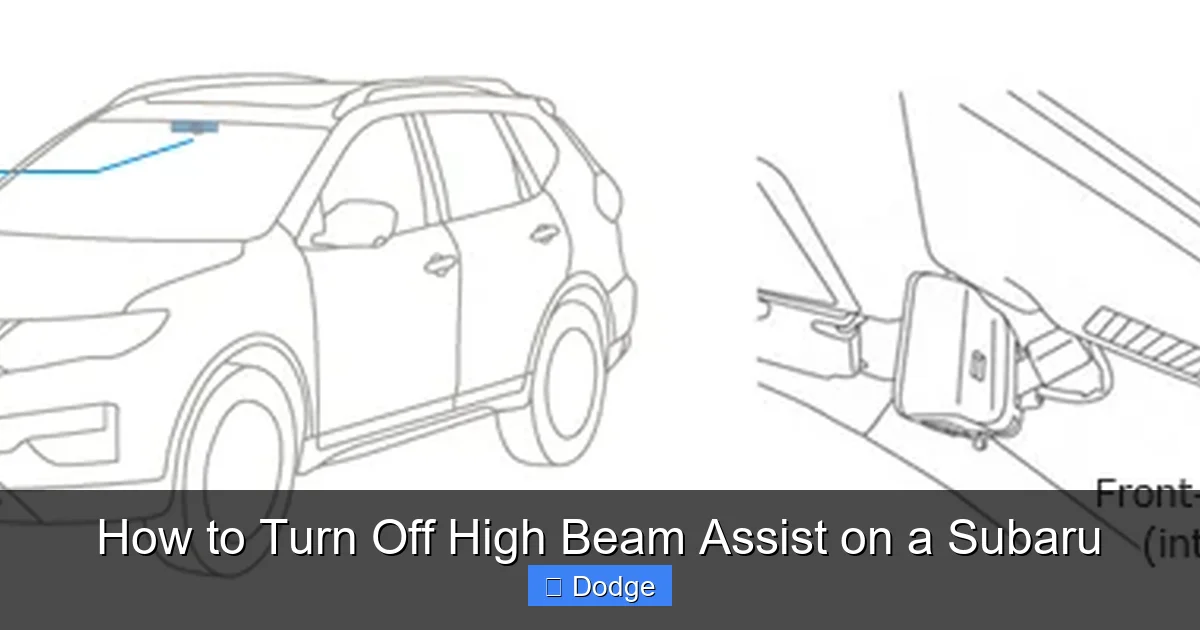
Visual guide about How to Turn Off High Beam Assist on a Subaru
Image source: nissan-global.com
Now that you understand why you might want to disable High Beam Assist, let’s walk through the actual process. The steps vary slightly depending on your Subaru model and year, but the general method is consistent across most vehicles with EyeSight and HBA.
Method 1: Using the Steering Wheel Controls (Most Common)
This is the easiest and most common way to turn off HBA on modern Subarus (2017 and newer). Here’s how:
1. Start your vehicle and ensure the ignition is on.
2. Locate the steering wheel controls on the left side. You’ll see buttons labeled with icons for cruise control, audio, and vehicle settings.
3. Press the “Menu” or “Info” button (usually marked with a gear or “i” icon) to access the instrument cluster display.
4. Use the arrow keys (up/down or left/right) to navigate to the “Settings” menu.
5. Scroll to “Vehicle” and press “OK” or “Enter.”
6. Find the “Lighting” or “Headlights” option and select it.
7. Look for “High Beam Assist” or “Auto High Beam.”
8. Toggle the setting to “Off.”
9. Exit the menu by pressing “Back” or turning the ignition off and on.
Once disabled, your high beams will no longer switch automatically. You’ll need to use the light stalk to manually activate them. To turn HBA back on, simply repeat the steps and toggle it to “On.”
Method 2: Using the Light Stalk (Older Models or Temporary Disable)
On some older Subaru models (pre-2017) or base trims without full EyeSight integration, HBA might not have a digital toggle. Instead, you can disable it temporarily using the headlight stalk.
Here’s how:
1. Make sure your headlights are on (either auto or manual mode).
2. Locate the light stalk on the left side of the steering wheel.
3. Pull the stalk toward you to activate high beams momentarily (this is the standard “flash to pass” function).
4. Now, push the stalk forward (away from you) and hold it for about 3–5 seconds.
5. You should see a message on the dashboard like “Auto High Beam Off” or the HBA indicator light will disappear.
This method usually disables HBA for the current drive cycle. It may reactivate automatically when you restart the car, so check your dashboard each time you drive at night.
Method 3: Through the Infotainment System (Select Models)
On newer Subaru models with the STARLINK infotainment system (especially 2020+), you might also find HBA settings in the main touchscreen menu.
To access it:
1. Tap the “Settings” icon on the home screen.
2. Select “Vehicle” or “Driver Assistance.”
3. Scroll to “Lighting” or “Headlights.”
4. Toggle “High Beam Assist” to “Off.”
This method is less common but worth checking if you can’t find the option in the instrument cluster.
Important Notes and Tips
– Always check your dashboard for confirmation. When HBA is off, the indicator light (usually a blue high beam icon with an “A” or “Auto” label) should disappear.
– If you can’t find the setting, consult your owner’s manual. Subaru updates its interfaces regularly, and menu layouts can change between model years.
– Some models require the headlights to be in “Auto” mode for HBA to appear in the menu. If you’ve manually turned on low beams, the option might be grayed out.
– Disabling HBA doesn’t affect other lighting features like automatic headlights, fog lights, or daytime running lights.
Model-Specific Instructions for Popular Subaru Vehicles
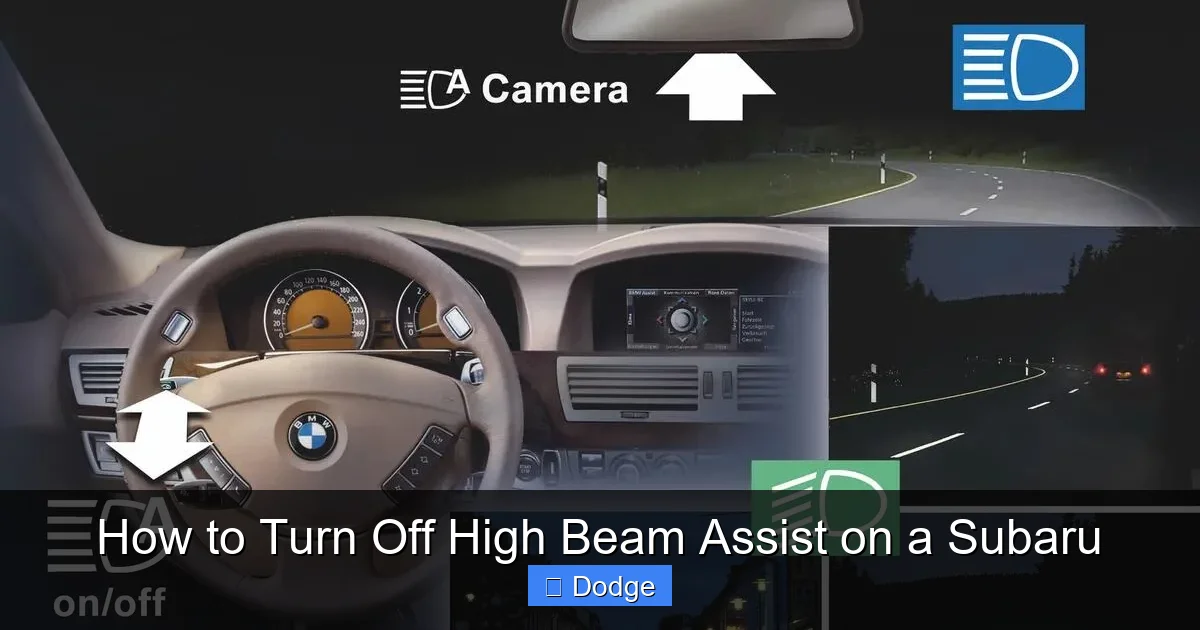
Visual guide about How to Turn Off High Beam Assist on a Subaru
Image source: theglobeandmail.com
While the general steps apply to most Subarus, certain models have unique quirks. Here’s a quick breakdown for the most popular ones.
Subaru Outback (2015–2024)
The Outback is one of Subaru’s best-selling models and typically comes with full EyeSight and HBA. To turn off HBA:
– Use the steering wheel controls to navigate to Settings > Vehicle > Lighting > High Beam Assist > Off.
– On 2020+ models with the larger touchscreen, you can also access it via the infotainment system.
– The HBA indicator is located in the top-left corner of the instrument cluster.
Tip: If you frequently drive on dark rural roads, consider leaving HBA off to avoid unnecessary switching.
Subaru Forester (2019–2024)
The Forester shares much of its technology with the Outback. The process is nearly identical:
– Press the “Menu” button on the steering wheel.
– Go to Settings > Vehicle > Lighting > Auto High Beam > Off.
– Confirmation appears as a brief message on the dash.
Note: On the 2019 model, the menu might be labeled “Headlight Control” instead of “Lighting.”
Subaru Legacy (2015–2024)
The Legacy follows the same pattern. Use the steering wheel to access the cluster menu and disable HBA under the lighting settings.
One thing to watch for: On some 2015–2017 Legacies, the HBA option only appears when the headlights are in “Auto” mode. If you’ve manually turned them on, switch back to auto first.
Subaru Crosstrek (2018–2024)
The Crosstrek, especially in higher trims, includes HBA. The steps are the same:
– Menu > Settings > Vehicle > Lighting > High Beam Assist > Off.
However, on base models without EyeSight, HBA may not be available at all. Check your window sticker or owner’s manual to confirm.
Subaru Ascent (2019–2024)
As Subaru’s largest SUV, the Ascent comes well-equipped. HBA is standard on most trims. Disable it via the steering wheel menu or touchscreen.
Bonus tip: The Ascent’s HBA is particularly sensitive to overhead lights and reflections. If you drive in urban areas with lots of streetlights, you might want to turn it off more often.
Safety Tips and Best Practices When Driving Without HBA
Turning off High Beam Assist gives you more control, but it also increases your responsibility. Here are some safety tips to keep in mind when driving manually.
Know When to Use High Beams
High beams are ideal for dark, unlit roads with no oncoming traffic. Use them when:
– Driving on highways or rural roads at night.
– There are no vehicles within 500 feet ahead or behind.
– Visibility is poor due to weather or road conditions.
Always switch to low beams when:
– You see oncoming headlights.
– You’re following another vehicle closely.
– Driving in fog, rain, or snow (high beams can reflect off moisture and reduce visibility).
Practice the “Flash to Pass” Technique
Even with HBA off, you can still use the “flash to pass” function. Briefly pull the light stalk toward you to flash high beams at a vehicle ahead—useful for signaling or checking your lights.
Check Your Lights Regularly
Make it a habit to test your high and low beams before long drives. Ensure both sides are working and properly aligned. Misaligned beams can blind others or leave you under-illuminated.
Use Auxiliary Lighting Wisely
If you’ve installed aftermarket fog lights or LED bars, remember they’re not a substitute for proper high beam use. Use them only in appropriate conditions and avoid blinding other drivers.
Stay Alert and Engaged
Without HBA, you’re more involved in managing your lighting. Stay focused, especially on long night drives. Fatigue can lead to delayed reactions—so take breaks and stay hydrated.
Re-enable HBA When Appropriate
Don’t leave HBA off permanently unless you have a strong reason. It’s a helpful tool in many situations, especially in unfamiliar areas or heavy traffic. Toggle it on and off as needed.
Troubleshooting Common Issues
Sometimes, turning off HBA doesn’t work as expected. Here are a few common problems and how to fix them.
HBA Won’t Turn Off
If the setting doesn’t stick or reappears after restarting the car:
– Make sure the headlights are in “Auto” mode.
– Check for software updates at your Subaru dealer.
– Try resetting the system by disconnecting the battery for 10 minutes (advanced users only).
Dashboard Indicator Doesn’t Change
If the HBA light remains on even after disabling:
– Restart the vehicle.
– Navigate back into the menu to confirm the setting saved.
– Consult the owner’s manual for model-specific behavior.
High Beams Don’t Work Manually
If you turn off HBA but can’t activate high beams with the stalk:
– Check the headlight fuse (usually in the engine bay fuse box).
– Inspect the bulbs—high beam filaments can burn out independently.
– Test the stalk mechanism for proper movement.
HBA Reactivates After Rain or Wash
Some drivers report HBA turning back on after a car wash or heavy rain. This is likely due to moisture affecting the camera. Dry the windshield and camera area, then re-disable HBA.
Conclusion
Knowing how to turn off high beam assist on a Subaru is a useful skill that puts you in control of your vehicle’s lighting. Whether you’re dealing with over-sensitive automation, challenging weather, or simply prefer manual operation, disabling HBA is straightforward on most models. Use the steering wheel controls, light stalk, or infotainment system—depending on your Subaru’s year and trim—to toggle the feature on or off as needed.
Remember, HBA is designed to help, not hinder. But when it doesn’t suit your driving style or conditions, you have the power to override it. Always prioritize safety, stay aware of your surroundings, and test your lights regularly. And when in doubt, refer to your owner’s manual—it’s the most reliable source for your specific vehicle.
By understanding both the benefits and limitations of High Beam Assist, you can make smarter decisions behind the wheel. Whether you leave it on for convenience or turn it off for control, the choice is yours. Drive safe, stay visible, and enjoy the road—day or night.
Frequently Asked Questions
Can I permanently disable High Beam Assist on my Subaru?
No, you cannot permanently disable HBA on most Subaru models. The feature can be turned off temporarily, but it may reactivate after restarting the vehicle or under certain conditions. You’ll need to disable it each time you drive if you prefer manual control.
Does turning off HBA affect my warranty or insurance?
No, disabling High Beam Assist does not void your warranty or affect your insurance. It’s a standard user-controlled feature, and toggling it on or off is considered normal operation.
Why does my Subaru keep turning HBA back on?
This usually happens because the system resets after the car is turned off. Some models automatically re-enable HBA on startup. To keep it off, you’ll need to disable it each time you drive, or check if a software update is available from your dealer.
Can I turn off HBA while driving?
Yes, you can safely turn off HBA while driving. Use the steering wheel controls to access the menu and disable it. Just ensure you’re not distracted—pull over if needed.
Do all Subaru models have High Beam Assist?
No, HBA is typically available on models with EyeSight driver-assist technology, usually in higher trims. Base models or older vehicles (pre-2015) may not have the feature at all.
What should I do if HBA stops working entirely?
If HBA won’t turn on or off, check the forward-facing camera for dirt or obstruction. Clean the windshield near the rearview mirror. If the issue persists, visit a Subaru dealer to inspect the camera, sensors, or software.
