How to Reset the Tire Pressure Light on a Hyundai Elantra

Contents
- 1 Key Takeaways
- 2 📑 Table of Contents
- 3 Understanding Your Hyundai Elantra’s TPMS
- 4 Reset Method 1: The Drive Cycle (For Most Newer Elantras)
- 5 Reset Method 2: The TPMS Reset Button (For Older & Some Newer Elantras)
- 6 Reset Method 3: Instrument Cluster Menu (For Newest Elantras)
- 7 What to Do If the Light Won’t Reset or Comes Back On
- 8 Important Considerations and Best Practices
- 9 Conclusion
- 10 Frequently Asked Questions


Resetting the tire pressure light on a Hyundai Elantra is a straightforward process you can often do yourself in minutes. First, always check and adjust all four tires to the manufacturer’s recommended PSI. The reset procedure varies slightly by model year, typically involving a TPMS button or driving the vehicle. If the light persists after a proper reset, it indicates a sensor issue or slow leak that needs professional attention.
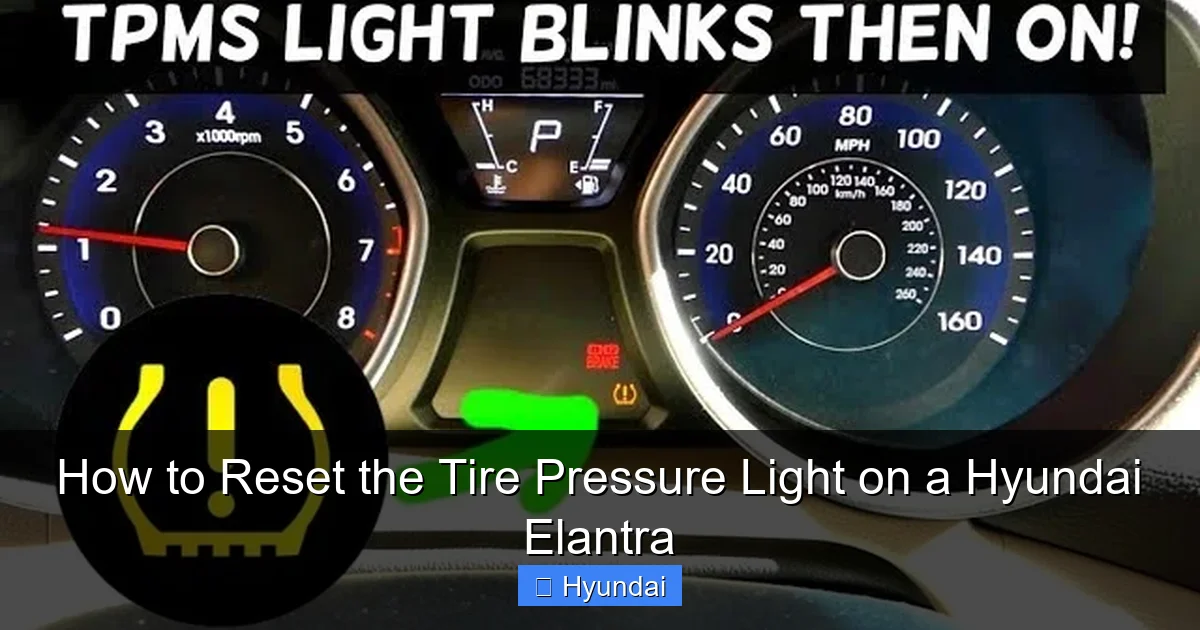
That little yellow exclamation point on your Hyundai Elantra’s dashboard, shaped like a cross-section of a tire with an exclamation mark inside, is your Tire Pressure Monitoring System (TPMS) warning light. Its sudden illumination can be annoying, but it’s a critical safety feature. It’s telling you that one or more of your tires has dropped below the recommended inflation pressure. Ignoring it can lead to poor fuel economy, uneven tire wear, and compromised handling. The good news is that after you’ve corrected the pressure, you’ll need to know how to reset the tire pressure light on a Hyundai Elantra to make that persistent warning disappear. This guide will walk you through every step, for every generation, ensuring you can get back on the road with confidence and a clear dashboard.
Resetting this light isn’t just about turning off an annoyance; it’s about confirming your tires are properly inflated and that the vehicle’s computer has successfully received updated data from all four tire pressure sensors. The process is designed to be user-friendly, but it varies. Whether you own a classic 2011-2015 model or a brand-new 2024 Elantra, we’ve got you covered. We’ll start with the universal first step that applies to everyone, then dive into the specific methods for your car. Remember, a successful reset begins with correct tire pressure.
Key Takeaways
- Safety First: Always manually check and inflate tires to the correct pressure (found on the driver’s door jamb sticker) before attempting any reset.
- Model Year Matters: The reset procedure differs between older models (button under dash) and newer models (via instrument cluster menu). Identify your Elantra’s generation.
- Drive to Reset: For many newer Elantras, simply driving at 50+ mph for 10-15 minutes after inflating tires allows the system to self-calibrate and turn off the light.
- Button Location: The TPMS reset button is usually located under the dashboard, near the steering column, or inside the fuse box panel.
- Persistent Light = Problem: If the light returns immediately or won’t reset after following correct steps, a faulty TPMS sensor or a tire leak is likely.
- Battery Connection: Disconnecting the battery is a last-resort method that may reset other vehicle systems and is not always recommended for TPMS.
- Consult Manual: Your owner’s manual provides the definitive, model-specific procedure and safety information.
📑 Table of Contents
- Understanding Your Hyundai Elantra’s TPMS
- Reset Method 1: The Drive Cycle (For Most Newer Elantras)
- Reset Method 2: The TPMS Reset Button (For Older & Some Newer Elantras)
- Reset Method 3: Instrument Cluster Menu (For Newest Elantras)
- What to Do If the Light Won’t Reset or Comes Back On
- Important Considerations and Best Practices
- Conclusion
Understanding Your Hyundai Elantra’s TPMS
Before we press any buttons, it helps to understand what you’re dealing with. Your Elantra’s TPMS is a network of small sensors mounted inside each wheel (on the valve stem). These sensors constantly monitor the air pressure and temperature, transmitting that data wirelessly to the vehicle’s computer. When pressure in any tire falls 25% or more below the recommended level, the system triggers the warning light on your dash. This is a direct TPMS, which is standard on all modern vehicles.
Why the Light Might Come On (Beyond Low Pressure)
While low tire pressure is the most common culprit, other issues can trigger the TPMS light:
- Seasonal Temperature Changes: Cold weather causes air to contract, dropping pressure. A 10-degree Fahrenheit drop can reduce tire pressure by about 1 PSI. This is often temporary and corrects itself as you drive and the tires warm up.
- Physical Damage or Leak: A nail, screw, or puncture will cause a slow leak. The light will come on and, even after inflation, may return quickly if the leak isn’t repaired.
- Faulty or Dead Sensor: TPMS sensors have batteries that last 7-10 years. A dead battery or a damaged sensor will cause a constant light, often with a “low battery” code stored in the system.
- Sensor Replacement Needed: If you recently had a tire changed or a sensor replaced, the new sensor must be “learned” or programmed by the vehicle’s computer, which may require a special tool at a shop.
- Spare Tire in Use: If you’re using the temporary spare tire, it typically does not have a TPMS sensor. The system will detect the missing signal and illuminate the light.
The Golden Rule: Check Pressure First
No matter the model year, the absolute first step is to manually check your tire pressures with a reliable digital gauge. Do not rely solely on the TPMS light. Check all four tires and the spare. The recommended cold inflation pressure is listed on a sticker on the driver’s side door jamb or in your owner’s manual. “Cold” means the car has been parked for at least three hours or driven less than a mile. Inflate any low tire to the exact specified PSI. Only after this is done should you proceed to the reset procedure. If a tire is significantly lower than the others, inspect it for a puncture before driving.
Reset Method 1: The Drive Cycle (For Most Newer Elantras)
Many Hyundai Elantras, particularly from the 2017 model year onward, are equipped with an automatic reset feature. If you’ve corrected the tire pressures and the light is still on, simply driving the vehicle can often recalibrate the system. This is the easiest method, as it requires no button pushing.
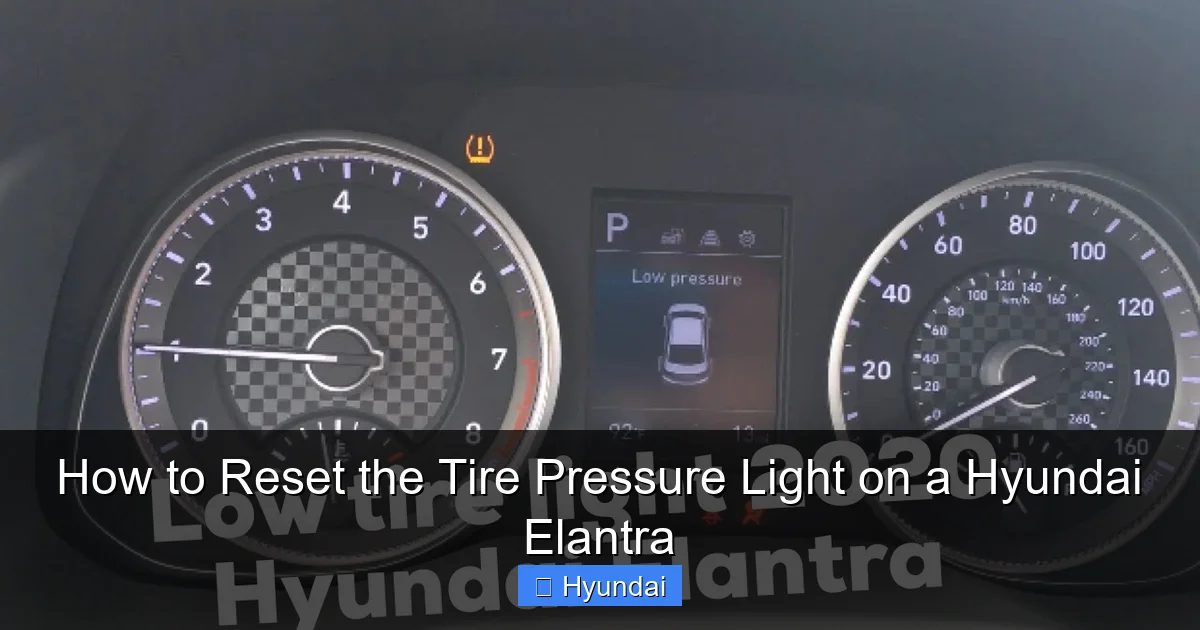
Visual guide about How to Reset the Tire Pressure Light on a Hyundai Elantra
Image source: i.ytimg.com
How to Perform the Drive Cycle Reset
Follow these steps precisely:
- Ensure all tires are inflated to the correct cold pressure as per the door jamb sticker.
- Start the engine and drive the vehicle.
- Maintain a steady speed of at least 50 mph (80 km/h) for approximately 10-15 minutes. You do not need to do this on a highway; a long, straight road is fine.
- During this drive cycle, the vehicle’s computer will receive signals from all four sensors and, if all pressures are within the acceptable range, it will automatically turn off the TPMS warning light.
- After driving, park the car, turn off the engine, and restart it to see if the light remains off.
Important Note: This method may not work if a sensor is faulty, if a tire is losing air slowly, or if the system requires a manual reset (common on older models). If the light comes back on after a short drive, you’ll need to try the manual button method.
Reset Method 2: The TPMS Reset Button (For Older & Some Newer Elantras)
This is the classic manual reset method. Your Hyundai Elantra has a dedicated TPMS reset button, usually located under the dashboard. Locating and using it is the most common way to manually clear the warning light after tire service or pressure adjustment.
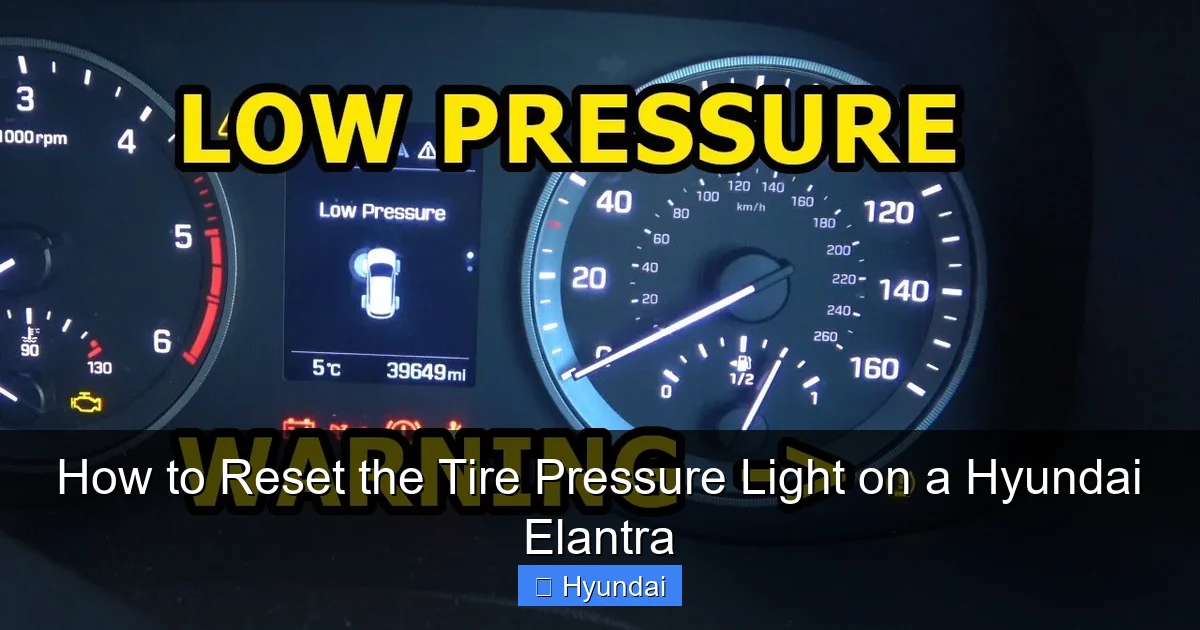
Visual guide about How to Reset the Tire Pressure Light on a Hyundai Elantra
Image source: i.ytimg.com
Finding the TPMS Reset Button
The button’s location can vary slightly by generation:
- 6th Generation (2011-2015): The button is typically located on the lower dashboard panel, to the left of the steering column, near the driver’s knee. It’s often a small, unmarked, yellow or black button. You may need to look up into the footwell area.
- 7th Generation (2016-2020): It’s commonly found inside the fuse box panel on the lower end of the dashboard, to the left of the steering wheel. You’ll need to open the fuse panel cover to access it. The button is usually labeled “TPMS” or has a tire symbol.
- 8th Generation (2021-Present): Many of these models have moved to a menu-based reset via the instrument cluster (see next section), but some may still retain the physical button in a similar location. Consult your manual.
If you cannot find it, your owner’s manual is the best resource. It will have a diagram. You can also search online for “2018 Hyundai Elantra TPMS button location” for visual guides specific to your year.
Step-by-Step Button Reset Procedure
Once you’ve found the button and verified all tires are at the correct pressure:
- Turn the ignition to the “ON” position (do not start the engine). All dashboard lights should illuminate.
- Press and hold the TPMS reset button. You should hear a beep within a few seconds, and the TPMS warning light should begin to blink.
- Continue holding the button until the light stops blinking and turns off (this can take 5-10 seconds). On some models, the light will blink three times and then stay off.
- Release the button.
- Start the engine and drive the vehicle. The light should remain off. Sometimes it may blink briefly during the first drive as the system re-learns the sensor positions, then go out.
This process tells the car’s computer: “I have acknowledged the warning, and I have confirmed the tire pressures are correct. Please clear the alert.”
Reset Method 3: Instrument Cluster Menu (For Newest Elantras)
Hyundai has been integrating more vehicle settings into the digital instrument cluster or infotainment screen. On some newer Elantra models (especially 2021+), the TPMS reset is done through a menu system rather than a physical button.
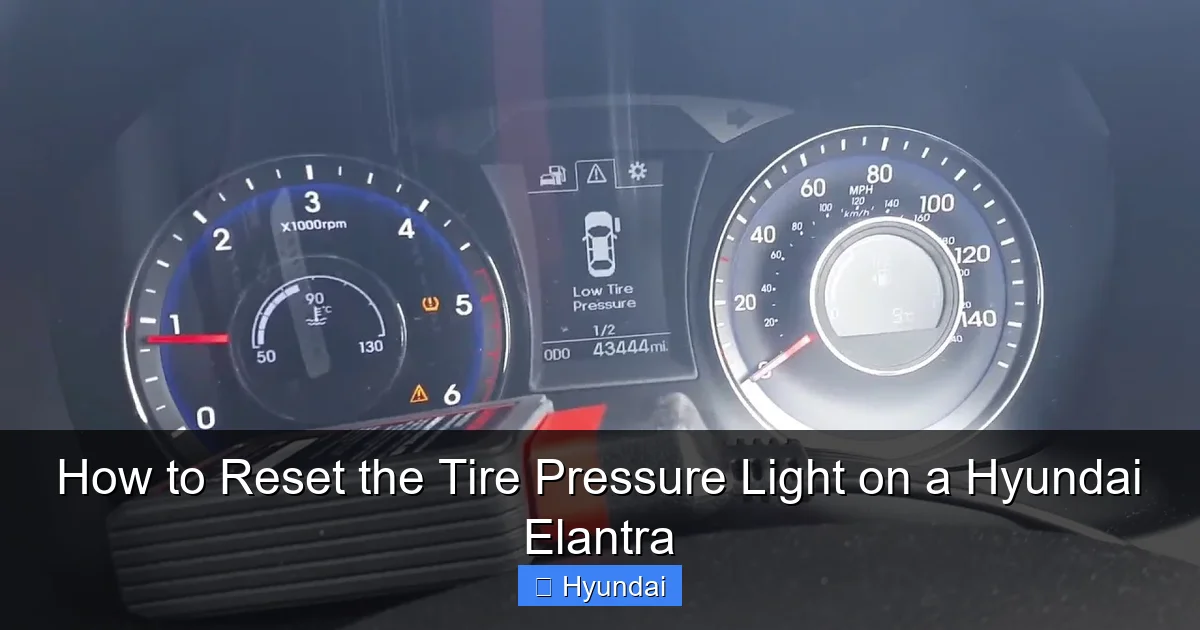
Visual guide about How to Reset the Tire Pressure Light on a Hyundai Elantra
Image source: i.ytimg.com
Navigating the On-Screen Menu
- With the car parked and all tires at correct pressure, turn the ignition to “ON.”
- Use the steering wheel controls or the infotainment knob to navigate to the “Vehicle Settings” or “Cluster” menu on the dashboard display.
- Look for an option like “TPMS,” “Tire Pressure,” or “Tire Reset.” The exact wording varies.
- Select the “Reset” or “Relearn” option. You may be prompted to confirm.
- The system will typically display a message like “Resetting TPMS…” or show a progress bar. It may beep when complete.
- Start the engine and drive as usual. The light should extinguish.
This method is essentially the same as pressing the button; you’re just sending the reset command through the car’s software interface. If you can’t find the menu option, your owner’s manual will have the exact path for your specific trim level and model year.
What to Do If the Light Won’t Reset or Comes Back On
You’ve followed all the steps correctly. The tires are perfectly inflated. You’ve driven the cycle or pressed the button. But the light is still there, or it comes back on after a day or two. This is your car telling you there’s a genuine problem that needs diagnosis, not just a reset.
Diagnosing a Persistent TPMS Light
- Check for a Slow Leak: Re-inspect all tires very carefully for nails, screws, or sidewall damage. Sometimes a puncture in the tread is very small and seals itself temporarily. Spraying soapy water on the tread and looking for bubbles is a classic leak detection method.
- Faulty Sensor: A TPMS sensor can fail due to age, corrosion at the valve stem, or physical damage during a tire service. A tire shop or dealership can scan each wheel’s sensor with a diagnostic tool to see if it’s transmitting a signal and if its battery is good.
- Sensor Replacement/Programming: If a sensor is dead, it must be replaced. New sensors often need to be programmed to the vehicle’s computer, a process that requires specific equipment. This is not typically a DIY job.
- System Malfunction: Rarely, the vehicle’s TPMS control module itself can fail.
Bottom Line: If a proper reset doesn’t work, take your Elantra to a professional tire shop or your Hyundai dealer. They have the tools to diagnose which wheel (or the system) is at fault. Driving long-term with a malfunctioning TPMS is unsafe and illegal in many areas.
Important Considerations and Best Practices
Resetting the light is a simple task, but doing it the right way protects your investment and your safety.
When Rotating Tires or Changing a Flat
If you have your tires rotated or you replace a flat tire with a new one (or a different-size spare), the TPMS sensors will be in new physical positions relative to the car. The system will detect this as a “mismatch” and likely illuminate the light. You must perform a TPMS reset procedure after any tire rotation or replacement to teach the car which sensor is at which wheel location. This is a critical step often missed during DIY tire changes. For this reason, many shops perform the reset for you when they rotate your tires—it’s good to ask.
Seasonal Pressure Changes
In the fall and winter, you’ll likely need to add air to your tires as temperatures drop. After adjusting pressure in cold weather, the light may come on even though the tires are now correct. This is because the system was calibrated for the warmer pressure. In this case, a simple drive cycle or button reset is all that’s needed. Conversely, in spring, over-inflation can also trigger the light. Always set pressures to the cold recommended PSI, not the “hot” pressure after driving.
Don’t Rely on Gas Station Air Pumps
The air pumps at gas stations are often inaccurate and can be difficult to use. Invest in a good quality digital tire pressure gauge (under $20) for your glovebox. It will pay for itself in proper maintenance and peace of mind.
Conclusion
Knowing how to reset the tire pressure light on a Hyundai Elantra empowers you to handle a common dashboard alert quickly and correctly. The process is a simple three-step dance: 1) Check and correct all tire pressures to the spec on your door jamb, 2) Identify your Elantra’s reset method (drive cycle, button, or menu), and 3) Execute the procedure. Remember, this light is your friend—it’s a proactive warning system. A successful reset means your tires are safe and your car’s sensors are communicating. If the light proves stubborn and won’t go away after a proper reset, don’t keep clearing it. That’s the system’s way of saying, “Hey, I need a real mechanic.” Address the underlying issue promptly for your safety, your tire’s longevity, and your fuel economy. Your Hyundai Elantra will reward you with a smooth, safe, and warning-free ride.
Frequently Asked Questions
Why does my tire pressure light keep coming back on after I reset it?
This usually means one of your tires has a slow leak from a puncture or a faulty valve stem. It can also indicate a dead or damaged TPMS sensor. You need to have the tires and sensors inspected by a professional to find and fix the source of the pressure loss.
Can I reset the TPMS without starting the car?
Yes, for the button reset method, you only need to turn the ignition to the “ON” position (where the dashboard lights come on). You do not need to start the engine. However, after completing the reset, you must start the car and drive to allow the system to verify all sensors are active.
How long do I need to drive after inflating tires for the light to go off?
For the automatic drive cycle method, you typically need to drive at a steady speed of 50 mph or higher for about 10-15 minutes. This gives the computer enough time to receive consistent signals from all four sensors and confirm pressures are stable.
Will disconnecting the battery reset the tire pressure light?
Disconnecting the battery may clear the light temporarily, but it is not a recommended or reliable TPMS reset method. It will also reset other systems like the radio and clock, and on modern cars, it can cause issues with engine idle and require a computer relearn process. Always use the dedicated TPMS reset procedure first.
My Elantra has a spare tire. Does that affect the TPMS light?
Yes. The temporary spare tire that comes with most vehicles does not have a TPMS sensor. When you install it, the system will detect a missing sensor signal and illuminate the TPMS light. The light will stay on until you reinstall a full-size wheel with a sensor and then perform a reset.
Is it safe to drive with the tire pressure light on?
It depends on why it’s on. If it came on due to a significant pressure loss (e.g., a flat), driving is dangerous and can damage the tire and wheel. If it’s a false alert or a minor pressure drop from temperature, short-distance driving to a safe location to check pressures is okay. However, you should diagnose the cause promptly. Driving long-term with under-inflated tires is unsafe, causes poor fuel economy, and leads to premature tire wear.