

How to Reset the Oil Light on a 2011 Toyota Highlander

Contents
- 1 Key Takeaways
- 2 📑 Table of Contents
- 3 Why the Oil Light Comes On in Your 2011 Toyota Highlander
- 4 When Should You Reset the Oil Light?
- 5 Tools and Preparation Needed
- 6 Step-by-Step Guide to Resetting the Oil Light
- 7 Troubleshooting Common Issues
- 8 Tips for Maintaining Your 2011 Toyota Highlander
- 9 Conclusion
- 10 Frequently Asked Questions




Resetting the oil light on a 2011 Toyota Highlander is quick and easy—no tools or dealership visit required. By following a simple sequence of ignition and pedal actions, you can clear the maintenance reminder and keep your SUV running smoothly.
Key Takeaways
- No special tools needed: The oil light reset can be done manually using the vehicle’s dashboard controls and ignition switch.
- Timing matters: Always reset the oil light after an oil change to ensure accurate maintenance tracking.
- Follow the correct sequence: Incorrect steps may prevent the light from turning off—precision is key.
- Check oil level first: Ensure your oil is at the proper level before resetting to avoid engine damage.
- Use the trip meter button: This button is essential for navigating the reset menu on the instrument panel.
- Battery disconnection won’t work: Unlike older models, simply disconnecting the battery won’t reset the oil light on a 2011 Highlander.
- Consult the owner’s manual: Toyota provides official instructions—always a reliable backup if you get stuck.
📑 Table of Contents
Why the Oil Light Comes On in Your 2011 Toyota Highlander
If you’ve recently changed the oil in your 2011 Toyota Highlander and noticed that the “Maintenance Required” or oil light is still glowing on the dashboard, don’t panic—it’s completely normal. This light isn’t an indicator of a problem with your engine oil itself. Instead, it’s a built-in maintenance reminder system designed to prompt you when it’s time for routine service, typically every 5,000 to 10,000 miles depending on driving conditions and oil type.
Toyota introduced this feature to help drivers stay on top of regular maintenance without having to manually track mileage. The system uses a mileage counter that resets each time the oil is changed. Once the vehicle reaches the preset interval, the light illuminates to remind you it’s time for service. After the oil change is completed, the light must be manually reset—otherwise, it will continue to display, even if your oil is fresh and clean.
Understanding why this light appears is the first step toward resolving it. It’s not a warning of low oil pressure or engine trouble (those are separate warning lights), but rather a friendly nudge from your vehicle’s computer. Ignoring it won’t harm your engine, but leaving it on can be distracting and may cause confusion during future maintenance checks. That’s why learning how to reset the oil light on a 2011 Toyota Highlander is such a valuable skill for any owner.
When Should You Reset the Oil Light?

Visual guide about How to Reset the Oil Light on a 2011 Toyota Highlander
Image source: i.ytimg.com
Timing is everything when it comes to resetting the oil light. The ideal moment to perform the reset is immediately after completing an oil change—whether you did it yourself or had it done at a service center. This ensures that the maintenance reminder system accurately reflects your current service status and won’t trigger prematurely in the future.
Most 2011 Toyota Highlanders are designed to alert you around every 5,000 miles under normal driving conditions. However, if you frequently drive in severe conditions—such as stop-and-go traffic, extreme temperatures, towing, or dusty environments—Toyota recommends more frequent oil changes, possibly every 3,000 to 5,000 miles. In these cases, resetting the oil light after each service becomes even more important to maintain accurate tracking.
It’s also worth noting that some drivers mistakenly reset the light before changing the oil, thinking it will “buy them more time.” This is not recommended. The light exists to protect your engine by ensuring timely maintenance. Resetting it prematurely could lead to delayed oil changes, which may result in reduced engine performance, increased wear, or even long-term damage.
Another scenario where a reset might be needed is after a battery replacement or disconnection. While disconnecting the battery won’t reset the oil light on a 2011 Highlander (unlike older models), it can sometimes cause the system to behave unpredictably. If you’ve recently had electrical work done and the light won’t turn off, a manual reset is likely the solution.
Tools and Preparation Needed
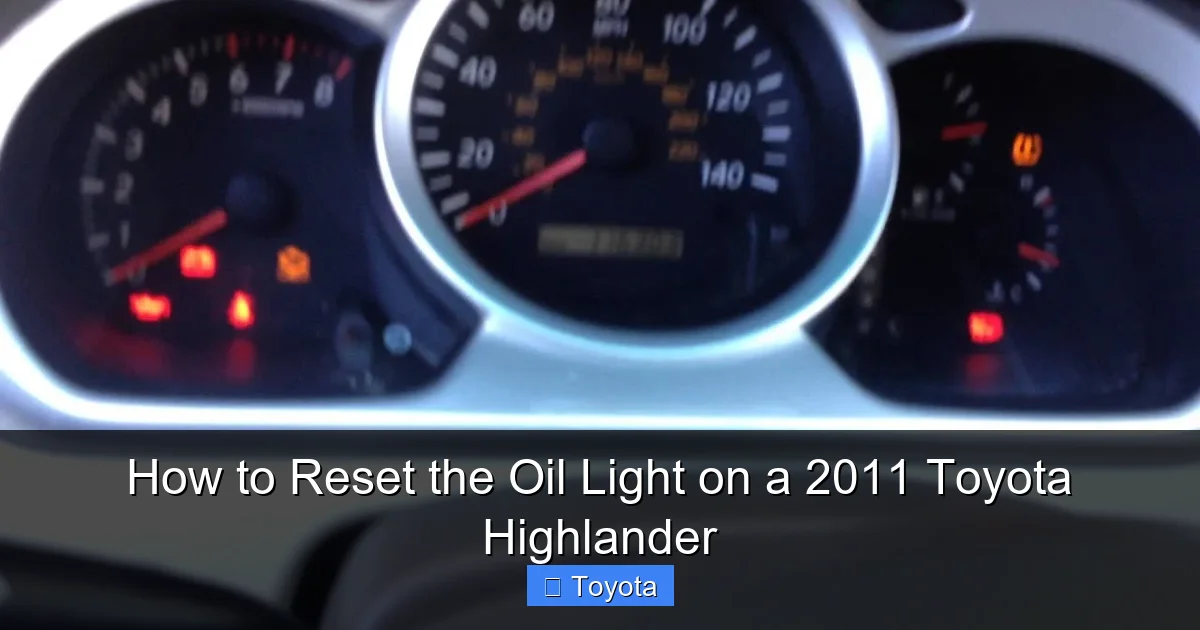
Visual guide about How to Reset the Oil Light on a 2011 Toyota Highlander
Image source: i.ytimg.com
One of the best things about resetting the oil light on a 2011 Toyota Highlander is that it requires no special tools, equipment, or technical expertise. You don’t need an OBD2 scanner, diagnostic computer, or even a wrench. Everything you need is already built into your vehicle’s dashboard and ignition system.
Before you begin, make sure your vehicle is parked on a level surface and the engine is off. This ensures safety and accuracy during the reset process. It’s also a good idea to have your owner’s manual nearby, just in case you need to double-check any steps or troubleshoot issues.
Here’s a quick checklist of what you’ll need:
– Your 2011 Toyota Highlander (obviously!)
– The key fob or physical key
– Access to the driver’s seat and footwell
– About 2–3 minutes of uninterrupted time
You’ll primarily be using two components: the ignition switch and the trip meter button located on the instrument cluster. The trip meter button is typically found on the right side of the speedometer and is used to cycle through trip odometer readings (Trip A, Trip B, etc.). This same button plays a crucial role in navigating the reset menu.
One common mistake is confusing the trip meter button with other dashboard controls. Make sure you’re pressing the correct one—it’s usually labeled “TRIP” or has a small icon resembling a car odometer. Pressing the wrong button won’t harm anything, but it won’t advance the reset process either.
Step-by-Step Guide to Resetting the Oil Light
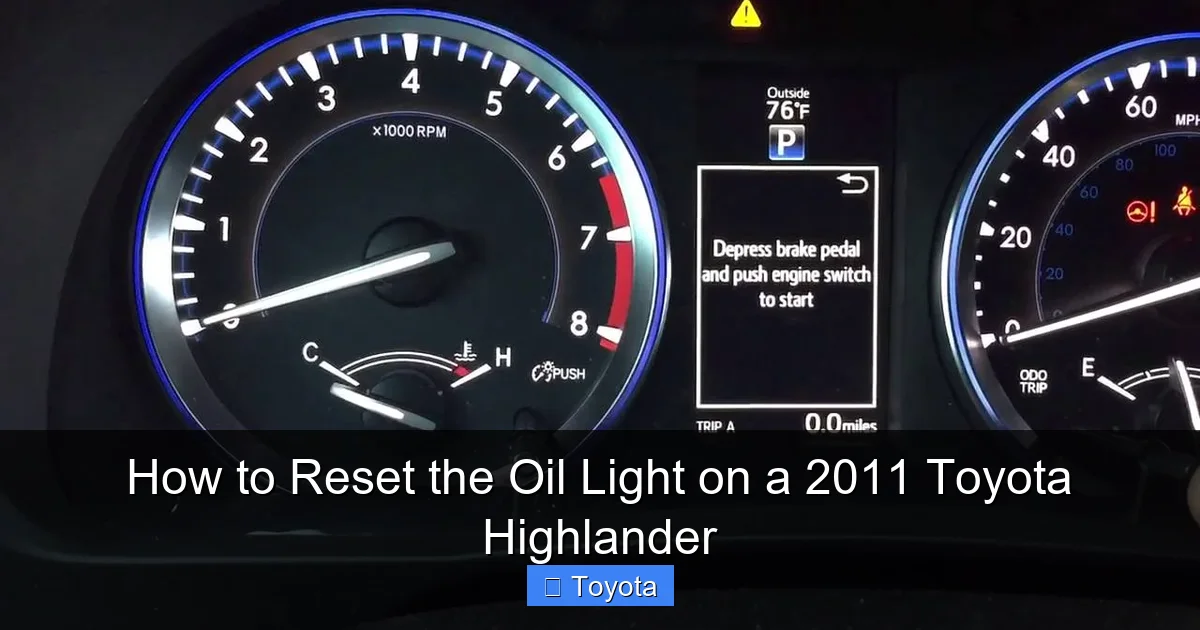
Visual guide about How to Reset the Oil Light on a 2011 Toyota Highlander
Image source: i.ytimg.com
Now that you’re prepared, let’s walk through the exact steps to reset the oil light on your 2011 Toyota Highlander. This method works for all trim levels, including the base, LE, XLE, and Limited models. Follow each step carefully and in order to ensure success.
Step 1: Turn the Ignition to the “ON” Position
Insert your key into the ignition and turn it to the “ON” position—but do not start the engine. You should see all the dashboard lights illuminate, including the oil light, check engine light, and others. This powers up the vehicle’s computer system without engaging the engine.
If you have a push-button start model, press the “Start” button once (without pressing the brake pedal) to achieve the same “ON” state. The engine should remain off, but all electronics will be active.
Step 2: Locate the Trip Meter Button
Look at your instrument cluster, just to the right of the speedometer. You’ll see a small button labeled “TRIP.” This is the key to accessing the reset function. Press and hold this button down. Keep it held as you move to the next step.
Step 3: Turn the Ignition Off and Back On
While still holding the trip meter button, turn the ignition back to the “OFF” position. Then, immediately turn it back to the “ON” position (again, without starting the engine). Continue holding the trip meter button throughout this entire sequence.
You’ll notice that the odometer display begins to change. It may show dashes, numbers, or even the word “RESET” depending on the exact model and software version. This indicates that the system is entering reset mode.
Step 4: Release the Button When the Light Flashes
After a few seconds, the oil light or maintenance required light should begin to flash. Once you see this flash, release the trip meter button. The light may stay on for a moment, but it should then turn off completely.
If the light doesn’t turn off right away, don’t worry. Sometimes it takes a few seconds for the system to confirm the reset. Wait about 10–15 seconds and check the dashboard again.
Step 5: Confirm the Reset
To verify that the reset was successful, turn the ignition off completely, wait about 30 seconds, then turn it back on. The oil light should no longer be illuminated. If it’s still on, repeat the process from the beginning, making sure each step is followed precisely.
It’s important to note that if the light comes back on after driving a short distance, it could indicate an actual issue—such as low oil level or a faulty sensor. In that case, check your oil level using the dipstick and consider having the vehicle inspected by a professional.
Troubleshooting Common Issues
Even with clear instructions, sometimes the oil light reset doesn’t go as planned. Here are some common issues and how to resolve them.
The Light Won’t Turn Off After Reset
If you’ve followed the steps correctly but the light remains on, double-check that you didn’t accidentally skip a step. The most common mistake is not holding the trip meter button long enough or releasing it too early. Try the reset process again, paying close attention to timing.
Another possibility is that the oil level is actually low. The maintenance light and oil pressure warning light are different, but a severely low oil level can sometimes cause confusion. Use the dipstick to check the oil level and top it off if necessary.
The Reset Menu Doesn’t Appear
If pressing the trip meter button doesn’t trigger any change on the odometer display, make sure the ignition is in the correct “ON” position. Some drivers accidentally start the engine during the process, which interrupts the reset sequence.
Also, ensure that the trip meter is set to “Trip A” or “Trip B” before beginning. If it’s on the main odometer, the reset function may not activate. Use the trip button to cycle to one of the trip modes first.
Battery Was Recently Disconnected
Disconnecting the battery will not reset the oil light on a 2011 Highlander. In fact, it can sometimes cause the system to require a reset even if no oil change was performed. If you’ve recently replaced the battery or had electrical work done, a manual reset is still necessary.
Using a Scan Tool or OBD2 Device
While some advanced OBD2 scanners can reset maintenance lights, they’re not required for this model. The manual method is reliable and free. However, if you frequently work on vehicles or want a backup option, investing in a basic scanner with reset capabilities can be helpful.
Tips for Maintaining Your 2011 Toyota Highlander
Resetting the oil light is just one part of keeping your Highlander in top condition. Here are some additional tips to extend the life of your vehicle and avoid future issues.
Stick to the Recommended Oil Change Interval
Toyota recommends changing the oil every 5,000 to 10,000 miles, depending on driving habits. Use high-quality synthetic or conventional oil that meets Toyota’s specifications (typically 0W-20 or 5W-20). Regular oil changes are one of the most effective ways to protect your engine.
Check Oil Levels Monthly
Even with a reset light, it’s smart to check your oil level at least once a month. Park on level ground, wait a few minutes after turning off the engine, and use the dipstick to ensure the oil is between the “L” and “F” marks.
Use Genuine or High-Quality Filters
Always replace the oil filter when changing the oil. A clogged or low-quality filter can reduce oil flow and damage the engine over time. Toyota OEM filters are ideal, but reputable aftermarket brands like Fram, Mobil 1, or Bosch are also good options.
Keep Records of Maintenance
Maintain a log of all oil changes, including date, mileage, and type of oil used. This helps you stay on schedule and can increase resale value. Many drivers use apps or simple notebooks for this purpose.
Watch for Other Dashboard Warnings
While the oil light is a maintenance reminder, other lights—like the check engine light or oil pressure warning—require immediate attention. If you see a red oil can icon or hear unusual engine noises, stop driving and have the vehicle inspected.
Conclusion
Resetting the oil light on a 2011 Toyota Highlander is a simple yet essential task that every owner should know how to do. It takes just a few minutes, requires no special tools, and ensures your vehicle’s maintenance system stays accurate. By following the step-by-step guide outlined above, you can confidently clear the light after every oil change and keep your Highlander running smoothly for years to come.
Remember, the oil light is there to help you—not to cause stress. Treat it as a friendly reminder to care for your engine, and don’t ignore it. Pair regular oil changes with proper reset procedures, and you’ll enjoy reliable performance, better fuel economy, and fewer unexpected repairs.
Whether you’re a DIY enthusiast or prefer professional service, knowing how to reset the oil light empowers you to take control of your vehicle’s maintenance. So the next time that little light pops up, you’ll know exactly what to do—no dealership visit required.
Frequently Asked Questions
Can I reset the oil light without turning on the engine?
Yes, you can reset the oil light without starting the engine. Simply turn the ignition to the “ON” position (or press the start button once without pressing the brake) to power the dashboard, then follow the reset steps.
What if the oil light still won’t turn off after resetting?
If the light remains on, double-check that you followed the steps correctly. Also, verify your oil level and condition. If the problem persists, there may be a sensor issue or electrical fault—consult a mechanic.
Do I need to reset the oil light after every oil change?
Yes, it’s recommended to reset the oil light after every oil change. This ensures the maintenance reminder system accurately tracks your next service interval.
Will disconnecting the battery reset the oil light?
No, disconnecting the battery will not reset the oil light on a 2011 Toyota Highlander. The system requires a manual reset using the trip meter button and ignition sequence.
Can I use an OBD2 scanner to reset the oil light?
Yes, some advanced OBD2 scanners can reset maintenance lights, but they’re not necessary. The manual method is reliable, free, and works for all 2011 Highlander models.
Is the oil light the same as the oil pressure warning light?
No, they are different. The oil light (maintenance required) is a service reminder. The oil pressure warning light (red oil can icon) indicates low oil pressure and requires immediate attention.







