
How to Reset the Oil Change Light on a Dodge Ram

Resetting the oil change light on your Dodge Ram is simple and can be done in under two minutes without special tools. This guide covers every major model year, from older classics to the latest 2024 trucks, with clear instructions and safety tips to keep your Ram running smoothly.
Key Takeaways
- Know your model year: Reset procedures vary slightly between Dodge Ram generations, so identifying your truck’s year is the first step.
- Use the ignition key and gas pedal: Most Dodge Rams from 1998–2018 use a pedal-and-key method to reset the oil light.
- Newer models use the dashboard menu: Trucks from 2019 onward typically require navigating the Uconnect or instrument cluster menu.
- Always perform an actual oil change first: The light is a reminder—don’t reset it unless you’ve replaced the oil and filter.
- Check your owner’s manual: Dodge provides model-specific instructions; it’s the most reliable source for your exact truck.
- Don’t ignore the light: Driving with old oil can damage your engine, so treat the alert seriously.
- Seek professional help if needed: If the light won’t reset or keeps coming back, there may be a sensor or system issue requiring a mechanic.
📑 Table of Contents
- Why the Oil Change Light Matters on Your Dodge Ram
- Understanding How the Oil Change Light Works
- Step-by-Step Guide: Resetting the Oil Change Light (1998–2018 Models)
- Resetting the Oil Change Light on 2019–2024 Dodge Rams
- Special Cases and Troubleshooting
- Best Practices for Oil Changes and Maintenance
- When to See a Mechanic
- Conclusion
Why the Oil Change Light Matters on Your Dodge Ram
Your Dodge Ram is built for power, durability, and long-haul reliability. But even the toughest trucks need regular maintenance—and that includes timely oil changes. The oil change light on your dashboard isn’t just a nagging reminder; it’s a vital part of your truck’s health monitoring system. When it illuminates, it’s signaling that your engine oil has reached the end of its useful life and needs to be replaced.
Engine oil does more than just lubricate moving parts. It cools the engine, cleans internal components, and prevents corrosion. Over time, oil breaks down, loses viscosity, and collects contaminants. If you ignore the oil change light, you risk increased engine wear, reduced fuel efficiency, and even catastrophic engine failure. That’s why resetting the light isn’t just about clearing a warning—it’s about confirming that you’ve completed essential maintenance and your Ram is ready for the next few thousand miles.
But here’s the good news: resetting the oil change light on a Dodge Ram is usually a quick, do-it-yourself task. Unlike some vehicles that require expensive diagnostic tools, most Rams let you reset the light using simple steps involving the ignition key, gas pedal, or dashboard controls. Whether you’ve got a rugged 1998 Ram 1500 or a sleek 2024 Ram 2500, this guide will walk you through the process step by step—no mechanic required.
Understanding How the Oil Change Light Works
Visual guide about How to Reset the Oil Change Light on a Dodge Ram
Image source: theweekendmechanic.com
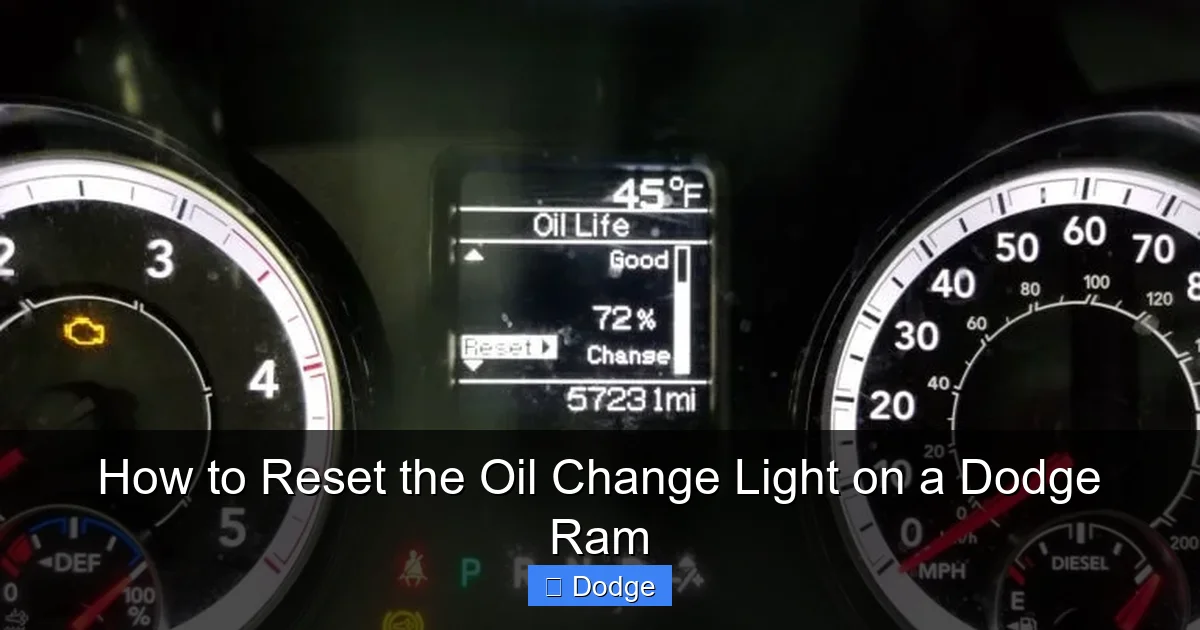
Before diving into the reset procedure, it helps to understand what triggers the oil change light in the first place. Modern Dodge Rams use an oil life monitoring system (OLMS) that calculates when your oil needs changing based on several factors, not just mileage.
How the System Tracks Oil Life
The OLMS monitors driving conditions such as engine temperature, RPMs, trip duration, and load. For example, frequent short trips, towing heavy loads, or driving in extreme heat or cold can degrade oil faster than highway cruising. The system uses this data to estimate oil life and alert you when it’s time for a change.
This means your oil change interval isn’t always a fixed number like “every 5,000 miles.” Instead, it’s adaptive. If you drive mostly on highways, your oil might last longer. But if you’re hauling trailers or idling in traffic, the system may prompt an oil change sooner.
Types of Oil Change Indicators
Dodge Rams typically display the oil change reminder in one of two ways:
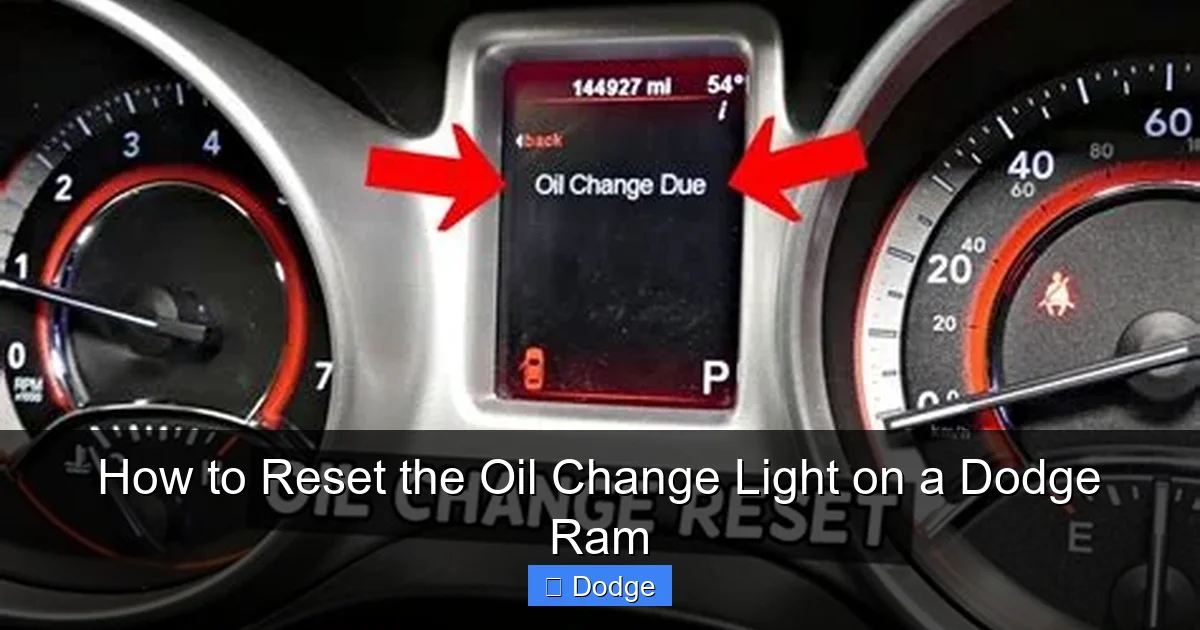
– A simple “Oil Change Required” or “Change Oil” message on the instrument cluster.
– A percentage-based oil life indicator (e.g., “Oil Life: 15%”) that counts down from 100%.
Once the oil life reaches 0% or the system determines the oil is no longer effective, the light or message will stay on until manually reset—even after a fresh oil change. That’s why knowing how to reset it is so important.
Why the Light Won’t Reset Automatically
Some drivers assume the light should turn off on its own after an oil change. But Dodge designed the system to require a manual reset. This ensures that the driver acknowledges the maintenance was performed. It’s a safety feature to prevent someone from skipping an oil change and assuming the light will go away.
If the light remains on after a proper oil change, it’s not a malfunction—it’s a reminder that you need to reset the system. And don’t worry: this is completely normal and expected.
Step-by-Step Guide: Resetting the Oil Change Light (1998–2018 Models)
Visual guide about How to Reset the Oil Change Light on a Dodge Ram
Image source: oilchangelight.net
If you drive a Dodge Ram from 1998 to 2018—whether it’s a 1500, 2500, or 3500—the reset process typically involves the ignition key and the gas pedal. This method is straightforward and requires no special tools. Here’s how to do it safely and correctly.
What You’ll Need
– Your Dodge Ram (engine off)
– The ignition key
– About 30 seconds of your time
Make sure your truck is parked on a level surface, the parking brake is engaged, and the engine is completely off. Never attempt this procedure while the engine is running.
The Pedal-and-Key Reset Method
Follow these steps carefully:
1. Turn the ignition key to the “ON” position (but do not start the engine). You should see all dashboard lights illuminate, including the oil change light.
2. Slowly press and release the gas pedal three times within 10 seconds. Each press should be firm and complete—press all the way down, then release fully.
3. After the third press, turn the ignition key back to the “OFF” position.
4. Wait about 10 seconds.
5. Turn the ignition back to “ON” (again, do not start the engine).
6. Check the dashboard. The oil change light should now be off. If it’s still on, repeat the process.
Tips for Success
– Timing is important. The three pedal presses must happen within 10 seconds. If you take too long, the system won’t register the input.
– Don’t rush. Press the pedal smoothly and fully each time. A half-press won’t count.
– If the light doesn’t reset on the first try, don’t panic. Try again, making sure you’re following the steps exactly.
– This method works for most Rams from 1998 to 2018, including models with the 3.6L V6, 5.7L V8, and 6.7L Cummins diesel engines.
Common Mistakes to Avoid
– Starting the engine during the process. The reset only works when the engine is off.
– Pressing the brake pedal instead of the gas pedal. Only the accelerator pedal is used.
– Trying to reset the light without actually changing the oil. Always perform the oil change first.
Example: Resetting a 2015 Dodge Ram 1500
Let’s say you’ve just changed the oil in your 2015 Ram 1500 with the 5.7L Hemi. You’ve replaced the oil filter and added 7 quarts of 5W-20 synthetic blend. Now you want to reset the light.
– Turn the key to “ON.” The “Change Oil” message appears.
– Press the gas pedal three times in 8 seconds.
– Turn the key off, wait 10 seconds, then turn it back on.
– The message is gone. Success!
This method works like a charm for most trucks in this generation.
Resetting the Oil Change Light on 2019–2024 Dodge Rams
Visual guide about How to Reset the Oil Change Light on a Dodge Ram
Image source: automotivewidgets.com
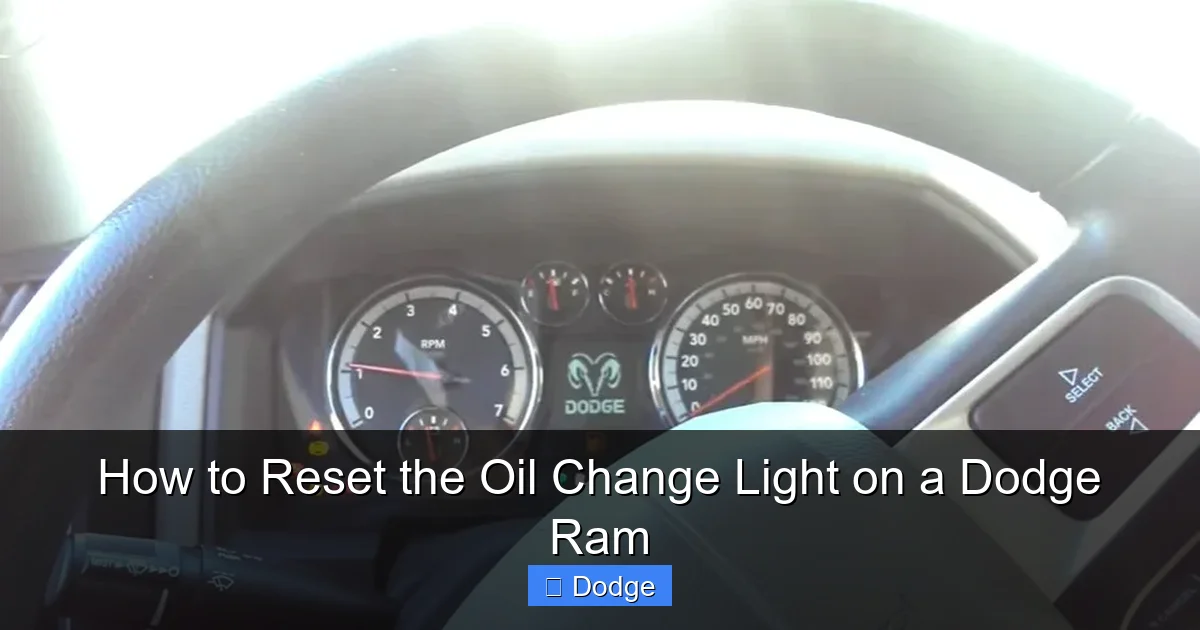
Starting in 2019, Dodge updated the Ram’s dashboard interface and introduced more advanced systems like the Uconnect infotainment and digital instrument clusters. As a result, the oil change reset procedure changed. Instead of using the gas pedal, newer Rams rely on menu navigation.
Using the Instrument Cluster Menu
For 2019–2024 Rams with the digital display (often found in Tradesman, Big Horn, Laramie, and Limited trims), follow these steps:
1. Turn the ignition to “ON” (do not start the engine).
2. Use the steering wheel controls to navigate to the “Settings” or “Vehicle Info” menu on the instrument cluster.
3. Scroll to “Oil Life” or “Maintenance.”
4. Select “Reset Oil Life” or “Reset Maintenance.”
5. Confirm the reset when prompted.
6. Turn the ignition off and back on to verify the light is off.
Using the Uconnect Touchscreen (If Equipped)
Some higher-trim Rams come with a Uconnect 5 or Uconnect 4 system that allows maintenance resets via the touchscreen:
1. Turn the ignition to “ON.”
2. Tap the “Apps” or “Settings” icon on the Uconnect screen.
3. Select “Vehicle” or “Maintenance.”
4. Choose “Oil Life” and then “Reset.”
5. Confirm the action.
6. The oil change light should disappear from the dashboard.
What If Your Ram Doesn’t Have These Menus?
Not all 2019–2024 Rams have digital clusters or Uconnect maintenance menus. Base models like the Tradesman may still use the older pedal method. In that case, try the 1998–2018 procedure first. If it doesn’t work, consult your owner’s manual or visit a Dodge dealer.
Example: Resetting a 2022 Ram 2500 with Uconnect
You’ve just completed an oil change on your 2022 Ram 2500 with the 6.7L Cummins. The “Oil Change Required” light is on.
– Turn the key to “ON.”
– Tap “Settings” on the Uconnect screen.
– Go to “Vehicle” > “Maintenance” > “Oil Life.”
– Tap “Reset” and confirm.
– The light turns off. Done in under a minute.
Special Cases and Troubleshooting
While most Dodge Rams follow the standard reset procedures, there are a few exceptions and common issues that can arise. Knowing how to handle these will save you time and frustration.
Rams with Push-Button Start
If your Ram has a push-button ignition (common on 2013 and newer models), you can’t use a physical key. Instead:
– Press the “START” button once (without pressing the brake) to turn the ignition to “ON.”
– Follow the same pedal or menu steps as above.
– Press the “START” button again to turn the ignition off.
The process is identical—just replace the key turn with the button press.
When the Light Won’t Reset
If you’ve followed the steps correctly and the oil change light still won’t turn off, consider these possibilities:
– The oil change wasn’t completed properly. Double-check that you used the correct oil type and quantity.
– The oil filter wasn’t installed correctly. A loose or damaged filter can cause issues.
– There’s a fault in the oil life sensor or wiring. This is rare but possible.
– The battery was recently disconnected. Sometimes, a power reset can interfere with the system.
In most cases, repeating the reset procedure solves the problem. But if the light persists, it’s wise to visit a Dodge service center.
Diesel Engine Considerations
Diesel-powered Rams (like the 6.7L Cummins) have stricter oil change intervals due to higher operating temperatures and soot buildup. Always use diesel-specific oil (e.g., CJ-4 or CK-4 rated) and reset the light promptly after service. Ignoring the reminder can lead to injector damage or DPF (diesel particulate filter) issues.
Older Models (Pre-1998)
Very early Rams (1994–1997) may not have an electronic oil change light. Instead, they rely on a manual maintenance schedule. If your truck has a mechanical odometer and no dashboard warning, simply track oil changes in a log or use a sticker on the windshield.
Best Practices for Oil Changes and Maintenance
Resetting the oil change light is only one part of engine care. To keep your Dodge Ram running strong, follow these best practices:
Follow the Recommended Oil Change Interval
Dodge recommends changing the oil every 6,000 to 10,000 miles for most gasoline engines, depending on driving conditions. For diesel engines, it’s typically every 7,500 to 10,000 miles. Always refer to your owner’s manual for the exact interval.
Use the Right Oil
– Gasoline engines: 5W-20 or 5W-30 synthetic or synthetic blend (check your manual).
– Diesel engines: 15W-40 or 5W-40 diesel-rated oil (CJ-4 or CK-4).
– Never use regular motor oil in a diesel engine.
Replace the Oil Filter Every Time
A new filter is essential. Reusing an old filter can introduce contaminants and reduce oil flow. Use a high-quality filter designed for your Ram’s engine.
Check Oil Levels Regularly
Even with a monitoring system, manually check your oil level every few weeks. Low oil can cause engine damage before the light comes on.
Keep a Maintenance Log
Track your oil changes, including date, mileage, oil type, and filter brand. This helps you stay on schedule and can increase your truck’s resale value.
Don’t Skip Other Fluids
While you’re under the hood, check coolant, transmission fluid, brake fluid, and differential oil. A full fluid check ensures your Ram stays reliable.
When to See a Mechanic
Most oil change light resets are DIY-friendly. But if you encounter any of these issues, it’s time to consult a professional:
– The light resets but comes back on immediately.
– You notice oil leaks, burning smells, or engine noise.
– The oil appears dirty or metallic after a recent change.
– The dashboard shows other warning lights (e.g., check engine, low oil pressure).
These could indicate a deeper problem like a faulty sensor, oil pump issue, or internal engine wear. A certified Dodge technician can run diagnostics and ensure your truck is in top condition.
Conclusion
Resetting the oil change light on your Dodge Ram is a simple but essential task that every owner should know. Whether you’re driving a classic 1998 model or a brand-new 2024 Ram, the process is quick, tool-free, and can be done in minutes. By following the correct steps for your model year—whether it’s the pedal method or a menu reset—you ensure your truck’s oil life monitoring system stays accurate and your engine stays protected.
Remember: the light is there to help you, not hassle you. Treat it as a friendly reminder to care for your Ram’s heart—the engine. Perform timely oil changes, use the right fluids, and reset the light promptly. Your truck will reward you with years of reliable performance, whether you’re hauling cargo, towing a trailer, or cruising down the highway.
And if you ever run into trouble, don’t hesitate to consult your owner’s manual or visit a trusted Dodge service center. With a little know-how and regular maintenance, your Dodge Ram will keep running strong for hundreds of thousands of miles.
Frequently Asked Questions
Can I reset the oil change light without changing the oil?
Technically yes, but you shouldn’t. The light is a reminder that your oil needs replacing. Resetting it without an actual oil change can lead to engine damage over time.
Why won’t my oil change light turn off after resetting?
This could be due to incorrect reset steps, a faulty sensor, or an incomplete oil change. Try the procedure again, and if it persists, see a mechanic.
Do I need a scan tool to reset the oil light on a Dodge Ram?
No. Most Rams allow manual reset using the ignition key, gas pedal, or dashboard menu. Only rare cases require professional tools.
How often should I change the oil in my Dodge Ram?
Typically every 6,000 to 10,000 miles, depending on engine type and driving conditions. Always check your owner’s manual for specifics.
Can I use regular oil in my Ram’s diesel engine?
No. Diesel engines require oil rated for diesel use (e.g., CJ-4 or CK-4). Using the wrong oil can damage the engine and void your warranty.
Does disconnecting the battery reset the oil change light?
Not reliably. While it may reset some systems, the oil life monitor usually requires a proper manual reset to clear the light.
