
How to Reset a Subaru Radio

Resetting your Subaru radio can solve common issues like frozen screens, unresponsive buttons, or lost settings. This guide walks you through simple methods—from soft resets to factory restores—so you can get your audio system back on track without a trip to the dealer.
Key Takeaways
- Soft resets fix minor glitches: A quick power cycle often resolves freezing or lagging without losing your presets or Bluetooth pairings.
- Hard resets restore factory settings: Use this when the radio won’t turn on or behaves erratically—but be ready to reconfigure your preferences afterward.
- Check your fuses first: A blown fuse can mimic a dead radio; inspect the cabin and engine bay fuse boxes before resetting.
- Model year matters: Older Subarus (pre-2015) use physical buttons, while newer models rely on touchscreens and voice commands—reset steps differ slightly.
- Backup your data if possible: Some newer systems let you save radio presets or paired devices via USB or the StarLink app before a reset.
- Persistent issues may need professional help: If the radio still doesn’t work after multiple resets, there could be a hardware fault requiring dealer diagnosis.
- Always disconnect the battery safely: When performing a hard reset by removing power, wait at least 10 minutes and reconnect carefully to avoid electrical surges.
📑 Table of Contents
Why Would You Need to Reset Your Subaru Radio?
Imagine you’re cruising down the highway, your favorite playlist queued up, when suddenly your Subaru’s radio screen freezes. Or maybe it won’t turn on at all—no sound, no display, just silence. Frustrating, right? These hiccups aren’t uncommon, especially as infotainment systems grow more complex. Resetting your Subaru radio is often the quickest fix for glitches like unresponsive touchscreens, Bluetooth pairing failures, distorted audio, or even complete system lockups.
But why do these issues happen in the first place? Modern Subaru radios—especially those equipped with StarLink—are essentially mini-computers running software that can occasionally crash, just like your smartphone or laptop. Software bugs, sudden power loss (like a dead battery), or interference from aftermarket accessories can throw the system off balance. The good news? Most problems are temporary and reversible with a simple reset. Whether you drive a 2010 Outback with basic AM/FM controls or a 2023 Forester with a full-color touchscreen and navigation, knowing how to reset your radio empowers you to troubleshoot like a pro—without paying for unnecessary service calls.
Understanding Your Subaru Radio System
Before diving into reset methods, it helps to understand what kind of radio you’re dealing with. Subaru has evolved its audio systems significantly over the past decade. Older models (typically 2014 and earlier) feature analog-style head units with physical knobs, buttons, and smaller LCD displays. These are simpler but can still suffer from electrical gremlins. Newer vehicles (2015 onward) often come with the StarLink multimedia system, which includes larger touchscreens, smartphone integration (Apple CarPlay/Android Auto), voice control, and cloud-connected features.

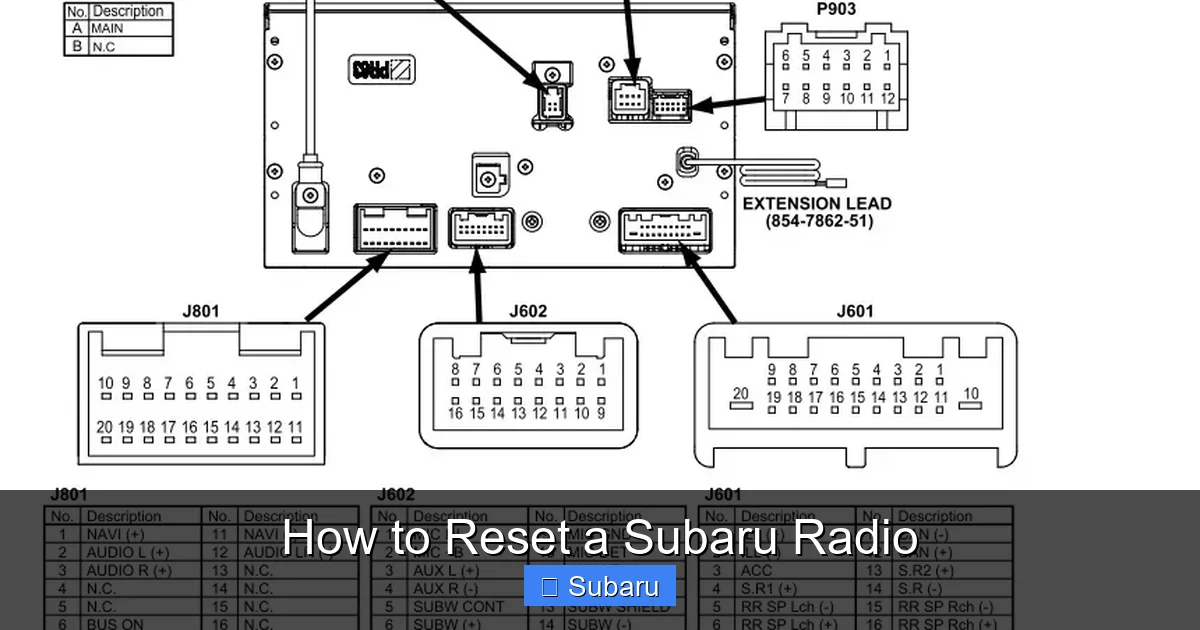
Visual guide about How to Reset a Subaru Radio
Image source: engineauditor.com
Identifying Your Radio Type
To choose the right reset method, first identify your system:
- Basic Audio System: Found in base trims of older Impreza, Legacy, or Crosstrek models. Usually has a small screen, CD player, and physical tuning knobs.
- StarLink Multimedia: Standard in most 2015+ Subarus. Features a 6.2″ or 7″ touchscreen, USB/AUX inputs, Bluetooth, and optional navigation.
- StarLink with Navigation: Includes built-in GPS, larger screen (up to 8″), and enhanced connectivity. Common in Limited, Touring, or Wilderness trims.
You can usually confirm your system by checking your owner’s manual or looking for “StarLink” branding on the screen during startup. If you’ve installed an aftermarket unit, the reset process will differ—consult your installer or the unit’s manual.
Common Symptoms That Call for a Reset
Not every radio issue requires a full reset, but here are telltale signs it’s time to try one:
- The screen is frozen or shows a blank/black display.
- Buttons or touch inputs don’t respond.
- Bluetooth won’t connect or keeps dropping.
- Audio cuts out intermittently or sounds distorted.
- The system reboots randomly while driving.
- You’ve recently disconnected the battery or had a jump start.
If you’re experiencing any of these, a reset is a safe, non-invasive first step before considering hardware repairs.
Method 1: The Soft Reset (Power Cycle)
The soft reset—also called a power cycle—is the gentlest way to refresh your Subaru radio. It clears temporary memory glitches without erasing your saved stations, Bluetooth pairings, or user settings. This method works for nearly all Subaru models and should always be your first attempt.
Visual guide about How to Reset a Subaru Radio
Image source: i1.wp.com
Step-by-Step Soft Reset Instructions
- Turn off the ignition: Make sure your vehicle is completely off—not just in accessory mode. Remove the key or press the start button until all electronics shut down.
- Wait 2–3 minutes: This allows the radio’s capacitors to fully discharge. Skipping this step may prevent the reset from working.
- Restart the vehicle: Turn the ignition back to “ON” (or start the engine). The radio should reboot normally.
- Test functionality: Try adjusting volume, changing sources (AM/FM/USB), and connecting Bluetooth to confirm everything works.
Pro Tip: If your Subaru has a push-button start, hold the brake pedal and press the start button once (without starting the engine) to enter accessory mode—then turn it off again. This ensures all systems power down fully.
When a Soft Reset Works Best
This method is ideal for minor annoyances like a laggy touchscreen after using Apple CarPlay or a brief audio dropout. Many Subaru owners report success with soft resets after software updates or long road trips where the system runs continuously. However, if the radio remains unresponsive after two attempts, move on to more advanced methods.
Method 2: Hard Reset via Fuse Removal
If the soft reset fails, a hard reset—temporarily cutting power to the radio by removing its fuse—can force a deeper reboot. This method mimics unplugging a computer and is effective for stubborn freezes or boot loops. Warning: A hard reset will likely erase your radio presets, clock settings, and sometimes Bluetooth pairings, so use it only when necessary.
Locating the Radio Fuse
Subaru radios are protected by fuses in two possible locations:
- Cabin Fuse Box: Usually behind a panel on the driver’s side dashboard (near the knee area) or under the steering column. Look for labels like “AUDIO,” “RADIO,” or “METER.”
- Engine Bay Fuse Box: Less common, but some models route radio power through the main fuse box under the hood. Check your owner’s manual for the exact location.
Once located, identify the correct fuse. It’s typically a 10A or 15A blade-type fuse. Use the fuse diagram on the fuse box cover or in your manual to confirm.
Performing the Hard Reset
- Turn off the vehicle completely.
- Remove the radio fuse: Use a fuse puller (often included in the fuse box) or needle-nose pliers. Gently wiggle it out—don’t force it.
- Wait 10–15 minutes: This ensures all residual power drains from the system.
- Reinsert the fuse firmly.
- Restart the vehicle and test the radio.
Safety Note: Never remove fuses with the engine running or while the key is in the ignition. Always wear safety glasses if working under the hood.
What to Expect After a Hard Reset
Your radio should boot up as if it’s brand new. You’ll need to reset the clock, re-tune your favorite stations, and re-pair your phone via Bluetooth. On StarLink systems, you might also need to re-enable features like steering wheel controls or climate integration. Don’t panic—this is normal!
Method 3: Factory Reset (For StarLink Systems)
For newer Subarus with StarLink, a factory reset offers the most thorough restoration. This method completely wipes the system’s software and returns it to its original state—useful after major glitches, software corruption, or before selling your vehicle. Important: A factory reset deletes ALL user data, including saved addresses, paired devices, and custom settings.
How to Perform a Factory Reset on StarLink
The exact steps vary slightly by model year, but here’s the general process for 2015–2023 StarLink systems:
- Turn on the ignition (do not start the engine).
- Press and hold the “Phone” and “Back” buttons simultaneously. On some models, it’s “Voice” + “Back” or “Source” + “Back.”
- Hold for 10–15 seconds until the screen goes black.
- Release the buttons when the StarLink logo appears.
- Follow on-screen prompts to confirm the reset.
On touchscreen-only models (no physical buttons), you may need to navigate to Settings > System > Reset Options > Factory Reset. You’ll be asked to enter a security code (often “0000” or found in your manual).
Post-Reset Setup
After the reset, your StarLink system will guide you through initial setup: language selection, time zone, Wi-Fi (if equipped), and Bluetooth pairing. Take your time—this is your chance to configure everything correctly. If you use Apple CarPlay or Android Auto, reconnect your phone and grant permissions again.
When to Avoid a Factory Reset
Don’t perform a factory reset if your radio won’t power on at all—this could indicate a hardware failure. Also, avoid it if you’re unsure about reconfiguring advanced settings like navigation favorites or driver profiles. When in doubt, consult your dealer or a certified technician.
Troubleshooting Persistent Radio Issues
Sometimes, even after multiple resets, your Subaru radio continues to misbehave. Before assuming the worst, rule out these common culprits:
Check the Battery and Alternator
A weak battery or failing alternator can cause voltage drops that disrupt the radio. Use a multimeter to check battery voltage (should be 12.6V when off, 13.7–14.7V when running). If readings are low, have your charging system inspected.
Inspect Wiring and Antenna Connections
Loose or corroded antenna cables can cause poor reception or no sound. Pop off the radio trim (use a plastic pry tool to avoid scratches) and ensure all connectors are snug. Look for frayed wires or moisture damage.
Update Your StarLink Software
Subaru periodically releases software updates that fix bugs and improve stability. Visit the official Subaru StarLink portal, enter your VIN, and download updates via USB if available. Some dealers offer free updates during routine service.
Consider Aftermarket Interference
Dash cams, radar detectors, or poorly installed USB chargers can emit electromagnetic interference that disrupts radio signals. Try unplugging all non-essential devices to see if the issue resolves.
When to Visit a Dealer
If your radio remains dead, displays error codes (like “E-02” or “No Signal”), or shows physical damage (cracked screen, burnt smell), it’s likely a hardware problem. Subaru dealers have diagnostic tools to test the head unit, amplifier, and wiring harness. Warranty coverage may apply if your vehicle is under 3 years/36,000 miles.
Preventing Future Radio Problems
An ounce of prevention is worth a pound of cure—especially with today’s tech-heavy infotainment systems. Here’s how to keep your Subaru radio running smoothly:
- Avoid abrupt power cuts: Always turn off the radio before shutting down the engine. Don’t disconnect the battery while the system is active.
- Keep software updated: Check for StarLink updates every 6–12 months.
- Use quality accessories: Stick to Subaru-approved USB cables and chargers to reduce interference.
- Clean the screen gently: Use a microfiber cloth and screen-safe cleaner—never spray liquid directly on the display.
- Park in shade when possible: Extreme heat can degrade internal components over time.
By treating your radio with care, you’ll minimize the need for resets and enjoy reliable audio for years to come.
Final Thoughts
Resetting your Subaru radio doesn’t require a degree in engineering—just a little patience and the right steps. Whether you’re dealing with a frozen screen on a 2012 Legacy or a glitchy StarLink system in a 2022 Ascent, the methods outlined here put you in control. Start with a soft reset, escalate to a hard reset if needed, and reserve factory resets for serious issues. And remember: if all else fails, your local Subaru dealer is there to help.
Don’t let a stubborn radio ruin your drive. With this guide in your glove compartment (or bookmarked on your phone), you’re ready to tackle any audio hiccup that comes your way. Safe travels—and happy listening!
Frequently Asked Questions
Will resetting my Subaru radio delete my saved stations?
A soft reset typically preserves your radio presets, but a hard reset or factory reset will erase them. Always note your favorite stations before performing a more aggressive reset.
Can I reset my Subaru radio without disconnecting the battery?
Yes! Most resets can be done using the ignition cycle or fuse removal method. Only disconnect the battery if specifically instructed or if other methods fail.
Why does my Subaru radio keep rebooting while driving?
This is often caused by a weak battery, loose wiring, or a software bug. Try a hard reset first, then have your charging system checked if the problem persists.
How do I reset a Subaru radio with no physical buttons?
On touchscreen-only StarLink systems, go to Settings > System > Reset Options > Factory Reset. You may need to enter a security code (check your manual).
Is it safe to remove the radio fuse myself?
Yes, as long as the vehicle is off and you use proper tools. Always refer to your owner’s manual for the correct fuse location and amperage.
My radio won’t turn on at all—what should I do?
First, check the fuses and battery voltage. If those are fine, the issue may be a faulty head unit or wiring problem—consult a Subaru technician for diagnosis.