How to Replace Battery in Car Key Fob
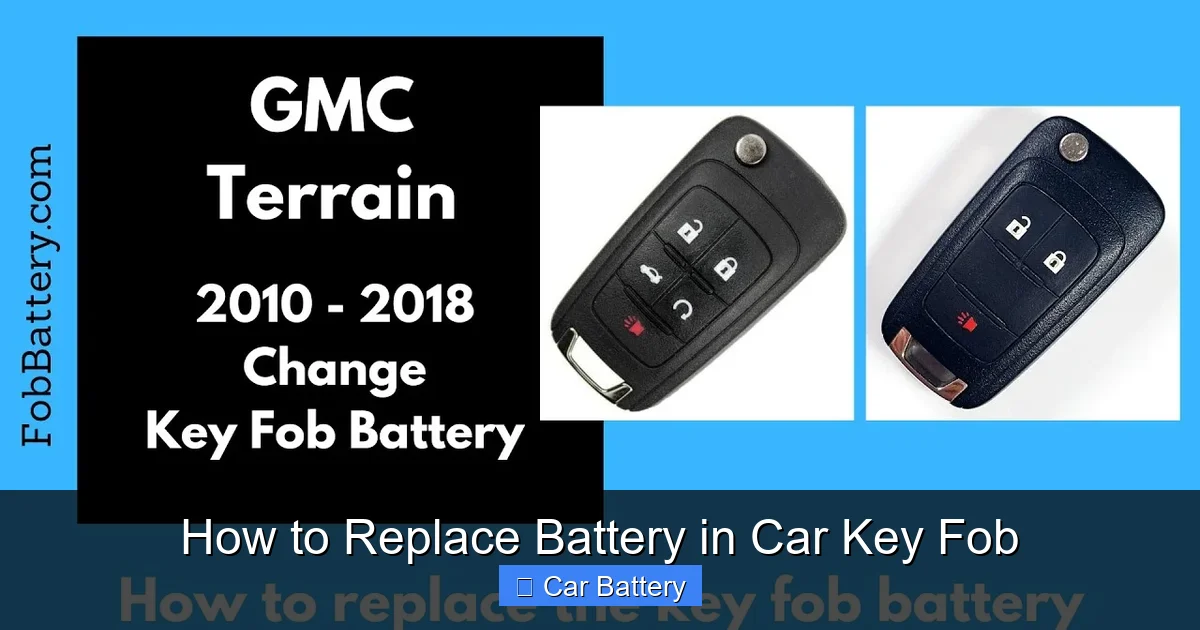
Replacing the battery in your car key fob is easier than you think—no mechanic required. With just a few tools and a few minutes, you can restore full functionality to your remote and avoid costly service calls.
In This Article
- 1 Key Takeaways
- 2 📑 Table of Contents
- 3 Why Your Car Key Fob Battery Needs Replacing
- 4 Tools and Materials You’ll Need
- 5 Step-by-Step Guide to Replacing the Battery
- 6 Common Mistakes to Avoid
- 7 When to Seek Professional Help
- 8 Tips for Maintaining Your Key Fob
- 9 Conclusion
- 10 Frequently Asked Questions
- 10.1 How often should I replace my car key fob battery?
- 10.2 Can I use any CR2032 battery, or does it need to be a specific brand?
- 10.3 What if my key fob still doesn’t work after replacing the battery?
- 10.4 Is it safe to open my key fob myself?
- 10.5 Can I replace the battery while the fob is still attached to my keychain?
- 10.6 Will replacing the battery reset my car’s security system?
Key Takeaways
- Most key fobs use common coin-cell batteries: CR2032 is the most popular, but check your owner’s manual or existing battery for the exact type.
- You only need basic tools: A small flathead screwdriver, plastic pry tool, or even a butter knife can open most fobs safely.
- Handle the circuit board gently: Avoid touching electronic components with wet or oily fingers to prevent damage.
- Reassemble carefully: Misaligned parts or loose screws can prevent the fob from working, even with a new battery.
- Test immediately after replacement: Press all buttons to ensure signals are transmitting properly before reattaching the cover.
- Keep spare batteries on hand: Key fob batteries typically last 3–5 years—replace them proactively to avoid being locked out.
- Some modern fobs require programming: High-end or smart key systems may need professional reprogramming after a battery swap.
📑 Table of Contents
Why Your Car Key Fob Battery Needs Replacing
Your car key fob is one of those everyday gadgets you probably don’t think about—until it stops working. Whether it’s the remote lock, unlock, trunk release, or panic button, these small devices rely on a tiny battery to send signals to your vehicle. Over time, that battery loses its charge, and suddenly you’re fumbling with keys at the door or pressing buttons that don’t respond.
Most drivers don’t realize how simple it is to replace the battery themselves. Instead, they rush to a dealership or auto shop, often paying $20–$50 just for a $2 battery swap. That’s unnecessary stress and expense. The truth is, with a little know-how and the right tools, anyone can replace a car key fob battery in under 10 minutes. It’s a skill that saves time, money, and frustration—especially when you’re standing in the rain or late for an appointment.
So why do key fob batteries die in the first place? Like all batteries, they have a limited lifespan. Most last between 3 and 5 years, depending on usage. If you use your fob frequently—locking and unlocking multiple times a day—it may drain faster. Environmental factors like extreme heat or cold can also shorten battery life. And if your fob has been dropped or exposed to moisture, internal damage might accelerate the decline.
Another common sign of a dying battery is reduced range. You might notice you have to stand closer to your car for the signal to work, or you need to press the button multiple times. Sometimes, the fob will work intermittently—locking the doors one moment and failing the next. These are all red flags that it’s time for a replacement.
Don’t wait until you’re completely locked out. Replacing the battery early ensures your fob stays reliable. Plus, it’s a great way to get familiar with your key fob’s design, which can help if you ever need to troubleshoot other issues. Think of it as basic car maintenance—like checking tire pressure or topping off windshield washer fluid.
Tools and Materials You’ll Need
Before you start, gather the right tools. You don’t need a full toolbox—just a few basics that most people already have at home. The goal is to open the fob without damaging it, so precision and care are key.
Visual guide about How to Replace Battery in Car Key Fob
Image source: i.ytimg.com
Essential Tools
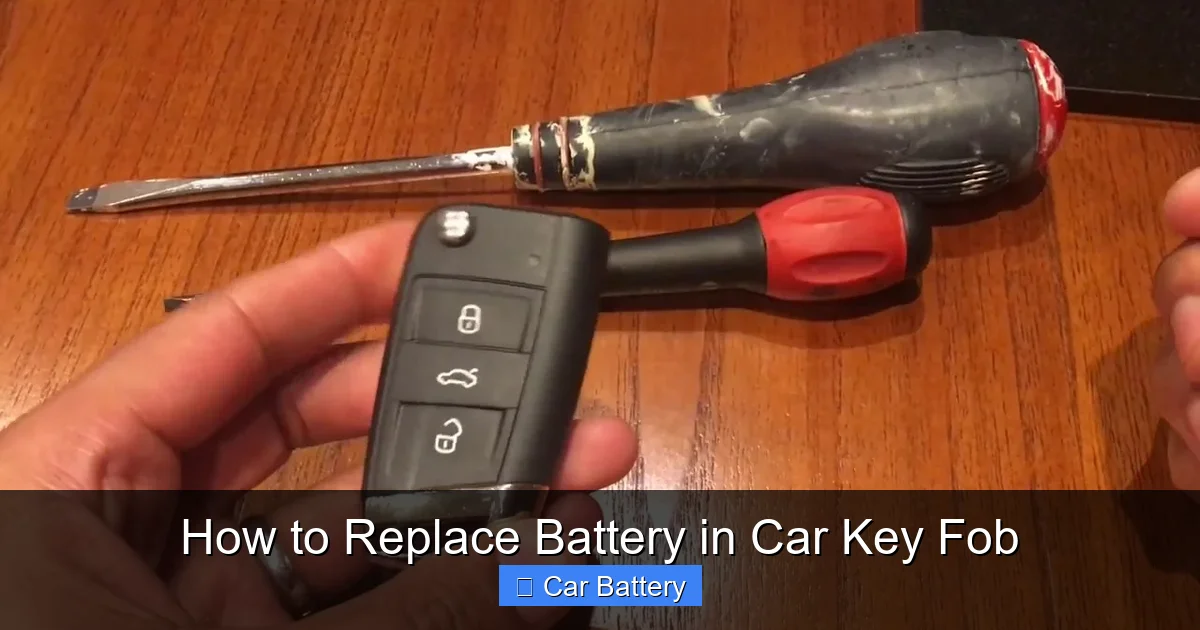
- Small flathead screwdriver: A standard 3–5mm flathead works for most fobs. Avoid using large or heavy-duty screwdrivers, as they can crack the plastic casing.
- Plastic pry tool or guitar pick: These are ideal for gently separating the two halves of the fob without scratching or breaking it. If you don’t have one, a thin plastic card (like an old gift card) can work in a pinch.
- Tweezers: Helpful for handling small screws or the battery itself, especially if your fingers are large or the components are tight.
- Clean cloth or paper towel: Use this to wipe down the interior and keep dust out during reassembly.
Battery Type
The most common battery used in car key fobs is the CR2032—a small, round, lithium coin-cell battery. It’s widely available at drugstores, supermarkets, electronics stores, and online. However, not all fobs use the same battery. Some models use CR2025, CR2016, or even smaller types like CR1632.
To be sure, check your owner’s manual or look at the old battery once you open the fob. The battery will have a printed label indicating its type. If you’re unsure, take the old battery to a store and match it visually. Buying the wrong size won’t damage the fob, but it won’t fit or work properly.
Optional but Helpful
- Magnifying glass: Useful if the fob is small or the text on the battery is hard to read.
- Flashlight: Helps illuminate the interior, especially if you’re working in low light.
- Needle-nose pliers: Can help remove stubborn batteries, but use them gently to avoid bending contacts.
Once you’ve gathered your tools, find a clean, well-lit workspace. A kitchen table or desk works perfectly. Avoid working on carpeted surfaces where small parts can get lost. Lay down a towel or cloth to protect the fob and catch any loose screws.
Step-by-Step Guide to Replacing the Battery
Now that you’re prepared, let’s walk through the actual process. Every key fob is slightly different, but the general steps are the same across most models. Take your time—rushing can lead to mistakes.
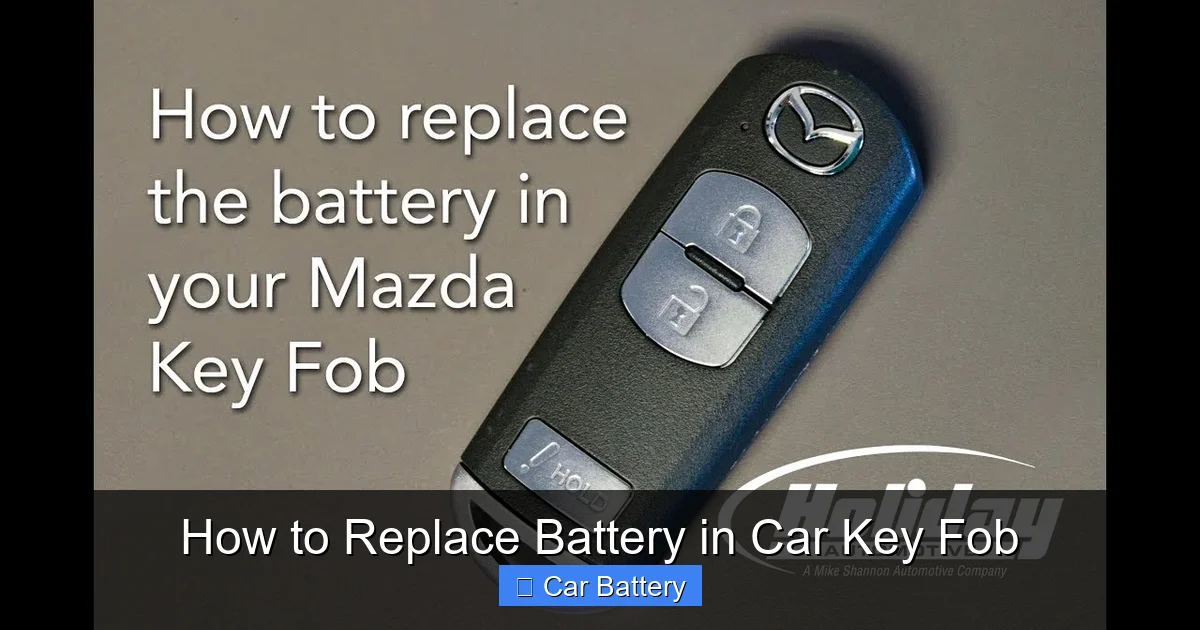
Visual guide about How to Replace Battery in Car Key Fob
Image source: i.ytimg.com
Step 1: Locate the Seam or Release Button
Most key fobs have a visible seam running around the edge where the two halves meet. This is where you’ll insert your tool to pry it open. Some fobs, especially newer ones, have a small release button or sliding panel instead. Check your fob carefully—there’s usually a tiny indentation or a recessed area.
For example, Honda and Toyota fobs often have a small button on the side that you press while pulling the key ring loop outward. This releases the physical key blade, which can then be used to pry open the fob. On the other hand, Ford and Chevrolet models typically have a seam that runs vertically down the center.
Step 2: Open the Fob Gently
Insert your flathead screwdriver or plastic pry tool into the seam. Wiggle it slightly to create a small gap, then slowly work your way around the edge. Don’t force it—plastic can crack under pressure. If you feel resistance, stop and try a different spot.
Once the halves begin to separate, use your fingers to gently pull them apart. Be careful not to yank them, as internal wires or the circuit board might still be connected. Some fobs have a ribbon cable linking the two sides, especially if they include a built-in key blade.
Step 3: Remove the Old Battery
Inside, you’ll see the battery seated in a small compartment. It’s usually held in place by a metal clip or a plastic retainer. Use your tweezers or the tip of your screwdriver to gently lift the battery out. Note the orientation—most batteries have a “+” (positive) side facing up, but some fobs reverse this.
Take a photo with your phone before removing the battery. This will help you remember how it was positioned when it’s time to insert the new one. It’s a simple trick that prevents confusion later.
Step 4: Insert the New Battery
Place the new battery into the compartment, matching the orientation of the old one. Press it down gently until it sits securely. You should hear a soft click or feel it snap into place. Make sure it’s flush with the surrounding surface—protruding batteries can prevent the fob from closing properly.
If the battery doesn’t fit easily, double-check the type. A CR2032 is thicker than a CR2025, so swapping them can cause issues. Never force a battery—it should slide in smoothly.
Step 5: Reassemble the Fob
Carefully align the two halves of the fob and press them together. Start at one end and work your way around, ensuring all clips or tabs snap into place. If your fob has screws, use your screwdriver to tighten them—but don’t over-tighten, as this can strip the threads.
Once closed, give the fob a gentle squeeze to confirm it’s fully sealed. There should be no gaps or loose parts. If it feels wobbly, open it again and check for misaligned components.
Step 6: Test the Fob
Stand near your car and press each button—lock, unlock, trunk, panic. The lights on your car should respond immediately. If nothing happens, try standing closer or moving to a different location to rule out signal interference.
If the fob still doesn’t work, double-check the battery orientation and ensure the contacts are clean. Sometimes, dirt or corrosion can prevent a good connection. Wipe the battery terminals with a dry cloth if needed.
Common Mistakes to Avoid
Even simple tasks can go wrong if you’re not careful. Here are some common pitfalls and how to avoid them.
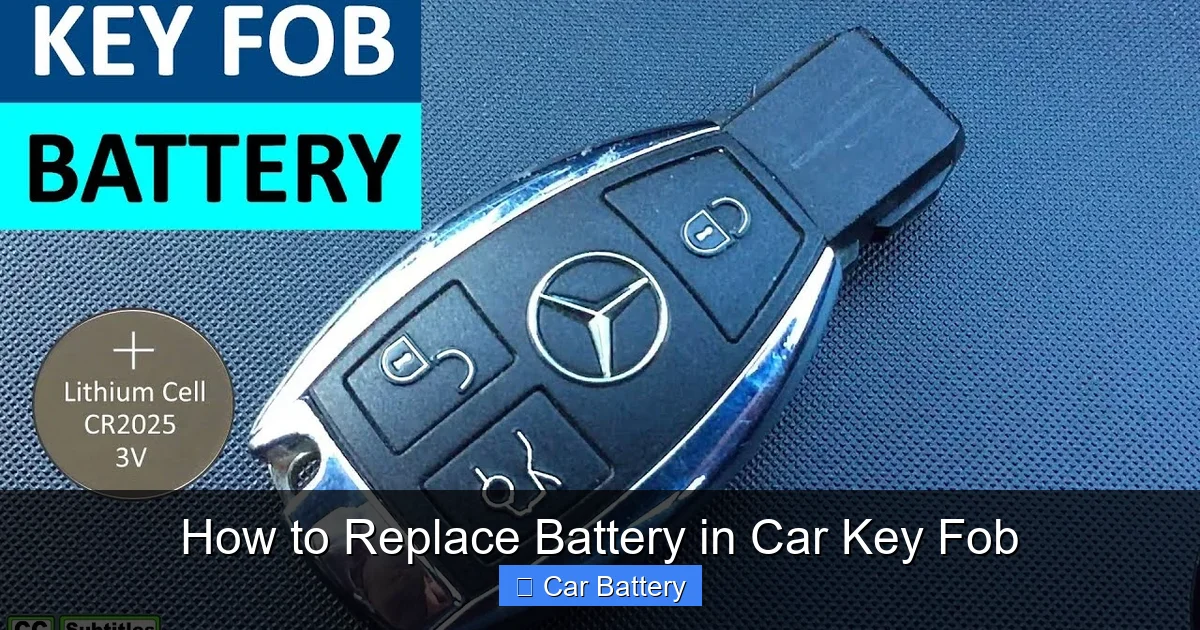
Visual guide about How to Replace Battery in Car Key Fob
Image source: i.ytimg.com
Forcing the Fob Open
One of the biggest mistakes is using too much force when opening the fob. Plastic casings are durable but not indestructible. Cracks or broken clips can make the fob unusable, even with a new battery. Always use a gentle, steady motion and work around the seam slowly.
Using the Wrong Battery
Buying the wrong battery type is a frequent error. While CR2032 is common, not all fobs use it. Installing a battery that’s too thick or too thin can damage the contacts or prevent the fob from closing. Always verify the model number before purchasing.
Touching the Circuit Board
The tiny circuit board inside your fob is sensitive to static electricity and oils from your skin. Avoid touching it with bare fingers. If you must handle it, use tweezers or wear cotton gloves. A damaged circuit board often requires professional repair or replacement.
Misaligning the Cover
When reassembling, it’s easy to misalign the two halves. This can leave gaps, cause buttons to stick, or prevent the fob from working. Take your time and ensure all parts fit snugly before pressing them together.
Skipping the Test
Don’t assume the fob works just because it’s closed. Always test it immediately after reassembly. If there’s an issue, it’s much easier to fix while the fob is still open than after you’ve lost the screws or misplaced the battery.
When to Seek Professional Help
While most key fobs are user-serviceable, some modern systems require professional attention. If your car uses a smart key or proximity fob—like those from BMW, Mercedes, or Tesla—the battery replacement might be more complex.
Smart Key Systems
These fobs often have sealed casings that can’t be opened without special tools. Attempting to pry them open can damage internal components. In such cases, it’s best to visit a dealership or authorized service center. They have the equipment to replace the battery and reprogram the fob if needed.
Fobs with Integrated Electronics
Some high-end fobs include features like touchscreens, fingerprint sensors, or built-in displays. These are not designed for DIY repair. Tampering with them can void your warranty or cause permanent damage.
Aftermarket or Damaged Fobs
If your fob has been dropped, submerged in water, or shows signs of physical damage, replacing the battery might not fix the problem. Internal corrosion or broken circuits could be the real issue. A professional can diagnose and repair these problems.
Even if your fob is repairable at home, consider professional help if you’re uncomfortable with the process. It’s better to pay a small fee than risk damaging a $200+ replacement part.
Tips for Maintaining Your Key Fob
Replacing the battery is just one part of key fob care. With proper maintenance, you can extend its life and avoid future issues.
Keep It Clean
Dirt, grime, and moisture can seep into the fob and damage internal components. Wipe the exterior regularly with a damp cloth and dry it thoroughly. Avoid using harsh chemicals or submerging the fob in water.
Avoid Extreme Temperatures
Leaving your fob in a hot car or exposing it to freezing temperatures can degrade the battery and weaken the plastic. Store it in a cool, dry place when not in use.
Use a Protective Case
A silicone or rubber case can protect your fob from drops and scratches. It also helps keep out dust and moisture. Many cases are designed to fit specific fob models and don’t interfere with signal transmission.
Replace Batteries Proactively
Don’t wait for the fob to fail completely. Mark the date of your last battery replacement and plan to replace it every 3–4 years. This prevents unexpected lockouts and ensures your fob is always ready.
Store Spare Batteries Properly
Keep spare CR2032 batteries in a cool, dry place away from metal objects. Storing them in a plastic case or original packaging prevents accidental discharge and extends shelf life.
By following these tips, you’ll keep your key fob in top condition and avoid the hassle of sudden failures.
Conclusion
Replacing the battery in your car key fob is a simple, cost-effective task that every driver should know how to do. With just a few basic tools and a little patience, you can restore your fob’s functionality in minutes—no mechanic required. Not only does this save you money, but it also gives you peace of mind knowing you won’t be stranded due to a dead battery.
Remember to use the correct battery type, handle internal components with care, and test the fob immediately after reassembly. Avoid common mistakes like forcing the case open or using the wrong tools. And if your fob is part of a smart key system or shows signs of damage, don’t hesitate to seek professional help.
With regular maintenance and proactive battery replacement, your key fob will remain a reliable part of your daily routine. So the next time your remote starts acting up, don’t panic—grab a screwdriver, a new battery, and take control of the situation. You’ve got this.
Frequently Asked Questions
How often should I replace my car key fob battery?
Most key fob batteries last between 3 and 5 years, depending on usage. Replace it proactively every 3–4 years to avoid unexpected failures.
Can I use any CR2032 battery, or does it need to be a specific brand?
You can use any reputable brand of CR2032 battery, such as Duracell, Energizer, or Panasonic. Avoid cheap, no-name brands, as they may leak or fail prematurely.
What if my key fob still doesn’t work after replacing the battery?
Check the battery orientation, clean the contacts, and ensure the fob is fully reassembled. If it still doesn’t work, the fob may need reprogramming or professional repair.
Is it safe to open my key fob myself?
Yes, for most standard fobs. Just use gentle tools and avoid touching the circuit board. If your fob is sealed or part of a smart key system, consult a professional.
Can I replace the battery while the fob is still attached to my keychain?
It’s easier to remove the fob from the keychain first, but it’s not required. Just be careful not to lose small parts during the process.
Will replacing the battery reset my car’s security system?
No, replacing the battery should not affect your car’s programming. However, some high-end fobs may require reprogramming after a battery change—check your owner’s manual.