

How to Program Tpms Sensors on Toyota

Contents
- 1 Key Takeaways
- 2 📑 Table of Contents
- 3 Understanding TPMS in Toyota Vehicles
- 4 When Do You Need to Program TPMS Sensors?
- 5 Tools and Equipment Needed
- 6 Step-by-Step Guide to Programming TPMS Sensors
- 7 Troubleshooting Common TPMS Issues
- 8 Tips for Maintaining Your Toyota TPMS
- 9 Conclusion
- 10 Frequently Asked Questions

Tire Pressure Monitoring System (TPMS)

Car Vacuum Cleaner (Portable)

Microfiber Car Cleaning Cloth

LED Indicator Light
Programming TPMS sensors on Toyota vehicles doesn’t have to be complicated. With the right tools and a clear process, you can reset your tire pressure monitoring system safely and effectively—whether you’re a DIY enthusiast or a professional mechanic.
Key Takeaways
- Understand TPMS Basics: Toyota’s TPMS alerts drivers when tire pressure is low, improving safety and fuel efficiency.
- Know Your Sensor Type: Toyota uses either direct (sensor-based) or indirect (ABS-based) TPMS—most modern models use direct sensors.
- Use the Right Tools: A TPMS scan tool or OBD2 scanner with TPMS functionality is essential for programming and relearning.
- Follow the Correct Sequence: Each Toyota model has a specific relearn procedure—usually involving ignition cycles, horn honks, and driving.
- Inflate Tires Properly: Always set tire pressure to the recommended PSI before starting the programming process.
- Test After Programming: Drive the vehicle for 10–15 minutes to ensure the system recognizes all sensors and the warning light turns off.
- Seek Professional Help if Needed: If the light remains on, there may be a faulty sensor or wiring issue requiring expert diagnosis.
📑 Table of Contents
Understanding TPMS in Toyota Vehicles
Tire Pressure Monitoring Systems (TPMS) are now standard on all Toyota vehicles sold in the United States since 2008, thanks to federal regulations aimed at improving road safety. These systems continuously monitor the air pressure in your tires and alert you when pressure drops below a safe threshold—typically 25% below the recommended level. For Toyota drivers, this means better fuel economy, longer tire life, and reduced risk of blowouts.
Toyota primarily uses a direct TPMS, which means each wheel has a physical sensor mounted inside the tire (usually attached to the valve stem). These sensors measure actual air pressure and temperature, then transmit that data wirelessly to the vehicle’s onboard computer. When pressure is too low, a warning light—often shaped like a horseshoe with an exclamation point—appears on your dashboard.
It’s important to note that TPMS isn’t just about convenience. Underinflated tires increase rolling resistance, which reduces fuel efficiency and causes uneven tire wear. In extreme cases, low pressure can lead to overheating and tire failure, especially at high speeds. That’s why keeping your TPMS in good working order is critical.
How Toyota TPMS Works
Each TPMS sensor has a unique ID number that the vehicle’s computer recognizes. When you rotate tires, replace a sensor, or install new wheels, the system may lose track of which sensor is on which wheel. This is where programming—or “relearning”—comes in. The vehicle needs to reassign sensor IDs to the correct wheel positions so it can accurately monitor pressure.
Toyota’s system communicates with the sensors using radio frequency (RF) signals, typically at 315 MHz or 433 MHz, depending on the model and region. The signals are picked up by an antenna or receiver, usually located near the instrument cluster or under the dashboard. The data is then processed and displayed on the dashboard or multi-information screen.
Some newer Toyota models, like the 2023 RAV4 or Camry, feature advanced TPMS with individual tire pressure display. This allows you to see the exact PSI in each tire directly from the driver’s seat—no more guessing or checking manually. However, even with this tech, the programming process remains essential after any tire service.
When Do You Need to Program TPMS Sensors?
Visual guide about How to Program Tpms Sensors on Toyota
Image source: m.media-amazon.com
Programming TPMS sensors isn’t something you’ll need to do every day—but it’s necessary in several common situations. Knowing when to reprogram can save you time, money, and frustration down the road.
After Tire Rotation
One of the most frequent reasons for TPMS reprogramming is tire rotation. When you rotate your tires—say, moving the front tires to the rear and vice versa—the sensors move with them. Since each sensor has a fixed ID, the vehicle’s computer may no longer know which sensor belongs to which wheel. This can cause the TPMS light to stay on or flash intermittently.
For example, if you rotate the tires on your Toyota Highlander and don’t reprogram the system, the dashboard might show incorrect pressure readings or fail to detect a low tire. Reprogramming ensures the system “learns” the new positions and continues monitoring accurately.
After Replacing a Sensor
TPMS sensors aren’t designed to last forever. Most have a battery life of 5 to 10 years, and once the battery dies, the sensor stops transmitting. If one of your sensors fails, you’ll need to replace it—and that means programming the new one.
Let’s say you have a 2018 Toyota Tacoma and the sensor on the front left wheel stops working. You install a new OEM or aftermarket sensor, but the TPMS light remains on. Why? Because the vehicle doesn’t recognize the new sensor’s ID. Programming links the new sensor to the correct wheel position so the system can monitor it properly.
After Installing New Wheels or Tires
Upgrading to aftermarket wheels or installing a full set of new tires often requires new TPMS sensors—especially if the old ones don’t fit the new rims. Even if you reuse your existing sensors, the system may need to be reset to recognize them in their new configuration.
For instance, if you put winter tires on your Toyota Sienna with steel wheels, you’ll likely need to transfer or install new sensors. Once installed, programming ensures the vehicle knows which sensor is on which corner.
After a Battery Disconnect or ECU Reset
Sometimes, disconnecting the vehicle’s battery or performing an ECU reset can cause the TPMS system to lose its stored sensor IDs. This is more common in older models or after major electrical work. If you’ve recently had your battery replaced or reset the computer, check if the TPMS light is on—it might just need a quick relearn.
Tools and Equipment Needed

Visual guide about How to Program Tpms Sensors on Toyota
Image source: tpmsreset.com
Before you start programming TPMS sensors on your Toyota, it’s important to have the right tools. While some basic procedures can be done manually, most modern Toyotas require a TPMS scan tool for accurate results.
TPMS Scan Tool
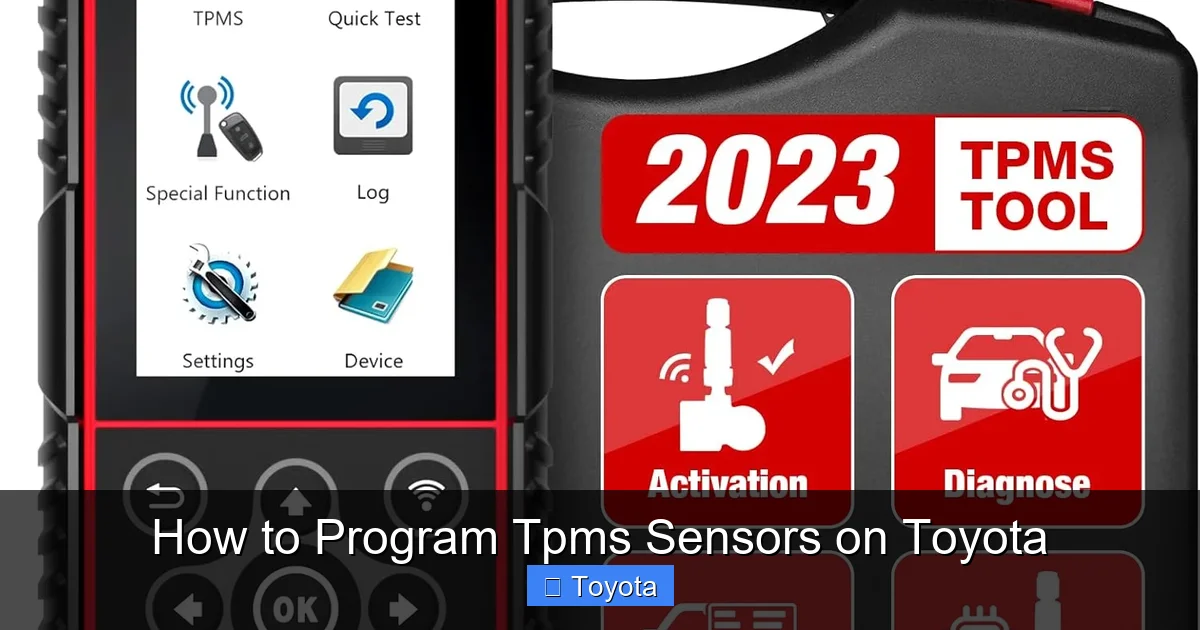
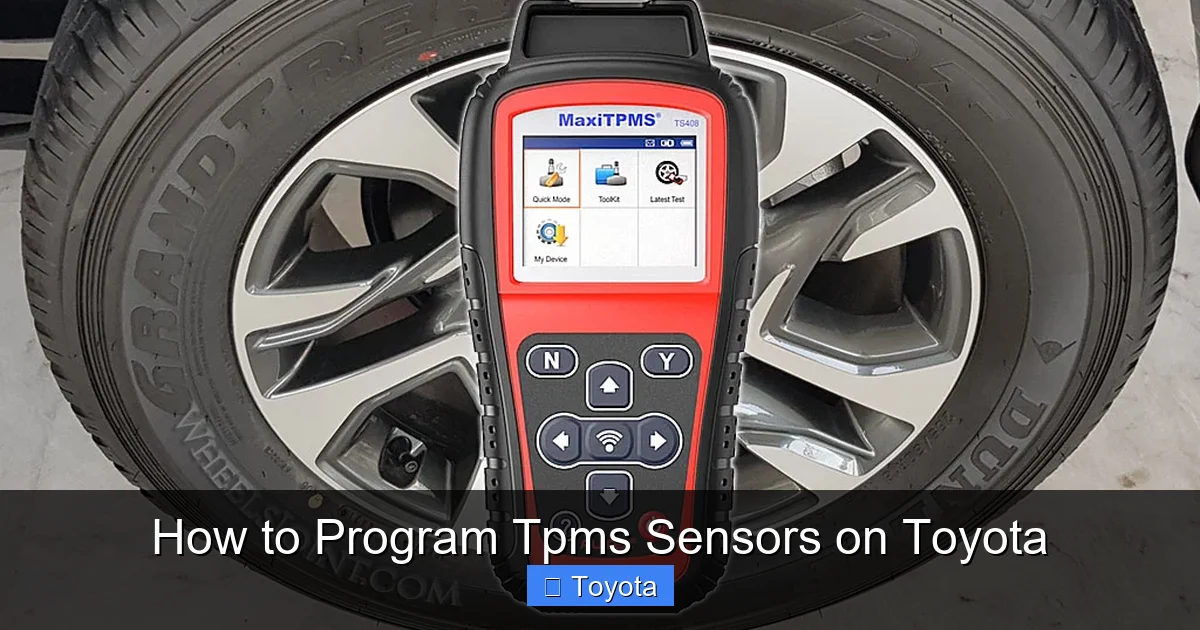
A dedicated TPMS scan tool is the most reliable way to program sensors. These devices can read sensor IDs, activate sensors, and initiate the relearn process. Popular options include the Autel MaxiTPMS TS508, Foxwell NT510, and ATEQ VT56.
These tools connect to your vehicle’s OBD2 port (usually under the dashboard) and communicate directly with the TPMS module. They can also diagnose faulty sensors, check battery levels, and verify signal strength. For DIYers, a mid-range tool like the Foxwell NT301 offers great value and ease of use.
OBD2 Scanner with TPMS Function
If you already own a multi-system OBD2 scanner, check if it supports TPMS functions. Many modern scanners—such as the BlueDriver or Launch CRP129—include TPMS programming capabilities. This can save you from buying a separate device, especially if you work on multiple vehicle systems.
Tire Pressure Gauge
Even with a scan tool, you’ll need a reliable tire pressure gauge to ensure all tires are inflated to the correct PSI. The recommended pressure is usually listed on a sticker inside the driver’s door jamb or in the owner’s manual. Underinflated or overinflated tires can interfere with the programming process and trigger false warnings.
Air Compressor
A portable air compressor or access to an air pump is essential for adjusting tire pressure. Some TPMS relearn procedures require you to inflate or deflate tires in a specific sequence, so having control over pressure is key.
Vehicle-Specific Information
Always consult your Toyota owner’s manual or a repair guide for your specific model and year. The exact steps for programming can vary between a 2015 Corolla and a 2022 Tundra. Having the correct procedure on hand prevents mistakes and saves time.
Step-by-Step Guide to Programming TPMS Sensors
Visual guide about How to Program Tpms Sensors on Toyota
Image source: wheelsjoint.com
Now that you understand the basics and have the right tools, let’s walk through the actual process of programming TPMS sensors on a Toyota. While procedures can vary slightly by model, the general steps are consistent across most vehicles.
Step 1: Prepare the Vehicle
Start by parking your Toyota on a level surface and turning off the engine. Make sure all doors are closed and the key is removed from the ignition. This ensures the system is in a stable state before beginning.
Next, check and adjust tire pressure. Use your tire pressure gauge to verify that all four (or five, including the spare) tires are inflated to the recommended PSI. This is critical—if a tire is underinflated, the system may not recognize the sensor or could trigger a false warning.
For example, if your 2020 Toyota RAV4 recommends 33 PSI, inflate all tires to that level. Don’t guess—use a quality gauge and check when the tires are cold (not driven for at least 3 hours).
Step 2: Turn the Ignition to the “ON” Position
Insert the key and turn the ignition to the “ON” position—but do not start the engine. This powers up the vehicle’s electrical system and allows the TPMS module to communicate with the scan tool.
On push-button start models, press the “Start” button twice without pressing the brake pedal. You should see dashboard lights illuminate, including the TPMS warning light.
Step 3: Connect the TPMS Scan Tool
Plug your TPMS scan tool into the OBD2 port, usually located under the dashboard near the steering column. Turn on the tool and follow the on-screen prompts to select your vehicle make, model, and year.
The tool will then scan for existing sensor IDs and check their status. If any sensors are missing or unresponsive, the tool may alert you to a potential issue—such as a dead battery or damaged sensor.
Step 4: Initiate the Relearn Procedure
Once the tool is connected and recognizes the vehicle, select the “TPMS Relearn” or “Sensor Programming” option. The tool will guide you through the process, which typically involves the following sequence:
1. Start with the front left tire (driver’s side).
2. Use the tool to activate the sensor—this may involve holding the tool near the valve stem.
3. The tool will confirm the sensor ID and prompt you to move to the next tire.
4. Repeat for front right, rear right, and rear left.
Some tools allow you to program all sensors at once, while others require you to trigger each one individually. Follow the on-screen instructions carefully.
Step 5: Confirm Sensor Positions
After activating all sensors, the tool will ask you to confirm the wheel positions. This ensures the system knows which sensor is on which corner. If you rotated tires or replaced a sensor, this step is crucial for accurate monitoring.
For example, if you moved the original front right sensor to the rear left position, the system needs to update its records. The scan tool handles this automatically once you confirm the new layout.
Step 6: Complete the Relearn and Test Drive
Once all sensors are programmed, the tool will prompt you to complete the relearn. Turn the ignition off, then back on. The TPMS warning light should flash briefly and then turn off.
Now, take your Toyota for a short test drive—about 10 to 15 minutes at speeds above 20 mph. This allows the system to verify sensor signals and finalize the programming. If the light stays off, the process was successful.
Troubleshooting Common TPMS Issues
Even with careful programming, TPMS issues can still occur. Here are some common problems and how to resolve them.
TPMS Light Stays On After Programming
If the warning light remains on after programming, there could be several causes:
– One or more sensors are not transmitting (dead battery or damage).
– The sensor IDs were not properly registered.
– There’s a wiring or antenna issue in the TPMS module.
Use your scan tool to check sensor status. If a sensor shows “No Signal” or “Low Battery,” it may need replacement. Also, verify that all tires are properly inflated—sometimes the light stays on simply because a tire is low.
Intermittent or Flashing TPMS Light
A flashing TPMS light usually indicates a system malfunction, not just low pressure. This could mean a faulty sensor, poor signal reception, or a problem with the TPMS control module.
Try driving the vehicle for 20–30 minutes to see if the light stabilizes. If it continues to flash, use a scan tool to read diagnostic trouble codes (DTCs). Codes like C2177 (Sensor Signal Error) or C2182 (No Signal from Sensor) can help pinpoint the issue.
Sensor Not Detected by Scan Tool
If your scan tool can’t detect a sensor, it may be damaged or have a dead battery. TPMS sensors are sealed units—you can’t replace the battery, so the entire sensor must be replaced.
Before replacing, try moving the tool closer to the valve stem or using a sensor activator tool to wake up a sleeping sensor. Some sensors go into sleep mode to conserve battery and only transmit when triggered.
Incorrect Pressure Readings
If the dashboard shows wrong pressure values, the sensors may not be calibrated correctly. Some aftermarket sensors require manual calibration using the scan tool.
Also, ensure you’re using the correct pressure units (PSI vs. kPa) and that the system is set to the right tire size. Mismatched settings can cause inaccurate readings.
Tips for Maintaining Your Toyota TPMS
Programming TPMS sensors is just one part of keeping your system healthy. Regular maintenance can prevent issues and extend sensor life.
Check Tire Pressure Monthly
Make it a habit to check tire pressure at least once a month. Use a quality gauge and adjust as needed. Even small changes in temperature can affect pressure—tires lose about 1 PSI for every 10°F drop in temperature.
Inspect Sensors During Tire Service
Whenever you rotate, balance, or replace tires, ask your technician to inspect the TPMS sensors. Look for corrosion on the valve stem, cracks in the housing, or loose fittings. Damaged sensors should be replaced immediately.
Avoid Over-Tightening Valve Cores
When inflating tires, don’t over-tighten the valve core. Excessive force can damage the sensor or cause air leaks. Use a core tool to gently tighten—just enough to prevent leaks.
Use OEM or High-Quality Aftermarket Sensors
While aftermarket sensors are cheaper, they may not last as long or perform as reliably as OEM parts. For best results, choose sensors from reputable brands like Schrader, Denso, or Standard Motor Products.
Keep Your Scan Tool Updated
TPMS technology evolves, and new Toyota models may require updated software. Regularly check for firmware updates for your scan tool to ensure compatibility with the latest vehicles.
Conclusion
Programming TPMS sensors on Toyota vehicles is a straightforward process when you have the right knowledge and tools. Whether you’re rotating tires, replacing a sensor, or installing new wheels, understanding how the system works and following the correct steps ensures accurate monitoring and long-term reliability.
By preparing your vehicle, using a quality scan tool, and following the relearn procedure, you can keep your TPMS functioning properly—and avoid unnecessary dashboard warnings. And with regular maintenance, you’ll enjoy safer drives, better fuel economy, and longer tire life.
Remember, if you’re ever unsure or the light won’t turn off, don’t hesitate to visit a trusted Toyota service center. Sometimes, professional diagnosis is the fastest way to solve persistent TPMS issues.
Frequently Asked Questions
Do I need a special tool to program TPMS sensors on a Toyota?
Yes, most modern Toyota vehicles require a TPMS scan tool or OBD2 scanner with TPMS functionality to program sensors. While some older models allow manual relearn procedures, using a tool ensures accuracy and saves time.
Can I program TPMS sensors myself, or do I need a mechanic?
You can program TPMS sensors yourself if you have the right tools and follow the correct steps. However, if you’re uncomfortable with the process or the light won’t turn off, a professional mechanic can help diagnose and fix the issue.
How long does it take to program TPMS sensors?
The programming process typically takes 10 to 20 minutes, depending on the tool and vehicle model. After programming, a short test drive of 10–15 minutes is recommended to confirm the system is working.
What if my TPMS sensor battery is dead?
TPMS sensors have non-replaceable batteries that last 5 to 10 years. If a sensor’s battery is dead, the entire sensor must be replaced. Use a scan tool to confirm the issue before purchasing a new sensor.
Will programming TPMS sensors fix a low tire pressure warning?
Programming won’t fix low pressure—it only helps the system recognize the sensors. Always check and adjust tire pressure to the recommended PSI before and after programming.
Do all Toyota models use the same TPMS programming procedure?
No, the exact steps can vary by model and year. Always consult your owner’s manual or use a scan tool that supports your specific Toyota to ensure the correct procedure is followed.







