
How to Clear Messages on a Dodge Ram 1500

Contents
- 1 Key Takeaways
- 2 📑 Table of Contents
- 3 Introduction: Why Clearing Messages Matters in Your Dodge Ram 1500
- 4 Understanding the Types of Messages in Your Ram 1500
- 5 How to Clear Messages Using the Steering Wheel Controls
- 6 Using the Uconnect System to Manage Alerts
- 7 Resetting Maintenance Reminders Manually
- 8 When Messages Won’t Clear: Troubleshooting Persistent Alerts
- 9 Best Practices for Managing Messages in Your Ram 1500


Clearing messages on a Dodge Ram 1500 is simple once you know the right steps. Whether it’s maintenance reminders, warning alerts, or system notifications, this guide walks you through every method—from using the steering wheel controls to accessing the Uconnect system. Keep your dashboard clean and your truck running smoothly with these proven tips.
Key Takeaways
- Use steering wheel controls: Most message clearing can be done directly from the buttons on your steering wheel—no tools required.
- Access the instrument cluster menu: Navigate through trip, fuel, and vehicle info screens to find and dismiss messages.
- Leverage the Uconnect system: For advanced alerts, use the touchscreen to view and clear notifications related to navigation, safety, and connectivity.
- Reset maintenance reminders manually: Oil life, tire pressure, and service intervals can be reset using specific button sequences.
- Understand persistent warning lights: Some messages require professional diagnosis—don’t ignore critical alerts like check engine or brake warnings.
- Keep your software updated: Regular Uconnect and firmware updates ensure message systems work correctly and reduce glitches.
- Consult your owner’s manual: Model year and trim level affect procedures—always refer to your specific vehicle’s documentation.
📑 Table of Contents
- Introduction: Why Clearing Messages Matters in Your Dodge Ram 1500
- Understanding the Types of Messages in Your Ram 1500
- How to Clear Messages Using the Steering Wheel Controls
- Using the Uconnect System to Manage Alerts
- Resetting Maintenance Reminders Manually
- When Messages Won’t Clear: Troubleshooting Persistent Alerts
- Best Practices for Managing Messages in Your Ram 1500
- Conclusion: Stay Informed, Stay Safe
Introduction: Why Clearing Messages Matters in Your Dodge Ram 1500
Your Dodge Ram 1500 is more than just a powerful pickup—it’s a smart machine packed with technology designed to keep you informed, safe, and on top of maintenance. From oil change reminders to tire pressure alerts, the dashboard and Uconnect system constantly communicate with you through messages and warning lights. While these notifications are helpful, they can also become overwhelming if they pile up or won’t go away after the issue is resolved.
Clearing messages on a Dodge Ram 1500 isn’t just about aesthetics—it’s about staying aware of what truly needs your attention. A cluttered dashboard can distract you from critical alerts, like a malfunctioning brake system or low engine oil. Plus, unresolved messages might indicate an underlying problem that requires professional service. The good news? Most message-clearing tasks are straightforward and can be done in under a minute using built-in controls.
Understanding the Types of Messages in Your Ram 1500
Before diving into how to clear messages, it’s important to understand what kinds of notifications your Ram 1500 might display. These fall into three main categories: informational, maintenance, and warning messages. Each serves a different purpose and may require a different approach to clear.
Visual guide about How to Clear Messages on a Dodge Ram 1500
Image source: i.ebayimg.com
Informational Messages
These are non-critical alerts that provide useful updates. Examples include “Door Ajar,” “Fuel Low,” or “Wiper Fluid Low.” They’re designed to inform you of a condition but don’t indicate an immediate safety risk. Once the issue is resolved—like closing a door or refilling fluids—the message usually disappears on its own. However, sometimes they linger and need manual clearing.
Maintenance Reminders
Your Ram 1500 tracks service intervals and alerts you when it’s time for an oil change, tire rotation, or other routine maintenance. These messages appear as “Oil Life 15%” or “Service Required.” While they’re helpful, they won’t automatically reset after service—you’ll need to manually clear them using the instrument cluster menu. Ignoring these can lead to missed maintenance, which may affect your warranty or vehicle performance.
Warning Messages
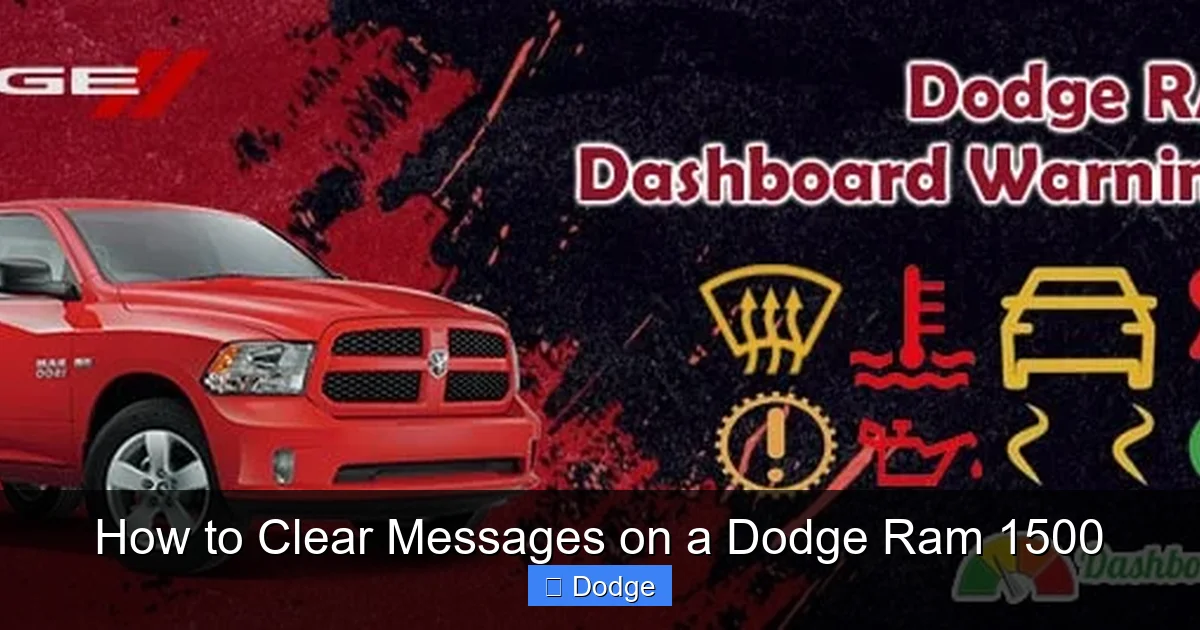
These are the most serious alerts and often come with a red or amber warning light. Examples include “Check Engine,” “Brake System Fault,” or “Airbag Malfunction.” These messages should never be ignored. While some can be cleared temporarily using the dashboard controls, they often return until the underlying issue is fixed by a certified technician. Attempting to clear a warning message without addressing the root cause can be dangerous.
How to Clear Messages Using the Steering Wheel Controls
The quickest and most common way to clear messages on a Dodge Ram 1500 is through the steering wheel-mounted controls. These buttons give you direct access to the instrument cluster menu, where most notifications can be viewed and dismissed. This method works for models from 2013 onward, including the latest 2024 Ram 1500.
Visual guide about How to Clear Messages on a Dodge Ram 1500
Image source: i.ytimg.com
Step-by-Step Guide
Start by turning the ignition to the “ON” position—you don’t need to start the engine. Locate the five-button cluster on the left side of your steering wheel. The center button (often labeled with a triangle or “OK”) is your main navigation tool. Press it to enter the menu.
Use the up and down arrows to scroll through options like “Trip,” “Fuel Economy,” “Vehicle Info,” and “Settings.” When you see a message you want to clear—such as “Oil Life 10%”—highlight it and press the center button again. In most cases, you’ll see an option like “Reset” or “Clear.” Select it, and the message should disappear.
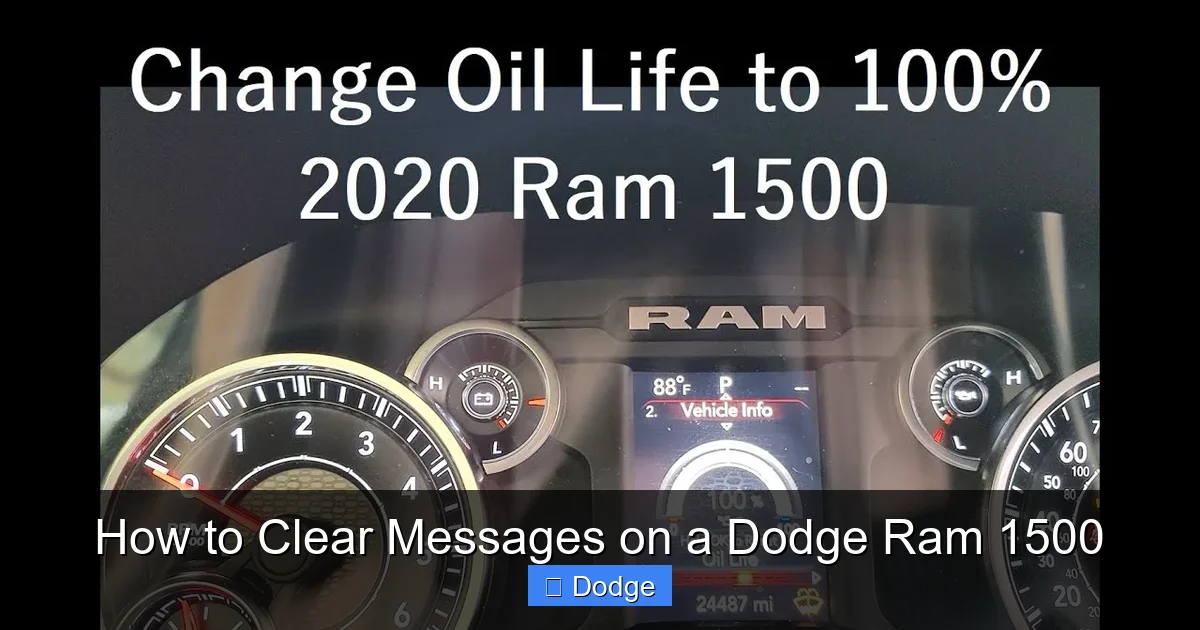
Practical Example: Resetting Oil Life
Let’s say your Ram 1500 shows “Oil Life 5%.” After getting an oil change, you want to reset the system. Here’s how:
- Turn the ignition to “ON.”
- Press the center button on the steering wheel to open the menu.
- Navigate to “Vehicle Info” using the up/down arrows.
- Select “Oil Life” and press the center button.
- Choose “Reset” and confirm by pressing the center button again.
The oil life percentage should now read 100%, and the message will be cleared.
Tips for Success
Always make sure the vehicle is in “Park” and the parking brake is engaged before attempting to clear messages. If the message doesn’t clear, try turning the ignition off and on again. Some messages may require a specific sequence—like holding the button for 3–5 seconds. If you’re unsure, refer to your owner’s manual for model-specific instructions.
Using the Uconnect System to Manage Alerts
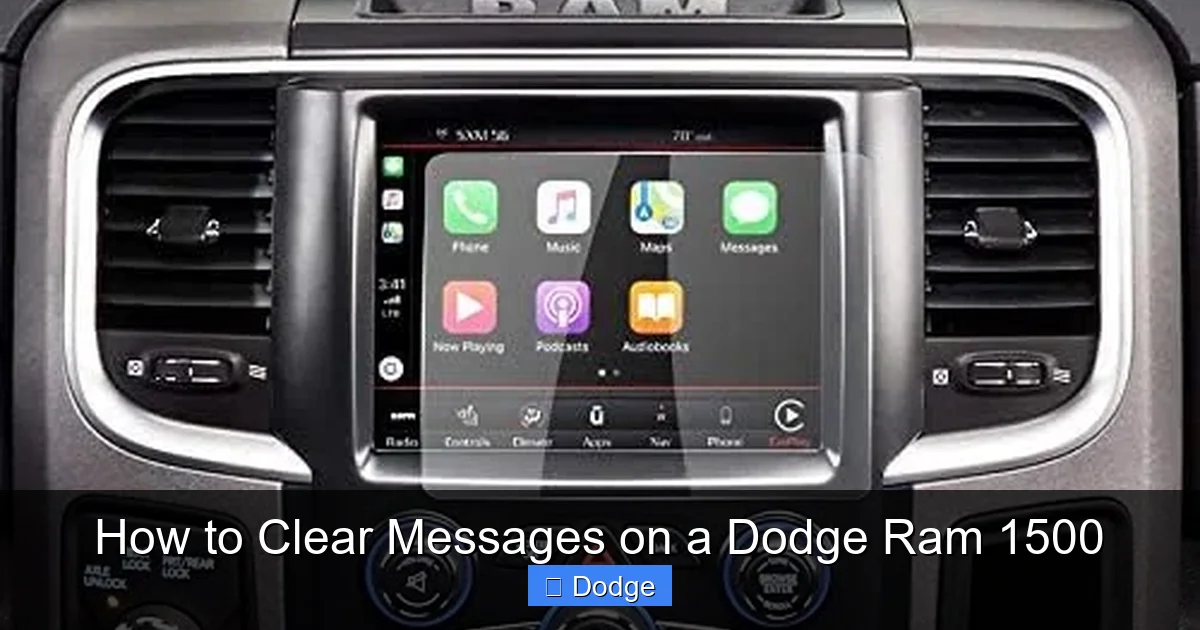
For newer Dodge Ram 1500 models (2019 and later), the Uconnect infotainment system plays a bigger role in message management. The 8.4-inch or 12-inch touchscreen can display alerts related to navigation, safety features, Bluetooth connectivity, and more. These messages often appear in the notification center or as pop-ups.
Visual guide about How to Clear Messages on a Dodge Ram 1500
Image source: dashboardwarning.com
Accessing the Notification Center
To view and clear Uconnect messages, tap the bell icon in the top-right corner of the screen. This opens the notification panel, where you’ll see recent alerts. Swipe left on any message to reveal a “Clear” or “Dismiss” option. Tap it to remove the notification.
For example, if you receive a “Bluetooth Device Disconnected” message after turning off your phone, you can quickly dismiss it here. Similarly, navigation alerts like “Route Recalculating” can be cleared once you’re back on track.
Managing Safety and Driver Assistance Alerts
The Uconnect system also handles alerts from advanced driver assistance systems (ADAS), such as Forward Collision Warning, Blind Spot Monitoring, and Lane Departure Warning. If your Ram 1500 detects an issue with one of these systems, a message like “Blind Spot System Unavailable” may appear.
While you can dismiss the notification temporarily, it’s important to have the system checked if the message persists. These alerts often indicate a sensor blockage (like dirt or snow) or a malfunction. Cleaning the sensors or visiting a service center may be necessary.
Customizing Alert Preferences
You can reduce message clutter by customizing which alerts appear on your Uconnect screen. Go to Settings > Notifications and toggle off non-essential alerts like “New Software Update Available” or “Voice Command Tips.” This keeps your screen focused on important information.
Resetting Maintenance Reminders Manually
Maintenance reminders are among the most common messages Dodge Ram 1500 owners want to clear. These include oil life, tire pressure, brake pad wear, and service intervals. While some reset automatically after service, most require a manual reset to ensure accuracy.
Oil Life Reset Procedure
The oil life monitor tracks engine usage and alerts you when it’s time for a change. After an oil change, follow these steps to reset it:
- Turn the ignition to “ON” (do not start the engine).
- Press the accelerator pedal three times within 10 seconds.
- Turn the ignition off.
- Start the engine—the oil life should now read 100%.
This method works on most 2013–2024 Ram 1500 models. If it doesn’t work, try the steering wheel menu method described earlier.
Tire Pressure Monitoring System (TPMS) Reset
If your Ram 1500 shows a “Tire Pressure Low” message after inflating your tires, you may need to reset the TPMS. Here’s how:
- Inflate all tires to the recommended PSI (found on the driver’s door jamb).
- Turn the ignition to “ON.”
- Press and hold the TPMS reset button (usually under the steering column) for 3–5 seconds.
- The TPMS light should flash three times and then turn off.
On some models, you can reset TPMS through the instrument cluster menu under “Tire Pressure” or “Vehicle Info.”
Brake Pad Wear Reset
Some Ram 1500 trims include a brake pad wear sensor. When the pads are worn, a “Brake Pad Wear” message appears. After replacing the pads, the system may need a reset. This typically requires a diagnostic tool, but on certain models, you can reset it by:
- Turning the ignition to “ON.”
- Pressing the brake pedal 20 times within 30 seconds.
- Turning the ignition off and then back on.
If this doesn’t work, consult your dealer or a mechanic with the proper equipment.
When Messages Won’t Clear: Troubleshooting Persistent Alerts
Sometimes, messages on your Dodge Ram 1500 refuse to go away—even after you’ve tried all the standard clearing methods. This can be frustrating, but it’s often a sign of an unresolved issue or a system glitch. Here’s how to troubleshoot persistent alerts.
Check for Active Problems
If a warning light like “Check Engine” or “ABS” remains on, the message won’t clear because the underlying problem still exists. Use an OBD-II scanner to read diagnostic trouble codes (DTCs). These codes will tell you exactly what’s wrong—whether it’s a faulty oxygen sensor, low brake fluid, or a loose gas cap.
For example, a “Check Engine” light with code P0420 indicates a catalytic converter issue. Simply clearing the message won’t fix the problem—you’ll need repairs. Ignoring it could lead to reduced fuel efficiency or failed emissions tests.
Software Glitches and System Resets
Occasionally, the Uconnect system or instrument cluster may freeze or display incorrect messages due to a software bug. A simple reboot can often resolve this. Try turning the vehicle off, opening and closing the driver’s door, and waiting 5 minutes before restarting. This resets the electrical system.
If the issue persists, consider updating your Uconnect software. Dodge releases updates to fix bugs and improve performance. You can download updates from the official Uconnect website and install them via USB. Always back up your settings before updating.
When to Visit a Dealership
If messages continue to appear despite your efforts, it’s time to visit a certified Dodge service center. Technicians have access to advanced diagnostic tools and can perform a full system scan. They can also reset modules that aren’t accessible to owners, such as the body control module (BCM) or electronic stability control (ESC) system.
Don’t ignore persistent messages—especially those related to safety systems. A “Brake System Fault” or “Airbag Warning” could indicate a serious issue that affects your ability to drive safely.
Best Practices for Managing Messages in Your Ram 1500
Keeping your Dodge Ram 1500’s message system running smoothly requires a mix of proactive habits and smart usage. Here are some best practices to help you stay on top of alerts and avoid unnecessary stress.
Regularly Review Your Dashboard
Make it a habit to glance at your instrument cluster each time you start the vehicle. This helps you catch new messages early and prevents them from piling up. If you see a warning light you don’t recognize, consult your owner’s manual or search online for clarification.
Keep Your Vehicle Maintained
Many messages are triggered by neglected maintenance. Stick to your scheduled service intervals—oil changes every 6,000–10,000 miles, tire rotations every 7,500 miles, and brake inspections annually. Keeping up with maintenance reduces the number of alerts you’ll see.
Use Genuine Parts and Fluids
Using aftermarket or low-quality parts can trigger false alerts. For example, a non-OEM oil filter might cause pressure issues, leading to a “Low Oil Pressure” message. Stick to Mopar parts and recommended fluids to ensure compatibility and reliability.
Stay Updated
Check for Uconnect software updates every 6–12 months. Updates often include bug fixes, new features, and improved message handling. You can check for updates in the Uconnect menu under Settings > System Information > Check for Updates.
Document Your Service History
Keep a log of all maintenance and repairs. This helps you track when services were performed and ensures you reset reminders correctly. It’s also useful when selling the vehicle or filing warranty claims.
Conclusion: Stay Informed, Stay Safe
Clearing messages on a Dodge Ram 1500 doesn’t have to be complicated. With the right knowledge, you can quickly dismiss routine alerts, reset maintenance reminders, and keep your dashboard clean and informative. Whether you’re using the steering wheel controls, the Uconnect touchscreen, or a combination of both, the process is designed to be user-friendly and accessible.
Remember, not all messages are created equal. While some can be safely cleared at home, others require professional attention. Always prioritize safety—don’t ignore warning lights or assume a message will go away on its own. By staying proactive and informed, you’ll get the most out of your Ram 1500 and enjoy a smoother, safer driving experience for years to come.
Frequently Asked Questions
How do I clear the “Service Required” message on my Dodge Ram 1500?
To clear the “Service Required” message, use the steering wheel controls to navigate to the “Vehicle Info” menu, select “Service,” and choose “Reset.” Confirm the action, and the message should disappear. Make sure the service has been completed before resetting.
Why won’t my oil life message reset after an oil change?
If the oil life message won’t reset, try the accelerator pedal method: turn the ignition on, press the pedal three times within 10 seconds, then turn it off and restart. If that fails, use the instrument cluster menu or check for a software glitch.
Can I clear a “Check Engine” light myself?
You can temporarily clear a “Check Engine” light using an OBD-II scanner, but the light will return if the underlying issue isn’t fixed. It’s best to diagnose the problem first—common causes include a loose gas cap or faulty sensor.
How do I reset the tire pressure monitoring system on a Ram 1500?
Inflate all tires to the recommended PSI, then press and hold the TPMS reset button (usually under the steering column) for 3–5 seconds. The light should flash and turn off. Some models allow resetting via the instrument cluster menu.
Why do messages keep reappearing after I clear them?
Persistent messages usually indicate an unresolved issue, such as a mechanical problem or sensor malfunction. Use a diagnostic tool to check for trouble codes, or visit a Dodge service center for a full inspection.
Do I need special tools to clear messages on a Dodge Ram 1500?
Most messages can be cleared using the steering wheel controls or Uconnect touchscreen—no special tools needed. However, some advanced resets (like brake pad wear) may require a diagnostic scanner available at dealerships or auto shops.


