
How Do You Reset the Key Fob on a Toyota Highlander?

Resetting your Toyota Highlander’s key fob is often necessary after replacing the battery or if the fob stops responding. The process typically involves a specific button sequence inside the vehicle, not on the fob itself. For models with keyless entry, you may need to reprogram the fob using the ignition cycle method. If these steps fail, a dealer or locksmith with proprietary software may be required for full synchronization.
There’s nothing quite as frustrating as walking up to your Toyota Highlander, pressing the unlock button on your key fob, and getting… nothing. The parking lights don’t flash, the doors stay locked, and you’re left standing in the parking lot like you’ve been locked out of your own life. Before you panic and call a locksmith or dealer, take a breath. Often, the solution is a simple reset or re-synchronization process you can do yourself in under a minute. This guide will walk you through exactly how to reset the key fob on a Toyota Highlander, covering the different procedures for various model years and common pitfalls.
First, let’s clarify what “resetting” a key fob actually means. In Toyota terms, it’s rarely about erasing the fob from the car’s memory (that’s reprogramming). Instead, a “reset” or “re-sync” is a quick procedure to re-establish communication between your fob and the Highlander’s receiver. This is most commonly needed after you’ve changed the fob’s battery. The tiny computer chip inside the fob can lose its “handshake” with the car when power is interrupted. The good news? For the vast majority of battery-related issues, you don’t need any special tools or a trip to the dealer.
Key Takeaways
- Reset vs. Reprogram: A “reset” often re-syncs a fob after a battery change, while “reprogramming” adds a new fob to the car’s system, requiring dealer tools.
- Location Matters: The reset procedure is performed from inside the driver’s seat, using the vehicle’s door locks and ignition, not the fob’s buttons alone.
- Model Year Variations: Procedures differ significantly between older (pre-2014) and newer (2014+) Highlanders with keyless entry and push-button start.
- Battery Type is Key: Always use the correct CR2032 (or similar) battery. A weak new battery can mimic a programming issue.
- Security System Limits: Toyota’s immobilizer system has a limit on programmed fobs (usually 4-5). Exceeding this requires a dealer to erase and restart.
- Physical Damage: If the fob is damaged from water or impact, a reset won’t help; replacement is necessary.
- Professional Help: If DIY methods fail, a Toyota dealer or certified locksmith can reprogram the fob using the vehicle’s unique security code.
[FEATURED_IMAGE_PLACEHOLDER]
📑 Table of Contents
- Why Would You Need to Reset Your Highlander Key Fob?
- The Universal First Step: Check and Replace the Battery
- Method 1: The Standard Door Lock Reset (Most Common for Pre-2014 Models)
- Method 2: The Ignition Cycle Reset (For Smart Key/Push-Button Start Models)
- Method 3: The Button Combination Reset (Specific to Some Models)
- When DIY Resets Fail: The Need for Professional Reprogramming
- Pro Tips and Troubleshooting Checklist
- Conclusion: Reset, Don’t Replace (Usually)
Why Would You Need to Reset Your Highlander Key Fob?
Understanding the “why” helps you choose the right fix. Here are the most common scenarios:
- After a Battery Replacement: This is the #1 reason. When you open the fob and swap the CR2032 battery, the fob’s internal memory can clear, breaking its link with the car.
- Weak or Dead Battery: Sometimes, the fob’s battery is just low. The light might still blink, but the signal is too weak to reach the car. A reset after a fresh battery solves this.
- Signal Interference: You parked near a powerful radio tower, a bank of microwaves, or a construction site with heavy radio equipment. This can temporarily jam the fob’s signal. A reset can help it re-tune.
- System Glitch: Like any computer, your Highlander’s body control module can have a minor hiccup. A reset is like rebooting it via the fob procedure.
- After a Dead Car Battery: If your Highlander’s main battery was completely disconnected or died, the car’s memory for accessories can sometimes need a refresh.
It’s important to distinguish this from actual key fob reprogramming. You need reprogramming if you’ve lost a fob and want to remove it from the system, if you’ve bought a used fob off eBay, or if your fob is brand new and has never been paired with the vehicle. That process requires a dealer’s diagnostic computer or a professional locksmith with the proper software. The steps below are for resynchronization, not initial programming.
A Quick Note on Key Types
The Toyota Highlander has used two primary key systems over the years:
- Traditional Key with Integrated Fob (Pre-2014 approx.): A metal key that flips out of a fob housing. The reset procedure is usually straightforward.
- Smart Key / Push-Button Start (2014+): A keyless fob you keep in your pocket. The car senses it and allows push-button start. The reset procedure for these can be more involved and sometimes requires the key to be inside the vehicle.
We’ll cover both. Always start with the method for your specific model year. If you’re unsure, your owner’s manual is the ultimate authority.
The Universal First Step: Check and Replace the Battery
Before you do anything else, replace the battery in the key fob. This solves 80% of “dead fob” problems. It’s cheap, fast, and the correct first diagnostic step. Do not skip this.
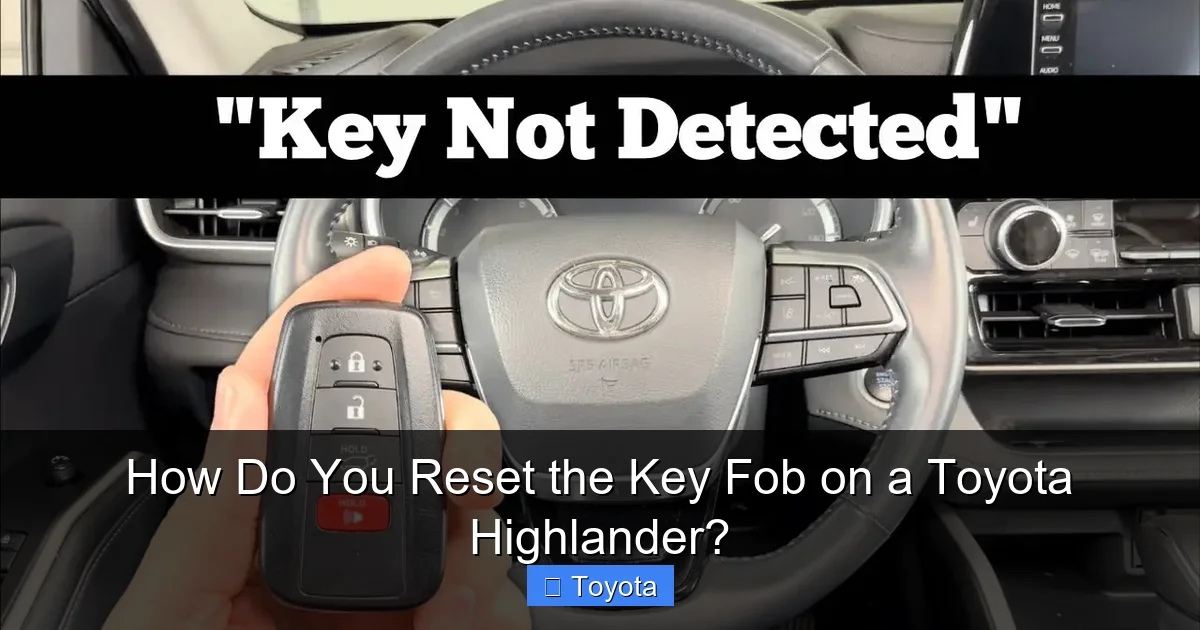
Visual guide about How Do You Reset the Key Fob on a Toyota Highlander?
Image source: diycarexpert.com
To open your Highlander key fob:
- For the traditional flip-key: Look for a small slot on the side. Insert a flathead screwdriver and gently twist to pop the plastic cover off.
- For the smart key: There’s usually a tiny button or slot on the back. Press the button with a paperclip or insert a flathead into the slot to release the mechanical emergency key. Once the emergency key is out, you’ll see a small hole or seam to pry open the fob casing.
Once open, remove the old CR2032 3V battery. Note its orientation (+ and – sides). Insert the new battery the exact same way. Snap the fob back together. Try the buttons before proceeding. If the red LED light on the fob doesn’t blink when you press a button, the battery is dead, installed incorrectly, or the fob is faulty.
Now, with a fresh battery installed, let’s attempt the reset.
Method 1: The Standard Door Lock Reset (Most Common for Pre-2014 Models)
This is the classic “key in the door” method that works for many Toyota models with traditional keys and fobs. It forces the car and fob to re-establish their connection.
Visual guide about How Do You Reset the Key Fob on a Toyota Highlander?
Image source: automotivian.com
Step-by-Step Instructions:
- Get inside the driver’s seat and close all the doors.
- Insert your key into the driver’s door lock cylinder (the physical keyhole on the door).
- Turn the key to the LOCK position and hold it there for about 1-2 seconds.
- Turn the key back to the UNLOCK position and hold it for 1-2 seconds.
- Repeat the Lock/Unlock cycle 2-3 times total. The sequence is: Lock (hold 1-2 sec) -> Unlock (hold 1-2 sec) -> Lock (hold 1-2 sec) -> Unlock (hold 1-2 sec).
- On the last unlock cycle, hold the key in the unlock position for a few seconds. You should hear the door locks cycle (click-click) and see the dome light come on if it’s dark.
- Remove the key from the door and test the fob’s lock and unlock buttons from a short distance away (10-15 feet).
Why this works: The act of turning the key in the door lock sends a signal to the Body Control Module (BCM) to wake up and listen for a fob signal. By cycling it, you’re essentially telling the car, “Hey, a fob with a valid code is about to try talking to you. Be ready.” The fob, with its new battery, then transmits its code, and the BCM recognizes it, restoring normal function.
Tip: If this doesn’t work, try it with the driver’s door open. Sometimes the door ajar sensor needs to be triggered. Also, ensure no other key fobs are inside the vehicle, as they can interfere.
Method 2: The Ignition Cycle Reset (For Smart Key/Push-Button Start Models)
For Highlanders with the push-button start and a keyless fob, the procedure is different because there’s no physical door lock cylinder to use. This method uses the ignition/start button.
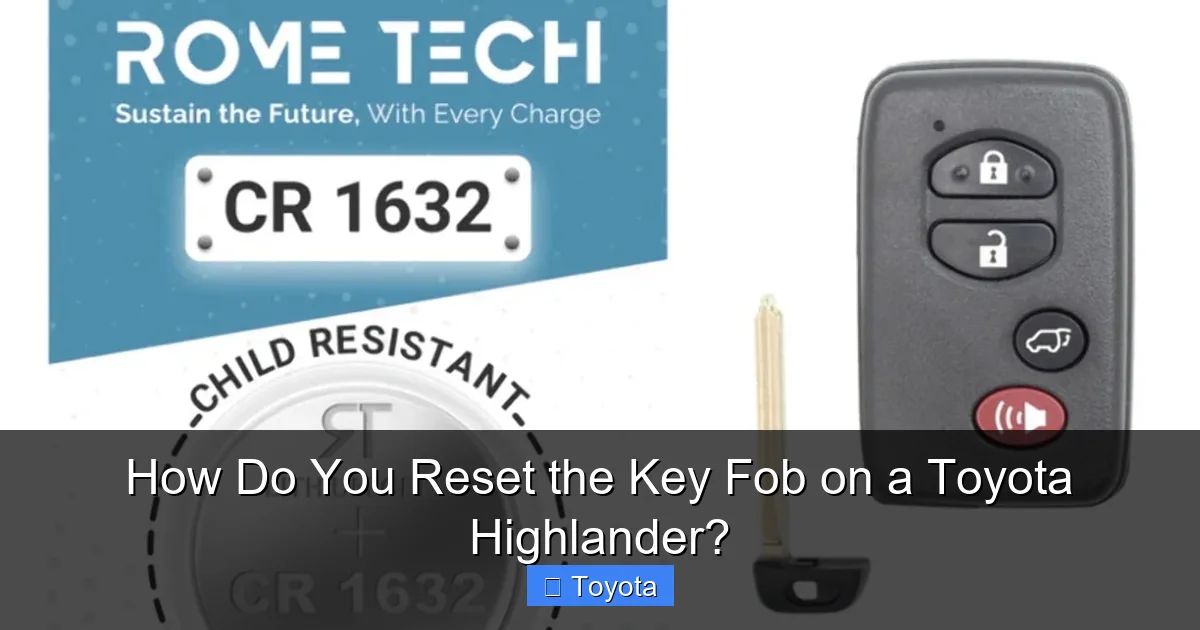
Visual guide about How Do You Reset the Key Fob on a Toyota Highlander?
Image source: i5.walmartimages.com
Step-by-Step Instructions:
- Sit in the driver’s seat with all doors closed.
- Place the key fob inside the vehicle. For best results, place it in the cup holder or on the passenger seat. Do not have it in your pocket during the procedure.
- Press the START/STOP button twice without touching the brake pedal. This will turn the ignition to the “ON” position (all dash lights will come on), but the engine will not start. Do not press the brake. Just press the button twice quickly.
- Wait about 10-15 seconds with the ignition in the “ON” position.
- Press the START/STOP button one time to turn the ignition “OFF.”
- Wait another 10-15 seconds.
- Repeat the entire cycle (Press START twice -> Wait -> Press START once to off) 2-3 times total.
- On the final cycle, after you press START twice to turn it on, wait about 30 seconds, then press START once to turn it off.
- Now, test the fob. Get out of the car, close the door, and try locking/unlocking with the fob buttons.
Alternative Version (Sometimes works): With the fob inside, press the START button twice to “ON.” Then, using the physical emergency key that’s hidden inside your fob, manually lock and unlock the driver’s door 2-3 times. Then turn the car off with the start button and test.
Important: On some newer Highlanders (2020+), the system is very sensitive. You may need to have the fob in a specific location inside the car (like the center console) for it to be detected during the ignition cycle. Consult your owner’s manual for the exact location of the key detection antenna.
Method 3: The Button Combination Reset (Specific to Some Models)
A few Toyota models, including some Highlander trims, have a specific key fob button sequence that can reset the remote. This is less common but worth trying if the above methods fail.
Potential Sequence:
- Press and hold the LOCK button on the fob for 5-10 seconds.
- While still holding LOCK, press the UNLOCK button once.
- Release both buttons. The fob’s LED should blink rapidly to confirm.
- Test the fob. (Note: This method is not officially documented in all manuals but is a known trick for some years).
Proceed with caution: If your manual doesn’t mention a button-sequence reset, don’t hold buttons for excessive time (more than 15 seconds) as it could potentially put the fob into a programming mode that requires a dealer to clear.
When DIY Resets Fail: The Need for Professional Reprogramming
If you’ve tried all the appropriate reset methods for your model year, replaced the battery with a fresh one, and the fob still does nothing or only works from inches away, the problem is likely deeper. Here’s what could be wrong:
- Fob is De-synced Beyond Manual Reset: The security system’s “rolling code” got out of sync and needs a dealer’s tool to re-align.
- Fob is Damaged: Water damage, a cracked circuit board, or a broken button internally will require a new fob.
- Car’s Receiver Module is Faulty: The antenna or control module that listens for the fob signal has failed. This is a dealer-level diagnosis and repair.
- You’ve Exceeded the Programmed Fob Limit: Toyota systems typically allow 4-5 fobs to be programmed. If you or a previous owner programmed multiple spare fobs, the system may be “full,” and a new fob won’t work until an old one is erased. Only a dealer can do this.
- Immobilizer System Issue: If the fob’s chip (the part that talks to the engine immobilizer) is faulty, the car won’t start even if the lock/unlock buttons work. This is a separate system from the door locks and requires a dealer to diagnose and code a new fob to the immobilizer.
What to do: Your first call should be to your Toyota dealer’s service department. Explain you’ve done a battery replacement and standard reset procedures, but the fob is unresponsive. They will likely want you to bring the vehicle and the fob in. The cost for reprogramming one fob is usually between $50-$150, depending on the model year and dealer policy. A reputable automotive locksmith who specializes in Toyotas can often do it for less, but call ahead to confirm they have the software for your specific Highlander year.
For those dealing with other Toyota warning lights, our guides on resetting the maintenance light on a Toyota Highlander or resetting the check engine light provide similar straightforward solutions for common dashboard alerts.
Pro Tips and Troubleshooting Checklist
Before you spend money, run through this checklist:
- Test the battery in another device: Use the multimeter test (should read ~3.2V) or put it in a flashlight to ensure it’s good.
- Try both fobs: If you have a second key fob, does it work? If yes, the problem is isolated to the first fob. If no, the car’s receiver is the likely culprit.
- Check the fob’s physical condition: Look for cracks, water damage (corrosion on the circuit board), or stuck buttons. Sometimes gently cleaning the button contacts with isopropyl alcohol can help.
- Try the reset with the car battery disconnected: As a last resort, disconnect the negative terminal of the car’s main battery for 10 minutes. This will reset all vehicle systems. Reconnect, then try the fob reset procedure immediately. Warning: This may require your radio code and will reset other systems like clock and window auto-up/down.
- Consider the environment: Are you near a large power line, airport, or military base? Strong RF interference can block fob signals. Try the reset at home or in a different location.
- Check for Technical Service Bulletins (TSBs): Your dealer can check if there’s a known issue with the keyless entry system for your specific VIN. Some model years had faulty fob housings or receiver modules covered under warranty extensions.
Remember, the key fob is a sophisticated radio transmitter. Its range can be affected by a dying battery, a weak fob battery, or even the angle at which you’re holding it. Always point the fob at the vehicle when testing. If it only works from a few inches away, the battery is the most likely culprit.
Conclusion: Reset, Don’t Replace (Usually)
Resetting your Toyota Highlander’s key fob is a simple yet powerful troubleshooting step that saves you time and money. The core principle is this: after a battery change, you must re-synchronize the fob’s code with the car’s receiver. For most Highlanders, this means using the physical key in the door lock (older models) or cycling the ignition with the fob inside (newer push-button models). These methods leverage the car’s own systems to recognize the fob anew.
If these steps fail, the issue likely requires professional intervention. Don’t try to “program” a new or used fob yourself without the proper tools—you risk locking yourself out permanently or causing a security system fault that’s even costlier to fix. When in doubt, your Toyota dealer’s service department is the definitive source. They can quickly diagnose if it’s a bad fob, a car receiver issue, or a simple code mismatch.
Finally, treat your key fob with care. Avoid exposing it to extreme heat (like leaving it on a dashboard), moisture, or physical stress. A damaged fob is far more likely to need replacement than a reset. Keep a spare fob in a safe place, and always use the correct battery type. With this knowledge, you’re well-equipped to handle the most common key fob woes and get back to the seamless, keyless entry experience your Highlander was designed to provide.
Frequently Asked Questions
Can I reset my Toyota Highlander key fob myself?
Yes, for most cases where the fob stopped working after a battery change, you can reset it yourself using the door lock or ignition cycle methods described. This re-syncs the fob without special tools.
What if the reset doesn’t work after changing the battery?
Double-check the battery is fresh and installed correctly. Ensure you’re using the correct procedure for your model year (door lock vs. ignition cycle). If it still fails, the fob may be damaged, or the car’s receiver may have an issue requiring professional diagnosis.
Do I need a dealer to program a new key fob?
Yes, for a brand new fob that has never been paired with your Highlander, or to permanently remove a lost fob from the system, you need a dealer or certified locksmith with Toyota’s proprietary software. The reset procedures are only for re-synchronization.
How many key fobs can be programmed to a Toyota Highlander?
Typically, the system can store up to 4 or 5 key fobs. If you have reached this limit, a new fob cannot be added until an old one is erased, which requires a dealer’s scan tool.
My fob’s LED light blinks when I press buttons, but the car doesn’t respond. What’s wrong?
A blinking light means the fob has power and is transmitting. The issue is likely a lost synchronization (try the reset procedures) or, more rarely, a weak signal due to interference or a failing fob transmitter circuit.
Can a dead car battery cause key fob problems?
A completely dead car battery can sometimes cause the body control module to lose its memory, including key fob pairing. After jump-starting or replacing the car battery, performing the reset procedure may be necessary to restore fob function.