

Do Nissan Altimas Lock Automatically?

Contents
- 1 Key Takeaways
- 2 📑 Table of Contents
- 3 How Does the Automatic Locking Feature Work in Nissan Altimas?
- 4 Which Nissan Altima Models Have Automatic Locking?
- 5 Can You Turn Off or Customize the Auto-Lock Feature?
- 6 Auto-Unlock: Does the Altima Unlock Automatically Too?
- 7 Troubleshooting Common Auto-Lock Issues
- 8 Tips for Keeping Your Altima Secure
- 9 Final Thoughts: Should You Rely on Auto-Locking?
- 10 Frequently Asked Questions

Car Storage Net

Phone Mount for Bike

Dashboard Polish
Reflective Safety Triangle
Yes, many Nissan Altimas are equipped with an automatic door lock feature that engages when the vehicle reaches a certain speed—typically around 15 mph. This safety and convenience function helps prevent accidental door openings while driving, but it’s not universal across all model years or trims. Understanding how and when your Altima locks can help you stay safe and avoid lockouts.
If you’ve ever hopped into your Nissan Altima, started driving, and noticed the doors clicking shut behind you, you’re not alone. Many Altima owners experience this quiet but reassuring sound—and it’s not a glitch. It’s actually a built-in safety feature designed to protect you and your passengers. But do Nissan Altimas lock automatically? The short answer is: yes, many of them do. However, the specifics depend on your model year, trim level, and how your vehicle is configured.
The automatic door lock feature in the Nissan Altima has become increasingly common over the past decade. It’s part of a broader trend in modern vehicles to enhance safety and convenience through smart electronics. This system is intended to prevent doors from accidentally opening while the car is in motion—a real risk, especially with children or pets in the back seat. While it might seem like a small detail, automatic locking can make a big difference in everyday driving peace of mind.
But here’s the catch: not every Altima behaves the same way. Some models lock automatically as soon as you hit a certain speed, while others give you full control over when and how your doors lock. And if you’ve recently bought a used Altima or inherited one from a family member, you might be wondering why your doors don’t seem to lock on their own. Don’t worry—this guide will walk you through everything you need to know about automatic locking in Nissan Altimas, from how it works to how you can customize it to fit your lifestyle.
Key Takeaways
- Understanding Do Nissan Altimas Lock Automatically?: Provides essential knowledge
📑 Table of Contents
- How Does the Automatic Locking Feature Work in Nissan Altimas?
- Which Nissan Altima Models Have Automatic Locking?
- Can You Turn Off or Customize the Auto-Lock Feature?
- Auto-Unlock: Does the Altima Unlock Automatically Too?
- Troubleshooting Common Auto-Lock Issues
- Tips for Keeping Your Altima Secure
- Final Thoughts: Should You Rely on Auto-Locking?
How Does the Automatic Locking Feature Work in Nissan Altimas?
The automatic door lock system in most modern Nissan Altimas is speed-activated. That means once the vehicle reaches a predetermined speed—usually between 10 and 15 miles per hour—the doors will automatically lock. This typically happens within a few seconds of driving, giving you time to adjust your mirrors, seat, or climate controls before the system engages.
This feature is controlled by the vehicle’s body control module (BCM), a small computer that manages various electronic functions like lights, locks, and windows. When the BCM detects that the car is moving above the set threshold, it sends a signal to the door lock actuators to engage. The result? A quiet but unmistakable *click* as each door secures itself.
It’s important to note that this system is different from the central locking feature you might activate with your key fob. While the key fob allows you to lock or unlock all doors at once with a button press, the automatic system works independently based on vehicle speed. This means even if you forget to press the lock button, your Altima may still secure itself once you start driving.
Speed Thresholds and Activation Timing
Most Nissan Altimas from 2013 onward use a standard activation speed of around 15 mph. However, some models—especially those with advanced driver-assistance systems—may lock at slightly lower speeds, such as 10 or 12 mph. The exact timing can vary depending on firmware updates or regional settings.
For example, if you’re driving in a school zone or residential area where speeds are low, you might not trigger the auto-lock feature right away. But once you accelerate past the threshold, the system will activate. This delay is intentional—it gives you time to load groceries, buckle up kids, or adjust your seating without the doors locking prematurely.
In some trims, like the Altima SV or SL, the system may also include a brief audible chime or dashboard notification when the doors lock automatically. This helps reassure drivers that the feature is working, especially if they’re new to the vehicle or haven’t used it in a while.
What Triggers the System?
The automatic lock feature is triggered by two main factors: vehicle speed and gear position. The car must be in Drive (D) or Reverse (R), and the speed must exceed the set threshold. If the car is in Park or Neutral, the system won’t activate—even if you’re rolling slightly (like when parking on a hill).
Additionally, the system relies on input from the vehicle’s speed sensors and transmission control module. If either of these components malfunctions, the auto-lock feature may not work as expected. In rare cases, a faulty sensor could cause the doors to lock or unlock at the wrong time, which is why it’s important to have any electrical issues diagnosed by a certified technician.
Which Nissan Altima Models Have Automatic Locking?
Visual guide about Do Nissan Altimas Lock Automatically?
Image source: mycarmakesnoise.com
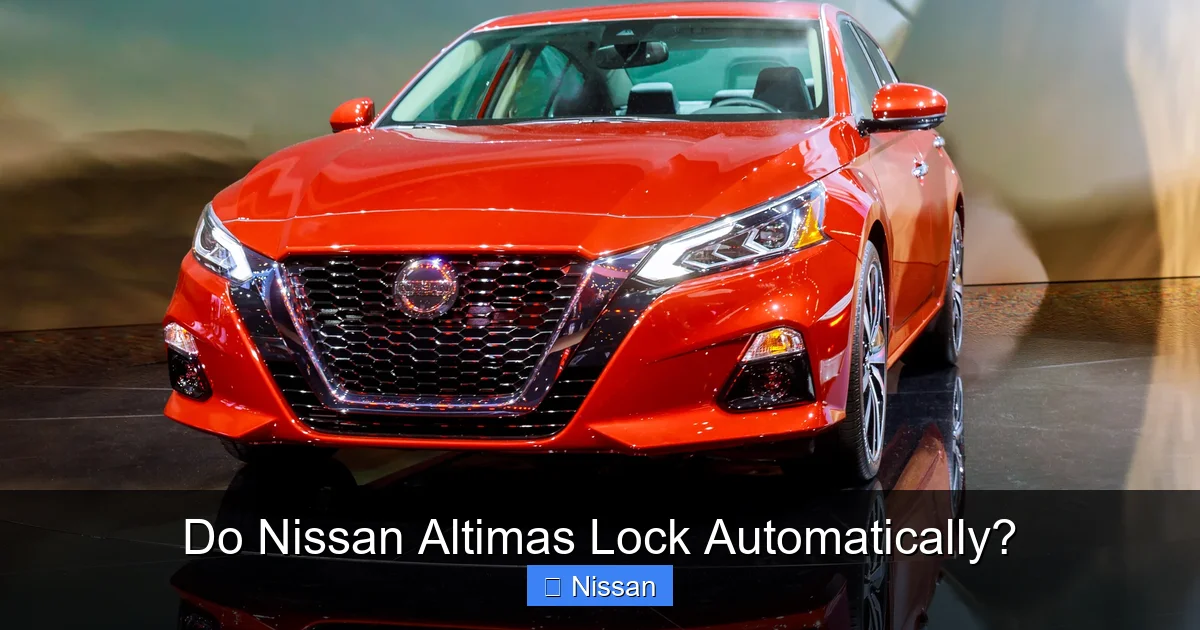
Not every Nissan Altima comes with automatic door locking, and the availability of this feature has evolved over time. Understanding which models include it can help you determine whether your car should be locking on its own—and what to do if it isn’t.
Model Years and Trim Levels
Automatic locking became standard on most Nissan Altimas starting around the 2013 model year. This was part of a broader update to the Altima’s interior and safety features, which also included improvements to the infotainment system, seat design, and driver-assistance tech.
From 2013 onward, trims like the S, SV, SL, and Platinum typically include the auto-lock feature as standard. However, base models—especially in earlier years—may not have it unless it was added as an optional upgrade or through a dealer-installed package.
For example, a 2015 Altima S might not auto-lock by default, while a 2015 Altima SV will. This variation is due to Nissan’s tiered feature structure, where higher trims include more convenience and safety technologies.
Older Models (Pre-2010)
If you own an Altima from 2009 or earlier, chances are your car does not have automatic locking. These older models relied more on manual door locks or simple central locking systems activated by the key fob. While some owners have retrofitted aftermarket auto-lock systems, the factory setup typically doesn’t support speed-based locking.
That said, even older Altimas may have a “lock on shift” feature, where the doors lock when you move the gear selector from Park to Drive. This is different from speed-based locking but serves a similar purpose. Check your owner’s manual to see if your model includes this option.
Hybrid and Special Edition Models
Nissan has also produced hybrid versions of the Altima, particularly between 2013 and 2019. These models generally include the same automatic locking features as their gasoline counterparts. However, due to differences in electrical systems and battery management, some hybrid owners report occasional glitches with door locks—especially in extreme temperatures.
Special edition Altimas, such as the Midnight Edition or SR trim, usually come with all the features of higher trims, including auto-locking. But always verify with your owner’s manual or a Nissan dealer if you’re unsure.
Can You Turn Off or Customize the Auto-Lock Feature?
Visual guide about Do Nissan Altimas Lock Automatically?
Image source: paulstravelpictures.com
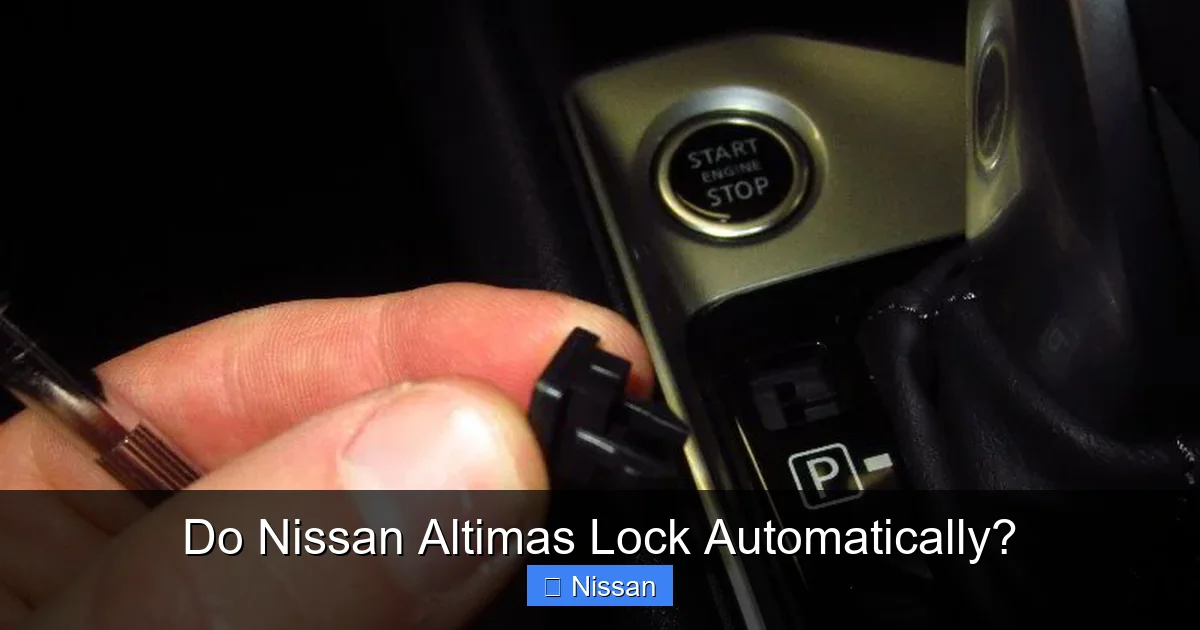
One of the most common questions Altima owners ask is: “Can I disable automatic locking?” The answer is yes—in most cases, you can. Nissan understands that not everyone wants their doors to lock automatically, especially if they frequently drive with children, pets, or in stop-and-go traffic where frequent stops are needed.
Using the Vehicle Settings Menu
On Altimas equipped with a touchscreen infotainment system (typically 2016 and newer), you can adjust the auto-lock settings through the vehicle menu. Here’s how:
1. Turn on the ignition (you don’t need to start the engine).
2. Press the “Menu” or “Settings” button on the dashboard or touchscreen.
3. Navigate to “Vehicle” or “Door Settings.”
4. Look for an option like “Auto Door Lock” or “Speed-Dependent Locking.”
5. Toggle the feature on or off, or choose from options like “Lock at Speed,” “Lock on Shift,” or “Off.”
Some models also allow you to customize when the doors unlock—such as when the gear is shifted to Park or when the ignition is turned off. This can be helpful if you want the doors to unlock automatically when you arrive at your destination.
Using the Key Fob (Older Models)
If your Altima doesn’t have a digital menu, you may still be able to disable auto-locking using a key fob sequence. This method works on many 2013–2015 models:
1. Close all doors and ensure the ignition is off.
2. Press and hold the “Unlock” button on the key fob.
3. While holding it, turn the ignition to the “On” position (don’t start the engine).
4. Continue holding the button for about 5–10 seconds until the hazard lights flash.
5. Release the button—the auto-lock feature should now be disabled.
To re-enable it, repeat the process but press the “Lock” button instead.
Why You Might Want to Disable It
While automatic locking is generally a safety benefit, there are situations where turning it off makes sense. For example:
– If you frequently drive with young children who might panic if they can’t open a door.
– If you live in a hot climate and need to leave the car running with the AC on while you run inside (though this is not recommended for safety reasons).
– If you’re using a car seat with a base that requires frequent access to the back seat.
Always weigh the convenience against the safety benefits. In most cases, keeping the feature enabled is the smarter choice.
Auto-Unlock: Does the Altima Unlock Automatically Too?

Visual guide about Do Nissan Altimas Lock Automatically?
Image source: vehiclechef.com
While automatic locking is common, automatic unlocking is less consistent across Altima models. Some vehicles unlock all doors when the gear is shifted to Park, while others require you to press the unlock button or use the key fob.
When Does Auto-Unlock Happen?
In many newer Altimas (2016 and later), the doors will automatically unlock when the transmission is shifted into Park and the ignition is turned off. This is especially helpful when you’re in a hurry or carrying groceries.
However, this feature is often tied to the same settings menu where you control auto-locking. You may need to enable “Auto Door Unlock” separately. Some models offer multiple unlock options, such as:
– Unlock driver’s door only when shifted to Park.
– Unlock all doors when shifted to Park.
– Unlock all doors when the ignition is turned off.
Choose the setting that best fits your routine.
Security Considerations
While auto-unlock is convenient, it can pose a security risk in certain situations. For example, if you park in a high-crime area and the doors unlock automatically, a thief could potentially enter the vehicle before you even reach it.
To avoid this, some drivers prefer to keep auto-unlock disabled and manually unlock the doors using the key fob or interior button. Alternatively, you can use the “driver-only” unlock setting, which only opens the driver’s door until you press the unlock button again.
Troubleshooting Common Auto-Lock Issues
Even with advanced electronics, things can go wrong. If your Altima isn’t locking automatically—or is locking at the wrong time—here are some common causes and fixes.
Weak or Dying Battery
A weak car battery can cause all sorts of electrical issues, including malfunctioning door locks. If your Altima’s auto-lock feature suddenly stops working, check the battery voltage. Most auto parts stores will test it for free.
Symptoms of a weak battery include:
– Slow engine crank
– Dim headlights
– Intermittent power window operation
– Door locks that work sporadically
Replacing the battery often resolves these issues.
Faulty Door Lock Actuator
Each door has a small motor called an actuator that physically locks and unlocks the door. If one fails, that door may not respond to the auto-lock signal. You might hear a clicking noise but no movement, or the door might lock manually but not automatically.
Replacing a faulty actuator requires removing the door panel, so it’s best left to a professional unless you’re experienced with car repairs.
Software Glitches
Like any computer system, the Altima’s BCM can experience software hiccups. A simple reset might fix the problem:
1. Disconnect the negative terminal of the battery for 10–15 minutes.
2. Reconnect it and start the car.
3. Test the auto-lock feature.
If the issue persists, a dealership may need to update the vehicle’s software.
Aftermarket Modifications
If you’ve installed an aftermarket alarm, remote start, or security system, it could interfere with the factory auto-lock feature. Some systems override the BCM’s signals, causing unpredictable behavior.
Check with the installer or consult your owner’s manual to see if compatibility issues are known.
Tips for Keeping Your Altima Secure
Automatic locking is a great feature, but it’s not a substitute for good security habits. Here are some tips to keep your Altima safe:
– Always double-check that doors are locked, especially at night or in unfamiliar areas.
– Use the key fob to lock the car manually if you’re unsure.
– Enable the alarm system if your Altima has one.
– Park in well-lit, secure locations whenever possible.
– Consider adding a steering wheel lock or GPS tracker for extra protection.
Remember: technology can fail. Developing consistent habits is the best way to protect your vehicle.
Final Thoughts: Should You Rely on Auto-Locking?
The automatic door lock feature in the Nissan Altima is a thoughtful addition that enhances both safety and convenience. For most drivers, it’s a welcome feature that works quietly in the background. But it’s not foolproof—and it’s not available on every model.
Whether your Altima locks automatically depends on its year, trim, and configuration. If it does, you can usually customize or disable the feature to suit your needs. And if it doesn’t, aftermarket solutions are available—though they come with their own set of considerations.
Ultimately, the best approach is to understand how your specific Altima behaves and use that knowledge to stay safe. Combine automatic features with smart habits, and you’ll get the most out of your vehicle’s security systems.
Frequently Asked Questions
Do all Nissan Altimas lock automatically?
No, not all Nissan Altimas lock automatically. The feature became standard on most models starting around 2013, but older or base-trim vehicles may not include it unless manually enabled or retrofitted.
At what speed do Nissan Altimas lock automatically?
Most modern Altimas lock automatically when the vehicle reaches 10–15 mph. The exact speed can vary slightly depending on the model year and trim level.
Can I turn off the automatic locking feature?
Yes, you can usually disable auto-locking through the vehicle settings menu or a key fob sequence. Check your owner’s manual for specific instructions based on your model.
Why won’t my Altima lock automatically?
Common causes include a weak battery, faulty door lock actuator, software glitches, or aftermarket modifications. A professional diagnosis may be needed if basic troubleshooting doesn’t help.
Do Nissan Altimas unlock automatically when parked?
Some newer models unlock automatically when shifted to Park or when the ignition is turned off, but this feature must often be enabled in the settings menu.
Is it safe to disable automatic locking?
It can be safe if you have a good reason, such as driving with young children. However, keeping the feature enabled generally improves safety by preventing accidental door openings while driving.



