
How Do You Program a Key Fob for a 2000 Toyota Tundra?

Programming a key fob for a 2000 Toyota Tundra is a straightforward DIY task you can complete in minutes with the right steps. You’ll need at least one already-programmed master key to start the sequence. This process syncs the remote’s signal with your truck’s immobilizer system, letting you lock, unlock, and use the panic alarm without dealer intervention.
Key Takeaways
- You must have at least one working, programmed master key: The 2000 Tundra’s system requires an existing, synchronized key to enter programming mode. Without it, you’ll need a dealer or locksmith.
- The process is a precise sequence of steps, not a single button press: It involves a specific order of inserting the key, turning it, and pressing buttons within a tight time window.
- A weak key fob battery is the most common cause of failure: Always install a fresh CR2032 battery in the new fob before beginning the programming sequence.
- You can program up to four remotes total: The system will remember the last four remotes programmed. Programming a new one does not automatically erase old ones unless you exceed four.
- This method programs the remote functions only (lock/unlock/panic): It does not program the immobilizer chip that allows the engine to start. That requires specialized equipment.
- If you lose all master keys, the system must be reset by a professional: This is a security feature. Our guide on how to program a Toyota key without a master key explains why this is difficult.
📑 Table of Contents
- Introduction: Taking Back Control of Your Tundra’s Remote
- Understanding Your 2000 Toyota Tundra’s Key System
- Essential Preparation Before You Begin
- The Step-by-Step Programming Sequence
- Troubleshooting: Why Your Programming Attempt Failed
- When DIY Isn’t Enough: Alternative Methods and Professional Help
- Maintaining Your Newly Programmed Key Fob
Introduction: Taking Back Control of Your Tundra’s Remote
So, your 2000 Toyota Tundra’s key fob has given up the ghost. Maybe the buttons are unresponsive, or it took a tumble off the dock and the case cracked. Your first instinct might be to call the dealership, brace for a hefty bill, and schedule an appointment. But what if you could fix this yourself in under five minutes, for the cost of a $5 battery? For the first-generation Tundra, that’s not just a possibility—it’s the reality. Programming a replacement remote for your 2000 Tundra is one of the most accessible DIY automotive tasks out there. It requires no special tools, no computer, and no prior mechanical experience. Just you, your truck, and a clear set of instructions. This guide will walk you through every single step, from understanding what your key fob actually does to troubleshooting if things don’t go smoothly on the first try. By the end, you’ll have saved money, gained a useful skill, and restored the convenience of a fully functional remote.
Understanding Your 2000 Toyota Tundra’s Key System
Before we dive into button presses, it helps to know what’s happening inside your truck. The 2000 Tundra uses a two-part security system. The first part is the immobilizer chip embedded in the physical key blade. This chip must be recognized by the truck’s computer for the engine to start. The second part is the remote key fob, which handles the convenience functions: locking/unlocking the doors, popping the trunk, and sounding the panic alarm. This guide focuses on programming the remote functions of the fob. We are not reprogramming the immobilizer chip; that requires a dealer’s scan tool. This is a crucial distinction. The steps below will make your new remote work for locks and alarms, but if your original key’s chip fails, you’ll need professional help. For a broader look at Toyota’s key systems across different models, you can explore resources on how to program a Toyota key, which covers the foundational principles.
Visual guide about How Do You Program a Key Fob for a 2000 Toyota Tundra?
Image source: i.ytimg.com
The “Master Key” Requirement Explained
The programming sequence for the 2000 Tundra’s remote is initiated by the truck’s computer recognizing a signal from an already-programmed master key. This is a security feature designed to prevent a thief from walking up to your truck and adding their own remote. Think of your existing, working key as the “password” that tells the truck, “It’s okay, I’m the owner, let’s add a new user.” This is why you cannot program a new remote if you have lost all working keys. If you’re in that unfortunate situation, your only options are a dealership or a certified automotive locksmith who can access the vehicle’s security system directly. Always keep at least one known-good master key in a safe place.
Essential Preparation Before You Begin
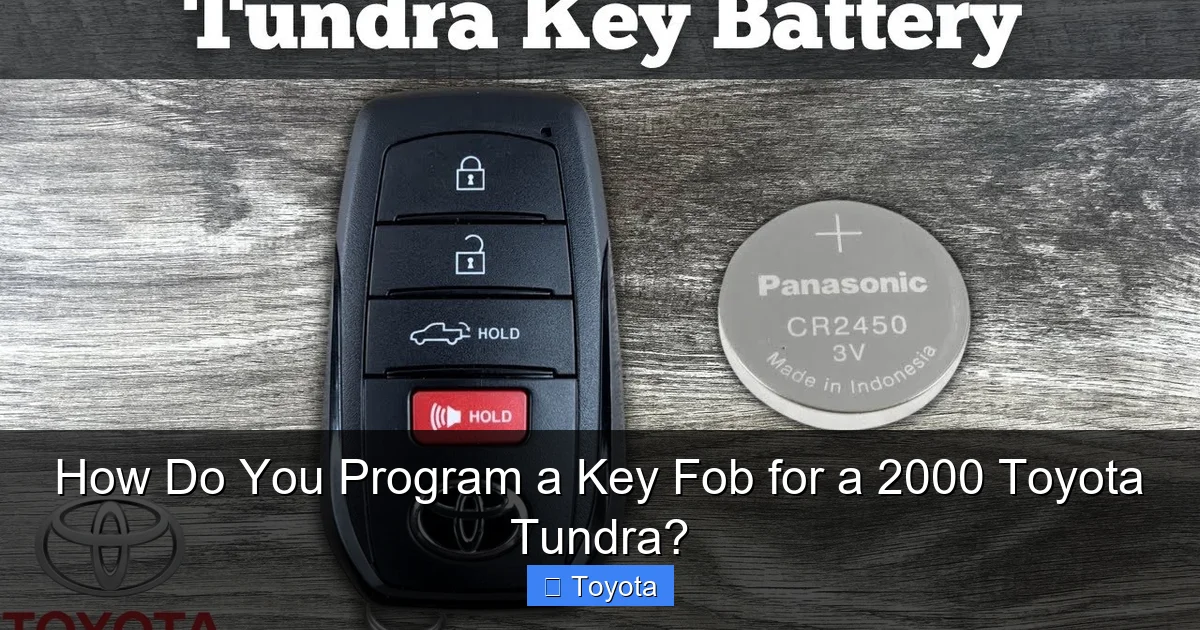
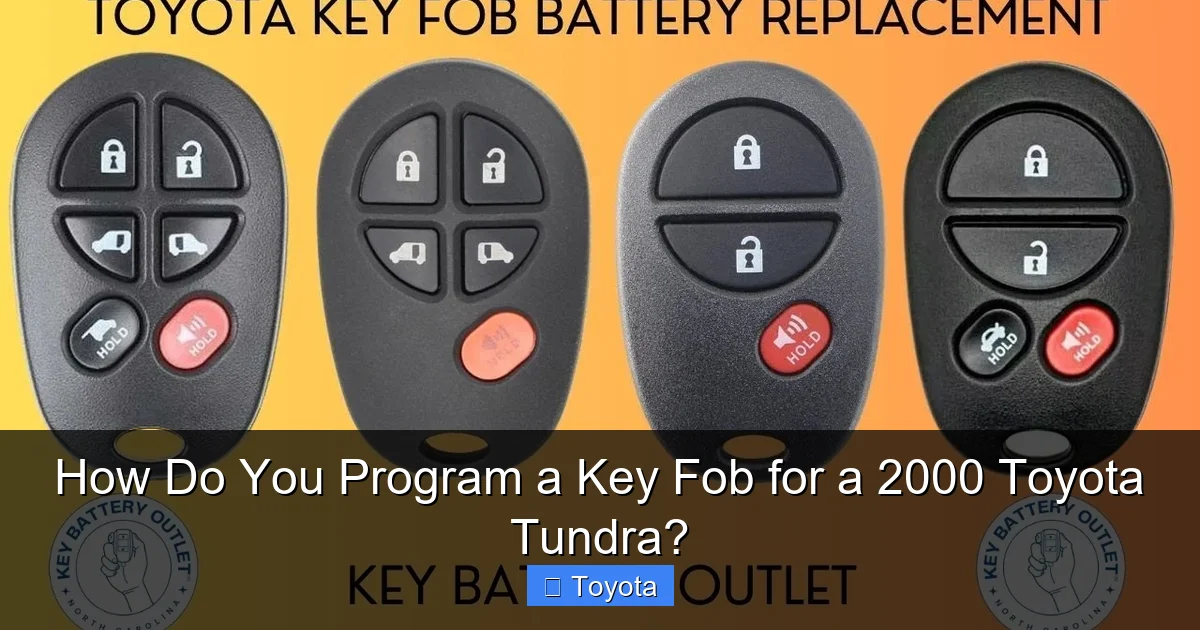
Rushing into the programming sequence is the number one reason for failure. A few minutes of prep work guarantees success. First, let’s talk about the remote itself. The 2000 Tundra typically uses a grey, 3-button fob (Lock, Unlock, Trunk). Ensure your replacement is an exact match or a confirmed compatible universal remote. Second, and this is non-negotiable: replace the battery in the new fob before you start. A weak battery sends a poor signal, and the truck’s computer will ignore it, leaving you frustrated. Use a fresh CR2032 lithium coin cell. Finally, gather your working master key and find a quiet spot near the driver’s door with minimal electronic interference (turn off cell phones, portable radios). You have about 30 seconds to complete most steps, so being organized is key.
Visual guide about How Do You Program a Key Fob for a 2000 Toyota Tundra?
Image source: i.ytimg.com
Tools and Materials You’ll Need
- Your new, compatible key fob with a fresh CR2032 battery installed.
- Your existing, working master key for the 2000 Tundra.
- A calm environment. (Seriously, don’t try this with kids or pets creating distractions).
Compatible Remote Types
OEM (Original Equipment Manufacturer) Toyota remotes are the gold standard, but high-quality aftermarket remotes from brands like keylessentryremotefob.com work perfectly. Be wary of the cheapest options on generic marketplaces; their signal strength and build quality can be unreliable. If you’re unsure about compatibility, the part number is usually printed on the back of the original fob. Search for that number to find direct replacements.
The Step-by-Step Programming Sequence
Now, for the main event. This sequence must be followed precisely and quickly. The entire process from start to finish should take less than two minutes once you have the rhythm. Read through all the steps once before attempting it. The driver’s door must be OPEN and the ignition OFF for the entire procedure.
Visual guide about How Do You Program a Key Fob for a 2000 Toyota Tundra?
Image source: remotesandkeys.com
Step 1: Enter “Key Programming Mode”
Take your existing working master key. Insert it into the ignition. Turn it from the “OFF” position to the “ON” position (the dashboard lights will come on, but do NOT start the engine). Then, turn it back to “OFF.” You must do this ON-OFF cycle five times in total. The important part is that the final position is “OFF.” The entire cycle (ON then OFF) counts as one repetition. Do it five times quickly—within about 10-15 seconds total. On the fifth time you turn the key to “OFF,” do not remove it. Leave it in the ignition with the key in the “OFF” position.
Step 2: Confirm Entry into Programming Mode
After the fifth ON-OFF cycle, you should see the door locks automatically lock and then unlock by themselves. This is your truck’s way of saying, “I’m in programming mode, I’m ready for the new remote.” If the locks don’t cycle, you were too slow or didn’t complete the five cycles correctly. Start over from Step 1. This confirmation step is critical.
Step 3: Program the New Remote
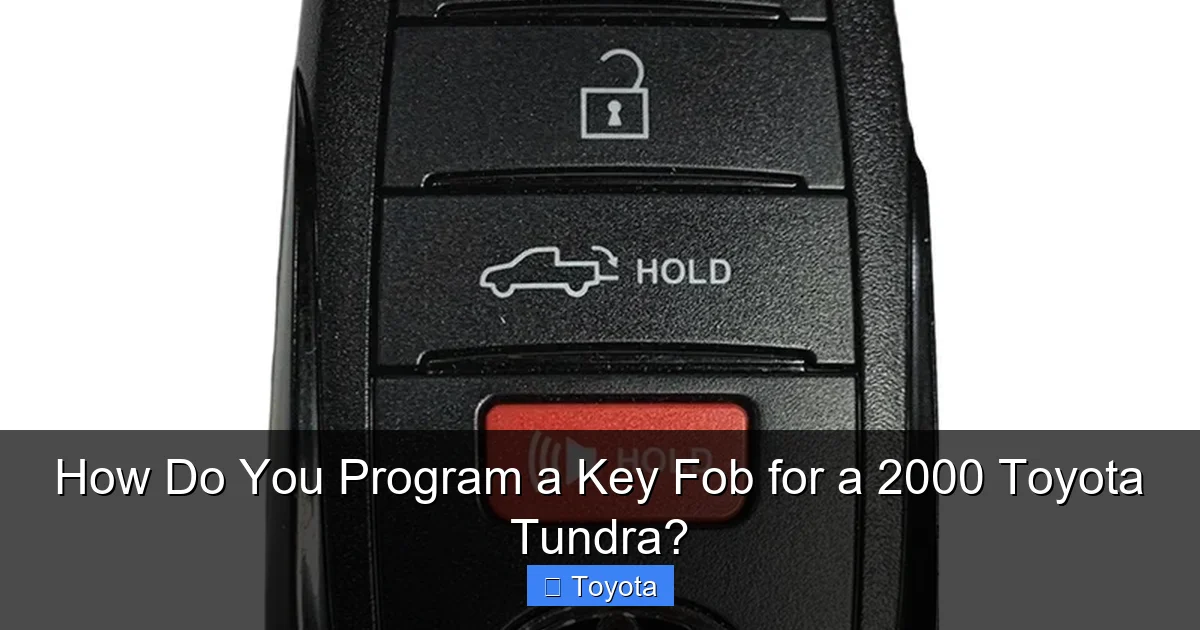
Once the locks cycle, you have about 30 seconds to program the remote. Take your new key fob and press and hold the LOCK button. Keep holding it. While holding the LOCK button, press the UNLOCK button. Release both buttons. The door locks should cycle again (lock and unlock) to confirm the remote has been learned. If they cycle, the remote is successfully programmed! If not, repeat this step (press and hold LOCK, then press UNLOCK) within the 30-second window. You can press the buttons firmly.
Step 4: Exit Programming Mode
After you successfully program the remote (the locks cycle), you can remove your original master key from the ignition. The system will automatically exit programming mode. To be safe, you can turn the key to “ON” and back to “OFF” once. Test your new remote by pressing the LOCK and UNLOCK buttons. The doors should respond immediately. If they do, congratulations! You’ve just saved yourself a trip to the dealer. If you need to program a second remote, you must restart the entire sequence from Step 1 with the master key. You can program up to four remotes total.
Troubleshooting: Why Your Programming Attempt Failed
Don’t panic if it doesn’t work the first time. These sequences are finicky. Let’s diagnose the common issues. First, did the door locks cycle after the five key turns? If no, you didn’t enter programming mode. You likely turned the key too slowly. Count out loud: “One, two, three, four, five” for the ON-OFF cycles. The final position must be OFF. If the locks cycled but the new remote didn’t register, the problem is usually with the fob itself. Is the battery brand new? A weak battery is the prime suspect. Second, are you using the correct remote? Some 2000 Tundras used a different style fob. Third, are you holding the buttons long enough? The press should be a firm, deliberate hold of the LOCK button, followed by a press of UNLOCK, then release both. Finally, is there any interference? Ensure no other key fobs or electronic devices are near the truck.
What Those Blinking Lights Mean
Sometimes, the hazard lights will blink during the process. This is normal and part of the confirmation. However, if you see a rapid, continuous blink of the security light on the dash (the little car icon), it often indicates a communication error with the remote. Double-check the battery and try again. If the security light stays on solid after you remove the key, it may mean the system detected an error and you’ll need to restart the procedure.
When DIY Isn’t Enough: Alternative Methods and Professional Help
The method described above works for the vast majority of 2000 Tundra owners with at least one working key. But what if you’re missing all master keys? What if the remote you bought is for a different year’s model? In these cases, you need professional intervention. A Toyota dealership can use their proprietary scan tool (the Toyota Techstream) to both program the immobilizer chip (if needed) and add the remote to the system. This is the most expensive route, often costing $150-$300 for the service. A reputable automotive locksmith is usually a more affordable alternative. They have the same professional-grade tools and can come to you. For a general sense of key fob replacement costs across the industry, our article on how much does it cost to get a new key fob provides helpful price benchmarks. Remember, if your issue is solely the remote functions and you have a working key, you should be able to do this yourself.
Maintaining Your Newly Programmed Key Fob
You’ve successfully programmed your fob. Now, let’s keep it working. The #1 maintenance task is battery replacement. A CR2032 battery typically lasts 2-3 years. Signs of a dying battery include reduced range (you have to be very close to the truck), intermittent locking, or a dashboard warning light. Replacing it is simple: find the tiny slot on the fob’s side, insert a flathead screwdriver or a coin, and gently twist to separate the two halves. Swap the battery, reassemble, and you’re good. Avoid exposing the fob to extreme heat (like leaving it on a dashboard in summer) or crushing it in a pocket with heavy keys. A soft case or keeping it separate can prolong its life. If you ever need to program a remote for a different Toyota model, the principles are often similar; our guide for a Toyota Camry key fob demonstrates a comparable process.
Frequently Asked Questions
Can I program a key fob for a 2000 Toyota Tundra without the original key?
No. The 2000 Tundra’s system requires at least one already-programmed master key to initiate the remote programming sequence. If all original keys are lost or damaged, you must visit a dealer or locksmith who can access the vehicle’s security module directly.
How many key fobs can I program to my 2000 Tundra?
You can have up to four remotes programmed to your truck’s system at any one time. If you program a fifth remote, the oldest one in the system’s memory will be automatically erased.
My new remote’s buttons work, but it won’t unlock the doors. What’s wrong?
This usually points to a weak or improperly installed battery in the new fob. First, try a fresh CR2032 battery. If that doesn’t work, the remote itself may be defective or not the correct model for your 2000 Tundra. Double-check compatibility.
Do I need to program the key blade (the part that goes in the ignition)?
No. The steps in this guide only program the remote control functions (lock, unlock, panic). The metal key blade’s immobilizer chip is either already correct (if it’s a Toyota key cut for your truck) or requires professional programming with a scan tool if you need a new cut key.
My truck’s locks cycled, but the new remote still doesn’t work. Now what?
Start over from the very beginning. Ensure you complete the five ON-OFF cycles quickly and end in the OFF position. After the locks cycle, you have about 30 seconds to perform the button press sequence on the new fob. Use a fresh battery and press the buttons firmly.
Can I use this same method for a 2001 or 2002 Toyota Tundra?
Yes, the procedure is identical for the first-generation Tundra (2000-2006 models). The system remained consistent through those years. However, always verify with your specific vehicle’s owner’s manual if available, as there can be rare exceptions.
