
Can You Use Toyota Remote Start Without a Subscription

Whether you can use Toyota remote start without a subscription depends entirely on the specific system your vehicle is equipped with. Factory-installed systems that rely on the Toyota app and telematics typically require an active Remote Connect subscription, while many older models or those with a dedicated key fob button can operate independently. For vehicles tied to a subscription, aftermarket remote start systems offer a one-time cost alternative, though installation and compatibility vary. Always verify your model’s setup before assuming a subscription is mandatory.
You’re standing in the grocery store parking lot, arms full of bags, and it’s pouring rain. Your first instinct is to hit the remote start button on your key fob to get the Toyota’s AC or heater going before you brave the elements. But then a thought creeps in: “Didn’t I read something about needing a subscription for that now?” The confusion is real and totally understandable. The automotive landscape is shifting rapidly, with automakers like Toyota increasingly moving features behind subscription walls. So, let’s cut through the noise and answer the burning question: Can you use Toyota remote start without a subscription? The short answer is: it depends. But we’re going to unpack exactly what it depends on, so you know precisely where you stand with your specific Toyota.
This isn’t just about a simple yes or no. It’s about understanding the two fundamentally different types of remote start systems that exist in Toyotas today. One type is old-school and simple, living entirely on your key fob. The other is new, connected, and lives in the cloud—and that’s the one that usually comes with a monthly bill. By the end of this guide, you’ll be able to look at your Toyota, know which category it falls into, and understand your options if you want that warm (or cool) cabin without paying a recurring fee.
Key Takeaways
- Factory vs. Aftermarket Systems: Your Toyota’s remote start capability hinges on whether it uses a factory telematics-based system (often subscription-dependent) or a standalone key fob/aftermarket system (usually subscription-free).
- Model Year is Critical: Vehicles produced before the widespread adoption of connected services (generally pre-2020 for many models) often have key fob remote start that works without a subscription.
- The Toyota App Requires a Subscription: While the Toyota app is free to download, the actual remote start function via the app almost always requires an active paid Remote Connect subscription.
- Aftermarket Solutions Exist: Professional installation of an aftermarket remote start system can bypass subscription requirements, offering a one-time purchase alternative with varying feature sets.
- Key Fob Buttons May Still Work: Many Toyotas with a physical “remote start” button on the key fob can start the engine without any subscription, regardless of app connectivity.
- Check Your Specific Vehicle: The only way to be certain is to consult your owner’s manual, check your vehicle’s built-in infotainment settings, or contact a Toyota dealer with your VIN.
- Subscription Ties to Connected Services: Toyota’s push toward subscription-based remote start is part of a broader trend bundling vehicle connectivity, safety, and convenience features into paid plans.
📑 Table of Contents
- Understanding the Two Types of Toyota Remote Start Systems
- The Subscription Shift: Toyota Remote Connect and Connected Services
- How to Use Remote Start Without a Subscription: Your Practical Options
- Model Year Matters: A Rough Guide to Toyota Remote Start
- The Toyota App: Free to Download, But Not Free to Use
- Pros and Cons: Subscription vs. Aftermarket
- Conclusion: Know Your System, Choose Your Path
Understanding the Two Types of Toyota Remote Start Systems
To solve this puzzle, we must first separate the systems. There isn’t one “Toyota remote start.” There are two distinct architectures, and your subscription fate is sealed at the factory based on which one your car has.
The Standalone Key Fob System (The Good Old Days)
This is the system many of us are most familiar with. Your key fob has a dedicated button, often red or with a circular arrow icon. You press it once (or sometimes twice, depending on the model), and the engine starts. This communication happens via a direct radio frequency (RF) signal between your fob and the car’s receiver. There is no involvement from the internet, a cellular network, or a subscription service. It’s a closed, point-to-point system. The car simply says, “I recognize this authorized key fob’s signal, and I will start.” This is the holy grail for anyone wanting remote start without a subscription. If your Toyota has this physical button and the car is within RF range (typically 100-300 feet, line-of-sight), it will start. Period. No account, no app, no monthly fee. Many Toyota models from the early 2000s through roughly the 2019 model year relied on this technology for their factory remote start.
The Connected/Telematics System (The New Reality)
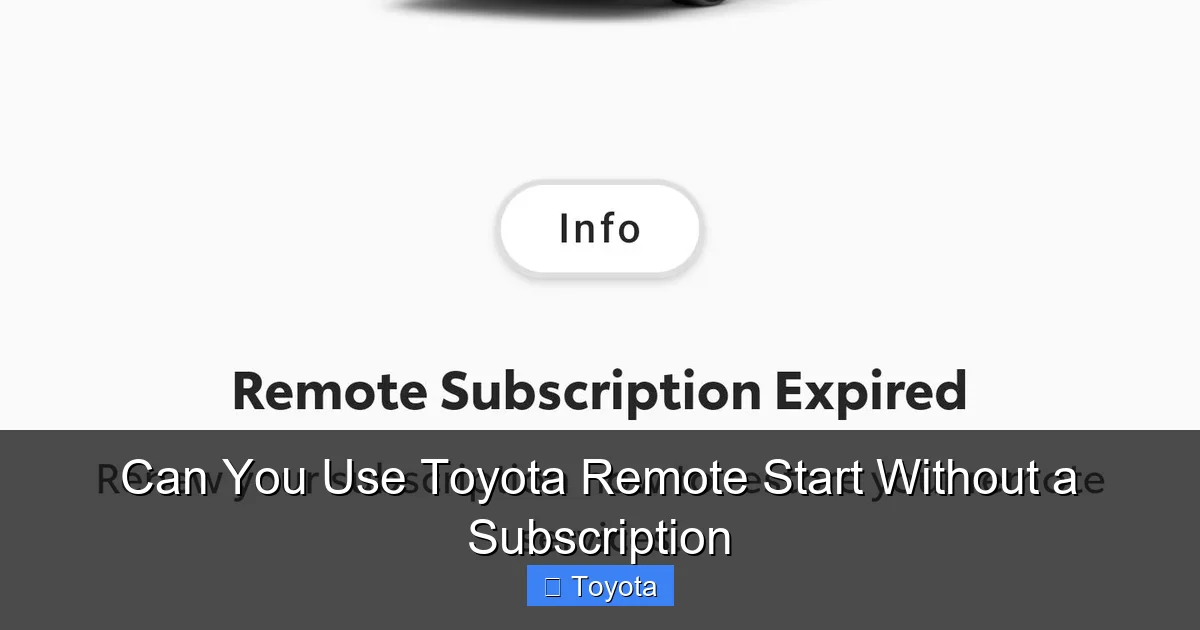
Starting around the 2020 model year for many popular models, Toyota began integrating remote start into its broader connected vehicle ecosystem, often branded as Toyota Remote Connect (part of the larger Toyota Safety Connect or Entune suites). In this setup, the command to start the car doesn’t go from your fob to the car directly. Instead, you open the Toyota app on your smartphone, tap “Start,” and that command travels from your phone over the internet to Toyota’s servers, which then send a signal via the car’s built-in cellular module (like a built-in phone) to the vehicle. Because this system relies on Toyota maintaining servers, providing data connectivity, and supporting the backend infrastructure, they charge a subscription fee for the privilege. The app itself is free, but the remote start function behind it is locked behind a paywall, typically bundled with other features like vehicle location, lock/unlock, and maintenance alerts. This is the system that causes all the confusion and frustration.
It’s crucial to know which system you have. You can usually tell by looking at your key fob. If there’s a single, dedicated remote start button, you likely have the standalone system. If there is no such button and you must use the Toyota app to remote start, you have the connected system and it requires a subscription. Some newer models actually have both—a key fob button for basic remote start (still subscription-free) and app-based remote start that requires a subscription for remote access. This hybrid approach is becoming more common but is not universal.
The Subscription Shift: Toyota Remote Connect and Connected Services
Why did Toyota make this change? The answer is multi-faceted: recurring revenue, data, and integrated services. The era of the one-time vehicle purchase is evolving into a lifetime of software and service subscriptions.
Visual guide about Can You Use Toyota Remote Start Without a Subscription
Image source: i.redd.it
What Exactly is Toyota Remote Connect?
Toyota Remote Connect is the umbrella name for the suite of remote access features delivered via the Toyota app. Its core functionality includes:
- Remote Engine Start/Stop: Start or stop your engine from your smartphone.
- Remote Door Lock/Unlock: Lock or unlock your doors.
- Vehicle Finder: See your car’s location on a map.
- Horn & Lights: Activate the horn and lights to locate your car.
- Maintenance Alerts: Receive service reminders.
- Guest Driver: Allow another driver to use limited functions with their own smartphone.
For vehicles that exclusively use this app-based system, all of these features are gated behind an active subscription. You cannot use remote start via the app without paying for Remote Connect. Toyota often offers a trial period (e.g., 1-3 years) with the purchase of a new vehicle, after which you must pay—typically around $15-$20 per month or $150-$200 per year.
The “Bundling” Strategy and Its Implications
It’s important to note that Remote Connect is frequently bundled with other services like Safety Connect (which includes emergency assistance, stolen vehicle locator, and collision detection) and sometimes Wi-Fi Connect. You may not be able to subscribe to remote start alone. This bundling increases the perceived value but also the cost. The business model is clear: transform one-time hardware features into predictable, long-term software revenue streams. For the consumer, this means a feature that was once “baked into” the cost of the car now has an ongoing operational cost.
So, if your 2022 RAV4, for example, has no key fob remote start button and you rely on the app, you cannot use remote start without an active Remote Connect subscription. The car’s hardware (the cellular module) is dormant for these functions until the subscription is active. This is the new normal for many, but not all, Toyota vehicles.
How to Use Remote Start Without a Subscription: Your Practical Options
If you’ve discovered your Toyota uses the subscription-based connected system, don’t despair. You have paths to reclaim remote start freedom. They all involve moving away from the factory telematics system.
Visual guide about Can You Use Toyota Remote Start Without a Subscription
Image source: papasroadtrip.com
Option 1: Hope for a Key Fob Button (The Free Option)
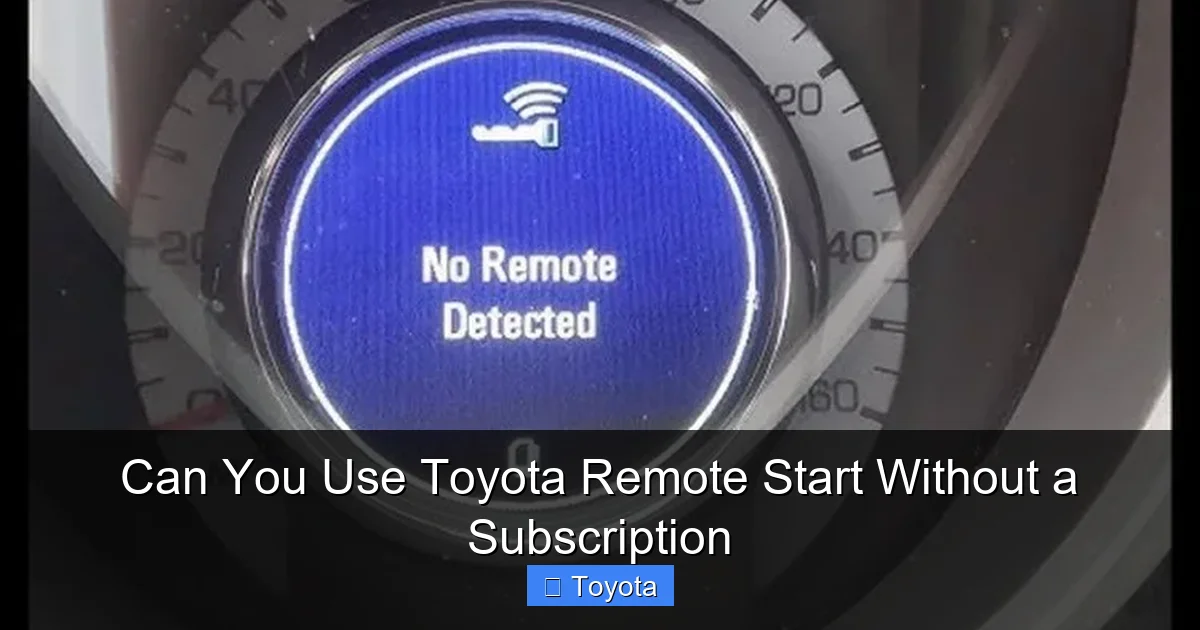
Before spending a dime, confirm your vehicle’s capabilities. Examine your key fob meticulously. Look for a button with a curved arrow or the word “Start.” On some models (like certain Camrys, Corollas, or Tacomas from 2018-2022), Toyota included both a key fob button (for basic, direct RF remote start) and app-based remote start (requiring a subscription). The key fob button, if present, is your golden ticket. It will work forever without a subscription, as long as the fob’s battery is good and the car’s RF receiver is functional. Consult your owner’s manual. It will have a section on “Remote Start” that will specify if it requires the Toyota app/services or if it works with the key fob. This is the simplest and cheapest solution if your car has it.
Option 2: Install an Aftermarket Remote Start System (The One-Time Cost)
This is the most reliable and popular method for bypassing Toyota’s subscription wall. An aftermarket remote start system is a standalone piece of hardware installed in your vehicle that mimics the signal of your key fob to start the engine. It operates on its own RF frequency, completely independent of Toyota’s servers.
- How it Works: A small control module is hardwired into your car’s ignition and starter circuits. You get a new, dedicated remote (or sometimes use your existing key fob’s lock button with a specific sequence) that sends a signal to this module, which then performs the start sequence.
- Cost: Typically $150-$400 for the hardware and professional installation. This is a one-time fee. No monthly charges.
- Key Considerations:
- Compatibility: Must be compatible with your Toyota’s specific year, make, model, and most importantly, its immobilizer system. The immobilizer is a security chip in your key that prevents the engine from starting without the correct chip. A basic aftermarket system won’t bypass this; you need a system that integrates with or “bypasses” the immobilizer safely. This is why professional installation is highly recommended—a good installer will use the correct interface module to talk to your car’s factory security system without triggering anti-theft modes. Poor installation can leave you stranded or with a check engine light.
- Range: Aftermarket remotes typically have a range of 500-1,500 feet, often exceeding the factory key fob’s range.
- Features: Basic systems just start/stop. More advanced ones can control trunk release, auxiliary outputs (for heated seats, defroster), and offer smartphone control via an additional add-on module (which may have its own small subscription, but is not tied to Toyota).
- Warranty: A professionally installed system from a reputable brand (like Compustar, Viper, Directed Electronics) should not void your vehicle’s warranty, as it’s an add-on. However, any damage caused by the installation would be the installer’s responsibility, not Toyota’s.
For a practical example, if you own a 2023 Toyota Camry that only has app-based start, an aftermarket system is your go-to solution for subscription-free operation. The same applies to a Toyota Avalon from the same era. The installation process for these modern vehicles is more complex due to advanced CAN bus networks, making professional expertise non-negotiable.
Option 3: Explore Third-Party Smartphone Adapters (The Middle Ground)
Companies like Viper SmartStart or Compustar Drone offer systems where you install their base hardware (similar to a standard aftermarket system) but then control it via their own smartphone app. The base hardware provides the RF remote start function, and the app adds remote control over cellular networks (so you can start it from anywhere, not just within RF range). These companies have their own subscription models for the cellular app feature (usually $5-$10/month), but it is completely separate from Toyota. You would pay them, not Toyota. This gives you “app-based” remote start without funding Toyota’s ecosystem. The initial hardware cost is still required, and you now have a second, smaller subscription to a different provider. It’s a trade-off.
Model Year Matters: A Rough Guide to Toyota Remote Start
While not a absolute rule due to trims and regional differences, here is a general timeline to help you gauge your situation. Always verify for your specific VIN.
Visual guide about Can You Use Toyota Remote Start Without a Subscription
Image source: cherishyourcar.com
Pre-2018 (Most Models): Almost Certainly Subscription-Free
This era is dominated by the standalone key fob system. If your Toyota has a remote start button on the fob, it works. No app, no subscription. The connected services were either nonexistent or limited to safety features like Safety Connect (which had its own separate subscription for emergency services). Remote start was purely a hardware key fob feature.
2018-2021 (Transition Period): The Hybrid Era
This is the most complicated period. Toyota was rolling out its connected services while still often equipping vehicles with a key fob button. For many popular models like the Camry, RAV4, Corolla, Highlander, and Tacoma, you could get trims with both:
- A key fob with a remote start button (works always, no subscription).
- An enabled infotainment system with connectivity (required subscription for app-based remote start).
Often, the key fob button was standard on higher trims (SE, XLE, Limited) while the base trims might only have app-based or no remote start at all. You had to check your specific key fob and owner’s manual. Some models in this period, particularly base trims, may have only the app-based system.
2022-Present (The Connected Standard): Increasingly Subscription-Centric
For the latest models, Toyota has aggressively pushed the connected ecosystem. For many 2022+ vehicles, especially in the popular crossover and sedan lines, the key fob button for remote start has been eliminated entirely. Remote start is now exclusively an app-based feature via Toyota Remote Connect, requiring an active subscription after any complimentary trial expires. This is the direction all automakers are heading. If you bought a new Toyota in the last two years and don’t see a remote start button on your fob, you almost certainly need a subscription to use remote start via the official channels.
The Toyota App: Free to Download, But Not Free to Use
Let’s clear up a major point of confusion. You can download the Toyota app for free. You can log in with your vehicle. You can see its mileage, check tire pressure (if equipped), and see maintenance alerts—often for free. But when you tap that prominent “Start” button, the app will check your account. If your vehicle’s Remote Connect subscription is not active, it will give you an error or prompt you to subscribe. The app is just the user interface; the subscription is the permission slip.
When you buy a new Toyota, it typically comes with a trial of Remote Connect (duration varies by model year and region, often 1-3 years). You must actively enroll in the trial using the app or website. After the trial expires, the remote start function in the app will cease to work until you pay. Your physical key fob button, if your car has one, will continue to work indefinitely. So, the end of your trial does not mean all remote start is dead—it only means the app-based method is dead. This is a critical distinction many owners miss.
Pros and Cons: Subscription vs. Aftermarket
Let’s weigh your choices if your factory system is subscription-dependent.
Sticking with Toyota’s Subscription (Remote Connect)
Pros:
- Seamless Integration: Works perfectly with your car’s existing security and convenience systems. No aftermarket hardware.
- Additional Features: You get the whole bundle—vehicle location, lock/unlock, maintenance alerts, and potentially Safety Connect emergency services.
- Warranty & Support: Fully supported by Toyota. No concerns about compatibility issues or voiding warranty.
- No Installation Hassle: It just works out of the box after enrollment.
Cons:
- Recurring Cost: You pay forever. Over 5 years, that’s $750-$1,000+.
- Vendor Lock-in: You are dependent on Toyota’s service. If they change pricing or discontinue the feature, you have no recourse.
- Limited Range: App-based remote start requires cellular coverage. If you’re in a remote area with no signal, you can’t start it. A key fob or aftermarket RF remote works in a local “bubble.”
- Privacy: Your vehicle’s location and usage data are flowing through Toyota’s servers.
Going Aftermarket
Pros:
- One-Time Cost: Pay once for the hardware and installation. No monthly fees.
- Potentially Better Range: High-quality aftermarket RF remotes often have superior range to factory key fobs.
- Independence: You own the system. No subscription, no company can turn it off.
- Flexibility: Can often be transferred to your next vehicle (with re-installation).
Cons:
- Installation Cost & Hassle: Requires professional installation. Not a DIY project for most modern cars.
- Aesthetic: You may have an extra remote or a modified key fob.
- Potential for Issues: Poor installation can cause electrical gremlins, security system conflicts, or check engine lights. Choose your installer wisely.
- No Integrated App Features: Basic systems don’t offer vehicle location or other connected services unless you buy a more expensive add-on module with its own subscription.
- Resale Value: Some buyers may prefer a stock, factory-integrated system, though a clean, professional install is usually not a deal-breaker.
For a driver who simply wants to press a button and have the car start, the aftermarket RF solution is often the most cost-effective and worry-free long-term path, provided they accept the installation process.
Conclusion: Know Your System, Choose Your Path
The answer to “Can you use Toyota remote start without a subscription?” is a resounding yes for a huge portion of the Toyota fleet on the road today, but a qualified no for the newest models relying solely on the connected app. Your first step is always identification. Find that remote start button on your key fob. If it’s there, you’re golden—use it and forget about subscriptions. If it’s not there, you are in the subscription camp by default.
For those in the subscription camp, you have an escape hatch: a professionally installed aftermarket remote start system. This returns you to the days of a simple, one-time-cost, button-press solution. It’s a mature technology with reliable installers nationwide. The trade-off is giving up the sleek, phone-based control and integrated vehicle location features. For many, that’s a small price to pay to avoid a perpetual monthly fee.
The automotive industry’s pivot to subscriptions for core features is a significant shift. As a consumer, your power lies in understanding what you own and what you’re actually paying for. Before you ever enroll in a Remote Connect trial or let a trial expire, know your options. Check your manual, inspect your fob, and if needed, get a quote for an aftermarket system. That way, you can make a financial and practical decision that serves you, not just Toyota’s shareholders.
Frequently Asked Questions
Does my Toyota’s remote start require a subscription if I have a key fob button?
No. If your key fob has a dedicated remote start button, that function operates via a direct radio frequency signal and is completely independent of any subscription service. It will work forever as long as the fob battery is good and the car’s receiver functions.
Can I use the Toyota app for remote start without paying for a subscription?
No. The remote start function within the Toyota app is part of the Toyota Remote Connect service, which requires an active paid subscription after any initial trial period expires. You can download and use the app for other vehicle information for free, but the start/stop command is locked behind the subscription.
How much does the Toyota Remote Connect subscription cost?
Pricing varies by region and model year, but it typically ranges from $15 to $20 per month or approximately $150 to $200 per year. It is often bundled with other connected services like Safety Connect, so you may not be able to subscribe to remote start alone.
What happens if I don’t renew my Remote Connect subscription?
The remote start, lock/unlock, and vehicle location features in the Toyota app will stop working. Your physical key fob’s remote start button (if your vehicle has one) will continue to work. Other non-subscription features in the app, like maintenance alerts or digital owner’s manual access, may still be available.
Are aftermarket remote start systems reliable and safe for my Toyota?
Yes, when purchased from reputable brands (like Compustar, Viper) and installed professionally by a certified technician, aftermarket systems are very reliable and safe. A proper installation uses interface modules that communicate with your Toyota’s factory immobilizer system, ensuring the car only starts with your authorized key fob. Always choose an installer with experience on your specific Toyota model.
Can I install an aftermarket remote start system myself on a modern Toyota?
While possible for experts, it is not recommended for most modern Toyotas (2020+). These vehicles use complex CAN bus networks and integrated security systems. Improper installation can trigger anti-theft systems, cause electrical faults, or leave you unable to start the car. Professional installation ensures correct wiring, programming, and integration with your vehicle’s immobilizer, and typically comes with a labor warranty.
