
How to Remote Start a Toyota Avalon

Remote starting your Toyota Avalon is a convenient feature that lets you warm up or cool down your car before you get in. Whether you’re dealing with freezing winters or scorching summers, this guide walks you through the process, compatible models, and troubleshooting tips to ensure a smooth experience every time.
If you’ve ever stood outside in the middle of winter, shivering as you scrape ice off your windshield, or stepped into a sweltering car on a summer afternoon, you know how valuable a remote start system can be. The Toyota Avalon, known for its comfort, reliability, and advanced technology, offers this convenience through its remote start feature. Whether you’re preparing for a chilly morning commute or trying to cool down your car before a long drive, knowing how to remote start a Toyota Avalon can make a big difference in your daily routine.
Remote starting your Avalon isn’t just about comfort—it’s also about safety and efficiency. By warming up the engine before you drive, you allow the oil to circulate properly, which reduces wear and tear. In hot weather, pre-cooling the cabin helps protect children, pets, and electronics from overheating. Plus, it just feels great to slide into a car that’s already at the perfect temperature. But how exactly do you use this feature? And what if your Avalon didn’t come with it? Don’t worry—this guide covers everything you need to know, from basic operation to troubleshooting and upgrades.
In this comprehensive guide, we’ll walk you through the step-by-step process of remote starting your Toyota Avalon, explain which models support the feature, and offer practical tips to get the most out of it. Whether you’re using the factory key fob, the Toyota app, or considering an aftermarket solution, we’ve got you covered. Let’s dive in and make your driving experience even more comfortable.
Key Takeaways
- Remote start is available on most 2013 and newer Toyota Avalon models. Check your key fob or vehicle documentation to confirm compatibility.
- Use the factory key fob or the Toyota app to activate remote start. Both methods are secure and user-friendly.
- Remote start runs for up to 10 minutes and can be extended once. The engine will shut off automatically if not driven within that time.
- Ensure your Avalon is in Park and all doors are locked. The system won’t activate if safety conditions aren’t met.
- Climate settings are preserved from the last drive. Your preferred temperature and fan speed will be maintained.
- Troubleshooting common issues is simple. Check battery levels, signal range, and system settings if remote start fails.
- Professional installation is available for older models. Aftermarket kits can add remote start functionality if not factory-equipped.
📑 Table of Contents
Understanding Remote Start on the Toyota Avalon
The remote start feature on the Toyota Avalon allows you to start your vehicle’s engine from a distance, typically up to 80–200 feet away, depending on environmental factors like walls, buildings, or interference. This system is designed to enhance convenience and comfort by letting you pre-condition the cabin temperature before entering the car. It’s especially useful during extreme weather—whether you’re escaping a blizzard or beating the summer heat.
Not all Toyota Avalons come with remote start as a standard feature. It’s typically available on higher trim levels such as the XLE, Limited, and Touring, starting from the 2013 model year onward. Earlier models (2012 and before) usually don’t include this feature unless it was added as an aftermarket upgrade. To check if your Avalon has remote start, look for a key fob with a dedicated remote start button—usually marked with a circular arrow or “START” symbol. Alternatively, consult your owner’s manual or visit a Toyota dealer with your VIN to confirm.
When activated, the remote start system powers up the engine and activates the climate control system based on the last settings used. For example, if you previously set the temperature to 72°F with the fan on high, those settings will be preserved. The engine will run for up to 10 minutes before automatically shutting off. If you haven’t entered and started driving the car within that time, it will turn off to conserve fuel and prevent unnecessary emissions.
It’s important to note that remote start is not just about turning on the engine—it’s a smart system that includes safety checks. The vehicle must be in Park, all doors must be locked, and the hood must be closed. If any of these conditions aren’t met, the remote start won’t activate. This ensures the car can’t be started accidentally or while someone is working under the hood.
How Remote Start Works
When you press the remote start button on your key fob or use the Toyota app, a signal is sent to the vehicle’s computer system. The system then verifies that all safety conditions are met—such as the transmission being in Park and the doors being locked. If everything checks out, the engine starts, and the climate control system activates.
The system uses the last-used climate settings to determine how to heat or cool the cabin. For instance, if you previously had the air conditioning set to maximum, the car will blow cold air as soon as it starts. Similarly, if you had the heater on, it will begin warming the cabin. This memory feature ensures a consistent experience every time you use remote start.
The engine will run for a maximum of 10 minutes. During this time, you can extend the runtime by pressing the remote start button again (if using the key fob) or through the app. However, you can only extend it once, giving you a total of 20 minutes of runtime. After that, the engine will shut off unless you enter the vehicle and press the brake pedal to take control.
Benefits of Using Remote Start
Using remote start on your Toyota Avalon offers several advantages beyond just comfort. In cold weather, warming up the engine helps reduce internal friction and wear, which can extend the life of your engine. It also melts ice and snow from windows and mirrors, saving you time and effort in the morning.
In hot climates, pre-cooling the cabin protects sensitive items like medications, electronics, and even pets from heat damage. It also makes the driving experience more pleasant right from the start. Additionally, remote start can improve fuel efficiency in some cases. A properly warmed engine operates more efficiently, which can lead to better gas mileage over time.
Another benefit is safety. By starting your car from inside your home or office, you reduce the time you spend alone in a parking lot, especially in poorly lit or isolated areas. This added layer of security can be particularly valuable for women, seniors, or anyone who parks in unfamiliar locations.
How to Remote Start a Toyota Avalon Using the Key Fob
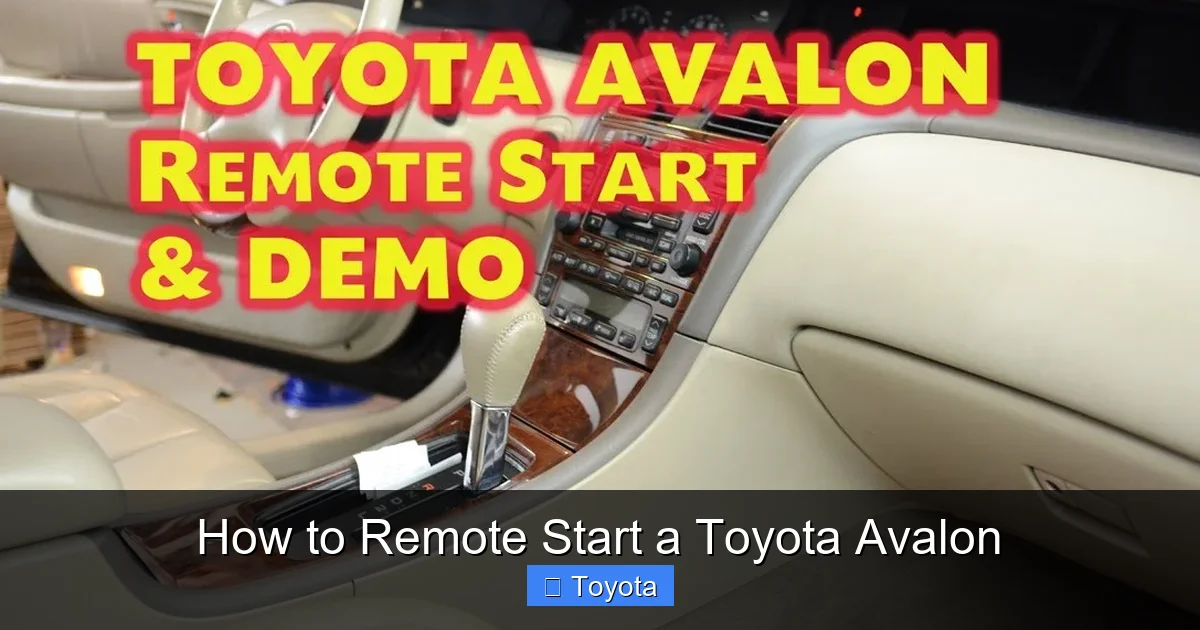
Visual guide about How to Remote Start a Toyota Avalon
Image source: i.ytimg.com
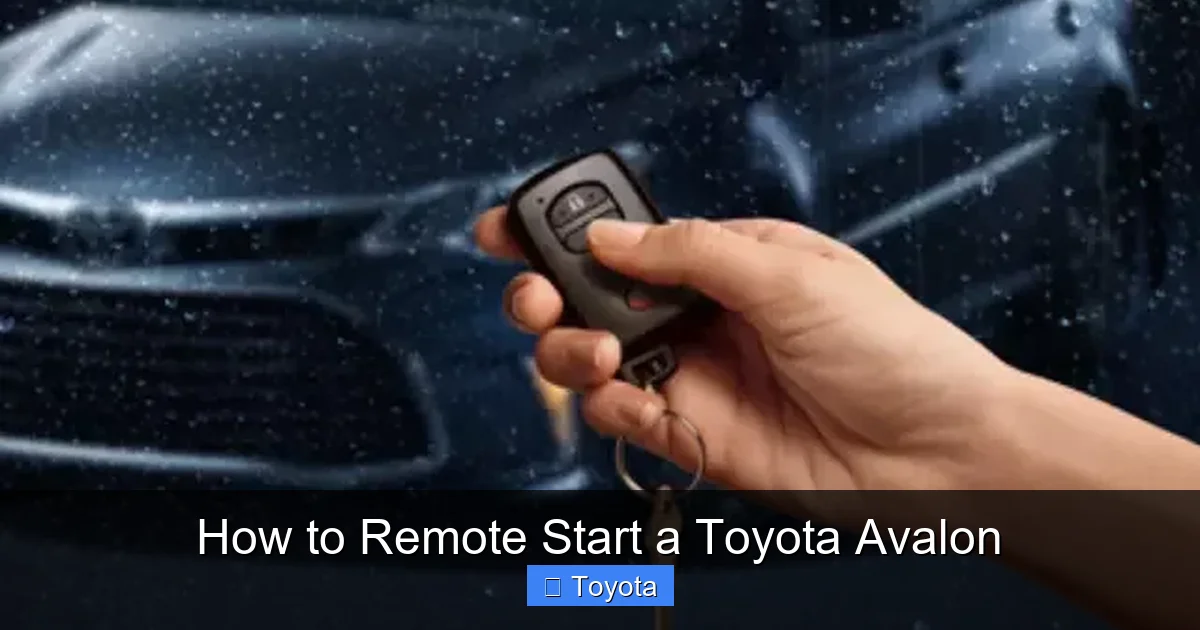
If your Toyota Avalon came with a factory-installed remote start system, you can activate it using the key fob. This is the most common and straightforward method. Here’s how to do it step by step.
Step-by-Step Instructions
1. **Ensure the vehicle is ready**: Make sure your Avalon is parked, in Park, and all doors are locked. The hood must also be closed. If any door is open or the hood is up, the system won’t activate.
2. **Stand within range**: You’ll need to be within 80 to 200 feet of the vehicle. Walls, buildings, and electronic interference can reduce this range, so try to be as close as possible.
3. **Press the lock button**: First, press the lock button on your key fob to ensure all doors are securely locked. This is a required step—remote start won’t work if the car isn’t locked.
4. **Press the remote start button**: Within two seconds of locking the doors, press and hold the remote start button (usually marked with a circular arrow or “START” symbol) for about one second. You should see the hazard lights flash and hear the engine start.
5. **Wait for confirmation**: The engine will start, and the climate control system will activate. You’ll typically see the dashboard lights illuminate, and the hazard lights may flash once or twice to confirm activation.
6. **Enter the vehicle**: When you’re ready to drive, approach the car and press the brake pedal while pressing the start/stop button (if your Avalon has push-button ignition). The engine will remain running, and you can begin driving.
7. **Extend runtime (optional)**: If you need more than 10 minutes, you can extend the runtime by repeating the remote start process—lock the doors and press the remote start button again. This gives you an additional 10 minutes, for a total of 20 minutes.
Tips for Best Results
– **Test the range**: If you’re unsure how far your key fob works, test it in different locations. Try from inside your house, garage, or office to see where it still functions.
– **Keep the fob charged**: A weak key fob battery can reduce signal strength. Replace the battery if you notice reduced range or inconsistent performance.
– **Avoid interference**: Metal objects, electronic devices, and even certain building materials can block the signal. If remote start fails, try moving closer or repositioning yourself.
– **Use in safe areas**: Only use remote start in secure, well-lit locations. Never start your car in an enclosed space like a garage, as this can lead to carbon monoxide buildup.
Common Mistakes to Avoid
– **Skipping the lock step**: Forgetting to lock the doors before pressing remote start is a common error. Always lock first.
– **Pressing too quickly or slowly**: The timing between locking and pressing remote start matters. Do it within two seconds for best results.
– **Assuming it works from far away**: Don’t expect remote start to work from across a large parking lot. Stay within the recommended range.
– **Ignoring safety checks**: If the system doesn’t activate, check that the car is in Park, doors are locked, and the hood is closed.
Using the Toyota App to Remote Start Your Avalon
Visual guide about How to Remote Start a Toyota Avalon
Image source: s3.amazonaws.com
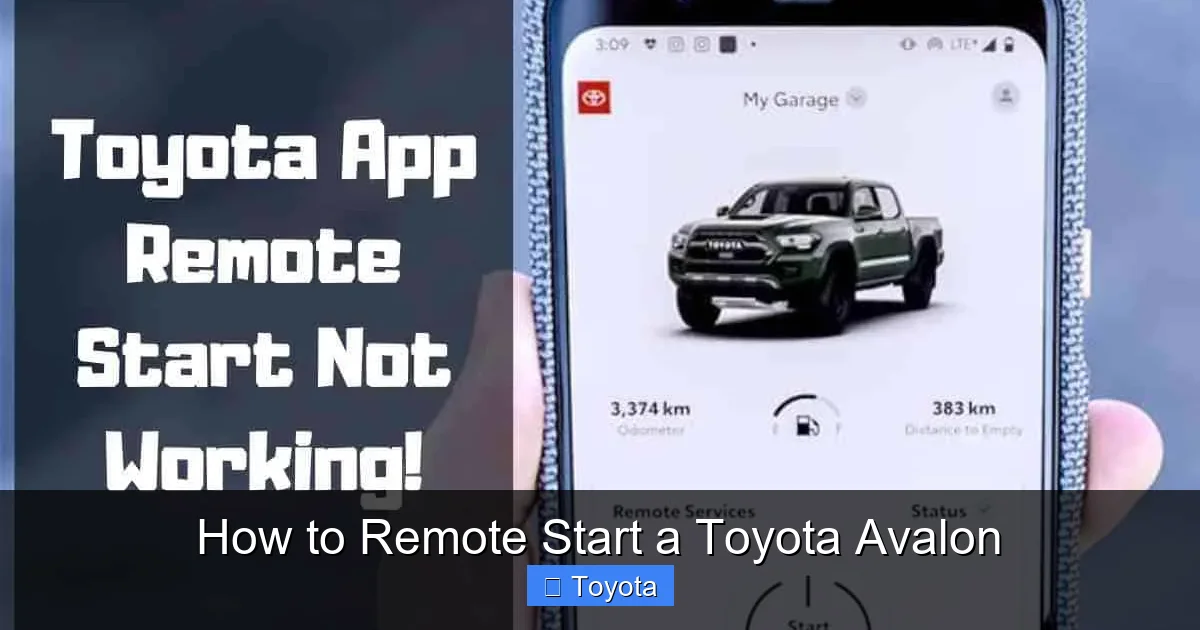
For added convenience, many newer Toyota Avalons (typically 2018 and later) support remote start through the Toyota app. This feature is part of Toyota’s Connected Services, which requires a subscription after the initial trial period.
Setting Up the Toyota App
To use the app for remote start, you’ll need to:
1. **Download the Toyota app**: Available for iOS and Android devices, the app is free to download.
2. **Create an account**: Sign up using your email and vehicle information.
3. **Link your vehicle**: Enter your VIN and follow the prompts to connect your Avalon to the app.
4. **Activate Connected Services**: Some features, including remote start, require enrollment in Toyota’s Connected Services. A free trial is usually included with new vehicles.
Once set up, you can use the app to start your car from virtually anywhere with a cellular connection—no need to be within line-of-sight range.
How to Remote Start via the App
1. Open the Toyota app and log in.
2. Select your Avalon from the vehicle list.
3. Tap the “Remote Start” button (usually represented by a car icon with a play symbol).
4. Confirm the action when prompted.
5. The app will send a signal to your car, and the engine will start within a few seconds.
You’ll receive a notification confirming the start, and the climate control will activate based on your last settings. To drive, simply enter the car and press the brake pedal with your foot while pressing the start/stop button.
Advantages of the App
– **Greater range**: Unlike the key fob, the app works anywhere with cellular coverage.
– **Additional features**: You can also lock/unlock doors, check fuel level, locate your car, and receive maintenance reminders.
– **Multiple users**: Family members can be added as authorized users, so everyone can use the app.
Limitations and Considerations
– **Subscription required**: After the free trial (usually 1–3 years), you’ll need to pay for Connected Services to continue using remote start via the app.
– **Data usage**: The app uses a small amount of cellular data, but it’s minimal.
– **Phone battery**: Make sure your phone is charged, especially in extreme weather when you might rely on remote start the most.
Troubleshooting Remote Start Issues
Visual guide about How to Remote Start a Toyota Avalon
Image source: autocareaids.com
Even with a well-designed system, remote start issues can occur. Here are some common problems and how to fix them.
Remote Start Won’t Activate
If pressing the button doesn’t start the engine, check the following:
– **Is the car in Park?** The system won’t activate if the transmission is in any other gear.
– **Are all doors locked?** Even one unlocked door can prevent activation.
– **Is the hood closed?** An open hood triggers a safety lockout.
– **Is the key fob battery low?** Replace the battery if the fob feels sluggish.
– **Are you out of range?** Move closer to the vehicle and try again.
Engine Starts but Shuts Off Immediately
This usually happens if the system detects a fault. Common causes include:
– **Low fuel level**: Some models won’t remote start if the fuel is below a certain level (e.g., 1/4 tank).
– **Check engine light**: If the check engine light is on, the system may disable remote start as a safety precaution.
– **Faulty sensors**: A malfunctioning door or hood sensor can cause false readings.
App Says “Command Failed”
If the Toyota app reports a failed command:
– **Check your internet connection**: Ensure your phone has a strong cellular or Wi-Fi signal.
– **Verify vehicle status**: Make sure the car is parked, locked, and not in motion.
– **Restart the app**: Close and reopen the app, or restart your phone.
– **Update the app**: Make sure you’re using the latest version of the Toyota app.
Extending Runtime Doesn’t Work
You can only extend the runtime once. If you try to extend it a second time, it won’t work. Also, the extension must be done while the engine is still running remotely. If the engine has already shut off, you’ll need to start it again from scratch.
Adding Remote Start to Older Avalon Models
If your Toyota Avalon was manufactured before 2013 or doesn’t have factory remote start, you can still add the feature using an aftermarket system.
Aftermarket Remote Start Kits
These kits are installed by certified technicians and integrate with your car’s existing electronics. Popular brands include Viper, Compustar, and Directed Electronics. They typically include a new key fob with remote start functionality.
Professional Installation Recommended
Because these systems interface with your car’s security and ignition systems, professional installation is strongly recommended. A qualified installer will ensure compatibility, avoid damage, and often provide a warranty.
Cost Considerations
Aftermarket remote start systems typically cost between $200 and $500, including parts and labor. While this is an added expense, it can significantly improve convenience, especially if you live in a climate with extreme temperatures.
Compatibility with Toyota Features
Modern aftermarket kits are designed to work seamlessly with Toyota’s factory systems, including keyless entry and push-button start. Some even support smartphone control via apps, similar to the factory Toyota app.
Frequently Asked Questions (FAQs)
Can I remote start my Toyota Avalon from inside my house?
Yes, if you’re within range of the key fob signal (usually 80–200 feet). For greater range, use the Toyota app, which works from anywhere with cellular service.
How long does the engine run when I remote start my Avalon?
The engine runs for up to 10 minutes. You can extend it once for an additional 10 minutes, for a total of 20 minutes.
Will remote start drain my car battery?
No, remote start uses minimal power. The system is designed to be efficient and won’t significantly drain the battery if used occasionally.
Can I remote start my Avalon if the check engine light is on?
In most cases, no. The system disables remote start if the check engine light is on as a safety precaution. Have the issue diagnosed and resolved first.
Does remote start work in extreme cold or heat?
Yes, but performance may vary. In very cold weather, the engine may take longer to start. In extreme heat, the system will prioritize cooling the cabin.
Is remote start safe to use in a garage?
No, never use remote start in an enclosed space like a garage. This can lead to dangerous carbon monoxide buildup. Always start your car in a well-ventilated area.
Conclusion
Learning how to remote start a Toyota Avalon is a simple yet powerful way to enhance your driving experience. Whether you’re braving winter cold or summer heat, this feature adds comfort, safety, and convenience to your daily routine. With options ranging from the factory key fob to the Toyota app and aftermarket upgrades, there’s a solution for nearly every Avalon owner.
By following the steps outlined in this guide, you can confidently activate remote start, troubleshoot common issues, and make the most of your vehicle’s advanced technology. Remember to always prioritize safety—ensure your car is parked, locked, and in a well-ventilated area before using remote start.
If your Avalon didn’t come with remote start, don’t let that stop you. Aftermarket systems offer a reliable and affordable way to add this feature. With professional installation, you can enjoy the same benefits as newer models.
Ultimately, remote start is more than just a luxury—it’s a practical tool that improves comfort, protects your vehicle, and saves time. So the next time you’re facing a frosty morning or a scorching afternoon, you’ll be ready to step into a perfectly conditioned car, thanks to your Toyota Avalon’s remote start system.
Frequently Asked Questions
What is How to Remote Start a Toyota Avalon?
How to Remote Start a Toyota Avalon is an important topic with many practical applications.
