
How Do You Turn Off the Alarm on a 2016 Toyota Corolla?

A blaring 2016 Toyota Corolla alarm is usually a false trigger from a key fob, sensor, or door latch, not a break-in. You can almost always silence it immediately using your key fob, manually unlocking the driver’s door, or turning the ignition. If those fail, a temporary battery disconnect is the last resort. Never cut wires or permanently disable the system, as it compromises your vehicle’s security. Always consult your owner’s manual first for model-specific details.
Key Takeaways
- The alarm is a security feature: It’s designed to deter theft and alert you to unauthorized entry, so it’s sensitive to various triggers.
- Your key fob is the primary tool: Pressing the unlock or lock button on the fob is the fastest, most common way to immediately silence a sounding alarm.
- Manual unlock often works: If the fob battery is dead or the signal is blocked, inserting the key and turning it in the driver’s door usually disarms the system.
- Turning the ignition resets it: Once the alarm stops, inserting the key and turning it to the “ON” or “RUN” position fully resets the security system.
- Battery disconnect is a last resort: Unplugging the negative battery terminal for a few minutes will reset all electronics but requires radio code re-entry.
- Consult your owner’s manual: It contains the definitive, model-specific instructions and diagrams for your Corolla’s security system.
- Persistent alarms need a professional: If the alarm triggers repeatedly or won’t stop, there’s likely a faulty sensor or module requiring a dealer or auto electrician.
📑 Table of Contents
- Introduction: That Blaring Sound Isn’t a Burglar (Probably)
- Understanding Your 2016 Corolla’s Security System
- Common Reasons Your 2016 Corolla Alarm Goes Off
- How to Turn Off the Alarm: Step-by-Step Methods
- What to Do If the Alarm Won’t Stop (Troubleshooting)
- Preventing Future False Alarms: Maintenance Tips
- Conclusion: You’re in Control
Introduction: That Blaring Sound Isn’t a Burglar (Probably)
You’re standing next to your trusty 2016 Toyota Corolla, maybe after grocery shopping or returning from work, and suddenly—HONK! HONK! HONK! The piercing, repetitive sound of the car alarm shatters the quiet of your driveway or parking lot. Your heart skips a beat. Did someone try to break in? Is the car being stolen? Before panic sets in, take a deep breath. In the vast majority of cases with a Corolla of this era, that frantic noise is a false alarm. It’s your car’s overly sensitive security system reacting to something benign, like a dying key fob battery, a slightly ajar door, or even a strong gust of wind.
Understanding how to quickly and safely turn off this alarm is a crucial piece of ownership knowledge. It saves you from embarrassment, prevents a drained battery, and stops the headache. This guide will walk you through every method, from the simple 2-second fix to the more involved reset, ensuring you regain control of your vehicle’s soundtrack. We’ll explore why it happens, what each step does, and when it’s time to call for help. Think of this as your calm, collected friend talking you down from the sonic ledge your Corolla has created.
Understanding Your 2016 Corolla’s Security System
Before we dive into the “how,” it helps to know the “what.” Your 2016 Corolla isn’t equipped with a vintage, clunky siren. It has a sophisticated, integrated Vehicle Security System (VSS) that’s part of the car’s overall electronic architecture. This system is constantly monitoring several things:
Visual guide about How Do You Turn Off the Alarm on a 2016 Toyota Corolla?
Image source: carpursuits.com
- The Ignition Lock Cylinder: It knows if a key (or improper tool) is inserted and turned without the correct transponder chip.
- Door and Trunk Switches: Sensors on each door, the hood, and the trunk tell the computer if they are opened without the system being properly disarmed first.
- The Key Fob: This is your primary disarm device. It sends a unique, encrypted radio signal to a receiver in the car. When you press unlock, it tells the security module, “It’s me, the authorized owner.”
- The Security Indicator Light: That small red light on the dashboard that blinks when the car is locked is the system’s “armed” status indicator. If it’s solid or flashing differently, it can signal a fault. (You can learn more about this specific light in our guide on how to turn off the security indicator light on Toyota).
When any of these sensors are tripped while the system is armed—meaning you’ve locked the car with the fob—the control module triggers the alarm: the horn honks, the lights flash, and in some cases, a separate siren under the hood sounds. Our goal is to send that all-clear signal to the module, which is almost always accomplished by using the correct key or fob in the correct way.
The Role of the Key Fob and Transponder Key
Your key fob does two jobs. First, it has the buttons for remote lock/unlock. Second, and more importantly for starting the car, the physical key blade contains a transponder chip. This chip is passive; it doesn’t need a battery. When you insert the key into the ignition and turn it, a ring of antennas around the ignition cylinder energizes the chip and reads its unique code. This is how the car knows a genuine, programmed key is being used. The alarm system is deeply tied to this process. Disarming it often requires proving you have this valid key, either wirelessly (fob button) or physically (key in ignition).
Common Reasons Your 2016 Corolla Alarm Goes Off
Knowing the triggers helps you prevent future incidents. Here are the most frequent culprits:
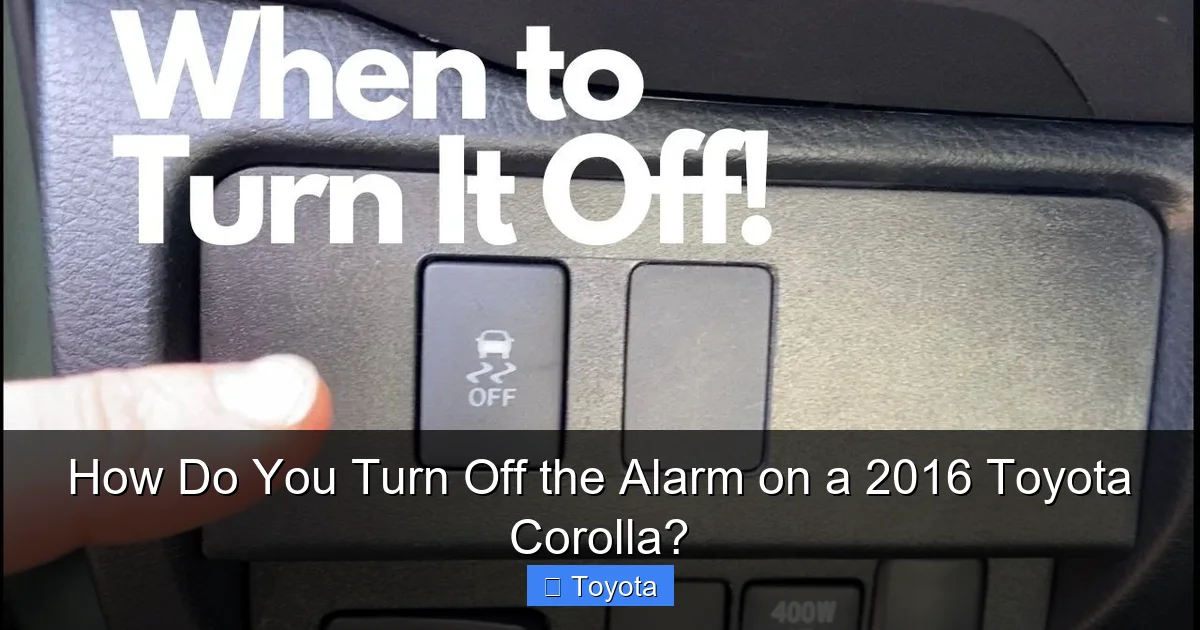
Visual guide about How Do You Turn Off the Alarm on a 2016 Toyota Corolla?
Image source: i.ytimg.com
- Weak or Dead Key Fob Battery: This is the #1 cause. The fob’s signal weakens, and the car sometimes doesn’t “hear” the unlock command, thinking it’s an unauthorized attempt.
- Faulty Door/Trunk/Hood Latch Switch: Over time, the small plastic switches that tell the computer “the driver’s door is closed” can fail or get out of adjustment. The computer thinks a door is open when the car is locked.
- Low 12-Volt Battery Voltage: A weak car battery can cause all sorts of electronic gremlins. The security module might reboot erratically or misinterpret sensor signals.
- Aftermarket Accessories: A poorly installed stereo, alarm, or dash cam can accidentally tap into the wrong wiring and trigger the factory alarm.
- Extreme Weather: Very high winds can shake a loose door or trunk enough to trip the switch. Ice can similarly jam a latch.
- Impact Sensors: While less common on base models, some Corollas have impact sensors that trigger the alarm if they detect a jolt (like a strong bump from another car in a parking lot).
Notice that most of these are system faults or environmental, not actual break-in attempts. This is why the solutions are about resetting communication, not repelling invaders.
How to Turn Off the Alarm: Step-by-Step Methods
Try these methods in order. They progress from simplest to most involved. Do not jump to disconnecting the battery first; it’s unnecessary 99% of the time and causes more hassle (radio code, clock reset).
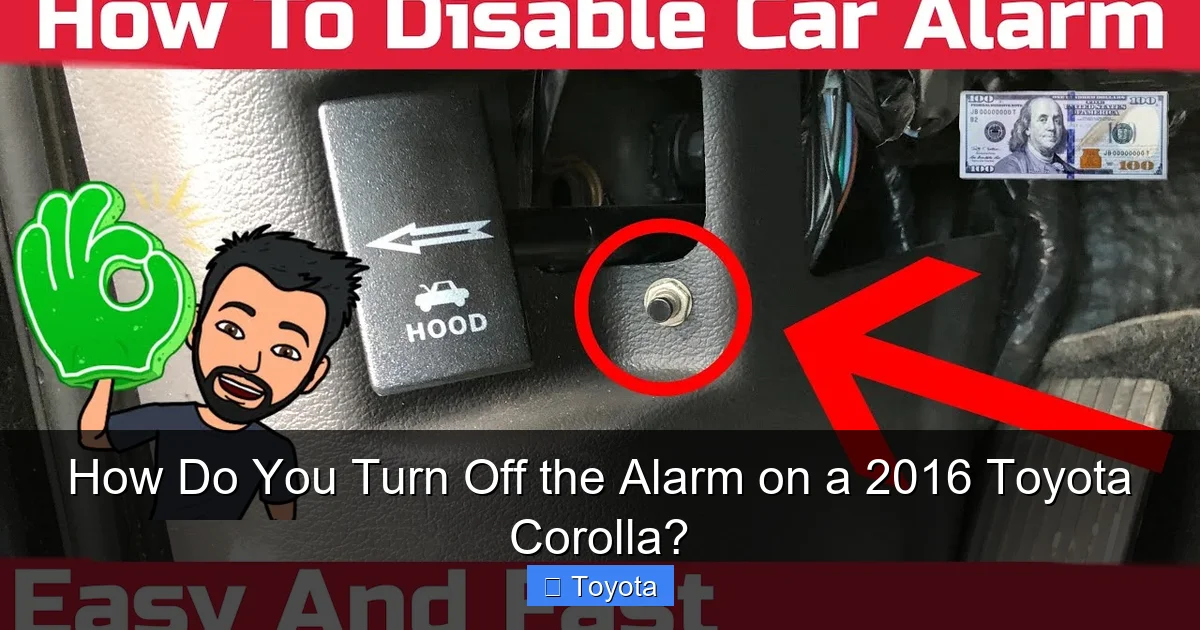
Visual guide about How Do You Turn Off the Alarm on a 2016 Toyota Corolla?
Image source: i.ytimg.com
Method 1: Use the Key Fob (The First and Best Try)
This is your primary tool. Stand next to the car (within 20-30 feet usually).
- Press the “Unlock” Button: Firmly press the unlock button on your key fob once. The alarm should stop immediately. You’ll hear the locks cycle and the horn cut off.
- If Unlock Fails, Press “Lock” Then “Unlock”: Sometimes the system gets in a confused state. Press the lock button (you’ll likely hear a single honk as it arms), wait a second, then press unlock. This sends a fresh, clear disarm signal.
- Check the Fob Battery: If neither works, your fob’s coin cell (usually a CR2032) is likely dead. Replace it. You can often still use the physical key blade in the door (see Method 2).
Pro Tip: If the fob is in your pocket/purse and not working, it could be blocked by other electronics or metal. Take it out and point it directly at the car’s front door or trunk.
Method 2: Use the Physical Key in the Driver’s Door
This method works even with a completely dead key fob battery, as it uses the physical key and the door’s mechanical lock cylinder, which is directly wired to disarm the system.
- Extract the Emergency Key: Flip your key fob over. There’s usually a small slider or button. Slide/push it to release the hidden physical key blade.
- Unlock the Driver’s Door: Insert this key into the driver’s door lock (the one with the keyhole). Turn it to the unlock position. You should hear the locks cycle and the alarm stop.
- Important: Do not just unlock the trunk or a rear door. The driver’s door is the primary “disarm” trigger for the system. Unlocking any other door may not stop the alarm.
Once the alarm stops, you can enter the car. The system will remain disarmed until you lock the car again with the fob.
Method 3: Turn the Ignition with the Key
If the alarm is sounding and you’re already near the car (maybe you just got out and it triggered), this is the fastest method if you have the key.
- Insert the Key: Place the key fob (with the blade extended or not, doesn’t matter) into the ignition.
- Turn to “ON” or “RUN”: Quickly turn the key to the position before starting the engine (the “ON” or “RUN” position where the dashboard lights come on). You don’t need to crank the engine. Just turning the key to this power position sends a signal that a valid key is present and the car is being operated, which instantly silences the alarm and resets the system.
This is often the method you’ll use if you’re getting into the car to drive somewhere and the alarm starts as you approach.
Method 4: The Last Resort – Disconnect the Battery
Warning: This will reset all your vehicle’s computers. You will lose radio presets, clock settings, and may need to enter a radio security code (check your manual or glovebox sticker). Only use this if the alarm is constantly sounding and none of the above methods work, or if you need to perform work on the car and can’t stop the alarm.
- Open the Hood: You’ll need to access the battery in the engine bay. If you’re unsure how, our guide on how to open the hood on a Toyota Corolla can help.
- Locate the Negative Terminal: It’s the black cable connected to the battery with a “-” symbol. Do not touch the positive (+) terminal.
- Loosen and Remove: Using a 10mm wrench (usually), loosen the nut on the negative terminal clamp and carefully lift the clamp off the battery post. Tuck the cable aside so it can’t touch the terminal.
- Wait: Leave it disconnected for at least 5 minutes. This allows all residual power (and the security module’s memory) to fully drain.
- Reconnect: Place the clamp back on the negative post and tighten the nut securely. Close the hood.
- Reset: The alarm will be off. You’ll need to reset your clock and radio. The car may idle a bit rough for the first start as the engine computer relearns—this is normal.
What to Do If the Alarm Won’t Stop (Troubleshooting)
If you’ve tried Methods 1-3 and the alarm is still blaring, or if it triggers repeatedly after being reset, you have a persistent problem that needs diagnosis. Here’s your action plan:
Check for Obvious Physical Issues
Walk around the car. Is the driver’s door fully shut? Is the trunk latch fully engaged? Is the hood securely latched? Sometimes a door isn’t fully closed due to a floor mat, cargo, or ice. Slam each door firmly. Also, check if any windows are slightly open; some systems monitor window position.
Diagnose the Key Fob
Replace the key fob battery immediately, even if you think it’s okay. A weak signal is a prime suspect. If a new battery doesn’t help, the fob itself may be damaged or its internal circuitry failing. You may need a replacement fob programmed by a dealer or locksmith.
Listen for the Alarm Source
Is it just the horn honking, or is there also a separate siren under the hood? A dedicated siren (often located near the front of the engine bay, by the headlight) indicates the full security system is active. If it’s only the horn, it could be a simpler horn-trigger circuit issue, but it’s still part of the alarm.
Scan for Trouble Codes
This is a job for a professional. An auto technician or dealer will use a diagnostic scan tool (like a Toyota-specific Techstream) to plug into the car’s OBD-II port. The security module may have stored a fault code pointing to the exact problem—e.g., “Driver Door Switch Circuit Failure” or “Trunk Switch Short.” This is the most efficient way to fix a chronic alarm issue.
When to Call a Professional
Call a Toyota dealer or a reputable auto electrician if:
- The alarm triggers repeatedly with no obvious cause after a reset.
- You’ve replaced the key fob battery and checked all doors/hood/trunk.
- You suspect a faulty latch switch, hood sensor, or wiring harness.
- You are uncomfortable working around the battery or car electronics.
They have the tools to diagnose the specific module and sensor. Tampering with or attempting to permanently disable the factory security system is not recommended, as it can void warranty aspects (if applicable) and leave your car vulnerable to theft.
Preventing Future False Alarms: Maintenance Tips
An ounce of prevention is worth a pound of honking. Keep your Corolla’s security system happy with these simple habits:
- Replace Key Fob Batteries Proactively: Don’t wait for it to die. These batteries last 1-3 years. Replace them every 2 years as preventative maintenance. Keep a spare battery in your glovebox.
- Ensure All Doors, Hood, and Trunk are Fully Latched: Give each one an extra firm push/pull when locking the car. Listen for the solid “thunk.”
- Keep Latch Areas Clean: Dirt, ice, or debris in the door latch mechanism can prevent it from fully engaging. Occasionally clean the latch with a dry cloth and spray a tiny amount of silicone lubricant (not WD-40, which attracts dirt).
- Check for Aftermarket Interference: If you recently had an aftermarket radio, dash cam, or charger installed, have the installer double-check that no wires were accidentally spliced into the alarm’s door switch circuits.
- Address a Weak Car Battery: If your battery is over 4 years old or struggles to start the car, test and replace it. A voltage below 12.4V can cause system glitches. For more on battery-related lights, see our article on how to reset the battery light on a Toyota Corolla.
- Be Mindful of Key Fob Storage: Don’t store spare fobs or metal objects right next to the fob in your purse, as this can block its signal.
Conclusion: You’re in Control
That startling, intrusive sound from your 2016 Toyota Corolla doesn’t have to ruin your day. By understanding that it’s almost always a communication hiccup—not a crime in progress—you can approach it calmly and methodically. Start with the simple, instant fixes: your key fob’s unlock button or the physical key in the driver’s door. These two actions solve the problem in over 90% of cases. Remember, the system is designed to be disarmed by you, the owner, using these very tools.
If the alarm becomes a recurring nuisance, shift your focus from silencing it to diagnosing it. A persistent alarm is your car’s way of telling you a sensor is faulty or a connection is poor. In these situations, investing in a professional diagnosis is smarter than repeatedly resetting a broken system. Your Corolla’s security system is a valuable asset; keeping it functioning properly protects your vehicle and your peace of mind. Now you have the knowledge to handle that sudden honk with confidence, turning a moment of panic into a simple, solved task.
Frequently Asked Questions
Why does my 2016 Toyota Corolla alarm keep going off for no reason?
The most common cause is a weak key fob battery, which causes the car to miss your unlock signal. Other frequent culprits are a faulty door latch switch, a slightly ajar door/trunk/hood, or low car battery voltage. Start by replacing the fob battery and ensuring all openings are fully closed.
Can I permanently disable my Corolla’s factory alarm system?
While technically possible by cutting wires or removing fuses, we strongly advise against it. Permanently disabling the factory security system compromises your vehicle’s theft protection and can cause other electronic glitches. It may also violate local regulations or insurance policies. Always troubleshoot and fix the underlying cause instead.
My key fob battery is dead. How do I get into the car and turn off the alarm?
Use the hidden emergency key blade inside your fob to manually unlock the driver’s door. Turning the key in that door’s lock cylinder will instantly disarm the alarm and allow you to enter. Once inside, you can replace the fob battery and use the fob normally again.
Will disconnecting the battery damage my car’s computer?
No, it will not cause damage. It will, however, reset all the vehicle’s learned data and settings. You will need to re-enter your radio security code (found on a card in your glovebox or manual), reset the clock, and your power window and sunroof “auto-up” features may need to be re-learned. The engine may idle slightly rough on the first start as the engine computer relearns fuel trims—this is normal and temporary.
The alarm stopped, but the security light on the dash is still blinking or solid. Is that normal?
Yes, that’s normal. After you disarm the alarm (by unlocking or turning the ignition), the red security indicator light on the dash should begin slowly blinking. This indicates the system is armed and monitoring. If the light is solid, flashing rapidly, or a different color (like orange/yellow), that indicates a stored fault code. A solid light often means the system needs to be reset by turning the ignition on and off, or it points to a specific problem that needs scanning.
When should I take my Corolla to a dealer for the alarm problem?
Take it to a dealer or qualified auto electrician if: 1) The alarm triggers repeatedly even after you’ve reset it using the proper methods, 2) You’ve replaced the key fob battery and checked all door/hood/trunk latches, and the problem persists, or 3) You suspect a faulty sensor or wiring issue. They can use a diagnostic scan tool to read the security module’s fault codes and pinpoint the exact faulty component, saving you from guessing and replacing parts unnecessarily.
