
How to Reset the Tire Pressure Light on a 2015 Toyota Sienna

The tire pressure light on your 2015 Toyota Sienna is a warning from the Tire Pressure Monitoring System (TPMS) that one or more tires are underinflated. You can reset it after correcting the pressure by using the dashboard reset button or by driving at highway speeds for a short period. If the light remains on after a proper reset, it often indicates a faulty sensor or a more serious issue that requires professional diagnosis.
Key Takeaways
- Safety First: Always check and adjust tire pressures when tires are cold for an accurate reading and safe driving conditions.
- Correct PSI is Key: The 2015 Sienna’s recommended tire pressure is typically 32-35 PSI (check your driver’s door jamb sticker for your specific model and load).
- Two Main Reset Methods: You can reset the light manually via the button in the glovebox or automatically by driving above 50 mph for 10-15 minutes.
- Driving Relearn is Required: After inflating tires, the vehicle needs to “relearn” the new sensor values, which happens automatically during the drive cycle.
- Persistent Light Means Trouble: If the TPMS light won’t reset after following all steps, a faulty sensor, dead battery, or system malfunction is likely.
- Don’t Ignore the Light: Driving with significantly underinflated tires reduces fuel economy, causes uneven wear, and can lead to dangerous blowouts.
- Spare Tire Matters: If your spare tire is a full-size one with a sensor, its pressure must also be correct. A compact spare usually does not have a sensor.
📑 Table of Contents
- So That Little Yellow Light Came On—Now What?
- Understanding Your 2015 Sienna’s TPMS: It’s Not Magic, It’s Science
- Essential Prep Work: Don’t Skip This!
- The Step-by-Step Reset Procedures for Your 2015 Sienna
- Troubleshooting: Why Won’t the Light Reset?
- Proactive Maintenance: Keeping the Light Off for Good
- Conclusion: You’ve Got This!
So That Little Yellow Light Came On—Now What?
Hey there, Sienna owner! That pesky tire pressure warning light—the one that looks like a cross-section of a tire with an exclamation point—just blinked on in your dashboard. Your first thought might be a mix of annoyance and confusion. “I just filled my tires! Why is it still on?” or “Do I really need to deal with this right now?”
First, take a breath. This is one of the most common and straightforward dashboard warnings to address. The system is there to protect you, your passengers, and your vehicle. Ignoring it is the worst thing you can do. Underinflated tires are a silent menace. They wear out faster on the edges, hurt your fuel economy (we’re talking drops of several MPG), reduce handling and braking performance, and can overheat and fail catastrophically—especially on a long family trip in your Sienna.
This guide is your friendly, step-by-step companion to resetting the tire pressure light on a 2015 Toyota Sienna. We’ll demystify the TPMS, walk you through the exact process, troubleshoot why it might not reset, and give you pro tips to keep it off for good. By the end, you’ll handle this like a pro.
Understanding Your 2015 Sienna’s TPMS: It’s Not Magic, It’s Science
Before we start pushing buttons, it helps to know what you’re talking to. The Tire Pressure Monitoring System (TPMS) in your 2015 Sienna is a direct system. That means each wheel has a small electronic sensor valve stem inside. These sensors constantly measure the air pressure and temperature, then transmit that data wirelessly to your vehicle’s computer.
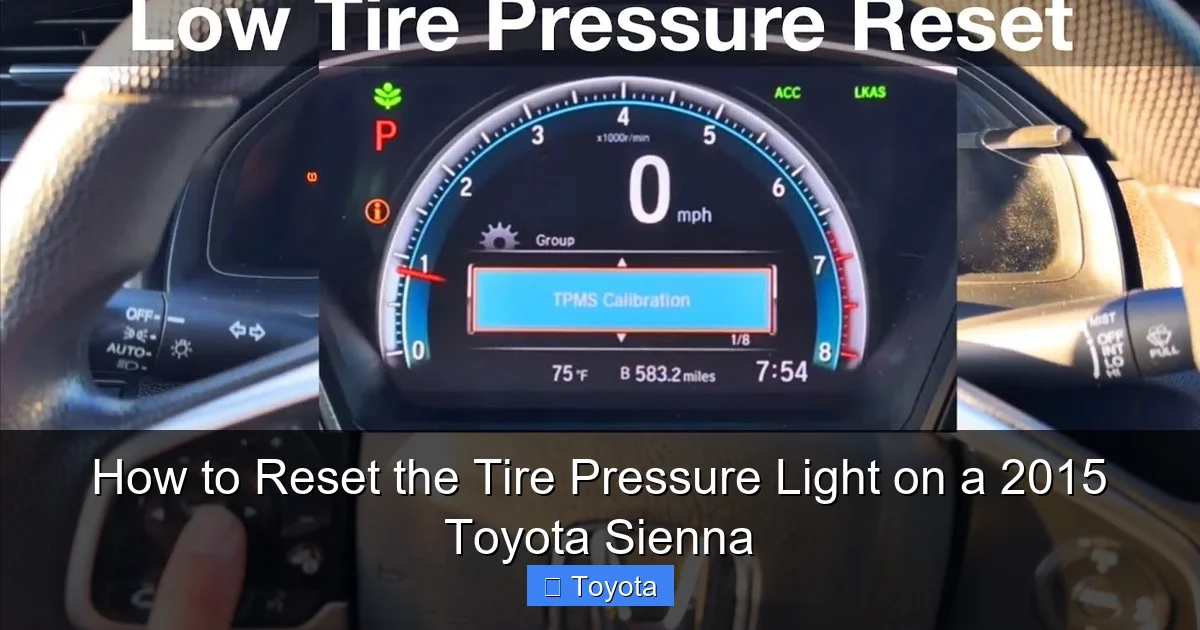
Visual guide about How to Reset the Tire Pressure Light on a 2015 Toyota Sienna
Image source: i.ytimg.com
How It Knows Which Tire is Low
Your Sienna’s system doesn’t just know “a tire is low.” It knows which one. During a “relearn” process (which happens automatically after you drive), the system matches the unique ID signal from each sensor to its specific wheel position (Front Left, Front Right, Rear Left, Rear Right). This is why the reset procedure is important—it tells the computer “hey, the pressures are now correct, start monitoring again with the current sensor positions.”
Why the Light Might Come On (Beyond Low Pressure)
While low tire pressure is the #1 culprit, the TPMS light can illuminate for other reasons:
- Rapid Pressure Loss: A nail or puncture causing a slow leak.
- Temperature Drops: Air contracts in cold weather. A 10°F drop can lower pressure by about 1 PSI. This is common in winter mornings and often goes away as tires warm up while driving. If it stays on, you still need to add air.
- Faulty Sensor: Sensors have batteries that last 7-10 years. Your 2015 Sienna’s sensors are getting up there in age and could be failing.
- Spare Tire Issue: If you have a full-size spare with a sensor and it’s low, the light will come on. (A compact “donut” spare typically does not have a sensor).
- System Malfunction: Rare, but possible. The TPMS control module could have an issue.
Understanding this helps with troubleshooting. If you inflate all tires to the correct pressure and the light immediately comes back on, a sensor is the likely suspect.
Essential Prep Work: Don’t Skip This!
Rushing into the reset without proper preparation is the #1 reason people fail. The reset process only works if the underlying problem—low pressure—is actually fixed. Here’s your pre-reset checklist.
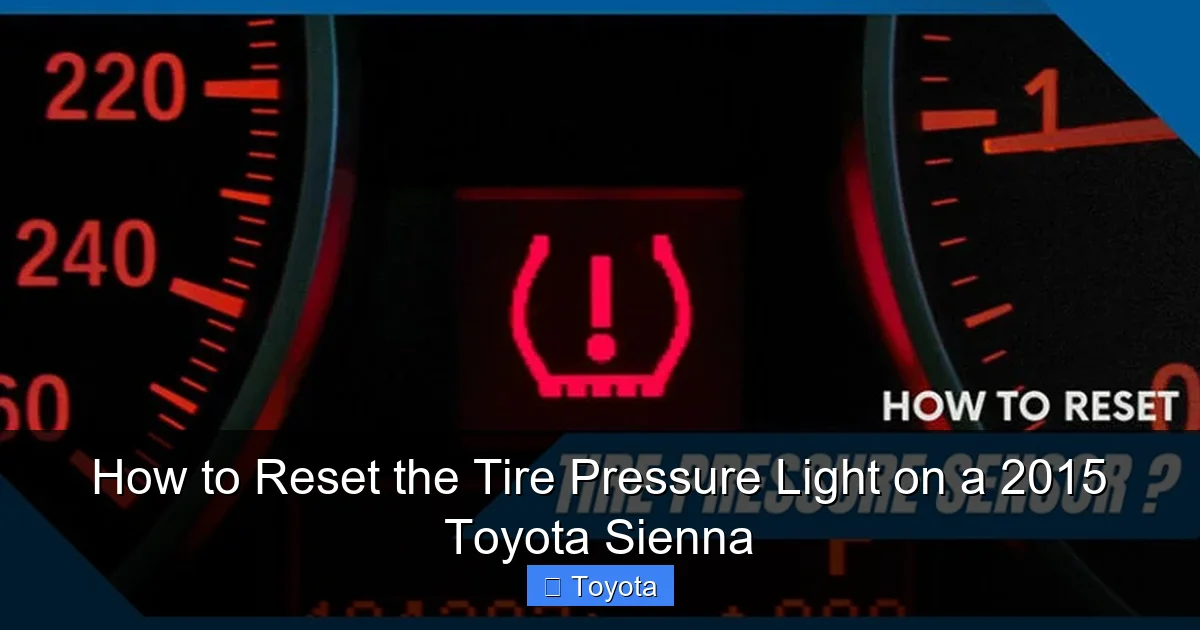
Visual guide about How to Reset the Tire Pressure Light on a 2015 Toyota Sienna
Image source: corwheels.com
1. Get the Correct Pressure Number
Do NOT use the number on your tire’s sidewall. That’s the maximum pressure the tire can hold. You need the vehicle manufacturer’s recommended pressure. For your 2015 Toyota Sienna, find the sticker on:
- The driver’s side door jamb (most common)
- The fuel filler door
- The glovebox door
It will say something like “Tire Placard” and list pressures for different load conditions. For a normal load (up to 3 passengers), it’s typically 32 PSI for the front and 35 PSI for the rear, but always verify your specific sticker. This is critical. Over-inflating is just as bad as under-inflating.
2. Check Pressure When Tires Are Cold
“Cold” means the vehicle hasn’t been driven for at least three hours or has been driven less than 1 mile. Driving heats the tires and air inside, giving a falsely high reading. Check them in the morning before leaving, or let them sit.
3. Use a Reliable Gauge
Those little pencil-style gauges at gas stations are often inaccurate. Invest in a good digital or dial gauge (they cost $10-$20). It’s a one-time purchase that saves you from guessing.
4. Inflate All Four Tires (and the Spare if Applicable)
Adjust each tire to the exact PSI listed on your door jamb sticker. Don’t just fill the one that’s low; set all four correctly. This ensures the system has a consistent baseline. If you have a full-size spare with a sensor, check its pressure too and inflate it to the spare’s specified pressure (usually 60 PSI, but check your manual).
5. Inspect for Damage
While you’re down there, give each tire a visual once-over. Look for nails, screws, cuts, bulges, or excessive wear on the edges (a sign of chronic underinflation). Fix any issues before resetting, or the light will just come back on.
Once every tire is at the correct, cold pressure and you’ve addressed any visible damage, you’re ready to reset.
The Step-by-Step Reset Procedures for Your 2015 Sienna
Your Sienna has two primary ways to reset the TPMS light. The first is a manual button press. The second is an automatic “relearn” that occurs during driving. You can try either, but the driving method is often more reliable if the manual reset doesn’t take.
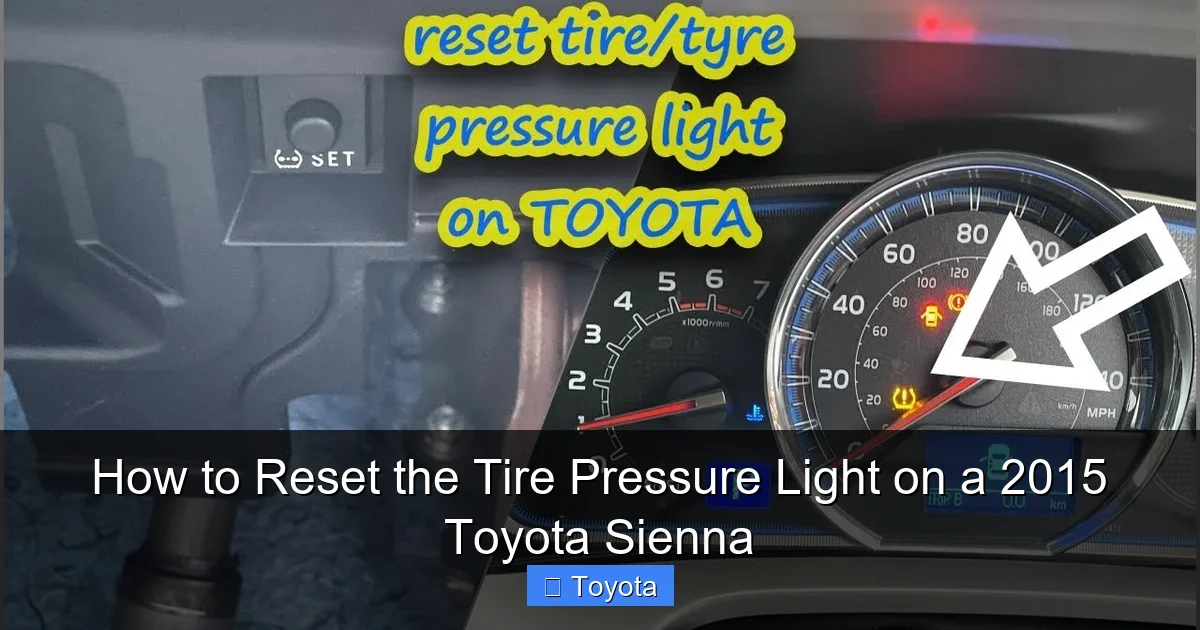
Visual guide about How to Reset the Tire Pressure Light on a 2015 Toyota Sienna
Image source: i.ytimg.com
Method 1: The Glovebox Reset Button (Most Common)
This is the classic method. The button is located inside the glovebox.
- Turn the Ignition On: Insert your key and turn it to the “ON” or “ACC” position (the position right before starting the engine). You do not need to start the engine. All dash lights should illuminate.
- Locate the TPMS Reset Button: Open the glovebox. On the upper left side (driver’s side), you’ll see a small, usually black or white, button. It may have “TPMS” or a tire symbol with an exclamation point on it. It’s recessed; you may need a pen or small screwdriver to press it if your finger can’t reach.
- Press and Hold: Press and hold the button. You’ll hear a beep after about 2-3 seconds. Continue holding it until you hear a second, longer beep (about 5-8 seconds total). The TPMS warning light on the dash should blink three times and then turn off.
- Release and Start the Engine: Release the button. Turn the ignition off, wait a few seconds, then start the engine. The light should remain off. If it comes back on immediately, the pressures may have changed during the process (very unlikely if you prepped correctly) or there’s another issue.
Pro Tip: If the light doesn’t blink or turn off after holding the button for 10 seconds, release it, turn the ignition off, and try again. Sometimes it takes a couple of attempts.
Method 2: The Highway Driving Relearn
This method lets the car’s computer do the work. It’s highly effective and is actually the intended way the system updates after a pressure change.
- Ensure All Tires Are Perfectly Inflated: Double-check your work. This is non-negotiable.
- Drive at Sustained Speed: Get on a highway or a long, straight road. Drive at a steady speed above 50 mph (80 km/h).
- Maintain for 10-15 Minutes: Keep that speed for at least 10-15 minutes. The system needs time to read the sensor signals and confirm they are within the acceptable range. Do not make frequent stops or drive in heavy stop-and-go traffic during this period.
- Check the Light: After driving, the TPMS light should turn off on its own. You may see it blink a few times during the process as the system “thinks.” It’s normal for it to stay on for the first few minutes of driving before turning off once the new data is confirmed.
Why This Works: The constant speed and rotation allow the sensors to transmit multiple signals, giving the computer a clear, consistent sample to compare against its thresholds.
What If I Have a 2015 Sienna with a Base or Limited Trim?
Good news! The TPMS reset procedure is identical across all 2015 Sienna trims (L, LE, SE, XLE, Limited). The button location and process are the same. The only difference might be the presence of a tire pressure display on the multi-information screen (available on higher trims), but the reset button function is universal.
Integrating Our Other Guides
While you’re tackling dashboard lights, you might eventually need to address others. Your Sienna’s maintenance required light (the wrench icon) is a common cousin to the TPMS light. It reminds you of scheduled service. The process to reset it is completely different and involves using the odometer button. You can learn about that in our general guide on how to reset the maintenance required light on a Toyota. Similarly, if you own another Toyota like a Highlander, the steps for its maintenance light are often very similar to the Sienna’s.
Troubleshooting: Why Won’t the Light Reset?
You inflated the tires perfectly. You held the button until it beeped twice. You drove on the highway for 20 minutes. Yet, that stubborn light is still glowing. Don’t panic. Here’s your diagnostic flowchart.
Scenario 1: The Light Comes Back On Immediately After Reset
This almost always means the pressure is not correct. Re-check all four tires with your gauge. Did you forget the spare? Is one tire still a pound or two low? Temperature changes between your check and the reset can also cause a slight drop. Re-inflate to the exact spec and try again.
Scenario 2: The Light Comes Back On After Driving for a While
This is a classic sign of a failing or dead TPMS sensor. The sensor’s internal battery (which lasts about 7-10 years) is dying, or the sensor itself is damaged. As you drive, the sensor’s signal weakens or becomes inconsistent, and the computer flags it. The sensor will need to be replaced. Since they’re part of the valve stem, this usually requires a tire shop to break the bead, replace the sensor, and rebalance the tire.
Scenario 3: The Light is Flashing (Not Solid)
A flashing TPMS light (for more than a few seconds after startup) is a definite code for a system malfunction. It could be:
- A faulty TPMS control module.
- An antenna or receiver issue around the wheel wells.
- Interference from other electronic devices (rare).
This requires professional scanning with a specialized TPMS tool to read the sensor codes and diagnose the source.
Scenario 4: You Tried Everything and It’s Still On
At this point, it’s time to visit a trusted mechanic or tire shop. They have advanced TPMS scanners that can:
- Read the individual sensor IDs and pressures.
- Check sensor battery life.
- Test the system’s receiver.
- Perform a more thorough relearn procedure if the vehicle has “lost” a sensor (e.g., after a tire rotation).
For a 2015 vehicle, sensor failure is a very real possibility due to age. Replacing all four sensors at once is often recommended since they likely have similar wear, and it saves on future labor.
Proactive Maintenance: Keeping the Light Off for Good
Resetting the light is a fix, but prevention is better. Here’s how to be a TPMS-savvy Sienna owner.
Check Pressures Monthly and Before Long Trips
Make it a habit. Tires naturally lose about 1 PSI per month. Catching a slow leak early prevents a flat and avoids triggering the TPMS. Always check when cold.
Understand Seasonal Changes
In fall and winter, you’ll likely need to add 1-3 PSI as temperatures drop. In spring, you may need to let a little out as it warms up. Don’t ignore the light in cold weather; add air to the correct spec.
Be Careful with Tire Services
- Tire Rotations: After a rotation, the system may need a “relearn” because the sensor positions have changed. Some shops do this automatically with a scan tool. Others may instruct you to drive the vehicle. If the light comes on after a rotation, this is likely why.
- New Tires: If you’re mounting new tires on existing wheels, the sensors should transfer over fine. If you’re getting new wheels, the sensors must be transferred or new ones installed and programmed.
- Flat Repairs: A plug or patch can sometimes damage a sensor or its seal. Have the shop check the sensor after a repair.
Consider Sensor Replacement Proactively
Given your Sienna is a 2015, its original sensors are 8-9 years old. If you start getting intermittent warnings or one sensor fails, it’s wise to replace all four. It’s an investment in safety and prevents future hassle. When buying replacements, ensure they are compatible with your Sienna’s year and model.
Don’t Use “Fix-a-Flat” or Similar Sealants
These temporary sealants can clog and damage the TPMS sensor, rendering it useless and requiring a costly replacement. Use them only as a last resort to get to a repair shop, and plan to replace the sensor afterward.
Conclusion: You’ve Got This!
Resetting the tire pressure light on your 2015 Toyota Sienna is a simple yet vital skill for any owner. Remember the core sequence: Check cold pressures with a good gauge, inflate all four (and spare if applicable) to the exact PSI on your door jamb sticker, then use either the glovebox button method or the 10-minute highway drive method.
If the light returns, don’t keep resetting it blindly. Diagnose the cause—it’s likely a sensor nearing the end of its life. Addressing TPMS issues promptly ensures your family’s safety, maximizes your fuel economy, and protects your tires from premature wear. Your Sienna is a reliable workhorse; keeping its tires properly inflated is one of the easiest and most impactful ways to keep it running smoothly for years to come. Now, go check those pressures and hit the road with confidence!
Frequently Asked Questions
Why does my tire pressure light come on when the tires look fine?
The TPMS sensors measure pressure electronically, not visually. A tire can look normal but be 3-5 PSI low, which is enough to trigger the light. Temperature changes also affect pressure without visible sidewall changes. Always use a gauge to verify.
What is the exact recommended tire pressure for a 2015 Toyota Sienna?
For normal load (up to 3 passengers), the typical recommendation is 32 PSI for the front tires and 35 PSI for the rear tires. However, you must confirm this by checking the yellow tire placard sticker on your driver’s side door jamb, as it may vary based on your specific model and load capacity.
Can I reset the TPMS light without adding air to the tires?
No. The reset function only acknowledges that the pressures are now correct. If you attempt to reset with low pressure, the light will simply come back on because the system continuously monitors. You must first bring all tires to the proper PSI.
How long do I need to drive for the automatic reset?
You need to maintain a steady speed above 50 mph (80 km/h) for at least 10-15 minutes without significant stops. This allows the system to receive consistent signals from all four sensors and confirm they are within the normal range.
My TPMS light is flashing. Is that different from a solid light?
Yes. A solid light typically indicates low pressure in one or more tires. A flashing light (that continues after startup) indicates a system malfunction, such as a dead sensor battery, a faulty receiver, or a lost sensor ID. This requires professional diagnosis with a scan tool.
Will resetting the TPMS light fix a slow leak from a nail in the tire?
No. Resetting only turns off the warning light. It does not fix the underlying problem. If you have a nail or puncture, you must repair the tire (or have it repaired) and then reinflate it to the correct pressure before resetting. The light will come back on if the leak persists.
