
How Do I Reset the Service Due Light on a 2017 Toyota Highlander?

The service due light on your 2017 Toyota Highlander is a maintenance reminder, not an emergency signal. Resetting it is a simple process using the trip meter/odometer button on your dashboard, requiring just a few seconds of your time. You should only perform this reset after you have completed the required service, like an oil change or tire rotation, to ensure your vehicle’s maintenance schedule stays accurate.
That little wrench icon glowing on your dashboard can be a real mood-killer. You know you just had your oil changed, maybe even rotated the tires. So why is your 2017 Toyota Highlander reminding you it’s time for service? Relax. That light isn’t a warning of a breakdown; it’s your vehicle’s friendly, digital nudge, saying, “Hey, remember to take care of me!” It’s part of Toyota’s sophisticated Maintenance Required Indicator (MRI) system. And the best part? Once you’ve actually done the work, you can turn that nagging light off yourself in under 30 seconds, right from the driver’s seat. No mechanic diploma required.
This guide will walk you through exactly how to reset the service due light on your 2017 Highlander. We’ll explain what the light really means, why timing your reset is crucial, and provide a crystal-clear, step-by-step breakdown. Think of this as your secret decoder ring for a common Highlander dashboard puzzle. By the end, you’ll have the confidence to silence that wrench and get back to enjoying your SUV with a clean conscience and a clear dash.
Key Takeaways
- The light is a maintenance scheduler: The “service due” or wrench icon illuminates based on mileage and time intervals set by Toyota, reminding you of scheduled maintenance.
- Reset only after service: Never reset the light without performing the necessary maintenance. Doing so defeats the purpose of the system and can lead to neglected service.
- No special tools needed: The reset procedure for a 2017 Highlander uses only the vehicle’s existing odometer/trip meter reset button—no scan tools or computers are required.
- Correct display mode is key: You must start the procedure with the instrument cluster showing the total odometer reading, not a trip meter (A or B) or other display.
- It’s a two-step ignition dance: The process involves turning the ignition to the “ON” position, pressing and holding the button, turning the ignition “OFF” while holding, then releasing and turning it back “ON.”
- A blinking light means success: A correctly executed reset will cause the service light to blink a few times and then extinguish, confirming the new service interval is set.
- Persistent light means a problem: If the light does not reset or comes back on immediately after starting the engine, the maintenance may not have been completed properly, or there could be an electrical fault.
📑 Table of Contents
- Understanding Your Highlander’s Service Due Light
- When to Reset (and, More Importantly, When NOT To)
- Preparation: What You Need and Where to Sit
- The Step-by-Step Reset Procedure for a 2017 Highlander
- Troubleshooting: What If the Light Won’t Reset?
- The Importance of Proper Maintenance and Record Keeping
- Conclusion: Your Highlander’s Health in Your Hands
Understanding Your Highlander’s Service Due Light
Before we dive into the “how,” let’s quickly cover the “what” and “why.” The service due light in your 2017 Highlander is not the same as the dreaded check engine light. That one (usually an engine-shaped icon) signals an immediate problem with the emissions or engine management system. The service due light—often depicted as a wrench or the words “SERVICE”—is purely informational. It’s a pre-programmed reminder from your vehicle’s computer, the Engine Control Unit (ECU).
How the Maintenance Scheduler Works
Toyota engineers programmed the MRI system with specific intervals. For most 2017 Highlanders, the default is to illuminate the service light every 5,000 miles or 6 months, whichever comes first. This interval is designed to align with typical oil change and multi-point inspection schedules. The system counts down from the last reset. So, if you (or the previous owner) reset it at 30,000 miles, it will patiently wait until 35,000 miles before glowing again. It’s a simple but effective way to stay on top of routine care.
What Triggers the Light?
The light comes on based on two primary inputs: the vehicle’s mileage, tracked by the odometer, and the internal calendar timer. It’s a cumulative system. If you drive very little, the “6-month” timer might trigger the light even if you’ve only put 1,000 miles on the odometer. This ensures critical fluids and components don’t degrade simply from sitting. The light will typically illuminate steadily once the interval is reached, and it may blink for a few seconds when you first start the engine as a final reminder.
Why It’s Important to Address
Ignoring this light doesn’t mean your Highlander will explode tomorrow. But it does mean you’re flying blind on your maintenance schedule. Regular service—oil changes, filter replacements, brake inspections, fluid top-offs—is what keeps your 3.5L V6 or 2.0L turbocharged engine running smoothly, preserves fuel economy, and prevents small issues from becoming costly repairs. The light is your factory-backed calendar alert. Respecting it is a sign of a responsible owner who wants their vehicle to last for 200,000 miles or more.
When to Reset (and, More Importantly, When NOT To)
This is the most critical rule in this entire guide: Only reset the service due light after you have completed the required maintenance. I cannot stress this enough. Resetting the light without changing the oil, rotating the tires, or performing the necessary inspections is like erasing a to-do list without doing the tasks. The system will simply start its countdown again, and you’ll have no external reminder that your vehicle is now overdue for service. You could go 10,000 miles without an oil change because you reset the light at 5,000 miles and forgot.
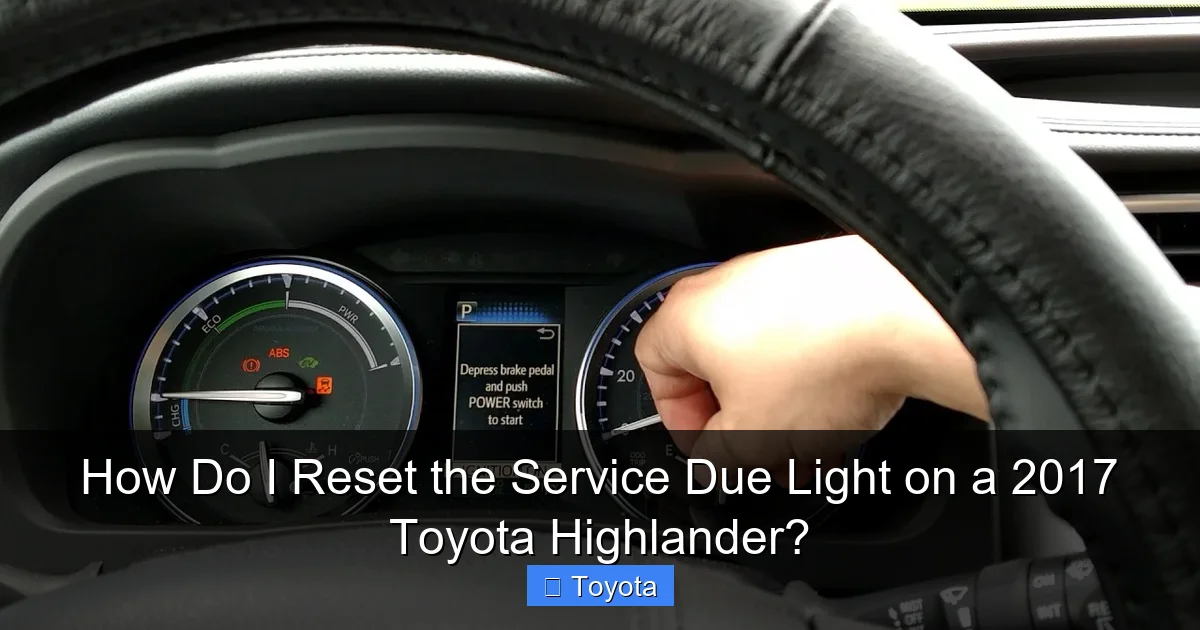
Visual guide about How Do I Reset the Service Due Light on a 2017 Toyota Highlander?
Image source: i.ytimg.com
The Golden Rule: Service First, Reset Second
Here is the proper, responsible sequence:
- Perform the Service: Get your oil and filter changed. Have the technician perform the full multi-point inspection (tires, brakes, fluids, belts, etc.). Address any findings.
- Verify Completion: Ensure the service facility or you have updated the maintenance log (either in your owner’s manual portfolio or a digital tracker). For warranty purposes, keep all receipts.
- Reset the Light: Now, and only now, follow the reset procedure below to synchronize the vehicle’s internal computer with the completed work.
If you’re a DIY enthusiast who changes your own oil and filters, this step is 100% on you. After you’ve properly disposed of the old oil, filled the crankcase, and checked for leaks, then you reset the light. It’s your proof that the job was done.
What If I’m Selling the Car?
If you’re about to sell your 2017 Highlander, a glowing service light can make a potential buyer nervous. It suggests neglect. In this case, it’s highly advisable to perform the overdue service (at minimum, an oil change and full inspection) and then reset the light. This presents the vehicle as well-maintained and can even support a higher asking price. You can find comprehensive guides for other Highlander model years, like the 2016 Toyota Highlander, which follow a nearly identical process.
Preparation: What You Need and Where to Sit
Don’t worry, you don’t need to pop the hood or crawl under the car. Everything you need is within arm’s reach from the driver’s seat. But a little prep ensures a smooth, one-try success.
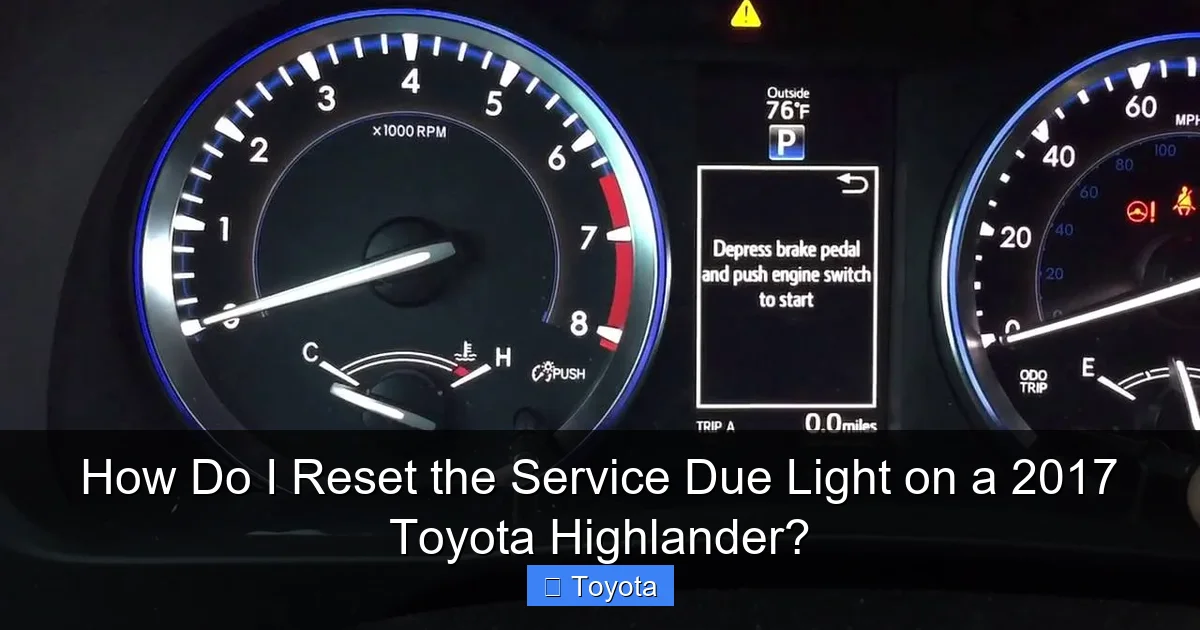
Visual guide about How Do I Reset the Service Due Light on a 2017 Toyota Highlander?
Image source: i.ytimg.com
Finding the Magic Button
The button you’ll use is the trip meter/odometer reset button. On a 2017 Highlander, it’s located on the instrument panel, to the right of the speedometer and tachometer. It’s a small, black button, often with a label like “TRIP” or an icon of a car with an arrow. You’ll be pressing and holding this button. Familiarize yourself with its location now so you’re not fumbling in the dark.
The Correct Starting Display
This is the most common point of failure. The reset procedure will only work when your instrument cluster is displaying the total odometer reading (the cumulative miles the vehicle has traveled). It will NOT work if it’s showing:
- Trip Meter A
- Trip Meter B
- Average Fuel Economy
- Range or other informational displays
To get to the total odometer display, simply press the reset button briefly (without holding) to cycle through the displays until you see the number representing your Highlander’s lifetime miles. Let it sit there.
Safety and Environment First
Make sure your Highlander is parked on a level surface. Engage the parking brake. You do not need to start the engine for this procedure, but you will need to turn the ignition to the “ON” or “RUN” position (the position right before “START” where all dash lights come on). Ensure all doors are closed and accessories like the radio or climate control are off to avoid any electrical drain during the process. A quiet driveway or garage is perfect.
The Step-by-Step Reset Procedure for a 2017 Highlander
Now, for the main event. Follow these steps precisely. It might feel a little odd at first, but it becomes second nature. The entire process takes about 10 seconds.

Visual guide about How Do I Reset the Service Due Light on a 2017 Toyota Highlander?
Image source: i.ytimg.com
Step 1: Turn the Ignition to the “ON” Position
Get into the driver’s seat. Insert your key (or if you have a push-button start, ensure your foot is OFF the brake and press the button once). Turn the key to the “ACC/ON” position. You’ll see your dashboard lights illuminate, including the service due wrench icon. Do not start the engine. The engine should remain off.
Step 2: Press and Hold the Trip Reset Button
With the ignition ON and the display showing the total odometer, firmly press and hold down the trip meter/odometer reset button. You’ll need to hold it for several seconds. Keep it held down. Don’t release it yet.
Step 3: Cycle the Ignition to “OFF” While Holding
While continuing to hold the reset button, turn the ignition key back to the “OFF” position. The dashboard lights will go dark. This is the key part of the “dance.” You are holding the button through the power-off cycle.
Step 4: Release the Button and Return to “ON”
Now, release the reset button. After a brief moment (1-2 seconds), turn the ignition back to the “ON” position again. You do not need to hold the button during this step.
Step 5: Wait for the Confirmation Blink
Look at your instrument cluster. The service due light (wrench icon) should now be blinking. It will typically blink 3-5 times. This is your Highlander’s way of saying, “Message received and acknowledged. Resetting counter.” After it finishes blinking, the light should go completely off. The odometer display may also show “000000” or a series of dashes momentarily before returning to your normal odometer reading.
Step 6: Start the Engine to Confirm
Start your Highlander’s engine normally. The service due light should remain off. If it comes back on immediately or after a few seconds, the reset was not successful. Go back to Step 1 and try the entire sequence again, ensuring you started with the total odometer display and held the button through the OFF cycle. If it still fails after 2-3 attempts, there may be an underlying issue, or the service interval may not have been met (some systems require a minimum mileage after the last reset before allowing another).
For owners of different model years, the process can vary slightly. For instance, the method to reset the maintenance light on a 2022 Toyota Highlander might use a multi-function display menu accessed via steering wheel buttons, a feature not present on the 2017 model. Your 2017’s dedicated button method is wonderfully analog and reliable.
Troubleshooting: What If the Light Won’t Reset?
So you followed the steps perfectly, but that wrench icon is still glaring at you. Don’t panic. Here are the most common reasons and solutions.
Double-Check Your Starting Display
This accounts for 90% of failed resets. You must start with the total odometer miles on the screen. Press the reset button repeatedly from the OFF position until you see the full, untrippable mileage. Then proceed. If you start on Trip A, it will not work.
Ensure the Button Was Held Long Enough
In Step 2, hold the button firmly for at least 3-4 seconds before turning the key off. A quick tap won’t trigger the reset sequence. You need to establish a continuous circuit.
The Service Interval May Not Be Met
Some Toyota models have a safeguard. If you try to reset the light before the scheduled service mileage/time has actually been reached (e.g., at 4,800 miles when it’s set for 5,000), the system may ignore the reset attempt. Make sure you are at or past the mileage shown when the light first illuminated. The manual will specify the exact interval.
Electrical System Glitch
Very rarely, a temporary glitch in the Body Control Module (BCM) or Instrument Cluster can prevent the reset. Try disconnecting the negative battery terminal for 5 minutes (have your radio code handy if applicable), then reconnect and try the reset procedure again. This will reset all vehicle systems.
It Might Be a Different Light
Are you absolutely sure it’s the “service due” or wrench light? Could it be the check engine light (engine icon), the tire pressure light (exclamation point in a tire), or an oil pressure light (an old-style oil can)? The reset procedure for a check engine light on a Toyota Highlander is completely different and often requires diagnosing the underlying fault first. The service due light is a simple, predictable reminder.
The Importance of Proper Maintenance and Record Keeping
Resetting the light is the final, ceremonial step. The real work—and the real value—lies in the maintenance itself. A well-serviced 2017 Highlander with the 2GR-FKS 3.5L V6 engine is a remarkably durable machine. But it relies on you to stick to the schedule.
What’s Typically Due at 5,000/6 Months?
For most 2017 Highlanders, the first interval (and every subsequent one) includes:
- Oil and Filter Change: The absolute cornerstone. Using the correct oil weight (likely 0W-20) and a genuine Toyota filter is crucial.
- Tire Rotation: Promotes even tire wear, extending their life and maintaining safe handling.
- Multi-Point Inspection: A technician checks brake pads/rotors, fluid levels (coolant, brake, transmission, power steering), belts, hoses, battery, and suspension components.
- Air Filter Check: The engine air filter is often inspected and replaced if dirty.
At longer intervals (30k, 60k, 90k miles), more intensive services like spark plug replacement, transmission fluid changes, and coolant flushes are required. Your owner’s manual has the definitive schedule.
Keeping Your Own Records
Even if you use a dealership or shop, keep your own records. Maintain a simple notebook or digital file with date, mileage, services performed, and shop name/receipt number. This is invaluable for your own knowledge and for proving maintenance history to future buyers. It also helps you budget for upcoming, more expensive services. If you own a different Toyota model, the process for resetting the maintenance required light on a Toyota is fundamentally the same across most models from this era.
Conclusion: Your Highlander’s Health in Your Hands
Your 2017 Toyota Highlander is more than just transportation; it’s a reliable partner for family adventures, road trips, and daily commutes. That service due light is its way of communicating with you. By understanding its purpose and mastering the simple reset procedure, you take full control of your vehicle’s maintenance lifecycle. Remember the core principle: service first, reset second. Perform the work, keep the records, then use the trip button and ignition key to silence the wrench with confidence.
This small act of resetting the light is the punctuation mark at the end of a completed maintenance sentence. It tells your Highlander’s computer, “We took care of you.” In return, your SUV will reward you with years of dependable service, a clear dashboard, and the peace of mind that comes from knowing exactly where you stand with your scheduled care. Now, go enjoy that clear dash and the open road!
Frequently Asked Questions
What’s the difference between the service due light and the check engine light?
The service due light (usually a wrench) is a pre-programmed reminder for routine maintenance like oil changes. The check engine light (an engine icon) indicates a fault in the emissions or engine control system that needs immediate diagnosis. Their reset procedures are completely different.
Can I reset the service light without actually getting an oil change?
Technically yes, but it is a very bad practice. Resetting without performing the service means your vehicle will not remind you of overdue maintenance, potentially leading to engine damage from neglected oil changes or other issues. Always reset only after the work is done.
My service light blinked during the reset but came back on when I started the engine. What’s wrong?
This usually means the reset wasn’t completed correctly. The most common cause is not starting with the total odometer display on the screen. Ensure you see the full lifetime mileage, not a trip meter, before you begin the ignition/button sequence. Try the process again carefully.
How often will the service due light come on?
For a 2017 Highlander, it’s typically set to illuminate every 5,000 miles or 6 months, whichever occurs first. The system is cumulative, so it will light up based on your driving habits and time since the last reset.
Will resetting the service light myself affect my warranty?
No. Resetting the light is simply syncing the reminder system. Your warranty is based on maintaining service records (receipts) from a qualified technician. As long as you have documentation that the required service was performed, resetting the light yourself has no negative impact on warranty coverage.
Why did my service due light come on right after I just had it serviced and reset?
This could happen if the service facility forgot to reset it after completing the work. Simply perform the reset procedure yourself. If it comes back on immediately after a successful reset, double-check that the required service (like the correct oil level) was actually completed properly.
