
Do You Have to Reprogram a Toyota Key Fob After Changing the Battery?

Great news: In the vast majority of cases, you do NOT need to reprogram your Toyota key fob after simply changing its battery. The key fob’s internal programming is stored in non-volatile memory and remains intact. However, if the key fob stops working after a battery swap, it usually just needs to be resynced with the car, a simple process you can often do yourself. True reprogramming is only required for specific scenarios like key fob damage, a system reset, or adding a new key to the vehicle’s security system.
Key Takeaways
- No Reprogramming Needed for Battery Swap: Replacing the CR2025 or CR2032 battery in your Toyota key fob almost never erases its programmed signal. The memory chip retains the data without power.
- Resyncing is the First Step: If your key fob is unresponsive after a battery change, the most common fix is a simple resync procedure, which re-establishes communication between the fob and the car’s receiver.
- Correct Battery Installation is Critical: Using the wrong battery type (voltage/size) or installing it with reversed polarity can cause malfunctions that may mimic a programming issue.
- Model-Specific Procedures Exist: The resyncing method can vary between Toyota models (e.g., Camry vs. RAV4) and between traditional key fobs and smart keys with push-button start. Always consult your owner’s manual.
- True Reprogramming Requires Tools/Dealership: If a key fob is physically damaged, its internal chip is faulty, or the car’s immobilizer system has been reset, professional reprogramming with a diagnostic computer is necessary.
- A Dead Key Fob Battery Has Consequences: For push-to-start vehicles, a dead fob battery can prevent ignition, though you usually have a backup emergency key slot. This is a power issue, not a programming one.
- Preventative Care Saves Headaches: Use high-quality batteries, avoid exposing the fob to extreme moisture or impact, and keep a spare key fob programmed to your vehicle for emergencies.
📑 Table of Contents
- Introduction: The Panic After the Power Dies
- How Toyota Key Fob Technology Works: Memory is Forever
- The Correct Way to Change Your Toyota Key Fob Battery
- What To Do When Your Key Fob Doesn’t Work After a Battery Change
- When You Actually Do Need to Reprogram a Toyota Key Fob
- Professional Help vs. DIY: What’s Right for You?
- Preventative Maintenance and Best Practices
- Conclusion: Knowledge is Power (and a Working Key)
Introduction: The Panic After the Power Dies
You’ve just pried open your Toyota key fob, carefully replaced the tiny coin cell battery, snapped it back together, and pressed the unlock button. Nothing happens. A wave of frustration hits. Did you break it? Is the new battery dead? Or—the thought that makes your stomach drop—do you now have to reprogram the key fob to your car? It’s a common worry, and one that sends many Toyota owners searching for answers or, worse, rushing to a dealership with visions of hefty bills.
The short, reassuring answer is that reprogramming is almost never required from a simple battery change. The technology inside your key fob is designed to remember its identity. However, that initial silence after your DIY battery swap is real, and it points to a different, usually simpler, problem: loss of synchronization. This article will walk you through exactly what happens inside your key fob when the battery dies, why it often works again without any complex steps, what to do when it doesn’t, and the specific circumstances where you truly would need professional reprogramming. We’ll cover traditional fobs, smart keys, and everything in between for all Toyota models.
How Toyota Key Fob Technology Works: Memory is Forever
To understand why a battery change doesn’t wipe your key’s identity, you need a basic peek at the tech. Your Toyota key fob contains a small integrated circuit chip, often called a transponder or a microcontroller. This chip holds a unique, encrypted code that your car’s immobilizer system recognizes. Think of it like a permanent password written in ink, not pencil.
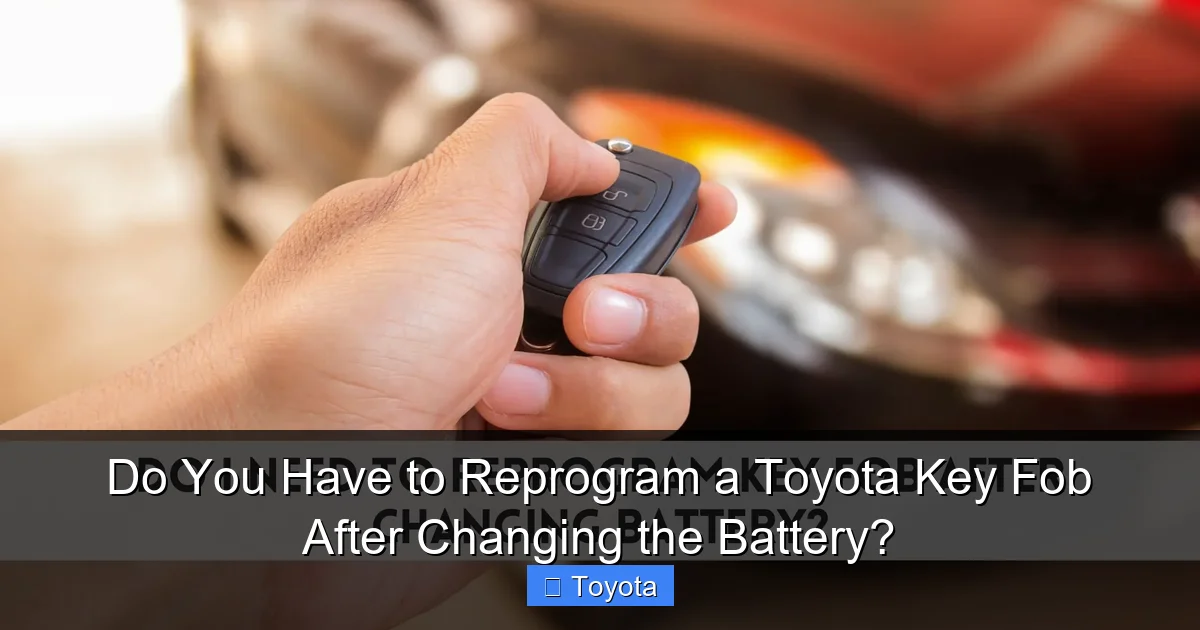
Visual guide about Do You Have to Reprogram a Toyota Key Fob After Changing the Battery?
Image source: vehicle-locksmith.com
The Role of Non-Volatile Memory
This code is stored in a type of memory called non-volatile memory (NVM) or EEPROM. The “non-volatile” part is key. It means the memory retains its data without any power supply. The tiny watch battery inside the fob only powers the radio transmitter that sends out the signal when you press a button and, in smart keys, the low-frequency antenna for passive entry/start. It does not power the memory chip storing the unique code. Therefore, removing that power source to change the battery does not and cannot erase the programmed information. The chip wakes up with all its data intact the moment the new battery makes contact.
Two Main Types of Toyota Key Fobs
Understanding your specific fob type helps with troubleshooting:
- Traditional Remote Key Fob: This is the classic plastic fob with buttons for lock, unlock, trunk, and sometimes a panic alarm. It has a physical key blade that inserts into the door and ignition. Its primary job is sending radio frequency (RF) signals for remote functions.
- Smart Key / Push-Button Start Key: This fob is often sleeker and may not have visible buttons for all functions. It uses both RF signals for remote commands and a low-frequency (LF) field for passive entry (unlocking as you approach) and authentication for push-button start. The car’s antennae constantly “ping” for the key’s presence.
For both types, the core programming is safe during a battery change. The issue you’re likely facing is a loss of synchronization between the fob’s transmitter and the car’s receiver, which can happen if the battery was completely dead for a long time or if the fob was out of range during/after the swap.
The Correct Way to Change Your Toyota Key Fob Battery
Before we troubleshoot, let’s ensure the battery change was done perfectly. A poor installation is the most common cause of post-change failure. Here is a universal, careful guide. For model-specific visuals, a resource like our guide on how to change a key fob battery on a Toyota RAV4 can be invaluable.
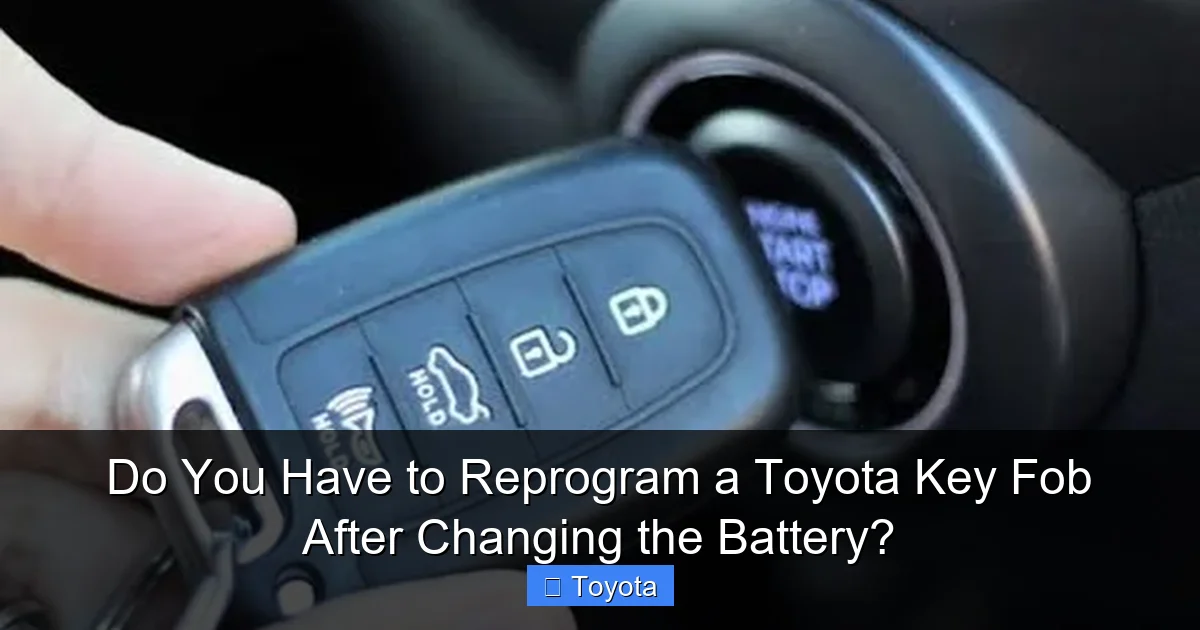
Visual guide about Do You Have to Reprogram a Toyota Key Fob After Changing the Battery?
Image source: i.ytimg.com
Step 1: Identify the Correct Battery
Most Toyota key fobs use a standard CR2025 or CR2032 3-volt lithium coin cell. The CR2032 is slightly thicker (3.2mm vs. 2.5mm). Never use a rechargeable battery (like ML or VL series) or a different voltage. Check your old battery’s markings or your owner’s manual. Using the wrong battery can cause damage or insufficient power.
Step 2: Open the Fob Carefully
Locate the small seam or screw. Many newer Toyotas use a hidden screw under the Toyota logo or a small plastic tab. Use a non-metallic tool like a plastic pry tool or a sturdy fingernail to avoid scratching the case. Gently work your way around the seam. If there’s a screw, use the correct size screwdriver (often a Phillips #00).
Step 3: Remove the Old Battery & Install the New One
Note the battery’s orientation. There is almost always a “+” side facing up. Some fobs have a small plastic clip holding the battery; gently release it. Place the new battery in the exact same orientation. Press it in firmly to ensure good contact with the metal terminals.
Step 4: Reassemble and Test
Snap the two halves of the fob together until you hear a click, ensuring it’s sealed properly to keep out moisture and dirt. Before putting it back in your pocket, test all buttons from about 10-20 feet away from your car. If they work, you’re likely done! If not, proceed to the next section.
What To Do When Your Key Fob Doesn’t Work After a Battery Change
So, you’ve confirmed the new battery is good (test it with a multimeter if you have one, or try it in a calculator/remote), and it’s installed correctly. The buttons still do nothing. Don’t panic. This is almost always a synchronization issue, not a dead key.
Visual guide about Do You Have to Reprogram a Toyota Key Fob After Changing the Battery?
Image source: i.pinimg.com
The Simple Resync Procedure (For Most Models)
The process to resync varies slightly by model year and fob style, but the general principle is the same: you need to put the car’s security system into “learning mode” by using the physical key or a specific button sequence. Here is a common, widely applicable method that works for many Toyota vehicles from the early 2000s onward with traditional fobs:
- Enter the driver’s seat and close all doors.
- Insert the physical key blade into the driver’s door lock cylinder.
- Turn the key to the LOCK position and back to UNLOCK rapidly 5 times within about 10 seconds. The final position should be UNLOCK.
- Remove the key. The door locks should cycle (lock and unlock) automatically, indicating the car is in programming mode. This cycle may happen once or twice.
- Within 30 seconds, press any button on the key fob. The doors should lock and then unlock again, confirming the fob has been re-synced.
- Test the fob’s other functions (trunk, panic).
For Push-Button Start Smart Keys: The procedure is different and often involves placing the dead key fob directly against the start button while pressing it with your foot on the brake. The car’s system can sometimes detect the fob’s signal strongly enough to start the engine, which also re-establishes sync. Consult your owner’s manual for the exact “Key Low Battery” or “Key Not Detected” procedure.
Why Resyncing Works
When you change the battery, the fob’s transmitter “forgets” its last secure connection session with the car. The car’s receiver is waiting for a signal from a key it already knows. The resync procedure tells the car, “Hey, I’m a key you already know, accept my signal again.” The car responds by storing the fob’s current signal ID, restoring the link.
When You Actually Do Need to Reprogram a Toyota Key Fob
True reprogramming is a different beast. It involves using a specialized diagnostic computer (like a Techstream at a dealership or a professional locksmith’s tool) to write new, unique security data to the key fob’s chip and simultaneously add that key’s ID to the car’s immobilizer ECU (Engine Control Unit). This is necessary in specific scenarios:
Scenario 1: Adding a New, Spare Key
If you purchase a blank, uncut key fob or a used fob from another vehicle, it has no relationship with your car’s immobilizer system. It must be programmed from scratch. This is a standard security feature to prevent theft.
Scenario 2: Replacing a Lost or Damaged Key
If your only key fob is physically broken (water damage, cracked circuit board) or lost, the replacement key must be programmed to match the car’s system.
Scenario 3: After a Car Battery Disconnect or ECU Reset
In some older Toyota models, disconnecting the car’s main battery for an extended period or resetting the ECU can sometimes cause the immobilizer to “forget” all paired key fobs, requiring a full reprogramming of each one. This is rare in modern models but possible. If you’ve recently jump-started or replaced your car battery and no key fob works at all (not just the one you changed), this could be the culprit. You might also need to reset the battery light on the dash if it’s illuminated after a main battery replacement.
Scenario 4: Key Fob Chip Failure
If the internal chip itself is faulty, resyncing won’t work. The fob needs to be replaced and the new one programmed.
How Reprogramming is Done
This is not a DIY job for the average person. It requires:
- A proprietary diagnostic scan tool (Dealership Techstream, Autel, Launch, etc.).
- Access to the vehicle’s OBD-II port.
- Technical knowledge of the immobilizer system and security authentication process.
- Often, a security code or PIN from the manufacturer (dealerships have this).
The tool communicates with the car’s immobilizer ECU, puts it into “learn” mode, and then reads/writes the unique code from the new key fob chip. The process takes 5-15 minutes per key with the right equipment.
Professional Help vs. DIY: What’s Right for You?
Given the complexity of true reprogramming, you’ll need to call in the pros for Scenarios 1-4 above. But for the common “battery changed, fob stopped working” issue, you are your own best technician.
When to DIY (Resyncing)
If your key fob worked perfectly before the battery change, and now it doesn’t, attempt the resync procedure first. It’s free, instant, and works 90% of the time. You have nothing to lose. Also, if you’re comfortable with simple electronics, changing the battery yourself is always the most cost-effective first step. For comparison, learning how to program a Toyota Camry key fob from scratch is a much more advanced task.
When to Call a Professional
Call a locksmith or dealership if:
- You have tried the resync procedure multiple times and it fails.
- No key fob works with the car (suggesting an ECU/immobilizer issue).
- Your key fob has sustained physical damage (water, drops, cracks).
- You need a new, blank key fob added to the system.
- Your car is a newer model with complex security that requires proprietary software you cannot access.
Cost Expectation: A simple house call from a mobile locksmith to program one key fob typically costs $80-$150. A dealership will be more expensive, often $150-$300+, but they have the official parts and codes. For just a battery change, the cost is just the price of the coin cell ($2-$5).
Preventative Maintenance and Best Practices
You can avoid most key fob headaches with a little care.
Use High-Quality Batteries
Buy name-brand lithium coin cells (Duracell, Energizer, Panasonic). Cheap, no-name batteries can have inconsistent voltage and shorter lifespans, leading to premature failure and potential sync issues.
Install Batteries Perfectly
Double-check the “+” orientation. A backwards battery won’t damage most modern fobs (they often have a diode for protection), but it certainly won’t work. Ensure the battery is seated flat and makes contact with both terminals.
Protect from Elements
Key fobs are not waterproof. Avoid exposing them to heavy rain, snow, or washing them. Moisture inside can corrode the contacts and circuit board. If you have a key fob that goes in the wash, open it immediately, remove the battery, and let it dry completely for 48 hours.
Keep a Programmed Spare
This is the ultimate insurance. Have at least one spare key fob that is fully programmed to your vehicle. Store it in a safe, known location (not in the car!). If your daily driver fob dies or is damaged, you have a ready-to-go backup without the stress and cost of an emergency locksmith call.
Know the Signs of a Dying Battery
You’ll notice the range decreasing—you have to be closer to the car for the remote to work. The unlock/lock buttons may require multiple presses. For smart keys, you might get a “Key Battery Low” warning on the dash, or the car may not start on the first press of the button. Replace the battery at the first sign of weakness to avoid being stranded.
Conclusion: Knowledge is Power (and a Working Key)
The next time your Toyota key fob goes silent after a battery change, take a deep breath. The probability is overwhelmingly high that you do not need to reprogram it. You simply need to perform a quick resync procedure, which takes less than a minute. The key fob’s core identity is stored in permanent memory. The battery change only affects the power to its radio transmitter. By following the careful installation steps outlined here and knowing the simple resyncing sequence for your model, you can solve this problem yourself, save money, and get back on the road with confidence. Remember, true reprogramming is reserved for adding new keys, fixing major damage, or addressing rare system resets—not for routine maintenance. Keep a good spare, use quality batteries, and enjoy the peace of mind that comes with understanding your vehicle’s technology.
Frequently Asked Questions
Will a completely dead key fob battery prevent my Toyota from starting?
Yes, for Toyota models with push-button start, a dead key fob battery can prevent the car from recognizing the key and starting the engine. However, you can usually start it by placing the dead fob directly against the start button while pressing the brake pedal, as the car’s antenna can still read the fob’s chip through proximity. Vehicles with a traditional key slot will use the physical key blade.
How can I tell if my Toyota key fob needs reprogramming or just a new battery?
First, replace the battery with a known-good new one of the correct type (CR2025/CR2032). If the fob works after a battery change, no reprogramming was needed. If it still doesn’t work after a new battery and a resync attempt, the fob may be damaged or its internal chip faulty, requiring professional reprogramming or replacement.
Can I reprogram a Toyota key fob myself without special tools?
For adding a brand-new, blank key fob to your Toyota’s system, you generally cannot do it yourself without proprietary diagnostic tools and a security code from the dealer. However, for the common issue of a key fob not working after a battery change, the “resyncing” procedure is a simple manual process you can do with your physical key and does not require any tools.
How much does it cost to reprogram a Toyota key fob at a dealership?
The cost varies by model and year but typically ranges from $150 to $300 or more at a Toyota dealership. This includes the programming service and, if needed, the cost of a new key fob. Independent automotive locksmiths often offer the same service for less, usually between $80 and $150.
What should I do if the resyncing procedure doesn’t work after changing the battery?
Double-check that you used the correct battery and installed it with the proper polarity. Ensure you performed the resync sequence exactly as described in your owner’s manual for your specific model year. If it still fails, the key fob may have internal damage, or there could be an issue with the car’s immobilizer receiver. In this case, consult a professional locksmith or your Toyota dealer.
Is there a way to test if my key fob is transmitting after a battery change?
Yes. You can use a radio frequency tester or a spare key fob from another vehicle (of any make) to see if your fob’s signal is being picked up. Alternatively, hold the key fob next to your smartphone’s camera and press a button; if you see a flickering light on the screen, the fob is transmitting (this works because smartphone cameras can see IR signals from some fobs). For a definitive test, a visit to a locksmith or dealer with diagnostic tools is best.
