
How to Reset Service Shifter on a Dodge Charger

Resetting the service shifter on your Dodge Charger is a simple fix that can clear annoying warning lights and restore normal transmission function. This guide walks you through the process safely and effectively, whether you’re at home or on the go.
Key Takeaways
- Understand the Service Shifter Message: This warning typically appears due to transmission maintenance needs or electronic glitches, not always mechanical failure.
- Reset Method Varies by Model Year: Older Chargers (2006–2014) often use a manual key-turn method, while newer models (2015+) may require a scan tool or Uconnect system reset.
- Use the Ignition Cycle Method First: Turning the key on and off in a specific sequence can clear the message on many models without special tools.
- Check Transmission Fluid Regularly: Low or dirty fluid is a common cause of shifter issues and should be inspected before resetting.
- When to Seek Professional Help: If the message returns immediately or you notice shifting problems, visit a certified Dodge technician.
- Prevent Future Alerts: Follow the manufacturer’s maintenance schedule and avoid aggressive driving to reduce transmission stress.
- Keep a Scan Tool Handy: Owning an OBD2 scanner with transmission capabilities can help diagnose and reset issues quickly.
📑 Table of Contents
- Understanding the Service Shifter Message on Your Dodge Charger
- Common Causes of the Service Shifter Warning
- How to Reset the Service Shifter on a Dodge Charger
- When a Reset Isn’t Enough: Signs You Need Professional Help
- Preventing Future Service Shifter Alerts
- Final Thoughts: Take Control of Your Charger’s Health
Understanding the Service Shifter Message on Your Dodge Charger
If you’ve ever been behind the wheel of your Dodge Charger and suddenly seen the “Service Shifter” message flash across your dashboard, you’re not alone. It’s one of those warning lights that can stop you in your tracks—literally and figuratively. You might wonder, “Is my transmission about to fail?” or “Do I need to tow my car right now?” The good news is that in most cases, this message doesn’t signal a major mechanical breakdown. Instead, it’s often a reminder that your vehicle’s electronic systems have detected something out of the ordinary—and sometimes, all it takes is a simple reset to get things back on track.
The Dodge Charger, especially models from 2006 onward, uses an advanced electronic shift system. Unlike older cars with mechanical linkages, modern Chargers rely on sensors, solenoids, and computer modules to manage gear changes. When the system detects a fault—whether it’s a temporary glitch, low transmission fluid, or a sensor miscommunication—it triggers the “Service Shifter” warning. This is your car’s way of saying, “Hey, something’s not quite right. Let’s get it checked.” But before you panic, know that many of these alerts can be resolved without a trip to the dealership.
What Does “Service Shifter” Actually Mean?
The “Service Shifter” message doesn’t always point to a broken part. In fact, it’s more of a catch-all warning that something in the shift system needs attention. This could include:
– A temporary electrical fault in the shifter assembly
– Low or degraded transmission fluid
– A misaligned gear selector
– A software glitch in the transmission control module (TCM)
– A faulty sensor, such as the transmission range sensor
In some cases, the message appears after the car has been jump-started, the battery disconnected, or even after a firmware update. It’s not uncommon for the system to “forget” its calibration, especially if the battery was recently replaced. That’s why a reset is often the first and most effective step.
Why Resetting Matters
Ignoring the “Service Shifter” message can lead to bigger problems down the road. While your Charger might still drive normally at first, prolonged issues can cause harsh shifting, delayed gear engagement, or even put the car into “limp mode”—a safety feature that limits speed and power to protect the transmission. Resetting the system clears error codes and allows the vehicle to relearn proper shift patterns. It’s like giving your car a fresh start.
Plus, resetting is free if you do it yourself. You don’t need special tools (in most cases), and it takes less than 10 minutes. Compare that to a $150 diagnostic fee at a dealership, and it’s a no-brainer.
Common Causes of the Service Shifter Warning
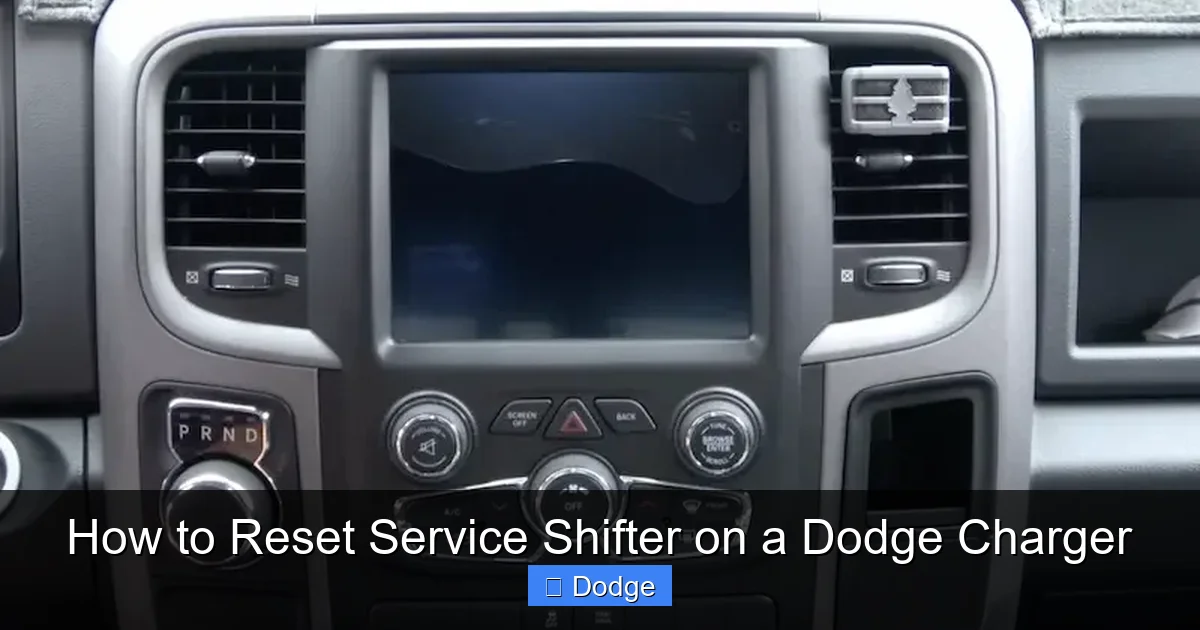
Visual guide about How to Reset Service Shifter on a Dodge Charger
Image source: cdn.cartipsdaily.com
Before jumping into the reset process, it’s helpful to understand what might have triggered the warning in the first place. Knowing the root cause can help you prevent it from happening again—and ensure the reset actually works.
Low or Dirty Transmission Fluid
One of the most common culprits behind shifter issues is transmission fluid. The fluid lubricates internal components, cools the system, and helps transmit hydraulic pressure for smooth gear changes. If the fluid level is low—due to a leak or lack of maintenance—the system can’t function properly. Dirty or burnt fluid is just as bad. Over time, fluid breaks down, loses its viscosity, and can clog valves and sensors.
Tip: Check your transmission fluid regularly. On most Chargers, you’ll need to do this with the engine running and the transmission in Park. Look for a dipstick near the back of the engine bay. The fluid should be pink or red and smell slightly sweet. If it’s dark brown or smells burnt, it’s time for a fluid change.
Electrical Glitches and Sensor Failures
Modern Chargers rely heavily on electronics. The shifter assembly itself contains multiple sensors that tell the car what gear you’ve selected. If one of these sensors malfunctions—or if there’s a loose connection—the system may not recognize your input, triggering the warning.
For example, the transmission range sensor (also called the neutral safety switch) tells the car whether you’re in Park, Reverse, or Drive. If it’s out of alignment or failing, the car might think you’re in Neutral when you’re actually in Drive. This can cause the “Service Shifter” message to appear.
Battery or Electrical System Issues
A weak battery, corroded terminals, or a recent jump-start can disrupt the vehicle’s electronics. The transmission control module (TCM) stores calibration data and error codes. If the power supply is interrupted, the TCM may lose its settings or misinterpret signals.
This is especially common after a dead battery or when the car has been sitting for a long time. Even a brief power loss can cause the system to “forget” how to communicate with the shifter.
Software or Firmware Glitches
Like any computer, your Charger’s onboard systems can experience software bugs. Sometimes, a temporary glitch in the TCM or body control module (BCM) can cause false warnings. These glitches often resolve after a power cycle—essentially, turning the car off and on again.
In rare cases, a firmware update from Dodge may be needed. Dealerships can perform these updates, but they’re not always necessary for a simple reset.
Mechanical Wear or Misalignment
While less common, physical issues can also trigger the warning. Over time, the shifter cable or linkage can wear out or become misaligned. This is more typical in high-mileage Chargers or those that have been in an accident.
If the shifter feels loose, sticky, or doesn’t return to Park smoothly, there may be a mechanical problem. In these cases, a reset might temporarily clear the message, but the issue will likely return until the part is repaired or replaced.
How to Reset the Service Shifter on a Dodge Charger
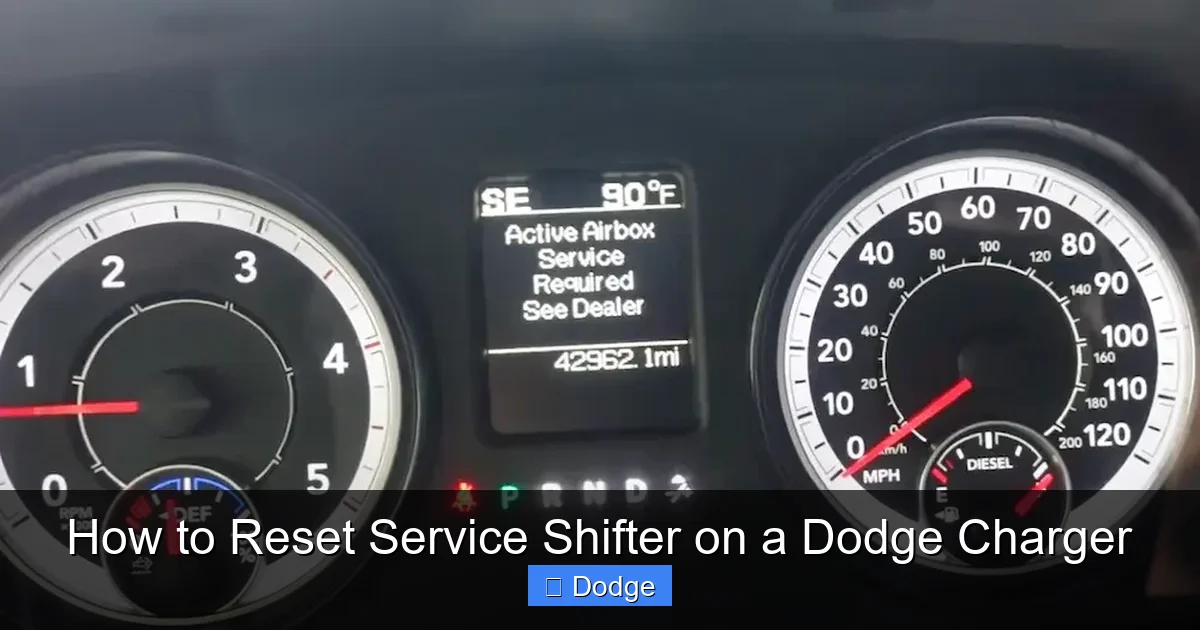
Visual guide about How to Reset Service Shifter on a Dodge Charger
Image source: cdn.cartipsdaily.com
Now that you understand what might be causing the issue, let’s get to the solution. Resetting the service shifter is usually straightforward, but the exact method depends on your Charger’s model year and trim level. Below, we’ll cover the most effective techniques—starting with the simplest and moving to more advanced options.
Method 1: The Ignition Cycle Reset (Works on Most Models)
This is the go-to method for many Dodge Charger owners. It’s quick, requires no tools, and works on a wide range of models—especially those from 2006 to 2014.
Steps:
- Turn the ignition to the “OFF” position. Make sure the key is fully removed or the start button is off.
- Wait 30 seconds. This allows the vehicle’s electronics to fully power down.
- Turn the ignition to the “ON” position (but do not start the engine). You should see the dashboard lights illuminate.
- Press and hold the brake pedal.
- While holding the brake, press the shifter button (if equipped) and move the shifter from Park to Drive, then back to Park. Do this three times.
- Release the brake and turn the ignition back to “OFF.”
- Wait another 30 seconds.
- Start the engine and check if the “Service Shifter” message is gone.
Pro Tip: Some owners report better results if they repeat the shifter movement five times instead of three. If the message persists, try the sequence again.
Method 2: Key Turn Reset (For Older Chargers)
If your Charger is from 2006 to 2010, this method is particularly effective. It mimics the “key dance” used in older Chrysler vehicles to reset various warning lights.
Steps:
- Insert the key into the ignition.
- Turn the key to “ON” (do not start the engine).
- Wait for the dashboard lights to stabilize (about 5 seconds).
- Turn the key back to “OFF.”
- Repeat this on-off cycle three times within 10 seconds.
- On the fourth turn, leave the key in the “ON” position.
- Press and hold the brake pedal.
- Move the shifter from Park to Drive and back to Park three times.
- Release the brake and start the engine.
This method forces the TCM to reinitialize and often clears temporary faults.
Method 3: Battery Disconnect Reset
If the ignition cycle doesn’t work, disconnecting the battery can provide a deeper reset. This method clears all stored error codes and resets the vehicle’s computer systems.
Steps:
- Turn off the engine and remove the key.
- Open the hood and locate the battery.
- Use a wrench to loosen the negative (black) terminal clamp.
- Remove the negative cable and tuck it away from the battery post.
- Wait 15–30 minutes. This ensures all capacitors discharge and the system fully resets.
- Reconnect the negative cable and tighten the clamp.
- Start the engine and check the dashboard.
Note: Disconnecting the battery may reset other systems, including radio presets, clock, and adaptive transmission settings. Your Charger may need a few drive cycles to relearn shift patterns.
Method 4: Using an OBD2 Scan Tool (For 2015+ Models)
Newer Chargers (2015 and later) often require a scan tool to reset the service shifter message. These models have more advanced electronics, and the TCM may not respond to manual resets.
Steps:
- Plug an OBD2 scanner into the port under the dashboard (usually near the steering column).
- Turn the ignition to “ON.”
- Follow the scanner’s menu to access the transmission control module.
- Look for “Clear Codes” or “Reset Service Indicator.”
- Confirm the reset and turn off the ignition.
- Start the engine and verify the message is gone.
Recommended Tools: The BlueDriver Bluetooth Scanner or Autel MaxiCOM are excellent choices for DIYers. They’re user-friendly and can read and clear transmission-specific codes.
Method 5: Uconnect System Reset (For 2015+ Models with Uconnect)
Some newer Chargers allow you to reset certain systems through the Uconnect touchscreen. While this doesn’t always clear the service shifter message, it’s worth trying.
Steps:
- Turn on the ignition.
- Go to “Settings” on the Uconnect screen.
- Select “System Information” or “Vehicle Health.”
- Look for “Reset Service Indicators” or “Clear Warnings.”
- Follow the on-screen prompts.
- Restart the vehicle.
If this option isn’t available, your model may require a scan tool.
When a Reset Isn’t Enough: Signs You Need Professional Help
While most “Service Shifter” messages can be cleared with a reset, there are times when the issue is more serious. If you’ve tried the methods above and the warning returns—or if you notice other symptoms—it’s time to consult a professional.
Persistent Warning After Reset
If the message comes back within a few miles of driving, there’s likely an underlying problem. This could be a failing sensor, low fluid, or a software issue that requires a dealership update.
Shifting Problems
Pay attention to how your Charger shifts. If you notice:
– Delayed engagement when shifting from Park to Drive
– Harsh or jerky shifts
– Slipping gears
– Inability to shift out of Park
These are signs of a mechanical or hydraulic issue that a reset can’t fix.
Unusual Noises or Smells
Grinding, whining, or burning smells from under the car are red flags. They could indicate worn clutches, damaged gears, or overheating transmission fluid.
Dashboard Lights Stay On
If the “Service Shifter” light remains on—or if other warning lights (like the Check Engine light) also appear—there may be multiple system faults. A professional diagnostic scan can pinpoint the issue.
High Mileage or Lack of Maintenance
Chargers with over 100,000 miles that haven’t had regular transmission service are more prone to problems. If you’ve never changed the fluid, now’s the time.
Preventing Future Service Shifter Alerts
The best way to deal with the “Service Shifter” message is to avoid it altogether. A little preventive maintenance goes a long way.
Follow the Maintenance Schedule
Dodge recommends transmission fluid changes every 60,000 to 100,000 miles, depending on driving conditions. Check your owner’s manual for specifics. If you drive in stop-and-go traffic, tow heavy loads, or live in a hot climate, consider changing the fluid more frequently.
Check Fluid Levels Monthly
Make it a habit to check your transmission fluid once a month. Low fluid is one of the easiest problems to fix—and one of the most common causes of shifter issues.
Drive Smoothly
Aggressive driving—like rapid acceleration and hard braking—puts extra stress on the transmission. Try to shift gently and avoid “riding” the brake or accelerator.
Keep the Battery in Good Condition
A weak battery can cause electrical glitches. Test your battery annually and replace it every 3–5 years. Clean the terminals to prevent corrosion.
Use Quality Fluids and Parts
If you’re doing your own maintenance, use only Mopar-approved transmission fluid. Cheap or incorrect fluid can damage seals and valves.
Final Thoughts: Take Control of Your Charger’s Health
The “Service Shifter” message on your Dodge Charger doesn’t have to be a source of stress. In most cases, it’s a temporary alert that can be resolved with a simple reset. By understanding what triggers the warning and knowing how to respond, you can keep your Charger running smoothly and avoid unnecessary repair bills.
Remember, the key is to act quickly but calmly. Try the ignition cycle method first—it works more often than not. If that doesn’t work, move on to the battery disconnect or scan tool method. And if the problem persists, don’t hesitate to seek professional help.
Your Charger is a high-performance machine, and it deserves proper care. With regular maintenance and a little know-how, you can enjoy years of reliable driving—without unexpected dashboard surprises.
Frequently Asked Questions
How do I reset the service shifter on a 2012 Dodge Charger?
For a 2012 Dodge Charger, use the ignition cycle method: turn the key on and off three times, then move the shifter from Park to Drive and back three times while holding the brake. This often clears the message.
Will disconnecting the battery reset the service shifter?
Yes, disconnecting the negative battery terminal for 15–30 minutes can reset the transmission control module and clear the service shifter warning on most models.
Can low transmission fluid cause the service shifter message?
Absolutely. Low or dirty transmission fluid is a common cause of the service shifter alert. Always check fluid level and condition before resetting.
Do I need a scan tool to reset the service shifter on a 2018 Charger?
Yes, 2018 and newer Chargers often require an OBD2 scan tool to clear the service shifter message, as manual resets may not work on advanced systems.
Why does the service shifter light keep coming back?
If the light returns after a reset, there’s likely an underlying issue like a faulty sensor, low fluid, or mechanical wear. A professional diagnosis is recommended.
Is it safe to drive with the service shifter warning on?
You can drive short distances, but prolonged driving may lead to transmission damage. Reset the system and monitor for shifting problems. If issues persist, stop driving and seek help.