
Why Is Apple Carplay Not Working in a Subaru?

If your Apple CarPlay isn’t working in your Subaru, it’s often due to software glitches, outdated firmware, or connection issues. This guide covers the most common problems and step-by-step solutions to restore seamless smartphone integration.
Key Takeaways
- Outdated software is a top cause: Both your iPhone and Subaru’s infotainment system need the latest updates for CarPlay to function properly.
- USB cable quality matters: A damaged or non-certified cable can prevent CarPlay from connecting—use Apple-certified Lightning or USB-C cables.
- Bluetooth and Wi-Fi settings affect connectivity: Ensure both are enabled on your iPhone, and that your Subaru’s system is set to allow wireless connections.
- Factory resets can solve stubborn issues: Resetting the infotainment system or your iPhone’s network settings often resolves hidden configuration problems.
- Model year and trim level impact compatibility: Not all Subaru models support wireless CarPlay—check your owner’s manual or Subaru’s website for details.
- Interference from apps or jailbreaking can break CarPlay: Third-party apps or modified iOS systems may interfere with CarPlay functionality.
- Dealer assistance may be needed for hardware issues: If all else fails, a visit to a Subaru service center can diagnose deeper electrical or module problems.
📑 Table of Contents
- Why Is Apple CarPlay Not Working in a Subaru?
- Common Causes of Apple CarPlay Issues in Subaru Vehicles
- Step-by-Step Troubleshooting Guide
- Wireless vs. Wired CarPlay: What’s the Difference?
- Model-Specific Considerations for Subaru Owners
- When to Visit a Subaru Dealer
- Preventing Future CarPlay Problems
- Conclusion
Why Is Apple CarPlay Not Working in a Subaru?
You’re driving your Subaru, eager to use Apple CarPlay for navigation, music, or hands-free calls—but nothing happens. The screen stays blank, the connection fails, or CarPlay simply won’t launch. Frustrating, right? You’re not alone. Many Subaru owners experience Apple CarPlay issues, and while it can feel like a major setback, the good news is that most problems are fixable with a few troubleshooting steps.
Apple CarPlay is designed to mirror key iPhone functions on your car’s infotainment screen, offering a safer, more intuitive way to interact with your phone while driving. Subaru has embraced this technology across many of its models, including the Outback, Forester, Crosstrek, and Ascent. However, like any tech integration, things don’t always work perfectly out of the box. Whether you’re using a wired or wireless connection, a variety of factors—from software bugs to hardware limitations—can interfere with CarPlay performance.
In this guide, we’ll walk you through the most common reasons Apple CarPlay isn’t working in your Subaru and provide practical, step-by-step solutions. Whether you’re a tech-savvy driver or just want your system to work without a headache, this article will help you get back on track.
Common Causes of Apple CarPlay Issues in Subaru Vehicles
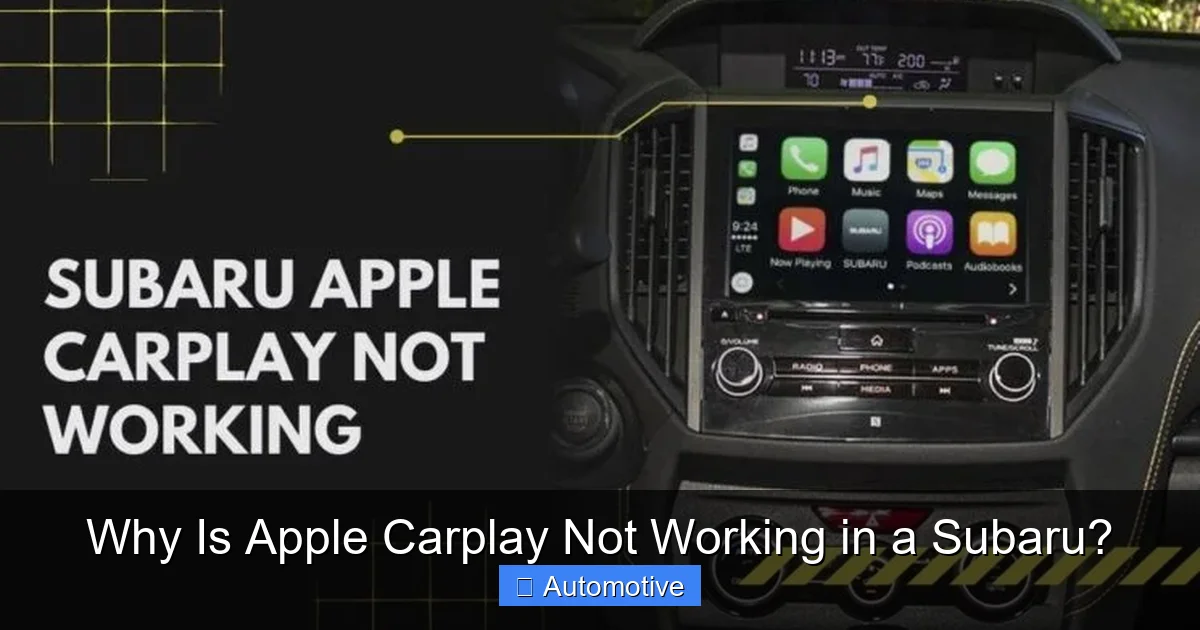
Visual guide about Why Is Apple Carplay Not Working in a Subaru?
Image source: altgov2.org
Understanding why Apple CarPlay fails is the first step to fixing it. While every situation is unique, several recurring issues account for the majority of complaints from Subaru owners. Let’s break down the most frequent culprits.
Outdated Software on iPhone or Infotainment System
One of the most overlooked causes of CarPlay failure is outdated software. Apple frequently releases iOS updates that include improvements and bug fixes for CarPlay. Similarly, Subaru periodically updates its Starlink infotainment system to improve compatibility and performance. If either your iPhone or your car’s system is running an older version, they may not communicate properly.
For example, if you recently updated your iPhone to iOS 17 but your Subaru’s system is still on an older firmware version, CarPlay might not recognize the new protocols. This mismatch can result in connection timeouts, failed handshakes, or no response at all.
Faulty or Incompatible USB Cables
Even if your software is up to date, a bad cable can ruin the connection. Many drivers use cheap, third-party USB cables that don’t meet Apple’s data transfer standards. These cables might charge your phone but fail to transmit the data needed for CarPlay.
Apple recommends using MFi-certified (Made for iPhone) cables. These are rigorously tested to ensure reliable performance. A frayed cable, loose connector, or one that’s only designed for charging can prevent CarPlay from initializing. We’ve seen cases where switching to an official Apple cable instantly resolved the issue.
Bluetooth and Wi-Fi Interference
For wireless CarPlay models, both Bluetooth and Wi-Fi must be active on your iPhone. Bluetooth handles the initial handshake, while Wi-Fi manages the data stream for audio, maps, and apps. If either is disabled, CarPlay won’t connect.
Additionally, signal interference from other devices, thick phone cases, or even nearby electronics can disrupt the connection. Some Subaru owners report that moving their phone closer to the center console or removing a thick case improves reliability.
Incorrect Settings on iPhone or Infotainment System
Sometimes, the problem isn’t technical—it’s a setting. On your iPhone, CarPlay must be enabled in Settings > General > CarPlay. If it’s turned off or not configured for your vehicle, nothing will happen when you plug in.
On the Subaru side, the infotainment system may have CarPlay disabled in the menu. Some models require you to manually enable smartphone integration or select “Apple CarPlay” from the source list. It’s also worth checking if the system is set to prioritize Android Auto or another input.
Hardware or Module Malfunctions
In rare cases, the issue is hardware-related. The USB port in your Subaru might be damaged, the head unit could have a faulty processor, or the antenna for wireless connectivity may be defective. These problems often require professional diagnosis and repair.
For example, a Subaru Outback owner reported that CarPlay worked intermittently until the USB port was replaced during a routine service visit. After the repair, connectivity became consistent.
Step-by-Step Troubleshooting Guide
Visual guide about Why Is Apple Carplay Not Working in a Subaru?
Image source: thetechgorilla.com
Now that you know the common causes, let’s walk through a systematic approach to fixing Apple CarPlay in your Subaru. Follow these steps in order—many issues are resolved early in the process.
Step 1: Check Your iPhone and Subaru Software Versions
Start by ensuring both devices are up to date.
On your iPhone:
– Go to Settings > General > Software Update.
– Install any available updates.
In your Subaru:
– Turn on the ignition and access the infotainment system.
– Navigate to Settings > System > Software Update (or similar).
– If an update is available, follow the on-screen instructions. Note: Some updates require a USB drive or a visit to the dealer.
Pro tip: Subaru often releases updates through its Starlink app or website. You can download updates to a USB drive and install them at home.
Step 2: Inspect and Replace Your USB Cable
Unplug your current cable and examine it for damage—frayed wires, bent connectors, or loose fittings. Try a different cable, preferably an Apple-certified one.
Test with a friend’s cable if possible. If CarPlay works with a new cable, your old one was the problem.
Step 3: Restart Your iPhone and Subaru System
A simple restart can clear temporary glitches.
On your iPhone:
– Hold the power and volume buttons (or side button on older models) until the slider appears.
– Slide to power off, wait 30 seconds, then turn it back on.
In your Subaru:
– Turn off the ignition and wait 2–3 minutes.
– Restart the vehicle and try connecting again.
This resets the infotainment system’s memory and reinitializes the USB and Bluetooth modules.
Step 4: Re-enable CarPlay on Your iPhone
Sometimes, CarPlay gets disabled accidentally.
– Go to Settings > General > CarPlay.
– Make sure your vehicle is listed and enabled.
– If not, tap “Add Car” and follow the prompts.
Also, check that Siri is enabled, as CarPlay relies on it for voice commands.
Step 5: Reset Network Settings on Your iPhone
This step clears saved Wi-Fi networks, Bluetooth pairings, and cellular settings—often fixing hidden connectivity issues.
– Go to Settings > General > Transfer or Reset iPhone > Reset > Reset Network Settings.
– Enter your passcode and confirm.
Note: You’ll need to reconnect to Wi-Fi networks and pair Bluetooth devices again.
Step 6: Reset the Subaru Infotainment System
Most Subaru models allow you to reset the head unit to factory settings.
– Go to Settings > System > Reset or Factory Reset.
– Confirm the action. This will erase saved radio stations and paired devices, so back up if needed.
After the reset, re-pair your phone and try CarPlay again.
Step 7: Try a Different USB Port
Some Subaru models have multiple USB ports. The one in the center console is usually the primary data port, while others may be for charging only.
Plug your phone into the main port (often labeled with a phone icon) and avoid using rear-seat or glovebox ports for CarPlay.
Step 8: Test with Another iPhone
If possible, try connecting a different iPhone to your Subaru. If CarPlay works, the issue is with your original phone. If it doesn’t, the problem likely lies with the car’s system.
This test helps isolate whether the fault is device-specific or vehicle-related.
Wireless vs. Wired CarPlay: What’s the Difference?
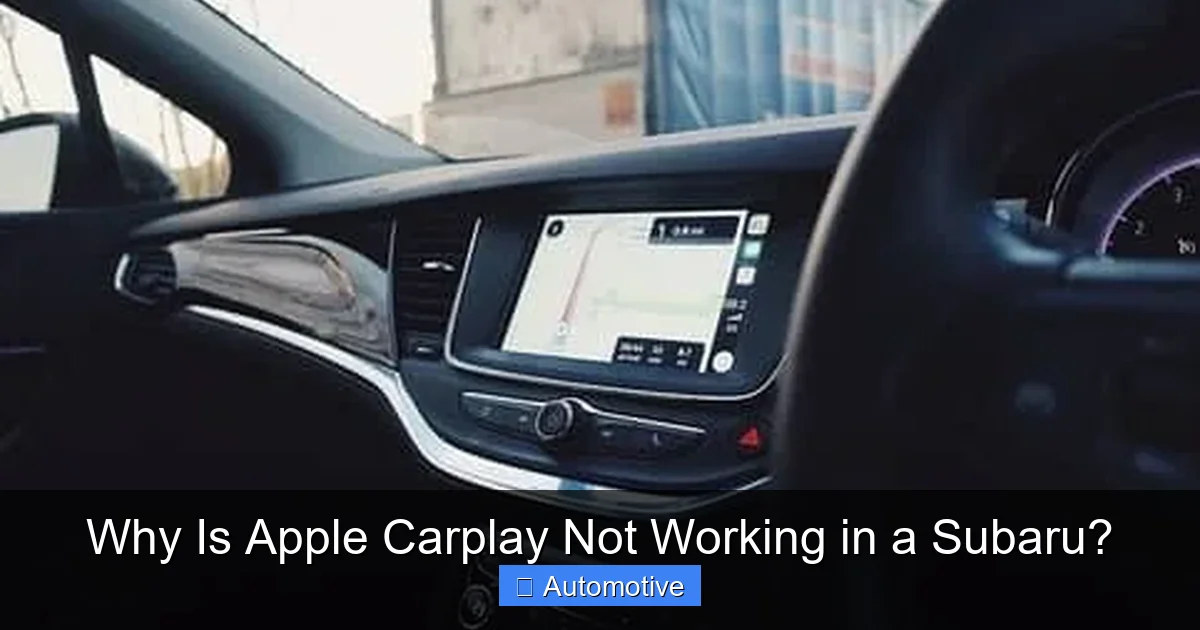
Visual guide about Why Is Apple Carplay Not Working in a Subaru?
Image source: madisonrising.com
Subaru offers both wired and wireless Apple CarPlay, depending on the model year and trim level. Understanding the difference is key to troubleshooting.
Wired CarPlay
This is the most common setup. You plug your iPhone into the USB port using a Lightning or USB-C cable. The connection is stable and reliable, with minimal lag.
Pros:
– Consistent performance
– No battery drain from wireless signals
– Works on older Subaru models
Cons:
– Requires a cable
– Less convenient for quick plug-and-play
Most Subaru models from 2017–2020 support only wired CarPlay.
Wireless CarPlay
Available on newer models (typically 2021 and later), wireless CarPlay uses Bluetooth and Wi-Fi to connect without a cable. Your phone pairs once, and CarPlay launches automatically when you start the car.
Pros:
– No cables needed
– Hands-free convenience
– Cleaner interior
Cons:
– Can be slower to connect
– More prone to interference
– Higher battery usage
If your Subaru supports wireless CarPlay but it’s not working, ensure:
– Bluetooth and Wi-Fi are on
– Your phone is within range (usually inside the cabin)
– The system is set to “Wireless” mode in the CarPlay settings
Note: Some owners report that wireless CarPlay works better after disabling “Optimized Battery Charging” on their iPhone, as it can interfere with background processes.
Model-Specific Considerations for Subaru Owners
Not all Subarus are created equal when it comes to CarPlay. Your experience may vary based on the model, year, and trim.
Subaru Outback
The Outback has offered CarPlay since 2017. Wired CarPlay is standard on most trims, while wireless became available in 2021+. Owners of 2020 and earlier models should stick to wired connections.
Common issue: Some 2018–2019 Outbacks experience lag or disconnections. A software update from Subaru often resolves this.
Subaru Forester
Similar to the Outback, the Forester supports wired CarPlay from 2019 onward. Wireless CarPlay arrived in 2021.
Tip: If CarPlay freezes, try unplugging the phone for 10 seconds and reconnecting. This often resets the handshake.
Subaru Crosstrek
The Crosstrek gained CarPlay in 2019. Earlier models (2018 and before) do not support it unless retrofitted.
Note: Base trims may have limited infotainment features. Check if your system includes smartphone integration.
Subaru Ascent
As Subaru’s largest SUV, the Ascent has robust infotainment support. Wireless CarPlay is available on higher trims starting in 2021.
Common fix: If CarPlay won’t launch, check if the system is set to “Phone” or “CarPlay” mode in the source menu.
Legacy Models (Legacy, Impreza, WRX)
Older models may not support CarPlay at all. If your Subaru was made before 2017, it likely doesn’t have the necessary hardware.
Workaround: Consider an aftermarket head unit that supports CarPlay, such as those from Pioneer or Kenwood.
When to Visit a Subaru Dealer
If you’ve tried all the troubleshooting steps and Apple CarPlay still isn’t working, it’s time to seek professional help. Here’s when a dealer visit is warranted.
Persistent Connection Failures
If your phone won’t connect even after updates, resets, and cable swaps, there may be a hardware issue with the USB port, head unit, or antenna.
Infotainment System Crashes or Freezes
Frequent crashes, black screens, or unresponsive touch controls suggest a deeper software or hardware problem.
No CarPlay Option in Settings
If CarPlay doesn’t appear as an option in your Subaru’s menu, the feature may not be enabled or supported on your trim.
Dealers can:
– Run diagnostic tests on the infotainment system
– Install the latest firmware updates
– Replace faulty components under warranty
Tip: Bring your iPhone and a working cable to the service appointment. This helps technicians replicate the issue.
Preventing Future CarPlay Problems
Once you’ve fixed the issue, take steps to avoid recurrence.
Keep Software Updated
Enable automatic updates on your iPhone and check for Subaru system updates every few months.
Use Quality Accessories
Invest in a durable, Apple-certified cable. Store it properly to prevent damage.
Clean USB Ports Regularly
Dust and debris can interfere with connections. Use a soft brush or compressed air to clean the port.
Avoid Overloading the System
Running too many apps in the background can slow down CarPlay. Close unused apps before connecting.
Monitor Battery Health
A degraded iPhone battery can cause performance issues. Check battery health in Settings > Battery > Battery Health.
Conclusion
Apple CarPlay not working in your Subaru can be frustrating, but it’s rarely a permanent issue. Most problems stem from outdated software, faulty cables, or incorrect settings—all of which are fixable with a bit of patience and the right approach.
Start with the basics: update your devices, check your cable, and restart everything. If that doesn’t work, dive deeper into network resets and system reboots. For wireless models, ensure Bluetooth and Wi-Fi are active and interference-free. And remember, your Subaru’s model year and trim level play a big role in what’s possible.
When all else fails, don’t hesitate to visit a Subaru dealer. They have the tools and expertise to diagnose and repair hardware issues that you can’t fix at home.
With the right care and maintenance, Apple CarPlay can be a seamless, reliable part of your driving experience. So plug in, pair up, and enjoy the ride—safely and smartly.
Frequently Asked Questions
Why won’t my iPhone connect to CarPlay in my Subaru?
This is often due to outdated software, a faulty cable, or incorrect settings. Make sure your iPhone and Subaru’s infotainment system are updated, use an Apple-certified cable, and check that CarPlay is enabled in your iPhone’s settings.
Does my Subaru support wireless Apple CarPlay?
Wireless CarPlay is available on most Subaru models from 2021 onward, including the Outback, Forester, Crosstrek, and Ascent. Check your owner’s manual or Subaru’s website to confirm compatibility for your specific trim and year.
Can a bad USB cable cause CarPlay to fail?
Yes. Non-certified or damaged cables may charge your phone but fail to transmit data. Always use an MFi-certified Lightning or USB-C cable for reliable CarPlay performance.
How do I reset the infotainment system in my Subaru?
Go to Settings > System > Reset or Factory Reset on your infotainment screen. This will restore default settings and may resolve connectivity issues. Note that saved radio stations and paired devices will be erased.
Why does CarPlay work sometimes but not always?
Intermittent issues are often caused by software glitches, weak signals, or overheating. Try restarting your phone and car, and ensure your iPhone isn’t running too many background apps.
Can I add Apple CarPlay to an older Subaru?
Factory CarPlay isn’t available on Subarus made before 2017. However, you can install an aftermarket head unit from brands like Pioneer or Kenwood that support CarPlay and integrate with your vehicle’s controls.