
What Is 503 Server Maintenance on Tesla?

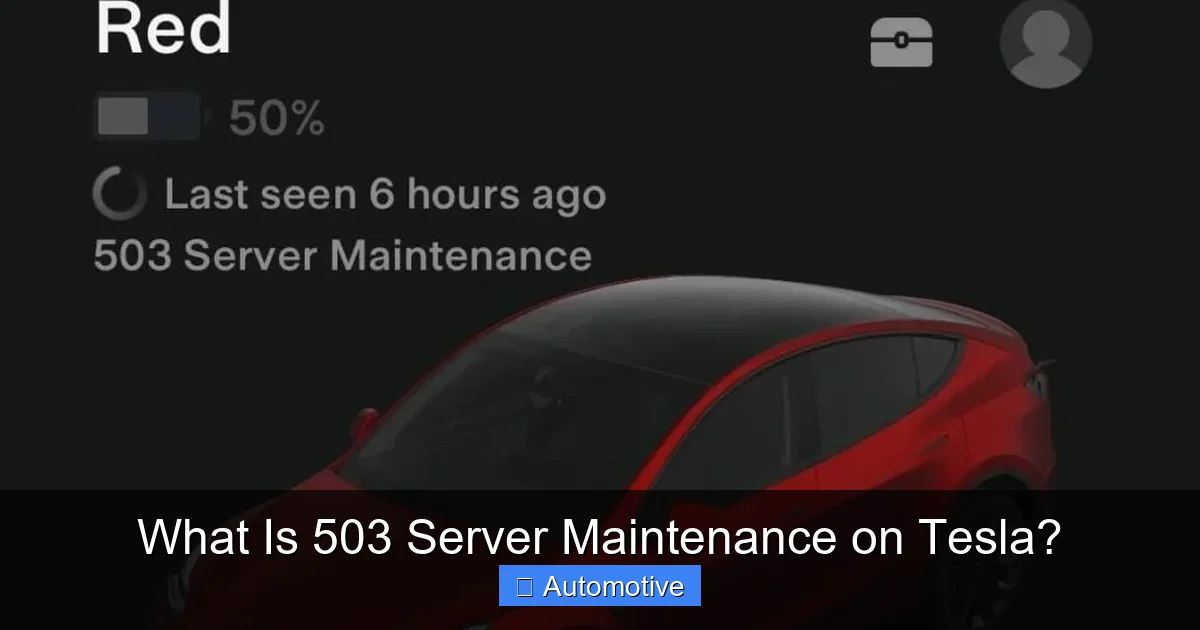
503 Server Maintenance on Tesla refers to temporary downtime when Tesla’s backend servers are offline for updates or repairs. This can affect app access, remote commands, and connected features, but your car remains fully drivable.
Key Takeaways
- 503 errors are temporary: They indicate server-side maintenance, not a problem with your Tesla.
- Common during updates: Tesla often performs server maintenance during major software rollouts.
- App features may be limited: Remote start, climate control, and live camera feeds might not work during downtime.
- Vehicle operation unaffected: You can still drive, charge, and use core functions without internet.
- Check Tesla’s status page: Use official channels to confirm if maintenance is scheduled.
- Wi-Fi vs. cellular matters: Connecting to Wi-Fi may bypass some issues during server outages.
- Patience is key: Most 503 errors resolve within minutes to a few hours.
📑 Table of Contents
- What Is 503 Server Maintenance on Tesla?
- Understanding the 503 Error: A Technical Breakdown
- How 503 Maintenance Affects Tesla Owners
- Why Does Tesla Perform Server Maintenance?
- How to Check if Tesla Is Undergoing Maintenance
- Tips for Dealing with 503 Errors
- Real-World Examples of 503 Maintenance
- Conclusion: 503 Errors Are Normal—Here’s Why
What Is 503 Server Maintenance on Tesla?
Imagine you’re about to leave for work on a chilly morning. You grab your phone, open the Tesla app, and tap “Start Climate” to warm up your car. But instead of your Model 3 heating up, you get an error message: “503 Service Unavailable.” Your heart sinks. Is your car broken? Did something go wrong with the app? Or worse—is Tesla having a system-wide meltdown?
Don’t panic. That 503 error doesn’t mean your Tesla is malfunctioning. In fact, it usually means the opposite: Tesla is actively maintaining or upgrading its servers to improve performance, security, and functionality. The 503 Server Maintenance message is a standard HTTP status code that simply tells you the server you’re trying to reach is temporarily down—not because of a crash, but because it’s being worked on.
Tesla’s vehicles are more than just electric cars—they’re rolling computers connected to the cloud. From over-the-air (OTA) updates to remote diagnostics, real-time traffic data, and even streaming music, much of what makes a Tesla “smart” relies on constant communication with Tesla’s backend servers. When those servers go offline for maintenance, certain features may become temporarily unavailable. But rest assured, your car is still safe, drivable, and fully functional.
In this article, we’ll break down everything you need to know about 503 Server Maintenance on Tesla—what it means, why it happens, how long it lasts, and what you can do (and can’t do) during the downtime. Whether you’re a new Tesla owner or a seasoned enthusiast, understanding this common but often misunderstood issue will help you stay calm and informed the next time your app throws a 503.
Understanding the 503 Error: A Technical Breakdown
Visual guide about What Is 503 Server Maintenance on Tesla?
Image source: evseekers.com
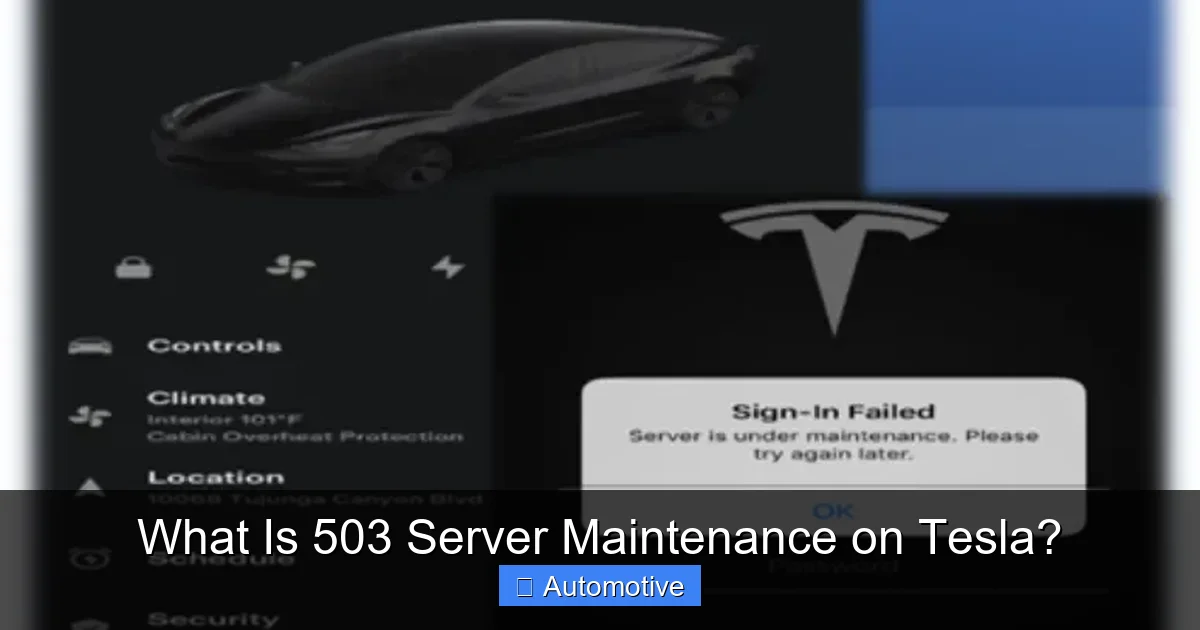
To truly grasp what’s happening when you see a 503 error on your Tesla app, it helps to understand a bit about how web services communicate. The 503 status code is part of the HTTP (Hypertext Transfer Protocol) standard used by websites and apps to talk to servers. When you open the Tesla app and request something—like checking your battery level or unlocking your doors—your phone sends a request to Tesla’s servers. If those servers are down for maintenance, they respond with a 503: “Service Unavailable.”
This isn’t a bug or a glitch. It’s a deliberate response from the server indicating it’s temporarily unable to handle requests. Think of it like a restaurant closing its kitchen for a few hours to clean and restock. The dining room might still be open, but you can’t order food. Similarly, your Tesla’s core systems—like driving, charging, and basic controls—are still operational, but cloud-dependent features are paused.
Why Does Tesla Use 503 Errors?
Tesla uses 503 errors during planned server maintenance for several reasons:
– Software Updates: Tesla frequently rolls out new features and improvements via OTA updates. Before or during these updates, servers may go offline to ensure a smooth deployment.
– Security Patches: To protect user data and vehicle systems, Tesla regularly applies security updates. These often require brief server downtime.
– Load Balancing: During peak usage times—like early mornings when thousands of owners try to precondition their cars—Tesla may scale down services temporarily to prevent overload.
– Infrastructure Upgrades: As Tesla grows, it expands its data centers and network infrastructure. Maintenance windows allow engineers to install new hardware or optimize systems.
Unlike a 404 error (which means “page not found”) or a 500 error (a generic server crash), a 503 is a controlled, expected response. It tells users: “We’re not broken—we’re just busy.”
How Long Does 503 Maintenance Last?
The duration of a 503 error varies. Most maintenance windows last between 15 minutes and 2 hours. However, during major updates or global server migrations, downtime can stretch to 4–6 hours—especially if unexpected issues arise.
Tesla typically schedules maintenance during off-peak hours (late night or early morning in Pacific Time, where Tesla’s headquarters is located) to minimize disruption. But because Tesla owners are spread across the globe, someone, somewhere, is always affected.
If you see a 503 error, don’t keep refreshing the app every 30 seconds. It won’t help—and it might even slow down the recovery process by adding unnecessary traffic. Instead, wait 10–15 minutes and try again. In most cases, the issue resolves on its own.
How 503 Maintenance Affects Tesla Owners
Visual guide about What Is 503 Server Maintenance on Tesla?
Image source: ecarcraze.com
When Tesla’s servers are down, the impact on your daily routine depends on how much you rely on connected features. For some owners, a 503 error is barely noticeable. For others—especially those who use the app to manage climate, security, or charging—it can be frustrating.
Let’s look at the most common ways 503 maintenance affects Tesla functionality.
App Connectivity and Remote Commands
The Tesla mobile app is your digital key and control center. It lets you:
– Lock and unlock your car
– Start or stop climate control
– Check battery level and charging status
– View live camera feeds (Sentry Mode)
– Summon your car (in supported models)
– Precondition the cabin before driving
During a 503 error, all these features may stop working. You might see messages like:
– “Unable to connect to vehicle”
– “Service unavailable. Please try again later.”
– “Climate control failed to start”
This doesn’t mean your car is broken. It just means the app can’t reach Tesla’s servers to send or receive commands.
Over-the-Air (OTA) Updates
One of Tesla’s biggest selling points is its ability to improve your car over time with OTA updates. These updates can add new features, enhance Autopilot, improve battery efficiency, and even change the user interface.
But OTA updates require a stable connection to Tesla’s servers. If a 503 error occurs during an update, the process may pause or fail. In most cases, the update will resume automatically once the servers are back online. However, if your car is mid-update when the servers go down, you might experience a temporary loss of certain features until the update completes.
For example, during the rollout of Tesla’s 2023.12 software update, some owners reported that their cars reverted to an older version of the UI after a server outage. The issue resolved itself within a few hours, but it caused confusion and concern.
Sentry Mode and Camera Access
Sentry Mode uses your car’s external cameras to monitor its surroundings when parked. If someone approaches or touches your vehicle, it records video and sends an alert to your phone.
But during a 503 error, live camera feeds and Sentry Mode alerts may not work. You won’t receive notifications, and you won’t be able to view footage remotely. However, the cameras still record locally to the car’s USB drive. Once the servers come back online, you can access the footage through the car’s touchscreen.
This is important for security-conscious owners. While you lose real-time monitoring, your car is still protected—just not connected to the cloud.
Charging and Navigation
One of the biggest concerns during a 503 error is whether you can still charge your car or use navigation. The good news? Both functions work independently of Tesla’s servers.
– Charging: You can plug in at home, at a Supercharger, or at any public station. The car communicates directly with the charger, not Tesla’s servers. However, features like scheduled charging or charge limit adjustments via the app may not work.
– Navigation: Your car’s GPS and map data are stored locally. You can still get directions, find Superchargers, and use traffic-aware routing. But real-time traffic updates and satellite maps may be delayed or unavailable until the connection is restored.
In short, your car remains fully drivable and chargeable—even if the app is temporarily out of service.
Why Does Tesla Perform Server Maintenance?
Visual guide about What Is 503 Server Maintenance on Tesla?
Image source: ecarcraze.com
You might be wondering: Why does Tesla need to take its servers offline so often? Can’t they do maintenance without disrupting users?
The answer lies in the complexity and scale of Tesla’s digital ecosystem. Unlike traditional automakers, Tesla treats its vehicles as software platforms—constantly evolving, improving, and adapting. This requires frequent updates, robust security, and scalable infrastructure.
Scaling for Global Growth
Tesla has over 4 million vehicles on the road worldwide. Each one connects to Tesla’s servers multiple times a day—sometimes every few minutes. That’s billions of data points flowing through the system daily. To handle this load, Tesla must constantly upgrade its data centers, network bandwidth, and server capacity.
Maintenance windows allow engineers to:
– Install new server hardware
– Optimize database performance
– Migrate data to faster storage systems
– Test failover and backup systems
Without regular maintenance, the system could slow down or crash under heavy demand—leading to longer outages and worse user experiences.
Security and Compliance
Tesla collects vast amounts of data from its vehicles, including location, driving behavior, and system diagnostics. Protecting this data is critical—not just for user privacy, but for regulatory compliance (like GDPR in Europe).
Regular server maintenance includes:
– Applying security patches
– Updating encryption protocols
– Auditing access logs
– Testing intrusion detection systems
These tasks often require taking servers offline to ensure changes are applied safely and completely.
Preparing for New Features
Tesla is known for rolling out bold new features—like Full Self-Driving (FSD), Dog Mode, and Camp Mode. Many of these features rely on cloud-based processing, AI models, or real-time data feeds.
Before launching a major update, Tesla often performs server maintenance to:
– Deploy new backend services
– Train and validate machine learning models
– Test integration with vehicle software
– Ensure compatibility across all models
For example, when Tesla introduced the “Green Traffic Light Chime” feature, it required updates to both the car’s software and the server-side logic that processes traffic light data. A brief maintenance window ensured a smooth rollout.
How to Check if Tesla Is Undergoing Maintenance
If you see a 503 error, how do you know if it’s planned maintenance or an unexpected outage? Fortunately, Tesla provides several ways to check the status of its services.
Official Tesla Status Page
Tesla maintains a public status page at [https://www.tesla.com/support/status](https://www.tesla.com/support/status). This page shows the real-time status of key services, including:
– Mobile app connectivity
– OTA updates
– Charging network
– Website and owner’s portal
If a service is down, the page will indicate whether it’s due to maintenance, an outage, or an incident. You’ll also see estimated resolution times and updates from Tesla’s engineering team.
Tesla Support and Social Media
Tesla doesn’t always announce maintenance in advance, but the company’s support team often posts updates on X (formerly Twitter) during major outages. Follow @TeslaSupport for real-time alerts.
Additionally, Tesla Service Centers may send emails or app notifications about scheduled maintenance—especially if it coincides with a major software update.
Community Forums and Apps
Tesla owner communities like Reddit (r/TeslaMotors), Tesla Motors Club, and TMC forums are great resources. Other owners often report 503 errors within minutes of them occurring, giving you a heads-up before you even check your app.
There are also third-party apps like “Tesla Unofficial” or “Stats for Tesla” that monitor server status and notify users of outages.
Tips for Dealing with 503 Errors
While you can’t prevent 503 errors, you can minimize their impact on your daily routine. Here are some practical tips:
Use Wi-Fi When Possible
Your Tesla connects to the internet via cellular data (included in the Premium Connectivity package). But if you’re at home or work, connecting to Wi-Fi can sometimes bypass server issues. Wi-Fi is often more stable and faster than cellular, and it may allow certain features to work even when the cellular connection is struggling.
To connect to Wi-Fi:
1. Tap the car icon on the touchscreen.
2. Select “Wi-Fi” and choose your network.
3. Enter the password.
Once connected, try using the app again. In some cases, Wi-Fi can restore functionality even during a 503 error.
Plan Ahead for Critical Tasks
If you know a major update is coming (check Tesla’s release notes or forums), try to complete important tasks beforehand. For example:
– Precondition your car the night before a cold morning.
– Check your charging schedule and adjust it manually if needed.
– Download offline maps if you’re planning a long trip.
This reduces your reliance on the app during potential downtime.
Keep a Physical Keycard
While most Tesla owners use their phone as a key, it’s wise to keep a physical keycard in your wallet or glove compartment. If your phone dies or the app fails, the keycard lets you unlock and start your car—no internet required.
Stay Calm and Wait It Out
The most important tip? Don’t panic. A 503 error is almost always temporary. Refreshing the app repeatedly won’t speed up the process—and it might make things worse by adding traffic to already stressed servers.
Instead, wait 10–15 minutes, then try again. If the issue persists for more than a few hours, check Tesla’s status page or contact support.
Real-World Examples of 503 Maintenance
To put this all in perspective, let’s look at a few real-world scenarios where Tesla owners encountered 503 errors.
Case Study: The 2023 Holiday Update Rollout
In December 2023, Tesla began rolling out its highly anticipated “Holiday Update,” which included new games, improved voice commands, and enhanced Autopilot features. As the update reached millions of vehicles, Tesla’s servers experienced unprecedented traffic.
For several hours, owners across North America and Europe reported 503 errors. The app was unresponsive, climate control failed, and Sentry Mode alerts stopped working. Some users panicked, thinking their cars had been hacked or bricked.
But Tesla’s status page confirmed it was planned maintenance. Within three hours, services were restored, and the update completed successfully. Owners who waited it out enjoyed the new features without issue.
Case Study: Early Morning Climate Failures
A Tesla owner in Chicago woke up to a -10°F morning. He opened the app to start his car’s heater, but got a 503 error. Frustrated, he drove to work with a frozen windshield.
Later that day, he learned Tesla had performed emergency maintenance on its climate control servers after a surge in usage during the cold snap. The issue was resolved by 9 a.m., and he was able to precondition his car the next morning.
This example shows how weather and usage patterns can trigger unexpected maintenance—even if it’s not scheduled.
Conclusion: 503 Errors Are Normal—Here’s Why
Seeing a “503 Service Unavailable” message on your Tesla app can be alarming—especially if you rely on remote features daily. But in most cases, it’s not a sign of trouble. It’s a sign that Tesla is working behind the scenes to make your car smarter, safer, and more capable.
503 Server Maintenance is a normal part of Tesla’s operational rhythm. It allows the company to scale its infrastructure, deploy critical updates, and protect user data. While it may temporarily limit app functionality, your car remains fully drivable, chargeable, and secure.
The key is understanding what’s happening and knowing how to respond. Check Tesla’s status page, use Wi-Fi when possible, and keep a physical keycard handy. And most importantly—stay patient. The servers will come back online, and your Tesla will be ready to go.
So the next time you see that 503 error, take a deep breath. It’s not a crisis. It’s just Tesla doing its job.
Frequently Asked Questions
What does a 503 error mean on my Tesla app?
A 503 error means Tesla’s servers are temporarily unavailable, usually due to maintenance or updates. It’s not a problem with your car or app—just a sign that backend systems are offline.
Can I still drive my Tesla during a 503 error?
Yes, absolutely. You can drive, charge, and use all core functions. Only cloud-dependent features like remote climate or app controls are affected.
How long do 503 errors usually last?
Most 503 errors last between 15 minutes and 2 hours. Major updates or global maintenance may take up to 6 hours.
Will my car lose data during server maintenance?
No. Your car stores critical data locally. Only real-time features like live camera feeds or remote commands are paused.
How can I avoid 503 errors in the future?
You can’t avoid them entirely, but using Wi-Fi, planning ahead, and checking Tesla’s status page can reduce frustration.
Should I contact Tesla Support if I see a 503 error?
Only if the error lasts more than a few hours or affects your ability to drive. Most 503 errors resolve on their own.