
How to Turn Off X-mode in Subaru

X-Mode is a smart off-road assist feature in Subaru vehicles that enhances traction and control on rough terrain. While useful, you may need to turn it off for highway driving, fuel efficiency, or system troubleshooting. This guide walks you through the simple process across various Subaru models.
Key Takeaways
- X-Mode improves off-road performance by managing throttle, braking, and transmission for better grip on slippery or uneven surfaces.
- It automatically deactivates at speeds over 25–40 mph, depending on the model, but can be manually turned off anytime.
- Turning off X-Mode is easy—usually just a button press, but location varies by model (e.g., center console, steering wheel, or touchscreen).
- You should disable X-Mode for normal driving to improve fuel economy and reduce unnecessary system engagement.
- Some models require a specific sequence to turn off X-Mode, especially if it’s linked to Hill Descent Control or other safety systems.
- If X-Mode won’t turn off, check for warning lights or system faults—a mechanic may be needed if the issue persists.
- Always consult your owner’s manual for model-specific instructions, as features differ between Outback, Forester, Crosstrek, and Ascent.
📑 Table of Contents
What Is X-Mode in Subaru?
If you’ve ever driven a Subaru on a muddy trail, snowy backroad, or gravel driveway, you’ve probably noticed a button labeled “X-Mode.” But what exactly does it do? X-Mode is Subaru’s advanced off-road driving assist system designed to help drivers maintain control in challenging conditions. It’s not just a fancy name—it’s a sophisticated suite of technologies working together to keep your vehicle stable and moving forward when the going gets tough.
Think of X-Mode as your co-pilot for rough terrain. When activated, it adjusts the engine’s throttle response, manages the all-wheel-drive system more aggressively, and applies subtle braking to individual wheels to prevent slipping. It also works closely with Hill Descent Control (HDC), which automatically controls your speed when going down steep hills—no need to ride the brakes. This makes X-Mode especially helpful for drivers who enjoy weekend adventures, live in snowy climates, or frequently drive on unpaved roads.
But here’s the thing: X-Mode isn’t meant to be on all the time. It’s designed for specific situations—like climbing a rocky incline or navigating through deep snow. Once you’re back on smooth pavement or driving at higher speeds, keeping X-Mode active can actually work against you. It may reduce fuel efficiency, cause unnecessary wear on components, and even interfere with normal driving dynamics. That’s why knowing how to turn off X-Mode in Subaru is just as important as knowing how to turn it on.
Why Would You Want to Turn Off X-Mode?
Visual guide about How to Turn Off X-mode in Subaru
Image source: subaru.ca
So, if X-Mode is so helpful, why would anyone want to turn it off? The answer lies in understanding when it’s useful—and when it’s not. While X-Mode is a fantastic tool for off-roading, it’s not ideal for everyday driving. Here are the main reasons you might want to disable it.
First and foremost, X-Mode is optimized for low-speed, high-traction scenarios. It limits your top speed—usually capping out around 25 to 40 mph, depending on the model. If you try to drive faster while X-Mode is active, the system will either prevent acceleration or automatically shut off. This can be frustrating if you’re merging onto a highway or driving on a rural road with moderate speeds.
Second, X-Mode affects fuel economy. Because it increases engine responsiveness and keeps the all-wheel-drive system more engaged, it can cause your Subaru to burn more fuel than usual. If you’re commuting daily or taking a long road trip, leaving X-Mode on unnecessarily could cost you extra at the pump.
Third, some drivers find that X-Mode makes the vehicle feel “sluggish” or overly cautious on normal roads. The system prioritizes safety and traction over performance, which can lead to delayed acceleration or a spongy brake feel. This isn’t a flaw—it’s by design—but it’s not ideal for city driving or highway cruising.
Finally, if you’re troubleshooting a warning light or system error, turning off X-Mode can help isolate the issue. For example, if the X-Mode indicator stays on even after you’ve turned it off, it could signal a problem with the AWD system, sensors, or software. In such cases, disabling X-Mode is the first step in diagnosing the problem.
How to Turn Off X-Mode in Different Subaru Models
Visual guide about How to Turn Off X-mode in Subaru
Image source: d1hv7ee95zft1i.cloudfront.net
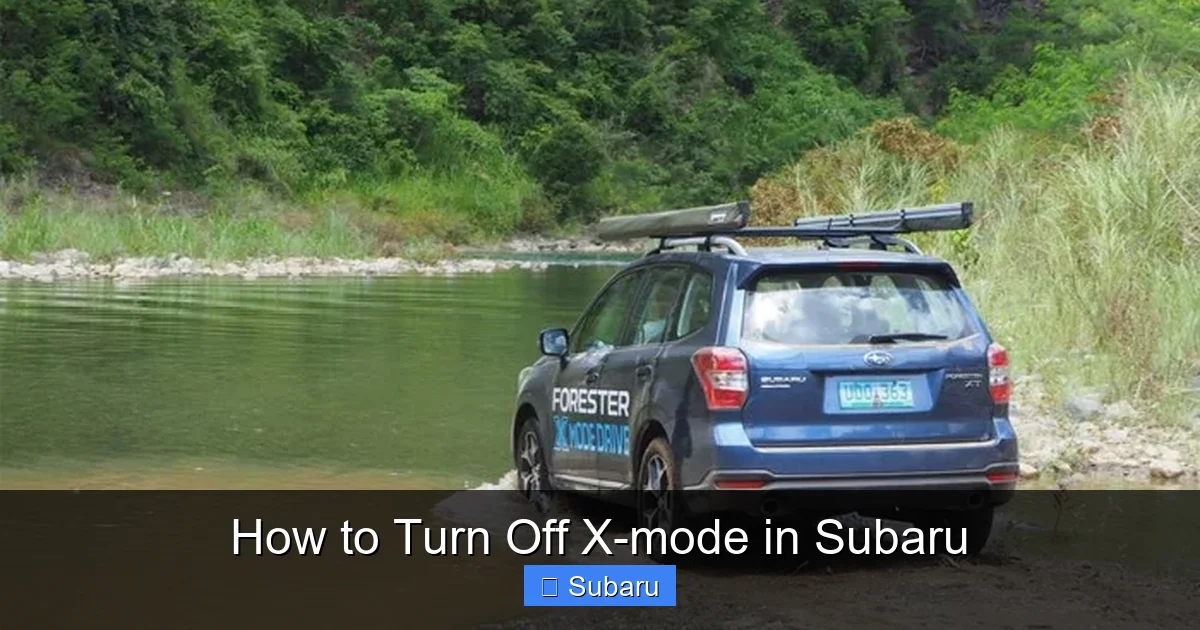
Now that you know why you might want to turn off X-Mode, let’s get into the how. The process is generally simple, but it varies slightly depending on your Subaru model and year. Below, we’ll walk you through the steps for the most popular models: Outback, Forester, Crosstrek, and Ascent.
Subaru Outback
The Outback is one of Subaru’s most popular models, and it comes equipped with X-Mode on most trims. To turn it off:
– Locate the X-Mode button, usually found on the center console near the gear shifter. It’s a rectangular button with the X-Mode logo.
– Press the button once. You’ll see the X-Mode indicator light on the dashboard turn off.
– If the light remains on, press and hold the button for 3–5 seconds. This forces a manual override.
– On newer models (2020 and later), you may also be able to turn off X-Mode through the touchscreen. Go to “Settings” > “Vehicle” > “Driving Assist” and toggle X-Mode off.
Note: If you’re driving above 25 mph, X-Mode will automatically disengage. But if you want to turn it off at lower speeds—say, after exiting a dirt road—use the button method above.
Subaru Forester
The Forester uses a similar system, but the button placement can vary. In most models:
– Look for the X-Mode button on the center console, just above the climate controls.
– Press it once to turn it off. The dashboard light should go out immediately.
– If the light stays on, try pressing and holding the button. Some Foresters require this for a full reset.
– On 2021+ models with the updated infotainment system, you can also access X-Mode settings via the touchscreen under “Vehicle Settings.”
One quirk: On some Forester trims, X-Mode is linked to the Hill Descent Control. If HDC is active, turning off X-Mode may not be possible until you’ve stopped or driven above a certain speed. In that case, come to a complete stop, then press the X-Mode button.
Subaru Crosstrek
The Crosstrek is a compact SUV with impressive off-road capability, thanks in part to X-Mode. To disable it:
– Find the X-Mode button on the center console, usually near the USB ports or climate controls.
– Press it once. The indicator light on the instrument cluster should turn off.
– If it doesn’t, try pressing and holding for 3 seconds.
– On 2023+ Crosstreks with the new dashboard layout, the button may be integrated into the steering wheel controls. Look for a button with an “X” or “Off-Road” symbol.
Pro tip: The Crosstrek Hybrid has a slightly different interface. Use the touchscreen to navigate to “Driving Mode” and select “Normal” to disable X-Mode.
Subaru Ascent
As Subaru’s largest SUV, the Ascent is built for families and adventures. Its X-Mode system is robust, but turning it off is straightforward:
– The X-Mode button is typically located on the center console, near the gear selector.
– Press it once to deactivate. The light on the dashboard will go out.
– If the light remains, press and hold for 5 seconds.
– On higher trims with the 11.6-inch touchscreen, you can also go to “Settings” > “Vehicle” > “Off-Road Mode” and toggle it off.
Note: The Ascent has multiple X-Mode settings (e.g., Snow/Dirt and Deep Snow/Mud). Turning off X-Mode disables both.
What to Do If X-Mode Won’t Turn Off
Sometimes, despite your best efforts, X-Mode just won’t turn off. The light stays on, the system remains active, and you’re left wondering what’s going on. Don’t panic—this is more common than you might think, and there are several troubleshooting steps you can take.
Check for Warning Lights
First, look at your dashboard. If the X-Mode light is on but no other warning lights are illuminated, it’s likely a minor glitch. However, if you see the Check Engine light, AWD warning, or ABS light, there may be an underlying issue. These systems are interconnected, and a fault in one can prevent X-Mode from disengaging.
Restart the Vehicle
A simple but effective fix is to turn off the engine, wait 30 seconds, and restart the car. This resets the vehicle’s computer systems and often clears temporary errors. After restarting, try turning off X-Mode again using the button.
Ensure You’re Not in a Restricted Mode
Some Subaru models won’t let you turn off X-Mode if certain conditions are met. For example:
– If Hill Descent Control is active, you may need to come to a complete stop before X-Mode can be disabled.
– If the vehicle is in a low gear or off-road mode, the system may lock X-Mode on for safety.
– On steep inclines, X-Mode may automatically re-engage to prevent rollback.
In these cases, try shifting to “Drive” or “Neutral,” coming to a stop, and then pressing the X-Mode button.
Check the Owner’s Manual
Every Subaru model is slightly different. If the button method isn’t working, consult your owner’s manual for model-specific instructions. Some older models require a sequence, like pressing the button twice quickly or holding it while turning the ignition on.
Visit a Subaru Dealer or Mechanic
If none of the above steps work, there may be a hardware or software issue. A faulty sensor, wiring problem, or software bug could prevent X-Mode from turning off. In this case, it’s best to visit a certified Subaru service center. They can run a diagnostic scan and reset the system if needed.
Tips for Using X-Mode Effectively
Now that you know how to turn off X-Mode, let’s talk about using it wisely. X-Mode is a powerful tool, but it’s not a substitute for good driving habits. Here are some tips to get the most out of it—and know when to switch it off.
Use It Only When Needed
Activate X-Mode when you’re driving on loose gravel, deep snow, mud, or steep inclines. Once you’re back on pavement or driving at normal speeds, turn it off. This preserves fuel, reduces wear, and keeps your driving experience smooth.
Don’t Rely on It for Ice or Black Ice
While X-Mode helps with traction, it can’t defy physics. On black ice or extremely slippery surfaces, reduce speed and drive cautiously. X-Mode won’t prevent skidding if you brake too hard or turn sharply.
Pair It with Proper Tires
X-Mode works best with all-season or all-terrain tires. If you’re frequently off-roading, consider upgrading to dedicated off-road tires for even better performance.
Monitor Dashboard Indicators
Pay attention to the X-Mode light and other warning symbols. If the light flashes or stays on when it shouldn’t, it could indicate a problem. Address it early to avoid bigger issues.
Reset After Off-Roading
After a tough trail ride, take a few minutes to clean your vehicle and check for damage. Also, make sure X-Mode is turned off before hitting the highway.
Frequently Asked Questions About X-Mode
X-Mode can be confusing, especially for new Subaru owners. Here are some common questions and clear answers to help you understand this feature better.
Does X-Mode affect fuel economy?
Yes, X-Mode can reduce fuel efficiency because it increases engine load and keeps the AWD system more engaged. For best mileage, turn it off when not needed.
Can I drive on the highway with X-Mode on?
Technically yes, but it’s not recommended. X-Mode limits speed and may disengage automatically above 25–40 mph. It’s designed for low-speed off-road use, not highway driving.
Will X-Mode damage my Subaru if left on?
No, it won’t cause damage, but it can lead to higher fuel consumption and unnecessary system wear. It’s best to turn it off for normal driving.
Why does X-Mode turn back on by itself?
Some models automatically re-engage X-Mode in certain conditions, like when going uphill or on slippery surfaces. This is a safety feature. You can usually override it by pressing the button.
Is X-Mode available on all Subaru models?
No, it’s typically found on Outback, Forester, Crosstrek, and Ascent models. Older or base trims may not have it. Check your owner’s manual to confirm.
Can I turn off X-Mode remotely or via the app?
No, X-Mode must be turned off manually using the button or touchscreen. Subaru’s Starlink app does not currently support remote control of driving modes.
Conclusion
X-Mode is one of Subaru’s standout features, giving drivers confidence on rough terrain and in bad weather. But like any advanced system, it’s meant to be used at the right time and in the right way. Knowing how to turn off X-Mode in Subaru ensures you get the best performance, fuel economy, and driving experience—whether you’re navigating a mountain trail or cruising down the interstate.
The process is simple: locate the button, press it, and confirm the light is off. If you run into issues, try restarting the vehicle or checking for warning lights. And remember, your owner’s manual is your best friend when it comes to model-specific details.
So the next time you’re heading out on an adventure, activate X-Mode with confidence. And when you’re back on smooth roads, turn it off with ease. Your Subaru—and your wallet—will thank you.
Frequently Asked Questions
How do I know if X-Mode is on?
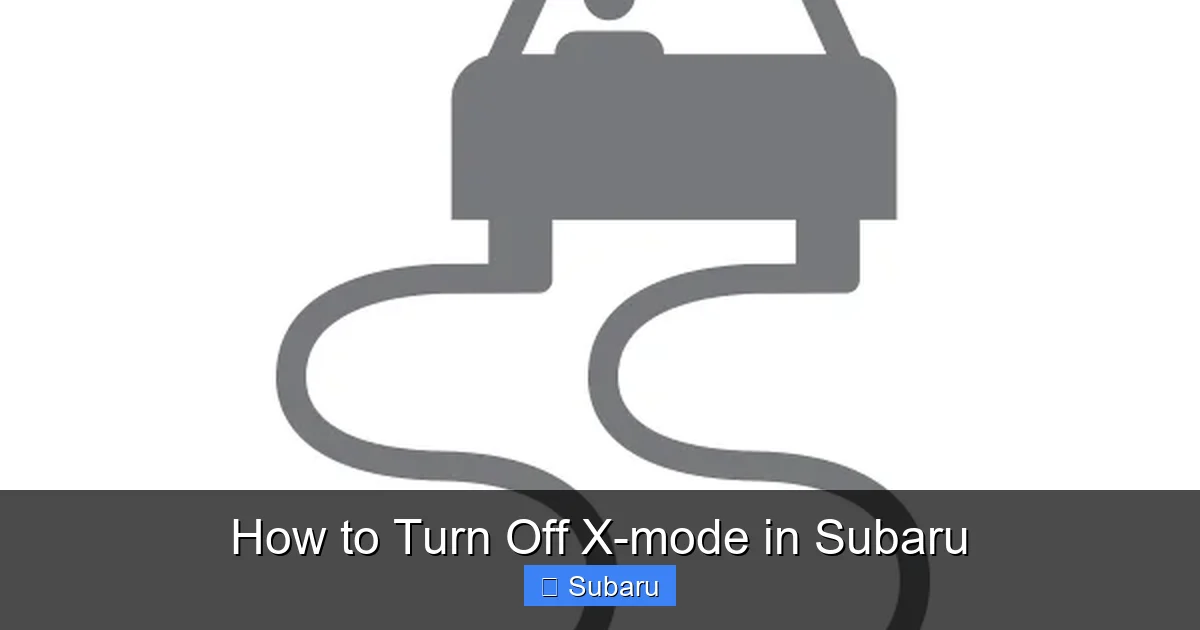
Look for the X-Mode indicator light on your dashboard. It usually looks like a car with wavy lines or the letters “X-Mode.” If it’s lit, the system is active.
Can I turn off X-Mode while driving?
Yes, you can safely turn off X-Mode while driving. Just press the button—no need to stop. However, if Hill Descent Control is active, you may need to come to a stop first.
Does turning off X-Mode disable AWD?
No, turning off X-Mode does not disable Subaru’s standard all-wheel-drive system. AWD remains active at all times. X-Mode only enhances AWD performance for off-road conditions.
Why is my X-Mode light flashing?
A flashing X-Mode light usually indicates a system malfunction or that the feature is temporarily unavailable. Check for other warning lights and consult your manual or a mechanic.
Is X-Mode the same as 4WD?
No, X-Mode is not 4WD. Subaru doesn’t use traditional 4WD; instead, it has full-time AWD. X-Mode is a driving assist that optimizes AWD for off-road use.
Can I disable X-Mode permanently?
No, you cannot permanently disable X-Mode through normal settings. It’s a built-in safety feature. However, you can turn it off each time you drive, and it won’t reactivate unless manually turned on.
