
How to Turn Off Vsc Trac Light on Toyota 4runner

Contents
- 1 Key Takeaways
- 2 📑 Table of Contents
- 3 Understanding the VSC TRAC Light on Your Toyota 4Runner
- 4 When to Use the VSC Off Button
- 5 Step-by-Step: How to Turn Off the VSC TRAC Light
- 6 Common Causes and Troubleshooting Tips
- 7 When to See a Mechanic
- 8 Final Thoughts: Stay Safe and Informed
- 9 Frequently Asked Questions


If your Toyota 4Runner’s VSC TRAC light is on, it doesn’t always mean trouble—but you should never ignore it. This guide walks you through simple fixes, when to use the VSC Off button, and how to diagnose real issues so you can drive safely and confidently.
Key Takeaways
- Understand what VSC and TRAC mean: VSC (Vehicle Stability Control) and TRAC (Traction Control) work together to improve traction and stability, especially in slippery conditions.
- The VSC TRAC light can indicate a system fault or simply that the system is active: A flashing light usually means the system is working; a steady light suggests a problem.
- Use the VSC Off button for off-roading or stuck situations: Pressing the button temporarily disables VSC and TRAC—ideal for deep snow, mud, or sand.
- Check tire pressure and wheel speed sensors first: Low tire pressure or a faulty sensor is a common cause of the warning light.
- Reset the system after repairs or maintenance: Sometimes the light stays on even after the issue is fixed—resetting it may be necessary.
- Visit a mechanic if the light won’t turn off: Persistent warnings could signal a serious electrical or mechanical issue requiring professional diagnosis.
- Never permanently disable VSC/TRAC on public roads: These systems enhance safety and should remain active during normal driving.
📑 Table of Contents
Understanding the VSC TRAC Light on Your Toyota 4Runner
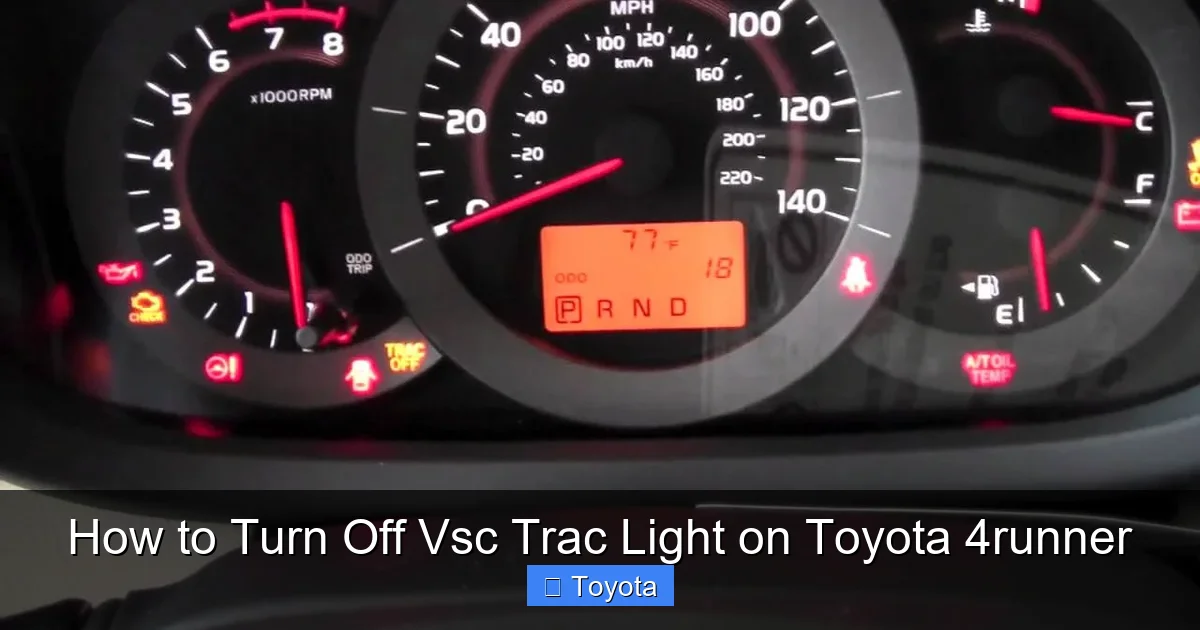
If you’re behind the wheel of a Toyota 4Runner, you’ve probably noticed a dashboard light that reads “VSC” or “TRAC”—sometimes both. At first glance, it might seem alarming, especially if you’re not sure what it means. But don’t panic. In many cases, this light isn’t signaling a major breakdown. Instead, it’s part of your vehicle’s advanced safety system designed to keep you safe on the road.
The VSC (Vehicle Stability Control) and TRAC (Traction Control) systems are electronic aids that help maintain control during challenging driving conditions. Whether you’re driving on wet pavement, gravel, or snow, these systems monitor wheel speed, steering angle, and lateral movement to prevent skidding or loss of control. When they detect a potential slip or instability, they automatically apply brakes to individual wheels and reduce engine power to help you stay on course.
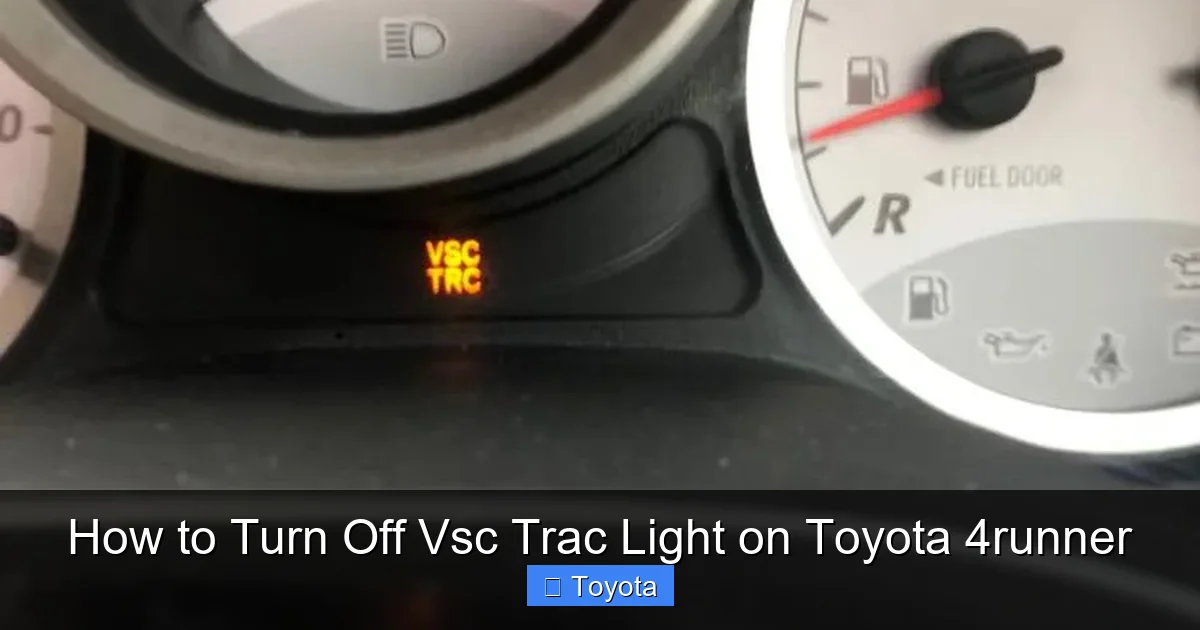
So why does the light come on? Well, there are two main reasons: either the system is actively working (indicated by a flashing light), or there’s a fault in the system (indicated by a steady or solid light). Understanding the difference is crucial. A flashing VSC TRAC light while driving in rain or snow? That’s normal. A steady light that stays on even on dry pavement? That’s a sign something needs attention.
What Do VSC and TRAC Actually Do?
Let’s break it down in simple terms. Think of VSC as your vehicle’s “balance coach.” It watches how your 4Runner is moving compared to where you’re steering. If it senses oversteer (when the back end starts to swing out) or understeer (when the front tires lose grip and push wide), VSC steps in to correct it. It might brake one wheel or reduce engine power to help you regain control.
TRAC, on the other hand, focuses on traction. If one or more wheels start spinning—like when you accelerate too hard on ice or loose gravel—TRAC detects the slip and reduces power or applies the brake to that wheel. This helps prevent wheel spin and keeps your 4Runner moving forward smoothly.
Together, these systems are like having a co-pilot that’s always watching your back. They’re especially helpful in adverse weather or off-road conditions, which is why the 4Runner—a rugged SUV built for adventure—comes equipped with them from the factory.
Why the Light Might Come On
Now, let’s talk about why that VSC TRAC light might illuminate. There are several common causes, ranging from minor inconveniences to more serious mechanical issues.
One of the most frequent reasons is low tire pressure. The wheel speed sensors monitor how fast each tire is rotating. If one tire is underinflated, it rotates at a different speed than the others, tricking the system into thinking there’s a slip. This triggers the VSC TRAC light as a warning.
Another common culprit is a dirty or faulty wheel speed sensor. These sensors are located near each wheel and can get covered in mud, snow, or road grime—especially if you’re taking your 4Runner off the beaten path. When they can’t read wheel speed accurately, the system assumes there’s a problem and turns on the warning light.
Sometimes, the issue is electrical. A loose connection, corroded wiring, or a blown fuse can disrupt communication between the sensors and the control module. Even a weak battery can cause intermittent warnings, as the system requires stable voltage to function properly.
In rare cases, the problem could be with the steering angle sensor or the yaw rate sensor—components that help VSC understand your vehicle’s orientation and movement. If these sensors are misaligned or malfunctioning, the system can’t do its job, and the light will stay on.
And yes, sometimes the light comes on simply because you pressed the VSC Off button. This is normal and expected. But if you didn’t press it and the light is still on, it’s time to investigate.
When to Use the VSC Off Button
Visual guide about How to Turn Off Vsc Trac Light on Toyota 4runner
Image source: autovfix.com
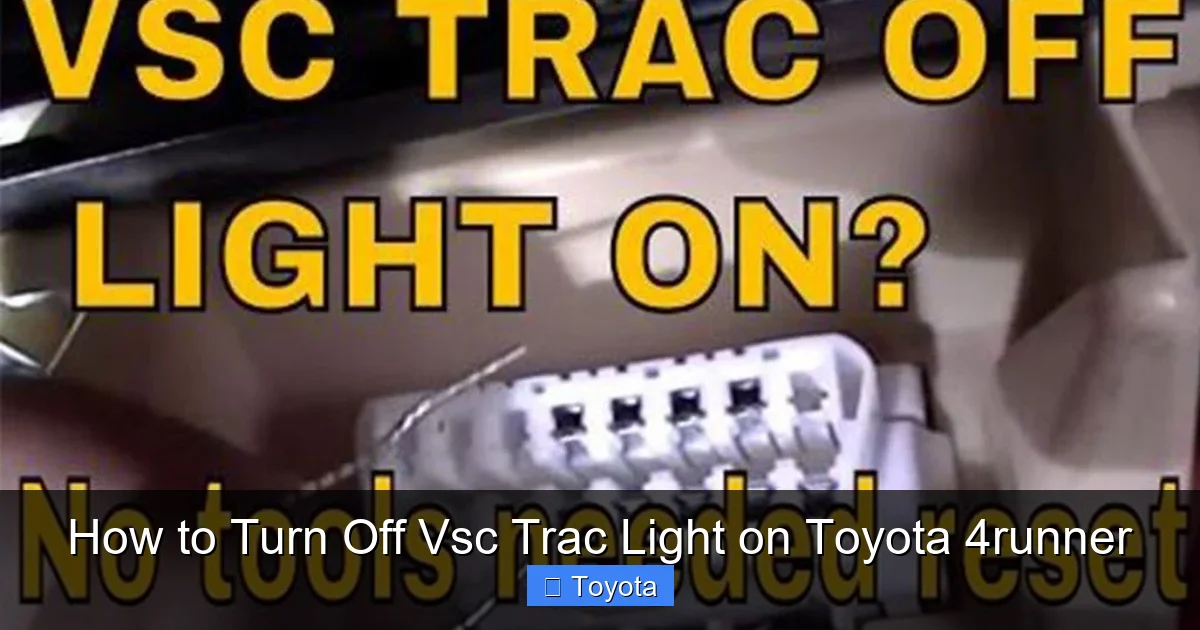
One of the most useful features in your Toyota 4Runner is the VSC Off button, usually located on the dashboard or center console. It’s marked with an icon that looks like a car with squiggly lines underneath—symbolizing loss of traction. Pressing this button temporarily disables both VSC and TRAC.
But why would you want to turn off a safety system? Isn’t that dangerous?
Not necessarily—if you know when to use it. There are specific situations where disabling VSC and TRAC can actually help you get unstuck or maintain control.
Off-Roading and Low-Traction Environments
If you’re driving in deep snow, mud, sand, or loose gravel, your wheels may need to spin slightly to gain traction. VSC and TRAC are designed to prevent wheel spin, which can be helpful on pavement—but counterproductive when you’re trying to crawl out of a snowbank or push through mud.
In these cases, turning off VSC allows the wheels to spin more freely, giving you a better chance of moving forward. Many off-roaders recommend turning off VSC when tackling steep inclines, rocky trails, or soft terrain where controlled wheel slip is necessary.
For example, imagine you’re stuck in a snowy driveway. Your front wheels are spinning, but the 4Runner isn’t moving. The TRAC system sees the spin and cuts engine power, making it even harder to get out. By pressing the VSC Off button, you allow the wheels to spin, which can help you rock the vehicle back and forth or gain enough momentum to break free.
When Not to Turn It Off
While the VSC Off button is handy in specific scenarios, it’s not something you should use casually—or leave on all the time. These systems are there for a reason: to keep you safe.
On paved roads, especially in rain, snow, or icy conditions, VSC and TRAC are essential. Disabling them increases the risk of skidding, sliding, or losing control during sudden maneuvers. Even experienced drivers can underestimate how quickly a vehicle can become unstable without electronic aids.
So, use the VSC Off button only when necessary—like when you’re off-roading or stuck—and remember to turn it back on once you’re back on solid ground. Most 4Runners will automatically reactivate VSC after you reach a certain speed (usually around 30–40 mph), but it’s good practice to press the button again to confirm it’s back on.
Step-by-Step: How to Turn Off the VSC TRAC Light
Visual guide about How to Turn Off Vsc Trac Light on Toyota 4runner
Image source: i.ytimg.com
Now that you understand what the light means and when to use the VSC Off button, let’s get into the practical steps for turning off the VSC TRAC light on your Toyota 4Runner.
The process depends on why the light is on in the first place. If it’s just because you pressed the VSC Off button, turning it back on is simple. But if it’s due to a system fault, you’ll need to diagnose and fix the underlying issue.
Method 1: Re-Enable VSC Using the Button
If you intentionally turned off VSC and the light is still on, the fix is straightforward:
1. Locate the VSC Off button on your dashboard or center console. It’s usually near the gear shifter or climate controls.
2. Press and hold the button for about 3–5 seconds. You should hear a beep or see the VSC light flash and then turn off.
3. If the light remains on, try pressing the button again briefly—sometimes a quick press is all it takes.
4. Drive the vehicle for a short distance (about 10–15 minutes) to allow the system to recalibrate.
This method works if the system was manually disabled. But if the light comes back on after driving, there’s likely an underlying issue.
Method 2: Check and Adjust Tire Pressure
As mentioned earlier, low tire pressure is one of the most common causes of the VSC TRAC light. Here’s how to check and fix it:
1. Use a reliable tire pressure gauge to check all four tires, including the spare if you have one.
2. Compare the readings to the recommended PSI listed on the sticker inside the driver’s door jamb. For most 4Runners, it’s around 30–33 PSI, but this can vary by model year and trim.
3. Inflate any underinflated tires to the correct pressure.
4. After adjusting, drive the vehicle for 10–15 minutes. The system should reset automatically, and the light should turn off.
Pro tip: Check tire pressure when the tires are cold (before driving or after sitting for a few hours). Heat from driving can increase pressure readings, giving you a false sense that everything is fine.
Method 3: Inspect Wheel Speed Sensors
If the light persists after checking tire pressure, the next step is to inspect the wheel speed sensors. These are located near each wheel hub and can get dirty or damaged.
1. Visually inspect each sensor for dirt, mud, or debris. Clean them gently with a soft brush or cloth.
2. Look for any signs of physical damage, such as cracked housings or frayed wires.
3. If you suspect a sensor is faulty, you may need to use an OBD2 scanner to read diagnostic trouble codes (DTCs). Codes like C1201, C1202, or C1203 often point to specific wheel speed sensor issues.
4. Replacing a faulty sensor usually requires professional help, but cleaning them is something you can do at home.
Method 4: Reset the System with an OBD2 Scanner
Sometimes, even after fixing the issue, the VSC TRAC light remains on because the system hasn’t been reset. An OBD2 scanner can help clear the codes and reset the system.
1. Purchase or borrow an OBD2 scanner that’s compatible with Toyota vehicles. Many auto parts stores offer free code reading.
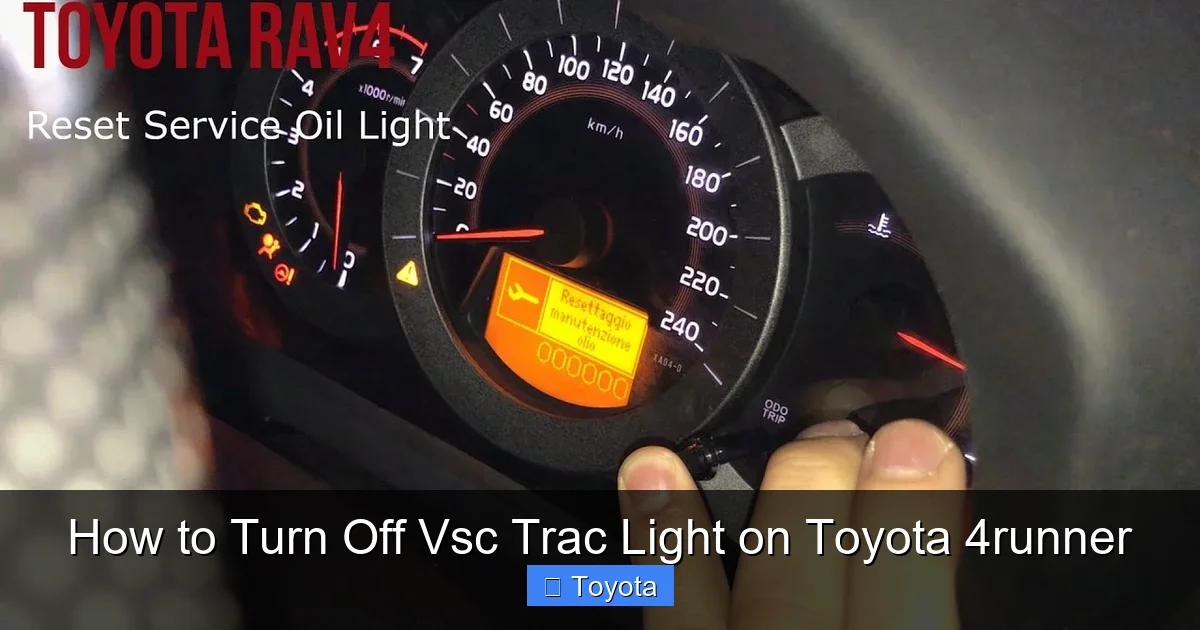
2. Plug the scanner into the OBD2 port, usually located under the dashboard near the steering column.
3. Turn the ignition to the “ON” position (don’t start the engine).
4. Follow the scanner’s instructions to read and clear any stored codes.
5. After clearing, turn off the ignition, wait 30 seconds, then restart the vehicle.
6. Drive for 10–15 minutes to allow the system to relearn and reset.
Note: Not all OBD2 scanners can reset VSC/TRAC systems. Look for one that supports Toyota-specific codes and ABS/VSC functions.
Method 5: Check the Battery and Electrical Connections
A weak or dying battery can cause erratic behavior in electronic systems, including VSC and TRAC. Here’s what to do:
1. Check the battery voltage with a multimeter. A healthy battery should read around 12.6 volts when the engine is off and 13.7–14.7 volts when running.
2. Inspect the battery terminals for corrosion. Clean them with a wire brush and baking soda solution if needed.
3. Ensure all ground connections are tight and free of rust.
4. If the battery is more than 4–5 years old, consider having it tested or replaced.
A simple battery replacement has resolved the VSC TRAC light for many 4Runner owners.
Common Causes and Troubleshooting Tips
Visual guide about How to Turn Off Vsc Trac Light on Toyota 4runner
Image source: toyotaowners.b-cdn.net
Even with the steps above, the VSC TRAC light can be tricky. Here are some additional troubleshooting tips based on real-world experiences from 4Runner owners.
After Recent Maintenance or Repairs
If the light came on after you had your brakes serviced, tires rotated, or wheels aligned, it could be due to a sensor being disconnected or misaligned. Mechanics sometimes forget to reconnect wheel speed sensors or reset the system after work.
Double-check that all sensors are plugged in and that the steering angle sensor has been recalibrated if the front end was worked on. Some shops offer free rechecks if issues arise after service.
After Driving Through Deep Water or Mud
Off-roading is one of the joys of owning a 4Runner, but it can also lead to sensor problems. Water, mud, and debris can clog sensors or damage wiring.
After a muddy adventure, give your undercarriage a thorough rinse. Pay special attention to the wheel wells and sensor areas. Let everything dry completely before driving.
Intermittent Light That Comes and Goes
If the VSC TRAC light flickers or appears randomly, it could be a loose connection or a failing sensor. These issues often worsen over time.
Try wiggling the wiring harness near each wheel while the ignition is on. If the light changes behavior, you’ve found a loose connection. Secure it with zip ties or electrical tape.
Light Stays On Despite No Obvious Issues
In rare cases, the light may stay on even when everything seems fine. This could indicate a software glitch or a problem with the ABS/VSC control module.
Some owners have reported success by disconnecting the battery for 10–15 minutes to perform a hard reset. This clears the system’s memory and forces it to restart.
To do this:
1. Turn off the engine and remove the key.
2. Disconnect the negative terminal of the battery.
3. Wait 15 minutes.
4. Reconnect the terminal and start the vehicle.
5. Drive for 10–15 minutes to allow the system to recalibrate.
When to See a Mechanic
While many VSC TRAC light issues can be resolved at home, there are times when you should seek professional help.
If the light remains on after trying all the above steps, or if you notice other symptoms—like unusual braking behavior, steering issues, or warning lights for ABS or check engine—it’s time to visit a qualified mechanic or Toyota dealership.
They have specialized diagnostic tools that can read deeper system data and pinpoint the exact cause. Common professional repairs include replacing wheel speed sensors, recalibrating the steering angle sensor, or updating the vehicle’s software.
Ignoring a persistent VSC TRAC light can compromise your safety. These systems are designed to protect you, and driving without them—especially in bad weather—increases your risk of an accident.
Final Thoughts: Stay Safe and Informed
The VSC TRAC light on your Toyota 4Runner is more than just a dashboard warning—it’s a vital part of your vehicle’s safety network. Understanding what it means, when to act, and how to respond can save you time, money, and stress.
Remember: a flashing light during slippery conditions is normal. A steady light means something needs attention. Use the VSC Off button wisely, keep your tires properly inflated, and don’t ignore persistent warnings.
With a little knowledge and proactive maintenance, you can keep your 4Runner running smoothly and safely—whether you’re cruising down the highway or exploring backcountry trails.
Frequently Asked Questions
Can I drive my 4Runner with the VSC TRAC light on?
Yes, you can drive with the light on, but it’s not recommended for long. The system may be disabled or malfunctioning, reducing your vehicle’s stability and traction control. Have it checked as soon as possible.
Will turning off VSC improve fuel economy?
No, turning off VSC will not improve fuel economy. These systems only activate when needed and don’t consume significant power. Fuel efficiency is more affected by driving habits, tire pressure, and engine maintenance.
How often should I check my tire pressure to prevent the VSC light?
Check your tire pressure at least once a month and before long trips. Seasonal temperature changes can cause pressure to drop, so winter months require extra attention.
Can a bad alternator cause the VSC TRAC light to come on?
Yes, a failing alternator can cause voltage fluctuations that affect electronic systems like VSC and TRAC. If you notice dim lights, slow cranking, or other electrical issues, have your charging system tested.
Is it safe to permanently disable VSC and TRAC?
No, it’s not safe to permanently disable these systems. They are critical for maintaining control in slippery or emergency situations. Only disable them temporarily when off-roading or stuck.
Does the VSC TRAC light affect the 4Runner’s 4WD system?
Not directly. The 4WD system operates independently, but VSC and TRAC work alongside it to improve traction. A VSC fault won’t disable 4WD, but it may reduce overall stability.







