
How to Turn Off Autopark on a Dodge Durango

Turning off Autopark on your Dodge Durango is simple and can be done in just a few steps using the Uconnect system or physical buttons. Whether you’re parking in tight spaces or prefer manual control, disabling this feature gives you more driving confidence and prevents unexpected movements.
Key Takeaways
- Autopark is a driver-assist feature that helps steer the Durango into parallel or perpendicular parking spots automatically.
- You can disable Autopark temporarily through the Uconnect touchscreen or by pressing the Autopark button on the center console.
- The system reactivates after ignition cycles unless you manually turn it off each time you drive.
- Disabling Autopark does not affect other safety systems like blind-spot monitoring or rear cross-traffic alert.
- Always ensure the area is clear before turning off Autopark, especially in busy parking lots.
- Consult your owner’s manual for model-specific instructions, as features vary by year and trim level.
- Practice manual parking in safe areas if you’re new to parking without assistance.
📑 Table of Contents
Understanding Autopark on the Dodge Durango
If you own a newer Dodge Durango—especially models from 2018 onward—you’ve likely encountered the Autopark feature. It’s one of those high-tech driver-assist tools designed to make parking less stressful. Autopark uses a combination of sensors, cameras, and steering control to automatically guide your Durango into a parking spot, whether it’s parallel or perpendicular. Sounds convenient, right?
But here’s the thing: not every driver loves it. Some find it too slow, others feel it takes away control, and in tight spaces, it might not always behave as expected. That’s why knowing how to turn off Autopark on a Dodge Durango is a valuable skill. Whether you’re parking in a crowded mall lot, navigating a narrow garage, or just prefer to handle parking yourself, disabling this feature gives you full command of your vehicle.
Autopark isn’t a standard feature on all Durango trims. It’s typically available on higher-end models like the GT Plus, R/T, and especially the luxurious Citadel and SRT trims. If your Durango has the Uconnect 8.4 or Uconnect 5 infotainment system, there’s a good chance Autopark is included—especially if you’ve seen a button with a car icon and a steering wheel on your center console.
How Autopark Works
Autopark uses ultrasonic sensors located around the Durango’s bumpers to detect open parking spaces. Once you drive past a suitable spot, the system alerts you via the instrument cluster or Uconnect screen. You then activate Autopark, shift into the correct gear (Drive or Reverse), and let the system take over steering while you control the accelerator and brake.
The Durango will steer itself into the space, making adjustments as needed. It can handle both parallel parking (along the curb) and perpendicular parking (in standard parking lots). The whole process is monitored by the driver, and you can cancel it at any time by pressing the brake firmly, taking control of the steering wheel, or pressing the cancel button.
Why You Might Want to Turn It Off
While Autopark is helpful, it’s not perfect. Some drivers report that the system can be overly cautious, taking too long to complete a maneuver. In tight urban areas, it might not fit into smaller spaces the way a human driver would. Others simply prefer the feel of manual parking—especially in familiar spots or when time is short.
Additionally, if you’re towing a trailer or have aftermarket accessories that interfere with sensors, Autopark may behave unpredictably. In such cases, turning it off ensures smoother, more predictable parking.
Step-by-Step Guide to Turning Off Autopark
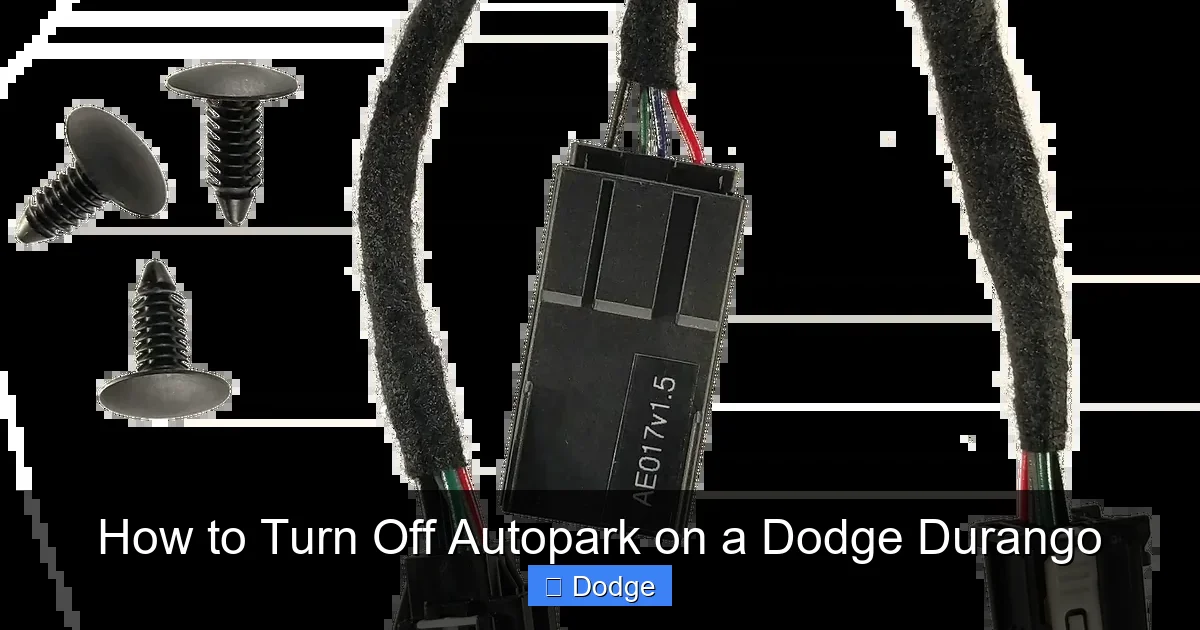
Visual guide about How to Turn Off Autopark on a Dodge Durango
Image source: cdn.shopify.com
Now that you understand what Autopark does and why you might want to disable it, let’s get into the actual process. The good news? It’s easier than you think. There are two main ways to turn off Autopark on a Dodge Durango: using the Uconnect touchscreen or the physical Autopark button. Both methods are quick and don’t require any special tools.
Method 1: Using the Uconnect Touchscreen
This is the most common method and works on Durango models equipped with the Uconnect 8.4 or Uconnect 5 system. Here’s how to do it:
1. Start your Durango and ensure the vehicle is in Park.
2. Tap the “Settings” icon on the Uconnect home screen. It looks like a gear or wrench.
3. Scroll down and select “Vehicle” or “Vehicle Settings.”
4. Look for “Driver Assistance” or “Safety & Security.”
5. Find the “Autopark” option and tap it.
6. Toggle the switch to “Off.”
Once disabled, the Autopark feature will remain off until you manually turn it back on. However, note that it may reactivate after you turn the vehicle off and on again, depending on your settings. Some models allow you to set a preference so Autopark stays off by default—check your owner’s manual for details.
Method 2: Using the Physical Autopark Button
Many Dodge Durango models have a dedicated Autopark button on the center console, usually near the gear shifter. It’s often labeled with a car icon and a steering wheel. Here’s how to use it:
1. Make sure the vehicle is running and in Park.
2. Press the Autopark button once. A light on the button should illuminate, indicating the system is active.
3. To turn it off, press the button again. The light should turn off, and the system will be disabled.
This method is great for quick toggling. If you only want to disable Autopark temporarily—say, for a single parking maneuver—this is the fastest way. Just remember that the system may reset to “on” the next time you start the vehicle.
What to Do If the Button Doesn’t Work
Sometimes, the Autopark button may not respond. This could be due to a software glitch, a dirty button, or a system error. Try these troubleshooting steps:
– Turn the vehicle off completely, wait 30 seconds, then restart it.
– Clean the button gently with a soft cloth—dust or grime can interfere with contact.
– Check for any warning messages on the Uconnect screen or instrument cluster.
– If the issue persists, visit a Dodge dealership for diagnostics.
Model-Specific Instructions
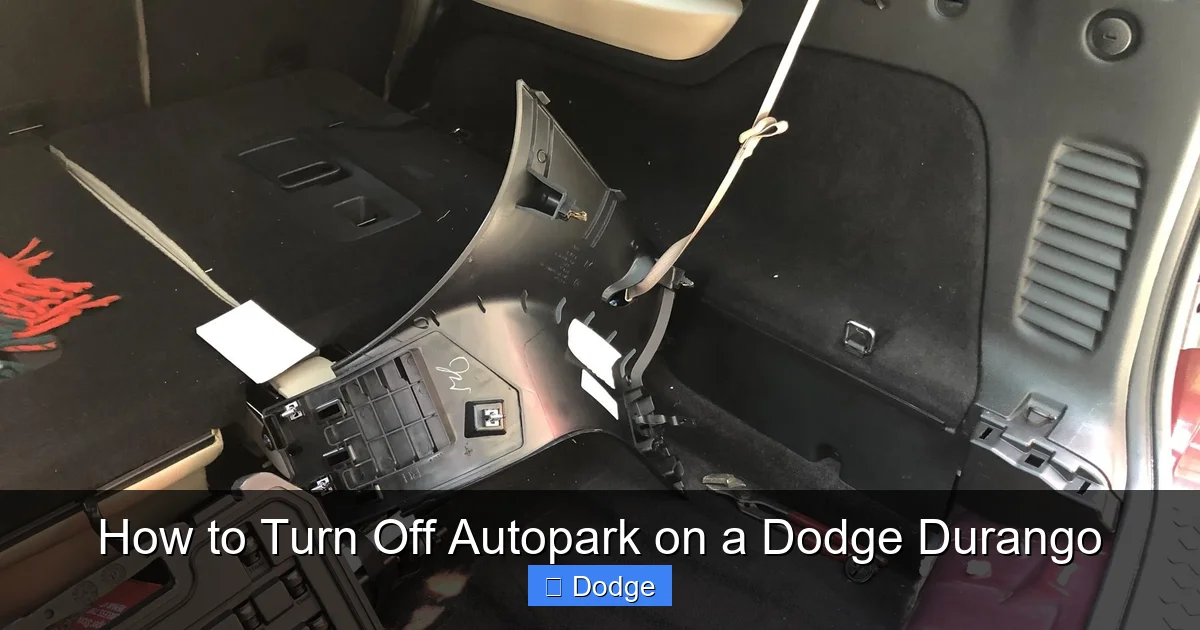
Visual guide about How to Turn Off Autopark on a Dodge Durango
Image source: i.imgur.com
Not all Dodge Durango models are created equal when it comes to Autopark. The process can vary slightly depending on the year, trim, and Uconnect version. Let’s break it down by common model years.
2018–2020 Dodge Durango
These models typically use the Uconnect 8.4 system. Autopark is available on GT Plus, R/T, and Citadel trims. To disable it:
– Go to Settings > Vehicle > Driver Assistance > Autopark > Off.
– The physical Autopark button is usually located on the center stack, near the climate controls.
Note: On some 2018 models, Autopark may not be available unless you have the Advanced SafetyTec Group package.
2021–2023 Dodge Durango
With the introduction of Uconnect 5, the interface became more intuitive. The steps are similar:
– Tap Settings > Vehicle > Safety & Security > Autopark > Off.
– The Autopark button remains on the center console, but its location may vary slightly by trim.
One improvement in these models is better integration with the 360-degree camera system, which helps Autopark make more accurate maneuvers.
2024 Dodge Durango
The latest Durango models continue to refine the Autopark experience. The Uconnect 5 system now includes voice command support—you can say, “Turn off Autopark,” and the system will respond (if equipped with the Uconnect 5 Voice Assistant).
Additionally, some 2024 trims allow you to customize Autopark behavior, such as setting it to “Always Off” in the driver profile settings. This is especially useful for families sharing a vehicle—each driver can have their own preferences.
Safety Considerations When Disabling Autopark
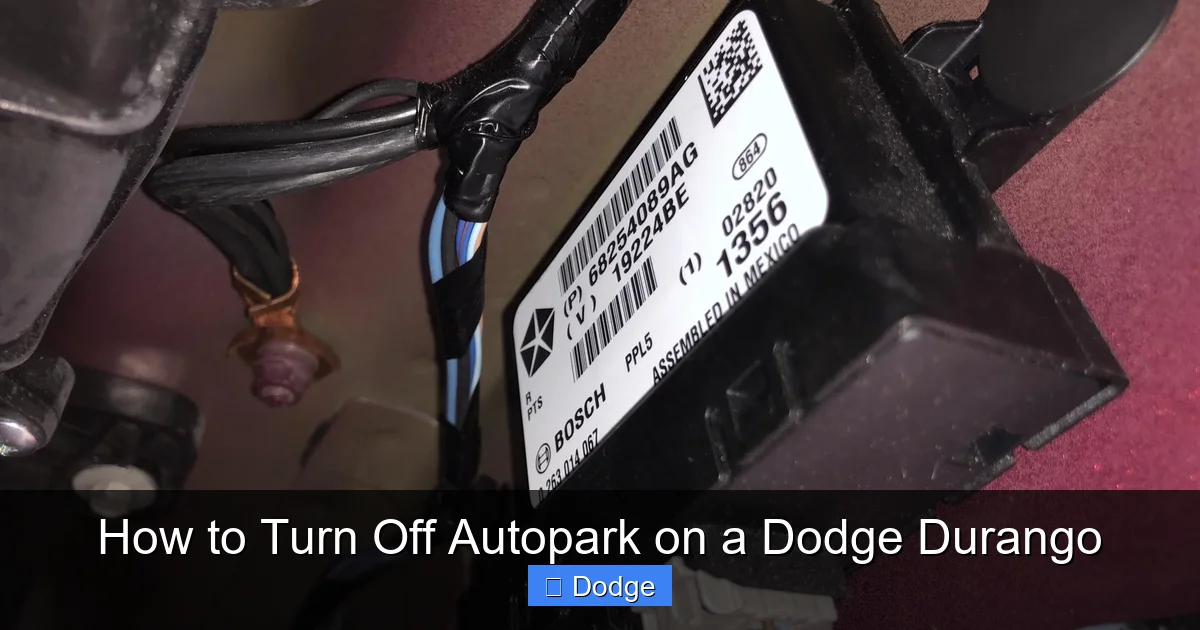
Visual guide about How to Turn Off Autopark on a Dodge Durango
Image source: i.imgur.com
Turning off Autopark doesn’t make your Durango unsafe, but it does shift more responsibility to you as the driver. Here are some important safety tips to keep in mind:
Stay Alert and in Control
Autopark is designed to assist, not replace, the driver. When it’s off, you’re fully in charge of steering, braking, and judging distances. Always keep your hands on the wheel and eyes on the surroundings—especially in busy parking lots.
Use Other Safety Features
Just because Autopark is off doesn’t mean you should ignore other safety systems. Features like:
– Rear Cross-Traffic Alert
– Blind Spot Monitoring
– ParkSense (front and rear parking sensors)
– 360-degree camera system
These are still active and can help you park safely. In fact, they’re often more reliable than Autopark in tight or complex situations.
Practice Manual Parking
If you’re not used to parking without assistance, take some time to practice. Find an empty parking lot and work on parallel and perpendicular parking. Use reference points—like the side mirrors or rearview camera—to judge distances.
Pro tip: When parallel parking, align your side mirror with the car next to you, then turn the wheel fully when your front bumper clears theirs. This helps you angle into the spot smoothly.
Avoid Distractions
Parking requires focus. Avoid using your phone, adjusting the radio, or talking on hands-free devices while maneuvering. Even a few seconds of distraction can lead to a fender bender.
Common Issues and Troubleshooting
Even with the best instructions, things don’t always go smoothly. Here are some common problems drivers face when trying to turn off Autopark—and how to fix them.
Autopark Won’t Turn Off
If the toggle in Uconnect doesn’t respond or the button doesn’t work, try this:
– Restart the vehicle: Turn it off, wait 30 seconds, then restart.
– Check for software updates: Go to Settings > System > Software Update. Dodge occasionally releases updates that fix glitches.
– Reset the Uconnect system: Hold the Volume and Tune buttons for 10 seconds until the screen reboots.
Autopark Reactivates After Restart
This is normal behavior on most Durango models. The system defaults to “on” after each ignition cycle. To prevent this:
– On Uconnect 5 systems, go to Settings > Profiles > Your Profile > Driver Assistance > Autopark > Set to “Off by Default.”
– If this option isn’t available, you’ll need to turn it off manually each time.
False Alerts or System Errors
If Autopark gives false warnings or fails to detect spaces, it could be due to:
– Dirty sensors: Clean the front and rear bumpers with soapy water. Avoid high-pressure washes directly on sensors.
– Obstructions: Snow, mud, or bumper stickers can block sensor signals.
– Software bugs: A dealership can run a diagnostic scan to check for faults.
Tips for Better Parking Without Autopark
Once you’ve turned off Autopark, you’ll want to park like a pro. Here are some expert tips to make manual parking easier and safer.
Use Reference Points
Every Durango driver should know their vehicle’s dimensions. Use visual cues to judge distances:
– When backing into a spot, stop when your side mirror aligns with the parking line.
– For parallel parking, use the side mirror to gauge how close you are to the curb.
Leverage the Camera System
Even without Autopark, the rearview and 360-degree cameras are incredibly helpful. Use the overhead view to see all four corners of the vehicle. Zoom in on the rear camera when backing up to avoid low obstacles.
Practice in Different Conditions
Try parking in various environments: daytime, nighttime, rain, snow. Each condition affects visibility and traction. The more you practice, the more confident you’ll become.
Take Your Time
There’s no rush. Parking safely is more important than parking quickly. If a spot looks too tight, move on. It’s better to walk a little farther than risk a scratch or dent.
When to Re-enable Autopark
While turning off Autopark is useful in many situations, there are times when it’s worth turning back on.
Long Road Trips
On extended drives, Autopark can reduce fatigue in busy rest areas or unfamiliar cities. Let the system handle parking while you focus on the road.
Heavy Traffic or Crowded Lots
In high-traffic areas, Autopark can help you park more efficiently, especially if you’re not confident in tight spaces.
New Drivers or Passengers
If someone else is driving your Durango—like a teen or elderly relative—Autopark can provide an extra layer of safety and confidence.
Just remember: Autopark is a tool, not a replacement for attentive driving. Use it wisely.
Conclusion
Knowing how to turn off Autopark on a Dodge Durango puts you in control of your driving experience. Whether you prefer the hands-on feel of manual parking or need to disable the system for safety or practical reasons, the process is simple and accessible on most modern Durango models.
From using the Uconnect touchscreen to pressing the physical button, you have multiple options to disable this feature quickly. And with a little practice, you’ll find that parking without Autopark can be just as smooth—and often more satisfying.
Remember to keep other safety systems active, stay alert, and consult your owner’s manual for model-specific details. Whether you’re navigating a tight downtown alley or backing into your garage, you’ve got this.
So go ahead—take the wheel, trust your instincts, and park with confidence. Your Durango is built to handle it.
Frequently Asked Questions
Can I permanently disable Autopark on my Dodge Durango?
Most Durango models do not allow permanent disabling of Autopark. It typically resets to “on” after each ignition cycle. However, some 2024 models with Uconnect 5 let you set it to “Off by Default” in your driver profile.
Will turning off Autopark affect other safety features?
No, disabling Autopark only turns off the automatic steering assist for parking. Other features like blind-spot monitoring, rear cross-traffic alert, and park sensors remain fully functional.
Why won’t the Autopark button work on my Durango?
This could be due to a software glitch, dirty button contacts, or a system error. Try restarting the vehicle, cleaning the button, or checking for Uconnect updates. If the issue persists, visit a Dodge service center.
Is Autopark available on all Dodge Durango trims?
No, Autopark is typically available only on higher trims like GT Plus, R/T, Citadel, and SRT. It’s often part of the Advanced SafetyTec Group package, so check your vehicle’s equipment list.
Can I use Autopark while towing a trailer?
It’s not recommended. Towing can interfere with sensor accuracy and vehicle dynamics. Always turn off Autopark when towing and rely on manual parking and your trailer’s backup camera.
How do I know if my Durango has Autopark?
Look for a button on the center console with a car and steering wheel icon. You can also check the Uconnect menu under Settings > Vehicle > Driver Assistance. If Autopark is listed, your vehicle is equipped.
