
How to Sync Subaru Garage Door Opener

Contents
- 1 Key Takeaways
- 2 📑 Table of Contents
- 3 Why Your Subaru Has a Built-In Garage Door Opener
- 4 Understanding Your Subaru’s Garage Door Opener System
- 5 Step-by-Step Guide to Syncing Your Subaru Garage Door Opener
- 6 Programming Multiple Devices with One System
- 7 Troubleshooting Common Syncing Issues
- 8 Maintaining and Updating Your Subaru Garage Door Opener
- 9 Final Thoughts: Enjoy the Convenience
- 10 Frequently Asked Questions



Syncing your Subaru garage door opener is easier than you think—whether you have a Homelink system or an auto-dimming mirror with built-in controls. This guide walks you through every step, from locating your opener to troubleshooting common issues, so you can open your garage door with the push of a button from inside your car.
Key Takeaways
- Most Subaru models come with built-in garage door openers via Homelink or auto-dimming mirrors, eliminating the need for a separate remote.
- Syncing requires your garage door opener’s remote and a few simple steps inside your vehicle to program the system.
- Not all garage door openers are compatible—check if your system uses rolling code technology and supports Homelink.
- The process typically takes less than 10 minutes and doesn’t require tools or professional help.
- You can program up to three devices (garage door, gate, or exterior lighting) using the same Homelink buttons.
- Always test the connection after programming and repeat the process if the signal fails.
- Keep your vehicle’s manual handy for model-specific instructions, especially for older Subaru models.
📑 Table of Contents
- Why Your Subaru Has a Built-In Garage Door Opener
- Understanding Your Subaru’s Garage Door Opener System
- Step-by-Step Guide to Syncing Your Subaru Garage Door Opener
- Programming Multiple Devices with One System
- Troubleshooting Common Syncing Issues
- Maintaining and Updating Your Subaru Garage Door Opener
- Final Thoughts: Enjoy the Convenience
Why Your Subaru Has a Built-In Garage Door Opener
If you’ve ever fumbled with a garage door remote while pulling into your driveway in the rain, you’ll appreciate the convenience of a built-in opener. Subaru vehicles—especially those manufactured from the mid-2000s onward—come equipped with advanced driver-assistance and comfort features, and one of the most underrated is the integrated garage door opener. Whether it’s through the Homelink system mounted on the sun visor or embedded in the auto-dimming rearview mirror, Subaru makes it easy to control your garage door without juggling extra remotes.
This feature isn’t just about convenience—it’s about safety and simplicity. Imagine arriving home late at night, your hands full of groceries, and being able to open the garage door without stepping out of the car. Or consider the peace of mind of not losing your garage remote, which often happens when it gets mixed up with house keys or left in a jacket pocket. Subaru’s built-in system keeps everything in one place: your car.
But how does it work? The technology behind it is surprisingly straightforward. Subaru uses either the Homelink system—a widely recognized wireless control platform—or integrates similar functionality into the auto-dimming mirror. Both systems communicate with your garage door opener using radio frequencies, allowing you to send a signal from inside your vehicle. The best part? Once it’s set up, it works just like a traditional remote, but without the clutter.
Understanding Your Subaru’s Garage Door Opener System
Visual guide about How to Sync Subaru Garage Door Opener
Image source: geniedoortips.com
Before you start syncing, it’s important to know which type of garage door opener your Subaru has. Not all models are the same, and the setup process can vary slightly depending on the year and trim level.
Homelink System on the Sun Visor
The most common setup in modern Subaru vehicles—like the Outback, Forester, Ascent, and Legacy—is the Homelink system located on the driver’s side sun visor. You’ll typically see three small buttons labeled “1,” “2,” and “3,” often with a small indicator light above them. These buttons can be programmed to control your garage door, gate, or even exterior lighting systems.
Homelink is a universal system developed by Gentex Corporation and is compatible with most garage door openers manufactured after 1993. It supports both fixed-code and rolling-code (also called hopping-code) systems, which are more secure because the signal changes each time you use it.
Auto-Dimming Mirror with Integrated Controls
Some Subaru models, particularly higher trims or vehicles from certain years, feature an auto-dimming rearview mirror that includes built-in garage door opener buttons. These mirrors combine glare reduction with wireless control, offering a sleek, integrated look. The buttons are usually located on the bottom edge of the mirror and may be labeled or unmarked.
This system works similarly to Homelink but is built directly into the mirror. It’s especially common in models like the Subaru Ascent and certain Forester trims. If you’re unsure whether your mirror has this feature, look for small buttons near the bottom or check your owner’s manual.
Compatibility with Garage Door Openers
Not every garage door opener will work with your Subaru’s system. Most modern openers—especially those from brands like Chamberlain, LiftMaster, Genie, and Craftsman—are compatible. However, older systems or those using proprietary frequencies may not sync properly.
The key factor is whether your opener uses a rolling code. If it does, you’ll need to follow a slightly different programming method (which we’ll cover later). You can usually tell if your opener uses rolling code if the remote has a “Learn” or “Smart” button on the motor unit inside the garage.
If you’re unsure, check the label on your garage door opener motor or consult the manual. Most openers made after 1996 support rolling code technology, which is required for secure communication with Homelink and similar systems.
Step-by-Step Guide to Syncing Your Subaru Garage Door Opener
Now that you know what system you have, let’s get into the actual syncing process. Don’t worry—it’s much simpler than it sounds. With your garage door remote in hand and your car parked near the garage, you can have everything working in under 10 minutes.
Step 1: Locate the Programming Button on Your Garage Door Opener
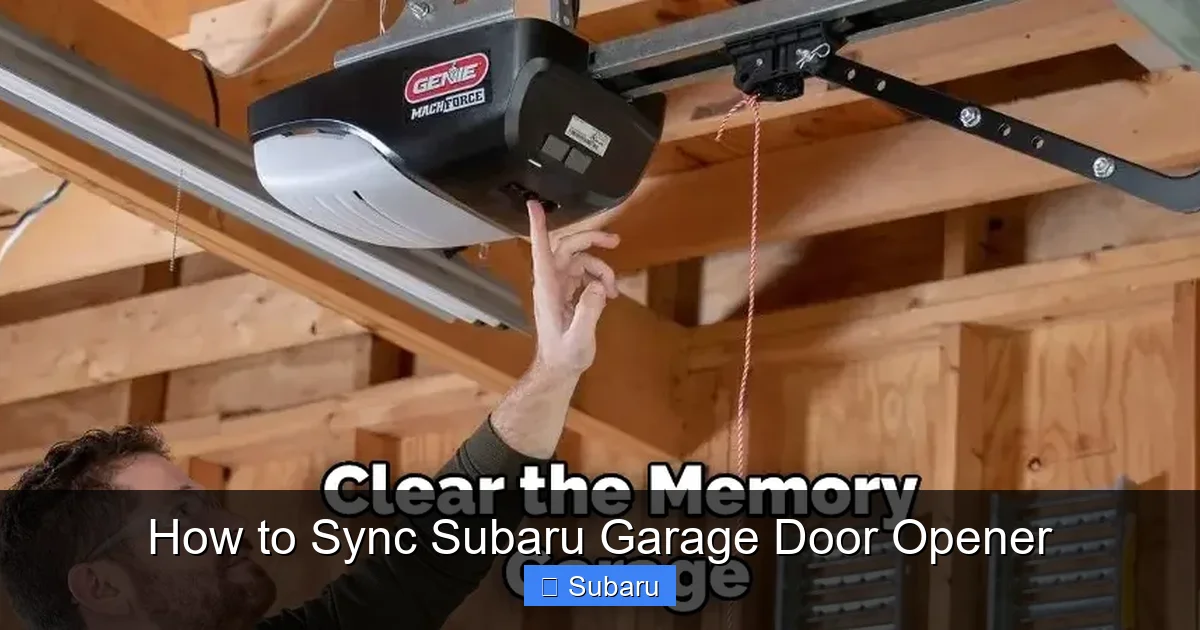
First, you’ll need to find the “Learn” or “Smart” button on your garage door opener motor unit. This is usually located on the back or side of the motor, near the antenna wire. It’s often colored (yellow, red, purple, or green) and may be labeled “Program,” “Set,” or “Learn.”
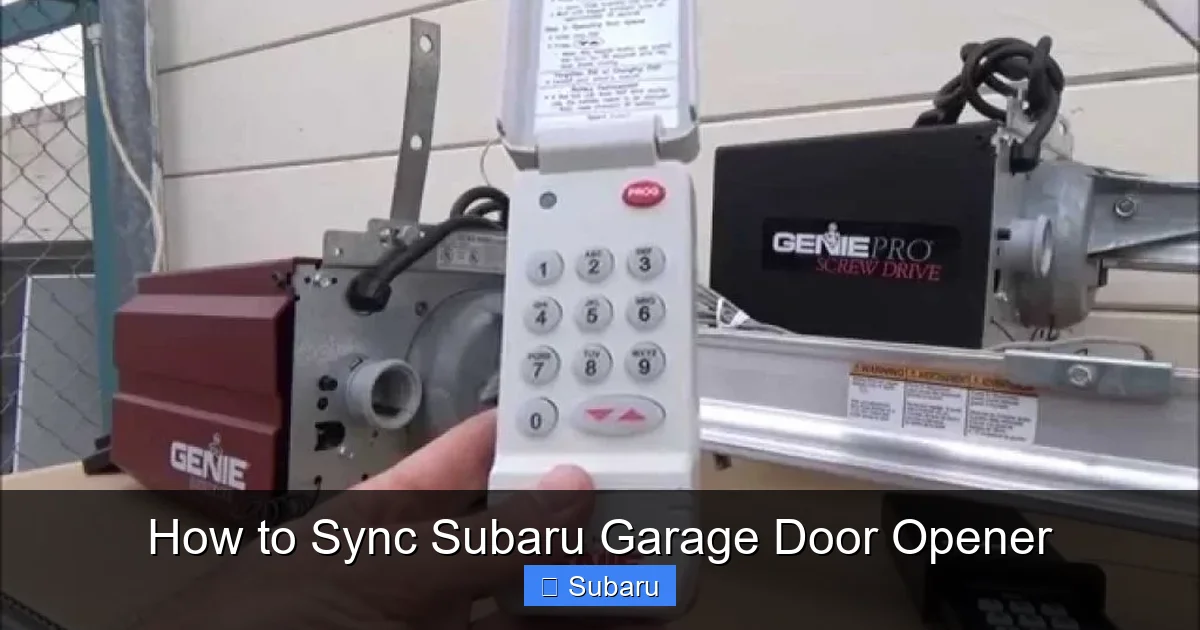
If you can’t find it, check your garage door opener manual or look up the model online. For example, Chamberlain and LiftMaster openers typically have a purple or yellow “Learn” button, while Genie models often use a red or orange button.
Step 2: Clear Existing Programming (If Needed)
If you’ve previously programmed the Homelink buttons and want to start fresh, it’s a good idea to clear the memory first. This ensures there’s no interference from old signals.
To do this:
– Press and hold the two outer Homelink buttons (usually “1” and “3”) on your sun visor or mirror.
– Keep holding them for about 20 seconds until the indicator light begins to flash rapidly.
– Release the buttons. The system is now reset and ready for new programming.
Note: This step may not be necessary if you’re programming for the first time, but it’s a helpful troubleshooting step if previous attempts failed.
Step 3: Program the Homelink Button
Now it’s time to sync your Subaru’s opener with your garage door remote. Here’s how:
1. Hold your garage door remote about 1–3 inches away from the Homelink button you want to program (e.g., Button 1).
2. Simultaneously press and hold both the Homelink button and the remote button.
3. Hold them together for about 10–15 seconds.
4. Watch the Homelink indicator light. It should change from a slow blink to a rapid blink or stay solid, indicating successful programming.
If the light doesn’t change, try moving the remote closer or farther away. Sometimes the signal strength matters, especially with older remotes.
Step 4: Train the Garage Door Opener (For Rolling Code Systems)
If your garage door opener uses rolling code technology—which most modern ones do—you’ll need to complete an additional step to “train” the opener to recognize your vehicle.
Here’s how:
1. After programming the Homelink button, press and release the “Learn” button on your garage door opener motor. The indicator light on the motor will turn on or blink.
2. Within 30 seconds, return to your Subaru and press the newly programmed Homelink button three times.
3. Each press should be quick and deliberate. The garage door opener should respond by flashing its lights or making a clicking sound.
4. Once complete, the system is fully synced.
This step ensures that your Subaru’s signal is recognized as a trusted device, allowing secure communication each time you use it.
Step 5: Test the Connection
Now for the moment of truth—test it out! Press the programmed Homelink button while your car is parked near the garage. The door should begin to open or close within a few seconds.
If it doesn’t work:
– Make sure you’re within range (usually 10–20 feet).
– Check that the garage door isn’t already open or closed.
– Ensure the opener has power and the safety sensors aren’t blocked.
– Try repeating the programming steps.
It’s normal to need a second attempt, especially with rolling code systems. Don’t get discouraged—most people get it on the first or second try.
Programming Multiple Devices with One System
One of the best features of Subaru’s garage door opener system is its ability to control more than just your garage door. With three programmable buttons, you can manage multiple devices—perfect for homes with gates, security lights, or even second garage doors.
Using All Three Buttons
Each Homelink button can be programmed independently, so you can assign:
– Button 1: Main garage door
– Button 2: Side gate or second garage
– Button 3: Exterior lighting or security system
This is especially useful if you have a large property or multiple access points. For example, you could program Button 2 to open a backyard gate so you can walk your dog without getting out of the car, or Button 3 to turn on your front porch lights as you arrive home.
Programming a Gate or Lighting System
The process is nearly identical to programming a garage door. Just use the remote for your gate opener or lighting system instead of the garage remote. Hold it close to the Homelink button and follow the same steps.
Keep in mind that not all gate systems use the same frequency as garage door openers, so compatibility may vary. If your gate remote doesn’t work, check the manufacturer’s website or contact customer support.
Tips for Managing Multiple Devices
To avoid confusion:
– Label the buttons inside your car with small stickers or tape (e.g., “Garage,” “Gate,” “Lights”).
– Test each button after programming to ensure it’s assigned correctly.
– If you move or change devices, reprogram the buttons to avoid accidental activation.
This multi-device capability turns your Subaru into a central control hub for your home’s access points—making daily routines smoother and more efficient.
Troubleshooting Common Syncing Issues
Even with clear instructions, things don’t always go perfectly on the first try. Here are some common problems and how to fix them.
Homelink Light Doesn’t Flash or Stay On
If the indicator light on your Homelink system doesn’t respond when you press the buttons, it could mean:
– The system isn’t powered. Make sure your car is on (ignition in “Accessory” or “On” mode).
– The buttons are damaged. Try pressing firmly or check for physical damage.
– The system needs a reset. Perform the clearing procedure again.
Garage Door Doesn’t Respond After Programming
If you’ve followed all steps but the door won’t open:
– Double-check that you completed the rolling code training step (pressing the Homelink button three times after hitting “Learn”).
– Ensure the garage door opener isn’t in “vacation mode” or locked.
– Verify that the safety sensors (the small lenses on either side of the door) are clean and aligned.
Signal Range Is Too Short
If the opener only works when you’re very close to the garage:
– The Homelink antenna may be obstructed. Make sure nothing is blocking the signal path (e.g., tinted windows, metal frames).
– Your garage door opener’s antenna may be damaged or loose. Check that it’s fully extended and not frayed.
– Try reprogramming the system during daylight hours, as interference from other wireless devices can affect performance at night.
Remote Works but Homelink Doesn’t
If your handheld remote opens the door but the Homelink button doesn’t:
– The remote may be using a different frequency. Some older remotes use 315 MHz, while newer ones use 390 MHz. Homelink supports both, but mismatched frequencies can cause issues.
– The remote battery may be weak. Replace it and try again.
– The Homelink system may need a firmware update. While rare, some Subaru dealers can update the system if it’s malfunctioning.
When to Call a Professional
If you’ve tried everything and still can’t get it to work, it may be time to consult a professional. This could include:
– A garage door technician to inspect your opener.
– A Subaru dealership to check the Homelink system.
– An automotive electrician if there’s a wiring issue.
Most issues, however, can be resolved with patience and careful repetition of the steps.
Maintaining and Updating Your Subaru Garage Door Opener
Once your system is synced, it should work reliably for years. But like any technology, it benefits from occasional maintenance.
Keep the System Clean
Dust and grime can accumulate on the Homelink buttons or mirror controls. Wipe them gently with a soft, dry cloth. Avoid using harsh chemicals or moisture, which could damage the electronics.
Check Battery Levels
While your Subaru’s system is powered by the car’s battery, your garage door remote relies on a small coin-cell battery. If the remote starts acting sluggish, replace the battery. A weak remote can make programming difficult.
Update Your Garage Door Opener
Some newer garage door openers receive firmware updates that improve compatibility with systems like Homelink. Check the manufacturer’s website periodically for updates, especially if you’ve recently upgraded your opener.
Reprogram After Major Changes
If you replace your garage door opener, move to a new home, or install a new gate system, remember to reprogram your Homelink buttons. It only takes a few minutes and ensures everything works smoothly.
Final Thoughts: Enjoy the Convenience
Syncing your Subaru garage door opener is a small task with a big payoff. Once it’s set up, you’ll wonder how you ever lived without it. No more fumbling for remotes, no more getting out in the rain—just seamless access to your home with the push of a button.
Whether you drive an Outback, Forester, or Ascent, Subaru’s thoughtful integration of this feature shows their commitment to driver convenience and safety. And with the ability to control multiple devices, your car becomes more than just a vehicle—it becomes a smart part of your daily routine.
So grab your remote, follow the steps, and enjoy the ease of a perfectly synced garage door opener. Your future self will thank you every time you pull into the driveway.
Frequently Asked Questions
Can I sync my Subaru garage door opener without the original remote?
No, you typically need the original garage door remote to program the Homelink system. However, some newer openers allow programming via the “Learn” button and a smartphone app, which may work in certain cases.
How many devices can I program with my Subaru’s Homelink system?
You can program up to three devices using the three Homelink buttons. This includes garage doors, gates, lighting systems, or security devices.
Will my Subaru garage door opener work with a smart garage door system?
Yes, as long as the smart system uses a compatible radio frequency and supports rolling code technology. Most modern smart openers from Chamberlain, LiftMaster, and Genie are compatible.
Why does my Homelink button only work sometimes?
This could be due to low signal strength, interference, or a weak remote battery. Try reprogramming the button and ensure you’re within range when testing.
Can I use my Subaru’s garage door opener if the car battery dies?
No, the Homelink system requires power from the car’s electrical system. If the battery is dead, you’ll need to use the handheld remote or manual release on the garage door.
Is the auto-dimming mirror opener the same as Homelink?
It functions similarly but is built into the mirror instead of the sun visor. The programming steps are nearly identical, but check your owner’s manual for model-specific instructions.







