
How to Reset Oil Life on a 2019 Jeep Cherokee

Resetting the oil life monitor on your 2019 Jeep Cherokee is a simple, crucial step after every oil change. This process tells your vehicle’s computer that fresh oil and filter are installed, allowing the accurate calculation of your next service interval. You can perform the reset manually using the steering wheel controls or through the Uconnect infotainment system’s vehicle settings menu. Completing this reset ensures your maintenance reminders remain reliable and helps protect your engine’s longevity. Always reset the oil life immediately after an oil change, regardless of the oil type used.
Key Takeaways
- Reset is Mandatory After Oil Change: The oil life monitor calculates based on your last reset. Failing to reset it after an oil change renders the system inaccurate and useless for future reminders.
- Two Primary Methods: You can reset using the physical buttons on the steering wheel (most common) or via the digital menus in the Uconnect infotainment system.
- No Special Tools Required: Both reset procedures are designed for the owner to perform without any special scan tools or mechanic assistance.
- Understand the “100%” Meaning: 100% oil life is the starting point after a reset. The system counts down from there based on engine runtime and conditions, not just mileage.
- Reset Only After Actual Service: Never reset the oil life monitor as a “trick” to avoid a service light without first performing the required oil and filter change.
- Consult Your Owner’s Manual: While this guide is accurate, your specific vehicle’s owner’s manual is the ultimate authority for procedures and warnings.
- System is an Aid, Not a Replacement: The oil life monitor is a helpful guide, but you should still periodically check your oil level manually with the dipstick.
📑 Table of Contents
- Understanding Your Jeep Cherokee’s Oil Life Monitoring System
- Preparation Before You Reset
- Method 1: The Steering Wheel Control Reset (Most Common)
- Method 2: Resetting via the Uconnect Infotainment System
- Troubleshooting: What If the Light Won’t Reset?
- The Bigger Picture: Maintenance Beyond the Reset
- Conclusion: Keeping Your Cherokee’s Heart Healthy
Understanding Your Jeep Cherokee’s Oil Life Monitoring System
Before we dive into the “how,” let’s quickly cover the “why.” Your 2019 Jeep Cherokee doesn’t use a simple, fixed mileage interval like old cars did. Instead, it employs a sophisticated Oil Life Monitoring System (OLMS). This system doesn’t just count miles; it uses a complex algorithm that factors in engine revolutions, engine temperature, drive time, and even driving style (like frequent short trips vs. long highway drives). Harsh, cold, or dusty conditions can also accelerate oil degradation in the system’s calculation. The result? A much more accurate prediction of when your oil actually needs changing.
The system displays your remaining oil life as a percentage on the instrument cluster, typically starting at 100%. When it drops to around 15-20%, a “Service” or “Oil Change Required” message will illuminate, often accompanied by a wrench icon. This is your cue to schedule service. However, the critical final step—resetting the oil life—is what reboots the entire system for the next cycle. If you don’t reset it after your mechanic changes the oil, the countdown will continue from where it left off, making the reminder meaningless and potentially causing it to come on too soon or not at all.
Why Resetting is Non-Negotiable
Think of the oil life monitor as an hourglass. After an oil change, you need to flip that hourglass over. Resetting the system is that flip. It tells the car’s computer, “The oil is new, start the new countdown from 100%.” Skipping this step is one of the most common reasons for confused owners wondering why their service light is back on just 1,000 miles after a change. It’s a two-minute task that ensures your maintenance schedule remains accurate and reliable for years to come.
Preparation Before You Reset
Resetting the oil life is one of the simplest maintenance tasks you can do on your Cherokee, but a little prep ensures it goes smoothly. First and foremost, you must have just completed the oil and filter change. Resetting without performing the service is deceptive to the system and neglectful of your engine’s health. Second, ensure your vehicle is parked safely, the engine is turned off, and the key is in the “ON” or “RUN” position (all dash lights on, but engine not started). You do not need to start the engine for the reset procedure.

Visual guide about How to Reset Oil Life on a 2019 Jeep Cherokee
Image source: i.ytimg.com
Familiarize yourself with the buttons you’ll use. For the manual method, you’ll be using the UP/DOWN arrow buttons on the left side of your steering wheel and the “OK” or “SET” button (often the right arrow or a separate button). For the Uconnect method, you’ll need to navigate the touchscreen menus. It’s also a good idea to have your owner’s manual handy for reference, though the steps are generally universal for the 2019 model year. If your Cherokee is equipped with a keyless proximity system, you can perform the reset with the key fob inside the vehicle and the push-button start pressed once (without pressing the brake pedal) to turn on the accessories.
Method 1: The Steering Wheel Control Reset (Most Common)
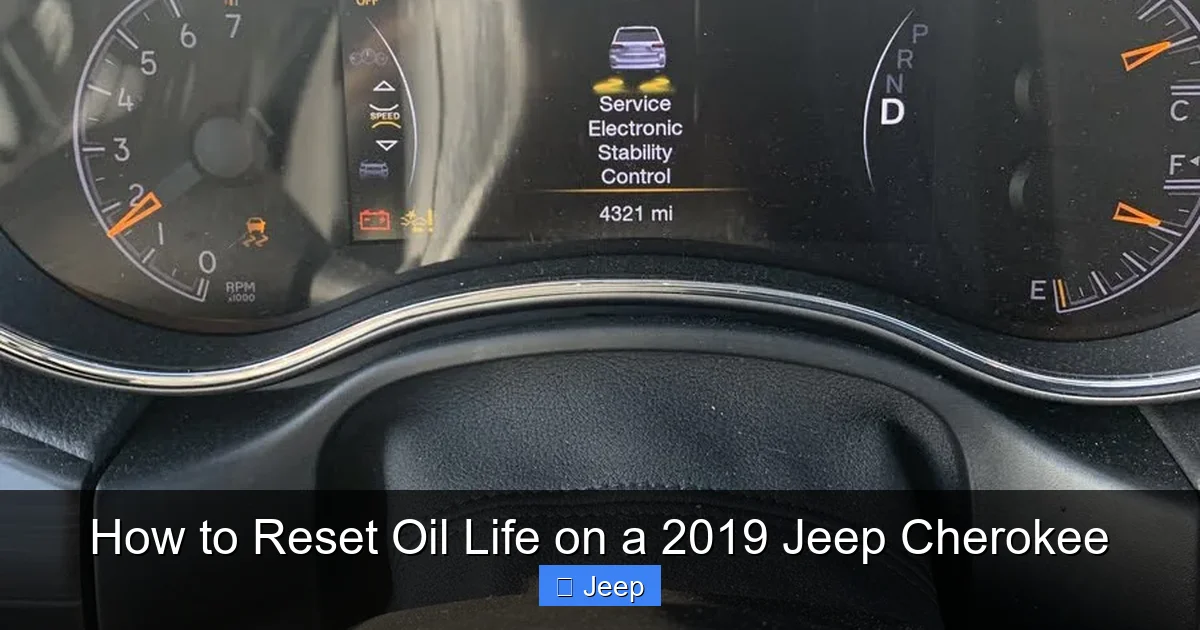
This is the quickest, most universally available method and works on all 2019 Jeep Cherokee trims, regardless of Uconnect system level. It uses the buttons on your steering wheel to navigate the instrument cluster’s menu. Follow these steps precisely:
Visual guide about How to Reset Oil Life on a 2019 Jeep Cherokee
Image source: static.cargurus.com
- Turn the ignition to the “ON” position. Press the engine start/stop button once (if equipped) without touching the brake pedal. All dashboard warning lights should illuminate, and you’ll see the speedometer and other gauges active.
- Use the UP/DOWN arrow buttons (located on the left spoke of the steering wheel) to scroll through the menu options on the instrument cluster display. You’re looking for a menu called “Vehicle Info” or “Vehicle Information.” Scroll until it’s highlighted.
- Press the “OK” button (usually the right arrow button or a central button on the left spoke). This will select the “Vehicle Info” menu and show you sub-menus.
- Scroll again using the UP/DOWN arrows to find the option “Oil Life” or “Oil Life Remaining.” Select it with the “OK” button.
- You will now see the current oil life percentage. With this screen active, press and hold the “OK” button for several seconds. You’ll often see a countdown or a flashing message like “Reset?” or “New Oil Life?”
- Continue holding until the display confirms the reset. It will typically revert to showing “100%” or display a message like “Oil Life Set to 100%.” You can now release the button.
- Turn the ignition off and then back on to verify that the oil life now reads 100% and that the service reminder light is extinguished.
Pro Tip: If the system doesn’t respond to a long press, try a short press to see if it enters an edit mode, then use the arrows to select “100%” or “Yes” and press OK to confirm. The exact wording can vary slightly between different instrument cluster software versions.
Method 2: Resetting via the Uconnect Infotainment System
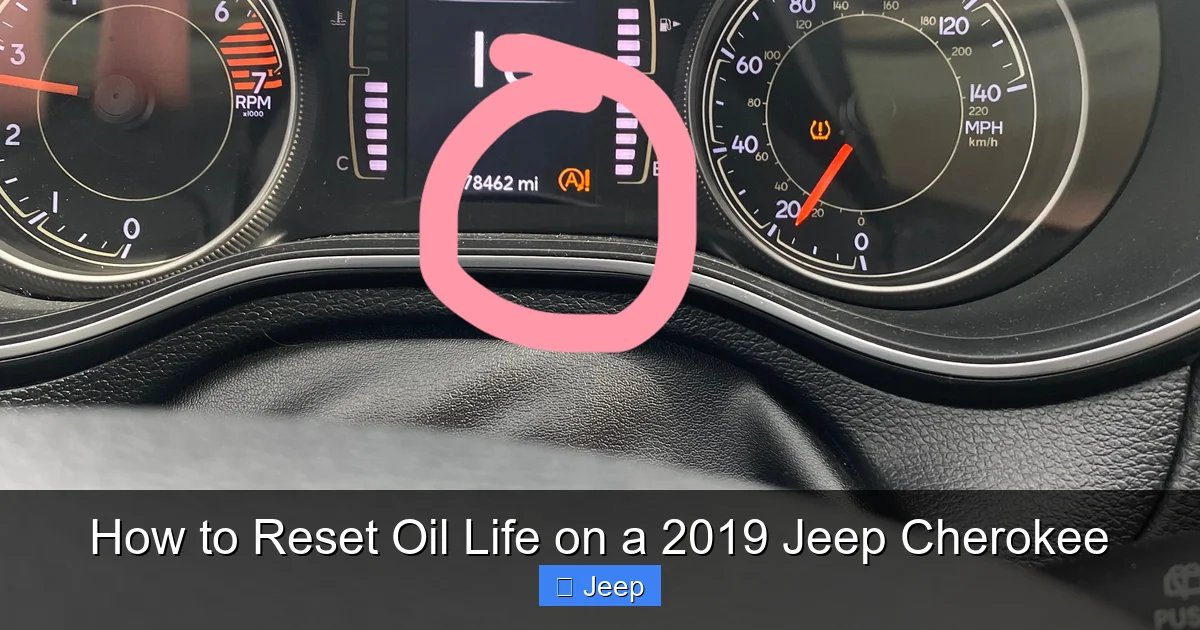
If your Cherokee is equipped with the larger Uconnect touchscreen (typically 5-inch or 8.4-inch models), you can reset the oil life through the vehicle settings menus. This method is just as effective and can be more intuitive for touchscreen users. The path is generally consistent across Uconnect 3, 4, and 4C systems for this model.
Visual guide about How to Reset Oil Life on a 2019 Jeep Cherokee
Image source: i.redd.it
- Start with the ignition “ON” as described in Method 1.
- Press the “Apps” or “Menu” button on your Uconnect touchscreen.
- Navigate to the “Settings” icon (usually a gear or wrench symbol).
- Select “Vehicle” or “Vehicle Settings.”
- Look for an option called “Oil Life” or “Maintenance.” Tap on it.
- You will see the current oil life percentage. There should be an option to “Reset” or “Set to 100%.” Tap this option.
- A confirmation prompt will likely appear asking “Are you sure?” Confirm with “Yes” or “OK.”
- The display should now show 100% for oil life. Exit the menus and turn the ignition off/on to confirm the dashboard light is off.
Important Note: On some Uconnect systems, the “Vehicle” settings menu might be under a parent menu like “System” or “Vehicle Info.” If you don’t see it immediately, explore the settings menus thoroughly. The process is designed to be user-friendly. If your Cherokee has a digital gauge cluster (like in some Limited or Trailhawk trims), the reset might also be possible directly within the cluster’s menu via steering wheel controls, which is essentially Method 1.
Troubleshooting: What If the Light Won’t Reset?
In the vast majority of cases, the reset procedures above work flawlessly. However, a few scenarios might prevent a successful reset. First, double-check your procedure timing. The “hold” on the OK button for the steering wheel method needs to be firm and for at least 3-5 seconds. Second, ensure you are on the correct screen—the specific “Oil Life” readout screen—when you perform the hold. If you try to reset from a different menu, it won’t work.
If the oil life percentage will not change and the service light remains on, consider these possibilities: 1) The oil change was not performed correctly, and the system is detecting a fault (unlikely but possible). 2) There is an underlying electrical or sensor issue with the oil quality sensor (if equipped) or the instrument cluster itself. 3) The vehicle’s software may need a reboot. Try turning the ignition off, opening and closing the driver’s door (to fully power down the modules), waiting 60 seconds, and then repeating the reset procedure. For persistent issues, a visit to a dealership or qualified technician with a proper scan tool (like a wiTECH or Autel tool) may be necessary to command the reset and check for related fault codes. Never ignore a persistent service light—it indicates the vehicle’s computer believes a service is still due.
The Bigger Picture: Maintenance Beyond the Reset
Resetting the oil life is the final step in a proper oil change service, but it’s part of a larger maintenance ecosystem. For your 2019 Jeep Cherokee, adhering to the recommended oil type is critical. Most models require SAE 5W-20 full synthetic oil meeting the Chrysler MS-6395 specification. Using the correct oil ensures the OLMS algorithm remains valid. Additionally, always replace the oil filter with a high-quality unit. A clogged filter can cause pressure issues and skew the system’s calculations.
Don’t forget other related maintenance items during an oil change: inspect the air filter, check all fluid levels (coolant, brake, washer), inspect tires for pressure and wear, and look for any leaks. The oil life monitor is a fantastic tool, but it doesn’t replace a physical inspection. If you perform your own oil changes, keep a log of the date, mileage, oil type, and filter part number. This complements the digital monitor. For those who prefer professional service, a quick call to your dealer or shop to confirm they will reset the oil life as part of the service is always a good idea. Some independent shops may overlook this step.
It’s also worth noting that the system’s calculation can be influenced by your driving habits. If you primarily do very short trips in cold weather where the engine never fully warms up, your oil life will deplete faster than the old 5,000-mile rule of thumb. Conversely, consistent highway driving may allow for longer intervals. Trust the system, but understand its behavior. And remember, while this guide is specific to your Cherokee, many Fiat Chrysler Automobiles (FCA) vehicles, including some Dodge Caravans and Dodge Journeys, use a nearly identical steering wheel control method for their oil life resets.
Conclusion: Keeping Your Cherokee’s Heart Healthy
Mastering the simple art of resetting your 2019 Jeep Cherokee’s oil life monitor empowers you as a vehicle owner. It’s a small task with a significant payoff: a reliable maintenance reminder system that genuinely helps protect your engine from premature wear. Whether you choose the direct steering wheel button method or the touchscreen Uconnect path, the goal is the same—a clean slate showing 100% oil life after every service. Make it a non-negotiable part of your post-oil-change ritual. By combining timely oil changes with proper resetting, regular inspections, and using the correct fluids, you’re investing in the long-term reliability and performance of your SUV. Your Cherokee is built for adventure; keeping its lubrication system in check with an accurate oil life monitor is one of the best ways to ensure it’s ready for every journey, on or off the road.
Frequently Asked Questions
How often should I reset the oil life on my 2019 Jeep Cherokee?
You should reset the oil life once, immediately after each and every oil and filter change. The system then begins a new countdown from 100% based on your driving conditions.
Can I reset the oil light without changing the oil?
Technically yes, but you should never do this. Resetting the system without performing the required oil change service is dishonest to your vehicle’s maintenance needs and will lead to oil degradation and potential engine damage. Only reset after a real service.
What if the oil life percentage won’t change when I try to reset it?
First, carefully repeat the steps, ensuring you’re on the correct “Oil Life” screen and holding the button long enough. If it still fails, try a full power cycle (turn off car, open/close door, wait 60 sec). If the problem persists, there may be an underlying electrical issue requiring a professional scan tool diagnosis.
Does the reset procedure differ between different 2019 Cherokee trim levels?
The core method using the steering wheel controls is identical across all trims. The Uconnect infotainment menu path is also the same, though the screen size and graphics may look slightly different. The steps remain consistent.
My service light came on at 15% oil life. I changed the oil and reset it. Is it normal for it to come on again so soon?
If you reset it correctly to 100%, it should not come on again for thousands of miles. If it comes back on very quickly (within a few hundred miles), you likely did not successfully reset the system, or there is a fault with the oil level/pressure sensor or the instrument cluster itself. Verify the percentage display shows 100% after your reset attempt.
Is the oil life monitor accurate, or should I still change my oil every 5,000 miles?
The system is designed to be more accurate than a fixed mileage interval because it accounts for your actual driving conditions. For most drivers under normal conditions, it will typically recommend an oil change between 6,000 and 10,000 miles. However, always follow the alert from your own vehicle’s monitor. If you do mostly severe driving (extreme temps, dusty conditions, frequent short trips), the system will calculate a shorter interval. You should still manually check your oil level with the dipstick at least once a month.
