
How to Reset Eyesight Subaru

Contents
- 1 Key Takeaways
- 2 📑 Table of Contents
- 3 What Is Subaru EyeSight and Why Reset It?
- 4 When Should You Reset EyeSight?
- 5 How to Reset EyeSight: Step-by-Step Guide
- 6 Professional Calibration: When It’s Necessary
- 7 Troubleshooting Common EyeSight Reset Issues
- 8 Tips for Maintaining EyeSight Performance
- 9 Conclusion
- 10 Frequently Asked Questions

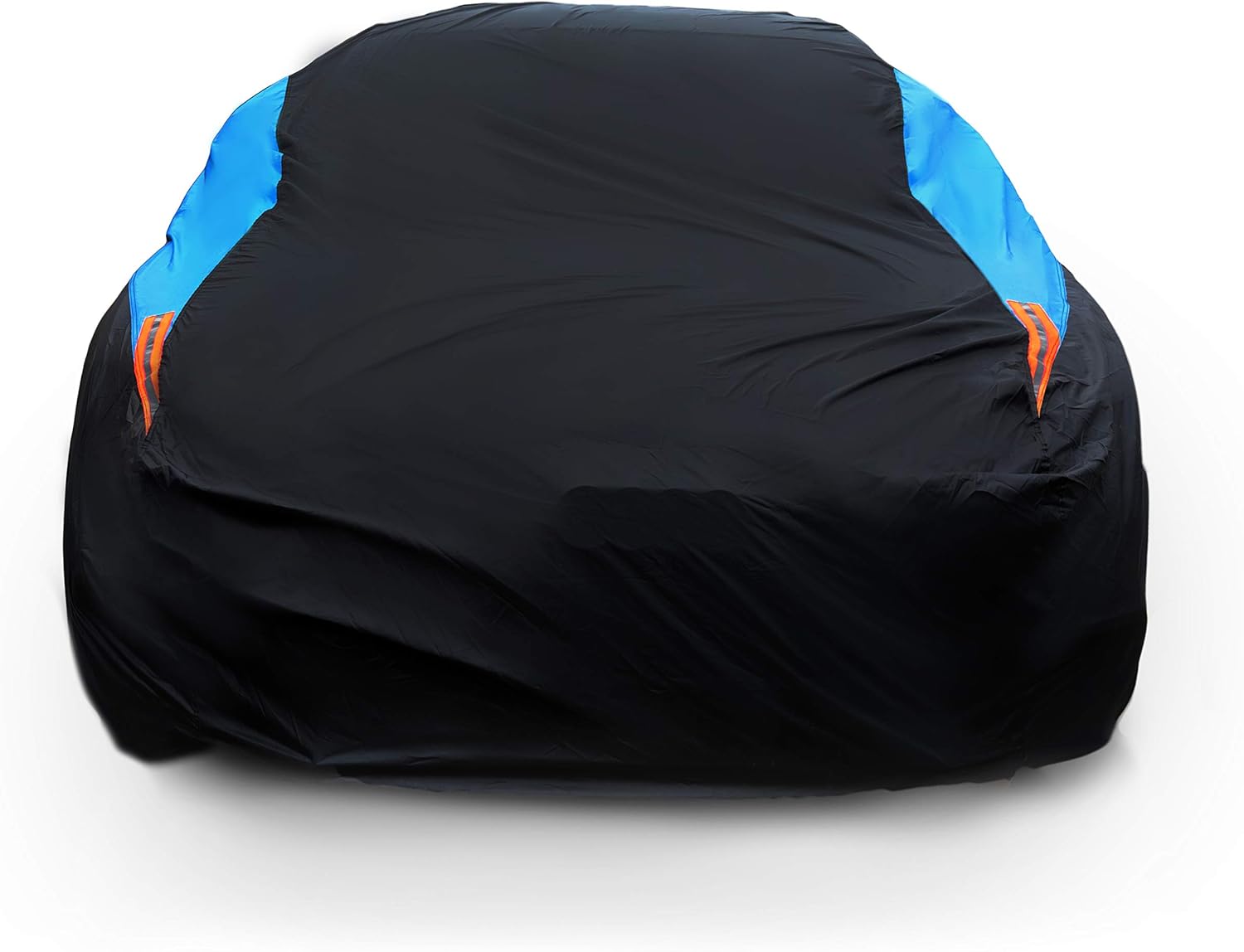


Resetting your Subaru’s EyeSight system can resolve glitches, improve performance, and restore safety features after windshield replacement or software updates. This guide walks you through the process clearly, safely, and without confusion.
Key Takeaways
- Understand when a reset is needed: Common triggers include windshield replacement, software glitches, or after driving in harsh conditions.
- Reset methods vary by model year: Older models may require a manual reset, while newer ones often use the touchscreen or STARLINK system.
- Calibration is critical: A successful reset often requires professional calibration, especially after windshield work.
- Use genuine Subaru tools when possible: DIY attempts can work, but certified technicians ensure accuracy and safety.
- Check for software updates: Subaru frequently releases updates that improve EyeSight performance and fix bugs.
- Monitor system behavior post-reset: Watch for warning lights or erratic behavior and address them promptly.
- Keep your owner’s manual handy: It contains model-specific instructions and safety warnings.
📑 Table of Contents
What Is Subaru EyeSight and Why Reset It?
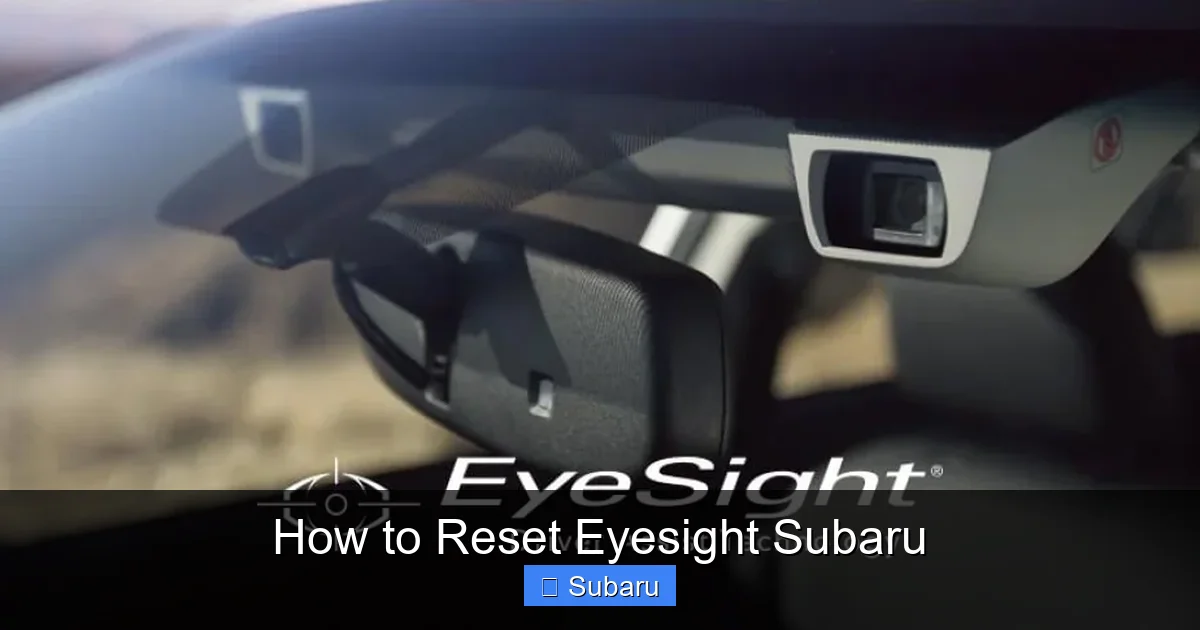
If you own a Subaru, chances are you’ve heard of EyeSight—the brand’s award-winning driver-assist technology. It’s not just a fancy name; it’s a suite of safety features designed to help prevent accidents and keep you safe on the road. EyeSight uses dual forward-facing cameras mounted near the rearview mirror to monitor traffic, detect lane markings, and assess potential hazards. It powers features like adaptive cruise control, pre-collision braking, lane departure warning, and lane keep assist.
But like any advanced system, EyeSight isn’t perfect. Sometimes it acts up—maybe the adaptive cruise control stops working, or the system gives false warnings. When that happens, a reset might be exactly what you need. Resetting EyeSight doesn’t mean turning it off forever. Instead, it’s like giving the system a fresh start—clearing temporary glitches, re-syncing the cameras, and restoring normal function.
You might need to reset EyeSight after a windshield replacement, a software update, or even after driving through heavy rain, snow, or fog that temporarily obscured the cameras. In some cases, a simple reset can bring everything back to life without a trip to the dealership. But it’s not always that easy. Depending on your Subaru model and the reason for the reset, you may need professional calibration. That’s why understanding the process—and knowing when to DIY versus when to call a pro—is so important.
When Should You Reset EyeSight?
Visual guide about How to Reset Eyesight Subaru
Image source: di-sitebuilder-assets.s3.amazonaws.com
Knowing when to reset EyeSight is half the battle. You don’t want to reset it unnecessarily, but waiting too long can leave you without critical safety features. Here are the most common scenarios that call for a reset.
After Windshield Replacement
This is the number one reason people reset EyeSight. The cameras are mounted behind the windshield, so any replacement or repair can misalign them. Even a tiny shift—less than a millimeter—can throw off the system’s accuracy. If your windshield was recently replaced, especially by a non-Subaru technician, a reset and calibration are almost always required.
For example, imagine you get a new windshield installed at a local shop. The technician does a great job, but they don’t have the tools to recalibrate EyeSight. You drive off thinking everything’s fine—until the adaptive cruise control starts braking for no reason, or the lane keep assist stops working. That’s a sign the system needs a reset and professional calibration.
After Software Updates or Battery Disconnection
Subaru occasionally releases software updates for EyeSight through the STARLINK system or during routine service. These updates can improve performance, fix bugs, or add new features. But sometimes, after an update, the system acts strange—maybe the pre-collision warning is too sensitive, or the cameras seem “confused.” A reset can help the system adapt to the new software.
Similarly, if your car battery dies or is disconnected (like during a repair), the EyeSight system may lose its calibration data. You might notice warning lights on the dashboard or reduced functionality. In these cases, a reset can restore normal operation.
After Driving in Harsh Conditions
EyeSight relies on clear visibility. If you’ve been driving in heavy rain, snow, fog, or through mud and dirt, the cameras might get temporarily blocked or confused. You might see a message like “EyeSight Unavailable” on the dashboard. In many cases, the system will recover on its own once conditions improve. But if it doesn’t, a reset can help clear the error and restore function.
For instance, after a long winter drive through a snowstorm, your EyeSight might stop working. You clean the windshield, but the system still shows a warning. A quick reset could be all it takes to get things back on track.
After Accidental System Interference
Sometimes, EyeSight gets tripped up by something simple—like a phone mount blocking the camera view, or a sticker placed too close to the sensor area. If you’ve recently added accessories or made changes to your dashboard, check if they’re interfering with the cameras. Removing the obstruction and performing a reset can often fix the issue.
How to Reset EyeSight: Step-by-Step Guide
Visual guide about How to Reset Eyesight Subaru
Image source: subaruhochiminh.com
Now that you know when to reset EyeSight, let’s walk through the actual process. The steps vary slightly depending on your Subaru model and year, but the core principles remain the same. Always consult your owner’s manual first—it’s the most reliable source for your specific vehicle.
Method 1: Manual Reset (Older Models)
If you have a Subaru from 2013 to around 2017, you may need to perform a manual reset. This method doesn’t require special tools—just your hands and a few minutes.
Start by turning off the ignition and making sure the car is in park. Open the driver’s side door and locate the EyeSight switch. It’s usually a small button near the steering column or on the dashboard, often labeled “EyeSight” or “Camera.” Press and hold this button for about 10 seconds. You should see the EyeSight indicator light blink or turn off.
Next, turn the ignition to the “ON” position (but don’t start the engine). Wait for about 30 seconds. During this time, the system will reinitialize. You might hear a soft click or see lights flash on the dashboard. After 30 seconds, turn the ignition back off.
Now, start the engine and drive the car at a steady speed of 25–35 mph on a straight, flat road with clear lane markings. Drive for about 5–10 minutes. This allows the system to recalibrate using real-world data. If everything goes well, the EyeSight warning light should disappear, and the features should return to normal.
Method 2: Using the Touchscreen (Newer Models)
For Subaru models from 2018 onward—especially those with the STARLINK infotainment system—the reset process is more automated. These vehicles often allow you to reset EyeSight directly from the touchscreen.
Start by turning on the ignition (or starting the engine). Navigate to the “Settings” menu on the touchscreen. Look for “Vehicle Settings” or “Driver Assistance.” From there, find the “EyeSight” option. You should see a “Reset” or “Recalibrate” button.
Tap the reset button and follow the on-screen prompts. The system may ask you to confirm the action or drive the car under certain conditions. For example, it might instruct you to drive at a specific speed for a set distance. Make sure you’re on a safe, open road with clear lane markings.
Once the reset is complete, the system will notify you. You can then test the features—try using adaptive cruise control or see if lane keep assist engages. If everything works, you’re good to go.
Method 3: Using the OBD-II Port (Advanced DIY)
For tech-savvy owners, some third-party tools allow you to reset EyeSight using an OBD-II scanner. These devices plug into the diagnostic port under the dashboard and can communicate with the car’s computer systems.
However, this method is not recommended for most users. EyeSight calibration is complex, and improper use of OBD-II tools can cause more problems than it solves. If you choose this route, make sure the scanner is compatible with Subaru systems and that you follow the manufacturer’s instructions carefully.
Even then, a scanner reset may not fully calibrate the cameras. You might still need professional calibration afterward. So unless you’re experienced with automotive diagnostics, it’s safer to stick with the manual or touchscreen methods.
Professional Calibration: When It’s Necessary
Here’s the truth: a reset isn’t always enough. In many cases—especially after windshield replacement—you’ll need professional calibration to ensure EyeSight works correctly.
Why Calibration Matters
Think of EyeSight like a pair of high-tech binoculars. If they’re even slightly misaligned, everything looks off. The same goes for the cameras. They need to be perfectly aligned with the road and each other to function properly. A reset clears software glitches, but it doesn’t physically realign the cameras.
Calibration ensures the cameras are positioned correctly and that the system interprets the road accurately. Without it, features like adaptive cruise control might brake too early or too late, and lane keep assist could steer you into another lane.
How Calibration Is Done
Professional calibration is typically performed at a Subaru dealership or a certified repair shop with the right tools. The process involves:
– Using a specialized target board placed at a precise distance and angle in front of the car.
– Connecting diagnostic equipment to the vehicle’s computer.
– Running a calibration routine that adjusts the camera alignment based on the target.
– Verifying the system’s accuracy through test drives and software checks.
This process can take 30 minutes to an hour, depending on the vehicle and the technician’s experience. It’s not something you can do in your driveway—unless you have access to the right equipment and training.
Signs You Need Professional Calibration
You should consider professional calibration if:
– Your windshield was recently replaced.
– The EyeSight warning light stays on after a reset.
– Adaptive cruise control behaves erratically.
– Lane keep assist doesn’t engage or steers unpredictably.
– You’ve had the car in an accident, even a minor one.
Don’t skip calibration to save time or money. EyeSight is a safety system—getting it wrong could put you and others at risk.
Troubleshooting Common EyeSight Reset Issues
Even with the right steps, things don’t always go smoothly. Here are some common problems and how to fix them.
EyeSight Light Won’t Turn Off
If the warning light stays on after a reset, the system may still be detecting an issue. Check for:
– Obstructions in front of the cameras (dirt, stickers, phone mounts).
– Faulty camera connections (loose or damaged wiring).
– Software glitches requiring a dealer update.
Try cleaning the windshield thoroughly, especially around the camera area. Use a soft cloth and glass cleaner—avoid ammonia-based products, which can damage coatings.
System Resets But Features Don’t Work
Sometimes the reset completes, but adaptive cruise control or lane keep assist still doesn’t respond. This could mean:
– The system needs more driving time to recalibrate.
– The road conditions aren’t suitable (poor lane markings, heavy traffic).
– There’s a hardware issue with the cameras or sensors.
Drive on a well-marked highway for 10–15 minutes at a steady speed. If the problem persists, visit a Subaru service center.
Error Messages After Reset
Messages like “EyeSight Temporarily Unavailable” or “Camera Obscured” are common. They usually mean the system can’t see the road clearly. Solutions include:
– Cleaning the windshield and camera housing.
– Waiting for weather conditions to improve.
– Ensuring no accessories are blocking the view.
If the message appears frequently, even in good conditions, there may be a deeper issue—like a failing camera or software bug.
Tips for Maintaining EyeSight Performance
A reset is a fix, not a substitute for regular care. To keep EyeSight working well long-term, follow these tips.
Keep the Windshield Clean
Dirt, bugs, and grime can block the cameras. Clean your windshield regularly, both inside and out. Pay special attention to the area around the rearview mirror.
Avoid Obstructions
Don’t place stickers, phone mounts, or dash cams in the camera’s field of view. Even a small obstruction can confuse the system.
Use Genuine Subaru Parts
If you need a new windshield or camera component, choose genuine Subaru parts. Aftermarket parts may not meet the precise specifications EyeSight requires.
Schedule Regular Maintenance
Include EyeSight in your regular service checks. Technicians can inspect the cameras, clean them, and check for software updates.
Stay Updated
Subaru releases software updates periodically. Check with your dealer or use the STARLINK app to see if your system is up to date.
Conclusion
Resetting your Subaru’s EyeSight system doesn’t have to be scary. With the right knowledge, it’s a manageable task that can save you time and money. Whether you’re dealing with a glitch after a windshield replacement or just want to refresh the system, following the steps in this guide will help you get back on the road safely.
Remember: a reset clears software issues, but calibration ensures accuracy. Don’t skip professional calibration when it’s needed. And always keep your windshield clean and unobstructed.
EyeSight is one of Subaru’s greatest safety innovations. By understanding how to maintain and reset it, you’re not just fixing a problem—you’re protecting yourself, your passengers, and everyone else on the road.
Frequently Asked Questions
Can I reset EyeSight myself?
Yes, in many cases you can reset EyeSight yourself using the manual button or touchscreen menu. However, after windshield replacement or if warning lights persist, professional calibration is recommended.
How long does it take to reset EyeSight?
A basic reset takes just a few minutes. Full recalibration through driving may take 10–15 minutes on a straight road. Professional calibration at a dealership usually takes 30–60 minutes.
Will resetting EyeSight delete my settings?
No, resetting EyeSight does not delete personal settings like seat positions or radio presets. It only resets the driver-assist system to factory defaults.
Why is my EyeSight light still on after a reset?
The light may stay on if the cameras are obstructed, misaligned, or if professional calibration is needed. Check for dirt, stickers, or damage, and consider visiting a Subaru service center.
Do I need to reset EyeSight after a software update?
Not always, but it’s a good idea. A reset helps the system adapt to new software and can prevent glitches or false warnings.
Can bad weather affect EyeSight?
Yes, heavy rain, snow, fog, or dirt can temporarily block the cameras and cause EyeSight to shut off. The system usually recovers once conditions improve, but a reset may help speed up the process.







