How to Remote Start a Kia K5

Contents
- 1 Key Takeaways
- 2 📑 Table of Contents
- 3 Introduction: Why Remote Start Matters in Your Kia K5
- 4 Understanding Remote Start in the Kia K5
- 5 Method 1: Remote Start Using the Key Fob
- 6 Method 2: Remote Start via the UVO App
- 7 Method 3: Using the Smart Key (Passive Remote Start)
- 8 Safety Features and Limitations
- 9 Troubleshooting Common Remote Start Issues
- 10 Conclusion: Make the Most of Your Kia K5’s Remote Start
- 11 Frequently Asked Questions

Car Interior LED Light

Car Roof Rack Cross Bars

Car Cup Holder Expander

Tool Roll Bag
Remote starting your Kia K5 is a convenient feature that lets you warm up or cool down your car before you get in. This guide walks you through the process using the key fob, UVO app, or Smart Key, plus tips to keep it working smoothly.
Key Takeaways
- Remote start works via key fob, UVO app, or Smart Key – choose the method that fits your routine and vehicle trim.
- Engine runs for up to 10–15 minutes – ideal for pre-conditioning cabin temperature without wasting fuel.
- Vehicle must be locked and in park – safety features prevent accidental starts or movement.
- Climate settings activate automatically – seat heaters, defrosters, and AC turn on based on last used settings.
- UVO app requires active subscription – check your plan to ensure remote services are enabled.
- Troubleshooting tips included – solve common issues like weak signal or unresponsive fob.
- Not all trims include remote start – verify your K5’s equipment before assuming it’s available.
📑 Table of Contents
- Introduction: Why Remote Start Matters in Your Kia K5
- Understanding Remote Start in the Kia K5
- Method 1: Remote Start Using the Key Fob
- Method 2: Remote Start via the UVO App
- Method 3: Using the Smart Key (Passive Remote Start)
- Safety Features and Limitations
- Troubleshooting Common Remote Start Issues
- Conclusion: Make the Most of Your Kia K5’s Remote Start
Introduction: Why Remote Start Matters in Your Kia K5
Imagine stepping out of your house on a freezing winter morning and walking into a toasty-warm car. Or picture yourself escaping the summer heat by entering a pre-cooled cabin after work. That’s the magic of remote start—and if you own a Kia K5, you might already have this game-changing feature at your fingertips.
The Kia K5, known for its sleek design, smooth ride, and tech-forward interior, comes equipped with remote start capabilities on many trims. Whether you’re driving the GT-Line, EX, or GT model, this function can make your daily commute more comfortable and convenient. But here’s the catch: not everyone knows how to use it properly—or even that it exists! Some owners assume remote start is only for luxury cars, while others think it requires aftermarket installation. The truth? If your K5 has the right equipment, it’s built right in.
Understanding Remote Start in the Kia K5
Before diving into the “how,” let’s clarify what remote start actually does. Unlike simply unlocking your doors from afar, remote start turns on your engine without you being inside the vehicle. This allows the climate control system to begin heating or cooling the cabin, defrosting windows, and warming up the engine—all while your car remains safely locked.
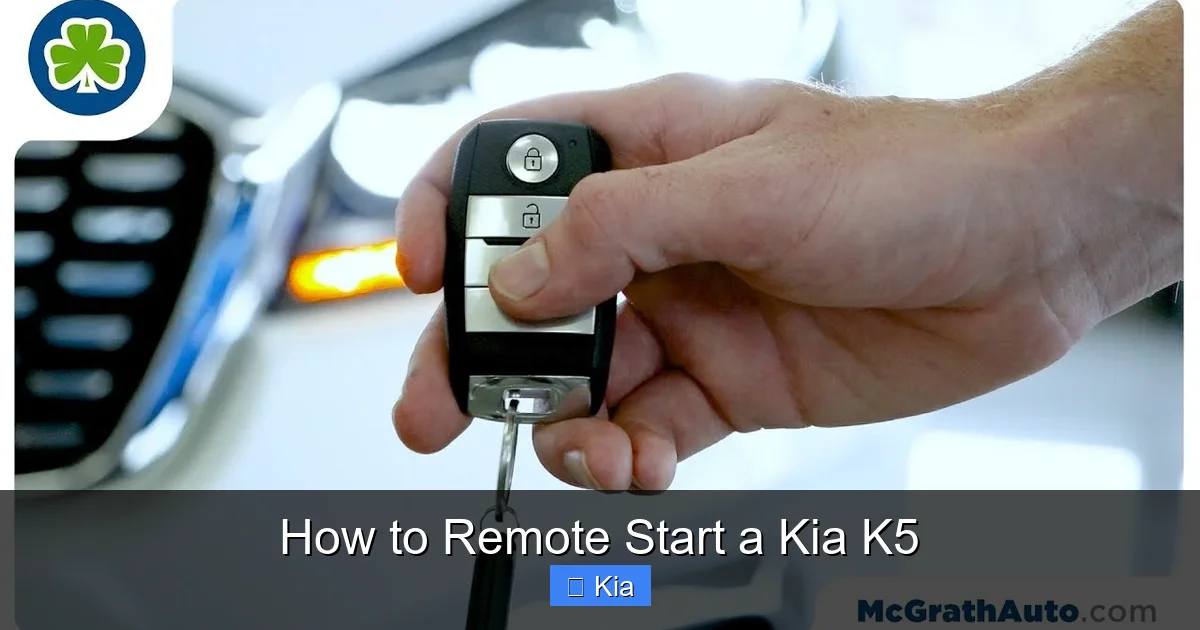
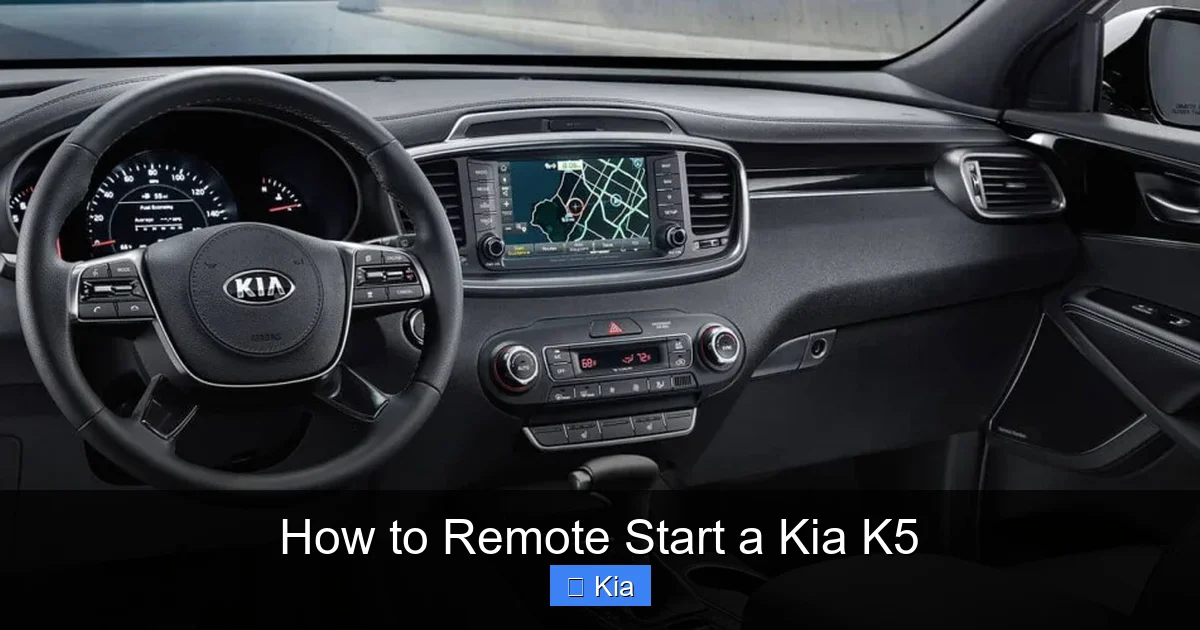
Visual guide about How to Remote Start a Kia K5
Image source: i.ytimg.com
In the Kia K5, remote start is typically available on mid-to-high trims like the GT-Line and above. It’s often bundled with other convenience features such as push-button start, Smart Key access, and the UVO connected car system. Importantly, remote start isn’t just about comfort—it also helps maintain engine health by allowing oil to circulate before driving, especially in cold weather.
How Does It Work?
When you activate remote start, your K5’s engine fires up using signals sent from your key fob or smartphone app. The system checks several safety conditions: the car must be locked, in park, with no open doors or hood. Once confirmed, the engine starts and runs for a set time (usually 10–15 minutes), during which climate controls operate based on your last settings.
For example, if you previously had the heated seats and rear defroster on, they’ll automatically activate when you remote start. This intelligent recall saves you time and ensures consistent comfort every time.
Is Remote Start Standard?
No—remote start is not standard on every K5. Base models like the LX may not include it, while higher trims almost always do. To confirm, check your owner’s manual or look for a remote start button on your key fob (it usually has a circular arrow icon). You can also visit Kia’s official website and enter your VIN to see your vehicle’s exact features.
Method 1: Remote Start Using the Key Fob
The most straightforward way to remote start your Kia K5 is with the factory key fob. This method requires no app, no subscription, and works as long as you’re within range (typically 100–300 feet, depending on obstacles).

Visual guide about How to Remote Start a Kia K5
Image source: fixedopsdigital.s3.amazonaws.com
Step-by-Step Instructions
- Ensure your K5 is locked and in park. The doors must be securely closed, and the gear selector should be in “P.”
- Press the Lock button once. This confirms the vehicle is secured.
- Within 5 seconds, press and hold the Remote Start button. This button usually has a circular arrow or “START” label. Hold it for about 3–5 seconds until the hazard lights flash twice.
- Wait for confirmation. The engine will start, and you may hear it running. The headlights might also flash to confirm activation.
That’s it! Your K5 is now running and pre-conditioning the cabin. Remember, the engine will automatically shut off after 10–15 minutes unless you extend the timer (more on that below).
Extending the Runtime
Need more time? Most K5 models allow you to extend the remote start duration. Simply repeat the process: press Lock, then hold Remote Start again within 5 seconds. Each activation adds another 10–15 minutes, up to a maximum of 30 minutes total. This is especially useful on extremely cold or hot days when the cabin takes longer to reach a comfortable temperature.
Tips for Best Results
- Stand within line of sight. Buildings, trees, or parked cars can block the signal. For best results, stand near your vehicle or in an open area.
- Replace weak fob batteries. A dying battery reduces range and reliability. If your fob feels sluggish, swap in a new CR2032 battery.
- Avoid starting in enclosed spaces. Never remote start your K5 in a garage—carbon monoxide buildup is dangerous.
Method 2: Remote Start via the UVO App
If your K5 is equipped with Kia’s UVO connected car system (common on 2021+ models), you can remote start your vehicle using the UVO app on your smartphone. This method offers greater flexibility—start your car from your office, mall, or even another city!
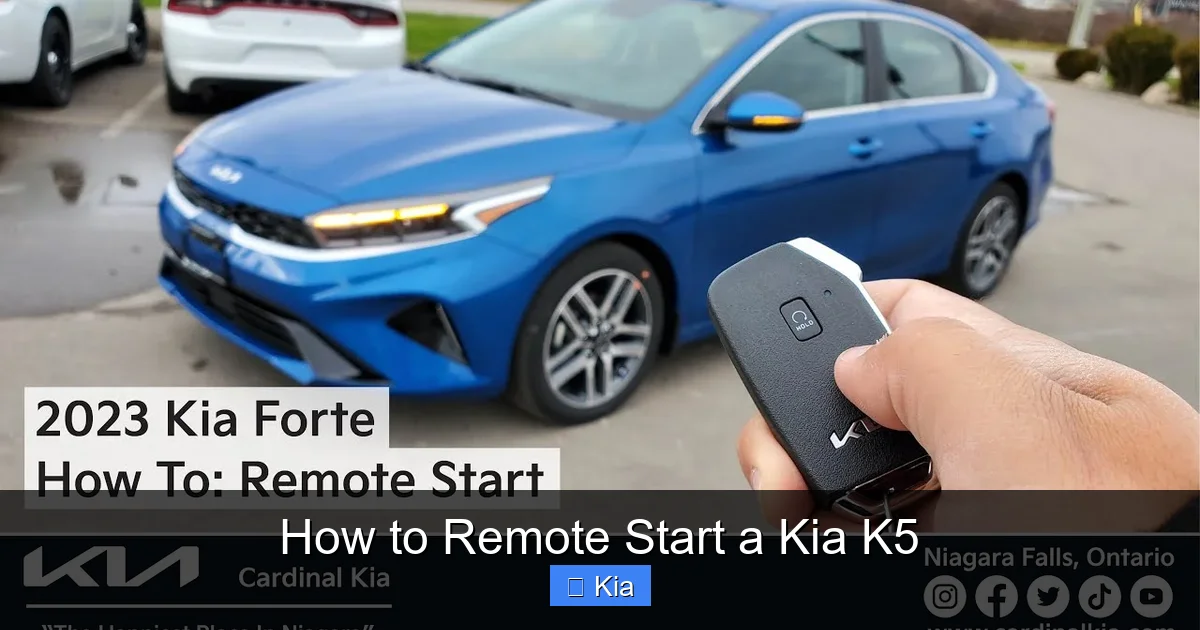
Visual guide about How to Remote Start a Kia K5
Image source: i.ytimg.com
Setting Up the UVO App
Before using remote start via the app, you’ll need to:
- Download the “Kia Access” or “UVO” app (now often branded as “Kia Connect”) from the App Store or Google Play.
- Create an account and link it to your Kia vehicle using your VIN and owner details.
- Activate your UVO subscription. Some plans include remote services for free the first year; afterward, a paid plan may be required.
- Ensure your K5 is connected to cellular service and has sufficient battery charge.
How to Remote Start Using the App
- Open the UVO app and log in.
- Select your K5 from the vehicle list.
- Tap the “Remote Start” icon (usually looks like a car with a flame or arrow).
- Choose your preferred climate settings (e.g., “Heat,” “Cool,” or “Defrost”).
- Confirm the action. The app will send a signal to your vehicle.
- Wait for confirmation—you’ll see a notification when the engine starts.
The app also lets you monitor fuel level, lock/unlock doors, and even check if your windows are closed—all from your phone.
Benefits of App-Based Remote Start
- Long-range capability: Start your car from miles away, perfect for unexpected weather changes.
- Customizable climate presets: Save your favorite temperature settings for quick access.
- Integration with smart home devices: Some users link UVO to Alexa or Google Home for voice commands.
However, keep in mind that app-based remote start relies on cellular connectivity. If you’re in a rural area with poor service, the key fob method may be more reliable.
Method 3: Using the Smart Key (Passive Remote Start)
Some Kia K5 trims feature a “passive” or “walk-up” remote start function tied to the Smart Key. This isn’t a traditional remote start per se, but a convenience feature that automatically adjusts climate settings when you approach the vehicle.
How Passive Remote Start Works
When you walk toward your K5 with the Smart Key in your pocket or bag, the car detects your presence via proximity sensors. If the engine is off but the key is nearby, the system may activate certain comfort features—like turning on interior lights or adjusting seat position—but it won’t start the engine automatically.
However, on select models with advanced UVO integration, you can enable a feature called “Remote Climate” that pre-conditions the cabin *before* you arrive. This requires scheduling via the app or setting geofences (virtual boundaries around your home or office).
Example: Geofence-Triggered Climate
Let’s say you set a geofence around your workplace. When you leave the office (i.e., exit the geofence), the UVO app can automatically send a remote start command to cool your K5 before you reach it. This seamless experience blends automation with convenience—no button pressing required.
To set this up, go to the UVO app’s “Schedules” or “Geofencing” section and create a rule like: “When I leave [Location], start my K5 and set AC to 72°F.”
Safety Features and Limitations
Kia prioritizes safety in its remote start system. Several safeguards prevent misuse or accidents:
Automatic Shutdown Triggers
- Fuel level low: If fuel drops below a certain threshold, the engine stops to prevent stalling.
- Hood open: Remote start won’t activate if the hood is up (indicating maintenance).
- Door ajar: Any open door disables remote start for security.
- Battery voltage drop: If the 12V battery is weak, the system may refuse to start.
Driver Must Be Present to Drive
Even after remote start, you cannot drive the vehicle until you physically enter it, press the brake, and push the Start button (with the key inside). This prevents unauthorized use and ensures the driver is ready to operate the car safely.
Legal and Environmental Considerations
In some regions, idling laws restrict how long a vehicle can run unattended. Check local regulations—many cities limit idling to 3–5 minutes. Additionally, excessive idling wastes fuel and increases emissions. Use remote start wisely: only when needed for comfort or safety (e.g., defrosting ice).
Troubleshooting Common Remote Start Issues
Sometimes, remote start doesn’t work as expected. Here’s how to fix the most common problems:
“My Key Fob Won’t Start the Car”
- Check battery: Replace the fob battery if it’s old or weak.
- Verify distance: Move closer to the vehicle—obstacles reduce signal strength.
- Ensure doors are locked: Remote start only works when the car is securely locked.
- Try re-syncing the fob: Turn the ignition on/off three times within 10 seconds, then press any fob button.
“UVO App Says ‘Command Failed’”
- Check subscription status: Ensure your UVO plan includes remote services.
- Restart the app and phone: Temporary glitches often resolve with a reboot.
- Verify cellular signal: Your K5 needs a strong connection to receive commands.
- Update the app: Outdated versions may have bugs—download the latest update.
“Engine Starts But Shuts Off Immediately”
- Low fuel: Refuel if the tank is near empty.
- Faulty hood sensor: Even if the hood is closed, a malfunctioning sensor can block startup.
- Extreme temperatures: In very cold weather, the engine may struggle to stay running—try warming it manually first.
When to Visit a Dealer
If troubleshooting doesn’t help, there may be a software glitch or hardware issue. Visit a Kia service center for diagnostics. They can update your vehicle’s firmware or replace faulty components under warranty.
Conclusion: Make the Most of Your Kia K5’s Remote Start
Remote starting your Kia K5 isn’t just a fancy trick—it’s a practical tool that enhances comfort, safety, and vehicle longevity. Whether you use the key fob for quick starts on chilly mornings or the UVO app to cool your car from across town, this feature is designed to fit seamlessly into your lifestyle.
Remember to use it responsibly: avoid idling in enclosed spaces, respect local laws, and only activate it when truly needed. With the tips and steps in this guide, you’ll be a remote start pro in no time. So next time the weather turns extreme, don’t suffer in silence—let your K5 do the work for you.
Frequently Asked Questions
Can I remote start my Kia K5 without the UVO app?
Yes! If your K5 has a remote start button on the key fob, you can use it without the app. The key fob method works independently of UVO subscriptions.
Does remote start drain the battery?
Remote start uses minimal power and won’t significantly drain your battery if used occasionally. However, frequent long idling can affect charge—use it in moderation.
Will remote start work if my K5 is low on gas?
No. If the fuel level is too low, the system will prevent remote start to avoid stalling or fuel pump damage.
Can someone steal my car if I remote start it?
No. The engine shuts off if the brake is pressed without the key inside. Plus, the car remains locked until you unlock it with the fob or Smart Key.
Why won’t my K5 remote start in cold weather?
Extreme cold can affect battery performance and engine operation. Try parking in a garage or using a block heater. Ensure your 12V battery is in good condition.
Is remote start available on all Kia K5 trims?
No. It’s typically included on GT-Line, EX, and GT trims. Base LX models usually don’t have it—check your owner’s manual or VIN decoder to confirm.