
How to Program Honda Civic Key to Start Car

Programming a Honda Civic key to start your car is easier than you think—whether you’re using a traditional key or a smart fob. This guide walks you through every method, from DIY programming to professional help, so you can get back on the road fast and safely.
Key Takeaways
- Know your key type: Honda Civic keys range from basic mechanical keys to advanced smart keys with remote start and push-button ignition.
- DIY programming works for some models: Older Civics (pre-2007) often allow self-programming, while newer models require professional tools.
- Use the ignition cycle method: Many Honda keys can be programmed by turning the ignition on and off in a specific sequence.
- Smart keys need special equipment: Vehicles with push-button start typically require an OBD2 scanner or dealership assistance.
- Always have a backup key: Programming a new key usually erases previous ones unless done correctly with existing programmed keys.
- Visit a locksmith or dealer if stuck: Professional help ensures accuracy and prevents immobilizer system damage.
- Check your owner’s manual: Honda provides model-specific instructions that can save time and confusion.
📑 Table of Contents
Why You Might Need to Program a Honda Civic Key
Losing your car key or needing a spare is more common than you’d think. Whether you’ve misplaced your original key, bought a used Honda Civic, or simply want a backup, programming a new key is essential to start your vehicle. Unlike older cars where a simple cut key would do, modern Honda Civics come equipped with advanced security systems—especially the immobilizer system—that require electronic recognition between the key and the car.
The immobilizer system prevents unauthorized starting by only allowing keys with the correct transponder chip to communicate with the engine control unit (ECU). This means even if you have a perfectly cut key, it won’t start the car unless it’s properly programmed. Programming ensures the car “recognizes” the key as valid. Without this step, your Civic will crank but not start—or worse, not crank at all.
Programming a Honda Civic key isn’t just about convenience; it’s about security and functionality. Whether you’re dealing with a traditional key with a chip, a remote key fob, or a smart key with push-button start, understanding how to program it correctly can save you time, money, and frustration. In this guide, we’ll walk you through every method, from simple DIY steps to when it’s best to call in the pros.
Understanding Honda Civic Key Types
Before diving into programming, it’s crucial to identify what type of key your Honda Civic uses. Honda has evolved its key technology over the years, and the programming method depends heavily on the key type. Let’s break down the most common ones.
Visual guide about How to Program Honda Civic Key to Start Car
Image source: simplecarguides.com
Mechanical Keys (Pre-2000 Models)
Older Honda Civics, especially those made before 2000, often used basic mechanical keys without electronic chips. These keys only needed to be cut to match the ignition and door locks. Since there’s no transponder, programming isn’t required—just a physical match. However, even some late 1990s models began incorporating simple immobilizer systems, so always check your owner’s manual.
Transponder Keys (2000–2010 Models)
Starting around 2000, Honda began installing transponder chips in their keys. These small electronic chips send a unique signal to the car’s immobilizer system. When you insert the key, the car reads the chip. If the code matches, the engine will start. If not, the car won’t respond—even if the key turns in the ignition.
These keys look like regular keys but have a thicker head where the chip is embedded. Programming a transponder key usually involves turning the ignition on and off in a specific sequence. Some models allow you to program a new key if you already have one working key, while others require two existing keys or professional tools.
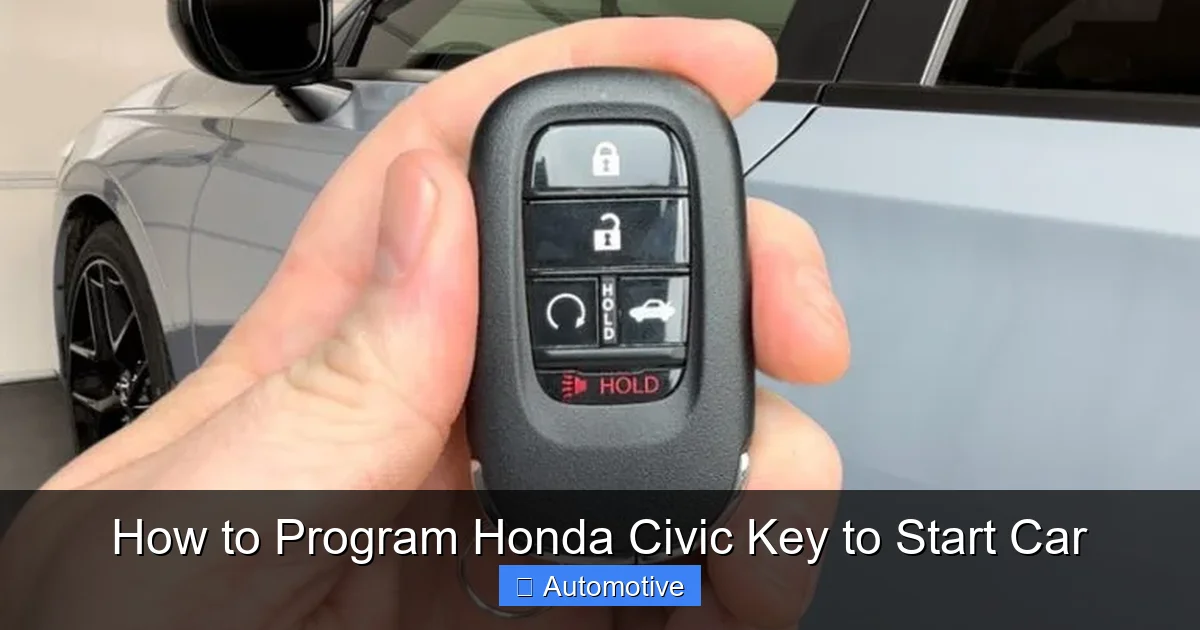
Remote Key Fobs (2006–Present)
Many Honda Civics from 2006 onward come with remote key fobs that include buttons for locking, unlocking, and sometimes trunk release. These fobs still contain transponder chips but also have wireless functionality. Programming the remote part (the buttons) is often separate from programming the chip (the starting function).
For example, you might be able to program the remote buttons yourself using a simple ignition cycle method, but the transponder chip may still need professional programming. Always check your model year and trim level—Honda EX, LX, and higher trims are more likely to have remote fobs.
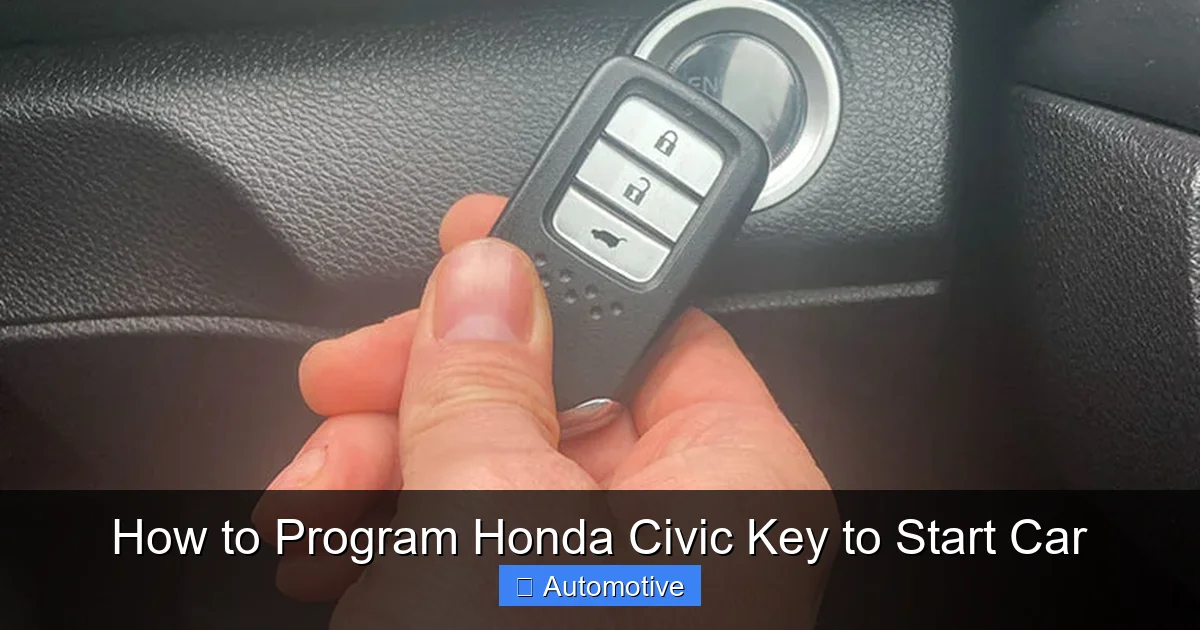
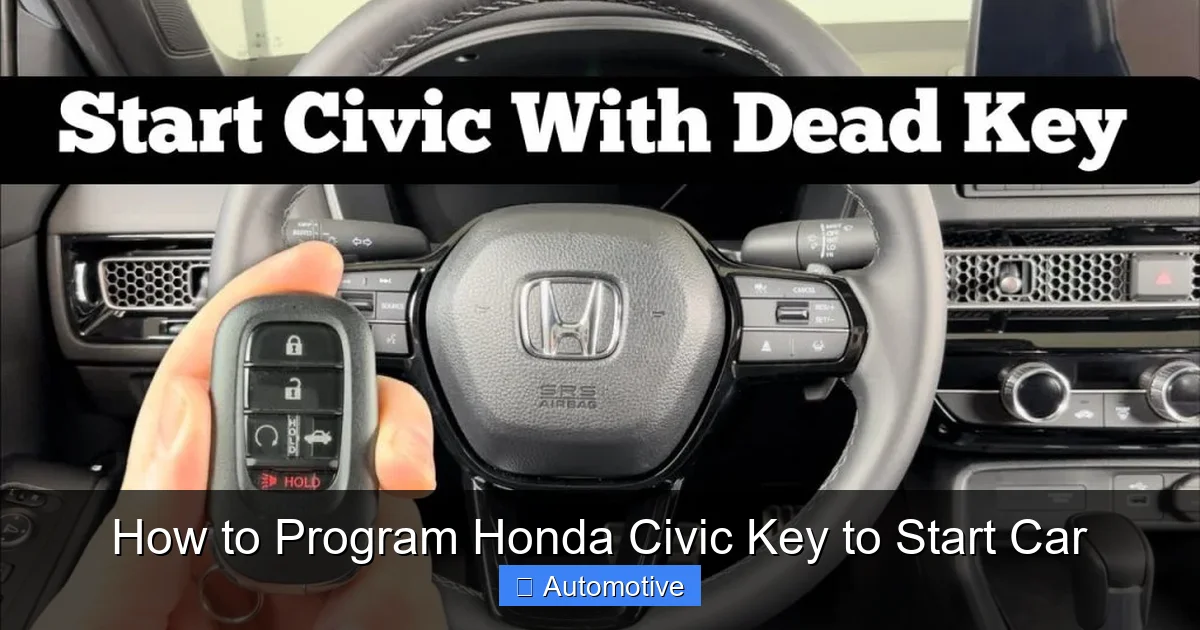
Smart Keys (2016–Present)
The latest Honda Civics, especially those with push-button start, use smart keys—also known as keyless entry fobs. These keys don’t need to be inserted into the ignition. Instead, you just need to have the key inside the car to start it with a button.
Smart keys use advanced encryption and require specialized diagnostic tools to program. DIY methods rarely work here. If you lose your smart key, you’ll likely need to visit a Honda dealership or a certified locksmith with the right equipment. These keys are more secure but also more expensive to replace.
Tools and Preparation for Key Programming
Before you begin programming your Honda Civic key, gather the right tools and prepare your vehicle. Having everything ready will make the process smoother and reduce the risk of errors.
Visual guide about How to Program Honda Civic Key to Start Car
Image source: carglassadvisor.com
What You’ll Need
- Working key (if available): Most programming methods require at least one already programmed key.
- New key or fob: Make sure it’s compatible with your Civic’s year and model. Universal keys may not work.
- Owner’s manual: Honda often includes model-specific programming instructions.
- OBD2 scanner (optional): Useful for newer models or if DIY methods fail.
- Paperclip or small tool: Some methods require pressing a reset button inside the glove box.
- Patience and focus: Timing is critical—rushing can cause the process to fail.
Pre-Programming Checklist
Before starting, ensure your car is in a safe, well-lit area. Turn off all electronics, including the radio and lights, to avoid draining the battery. Make sure the new key is properly cut—even if it’s a transponder key, the physical blade must fit the ignition.
If you’re using a remote fob, check the battery. A weak battery can prevent the remote from working, even if the chip is programmed. Replace it with a fresh CR2032 battery if needed.
Also, confirm that your Civic’s immobilizer light (usually a key-shaped icon on the dashboard) behaves normally. If it stays on or flashes after inserting a working key, there may be an existing issue with the immobilizer system that needs addressing first.
Step-by-Step Guide to Programming a Honda Civic Key
Now that you know your key type and have your tools ready, let’s walk through the actual programming process. We’ll cover the most common methods, starting with DIY options and moving to professional solutions.
Visual guide about How to Program Honda Civic Key to Start Car
Image source: carproblemguru.com
Method 1: Programming with Two Existing Keys (2001–2005 Models)
If you have two working keys, you can program a third one yourself. This method works on many Civics from the early 2000s. Here’s how:
- Insert the first working key into the ignition and turn it to the “ON” position (do not start the engine). Wait 5 seconds, then turn it back to “OFF.”
- Remove the first key and insert the second working key. Turn it to “ON” for 5 seconds, then back to “OFF.”
- Remove the second key and insert the new (unprogrammed) key. Turn it to “ON” and leave it there for 10 seconds. The immobilizer light should blink, then stay solid.
- Turn the key to “OFF” and remove it. Test the new key by starting the car.
This method works because the car “learns” the new key’s code after recognizing the two existing ones. If it doesn’t work, repeat the steps carefully—timing is crucial.
Method 2: Single Key Programming (2006–2010 Models)
Some Civics allow programming with just one working key. This is useful if you’ve lost one but still have the other. Here’s the process:
- Insert the working key and turn the ignition to “ON” for 3 seconds, then turn it off.
- Remove the key and wait 10 seconds.
- Insert the same key again and turn to “ON” for 3 seconds, then off.
- Repeat this cycle one more time (three total ON-OFF cycles).
- On the fourth insertion, leave the key in the “ON” position. The immobilizer light should flash, then stay on.
- Within 10 seconds, insert the new key and turn it to “ON.” The light should stop flashing and stay solid.
- Turn the key off and test it.
If successful, the new key should start the car. If not, try again or consider professional help.
Method 3: Remote Fob Programming (2006–2015 Models)
Programming the remote buttons (lock/unlock) is often separate from the transponder chip. Here’s a common method:
- Sit in the driver’s seat and close all doors.
- Insert the key into the ignition and turn it to “ON” (do not start).
- Press and hold the “LOCK” button on the remote for 1 second.
- Turn the ignition to “OFF” and remove the key.
- Test the remote by pressing the buttons. The doors should lock and unlock.
Note: This only programs the remote functions. The transponder chip may still need to be programmed using one of the earlier methods or professional tools.
Method 4: Using an OBD2 Scanner (2011–Present)
For newer Civics, especially those with smart keys, an OBD2 scanner with programming capabilities is often required. These scanners plug into the port under the dashboard and communicate directly with the car’s computer.
Popular tools include the Honda HDS (Honda Diagnostic System) used by dealerships, or aftermarket scanners like the Autel MaxiCOM or Foxwell NT510. These devices can program new keys, reset the immobilizer, and even diagnose issues.
To use an OBD2 scanner:
- Plug the scanner into the OBD2 port (usually under the steering column).
- Turn the ignition to “ON.”
- Follow the on-screen prompts to select “Key Programming” or “Immobilizer Reset.”
- Insert the new key when prompted.
- Wait for the scanner to confirm successful programming.
- Test the key.
This method is reliable but requires purchasing or renting equipment. Some auto parts stores offer free scanner use with key purchase.
Method 5: Professional Programming at a Dealership or Locksmith
When DIY methods fail—or if you’re dealing with a smart key—professional help is the best option. Honda dealerships have the tools and software to program any key for your Civic. They can also cut keys on-site.
Certified automotive locksmiths are another great choice. Many offer mobile services and can program keys at your home or office. They’re often faster and cheaper than dealerships.
When visiting a professional, bring your vehicle registration, proof of ownership, and any existing keys. This helps verify your identity and ensures the new key is programmed correctly.
Troubleshooting Common Programming Issues
Even with the right steps, key programming can fail. Here are common problems and how to fix them.
Key Doesn’t Start the Car
If the new key turns in the ignition but the engine won’t start, the transponder chip likely isn’t programmed. Double-check your method and try again. If it still fails, the key may be incompatible or defective.
Remote Buttons Don’t Work
If the remote doesn’t lock or unlock the doors, the battery may be dead or the remote wasn’t programmed correctly. Replace the battery and retry the remote programming steps.
Immobilizer Light Stays On
A solid or flashing immobilizer light means the car doesn’t recognize the key. This could be due to a programming error, a damaged chip, or a fault in the immobilizer system. Try reprogramming or consult a professional.
Only One Key Works After Programming
Some programming methods erase previous keys unless done correctly. Always follow the steps precisely. If you lose access to old keys, you may need to reprogram them or get new ones.
Car Cranks But Won’t Start
This usually means the key is physically correct but not electronically recognized. The immobilizer is blocking the engine. Reprogramming or professional help is needed.
Tips for Maintaining and Replacing Honda Civic Keys
Once your key is programmed, take steps to keep it working and avoid future issues.
Keep a Spare Key
Always have at least one spare key programmed and stored safely. This prevents lockouts and makes future programming easier.
Protect the Key from Damage
Avoid dropping your key or exposing it to water. Damaged chips or fob circuits can prevent programming or cause malfunctions.
Update Keys After Theft
If your key is stolen, have the immobilizer system reset and all keys reprogrammed. This ensures the stolen key can’t be used.
Use OEM or High-Quality Aftermarket Keys
Cheap universal keys may not work reliably. Stick to Honda OEM keys or reputable aftermarket brands like Strattec or Ilco.
Check Warranty and Insurance
Some car insurance policies cover key replacement. Also, check if your key is under warranty—especially for smart keys.
Conclusion
Programming a Honda Civic key to start your car doesn’t have to be a headache. With the right knowledge and tools, many owners can handle it themselves—especially on older models. From simple ignition cycles to advanced OBD2 scanners, there’s a method for every situation.
Remember, the key to success is preparation: know your key type, follow the steps carefully, and don’t rush. When in doubt, seek professional help. A certified locksmith or Honda dealer can save you time and ensure your car’s security system remains intact.
Whether you’re adding a spare, replacing a lost key, or upgrading to a smart fob, this guide equips you with everything you need. Stay safe, stay prepared, and keep your Honda Civic running smoothly with a properly programmed key.
Frequently Asked Questions
Can I program a Honda Civic key myself?
Yes, for older models (pre-2010), you can often program a key yourself using ignition cycle methods. Newer models with smart keys usually require professional tools.
How much does it cost to program a Honda Civic key?
DIY programming is free. Professional programming at a dealership or locksmith typically costs $50–$200, depending on the key type and location.
Do I need two keys to program a new one?
Not always. Some models allow programming with one working key, while others require two. Check your owner’s manual for specifics.
Will programming a new key erase my old ones?
It depends on the method. Some processes erase previous keys unless done correctly. Always follow instructions carefully to avoid losing access.
Can I use a universal key for my Honda Civic?
Universal keys may work for cutting, but the transponder chip must be compatible. OEM or high-quality aftermarket keys are recommended.
What if my Honda Civic won’t start after programming?
Check the immobilizer light, battery, and key compatibility. If issues persist, consult a professional locksmith or Honda dealer.