How to Program a Mazda 3 Key Fob

Contents
- 1 Key Takeaways
- 2 📑 Table of Contents
- 3 Introduction: Taking Back Control of Your Mazda 3’s Key Fob
- 4 Understanding Your Mazda 3 Key Fob System
- 5 Essential Preparation Before You Begin
- 6 Programming Procedure for Traditional Key Fobs (2014-2023 Mazda 3)
- 7 Programming Procedure for Push-Button Start Smart Key (2019-2026 Mazda 3)
- 8 Troubleshooting: Why Your Programming Failed and How to Fix It
- 9 Professional Help vs. DIY: Making the Right Choice
- 10 Maintenance and Long-Term Care for Your Mazda 3 Key Fob
- 11 Conclusion: Empowering the Mazda 3 Owner
- 12 Frequently Asked Questions

Programming a Mazda 3 key fob is often a simple DIY task for most 2024-2026 models with an existing working key. The process typically involves a sequence of door locks and ignition turns. However, if you’ve lost all programmed keys or drive a model with advanced security, professional programming by a dealer or locksmith is usually required. Always consult your owner’s manual first, as procedures can vary slightly by year and trim.
Key Takeaways
- Compatibility is Key: DIY programming on a Mazda 3 typically only works if you have at least one originally programmed key fob present. It is not for adding a brand-new, unprogrammed key from a blank.
- Two Main Systems: Your 2026 Mazda 3 likely uses either a traditional key with a remote fob or a push-button start smart key. The programming steps differ significantly between these two systems.
- Battery Health is Crucial: A weak key fob battery is the most common reason for programming failure. Always use fresh batteries before beginning the procedure.
- Security Precautions: Ensure all doors are closed and unlocked during the sequence. Interruptions or open doors will cancel the programming mode, forcing you to restart.
- Know When to Call a Pro: If you have lost all keys, your 2026 model has proximity key technology, or the DIY method fails, you will need a dealer with proprietary software or a certified automotive locksmith.
- Cost Considerations: DIY programming is free beyond the cost of a key. Professional programming can range from $80 to $200+, with total key replacement (key + programming) costing $250-$400+ from a dealer.
- Test Thoroughly: After programming, test all fob functions (lock, unlock, trunk, panic) from various distances before considering the job complete.
📑 Table of Contents
- Introduction: Taking Back Control of Your Mazda 3’s Key Fob
- Understanding Your Mazda 3 Key Fob System
- Essential Preparation Before You Begin
- Programming Procedure for Traditional Key Fobs (2014-2023 Mazda 3)
- Programming Procedure for Push-Button Start Smart Key (2019-2026 Mazda 3)
- Troubleshooting: Why Your Programming Failed and How to Fix It
- Professional Help vs. DIY: Making the Right Choice
- Maintenance and Long-Term Care for Your Mazda 3 Key Fob
- Conclusion: Empowering the Mazda 3 Owner
Introduction: Taking Back Control of Your Mazda 3’s Key Fob
There you are, fumbling in the dark, clicking your Mazda 3 key fob with increasing desperation. The car’s lights don’t flash, the doors stay stubbornly locked. That sinking feeling is universal: the key fob has failed. Before you panic and head to the dealership for a costly replacement and programming fee, take a breath. For many owners of the 2024, 2025, and 2026 Mazda 3, the power to reprogram a replacement or secondary fob is literally at your fingertips—no special tools required. This guide will walk you through the exact, step-by-step procedures to get your key fob talking to your car again. We’ll cover both the traditional remote key and the modern push-button start smart key, troubleshoot common hiccups, and clearly explain when this is a DIY job and when it’s time to call in the professionals.
The beauty of Mazda’s approach for many recent models is a user-friendly programming sequence that leverages the car’s own onboard computer. It’s a system built on logic, not luck. However, the exact steps are precise. One missed click or an ajar door can send you back to square one. Understanding the “why” behind each step—like why you must insert and remove the key from the ignition a specific number of times—helps you execute the sequence correctly the first time. Let’s demystify the process and get you back on the road with full key fob functionality.
Understanding Your Mazda 3 Key Fob System
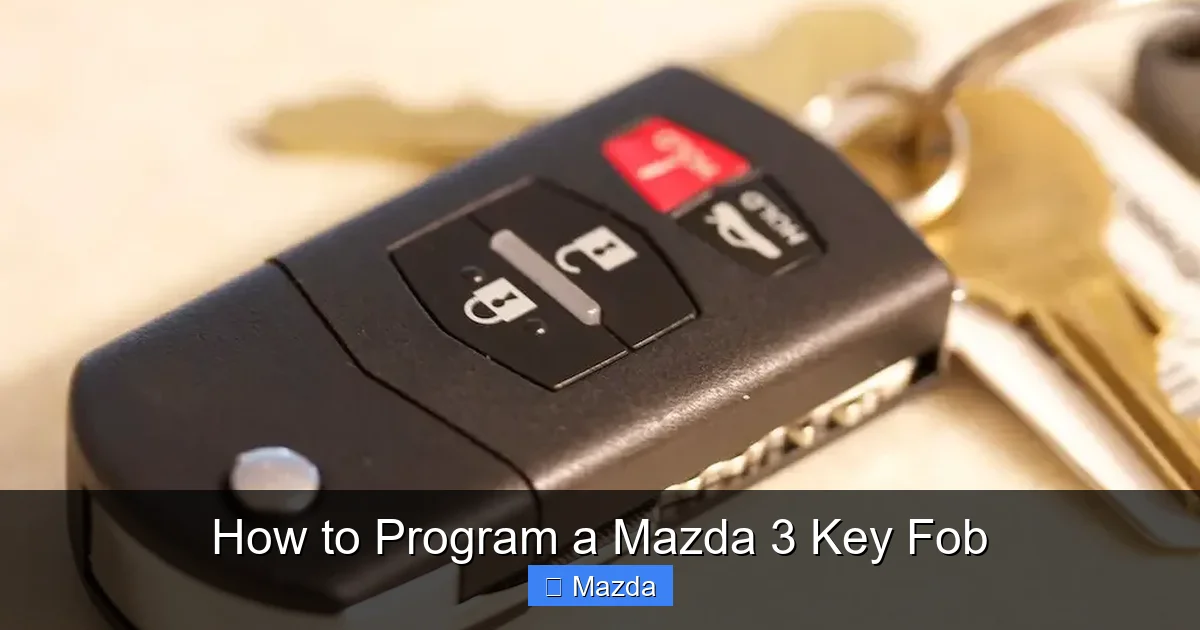
Not all key fobs are created equal, and the programming method depends entirely on which system your 2026 Mazda 3 uses. Identifying your system is the critical first step.
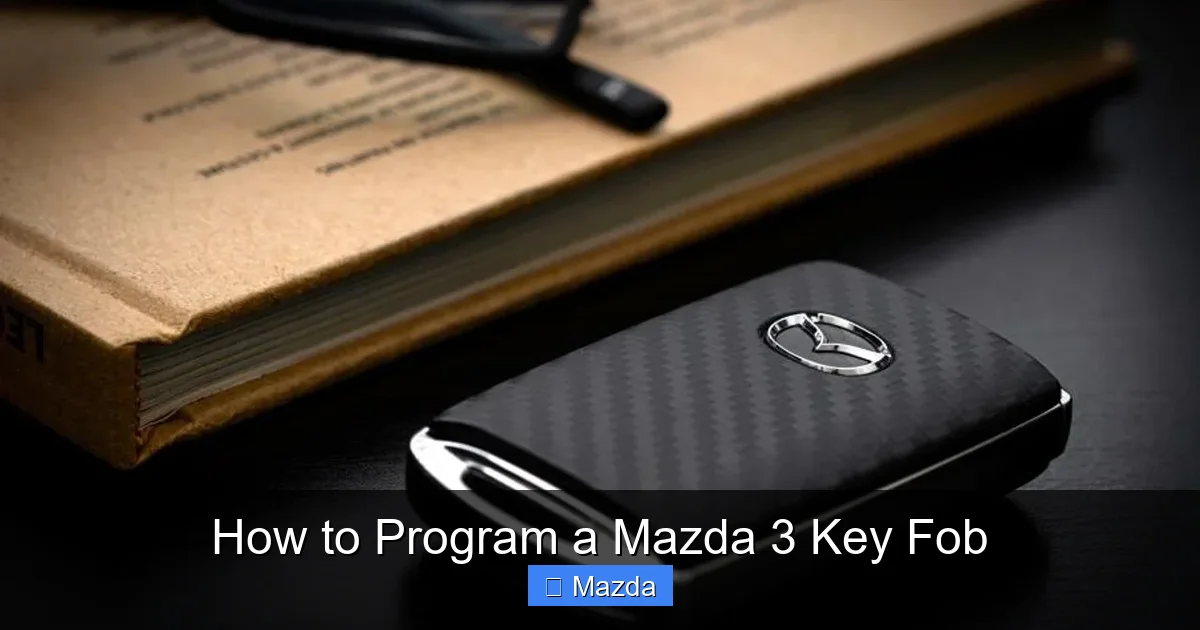
Visual guide about How to Program a Mazda 3 Key Fob
Image source: carmiddleeast.com
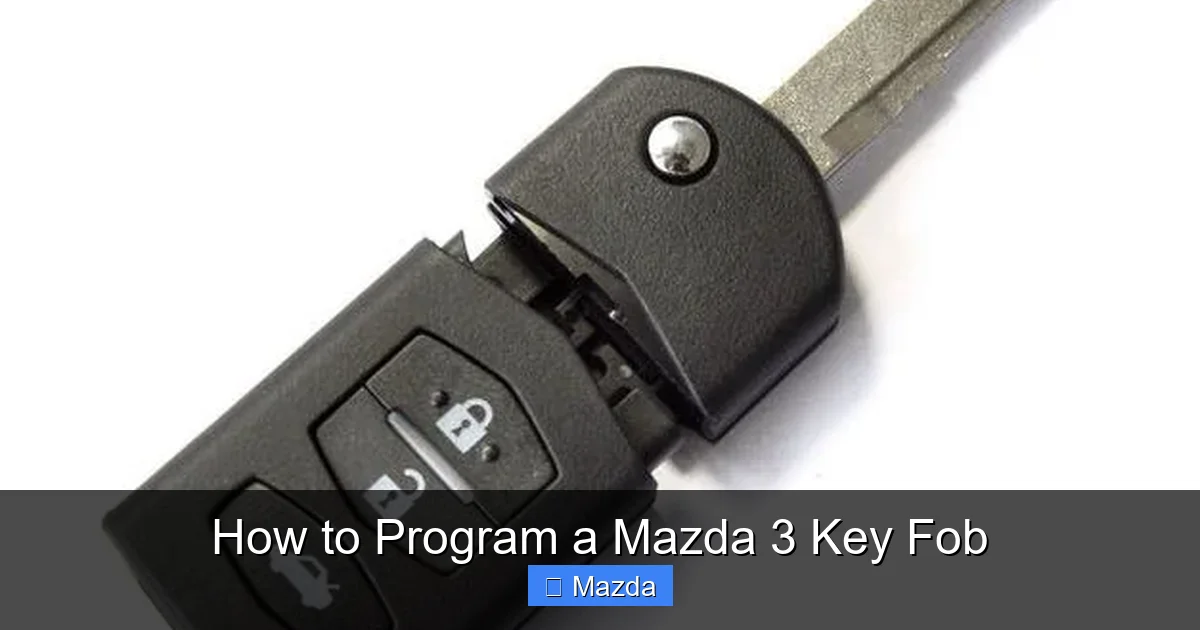
Traditional Key with Remote Fob
This is the classic setup: a physical metal key that inserts into the door and ignition, combined with a separate fob that houses the remote buttons (lock, unlock, trunk, panic). The remote functions are radio frequency (RF) based. Programming this type of fob is almost always a manual sequence involving the door lock cycles and ignition on/off cycles. This method is widely available for owner DIY programming on models from the early 2010s through the current generation, provided you have one working original key.
Push-Button Start Smart Key
Also known as a proximity key or keyless entry/start fob, this is a sleek fob you keep in your pocket or bag. It uses both RF for remote commands and a low-frequency (LF) field for proximity detection and engine start. Programming these is more complex. For many Mazda 3 models from 2019 onward (including all 2026 trims with this feature), the DIY method often involves placing the fob in a specific location inside the vehicle (like the cup holder or a designated slot) and following a sequence of button presses and brake pedal depressions. Some later models may require dealer-specific software for initial programming of a new, blank fob, even if you have one existing key.
Why the Difference Matters
The traditional system is like teaching the car a new, simple code via a series of on-off switches. The smart key system is like introducing the car to a new, authenticated Bluetooth-style companion that must prove its identity through a more secure handshake. This is why the smart key process often feels more finicky and has stricter requirements, such as a fully charged fob battery and precise placement.
Essential Preparation Before You Begin
Rushing into the programming sequence without preparation is the number one cause of failure. Spend five minutes on these steps to guarantee success.
Visual guide about How to Program a Mazda 3 Key Fob
Image source: seacoastmazda.com
Gather Your Tools and Keys
You will need:
- Your Mazda 3 owner’s manual. The definitive source for your specific model year.
- All existing programmed key fobs. Have them with you. The process will erase and re-program all fobs stored in the car’s memory.
- The new key fob you wish to program. Ensure it’s the correct part number for your year, trim, and region.
- Fresh batteries for all fobs. Use the exact battery type (usually CR2025 or CR2032). Weak batteries are the silent killer of key programming.
- A quiet, uninterrupted 15 minutes. You need to complete the sequence without errors.
Vehicle Setup Checklist
- Park in a safe, quiet area. You’ll be turning the ignition on and off; ensure the parking brake is set.
- Close all doors, the hood, and the trunk. They must all be fully closed and unlocked. A single ajar door will abort the sequence.
- Turn off all accessories. Radio, climate control, lights—everything should be off.
- Ensure the battery is healthy. A severely discharged car battery can cause communication errors during programming.
A Note on Compatibility and Blank Keys
This is the most important rule: The DIY programming method detailed here is for adding an additional key fob when you already have at least one working, programmed key. If you have lost all keys, you cannot use these methods. You will need a dealer or locksmith with a special diagnostic tool (like Mazda’s IDS or a high-end aftermarket tool) to perform a “teach-in” procedure. For this reason, always program a spare key immediately after receiving a new one from the dealer while you still have your primary key. For more general information on key fob compatibility, our article on how to program a car key fob provides a good overview of different vehicle systems.
Programming Procedure for Traditional Key Fobs (2014-2023 Mazda 3)
If your 2026 Mazda 3 is a base model or a lower trim without push-button start, it likely uses this system. The process is a rhythmic dance of the door lock and ignition. It must be performed precisely and without pause.
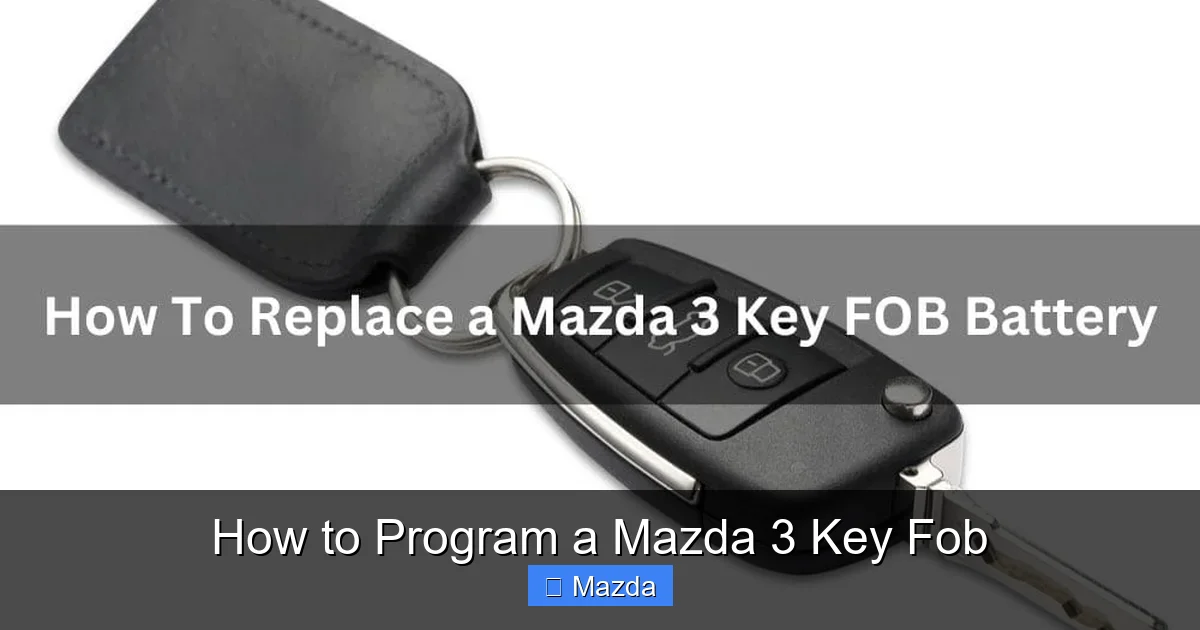
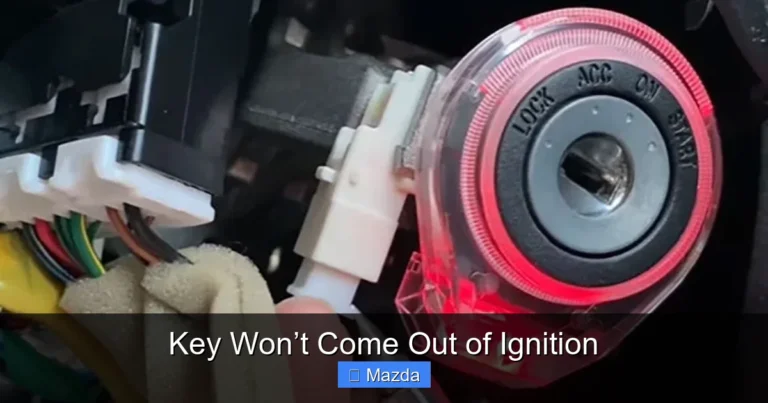
Visual guide about How to Program a Mazda 3 Key Fob
Image source: vehiclefreak.com
Step-by-Step Sequence
- Enter the vehicle and close the driver’s door. Ensure all other doors are closed and unlocked.
- Insert your existing working key into the ignition and turn it to the “ON” position (the position right before starting the engine, where dashboard lights come on). Do not start the engine.
- Press the driver’s door lock switch to the “LOCK” position and then back to “UNLOCK” five (5) times. The final action must be “UNLOCK.” You must complete this within about 15 seconds of turning the ignition on. You will hear the door locks cycle (click-click-click).
- Turn the ignition to the “OFF” position. The door locks will cycle again automatically to confirm entry into programming mode.
- Remove the key from the ignition.
- Press any button on the new key fob you wish to program. The door locks will cycle again (click) to confirm the new fob has been accepted.
- To program additional fobs: Immediately after the confirmation click, press any button on a second new fob (or an existing one you wish to re-program). The locks will cycle again for each fob you program. You can program up to three fobs total in one session.
- Test all fobs. After the final fob is programmed, turn the ignition to “ON” to exit programming mode. Test the lock, unlock, and trunk functions on all fobs.
Critical Tips for Success
- Timing is Everything: The entire sequence from step 2 to step 6 must be done smoothly and quickly. If you pause too long between steps, the car will exit programming mode, and you must start over.
- Listen for the Locks: The audible door lock cycles are your confirmation that the car has entered programming mode and accepted each fob. No click means it didn’t work.
- All-or-Nothing: This procedure re-programs all stored fobs. If you have two old fobs and are adding a new one, you must program all three in the same session. The car only stores the last three fobs it “sees.”
- Model Year Variance: Some very early (pre-2014) or specific regional models may use a slightly different count (e.g., 3 times instead of 5). Your owner’s manual is the final authority.
Programming Procedure for Push-Button Start Smart Key (2019-2026 Mazda 3)
For Mazda 3 models equipped with the signature push-button start, the process is different. It often uses the “fob in cup holder” method. This procedure is common for 2024, 2025, and 2026 models with this feature.
The “Fob in the Cup Holder” Method
- Place the NEW key fob (the one you want to program) into the front cup holder. Some models may have a specific key slot; consult your manual. The fob’s buttons should face upward, and it should sit flat in the holder.
- Sit in the driver’s seat and close the driver’s door. Ensure all other doors and the trunk are closed.
- Press and hold the “START/STOP” engine button (without touching the brake pedal) for approximately 5 seconds. You will hear a single beep and see the key warning light (a yellow key icon) on the instrument cluster illuminate and then turn off. This indicates the car has entered “key registration” mode.
- Immediately press the “LOCK” button on the new key fob that is in the cup holder. You will hear two beeps and see the key warning light blink twice, then turn off. This confirms the new fob has been registered.
- Remove the fob from the cup holder and test it.
Programming Multiple Smart Keys
To add a second new fob, you must repeat the entire sequence for each fob individually, one after the other, without turning the car on. After successfully programming the first fob (step 4), simply place the second new fob in the cup holder and repeat steps 3 and 4. The car will store each one sequentially. The total number of programmable fobs is typically 3 or 4.
Important Smart Key Considerations
- Battery Charge is Non-Negotiable: The smart key’s internal battery must have sufficient charge for the low-frequency communication. If the battery is low, the car may not detect it in the cup holder. Replace the battery before starting.
- Precise Placement: The cup holder is a designed antenna zone. Placing the fob elsewhere (like the center console) will likely fail.
- No Existing Key Needed?: Some newer Mazda systems, particularly in certain 2025-2026 models with advanced security, may not allow this DIY method if no keys are currently programmed. If this method fails, professional programming is your only path. For comparison, the process for a Toyota Highlander smart key is similar but may have different confirmations.
- Exit the Mode: If you start the engine or press the brake pedal during the sequence, you will exit programming mode and have to restart.
Troubleshooting: Why Your Programming Failed and How to Fix It
So you followed the steps perfectly, but the locks didn’t cycle, or the new fob remains unresponsive. Don’t worry—this is common. Here’s your diagnostic checklist.
The Usual Suspects
- Weak or Dead Key Fob Battery: This is the culprit 70% of the time. Replace the battery in the new fob with a fresh, high-quality battery. Also, ensure your existing working key’s battery is good; a weak signal can disrupt the process.
- Door/Trunk/Hood Ajar: Even a millimeter of space on one door will cancel the sequence. Physically check that all are securely latched and unlocked.
- Timing Error: You took too long between steps. The onboard computer has a short timeout. Perform the steps in one smooth, continuous motion.
- Wrong Key Fob: Ensure the replacement fob is the exact correct part number for your specific 2026 Mazda 3’s VIN, region, and option package. A fob for a CX-5 or a different market will not work.
- Interference: Strong radio frequency interference from nearby towers, large motors, or other devices can disrupt the signal. Try again in a different location, away from buildings and power lines.
Resetting and Trying Again
If you fail, you must reset the system before trying again. The simplest way is to:
- For traditional systems: Open and close the driver’s door, then turn the ignition to “ON” and back to “OFF” without performing the lock cycle. This usually clears the programming mode.
- For smart key systems: Simply lock and unlock the car with your working fob, then sit in the car and press the start button (with foot off brake) to turn the car to “ON” mode, then back to “OFF.”
Wait 30 seconds, then restart the entire procedure from the beginning.
When All Else Fails: The Dealer or Locksmith
If you have verified the battery, doors, timing, and fob compatibility and it still fails, the issue is likely with the vehicle’s key memory or a security lockout. At this point, you need professional intervention. A locksmith with Mazda experience or the dealer will connect a diagnostic computer to the OBD-II port. They can see if the car’s key control module is functional and can perform a security reset or a full re-teach of the system. This is also your only option if you have zero working keys. The cost for this service is an investment in ensuring your car’s immobilizer system remains secure and functional. You can learn more about the general costs associated with this in our piece on how much it costs to program a car key.
Professional Help vs. DIY: Making the Right Choice
Choosing between a DIY attempt and professional help involves weighing your comfort, the specific situation, and the risks.
Scenarios Perfect for DIY
- You have at least one working, programmed key fob.
- You are adding a spare or replacement fob for a lost/damaged one.
- Your Mazda 3 is a 2014-2023 model with a traditional fob, or a 2019-2023 model with push-button start where the manual confirms the cup holder method.
- You are comfortable following precise, timed sequences and troubleshooting basic issues.
- You want to save $100-$200 in programming fees.
When to Immediately Call a Professional
- All keys are lost or destroyed. The car’s system must be reset from a “virgin” state, which requires dealer/locksmith tools.
- Your 2026 model has a proximity key and the manual states “requires dealer programming” for new fobs.
- Repeated DIY attempts fail after checking batteries and doors.
- You need a new, blank key cut and programmed. While you can sometimes program a DIY-purchased fob, the physical key blade (if present) must be cut to match your ignition/doors. This requires a locksmith or dealer with a key cutting machine.
- Security concerns. If your car was a theft risk, a professional can ensure the system is fully secure.
What to Expect from a Pro
A reputable Mazda dealer or mobile locksmith will:
- Verify ownership and VIN.
- Connect a diagnostic scan tool to the OBD-II port.
- Access the key programming menu in the car’s Body Control Module (BCM) or Immobilizer Control Module.
- Follow a guided, software-driven teach-in process that is foolproof.
- Cut a new key blade if needed and program the smart key’s transponder chip.
- Test all functions thoroughly before you leave.
While more expensive, it’s a guaranteed solution for complex cases. For a related process on a different brand, our guide to programming a Subaru remote start key fob also outlines when professional help is advisable.
Maintenance and Long-Term Care for Your Mazda 3 Key Fob
Programming is a one-time event, but proper care prevents future headaches.
Battery Replacement Best Practices
Key fob batteries typically last 1-3 years. When replacing:
- Use the correct battery type. CR2025 (20mm diameter, 2.5mm thick) or CR2032 (20mm diameter, 3.2mm thick) are most common. Check your manual or old battery.
- Replace it proactively. Don’t wait for the range to dwindle. A slow-draining battery can cause intermittent issues that are hard to diagnose.
- Ensure a clean, secure fit. Clean the battery contacts with a dry cotton swab. Make sure the battery is seated correctly with the “+” side facing up.
- Re-program if necessary. On some older models, removing the battery for too long can require a quick re-sync (often just locking/unlocking with the fob). For most modern Mazdas, the fob retains its programming indefinitely, even with battery removal.
Physical Protection
Your key fob is a small, electronic device that endures daily abuse.
- Use a silicone cover or case. It protects against drops, scratches, and spills.
- Avoid extreme temperatures. Don’t leave it on a scorching dashboard or in a freezing glovebox. Extreme heat and cold kill batteries and can damage circuitry.
- Keep it dry. While splash-resistant, prolonged water exposure is detrimental. If it gets wet, dry it thoroughly immediately.
- Don’t overload the keyring. Heavy keys jangling against the fob can damage the internal buttons and circuit board over time.
Range and Signal Optimization
If your fob’s range seems shorter than it used to be:
- First, replace the battery.
- Check for physical damage to the fob case.
- Keep the fob away from other electronic devices (phones, tablets) when not in use, as they can sometimes cause minor interference.
- Remember, the effective range is typically 50-100 feet in open air, but walls, metal, and other obstacles reduce it significantly.
Conclusion: Empowering the Mazda 3 Owner
Your Mazda 3’s key fob is your primary interface with the vehicle. When it fails, it feels isolating. But as we’ve detailed, for the vast majority of 2024, 2025, and 2026 Mazda 3 owners with at least one working key, the solution is a simple, no-cost procedure you can perform yourself in under five minutes. The power is in the precise sequence—the rhythmic lock cycles or the confident press of the start button while the fob rests in the cup holder. By understanding your system, preparing meticulously, and following the steps exactly, you reclaim control and save significant money.
However, knowledge also means knowing your limits. The advanced security systems in modern vehicles, especially those with proximity keys, are designed to be immune to simple cloning. When you’ve lost all keys or your DIY attempt is met with silence, that security is working as intended—and it requires a professional with the cryptographic tools to interface with it. There is no shame in calling a dealer or certified locksmith; it’s the smart, secure choice for those scenarios. So, open your owner’s manual, check your fob’s battery, and decide: is this your moment to program with confidence, or your moment to make a smart call to a pro? Either way, you’re now equipped with the knowledge to make the right decision for your Mazda 3.
Frequently Asked Questions
Can I program a Mazda 3 key fob myself?
Yes, you can program a Mazda 3 key fob yourself if you have at least one existing, working programmed key fob and your model year supports the DIY sequence (most 2014-2023 models do). For 2024-2026 models with push-button start, the cup holder method often works if you have an existing key. If you have lost all keys, professional programming is required.
How much does it cost to program a Mazda 3 key fob at a dealer?
Dealer programming for a Mazda 3 key fob typically costs between $80 and $200, depending on the model year and key type. If you also need to purchase a new key fob from the dealer, the total cost for the fob and programming can range from $250 to $400 or more.
Why won’t my Mazda 3 key fob program?
The most common reasons are a weak or dead battery in the new fob, one of the doors/trunk/hood being slightly ajar, or taking too long between steps in the programming sequence. Also, ensure you are using the correct fob for your specific model year and region. If all else is correct, the car’s system may require professional reinitialization.
How many key fobs can a Mazda 3 have programmed?
Most Mazda 3 models can store up to three or four key fobs in their memory system. When you perform the DIY programming sequence, you must program all desired fobs in a single session, as the process overwrites the entire stored list.
Will programming a new key fob erase my old one?
Yes, the standard DIY programming procedure for Mazda 3 models erases all previously stored keys and then re-programs the fobs you present during that session. This means if you have two old keys and want to add a new one, you must program all three fobs together in one go.
Is it safe to program a key fob bought online?
It is safe only if the online key fob is the exact, correct part number for your specific Mazda 3’s VIN, year, and trim. Be wary of universal or “for Mazda” listings that may not be compatible. Using an incompatible fob can fail to program or potentially cause system errors. Always verify part numbers before purchasing.